


 Použit


Bursts of Light
Save $201 $ 33 .15 $ 39 .00

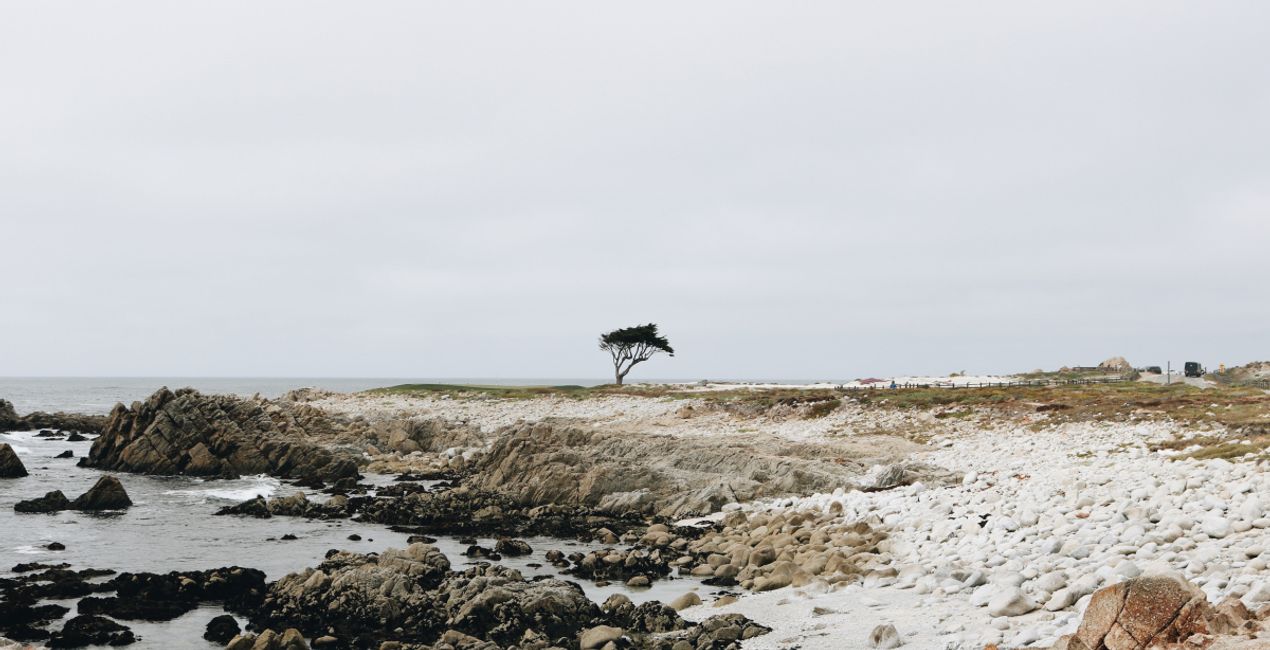
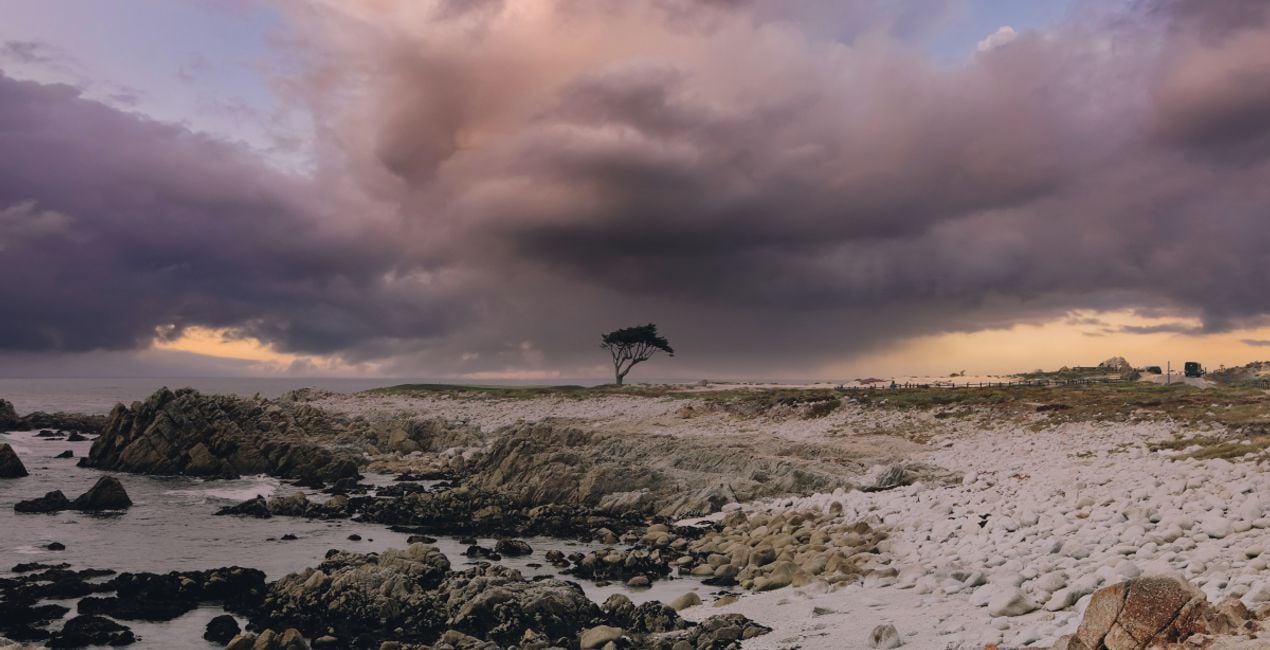
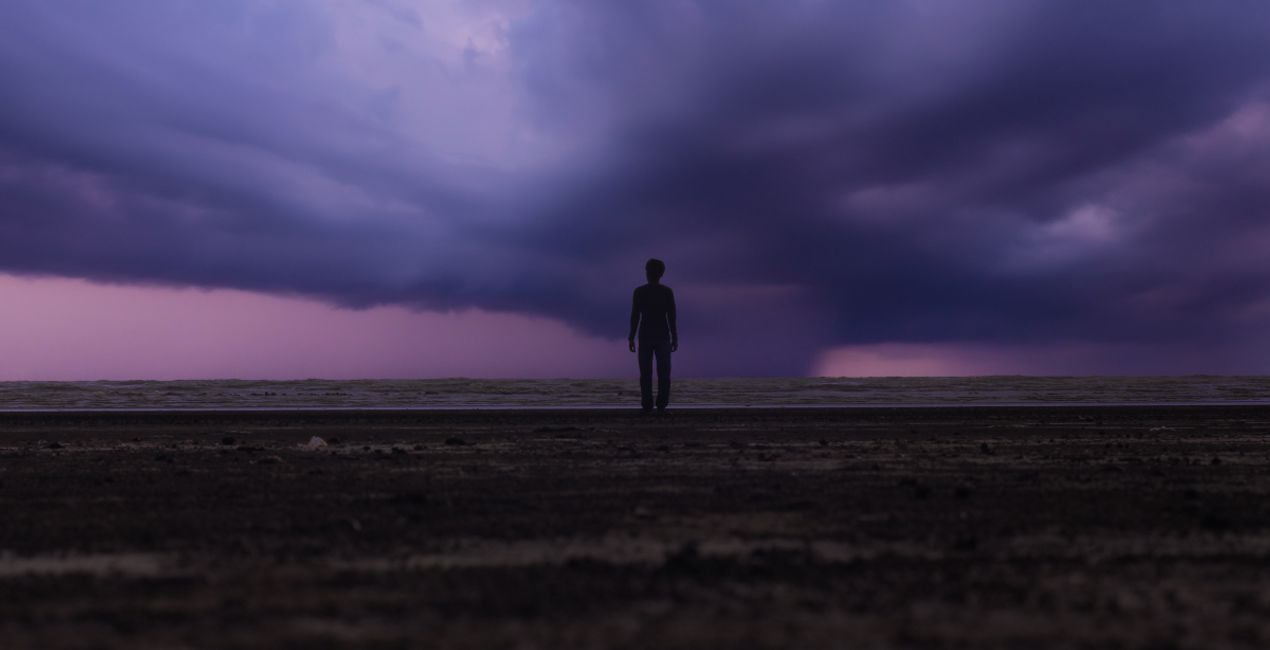
Captured throughout the whole year, the Skies in this pack are perfect for showcasing the beauty of each season. This collection of 25 Skies includes stormy colorful Skies taken during sunrise and sunset as well as Skies with dramatic sunset clouds. With these handpicked Skies you can convey dramatic or calm emotions to your viewers, creating images that boast sunset lightning, the beautiful sunset after the storm, or colorful stormy updrafts. Each image comes in high-resolution TIFF and JPEG formats.
Co je součástí dodávky
25 Skies in high-resolution TIFF and JPEG formats.


Pomocí souborů RAW si snadno vyzkoušíte tipy pro retušování a naučíte se, jak pořídit fotografie jako tyto.
 >
>

 >
>

 >
>

 >
>

 >
>


Storm Chaser, Landscape Photographer, Wedding Photographer
Since Georges was a child, he was excited to experience the beauty of nature. He was fascinated by the glorious sunsets and the storms he witnessed growing up. Slowly, Georges started taking photos and videos with his mobile phone.
In 2017, he made the decision to venture into photography as a more serious occupation and bought his first digital camera. And that’s how Georges started the journey in the world of landscape photography, making storms his main photography theme.
In 2021, Georges took part in a global competition with the theme of storms for the first time and managed to become one of the top ten contestants!
Now based in Cyprus, he continues chasing storms, capturing breathtaking landscapes, and occasionally providing wedding photography services.
Máte-li jakékoli dotazy týkající se produktu, můžete se obrátit na tým podpory, který je k dispozici 24 hodin denně, 7 dní v týdnu. Stačí kliknout na tento odkaz.
Pro zakoupení Bursts of Light postupujte podle těchto kroků:
1. Otevřete tržiště Skylum Marketplace.
2. Přejděte na příslušnou záložku, kde je uveden Bursts of Light. Klikněte na něj a přidejte jej do košíku.
3. Přejděte do košíku. Zde dokončete proces nákupu produktu Bursts of Light.
4. Po zakoupení obdržíte e-mail s odkazem ke stažení produktu Bursts of Light. Nový produkt také najdete ve svém účtu Skylum na kartě Moje doplňky.
Podrobné pokyny k instalaci Bursts of Light vám budou zaslány v e-mailu s odkazem ke stažení.
Kromě toho můžete zakoupenou položku nainstalovat přímo v Luminar Neo: přejděte do nabídky Extra > Marketplace, vyberte kategorii Produkt, vyhledejte zakoupenou položku a klikněte na Instalovat.
Je to docela snadné! V horní liště přepněte na kartu Upravit. Přejděte do panelu Nástroje a vyberte Oblohaᴬᴵ > Výběr obloh > Zakoupené. Nainstalovaný Bursts of Light tam bude.
Nebojte se. Všechny zakoupené položky, včetně Bursts of Light, jsou uloženy na kartě „Moje doplňky“ ve vašem účtu Skylum, odkud je můžete snadno znovu stáhnout a používat.
Obecně platí, že většina položek je kompatibilní s Luminar Neo. Abyste se však ujistili, že Bursts of Light je kompatibilní s vaším softwarem, před stažením nebo zakoupením si zkontrolujte jeho specifikace. V pravé části stránky Bursts of Light najdete sekci „Kompatibilita“, kde jsou uvedeny všechny kompatibilní produkty.
Ještě neodcházejte. Máme pro vás exkluzivní slevový kód. Využijte ho do 15 minut a získejte při placení slevu 10 %. Zkopírujte níže uvedený kód a dokončete nákup.
15 m : 00 s





