


 Použit


Shades of Blue
Save $201 $ 19 .00

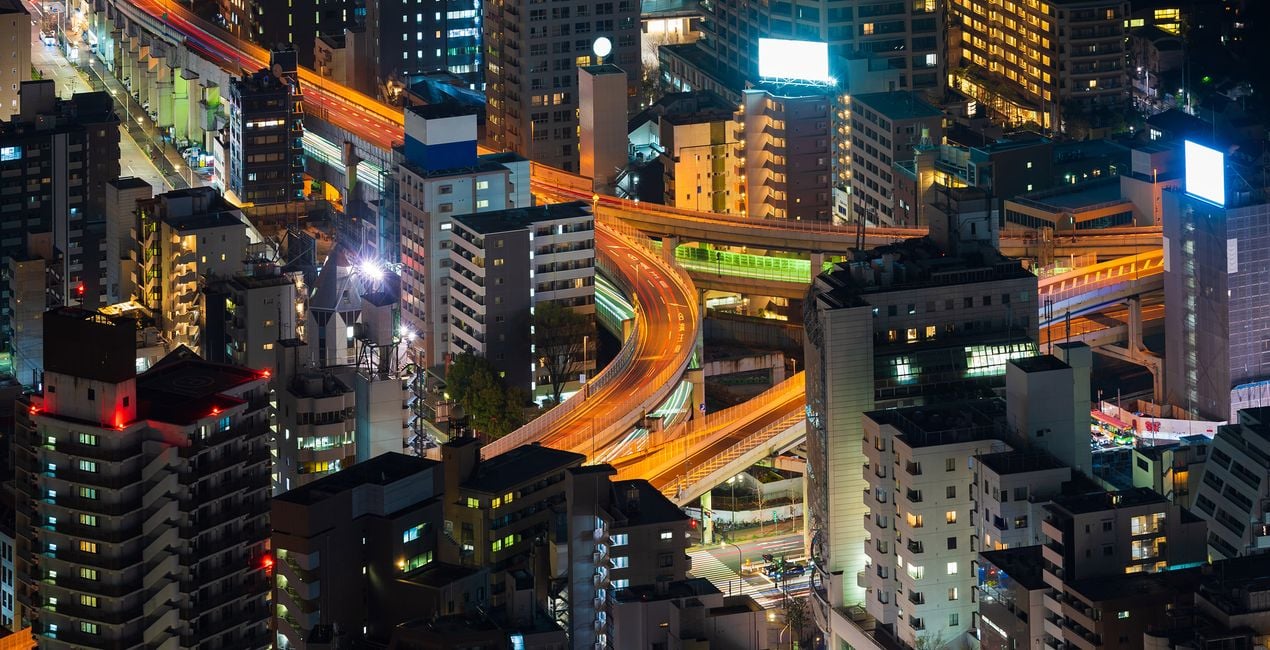
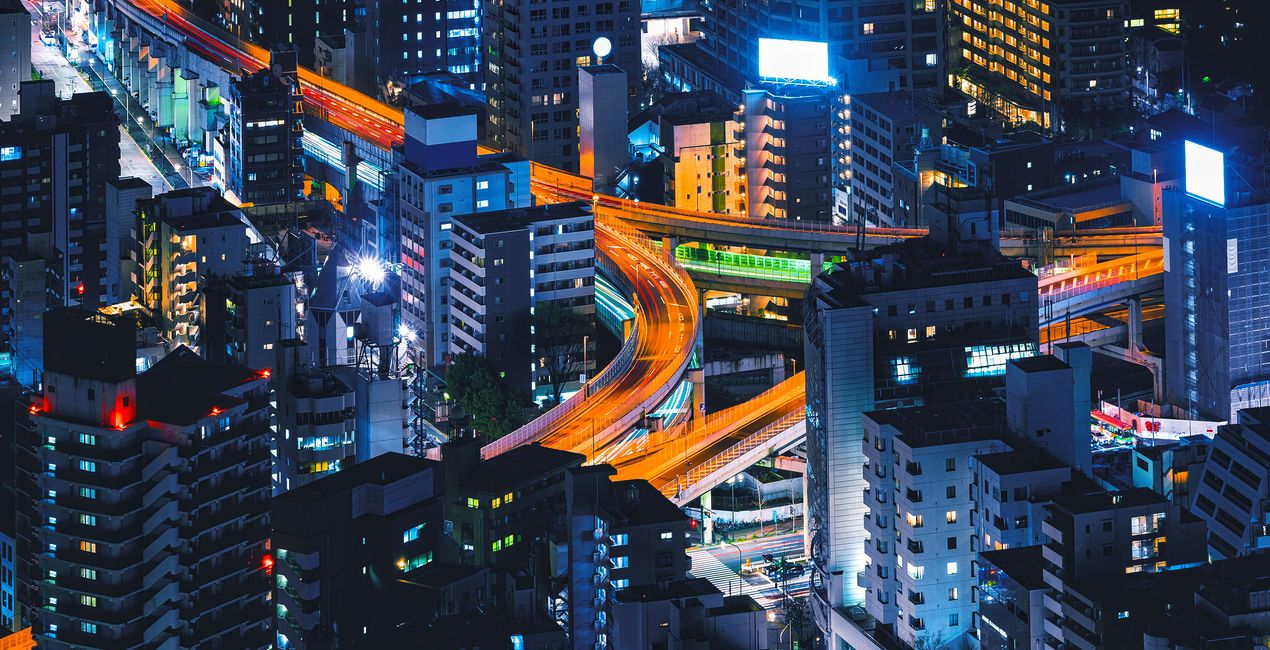
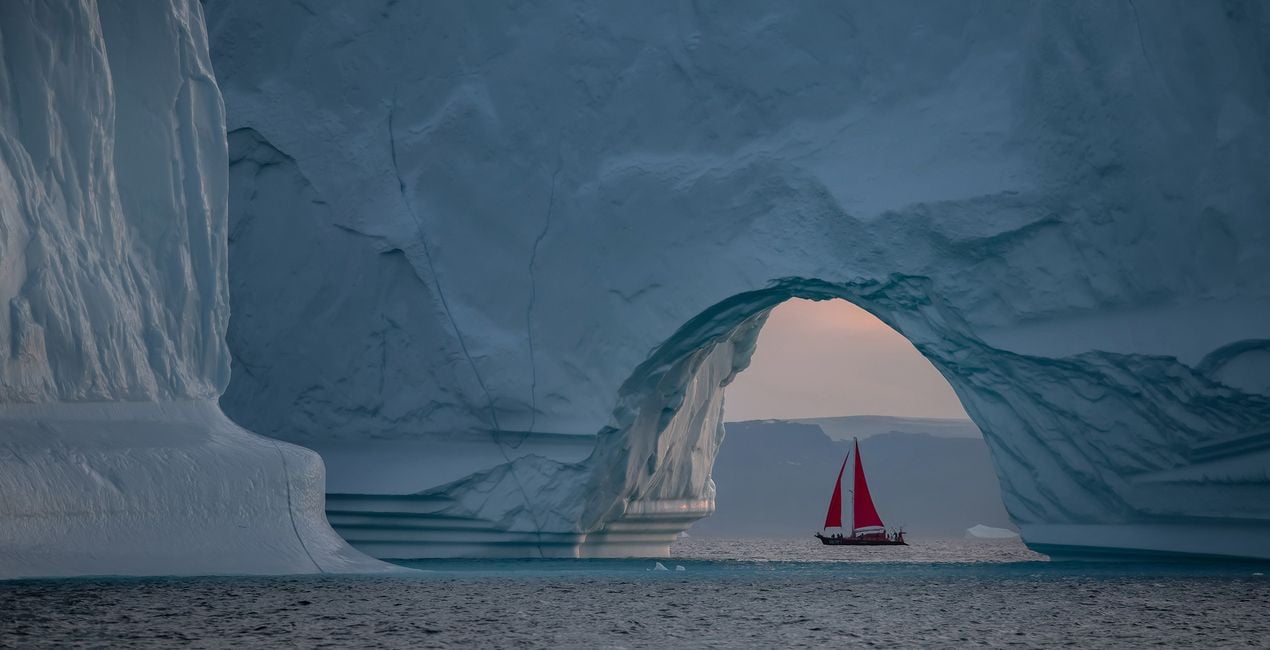
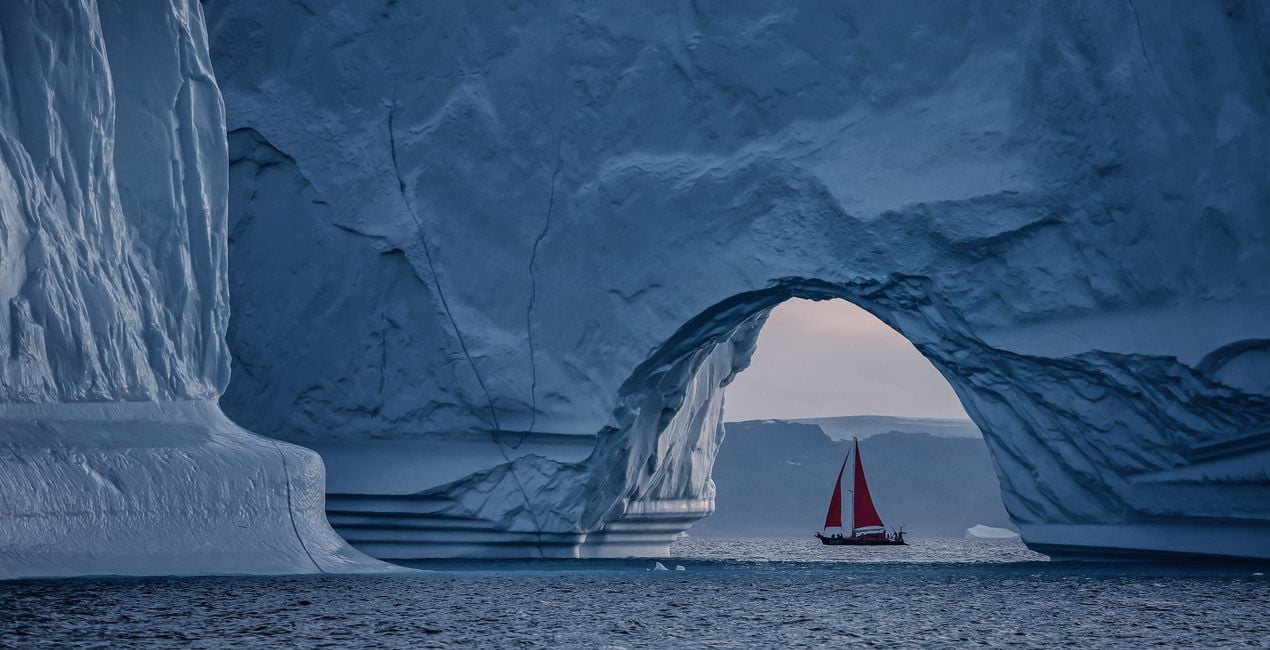
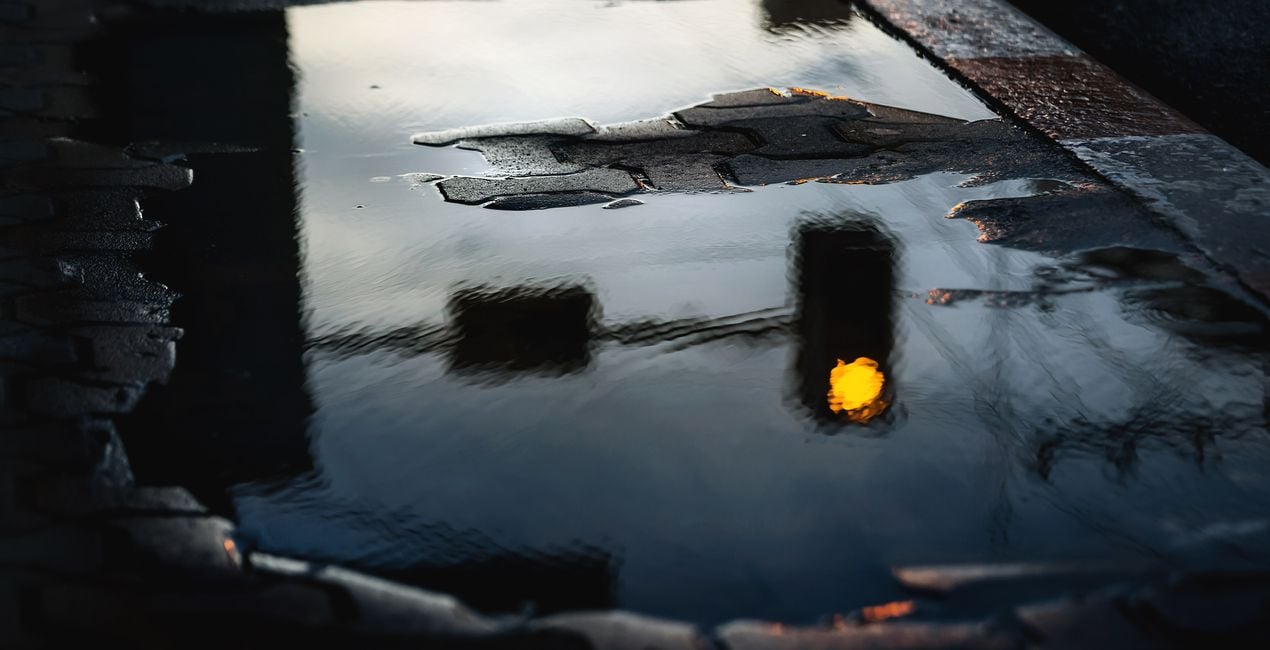
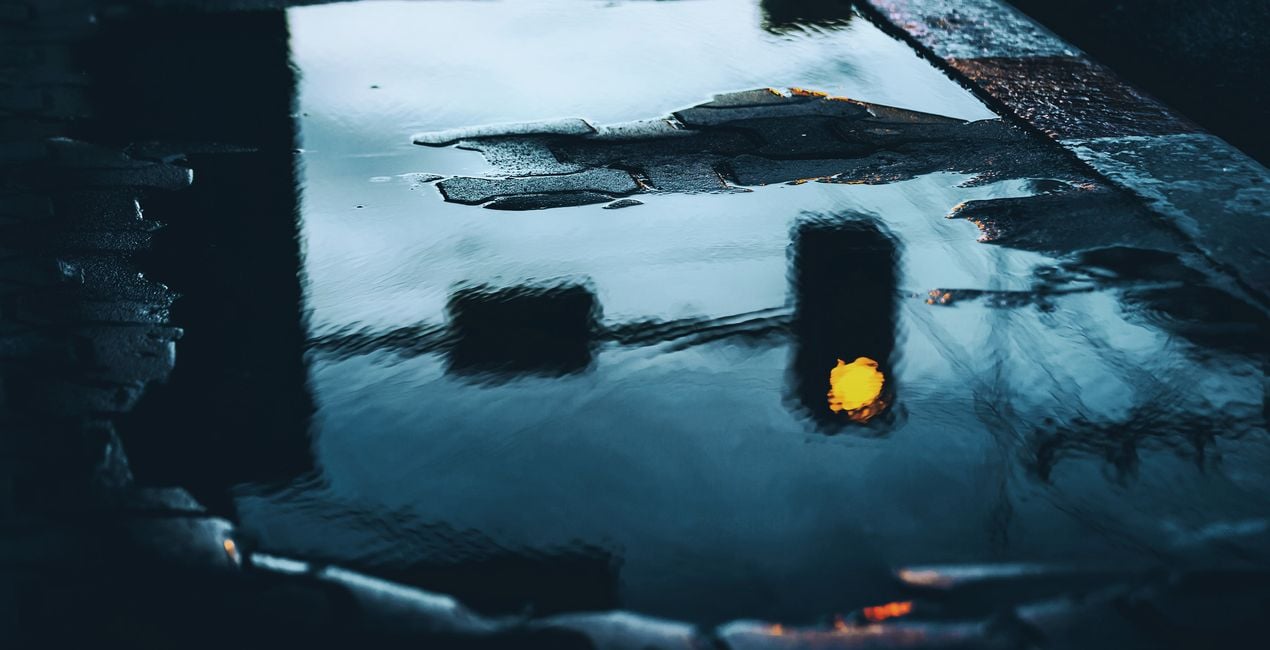
Discover this collection of Presets that boasts a variety of shades of blue curated specifically for landscapes and cityscapes. Easily enhance your photos and evoke a serene, dreamy quality, reminiscent of a tranquil twilight sky or a deep, endless ocean.

Pomocí souborů RAW si snadno vyzkoušíte tipy pro retušování a naučíte se, jak pořídit fotografie jako tyto.
 >
>
 >
>
 >
>
 >
>
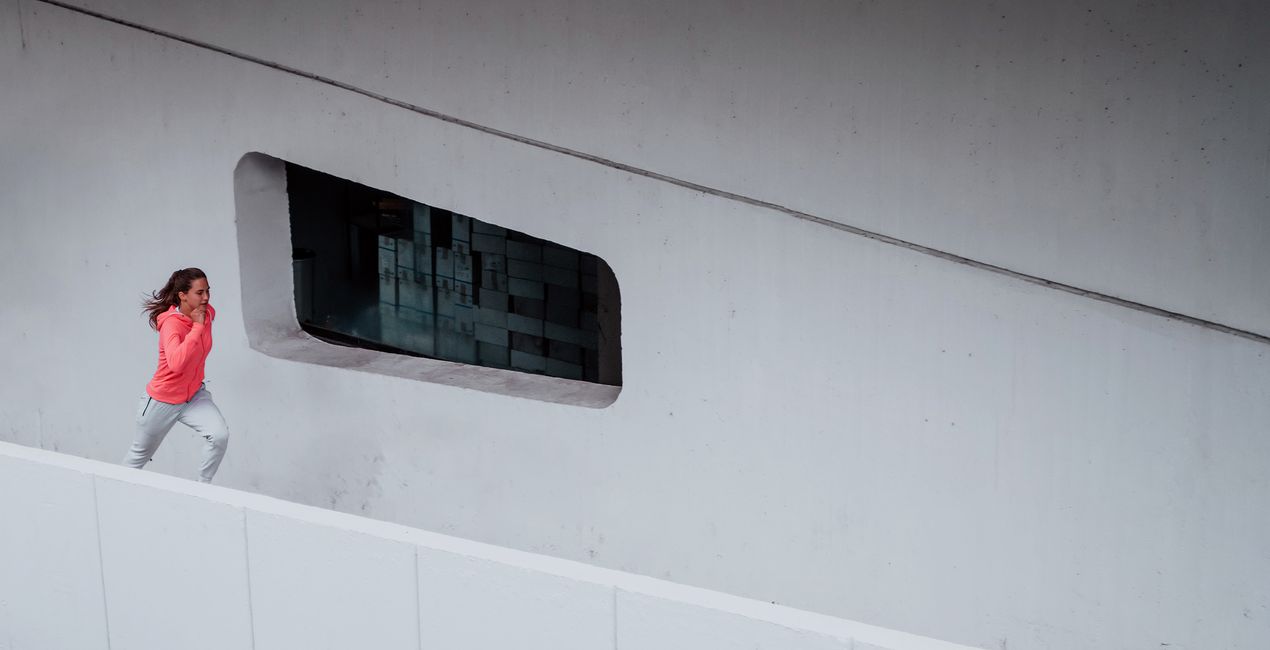
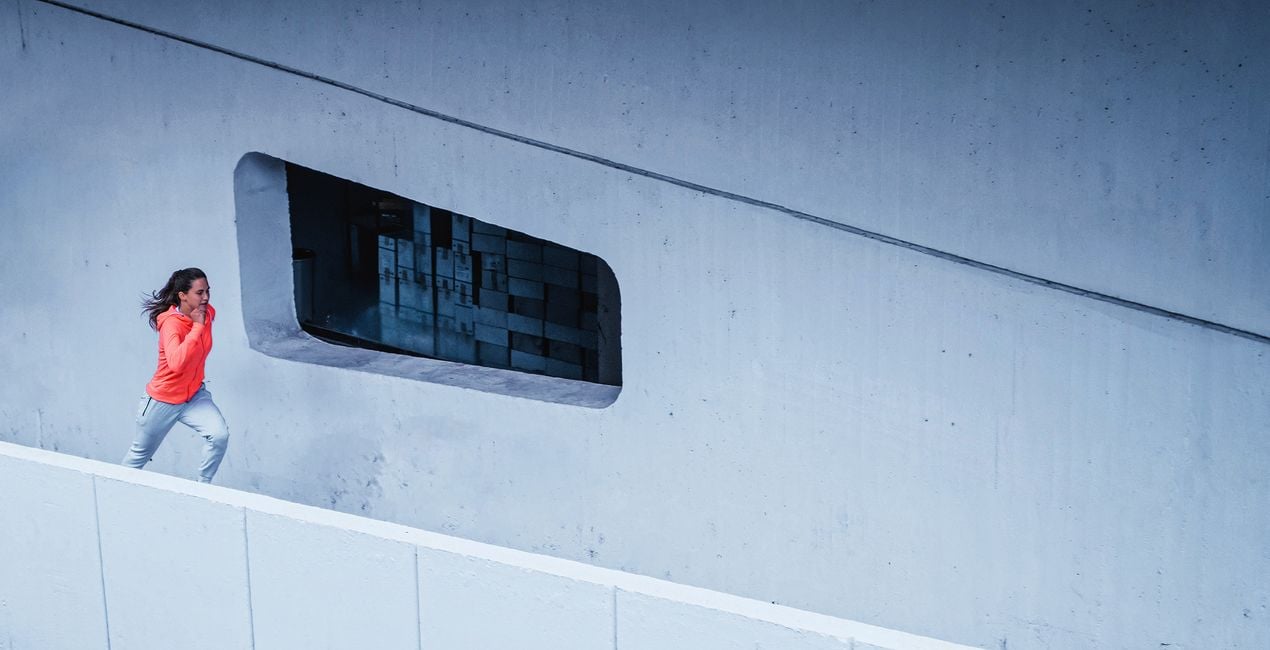 >
>
With a focus on deep, dark blues and hints of cool, calming tones, these 10 Presets convey a sense of mystery and wonder, perfect for capturing the beauty of dusk or the quiet majesty of a city skyline at night. From intensifying the rich blues of the sky to adding a subtle haze that softens harsh city lights, these Presets can help achieve a variety of effects.
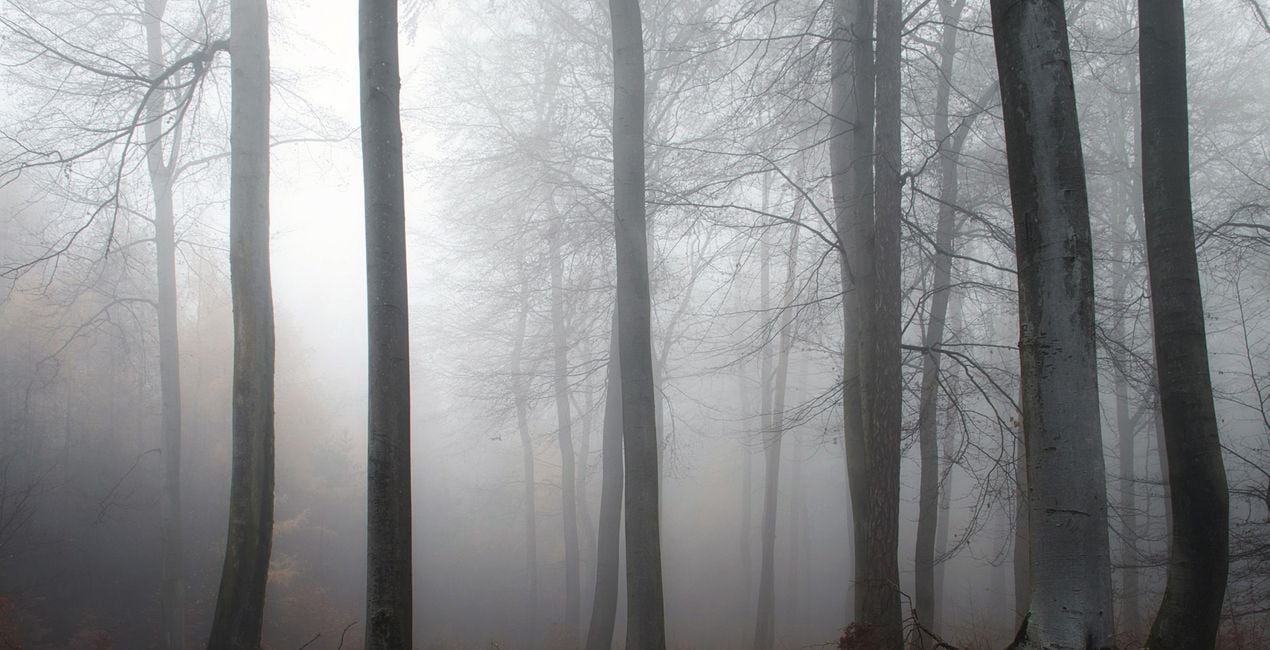
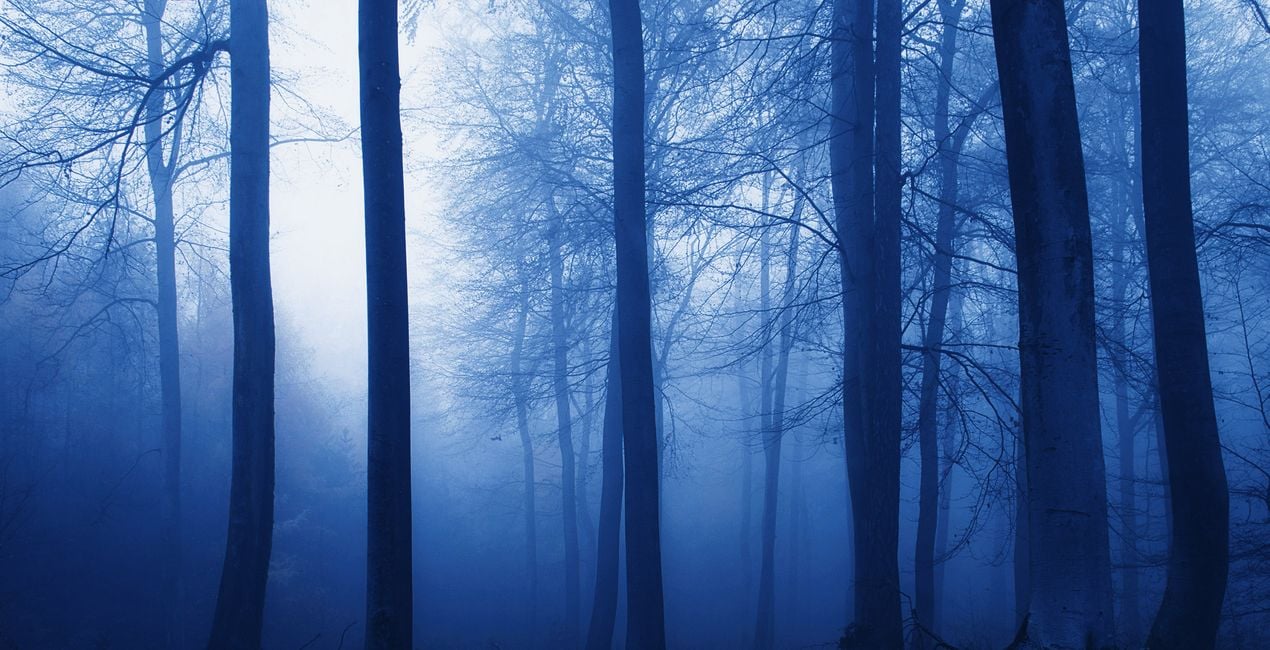
Bring out the depth and texture of landscapes, creating a moody, ethereal atmosphere that draws the viewer in. Whether you're capturing the grandeur of mountains against a twilight sky or the glittering lights of a bustling cityscape, these presets will transform your photos into captivating works of art.
You’ll find 10 Presets in this pack:
Cerulean Sea: A high contrast Preset with deep shadows and blue tinting.
Arctic Nights: A light and clear Preset with cold toning.
Deep Blue: A Preset with a raised black point and slightly saturated blue tinting.
Indigo Road: A saturated Preset with blue tint.
Into The Cyan: A Preset with low contrast and saturation, cyan toning.
Cobalt Abyss: Low key Preset with a blue, almost magenta tint.
Cyan Dreams: A Preset with toning of midtones and highlights and saturated cyan.
Matte Streets: A Preset with matte shadows and noise, with cyan tinting.
Neon Blue: A clear Preset with an emphasis on highlights, neon tinting.
Royal Blue: Deep blue toning, raised black point, emphasis on highlights and red color.
Don’t forget to share your results! Use the hashtag #madewithluminar on social media so the Skylum Team can take a look at your work!
Photographers, colorists & retouchers
The Skylum team works with hundreds of professional photographers and retouchers to bring you Templates that top photographers use to create their masterpieces. The Skylum AI Lab analyzes the photos and workflows of photographers and creates Templates that are accessible to everyone and that take advantage of the advanced technology under the hood of LuminarAI. Our mission is to cut the time and effort it takes to make a striking photo and allow everyone to enjoy photo editing and photography.
Máte-li jakékoli dotazy týkající se produktu, můžete se obrátit na tým podpory, který je k dispozici 24 hodin denně, 7 dní v týdnu. Stačí kliknout na tento odkaz.
Pro zakoupení Shades of Blue postupujte podle těchto kroků:
1. Otevřete tržiště Skylum Marketplace.
2. Přejděte na příslušnou záložku, kde je uveden Shades of Blue. Klikněte na něj a přidejte jej do košíku.
3. Přejděte do košíku. Zde dokončete proces nákupu produktu Shades of Blue.
4. Po zakoupení obdržíte e-mail s odkazem ke stažení produktu Shades of Blue. Nový produkt také najdete ve svém účtu Skylum na kartě Moje doplňky.
Podrobné pokyny k instalaci Shades of Blue vám budou zaslány v e-mailu s odkazem ke stažení.
Kromě toho můžete zakoupenou položku nainstalovat přímo v Luminar Neo: přejděte do nabídky Extra > Marketplace, vyberte kategorii Produkt, vyhledejte zakoupenou položku a klikněte na Instalovat.
Je to docela snadné! Přejděte na kartu Přednastavení a vyberte možnost Zakoupené. Vaše nainstalované přednastavení se zde zobrazí.
Nebojte se. Všechny zakoupené položky, včetně Shades of Blue, jsou uloženy na kartě „Moje doplňky“ ve vašem účtu Skylum, odkud je můžete snadno znovu stáhnout a používat.
Obecně platí, že většina položek je kompatibilní s Luminar Neo. Abyste se však ujistili, že Shades of Blue je kompatibilní s vaším softwarem, před stažením nebo zakoupením si zkontrolujte jeho specifikace. V pravé části stránky Shades of Blue najdete sekci „Kompatibilita“, kde jsou uvedeny všechny kompatibilní produkty.
Ještě neodcházejte. Máme pro vás exkluzivní slevový kód. Využijte ho do 15 minut a získejte při placení slevu 10 %. Zkopírujte níže uvedený kód a dokončete nákup.
15 m : 00 s





