


 Applied


Colorful Sunrises
Save $201 $ 9 .50 $ 19 .00

Add a splash of color to your images with this pack of 25 vibrant and colorful sunrise skies, supplied as exceptional quality in 8K resolution JPEGs and TIFFs. These skies by Mathew Browne are a perfect complement to low-light scenes and can add punch to your golden hour and blue hour shots.
What is included
25 skies in JPEGs and TIFFs.

Using RAW files you will easily practice retouching tips and learn how to get photos like these.

 >
>

 >
>
 >
>
 >
>
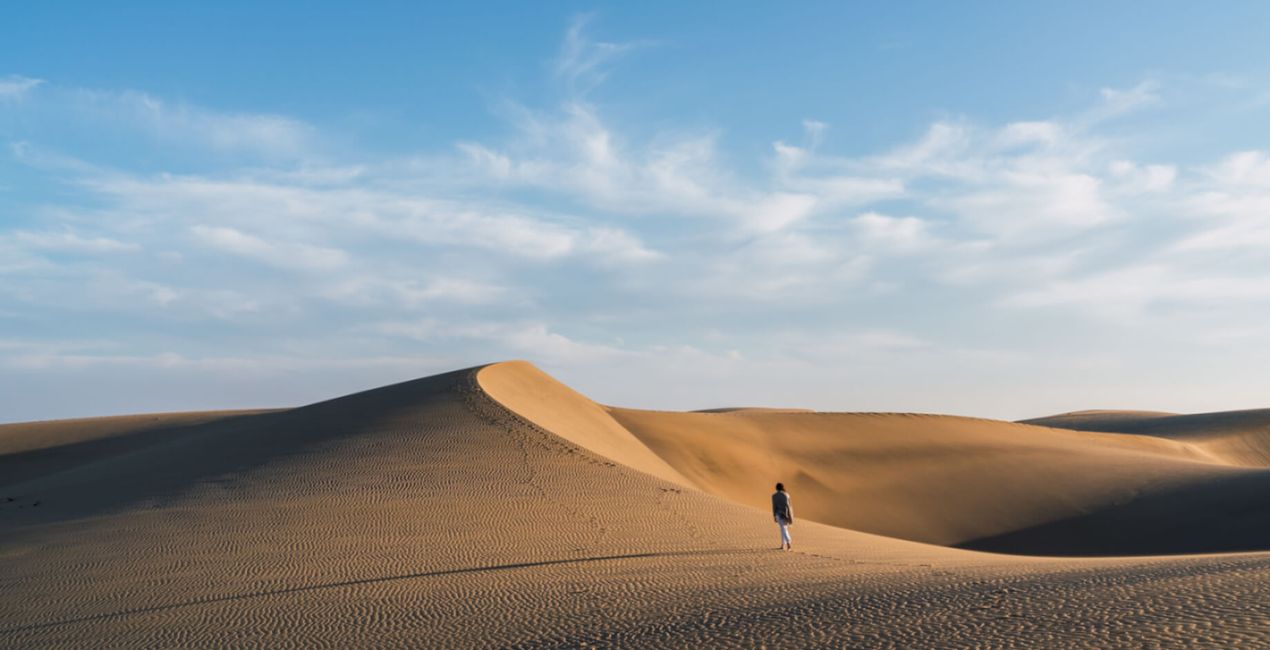
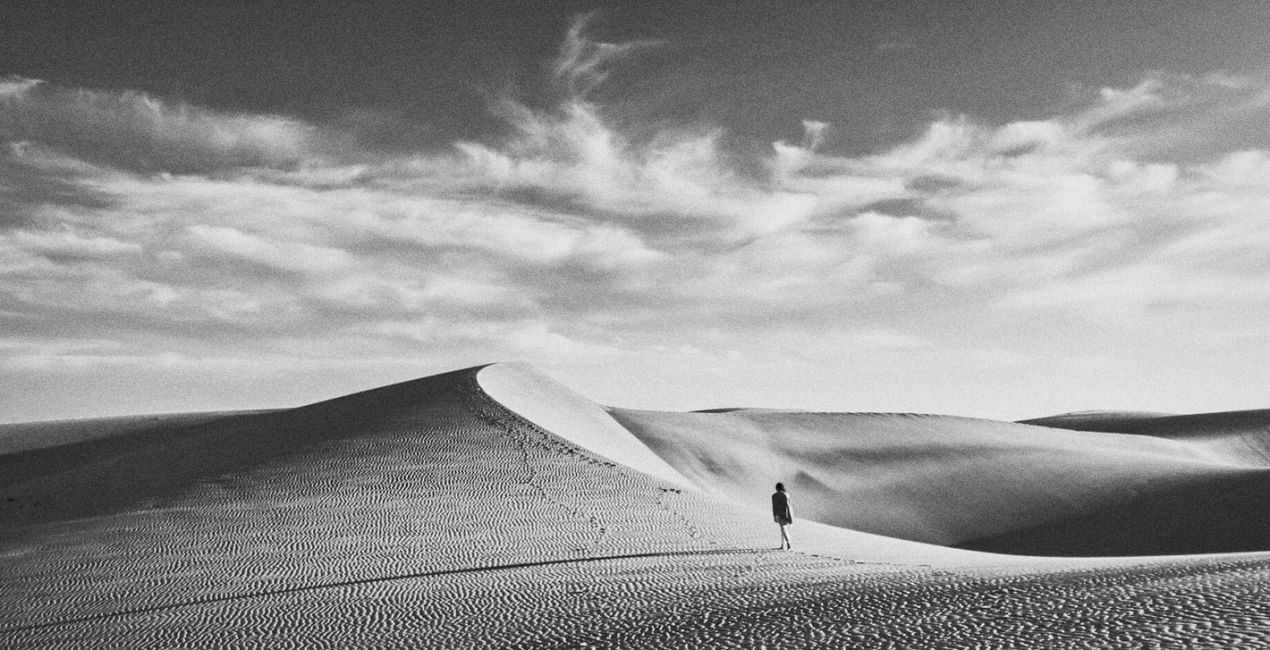 >
>
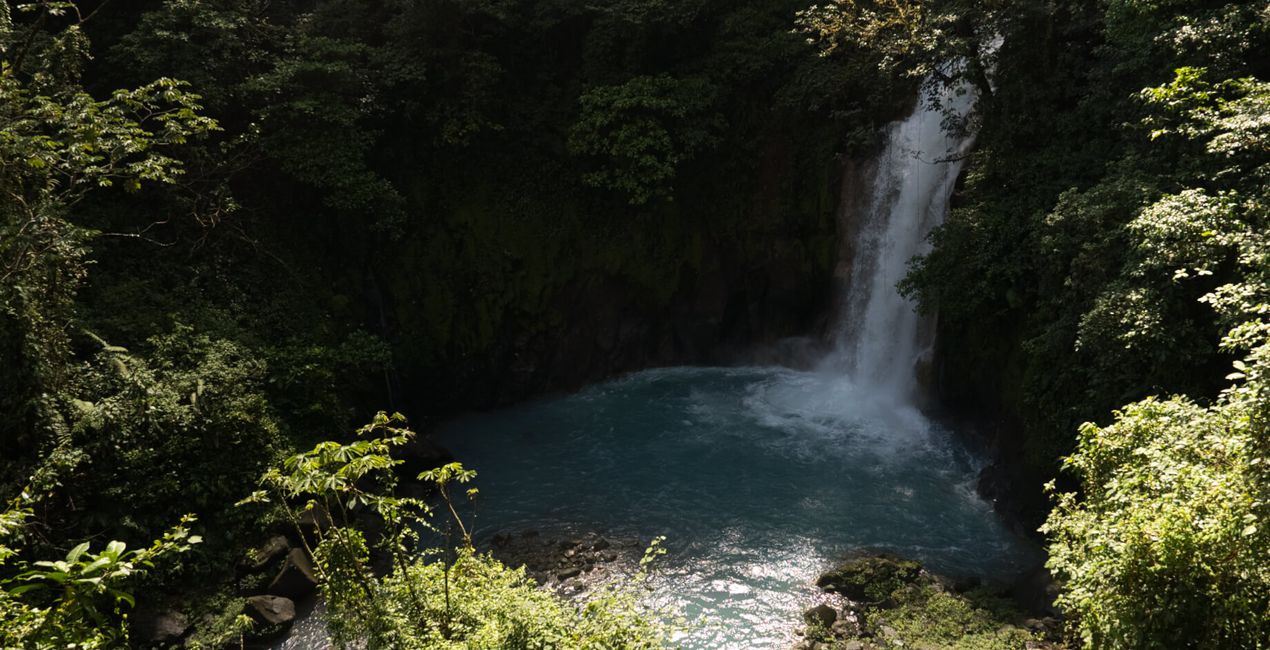
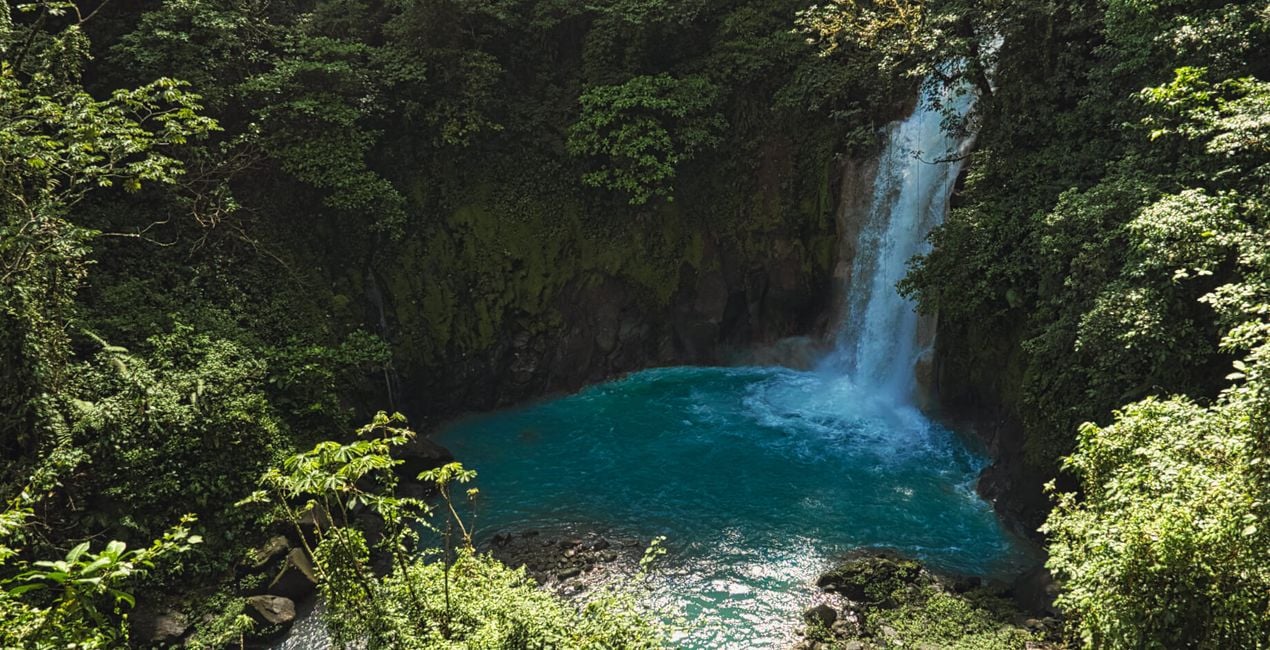 >
>

 >
>
 >
>

 >
>
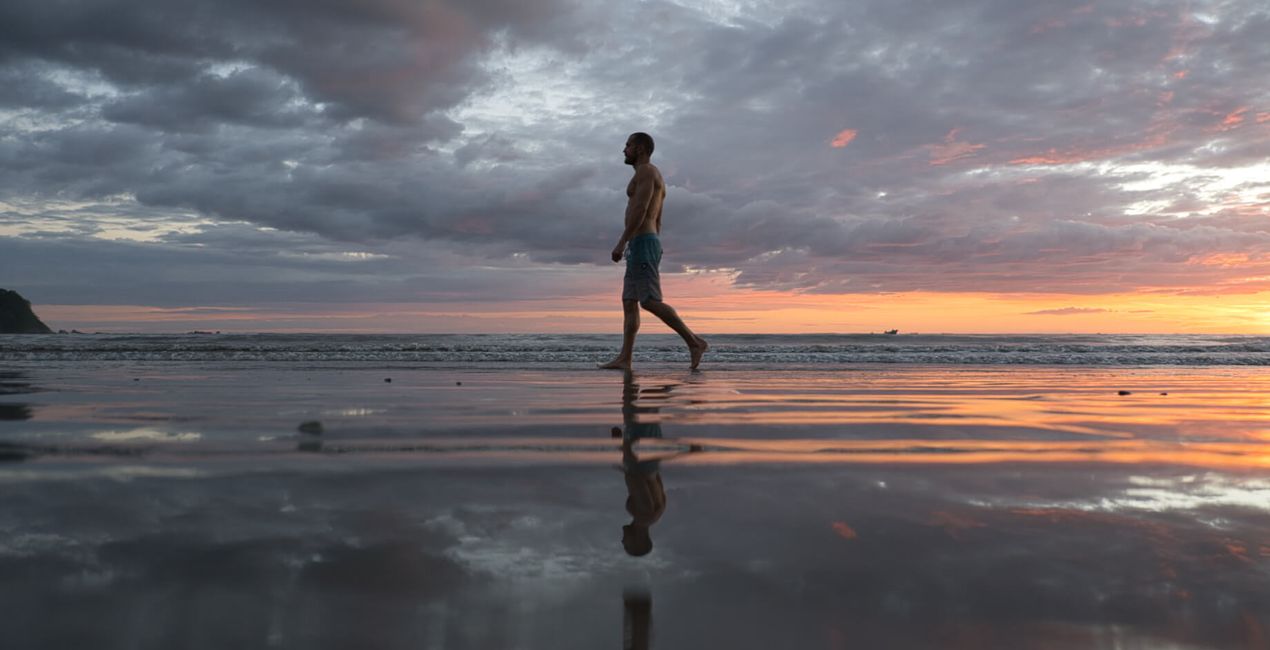
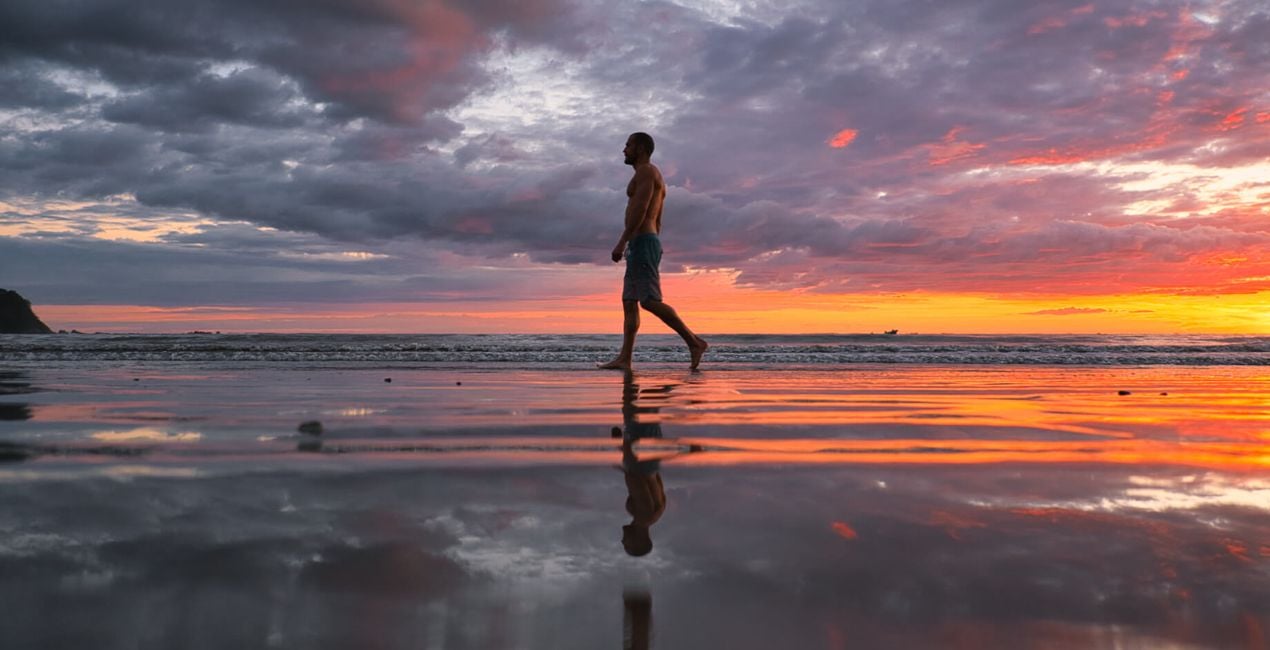
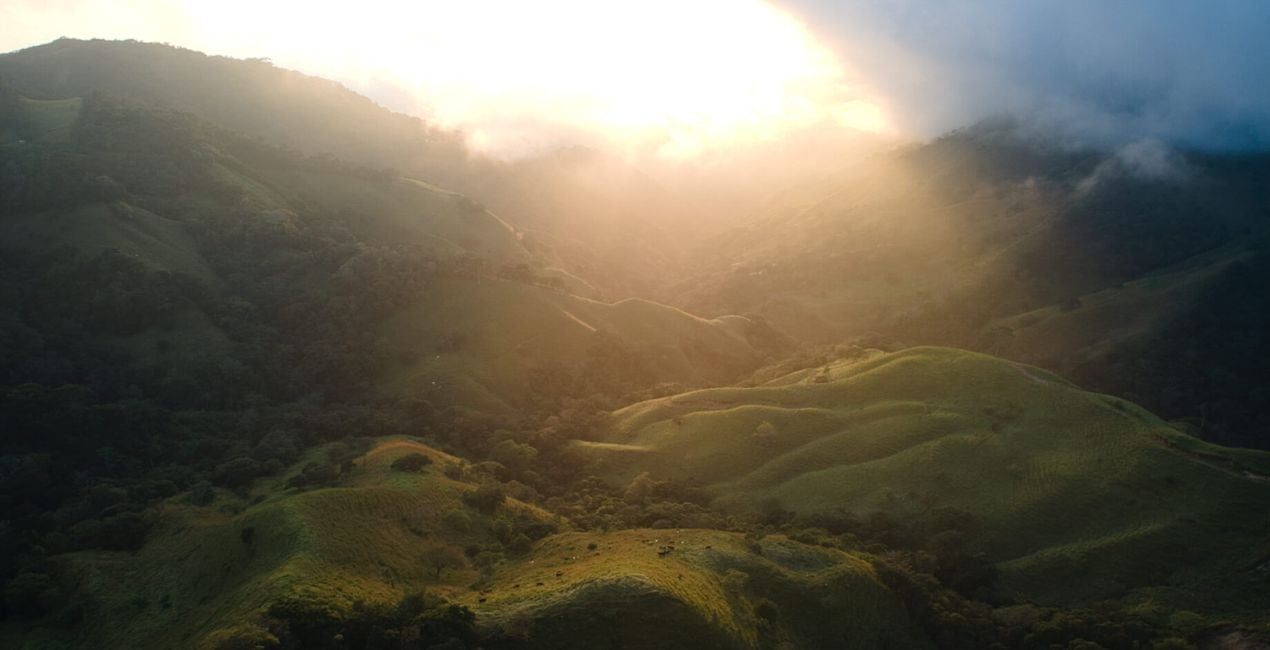
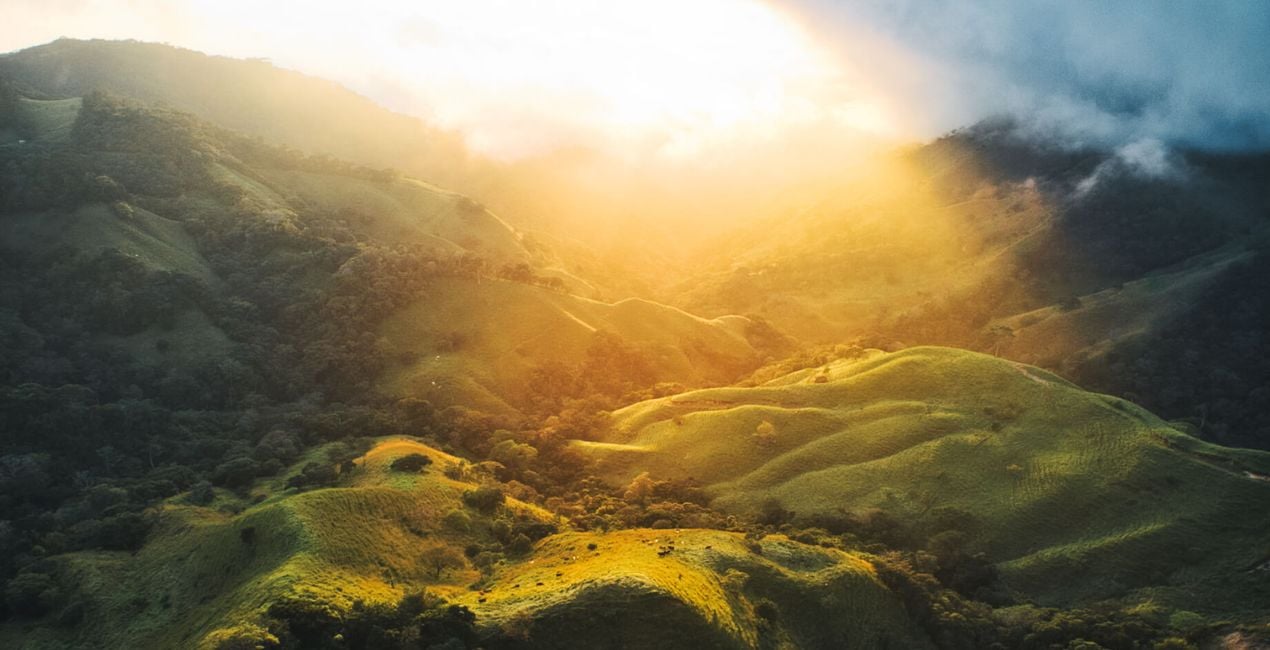
Rich, vibrant, and full of life, these 12 Templates are bound to bring your travel photography to the next level.
Adventurer and free spirit Kike Arnaiz has traveled all over the world to bring you unforgettable Templates for landscapes that work especially well on sunset and sunrise scenes.
Try them on your nature and landscape photography to bring out vivid hues and add warmth.
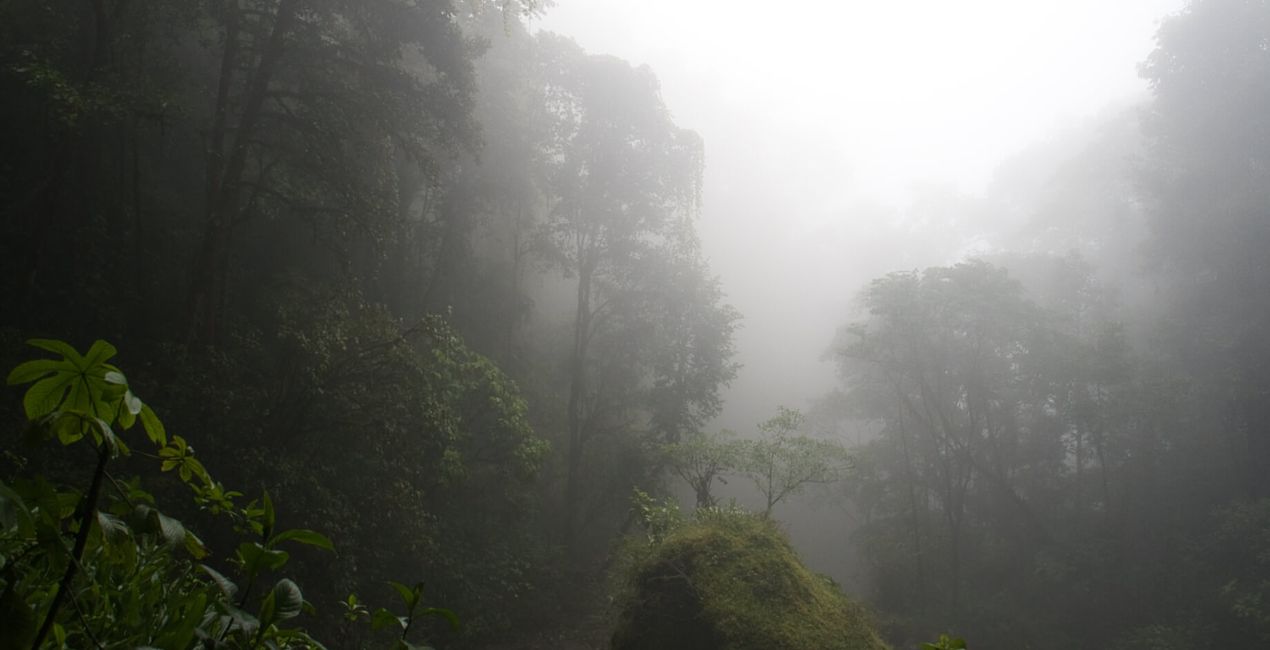
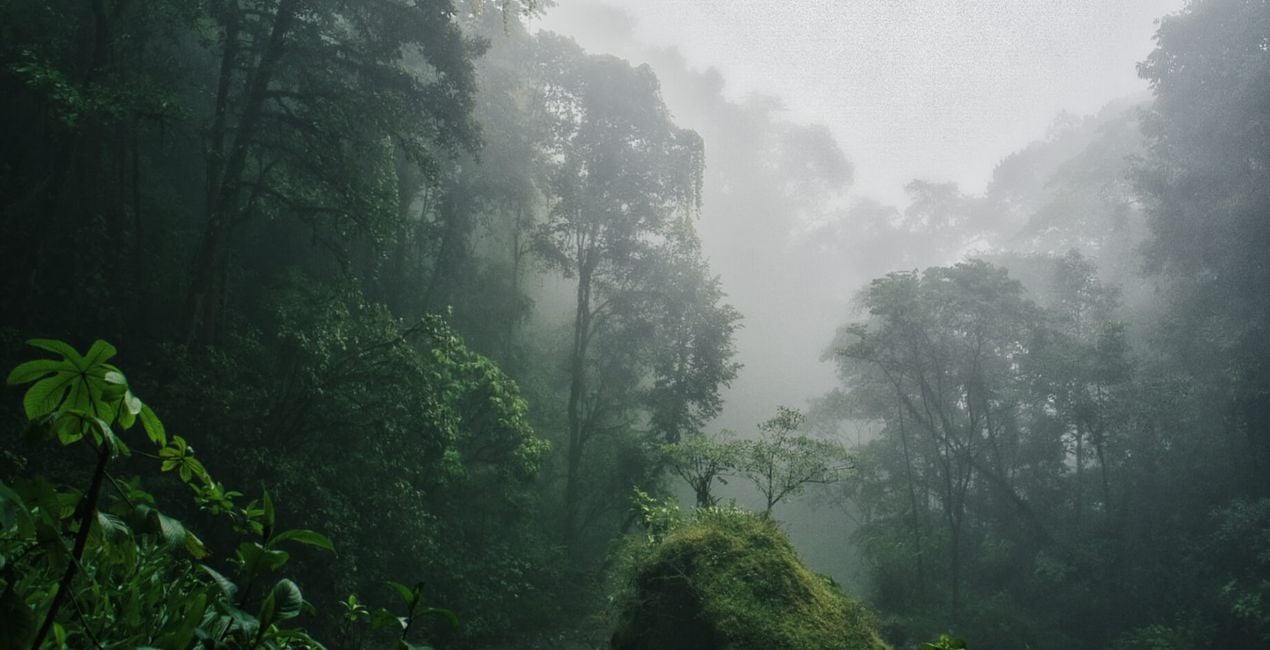
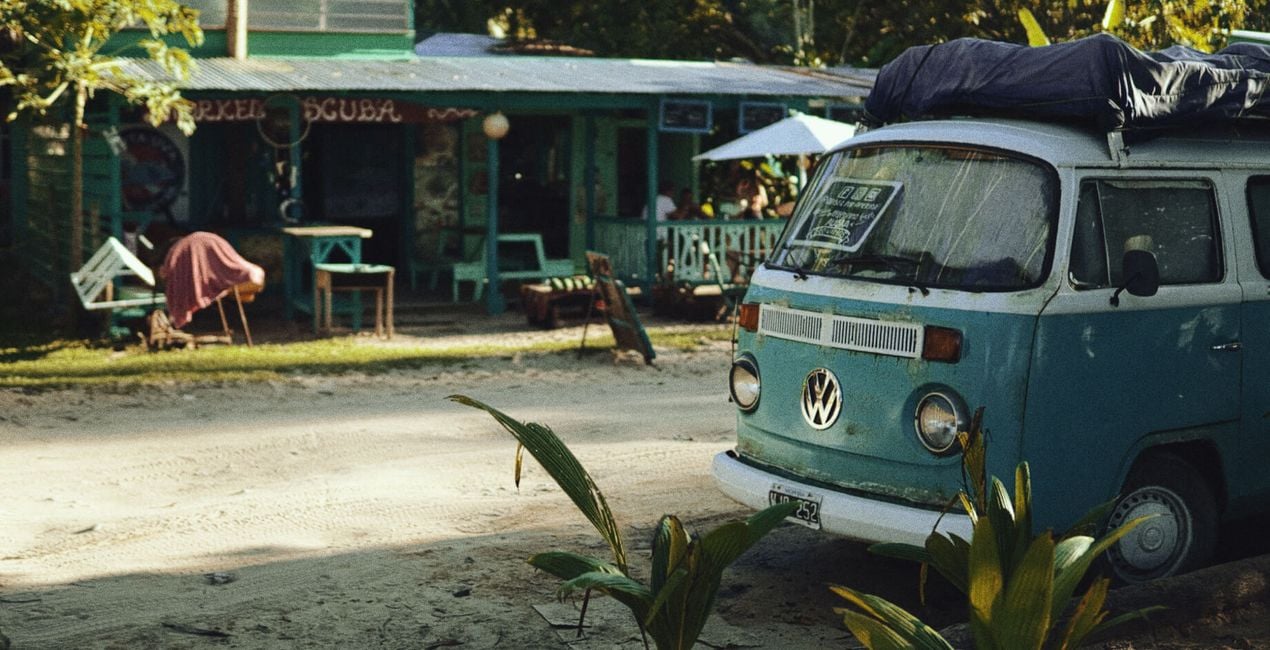
Whether your photos were taken in exotic jungles, at tropical beach paradises, or under refreshing waterfalls, these 12 Templates will help you convey your true passion for adventure.
Travel Photographer
<p>For a few years, Kike has been a professional global traveler, taking photographs and videos on his trips. He considers himself a digital nomad because he doesn’t have a home or a defined destination. Kike mixes his passion for portrait photography with his passion for landscapes, because while traveling, he finds incredible places and meets wonderful people.</p><p>Throughout his adventures, Kike collects travel tips, creates guides to destinations, share places to visit, finds maps of the best destinations... and more. He likes to share information on how to live while traveling and working without a home and earning money online.</p><p>You can learn more about Kike’s adventures on his YouTube channel, where he publishes travel video blogs and photography tutorials in Spanish. Kike talks about many ways to make a living from photography and earn money while traveling. Check out his channel for secrets he’s learned in his years of traveling the world as a photographer.</p><div><br></div>
If you have any questions about the product, you can contact the 24/7 support team. Just follow this link.
To purchase Wild Adventures, follow these steps:
1. Open Skylum’s Marketplace.
2. Go to the preferable tab where Wild Adventures is listed. Click on it and add it to your cart.
3. Proceed to your cart. Here, complete the purchase process for Wild Adventures.
4. After the purchase, you will receive a fulfillment email with the download link for Wild Adventures. Also, you can find the new item in your Skylum account, My Add-ons tab.
Detailed instructions on installing the Wild Adventures will be sent to you in the fulfillment email alongside the download link.
Besides, you can install the purchased item directly in Luminar Neo: go to Extras > Marketplace, Select the Product category, find the purchased item, and click Install.
It’s pretty easy! Go to the Presets tab, then select Purchased. Your installed preset will be here.
Don't worry. All purchased items, including Wild Adventures, are stored in the 'My Add-ons' tab of your Skylum account, allowing for easy redownload and use.
Generally, most items are compatible with Luminar Neo. But to ensure Wild Adventures is compatible with your software, review its specifications before downloading or purchasing. Look for the 'Compatibility' section at the right of the Wild Adventures page, where all compatible products are listed.
Don’t leave just yet. Here’s an exclusive discount code for you. Use it within the next 15 minutes to get an extra 10% off at checkout. Copy the code below and complete your purchase.
15 m : 00 s





