


 Toegepast


Onderwater
Save $201 $ 16 .15 $ 19 .00

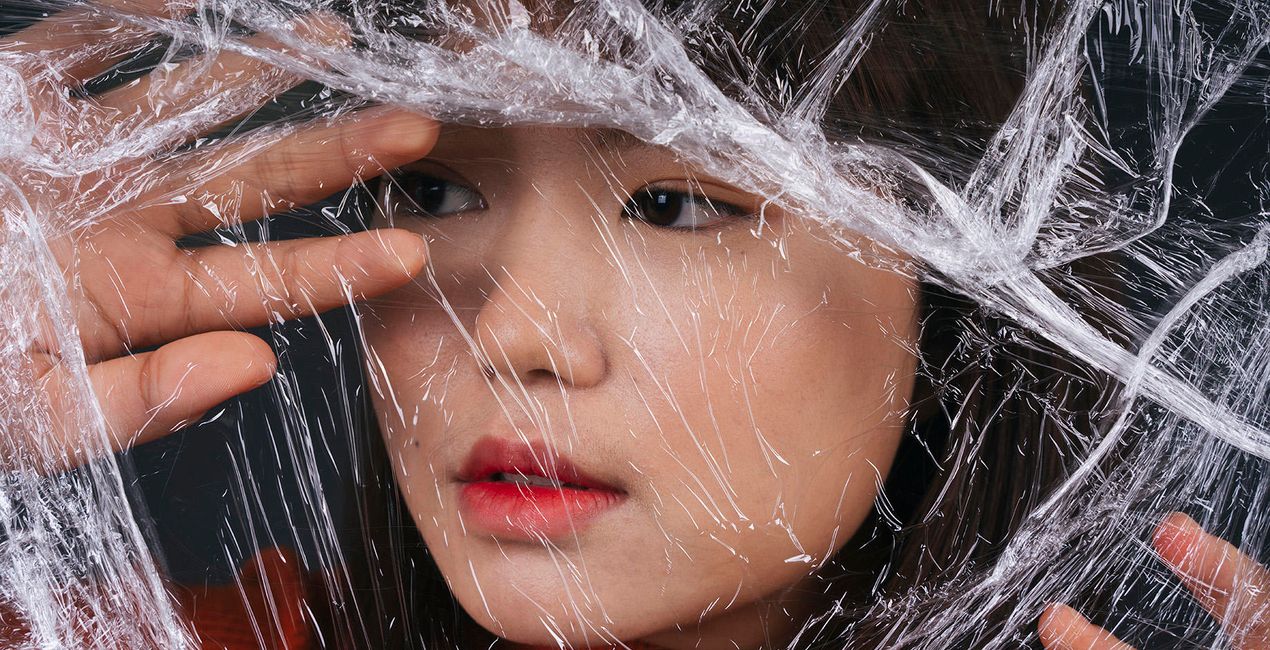
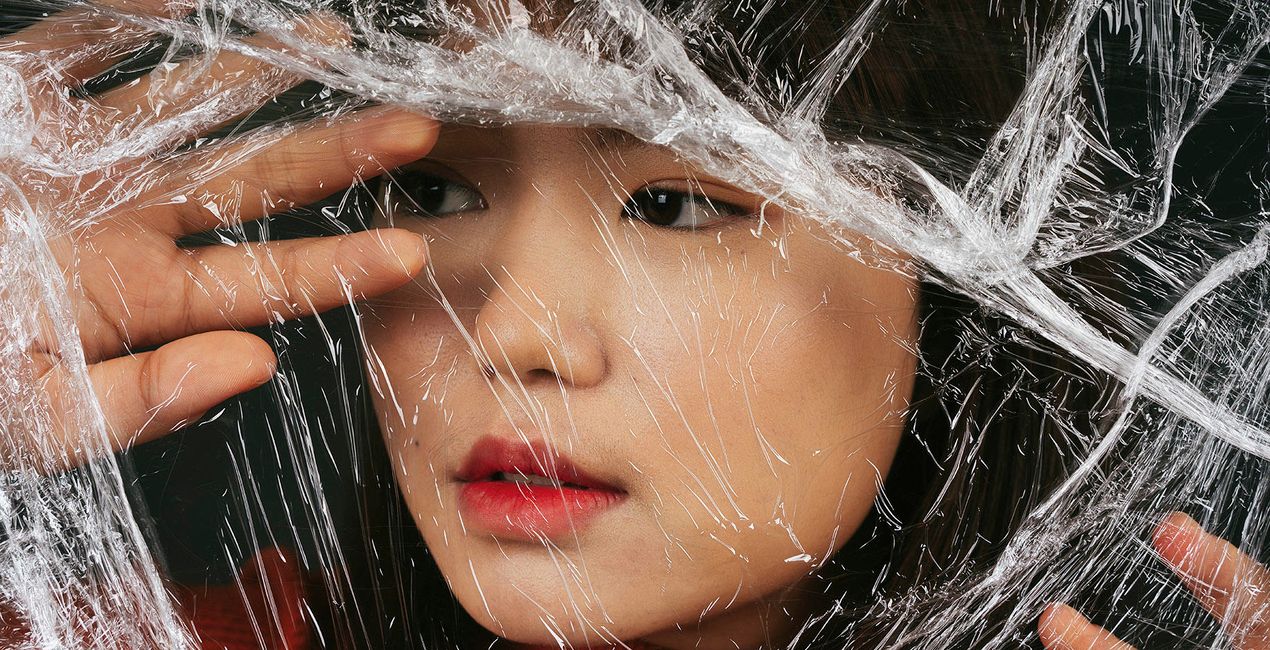
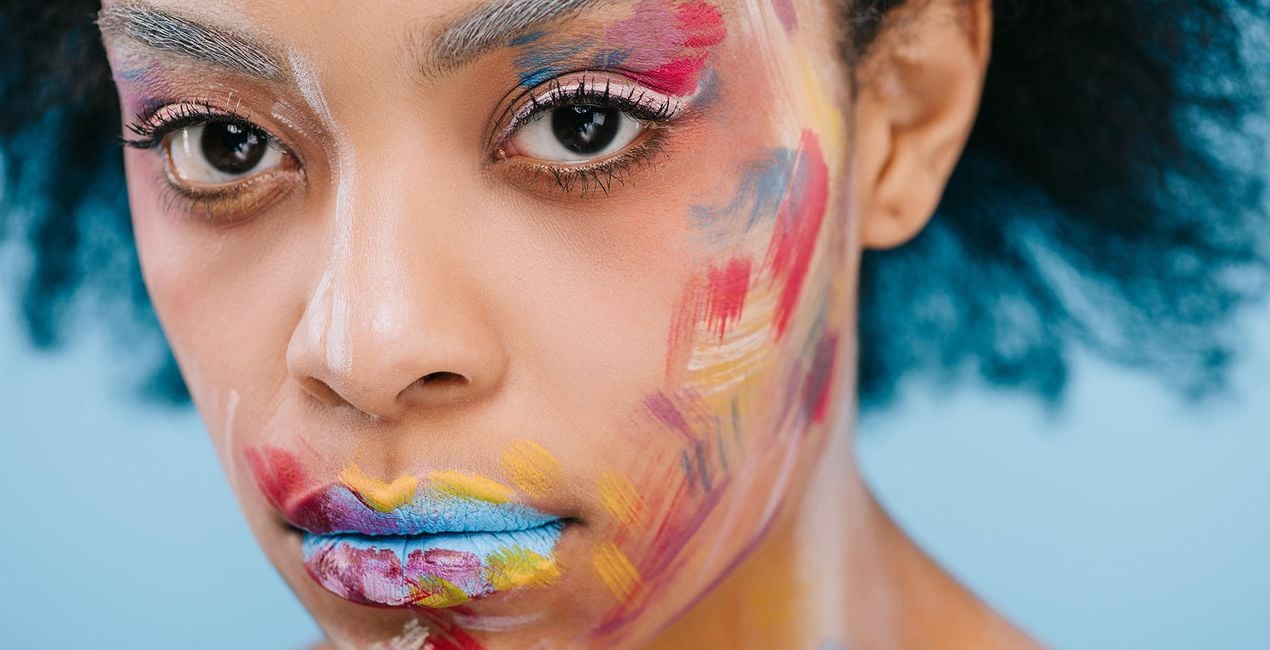
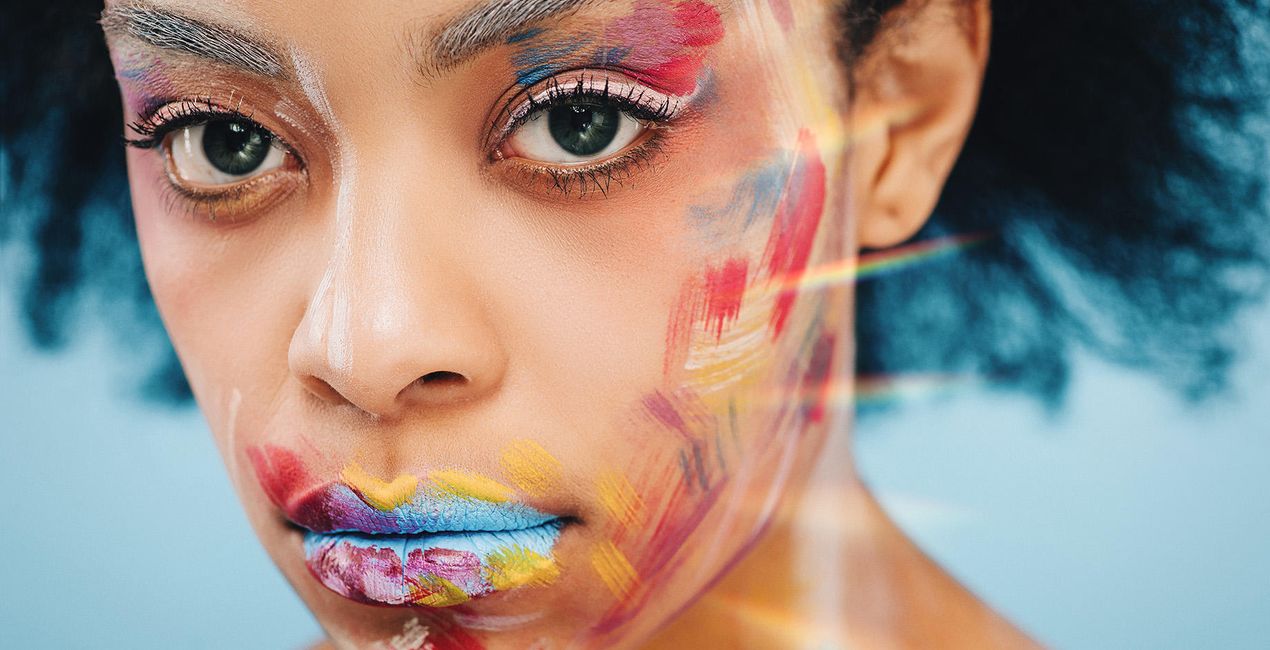
Verbeter de afbeeldingen van uw laatste vakantie aan zee. Creëer verbluffende onderwaterscènes dankzij deze 10 Templates die de blauwtinten versterken, verzadiging toevoegen, de helderheid verhogen en u meer laten doen met uw foto's.
Wat is inbegrepen
10 Sjablonen. Compatibel met JPEG en RAW afbeeldingen.

Met behulp van de meegeleverde RAW-bestanden oefent u gemakkelijk retoucheertips en leert u hoe u dergelijke foto's kunt maken.

 >
>

 >
>
 >
>

 >
>
 >
>

 >
>
 >
>
 >
>

 >
>
It’s hard to recreate that mesmerizing feeling of diving into the deep blue ocean and capturing the stunning underwater world in its true colors.
These 10 specialized Templates can help you channel the feeling of the deep sea and create impressive photos no matter your subject, whether it’s splendid coral reefs or the deep abyss.
Submerge yourself in creativity with deep sea blues, cinematic effects, monochrome Templates, and more to create unforgettable underwater images.
What you’ll find in this pack (10 Templates):
Colorful Reef: Craving rich colors in your photo? Try this Template without toning but with enhanced contrast and sharpness.
Water Blues: Enhance the shades of blue in your underwater photo and pull the focus on the water.
Abyss: Channel a cinematic atmosphere for the feel of underwater filming.
Turquoise: This Template brings a turquoise shade to the water and accents skin tones.
Tone Blue: Rescue overly light blue photos from your underwater shoot. This Template enhances the blues in your image, making water look more natural and creating a stunning effect.
Cinematic Deep: This cinematic atmospheric Template makes your photos look like part of a deep sea documentary.
Exotic Ocean: This bright saturated Template is perfect for photos of varied and exotic flora and fauna.
Film Look: Imitate the effect of expired film for a unique and experimental look.
Blue Monochrome: Use this Template to create monochrome toning with a slightly blue shade.
Gentle Breeze: With a soft atmospheric effect thanks to light contrast and light saturation, this Template is perfect for creating gentle and comforting photos.
Keep in mind that a Template’s default effect might be too strong for your photo.
If it is, simply bring it back a bit with the Amount slider.
Don’t forget to share your results! Use the hashtag #madewithluminar on social media so the Skylum Team can take a look at your work!
Fotografen, coloristen & retoucheurs
Het Skylum team werkt samen met honderden professionele fotografen en retouchers om u Templates te brengen die topfotografen gebruiken om hun meesterwerken te creëren. Het Skylum AI Lab analyseert de foto's en workflows van fotografen en creëert Templates die voor iedereen toegankelijk zijn en die gebruik maken van de geavanceerde LuminarAI technologie. Onze missie is om de tijd en moeite die het kost om een indrukwekkende foto te maken te verminderen en iedereen te laten genieten van fotobewerking en fotografie.
Veelgestelde vragen
Heb je nog extra vragen of wil je gewoon wat advies?
neem contact op met ons supportteamHeb je vragen over het product? Neem dan gerust contact op met ons supportteam – 24/7 bereikbaar. Volg gewoon deze link.
Volg deze stappen om Selfie te kopen:
1. Open Skylum’s Marketplace.
2. Ga naar het tabblad waar Selfie staat. Klik erop en voeg het toe aan je winkelmandje.
3. Ga naar je winkelmandje. Rond hier het aankoopproces van Selfie af.
4. Na je aankoop ontvang je een bevestigingsmail met de downloadlink voor Selfie. Je vindt het product ook terug in je Skylum-account onder het tabblad ‘Mijn add-ons’.
Uitgebreide instructies voor het installeren van Selfie ontvang je in de bevestigingsmail, samen met de downloadlink.
Daarnaast kun je het gekochte item direct installeren in Luminar Neo: ga naar Extra’s > Marketplace, selecteer de productcategorie, zoek het gekochte item en klik op Installeren.
Supermakkelijk! Ga naar het tabblad Presets en kies daar ‘Gekocht’. Je geïnstalleerde preset staat ertussen.
Geen zorgen. Alle gekochte items, waaronder Selfie, staan in het tabblad ‘Mijn add-ons’ van je Skylum-account. Van daaruit kun je ze makkelijk opnieuw downloaden en gebruiken.
In de meeste gevallen zijn items compatibel met Luminar Neo. Maar om zeker te weten of Selfie werkt met jouw software, check je best even de specificaties vóór je iets downloadt of koopt. Kijk op de pagina van Selfie aan de rechterkant bij het kopje ‘Compatibiliteit’ – daar staan alle compatibele producten vermeld.
Ga nog niet weg. Hier is een exclusieve kortingscode voor jou. Gebruik deze binnen 15 minuten om bij het afrekenen 10% extra korting te krijgen. Kopieer de onderstaande code en rond je aankoop af.
15 m : 00 s





