


 Toegepast


Magische Landschappen
Save $201 $ 13 .30 $ 19 .00

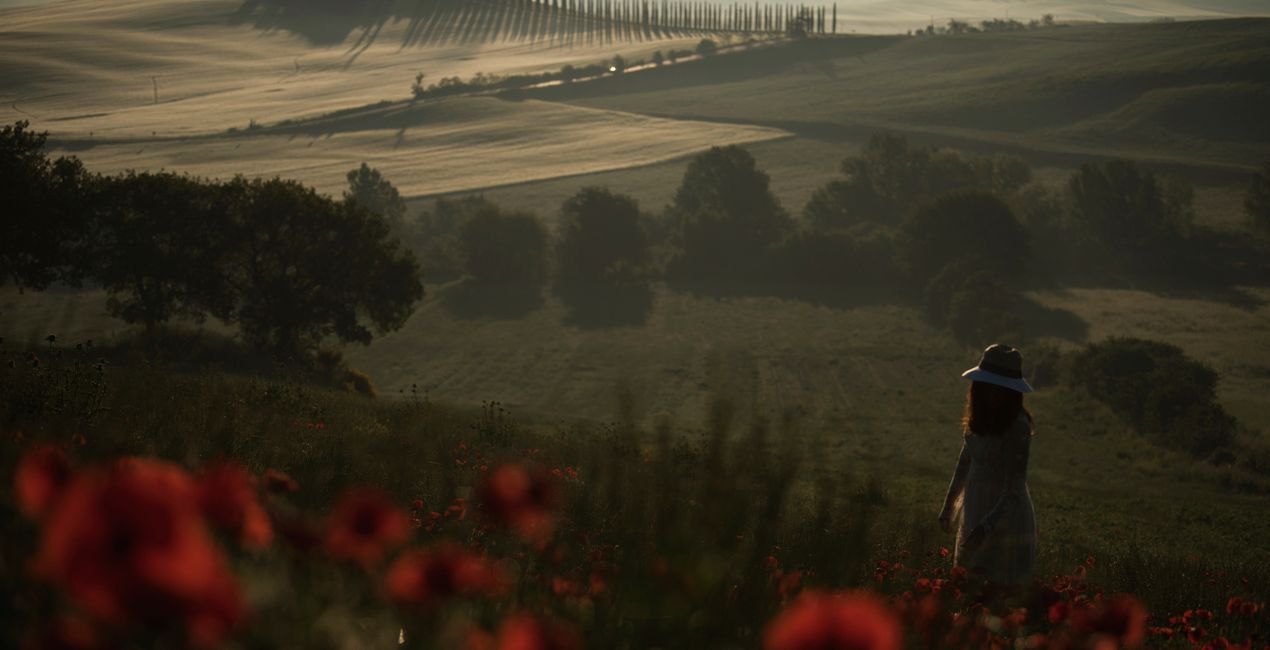
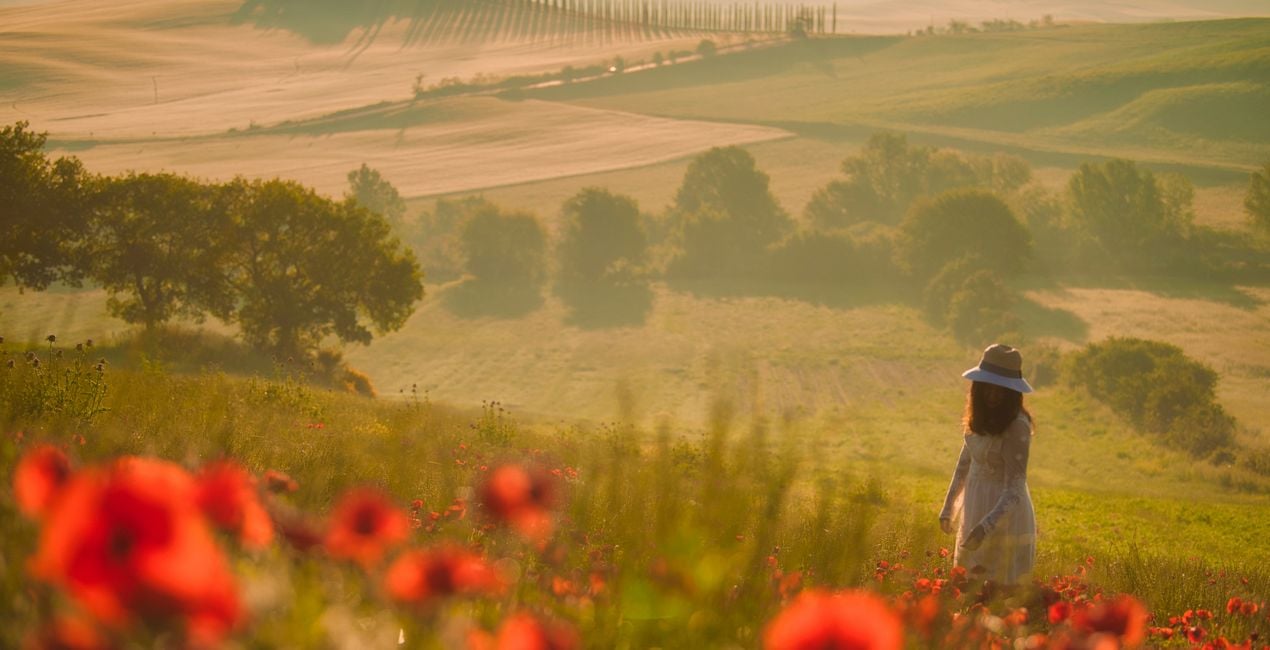
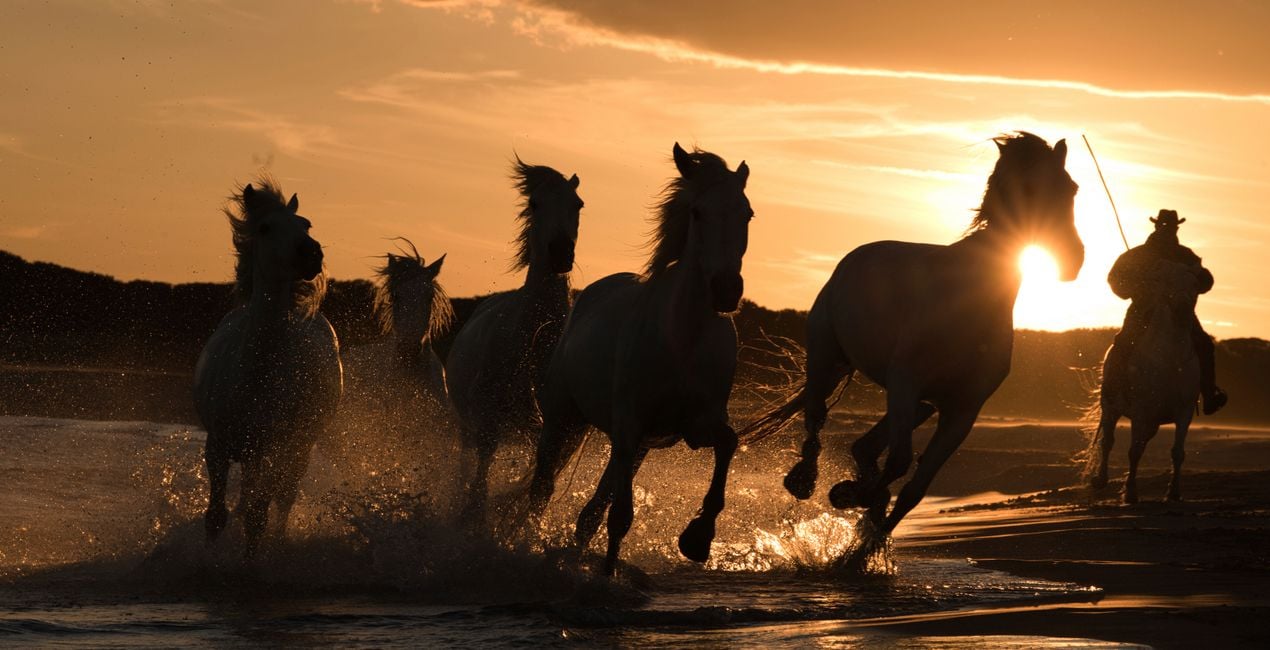
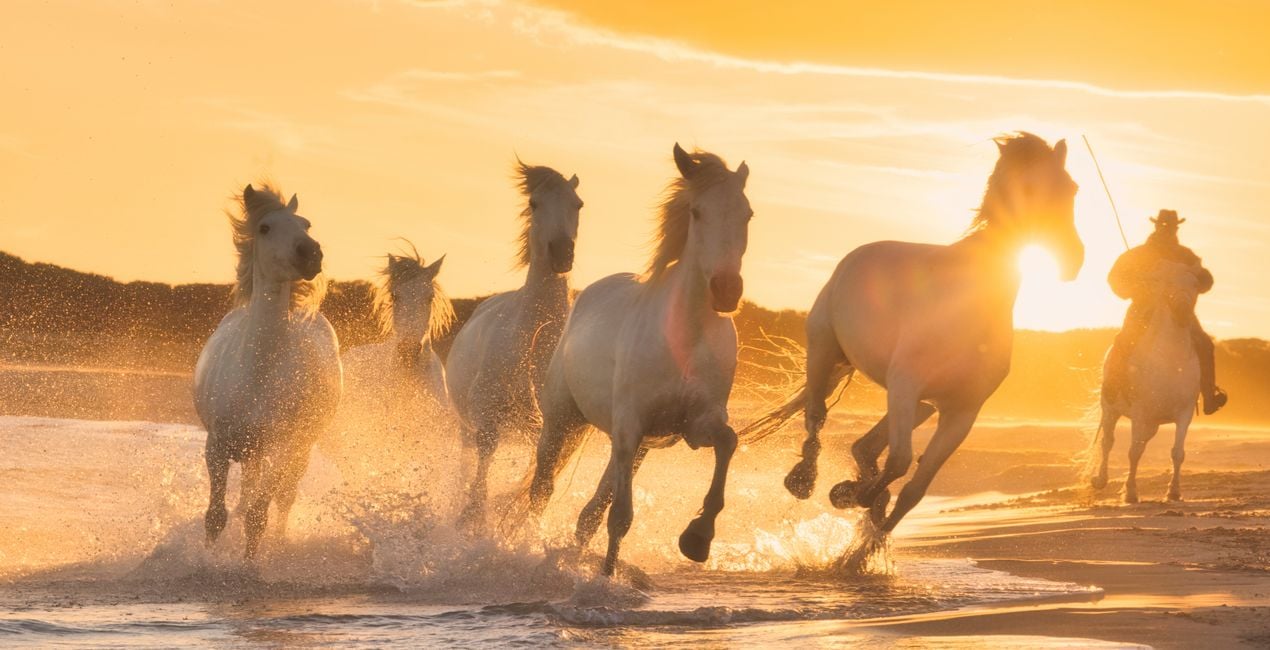
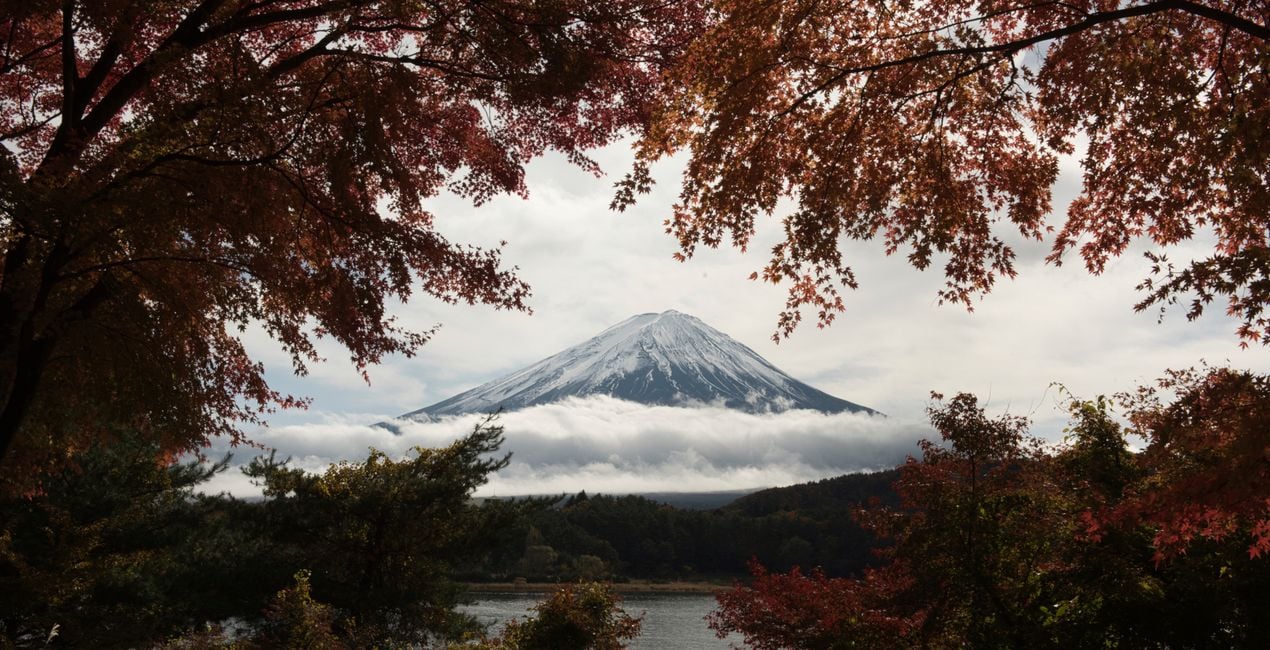
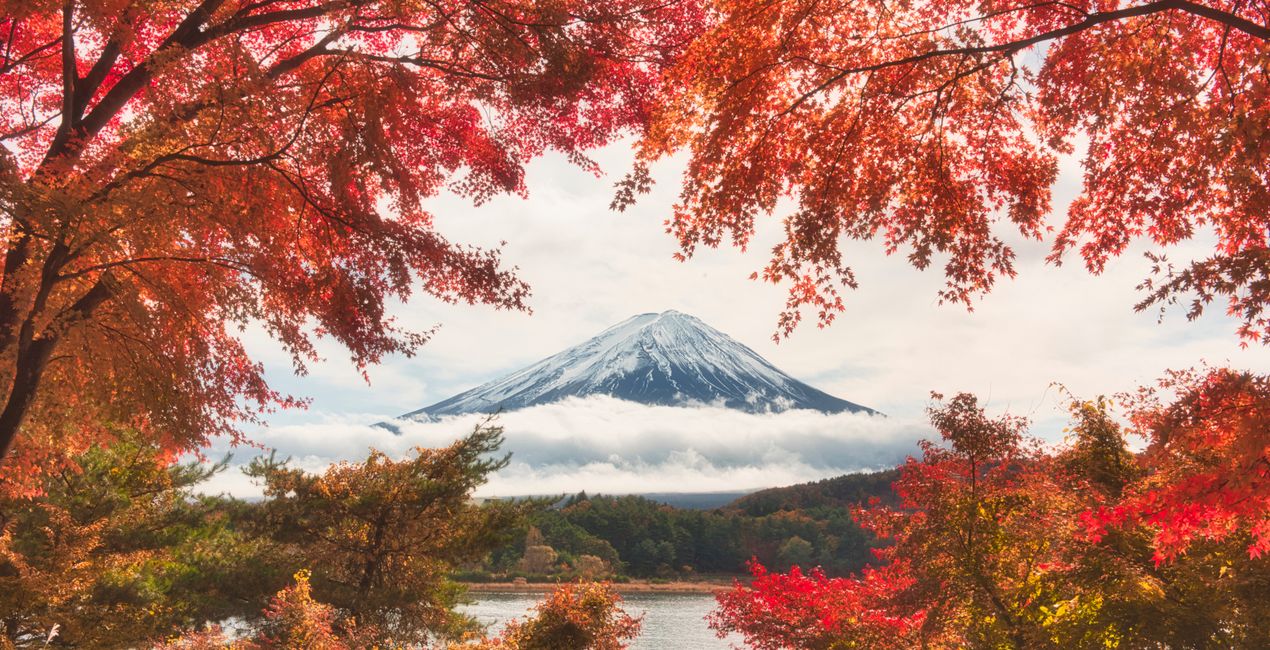
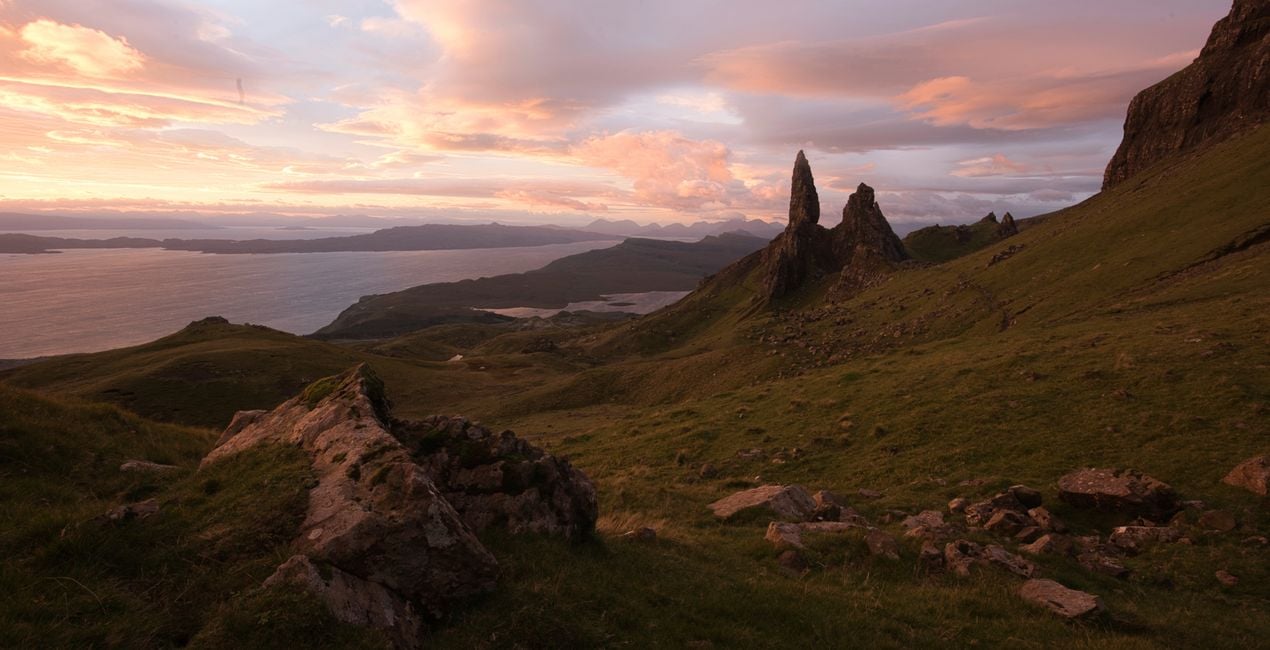
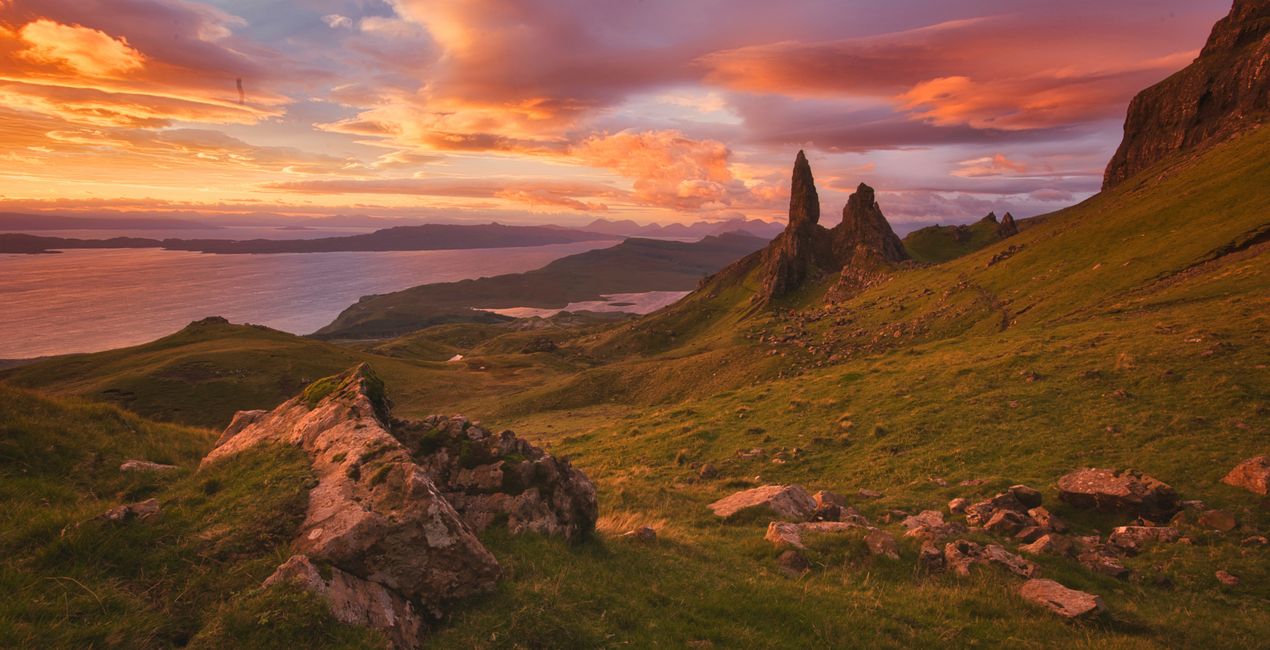
This Looks pack reflects the author's philosophy of taking a soft, gentle, and non-destructive approach to processing landscape images. The 14 Templates in this pack add a touch of magic, creating painting-like scenes full of color and softness.
Wat is inbegrepen
14 Sjablonen. Compatibel met JPEG en RAW afbeeldingen.

Met behulp van de meegeleverde RAW-bestanden oefent u gemakkelijk retoucheertips en leert u hoe u dergelijke foto's kunt maken.
 >
>
 >
>
 >
>
 >
>
 >
>
 >
>
 >
>
 >
>
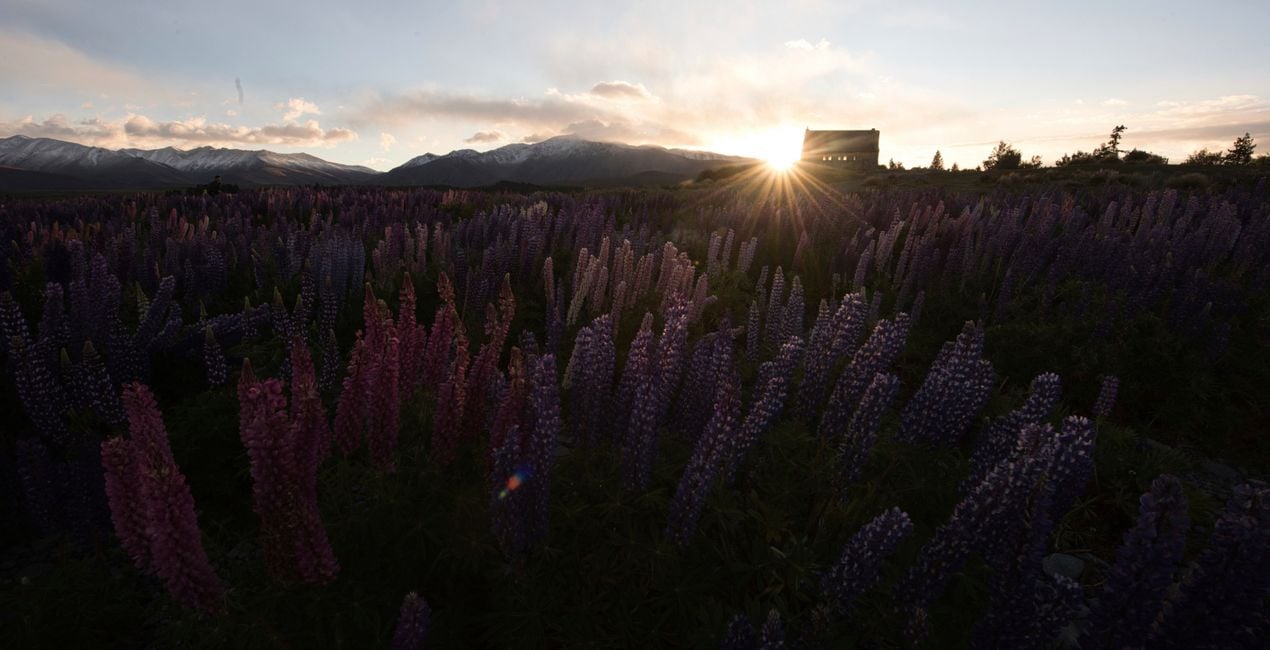
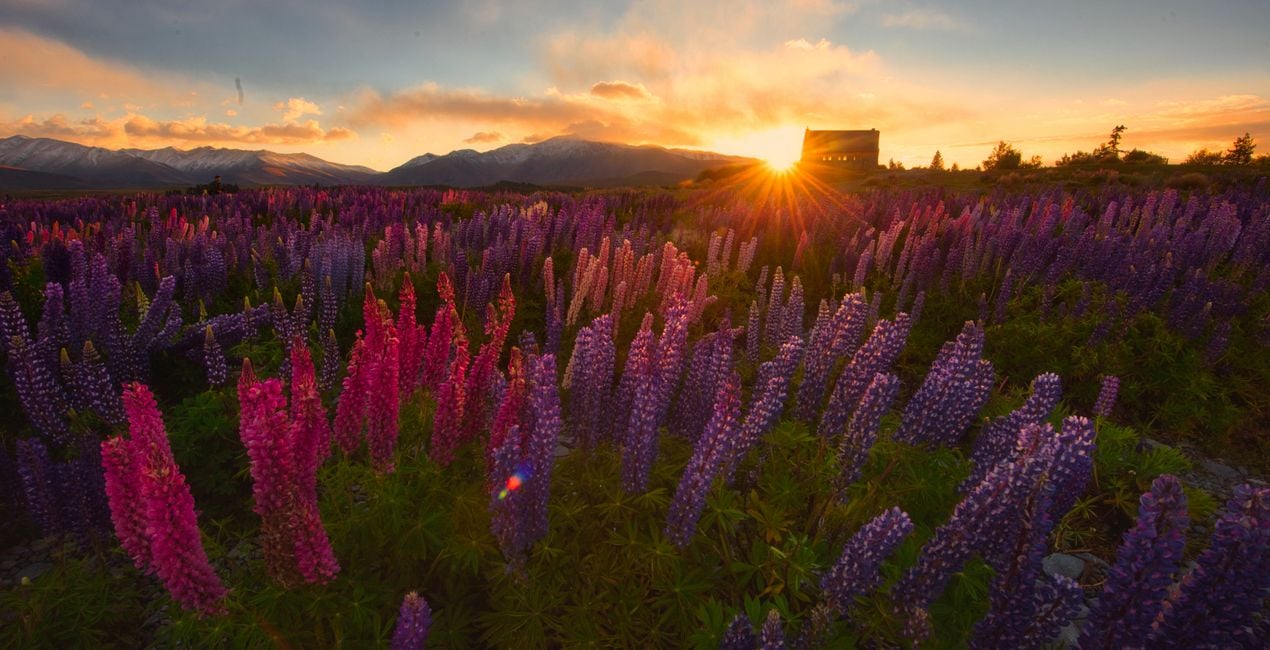 >
>
I spend most of the year traveling the world, and in this pack you can find Looks reflecting the moods of some of my favourite places.
I’ve divided these Looks into groups that reflect the moods I feel in my favourite destinations for landscape photography: Greenland, Patagonia, Japan, Antarctica, and beyond. These Looks work for everything from dark dramatic images to soft high key shots.
What you’ll find in the Magical Landscapes Looks pack (14 Templates):
Antarctic Winter: This Look is meant for images captured in overcast winter conditions. It gives them a bit of extra texture and drama and emphasises the structure through Luminar’s AI functionality to make the blue tones less saturated, giving a clearer and more neutral look. Inspired by the polar regions.
Camargue High Key: This Look creates bright high key images using AI, Glow, the Orton Effect, and low-contrast techniques, bringing up the Blacks/Shadows, and using a special curve shape. Inspired by the white horses of Camargue.
Croatia Autumn: Golden warm tones, Hue/Saturation shifts, and soft effects help to create the perfect autumn mood. Inspired by the autumnal Plitviče Waterfalls in Croatia.
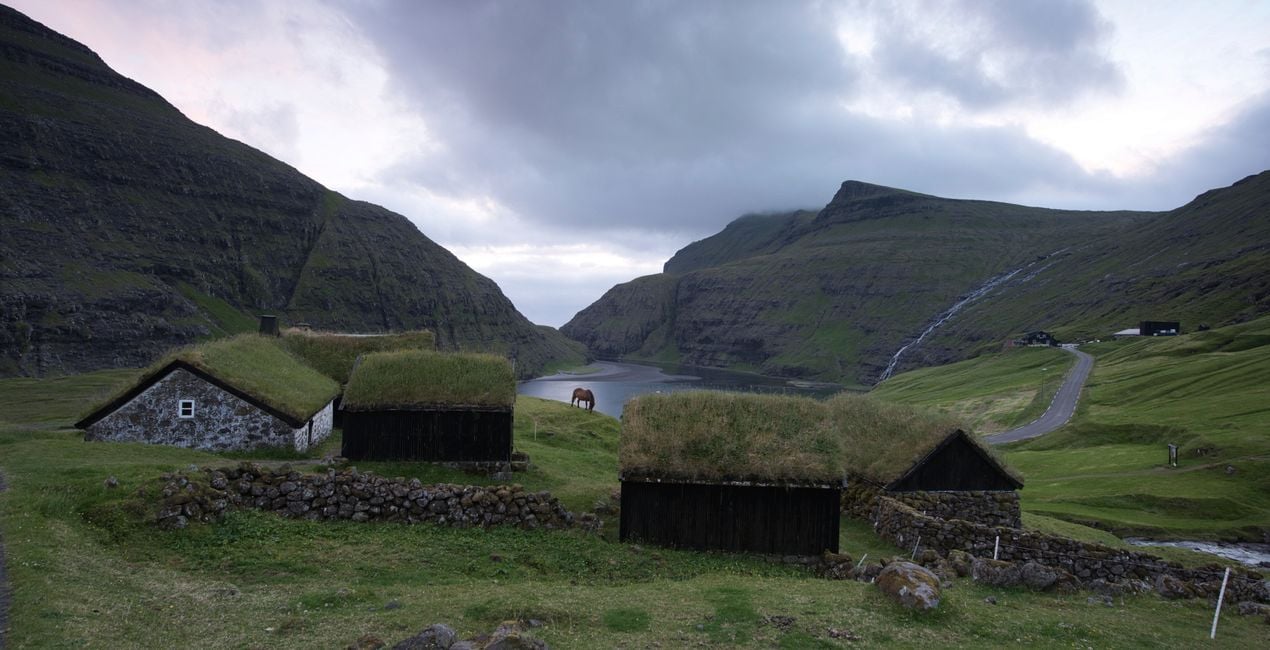
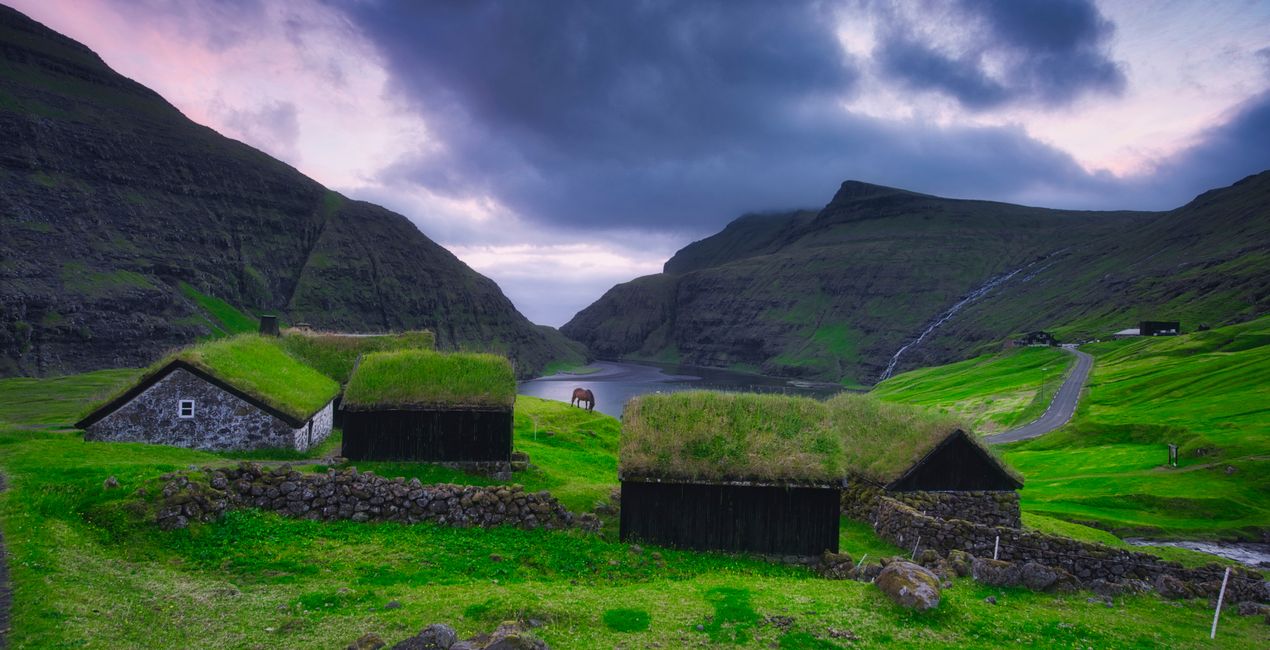
Faroe Green: Emerald and magenta are a perfect color combination — and one of my favourites. Use this Look for summer images with green colors. Luminar AI gradient tools create a festive mood in your landscapes. Inspired by the emerald Faroe Islands.
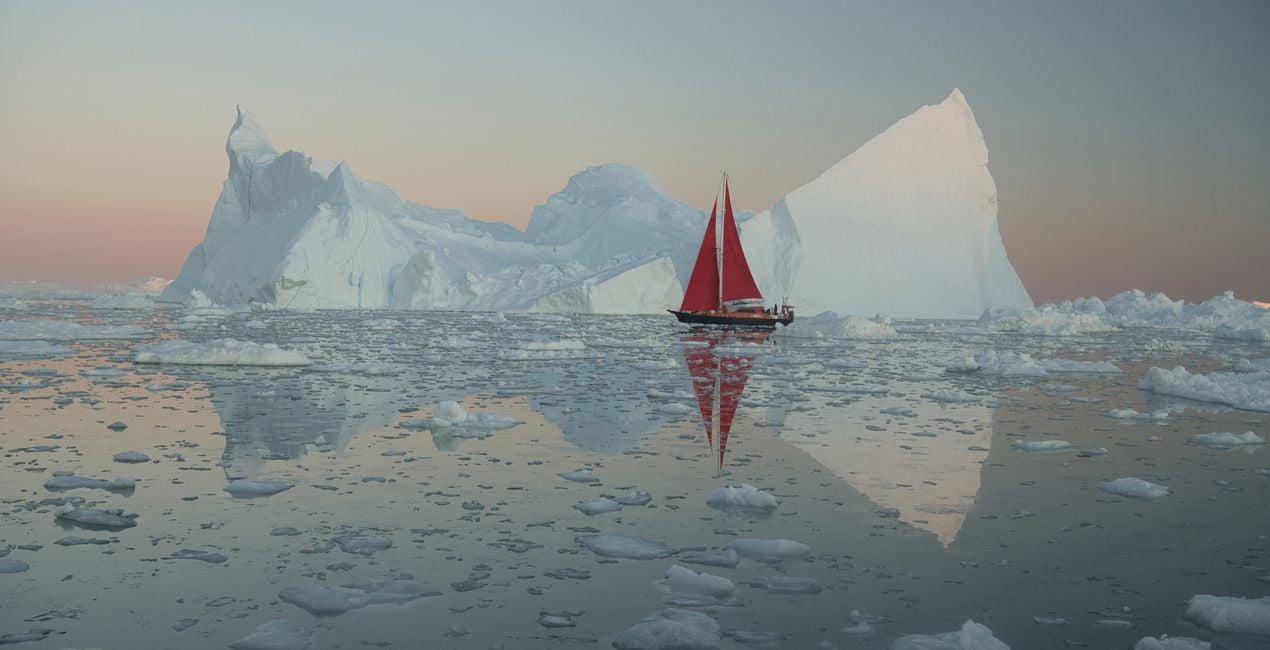
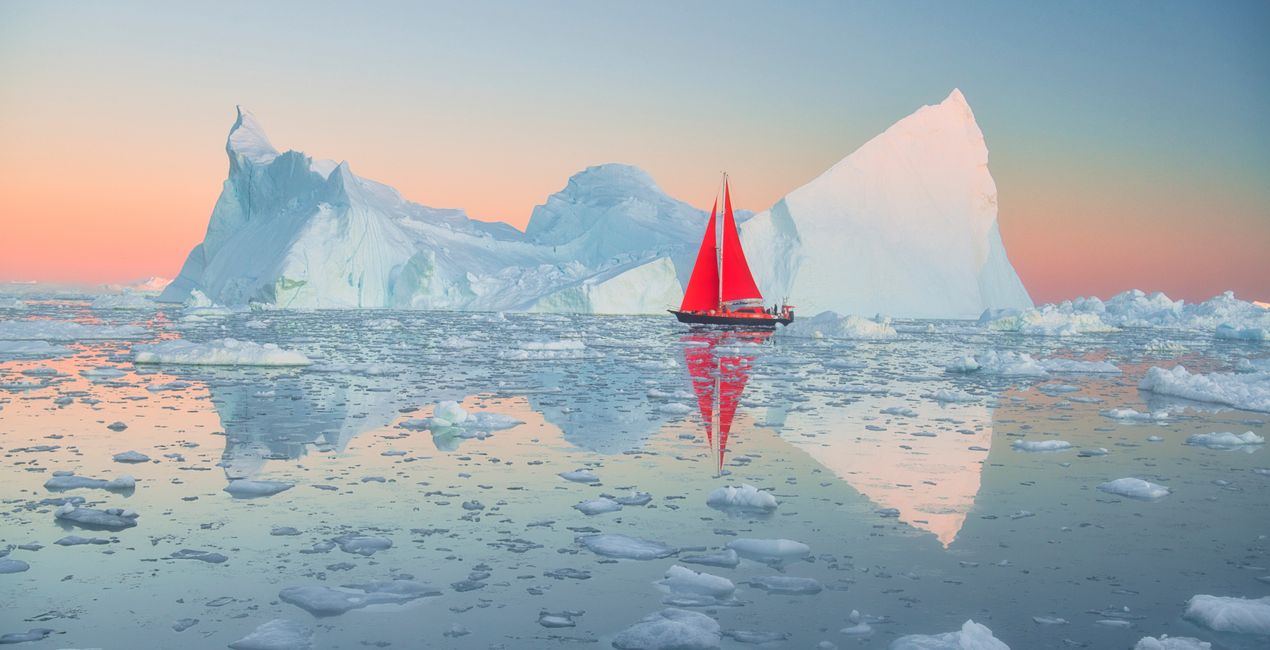
Greenland Colors: These Looks are soft and gentle with snow and emphasize the saturation in sunsets. Bring out sunsets in your photos with low saturation.
Kyoto Soft Autumn: This is similar to the Croatia Autumn Look but with different contrast and color shifts, giving a slightly different result. Experiment with both Golden Hour and Exposure and see which Look fits your sunrise and sunset shots the best! Besides, this Look helps to emphasize deep reds, reminding me of a Japanese maple in Kyoto.
Landscape General: Most of my Landscape editing starts with this Look, which includes a bit of AI work and gradients and not much of a soft effect. It keeps to the original colors with a minimal shift.
Mongolia Dark Skies: This Look is perfect for images captured in overcast conditions, giving them a bit of extra darkness and drama. It emphasizes structure through Luminar’s AI functionality and makes the most of tones while leaving oranges and reds less saturated. Inspired by my expedition with Mongolian nomads.
Namib Desert: The Namib Desert features pale orange hues and a deep blue sky. This Look is perfect for desert, sand, beach, and daylight images.
New Zealand Sunset: Bringing alive the images with saturated colors and soft effects like Orton Effect and Glow, this Look works on the yellows and oranges, making the sky and colors deeper. Inspired by dreamy New Zealand sunsets.
Night Sky: This Look works for Milky Way images, enhancing the color, detail, and contrast. Inspired by my Bolivian adventure.
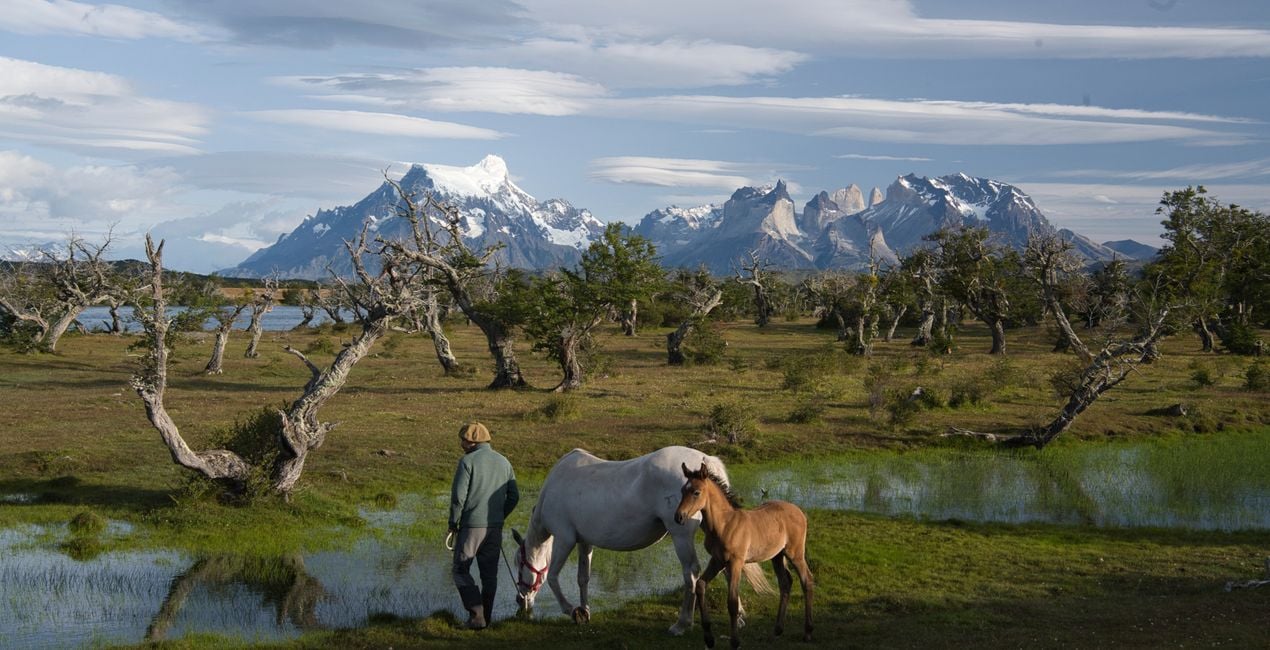
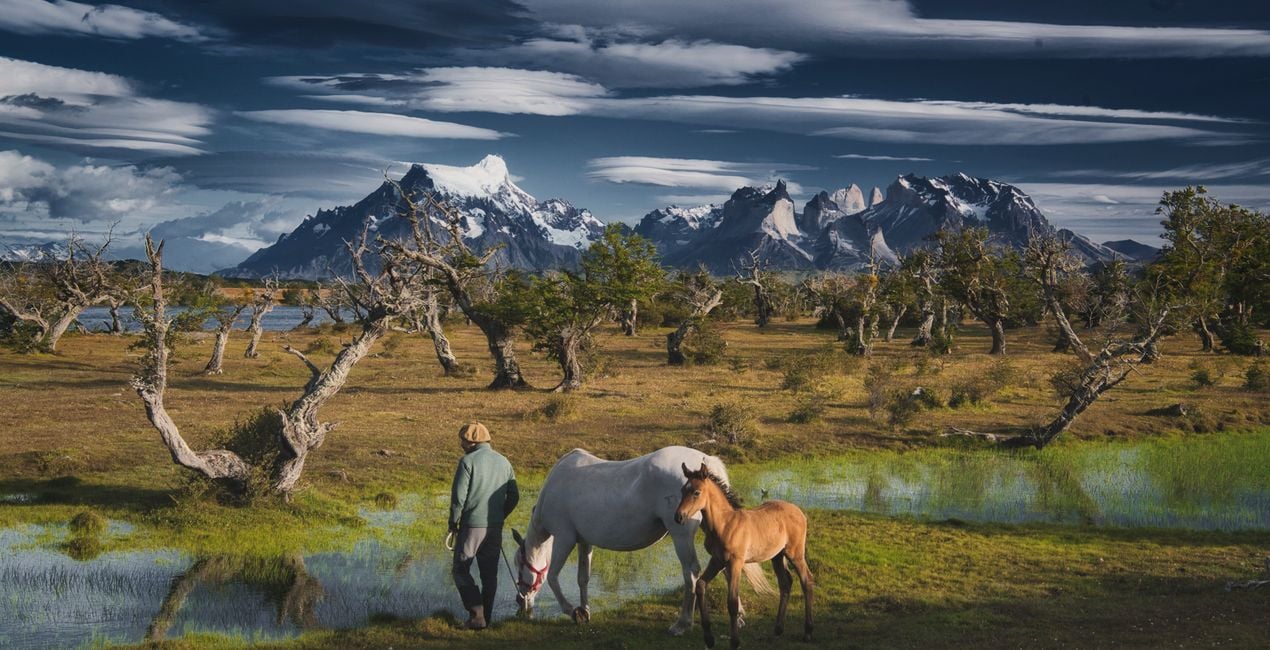
Patagonia Dark Blue: I love creating a deep mood by making the sky darker and meanwhile desaturating the blue. A bit of tweaks with green and yellow as well and you have impressive colors. This Look works best with a blue sky. Inspired by the unreal skies of Patagonia.
Tuscan Spring: Reveal gentle and soft spring colors, especially by working with the red and green tones, and open up shadows while protecting highlights. This Look is made possible by signature Luminar tools.
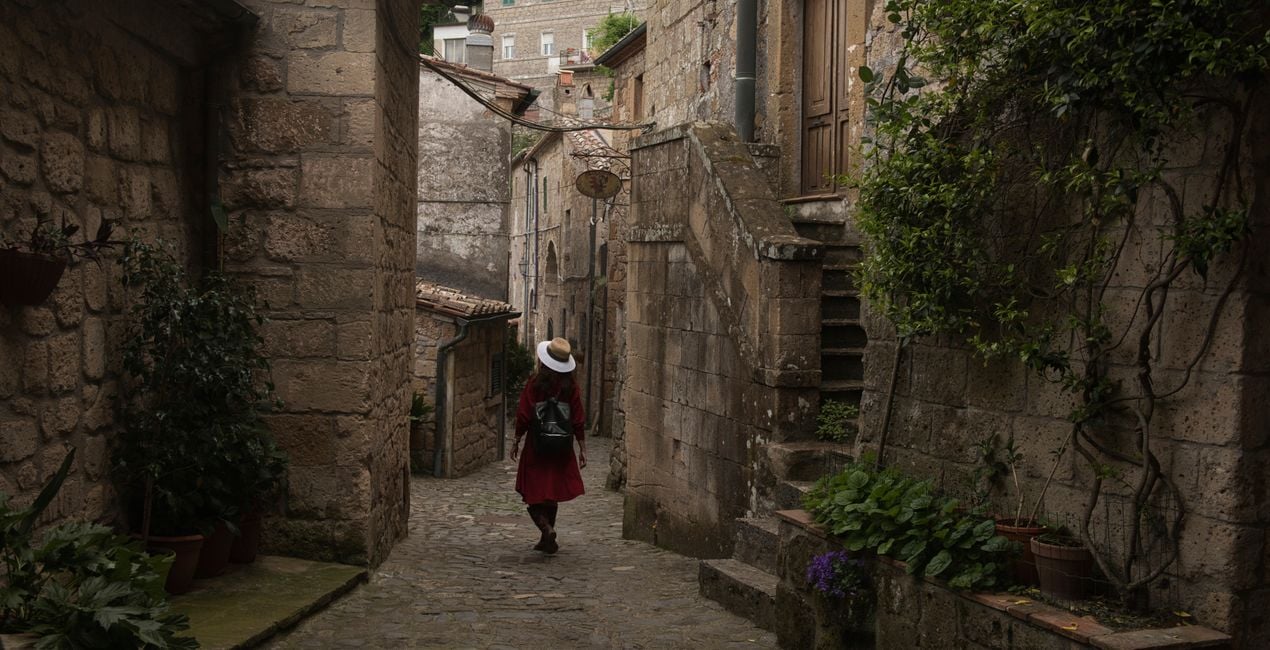
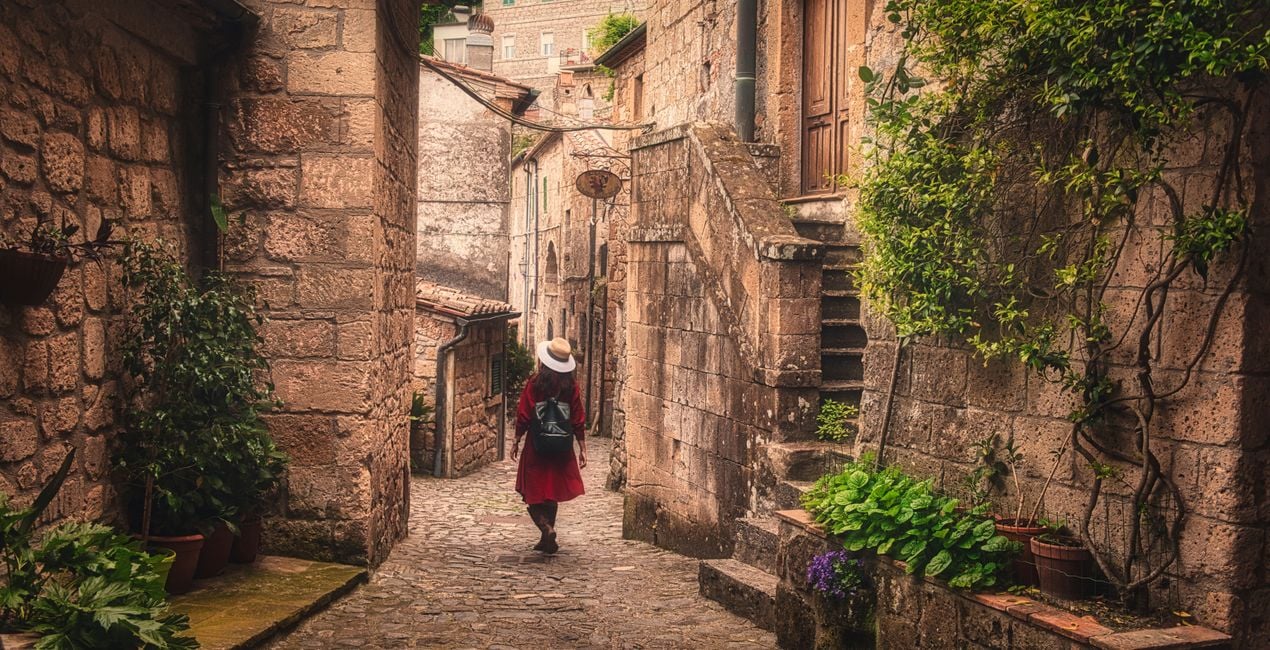
Tuscan Village: This Look inspired by lovely walks in rural Tuscan villages creates a vintage atmosphere with a warm feel, boosted textures, and enhanced details.
Keep in mind that sometimes a Look’s default effect might be too strong.
If it is, simply bring it back a bit with the Amount slider.
SHARE: Use the hashtag #kordanluminar on social media so Daniel and the Luminar team can take a look at your results!
Fotografen, coloristen & retoucheurs
Het Skylum team werkt samen met honderden professionele fotografen en retouchers om u Templates te brengen die topfotografen gebruiken om hun meesterwerken te creëren. Het Skylum AI Lab analyseert de foto's en workflows van fotografen en creëert Templates die voor iedereen toegankelijk zijn en die gebruik maken van de geavanceerde LuminarAI technologie. Onze missie is om de tijd en moeite die het kost om een indrukwekkende foto te maken te verminderen en iedereen te laten genieten van fotobewerking en fotografie.
Veelgestelde vragen
Heb je nog extra vragen of wil je gewoon wat advies?
neem contact op met ons supportteamHeb je vragen over het product? Neem dan gerust contact op met ons supportteam – 24/7 bereikbaar. Volg gewoon deze link.
Volg deze stappen om Magical Landscapes te kopen:
1. Open Skylum’s Marketplace.
2. Ga naar het tabblad waar Magical Landscapes staat. Klik erop en voeg het toe aan je winkelmandje.
3. Ga naar je winkelmandje. Rond hier het aankoopproces van Magical Landscapes af.
4. Na je aankoop ontvang je een bevestigingsmail met de downloadlink voor Magical Landscapes. Je vindt het product ook terug in je Skylum-account onder het tabblad ‘Mijn add-ons’.
Uitgebreide instructies voor het installeren van Magical Landscapes ontvang je in de bevestigingsmail, samen met de downloadlink.
Daarnaast kun je het gekochte item direct installeren in Luminar Neo: ga naar Extra’s > Marketplace, selecteer de productcategorie, zoek het gekochte item en klik op Installeren.
Supermakkelijk! Ga naar het tabblad Presets en kies daar ‘Gekocht’. Je geïnstalleerde preset staat ertussen.
Geen zorgen. Alle gekochte items, waaronder Magical Landscapes, staan in het tabblad ‘Mijn add-ons’ van je Skylum-account. Van daaruit kun je ze makkelijk opnieuw downloaden en gebruiken.
In de meeste gevallen zijn items compatibel met Luminar Neo. Maar om zeker te weten of Magical Landscapes werkt met jouw software, check je best even de specificaties vóór je iets downloadt of koopt. Kijk op de pagina van Magical Landscapes aan de rechterkant bij het kopje ‘Compatibiliteit’ – daar staan alle compatibele producten vermeld.
Ga nog niet weg. Hier is een exclusieve kortingscode voor jou. Gebruik deze binnen 15 minuten om bij het afrekenen 10% extra korting te krijgen. Kopieer de onderstaande code en rond je aankoop af.
15 m : 00 s





