


 Toegepast


Rural Wedding
Save $201 $ 16 .15 $ 19 .00

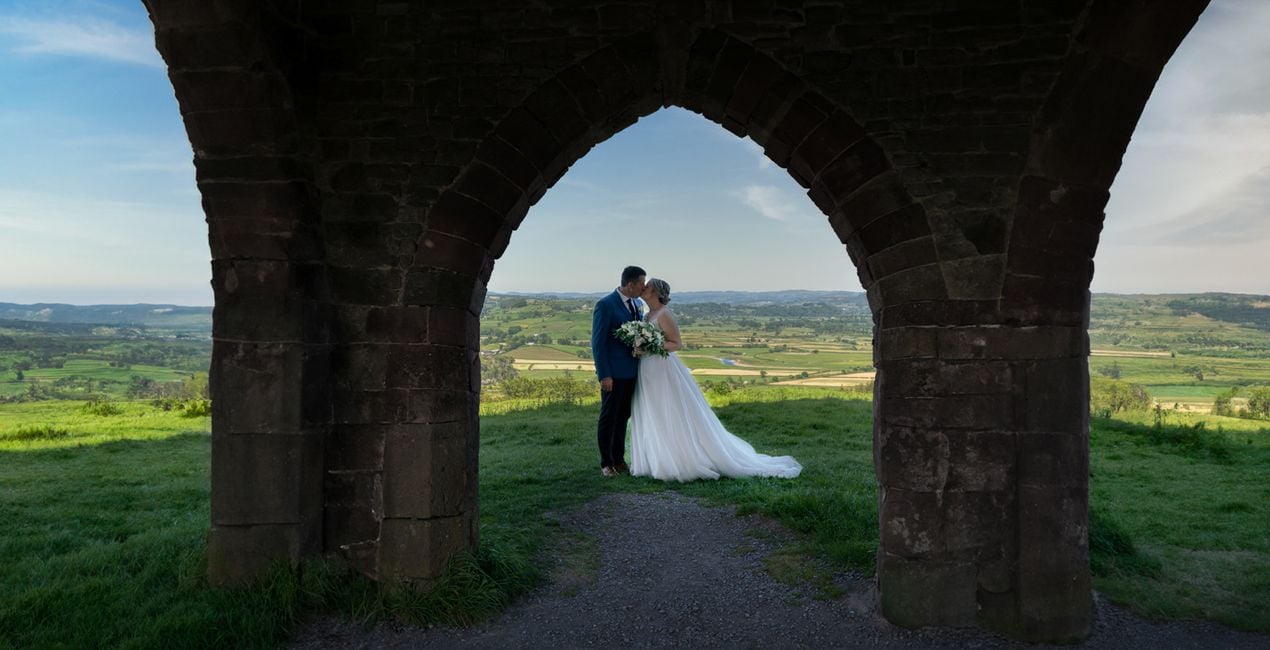
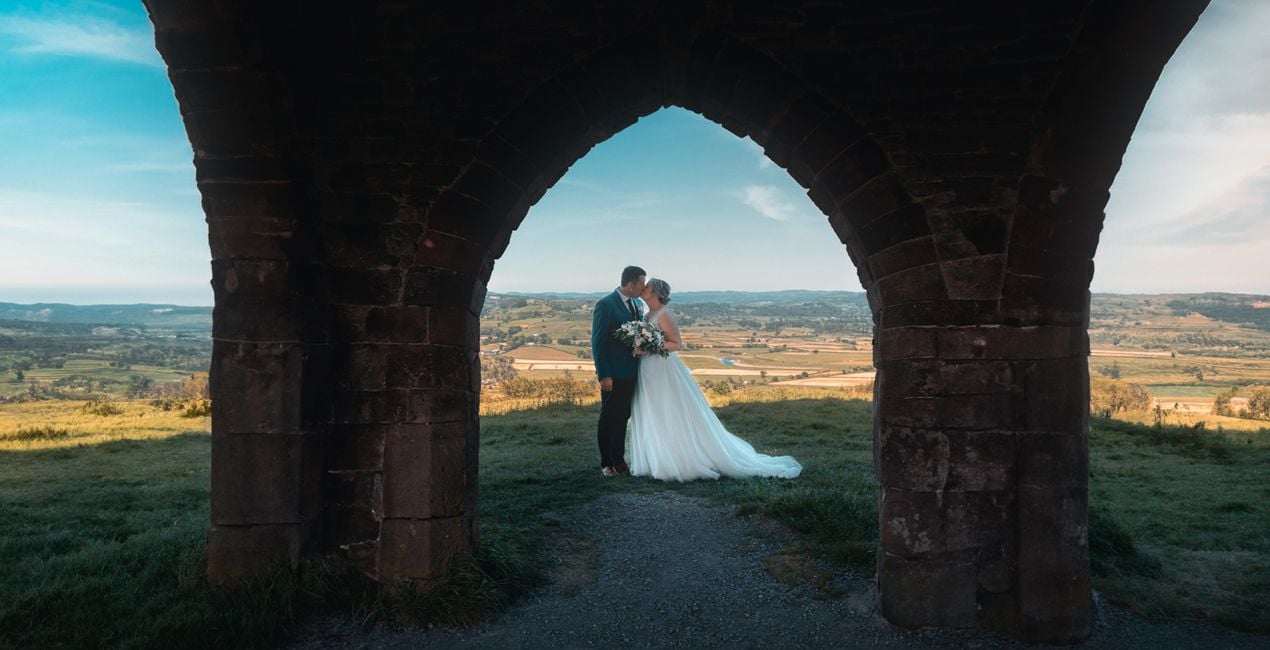
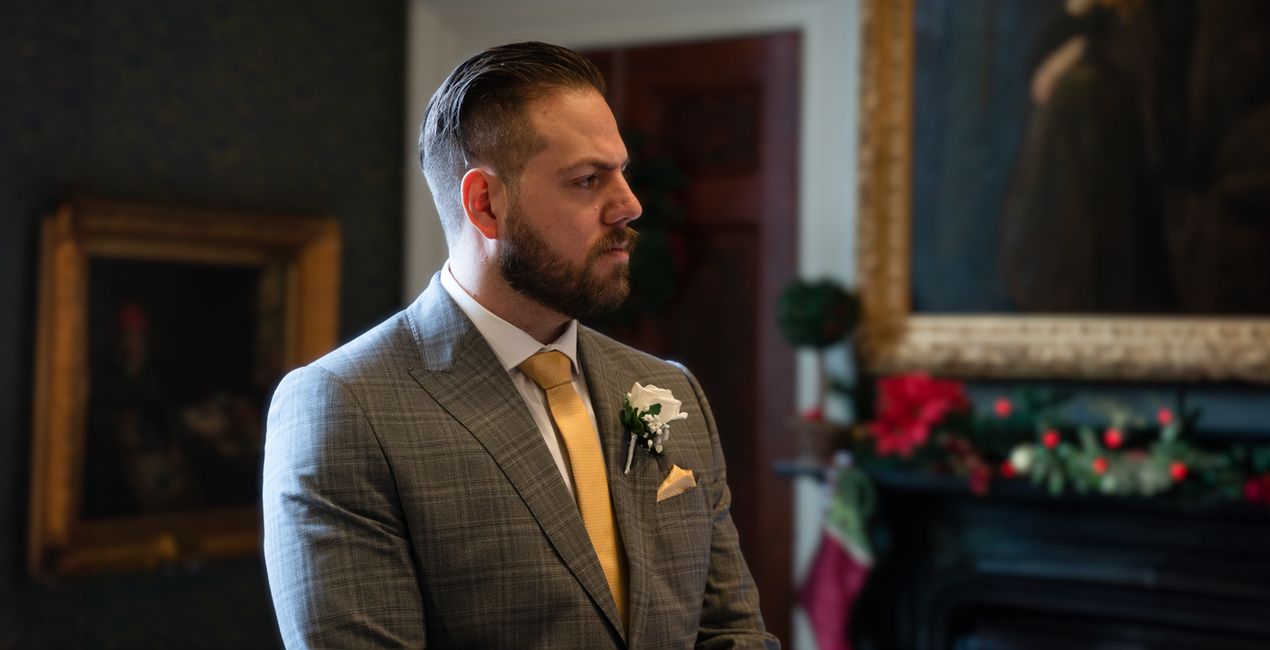
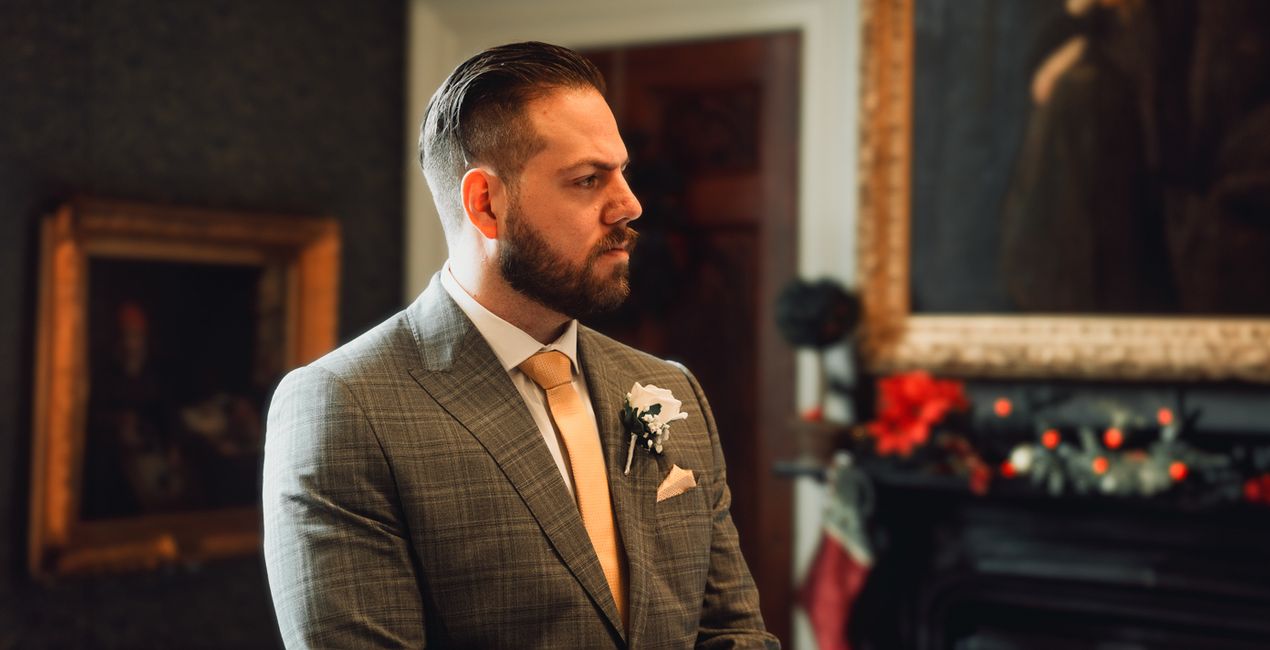
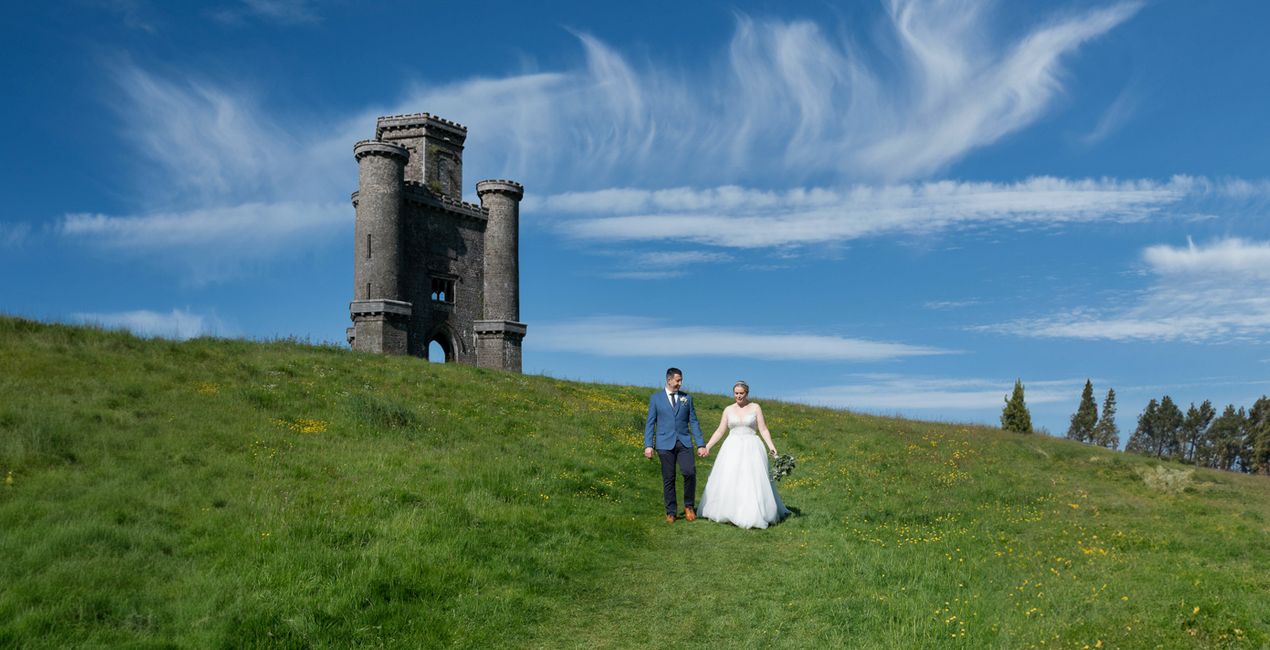
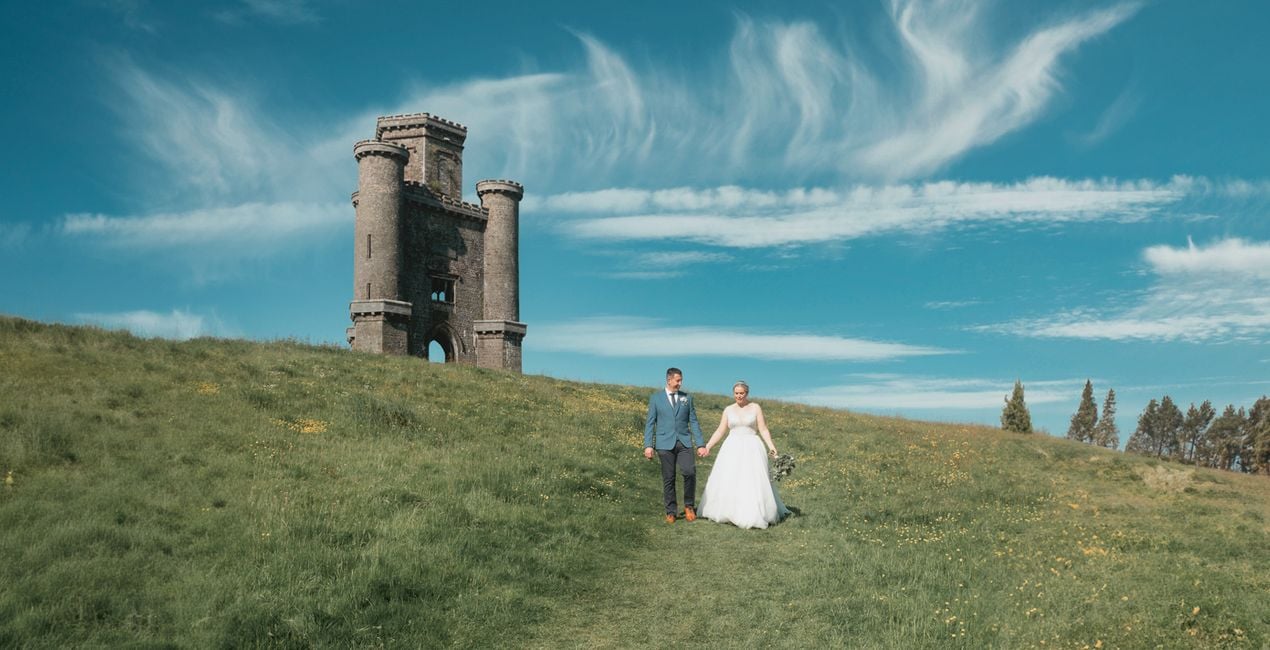
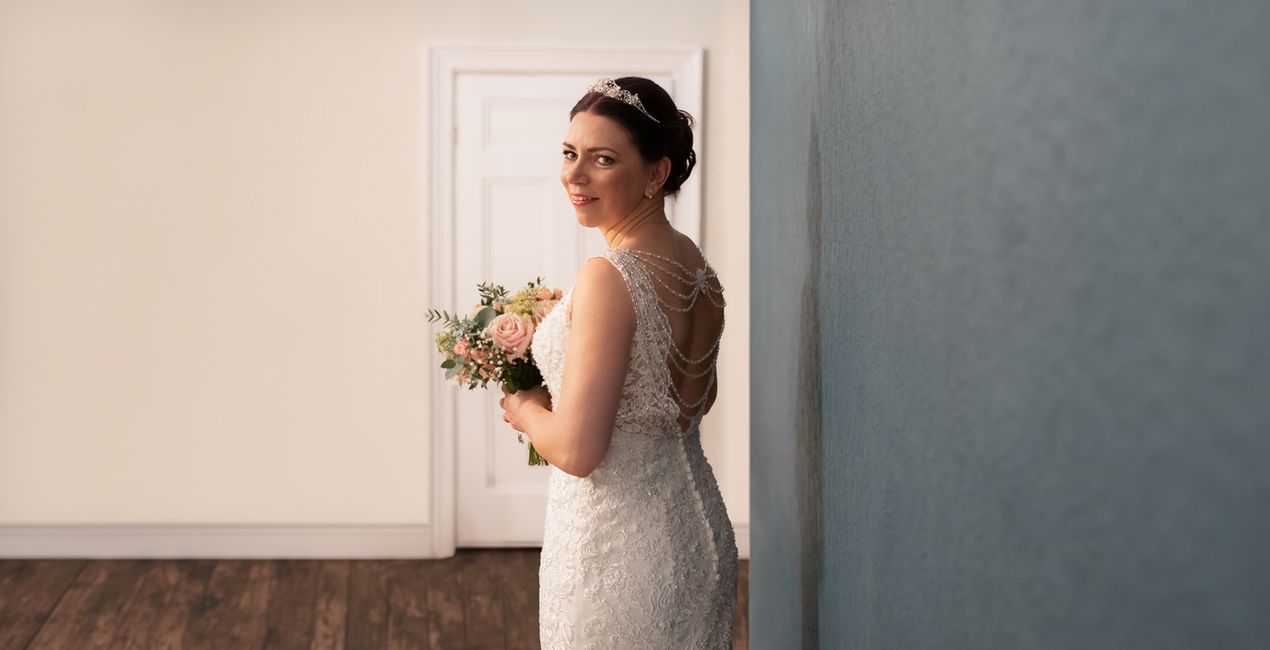
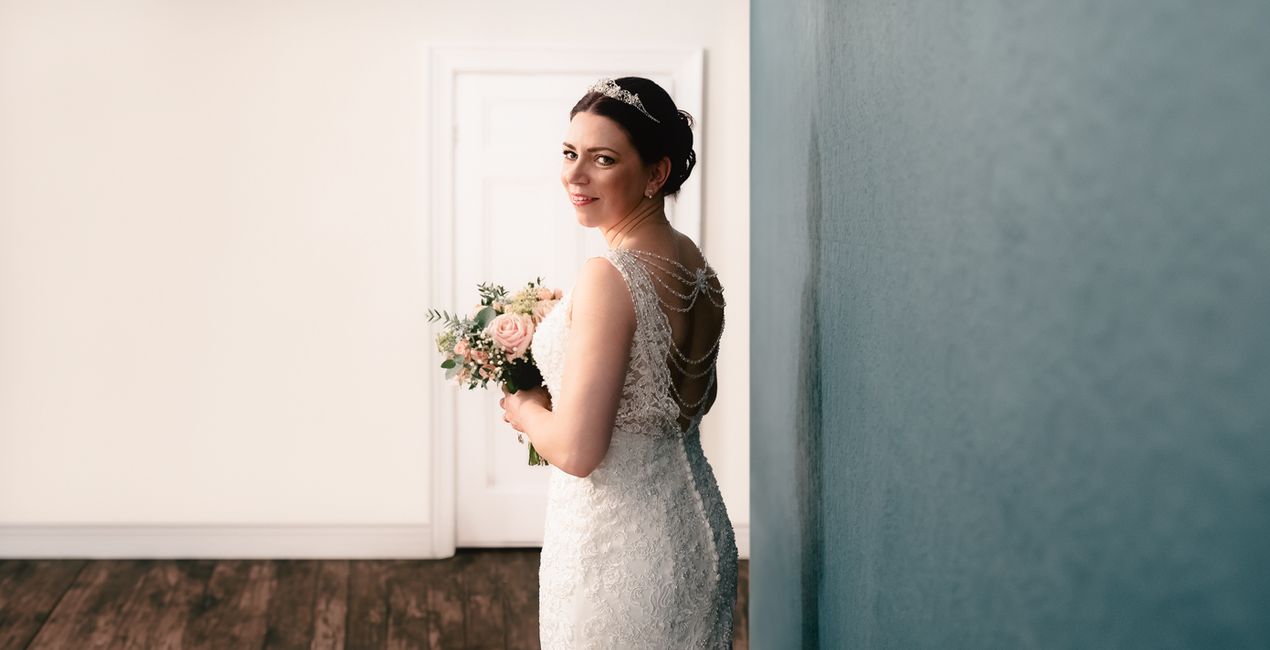
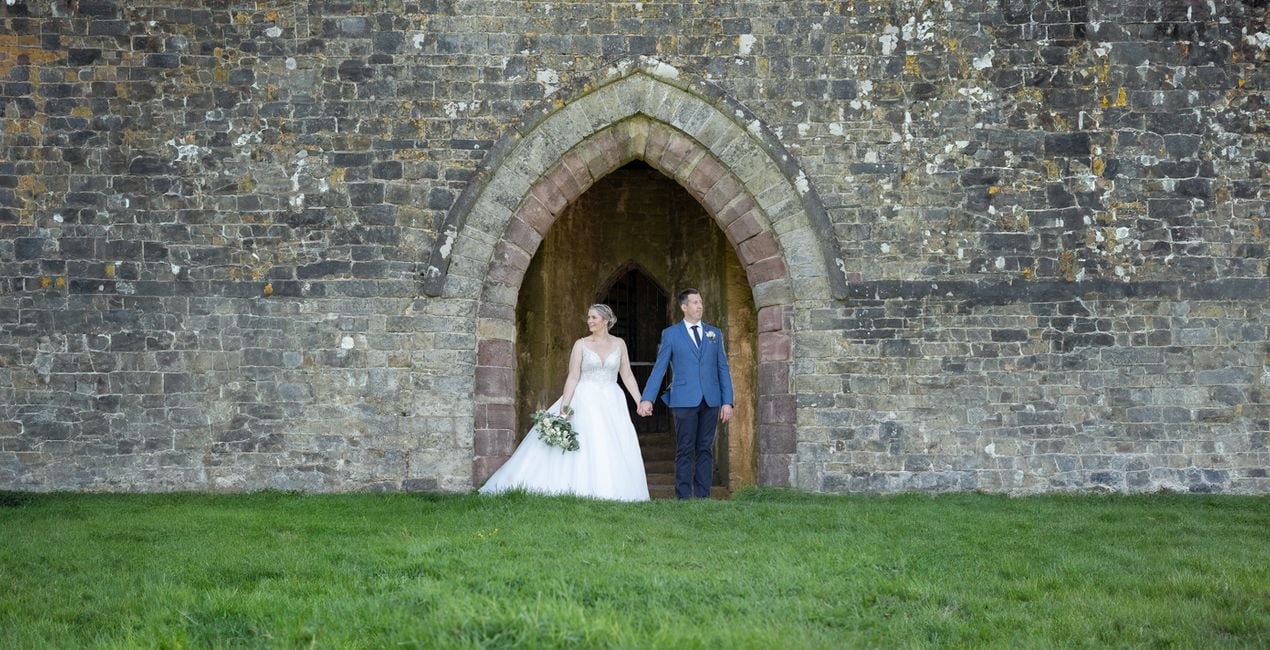
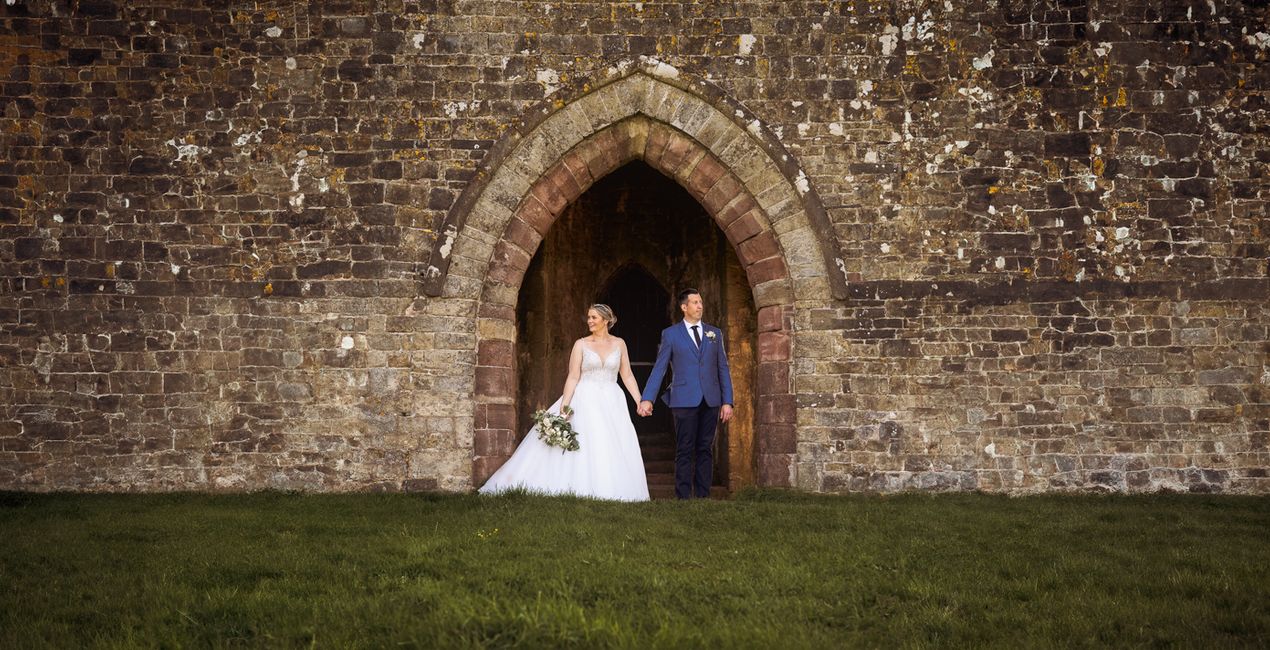
Mathew Browne’s exclusive collection of Presets will help you add a warm and nostalgic feeling to portrait photography, especially wedding photos. Designed for indoor and outdoor shoots and ambient conditions, you can use them to bring out color and vibrancy in your photos.

Met behulp van de meegeleverde RAW-bestanden oefent u gemakkelijk retoucheertips en leert u hoe u dergelijke foto's kunt maken.
 >
>
 >
>
 >
>
 >
>
 >
>
 >
>
If you’re looking for a unique way to bring a rustic atmosphere to your photos, consider using this collection of 10 Presets that are ideal for wedding and portrait photography.
Each one of these Presets offers the perfect opportunity to add a cozy and sentimental air to your photos. Regardless of the light conditions and the space of the shoot, you can easily infuse your photos with color and life.
You’ll find 10 Presets in this pack:
Autumnal. High contrast reds and golds.
Calico. A bright and beige Preset for interior details.
Dixon. A signature color enhancement Preset incorporating rich contrast and warm tones.
Earth Tones. A faded Preset suitable for woodlands and greenery, or rustic detail.
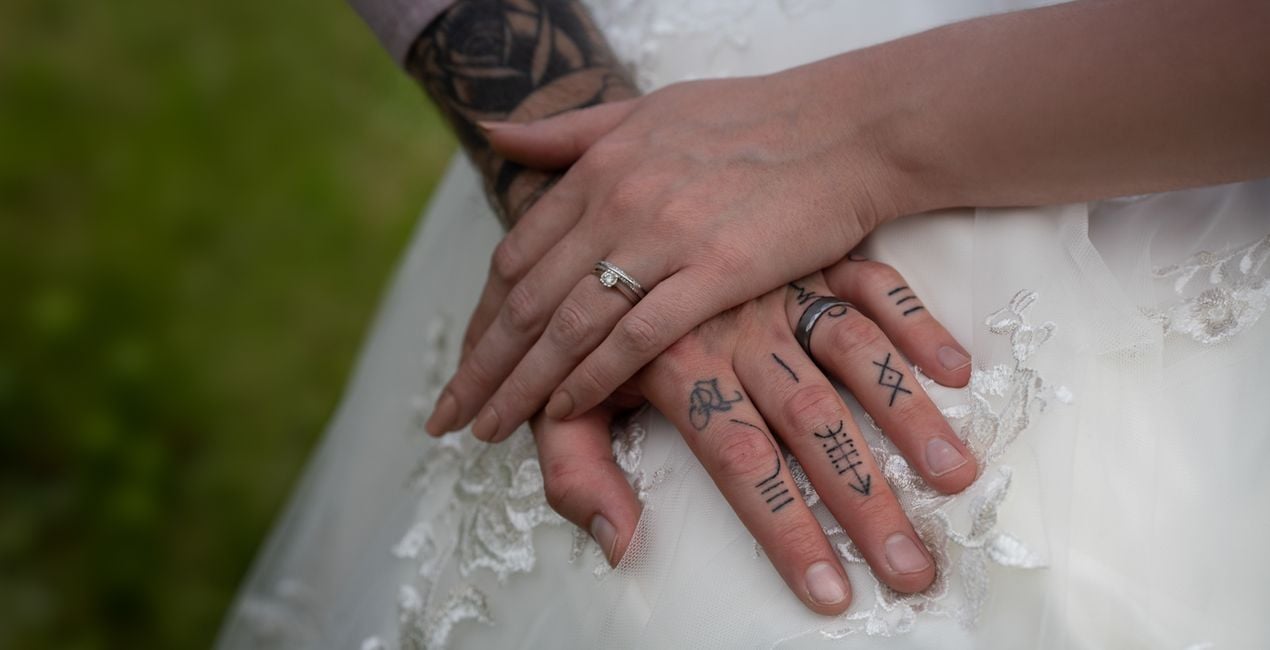
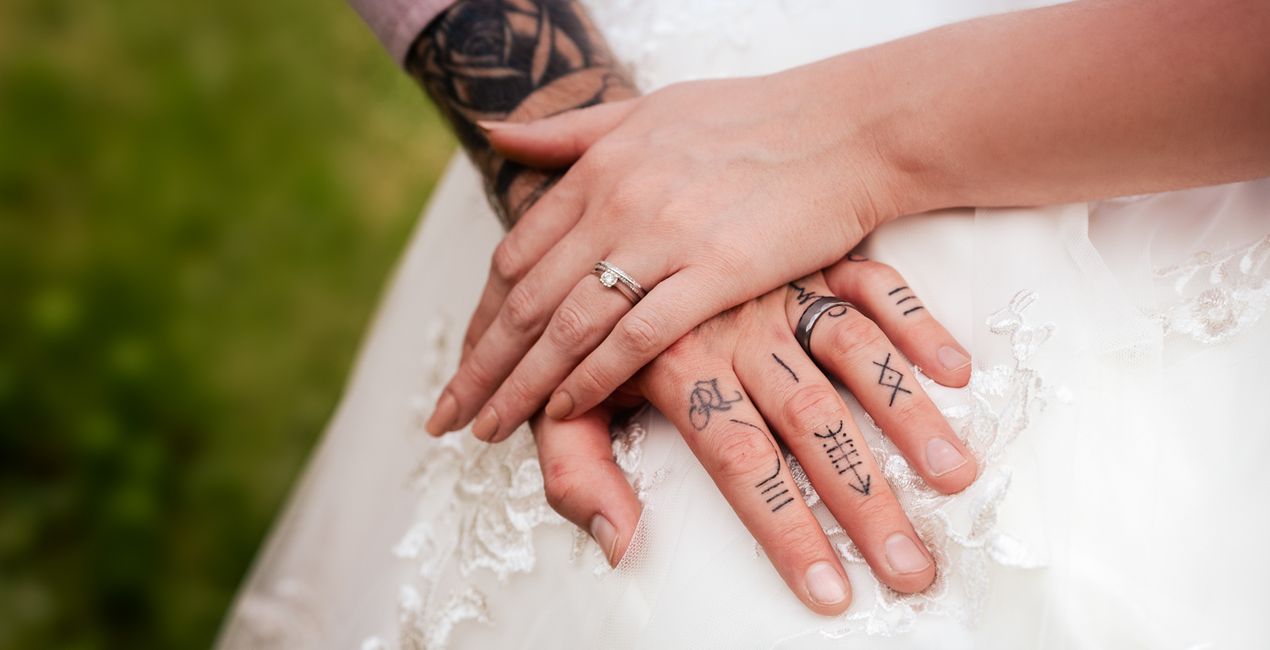
Lace. A bright, heavily saturated Preset for highlighting wedding dress detail.
Marine. Enhanced teal and coral tones.
Subtle Teal. Preset with aqua skies and water with warm earth tones.
Sunkissed. Intense warm tones for sunrises and sunsets.
Sunlight. Color punch and vibrance for outdoor shoots.
Vineyard. Bright leaves and warm skin tones.
Don’t forget to share your results! Use the hashtag #madewithluminar on social media so the Skylum Team can take a look at your work!
Photographer. Skylum Ambassador.
Mathew Browne is a cross-genre photographer who has gained recognition for his vibrant images spanning the spectrum of travel photography. A prolific traveler, Mathew has visited nearly 70 countries and photographs extensively for the photo location sharing platform PhotoHound, which he co-founded in 2018.
These Looks serve as the foundation for much of his wildlife portfolio, often allowing him to achieve his desired result with just one click.
Veelgestelde vragen
Heb je nog extra vragen of wil je gewoon wat advies?
neem contact op met ons supportteamHeb je vragen over het product? Neem dan gerust contact op met ons supportteam – 24/7 bereikbaar. Volg gewoon deze link.
Volg deze stappen om Rural Wedding te kopen:
1. Open Skylum’s Marketplace.
2. Ga naar het tabblad waar Rural Wedding staat. Klik erop en voeg het toe aan je winkelmandje.
3. Ga naar je winkelmandje. Rond hier het aankoopproces van Rural Wedding af.
4. Na je aankoop ontvang je een bevestigingsmail met de downloadlink voor Rural Wedding. Je vindt het product ook terug in je Skylum-account onder het tabblad ‘Mijn add-ons’.
Uitgebreide instructies voor het installeren van Rural Wedding ontvang je in de bevestigingsmail, samen met de downloadlink.
Daarnaast kun je het gekochte item direct installeren in Luminar Neo: ga naar Extra’s > Marketplace, selecteer de productcategorie, zoek het gekochte item en klik op Installeren.
Supermakkelijk! Ga naar het tabblad Presets en kies daar ‘Gekocht’. Je geïnstalleerde preset staat ertussen.
Geen zorgen. Alle gekochte items, waaronder Rural Wedding, staan in het tabblad ‘Mijn add-ons’ van je Skylum-account. Van daaruit kun je ze makkelijk opnieuw downloaden en gebruiken.
In de meeste gevallen zijn items compatibel met Luminar Neo. Maar om zeker te weten of Rural Wedding werkt met jouw software, check je best even de specificaties vóór je iets downloadt of koopt. Kijk op de pagina van Rural Wedding aan de rechterkant bij het kopje ‘Compatibiliteit’ – daar staan alle compatibele producten vermeld.
Ga nog niet weg. Hier is een exclusieve kortingscode voor jou. Gebruik deze binnen 15 minuten om bij het afrekenen 10% extra korting te krijgen. Kopieer de onderstaande code en rond je aankoop af.
15 m : 00 s





