

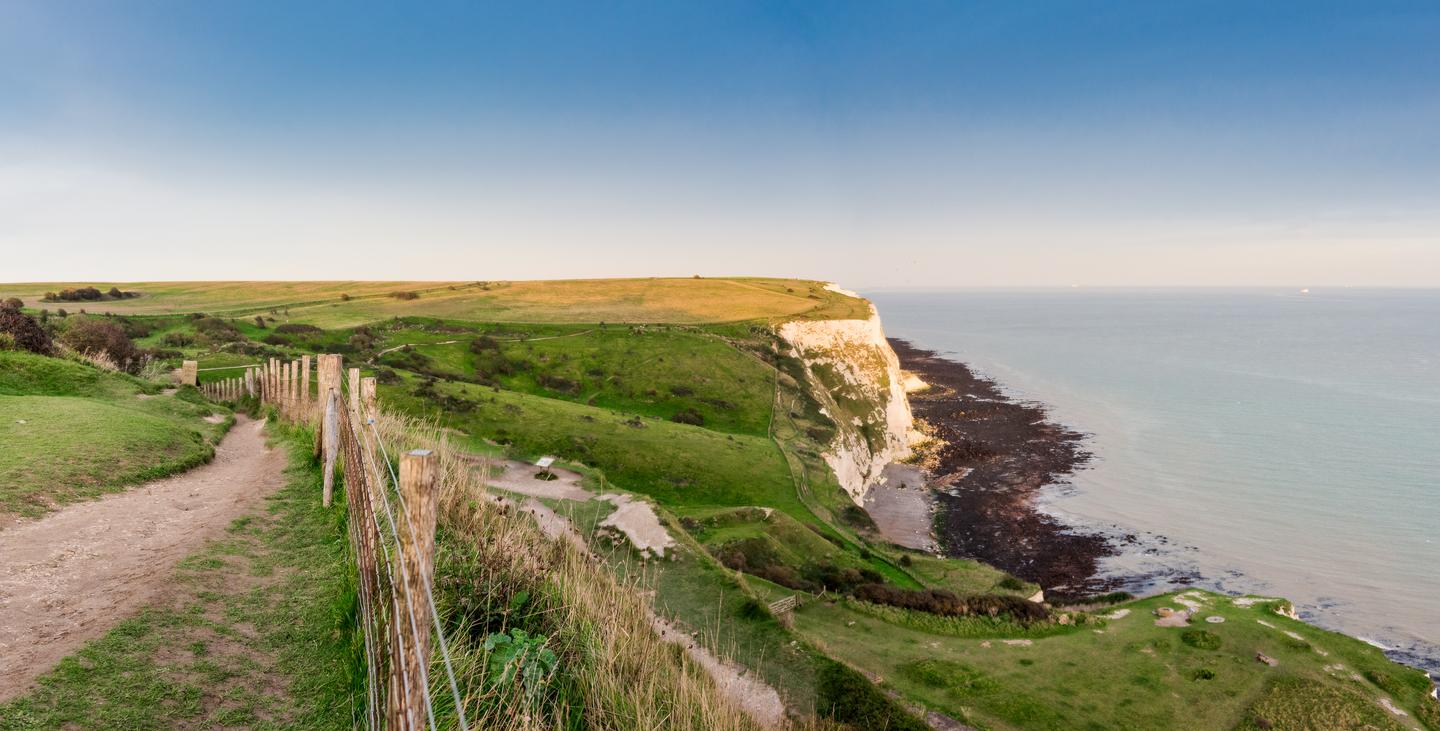
 © Mathew Browne
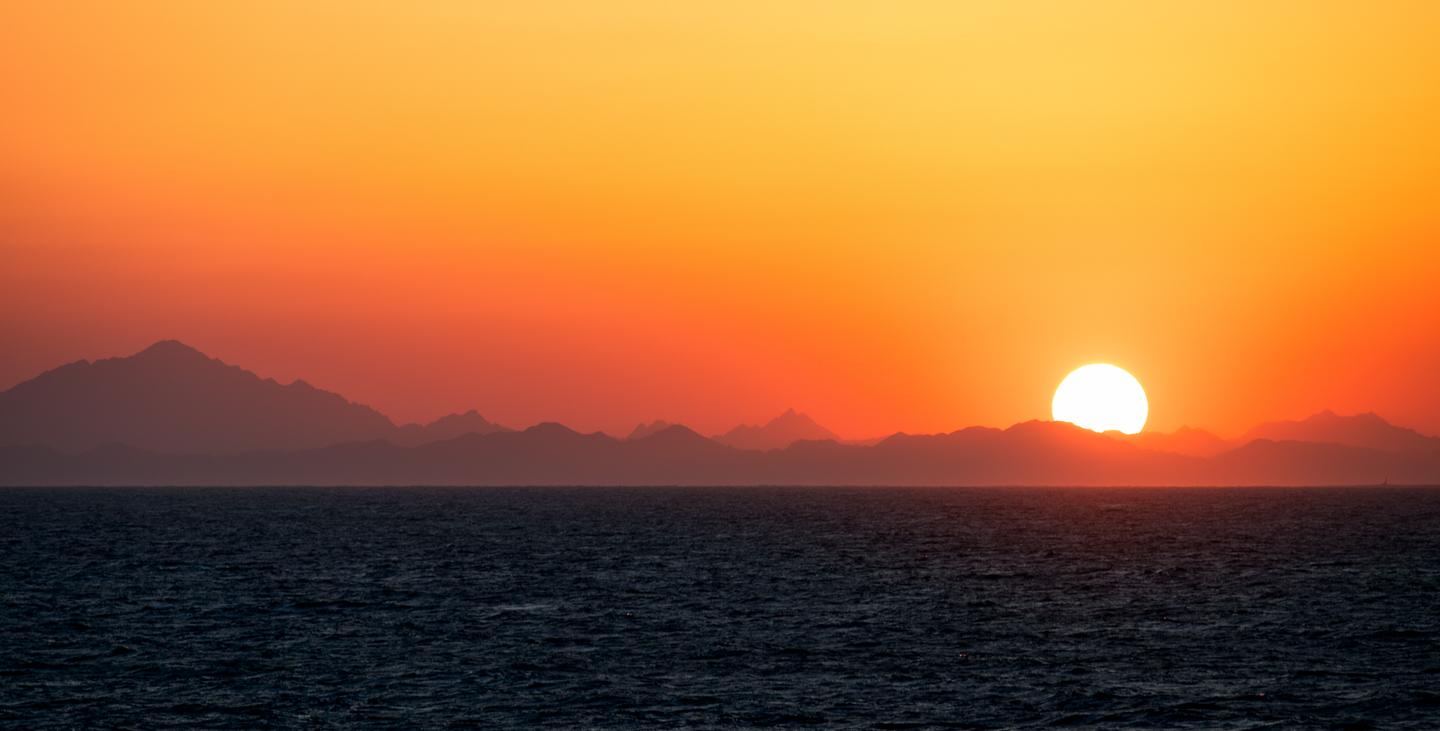 © Mathew Browne
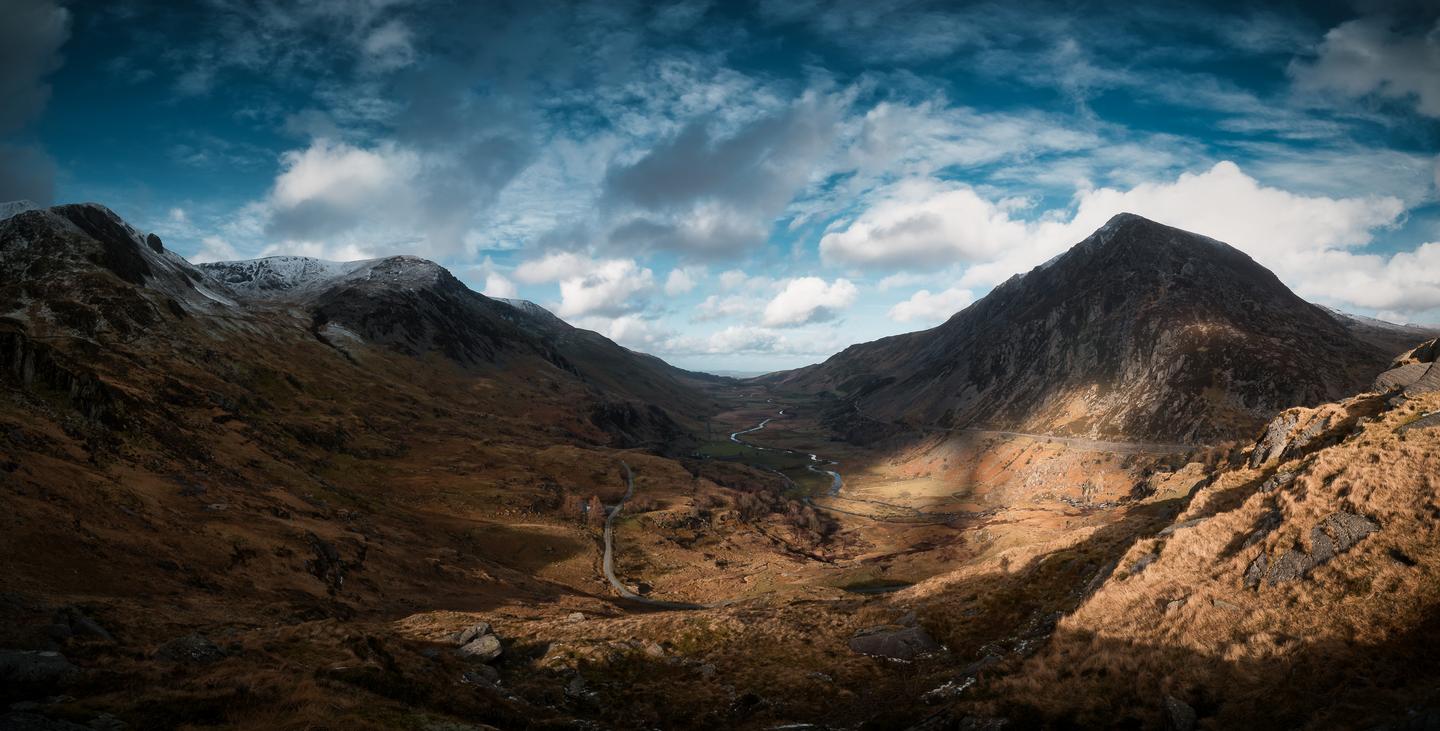 © Mathew Browne
Over
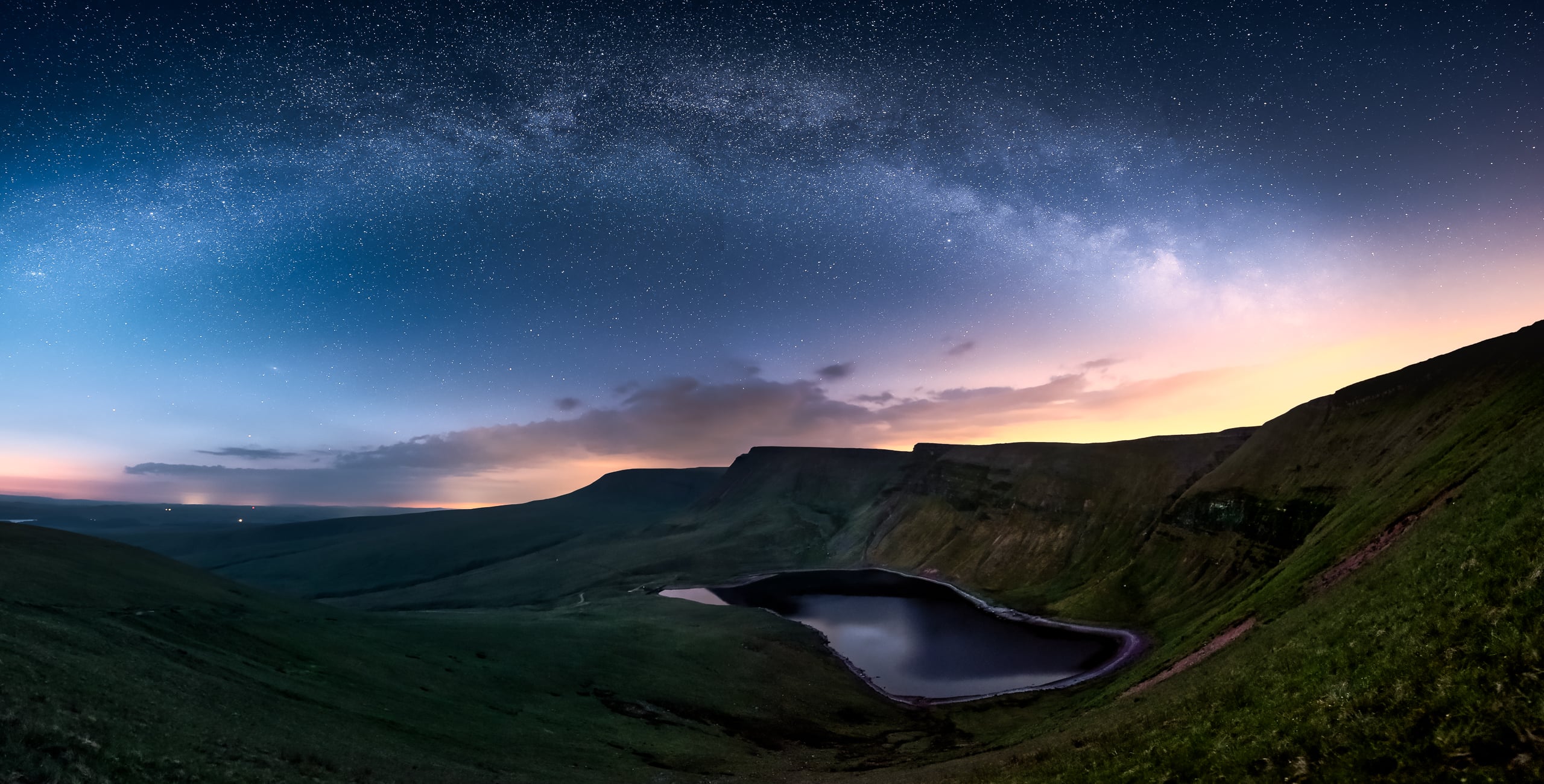
Discover these 10 incredible Presets to add the finishing touch to panoramic images put together in Luminar. These Presets are designed for cityscapes, landscapes and seascapes. Turn your freshly-stitched panoramas into works of art with these Presets. Time to try them out on your photos!
Maak foto's zoals deze
Met behulp van de meegeleverde RAW-bestanden oefent u gemakkelijk retoucheertips en leert u hoe u dergelijke foto's kunt maken.
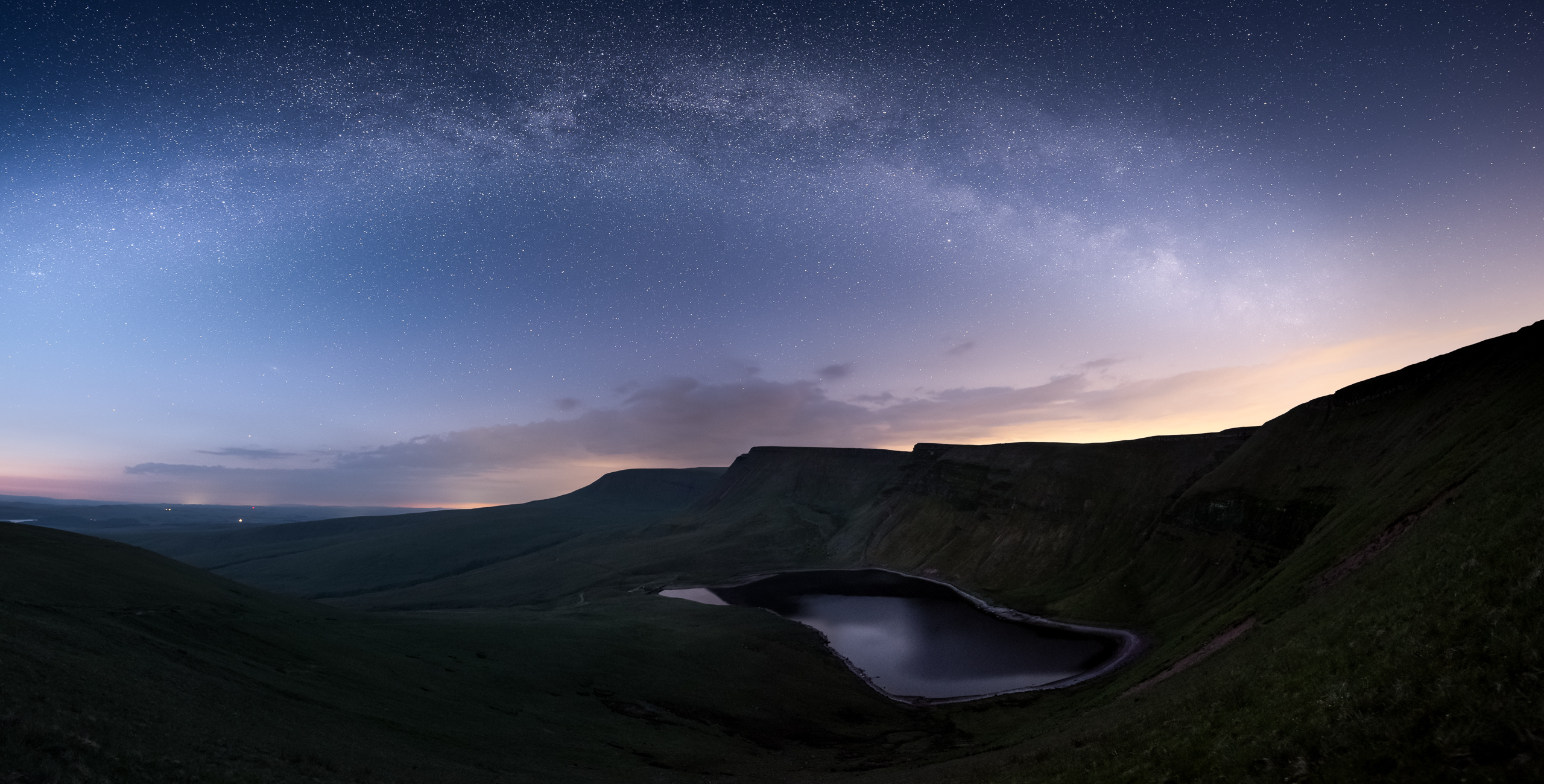
Het Verhaal
 © Mathew Browne
You'll find 10 Presets in this pack:
Astro Pop: Boosts contrast, details and structure in night sky images
Coral Dawn: Combine richly saturated highlights to form an impressive early morning look
Cyberpunk: Create a cinematic look with electric blues and neon pinks
Dark Blue Hour: Add indigo skies and improved detail and structure for cityscapes
Gold Hour: Enhance warm golds, pinks and saturated highlights; ideal for landscapes in the golden hour
Green Hills: Add a pop of color to the skies, as well as foregrounds for landscapes in daytime
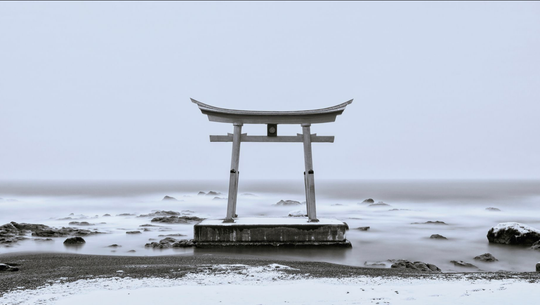
Greyscape: Transform photos taken during overcast days with a high key look
Light Blue Hour: Enhance contrast and color for cityscapes captured in the early blue hour
Sunset Dehaze: Add warmth and contrast to evoke memories of a warm sunset
Wild Outdoors: Enhance the rich sky tones and warm foreground to form a cinematic high contrast look
Don’t forget to share your results! Use the hashtag #madewithluminar on social media so the Skylum Team can take a look at your work!
Gerelateerde Producten










Maker
Mathew Browne
Photographer. Skylum Ambassador.
Mathew Browne is a cross-genre photographer who has gained recognition for his vibrant images spanning the spectrum of travel photography. A prolific traveler, Mathew has visited nearly 70 countries and photographs extensively for the photo location sharing platform PhotoHound, which he co-founded in 2018.

Veelgestelde vragen
Heb je nog extra vragen of wil je gewoon wat advies?
Neem contact op met ons supportteam