


 Toegepast


Z&W Portret
Save $201 $ 16 .15 $ 19 .00

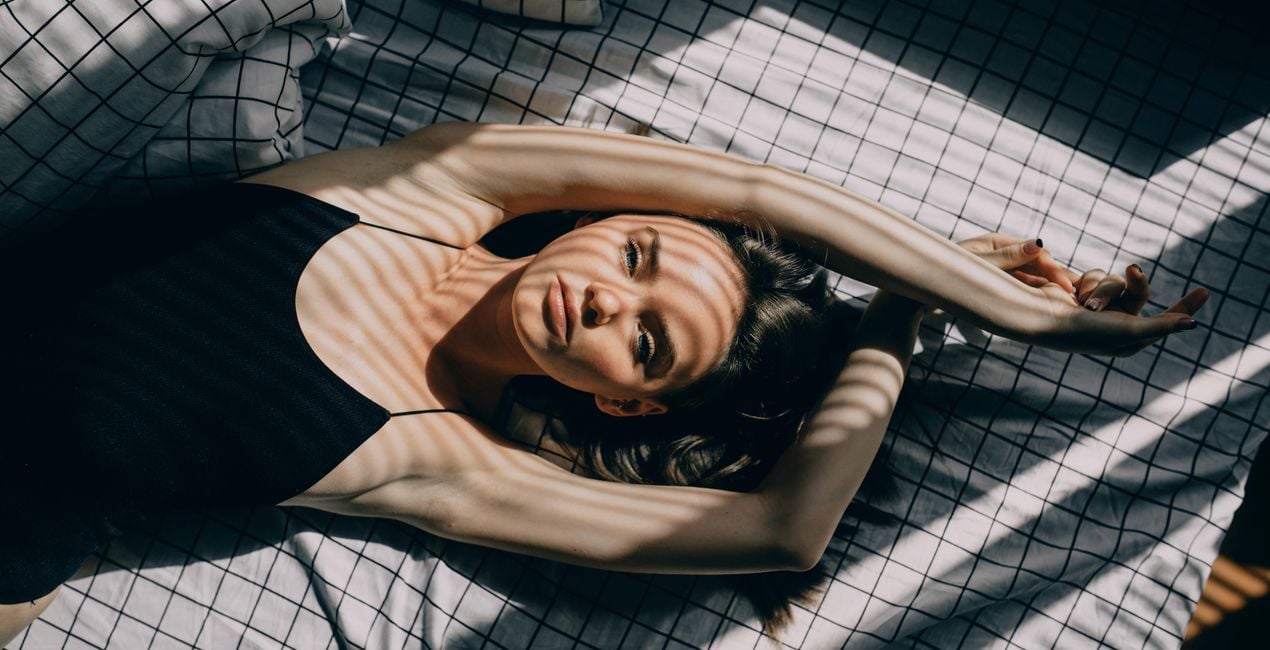
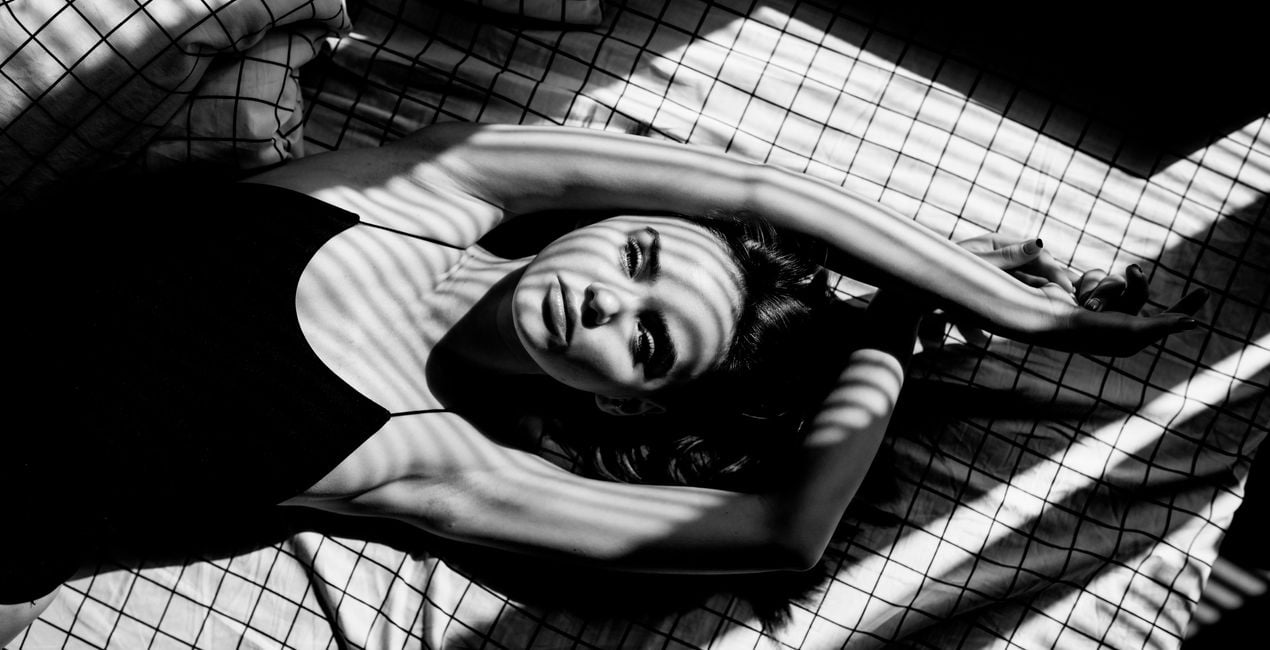
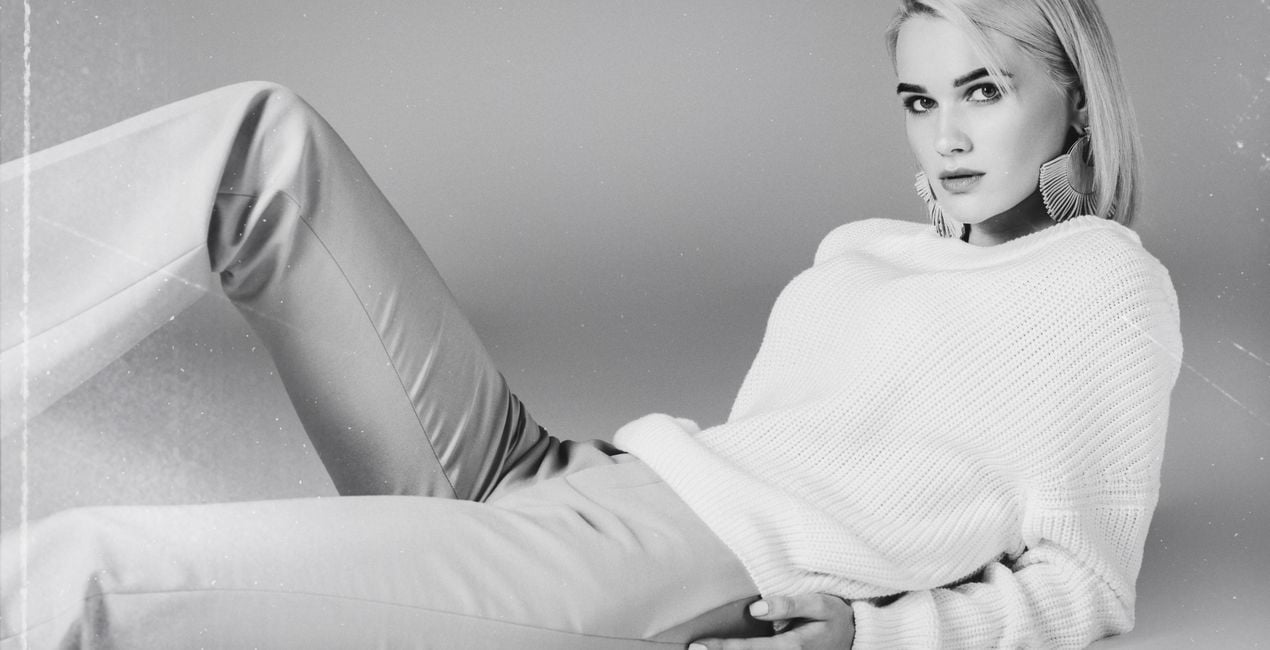
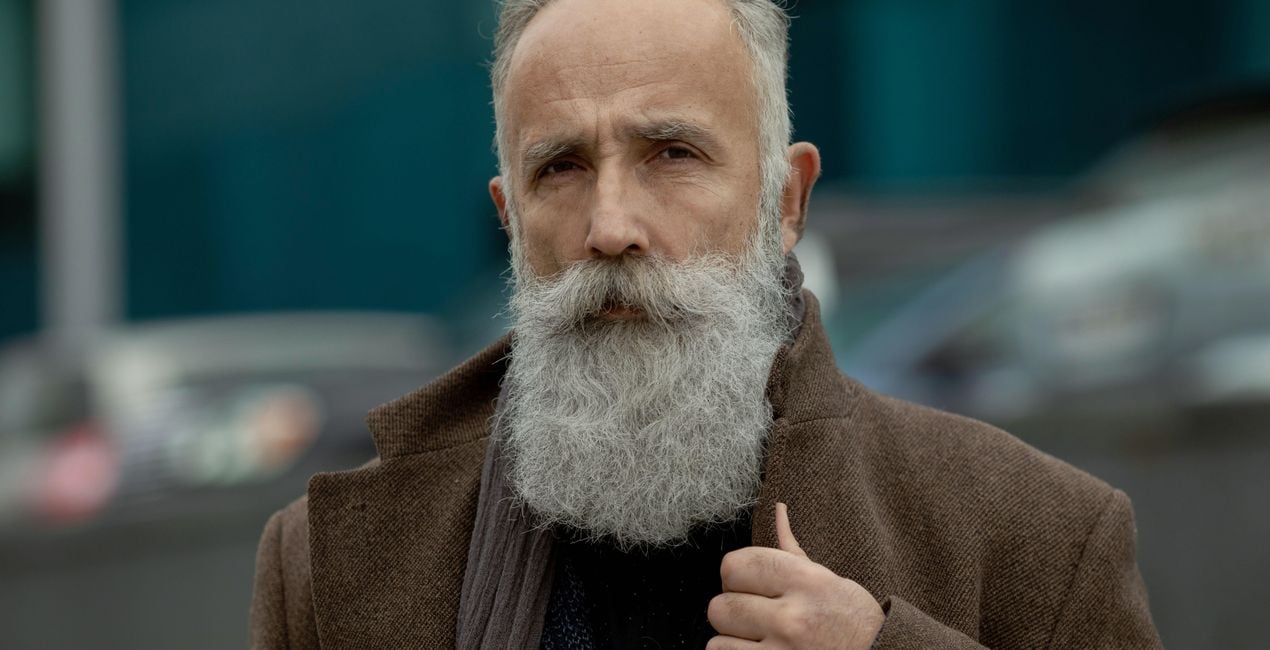
10 tijdloze Sjablonen voor onvergetelijke zwart-wit portretten
Wat is inbegrepen
10 Sjablonen en Voorinstellingen. Compatibel met JPEG en RAW afbeeldingen.

Met behulp van de meegeleverde RAW-bestanden oefent u gemakkelijk retoucheertips en leert u hoe u dergelijke foto's kunt maken.
 >
>

 >
>

 >
>
 >
>
 >
>

 >
>

 >
>
 >
>

 >
>
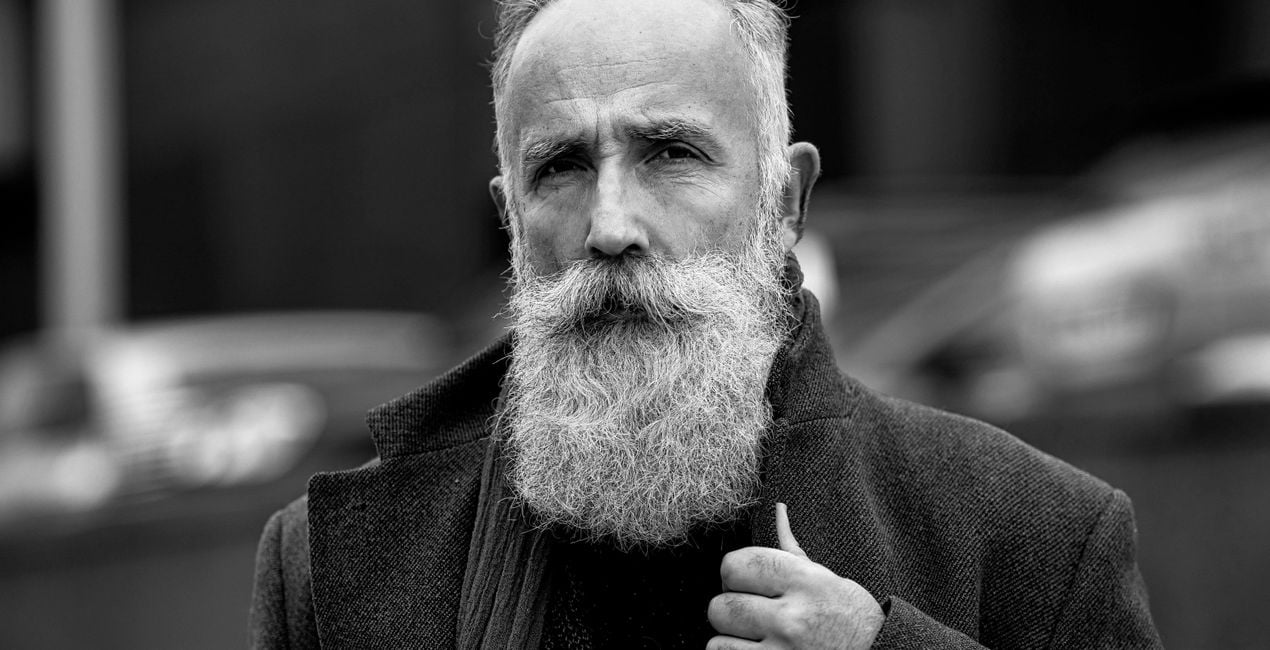
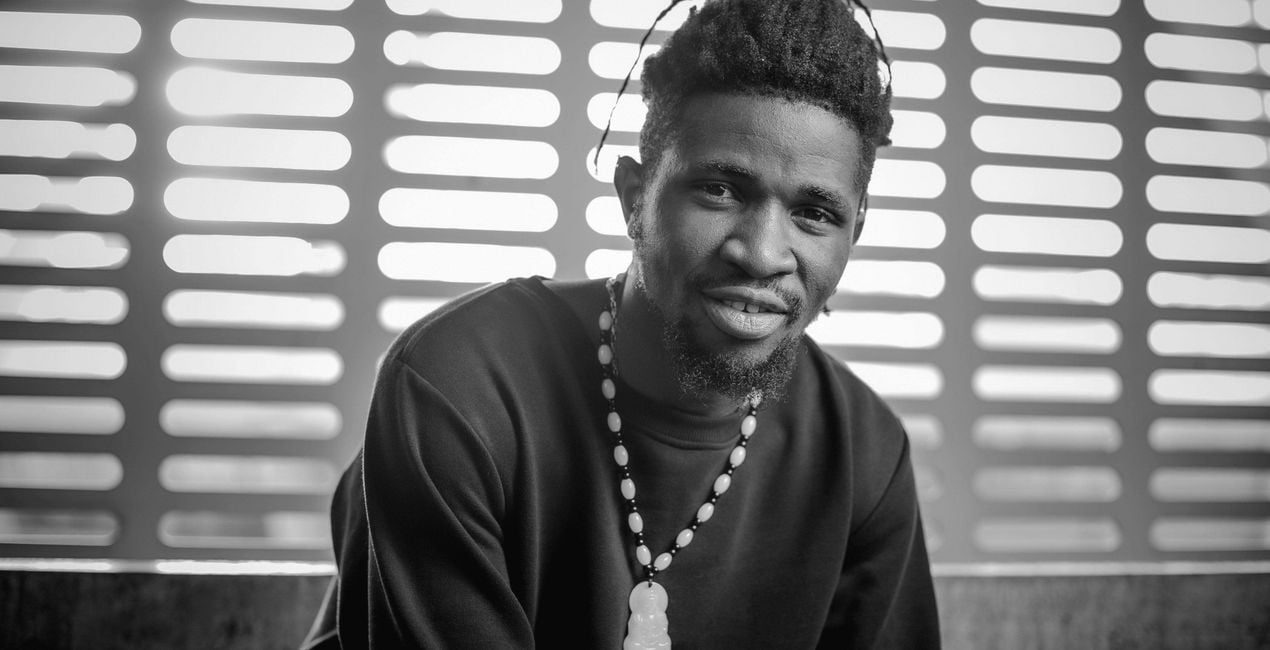
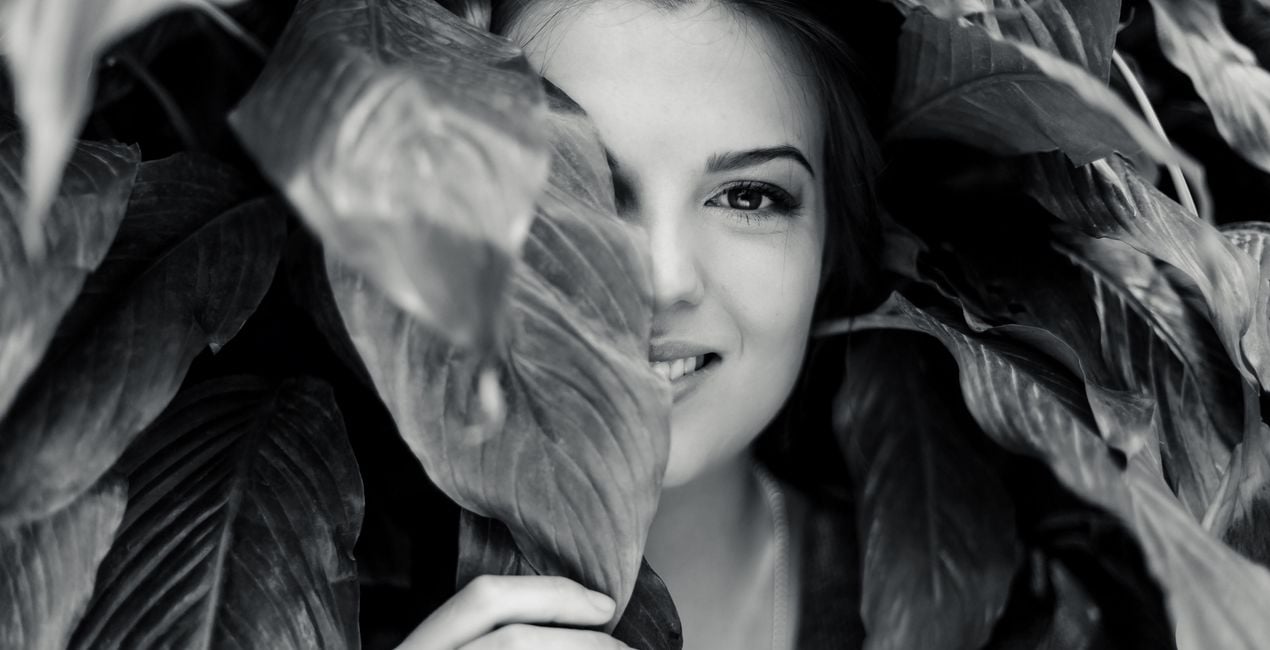
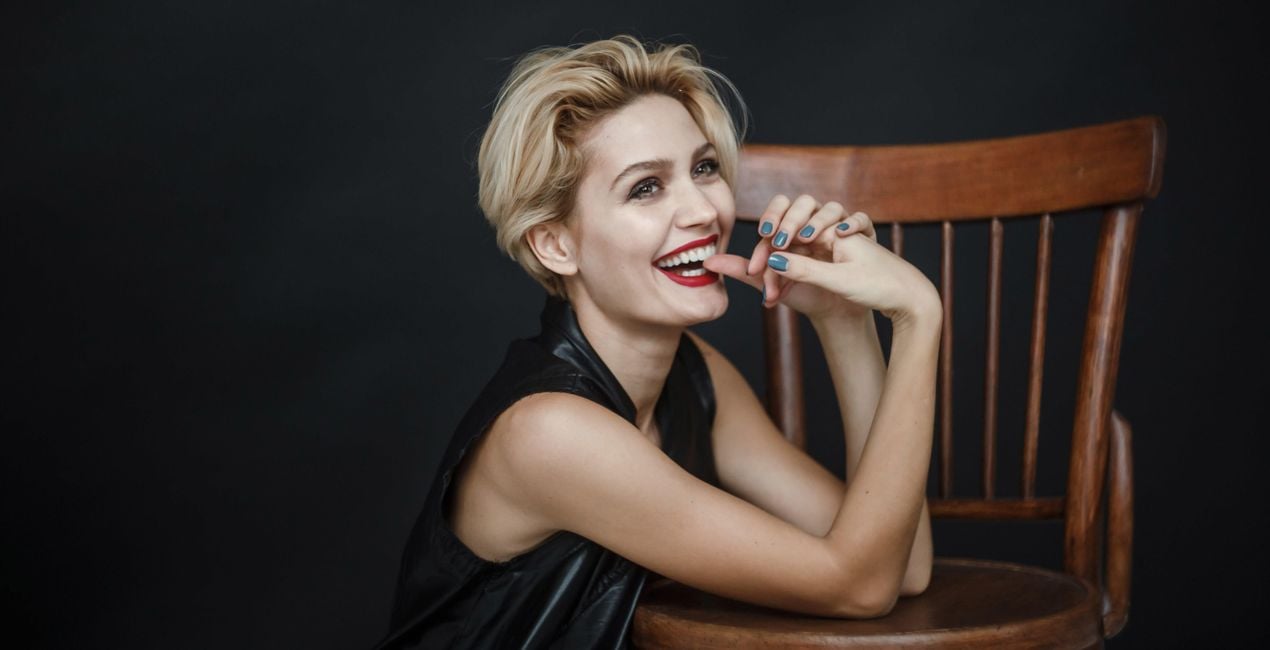
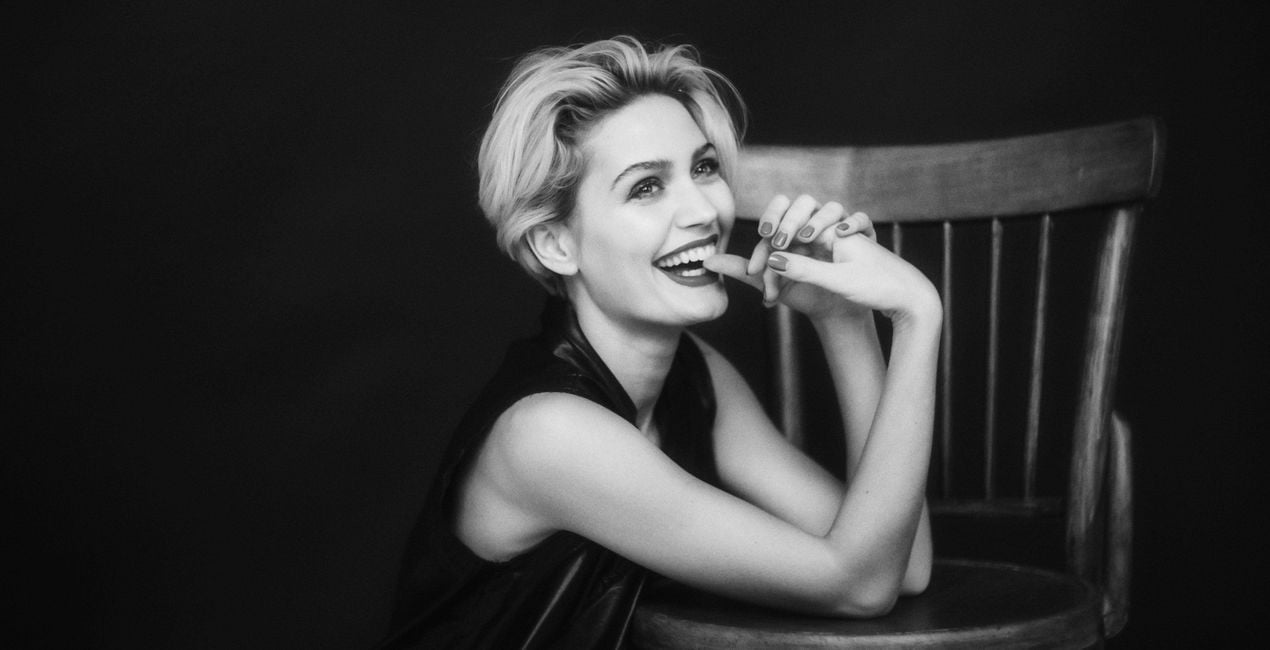
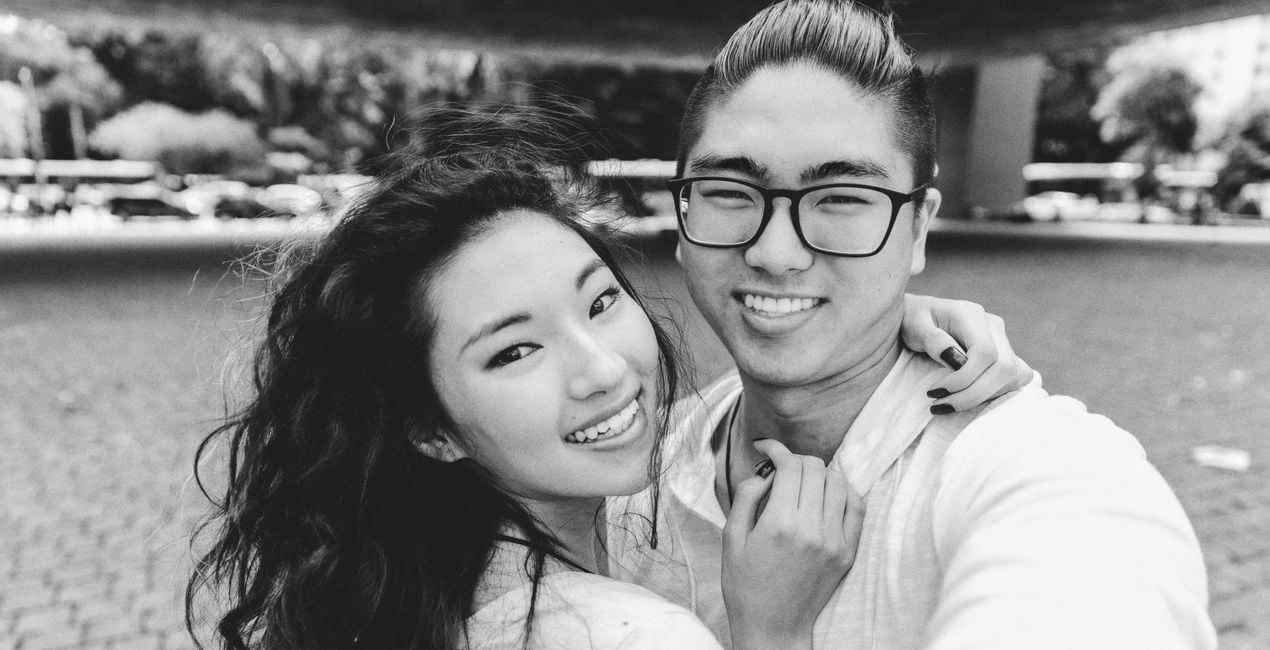
The black and white portrait is a classic, but expanding the varieties of this style is bound to make your creativity shine.
Discover 10 entrancing Templates that will help you create portraits that are stripped down to their core, yet beautifully unique.
When creating this collection, the Skylum Team was Inspired by the glow of old movies, magazine covers, and the latest fashion trends.
With shadowplay, matte looks, textures, colored accents, and more, you will certainly find a Template in this collection that can make your model look incredible.
What you’ll find in this pack (10 Templates):
Сhiaroscuro: A Template that enhances super contrast; suitable for photos with harsh light and those that have sharp transitions from light to shadow.
Razor Blade: Enhance clarity and contrast for a sharp and fresh look in your portraits.
Movie Classics: Want to recreate that feeling in old movies? Choose this black and white Template with added Glow and Film Grain for atmospheric portraits.
Matte Black: This Template has a raised black point complete with matte shadows and a touch of Film Grain to give a unique look to your models.
Soul Eyes: Inspired by the classic covers of Esquire magazine, this Template adjusts clarity and contrast, giving an extra accent to the eyes as well as applying FaceAI.
Carbon: A low contrast black and white Template that pulls your viewers right in.
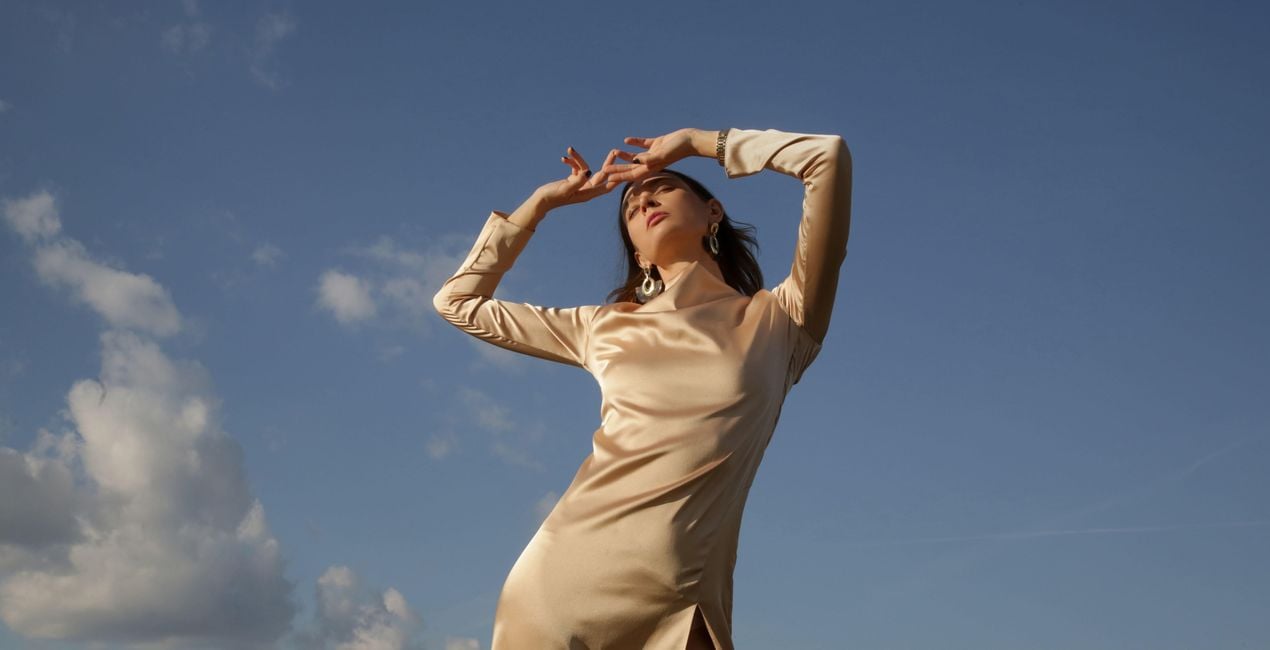
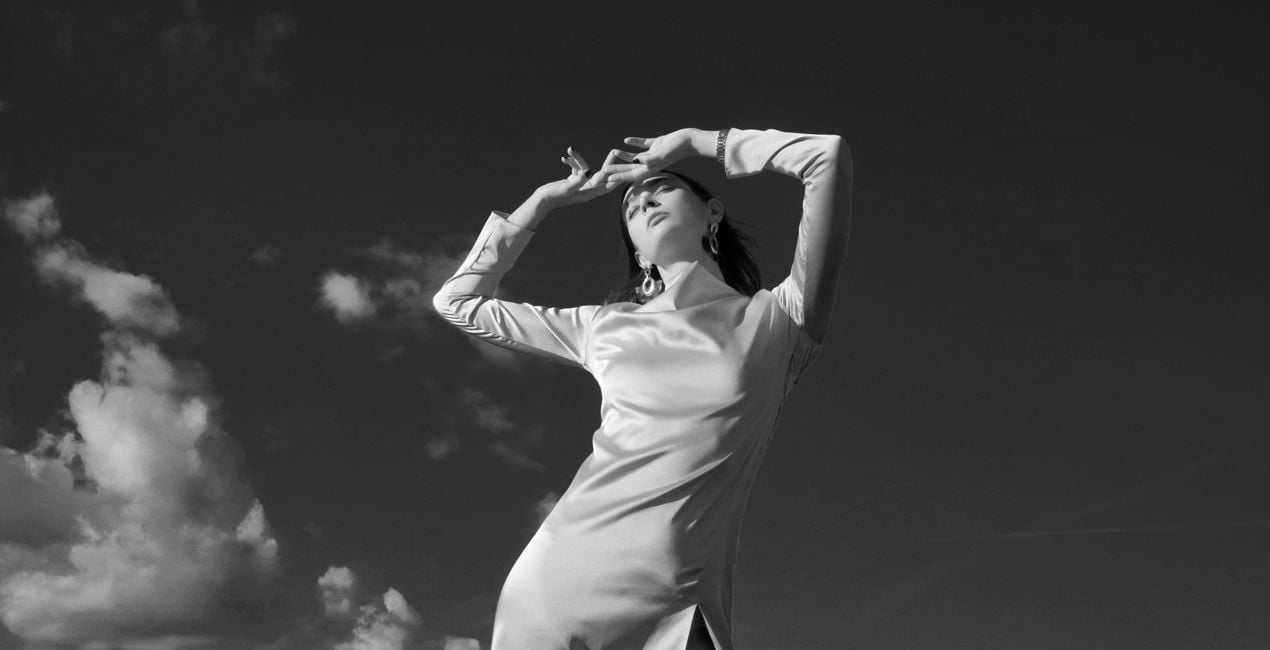
Duality: Try this Template for photos of a human subject against the blue sky. You will see a pleasing result with a balanced brighter skin and darker sky.
Dust Play: Add an edgy feeling to your portrait with highlights and a realistic and unique texture of dust and scratches.
Colorize: Discover an absolutely unique spin on the black and white style with a colored gradient to make your photos stand out.
Indigo: This Template channels toned shadows and highlights for a different vibe in your photos.
Keep in mind that a Template’s default effect might be too strong for your photo. If it is, simply bring it back a bit with the Amount slider.
SHARE: Use the hashtag #madewithluminar on social media so the Skylum Team can take a look at your results!
Fotografen, coloristen & retoucheurs
Het Skylum team werkt samen met honderden professionele fotografen en retouchers om u Templates te brengen die topfotografen gebruiken om hun meesterwerken te creëren. Het Skylum AI Lab analyseert de foto's en workflows van fotografen en creëert Templates die voor iedereen toegankelijk zijn en die gebruik maken van de geavanceerde LuminarAI technologie. Onze missie is om de tijd en moeite die het kost om een indrukwekkende foto te maken te verminderen en iedereen te laten genieten van fotobewerking en fotografie.
Veelgestelde vragen
Heb je nog extra vragen of wil je gewoon wat advies?
neem contact op met ons supportteamHeb je vragen over het product? Neem dan gerust contact op met ons supportteam – 24/7 bereikbaar. Volg gewoon deze link.
Volg deze stappen om B&W Portrait te kopen:
1. Open Skylum’s Marketplace.
2. Ga naar het tabblad waar B&W Portrait staat. Klik erop en voeg het toe aan je winkelmandje.
3. Ga naar je winkelmandje. Rond hier het aankoopproces van B&W Portrait af.
4. Na je aankoop ontvang je een bevestigingsmail met de downloadlink voor B&W Portrait. Je vindt het product ook terug in je Skylum-account onder het tabblad ‘Mijn add-ons’.
Uitgebreide instructies voor het installeren van B&W Portrait ontvang je in de bevestigingsmail, samen met de downloadlink.
Daarnaast kun je het gekochte item direct installeren in Luminar Neo: ga naar Extra’s > Marketplace, selecteer de productcategorie, zoek het gekochte item en klik op Installeren.
Supermakkelijk! Ga naar het tabblad Presets en kies daar ‘Gekocht’. Je geïnstalleerde preset staat ertussen.
Geen zorgen. Alle gekochte items, waaronder B&W Portrait, staan in het tabblad ‘Mijn add-ons’ van je Skylum-account. Van daaruit kun je ze makkelijk opnieuw downloaden en gebruiken.
In de meeste gevallen zijn items compatibel met Luminar Neo. Maar om zeker te weten of B&W Portrait werkt met jouw software, check je best even de specificaties vóór je iets downloadt of koopt. Kijk op de pagina van B&W Portrait aan de rechterkant bij het kopje ‘Compatibiliteit’ – daar staan alle compatibele producten vermeld.
Ga nog niet weg. Hier is een exclusieve kortingscode voor jou. Gebruik deze binnen 15 minuten om bij het afrekenen 10% extra korting te krijgen. Kopieer de onderstaande code en rond je aankoop af.
15 m : 00 s





