

 적용됨
적용됨 



Paris to Venice
Save $201 $ 19 .00
12 wonderful Presets for street photos taken during your travels through European cities. Easily enhance colors and lights, giving your creations a stunning look. Turn average tourist photos into images you’ll cherish forever.
포함되어 있는 사항
12 Presets

RAW 파일을 사용하면 간편하게 리터치 기법을 연습하고 멋진 사진을 편집하는 방법을 배울 수 있습니다.
 >
>
 >
>
 >
>
 >
>
 >
>
 >
>
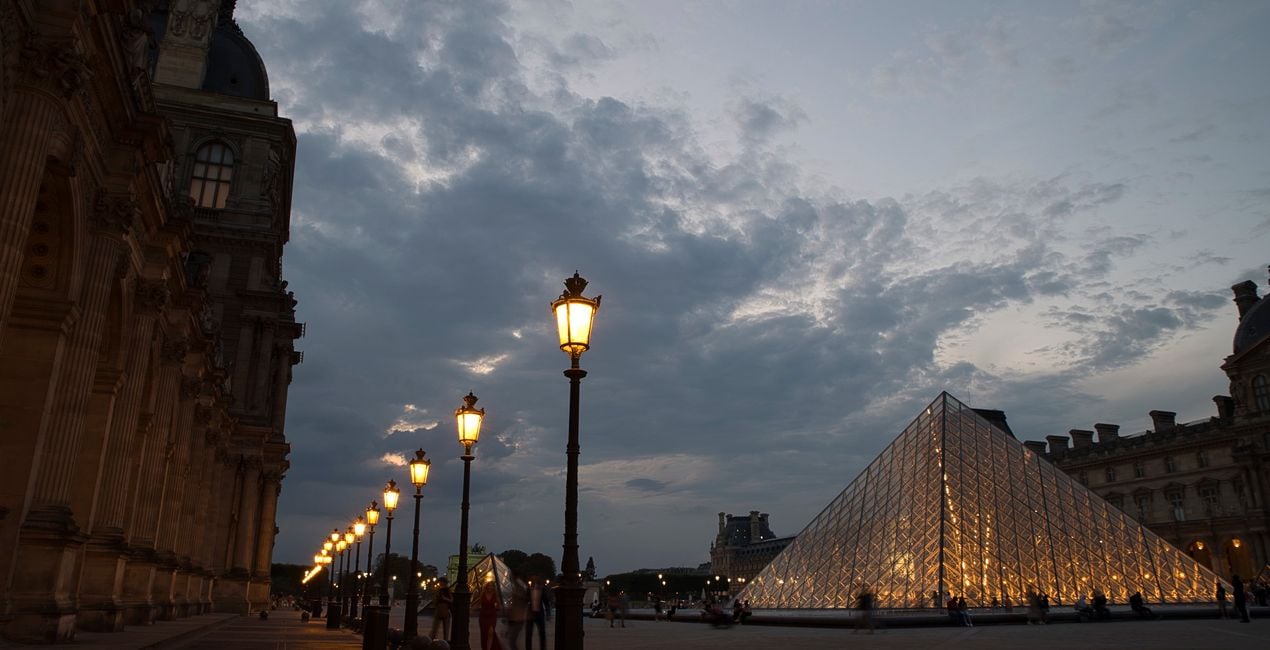
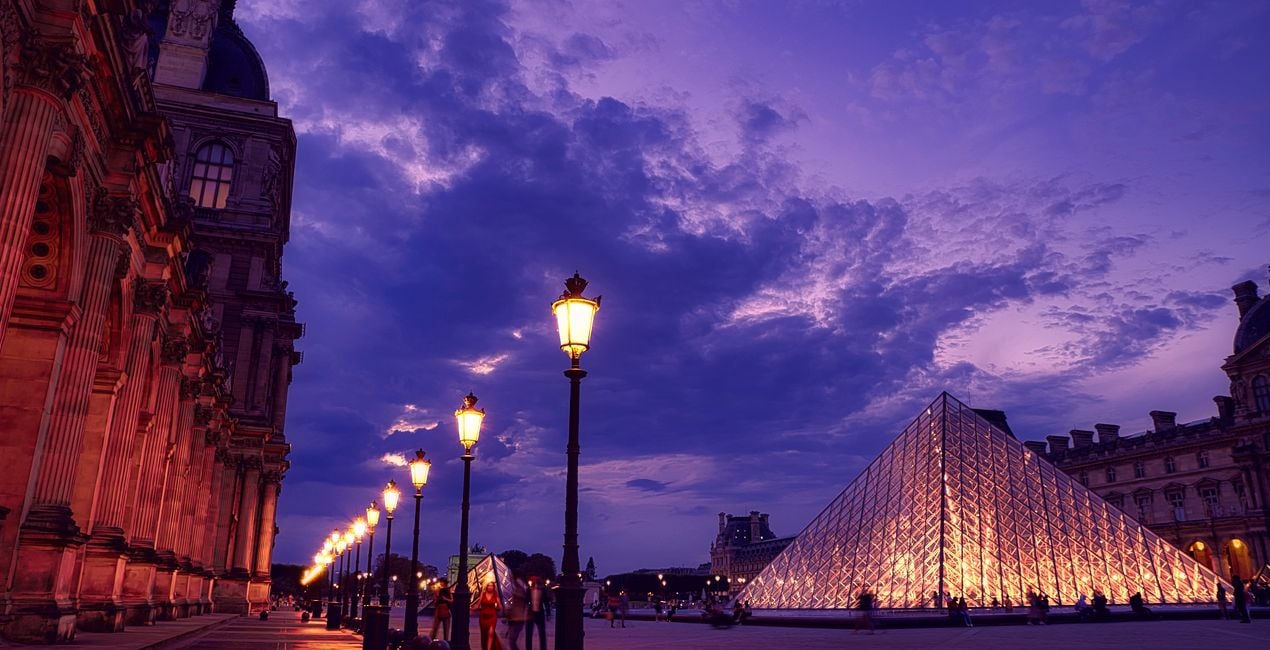
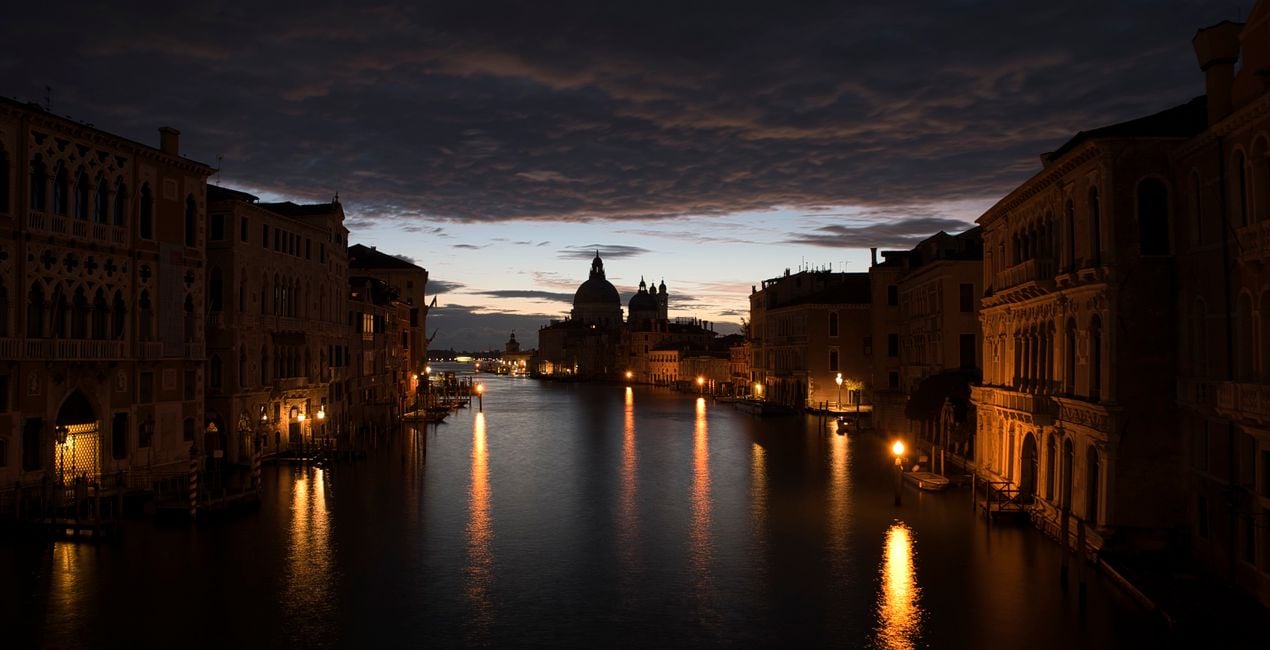
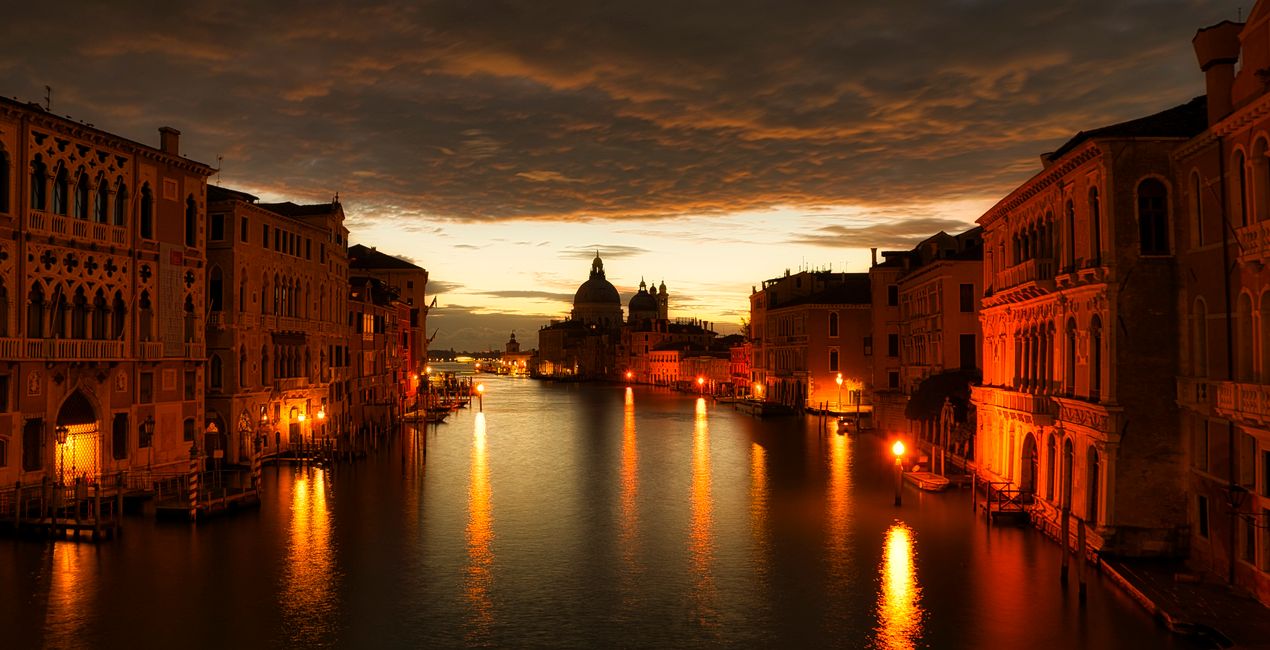
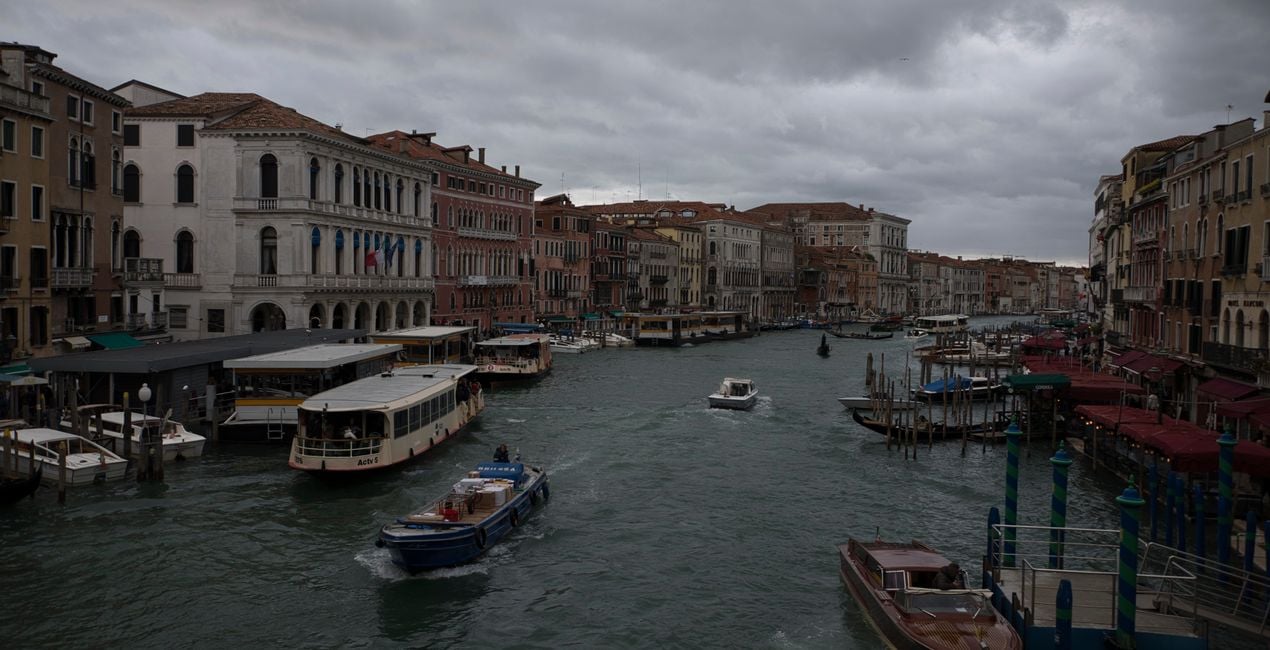
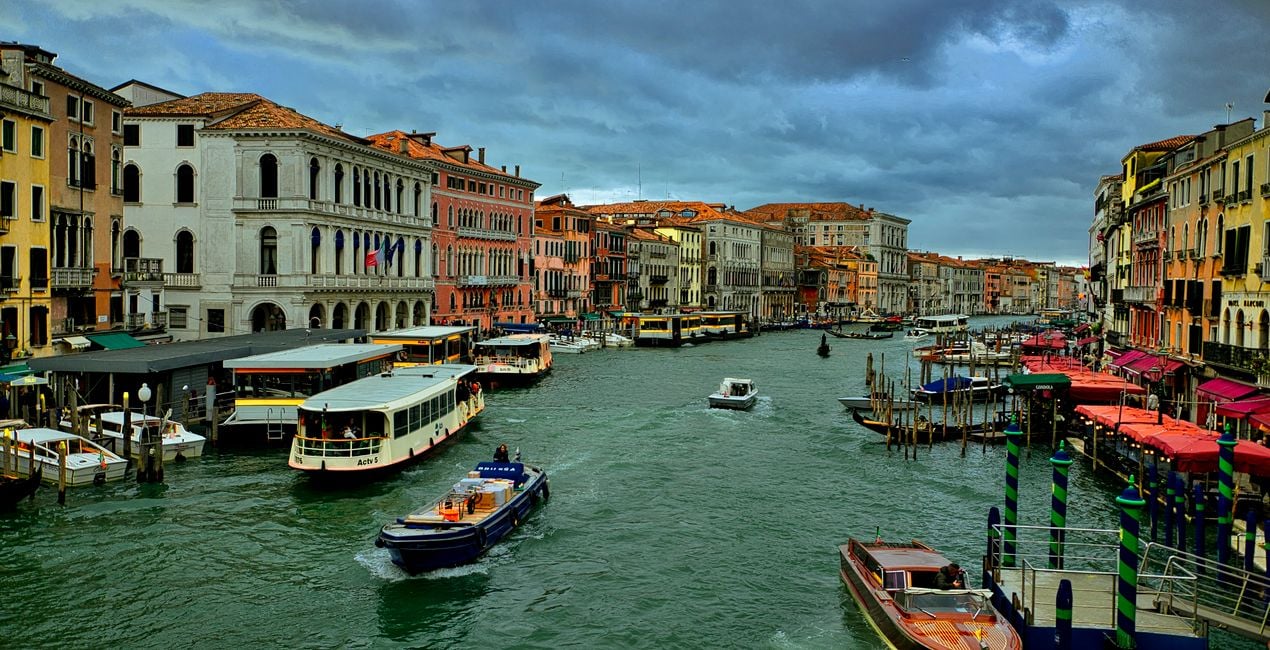
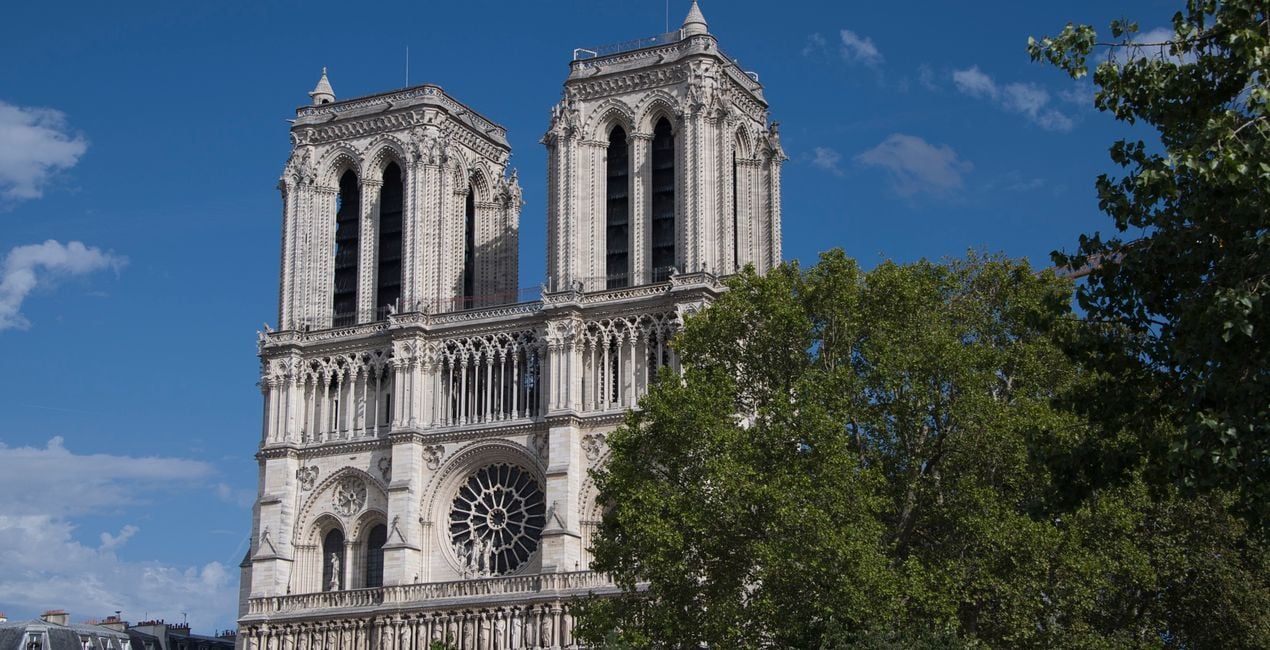
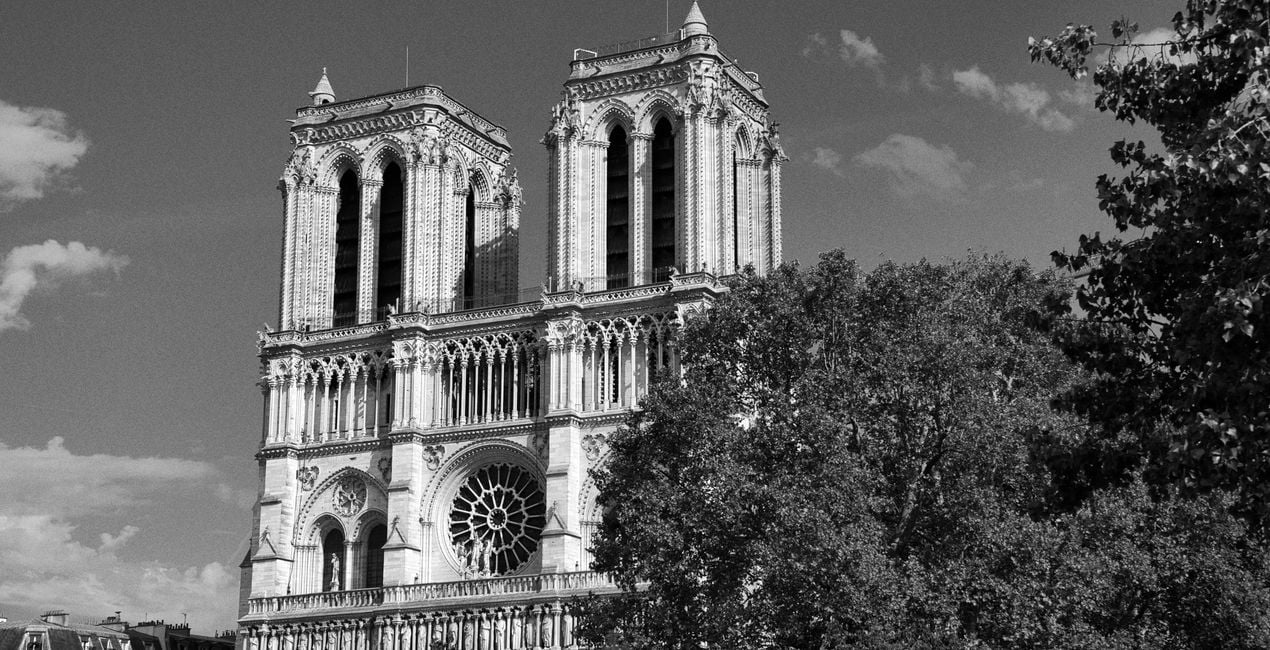
Have you ever visited the beautiful cities of Europe? Have you taken photos in these cities? If your answer is yes to these questions, this collection is just for you. Ahmet Anak has prepared this collection of Presets inspired by photos of Paris, the city where he lives, and Venice, which he loves very much. With this package, you can edit photos you have taken not only in Paris and Venice, but also in other historical cities of Europe, and channel the mystical atmosphere of those cities.
Be sure to use the amount slider when using Presets. This way, you can determine where the Preset best meets your photo and develop your own style accordingly. If you need further adjustments, you can make adjustments in the "Edit" section, where you can see the components of the Preset you are using.
You will find 12 Presets in this pack:
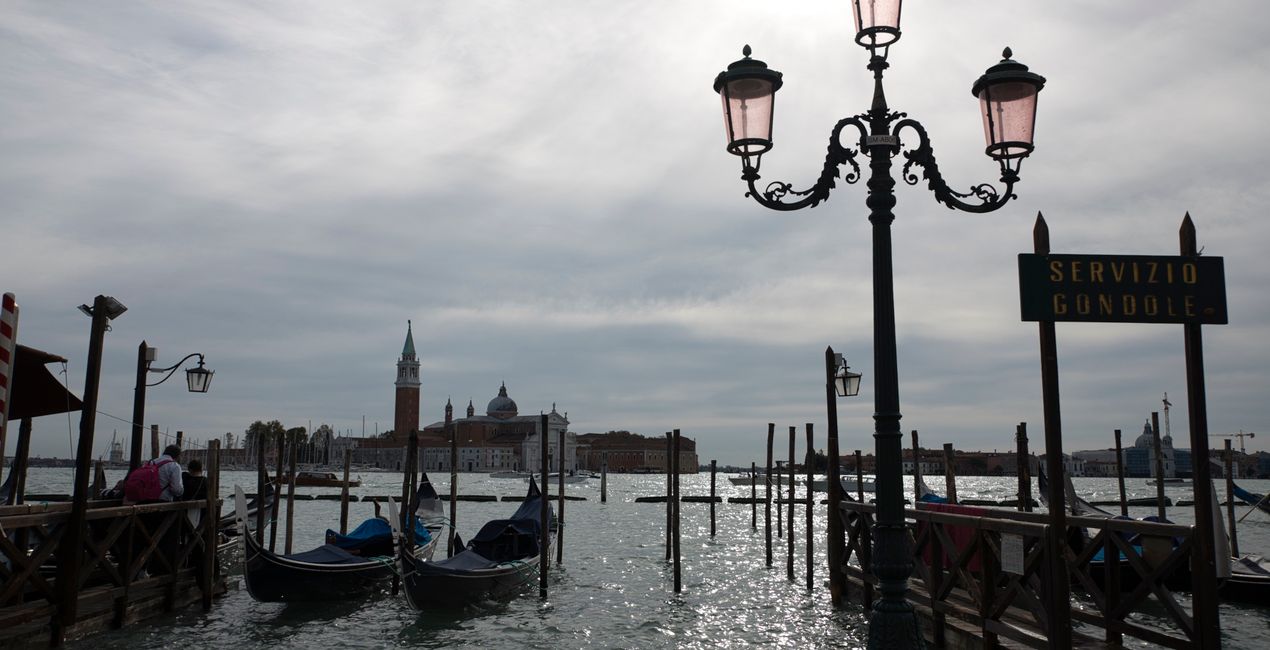
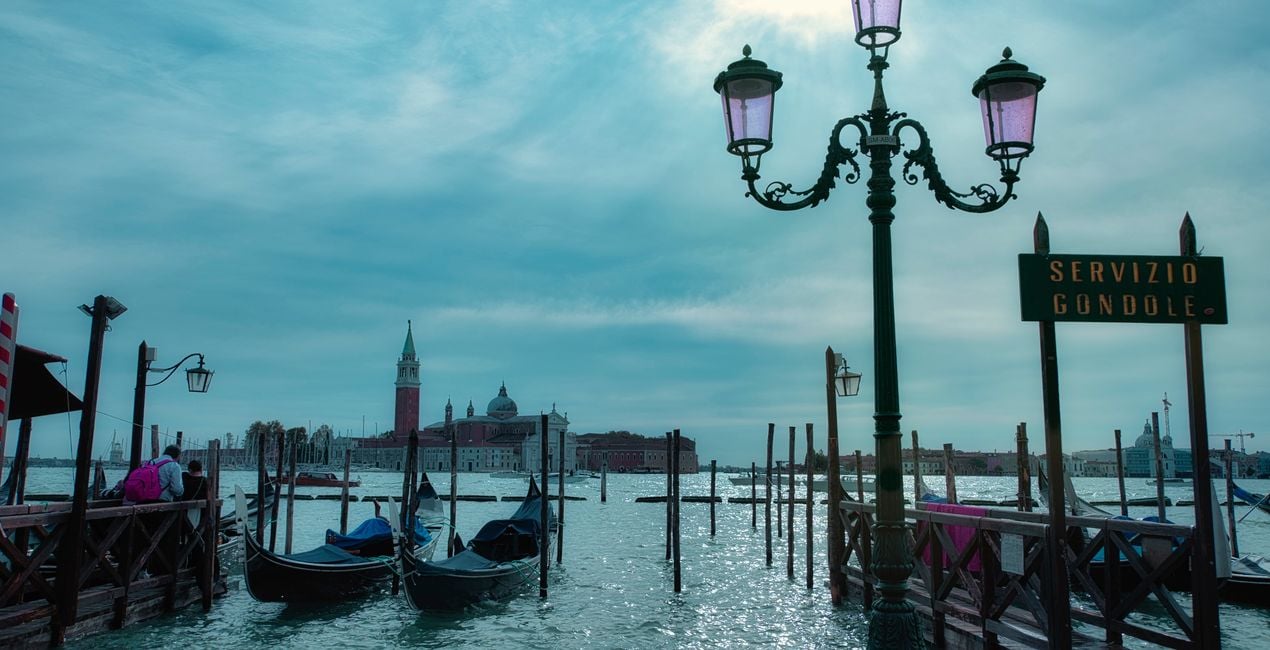
Gondolas: With this Preset, you can create photos that look like a grainy postcard. It is also recommended for your architectural photographs.
Rivalto: Use it for photographs taken from the famous Rivalto Bridge towards the canal and similar photographs of the architecture in and around the canal.
Grand Canal: Perfect for photos taken during sunrise on the Grand Canal. You can also transition from gold to magenta by changing colors in the Develop tool.
Moody Venice: Enhance photos where the sky color is reflected in the sea, with a bit of a gloomy and a bit emotional atmosphere.
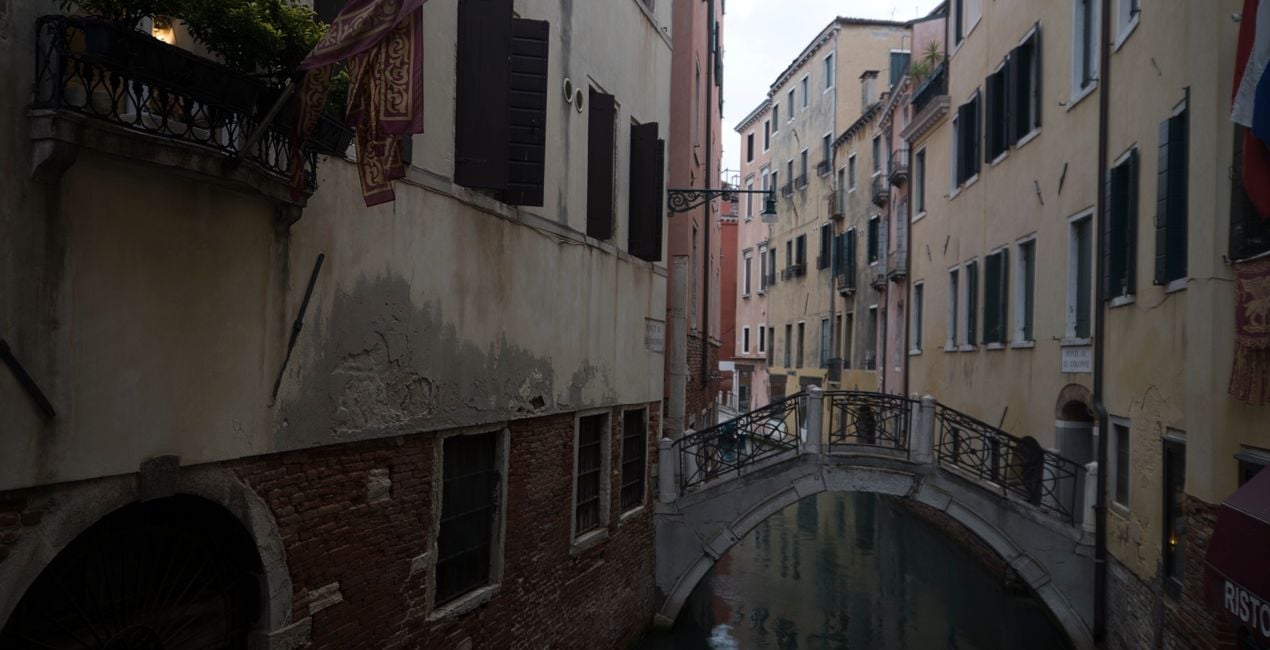
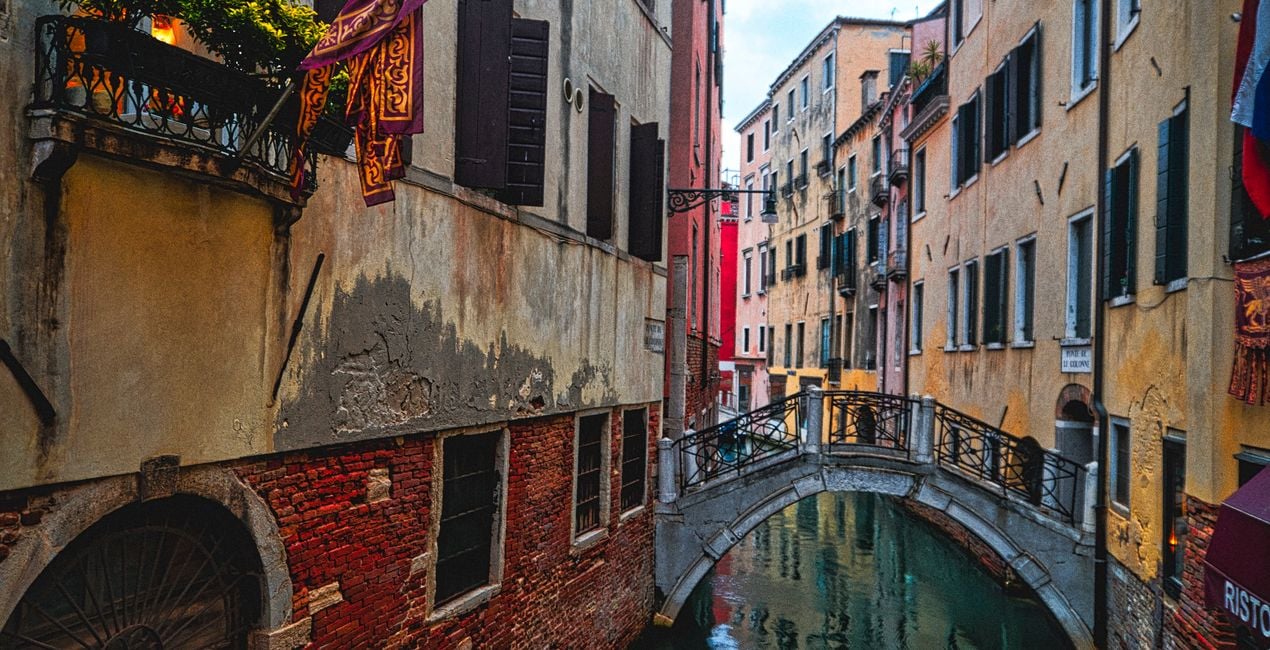
Colorful Houses: With this Preset, you can edit the photos you took on the bridges of Venice and reveal the old and mystical texture of the colorful houses.
Rainy Day: Reflect Murano's pastel colors in your photos with this Preset.
Bluehour City: Use it for post-sunset blue hour photos and for photos you take on the historical bridges of Paris.
Louvre Magic: Enhance a magenta sky after sunset, or improve the lights of the glass pyramids. It is recommended that you also readjust the architectural geometry settings for this Preset.
Sunny Days: Recommended for your photos where all the colors are the most vibrant on a sunny day in Paris. It is ideal for photographs dominated by blue and green colors.
Tower and Bridge: Try it on photos with a slightly dramatic spirit, in which the Eiffel Tower appears in a natural frame accompanied by a bridge.
Heritage: Perfect for photos in black and white with a gloomy mood, for example, of the acclaimed Notre Dame Cathedral. However, you can also get colored images with your preferred color option.
Blue Sky: Ideal for city photos with reflections on the water on a sunny day.
Never be afraid to use your creativity when using Presets. Let the Presets be a trigger that gets you going.
Landscape, nature photographer, colorist and retoucher
Ahmet Anak lives in Paris, France. He has worked in the design of air conditioning products for about 25 years and has been involved in professional photography for over 10 years. He has been working in photography full-time for the last 3 years.
Ahmet has traveled to more than 20 countries so far and has taken nature and landscape photographs in these countries. He went to Finland, Iceland and Norway from Northern European countries and took various photographs in the parts of those regions that remain in the Arctic Circle.
The photographs he took in Finland were published in one of Turkey's popular travel magazines. It also shares some of the photos it takes with stock photography sites and provides downloadable versions of these photos. He has been interested in drone photography for the last two years and has started to add bird's-eye photos to his archive.
Ahmet works with Luminar products while processing his photographs. Ahmet, one of the first users of Luminar, is currently working with Luminar Neo.
제품에 관한 문의 사항이 있으시면 24시간 지원팀에 연락하세요. 아래 링크를 따라가시면 됩니다.
Paris to Venice을 구매하려면 다음 단계를 따르세요:
1. Skylum 마켓플레이스를 엽니다.
2. Paris to Venice이 표시된 탭으로 이동하세요. 해당 상품을 클릭하여 장바구니에 담으세요.
3. 장바구니로 이동하세요. 여기서 Paris to Venice의 구매 절차를 완료하세요.
4. 구매 후 Paris to Venice의 다운로드 링크가 포함된 주문 완료 이메일을 받게 됩니다. 또한 새로 구매한 항목은 Skylum 계정의 ‘내 애드온’ 탭에서 확인하실 수 있습니다.
Paris to Venice 설치에 대한 자세한 안내는 다운로드 링크와 함께 발송되는 주문 처리 이메일로 보내드립니다.
또한 구매한 항목은 Luminar Neo에서 직접 설치할 수 있습니다: 기타 > 마켓플레이스로 이동한 후, 제품 카테고리를 선택하고 구매한 항목을 찾아 설치를 클릭하세요.
아주 간단합니다! 프리셋 탭으로 이동한 후 '구매한 항목'을 선택하세요. 설치된 프리셋이 여기에 표시됩니다.
걱정하지 마세요. Paris to Venice을 포함한 모든 구매 항목은 Skylum 계정의 ‘내 애드온’ 탭에 저장되어 있어 다시 간편하게 다운로드하고 이용할 수 있습니다.
일반적으로 대부분의 항목은 Luminar Neo와 호환됩니다. 그러나 Paris to Venice이 귀하의 소프트웨어와 호환되는지 확인하려면 다운로드 또는 구매 전에 해당 제품의 사양을 검토하십시오. Paris to Venice 페이지 오른쪽의 ‘호환성’ 섹션을 확인하시면 모든 호환 제품이 나열되어 있습니다.
아직 떠나지 마세요. 여러분만을 위한 특별 할인 코드를 준비했습니다. 15분 이내에 이 코드를 사용하시면 결제 시 추가 10% 할인을 받으실 수 있습니다. 아래 코드를 복사하여 구매를 완료해 주세요.
15 m : 00 s





