

 적용됨
적용됨 



Otherworldly Iceland
Save $201 $ 19 .00
Thanks to this Luminar Neo Preset collection, you can enhance the color, light and contrast of Iceland's otherworldly landscapes in your photographs. A deep canyon, a waterfall at sunset, the magnificent black sand beach, a view of a crater taken with a drone that looks as if it belongs on another planet — make your photos of any landscape view even more stunning with the right Preset.

RAW 파일을 사용하면 간편하게 리터치 기법을 연습하고 멋진 사진을 편집하는 방법을 배울 수 있습니다.
 >
>
 >
>
 >
>
 >
>
 >
>
 >
>
 >
>
Ahmet Anak is the lucky winner of the photo editing challenge organized by the Luminar Team. His prize was the Luminar Adventure to Iceland in August 2023, when he came to Iceland with the Luminar Team, other participants, and top photography experts to explore the beauty of this country. As a result, he prepared this collection of Presets using the photos he took during the one-week journey.
With Ahmet Anak's Preset pack, you can transform the photos you take in the Nordic countries during the summer season into photos where colors come alive, contrast and light make the photograph even more appealing. Whether it’s for cold or warm photos, drone shots or landscapes, each Preset helps you change the perspective in the photograph and reveal different results on light, color and contrast.
You will find 12 Presets in this pack:
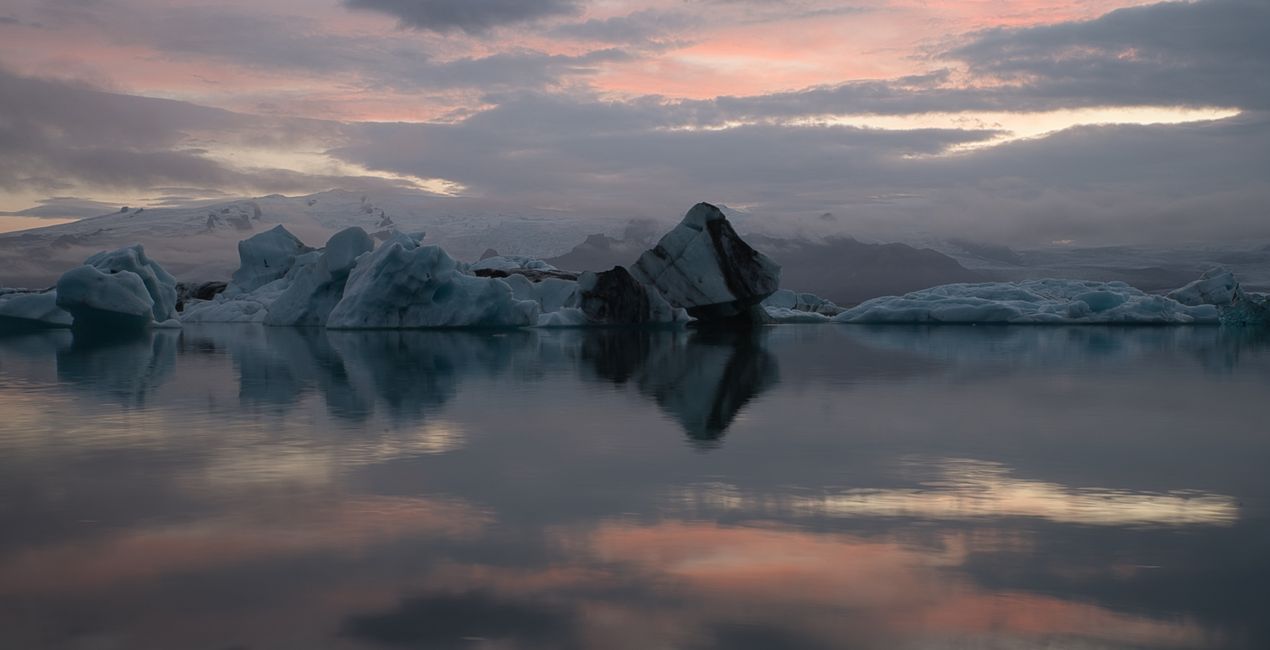
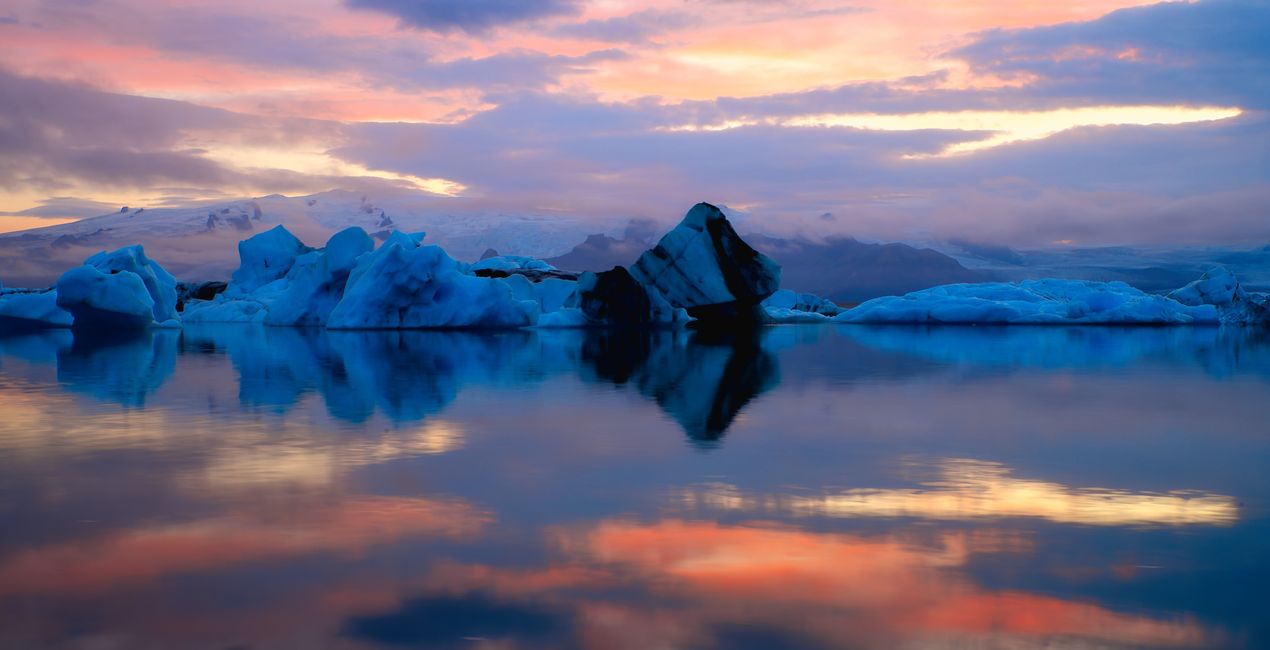
Ice World: Enhance the reflection of blue-colored glaciers on a calm water surface with sunset colors. Ideal for slow shutter speed photos.
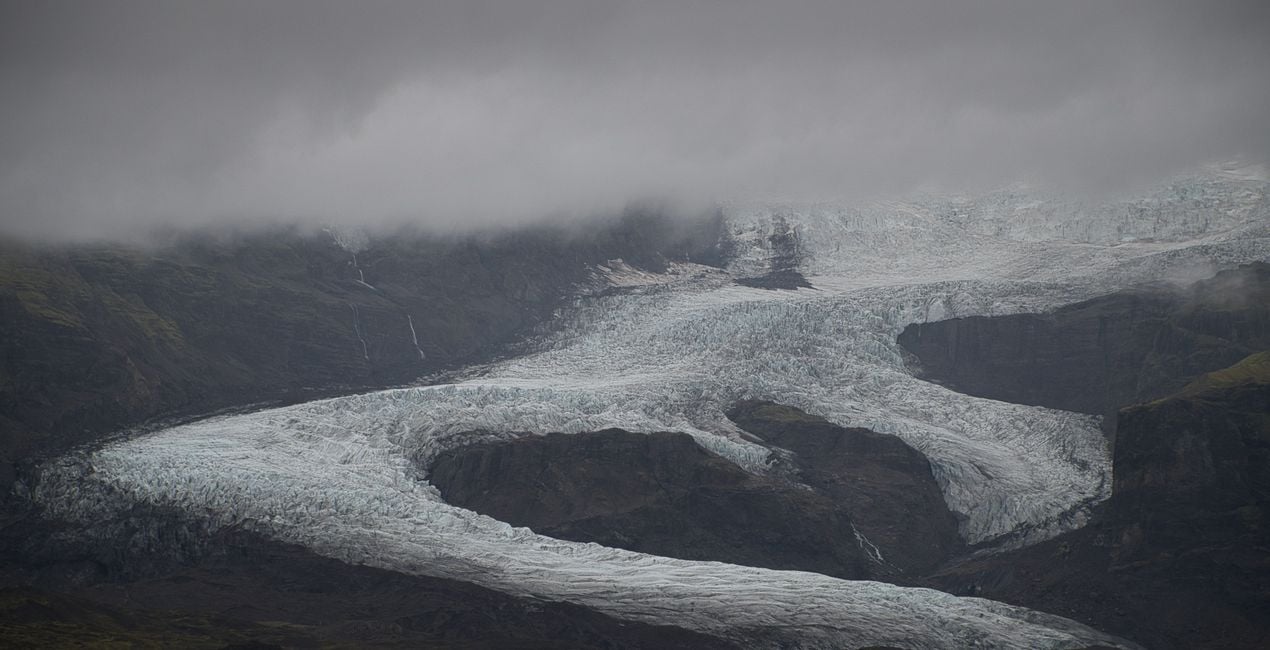
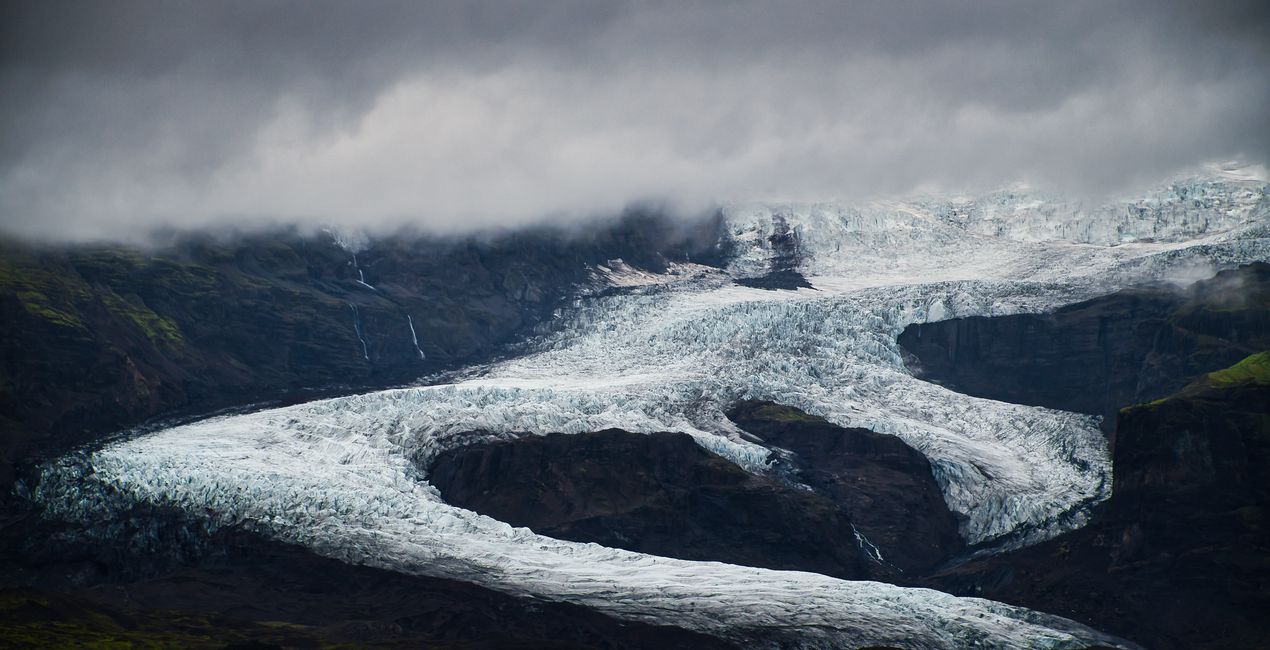
Glacier’s Heart: This Preset is recommended for the dramatic glacier and mountain photos you can easily find in Iceland.
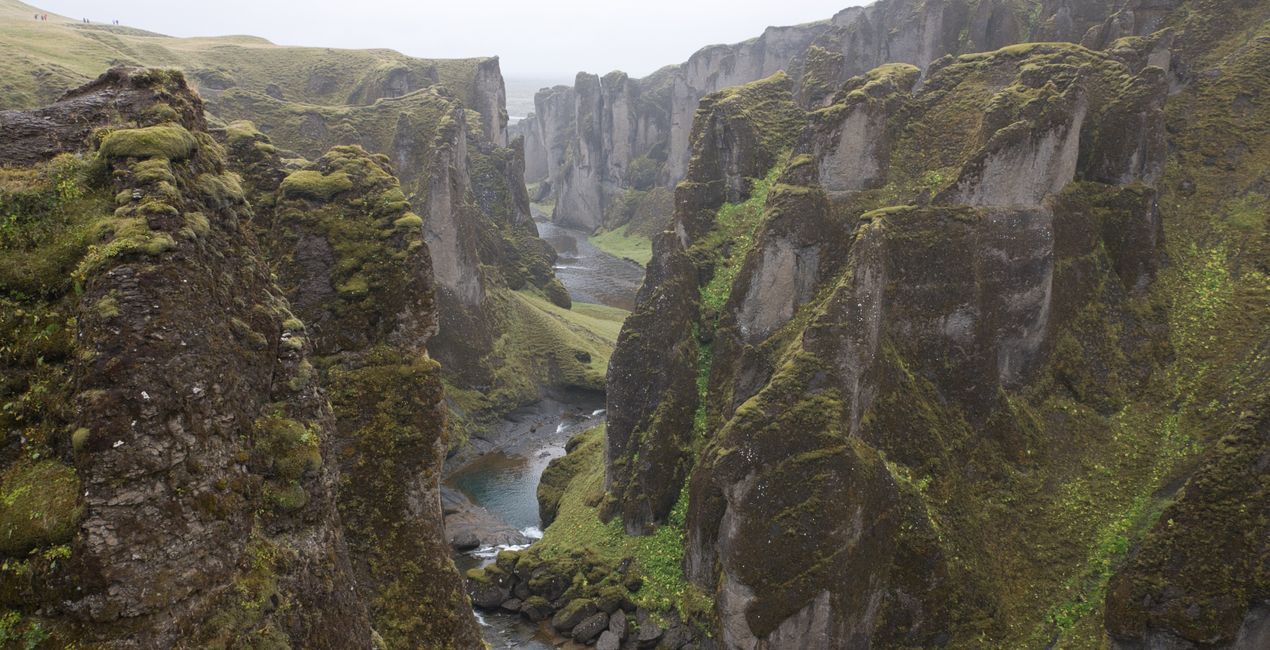
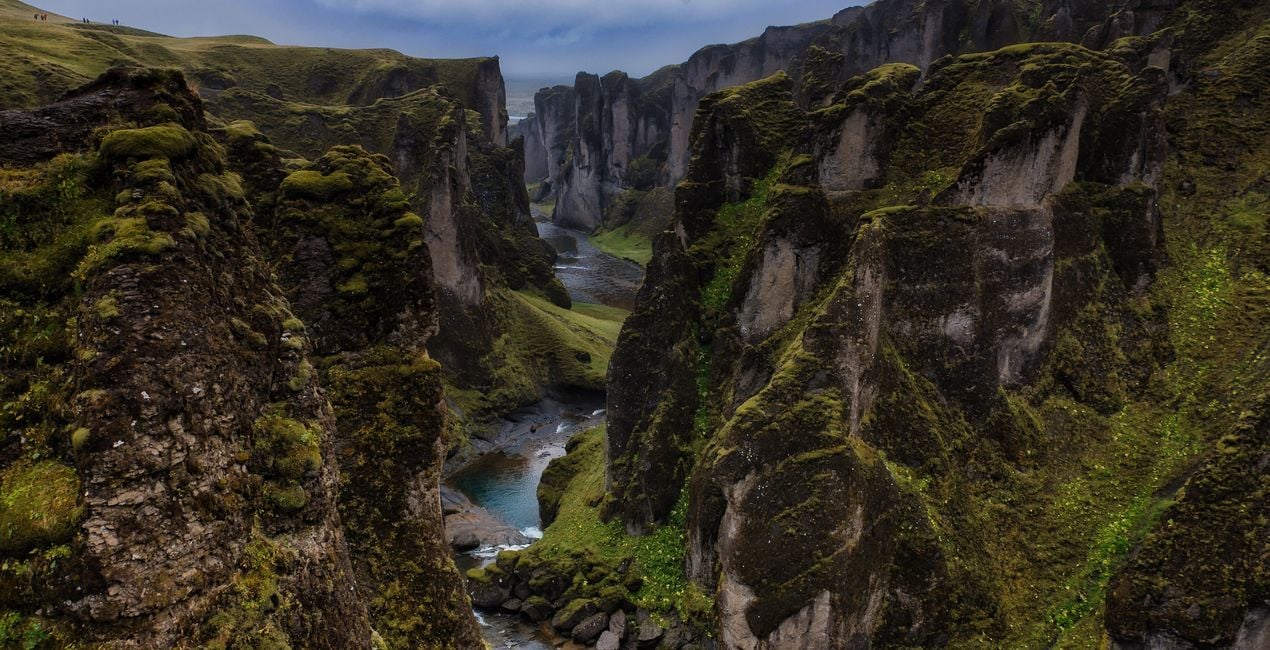
The Passage: Recommended for canyon photographs that extend deeply and are surrounded by green and steep slopes.
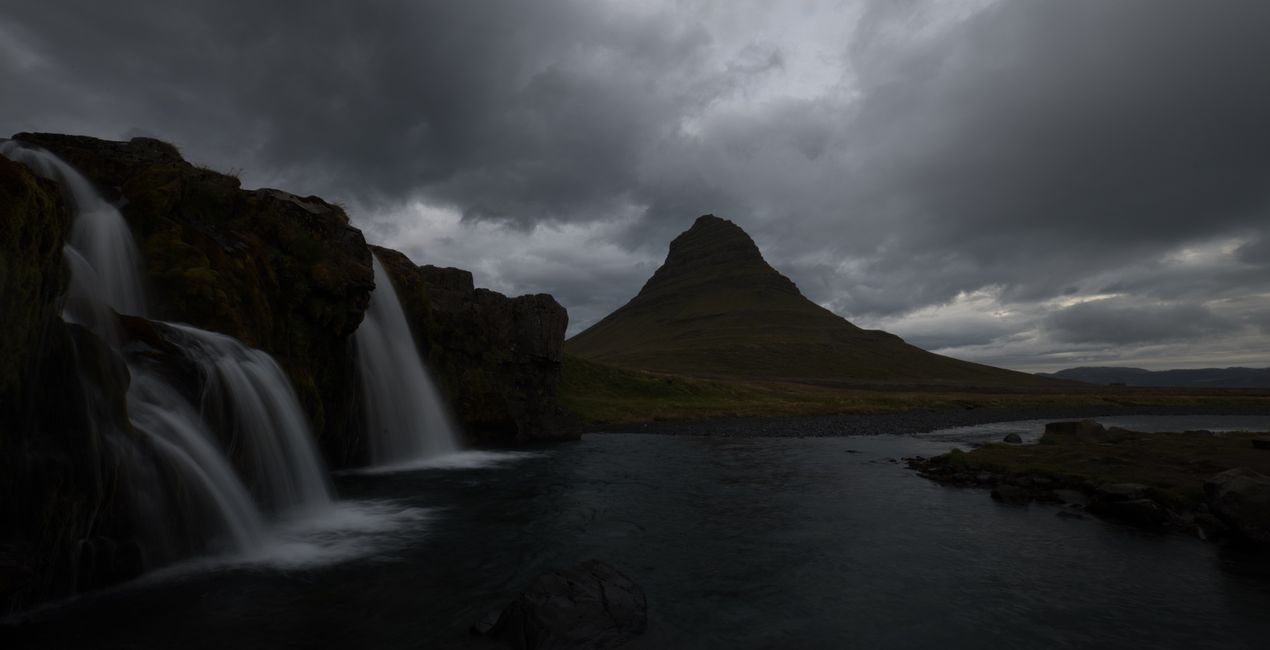
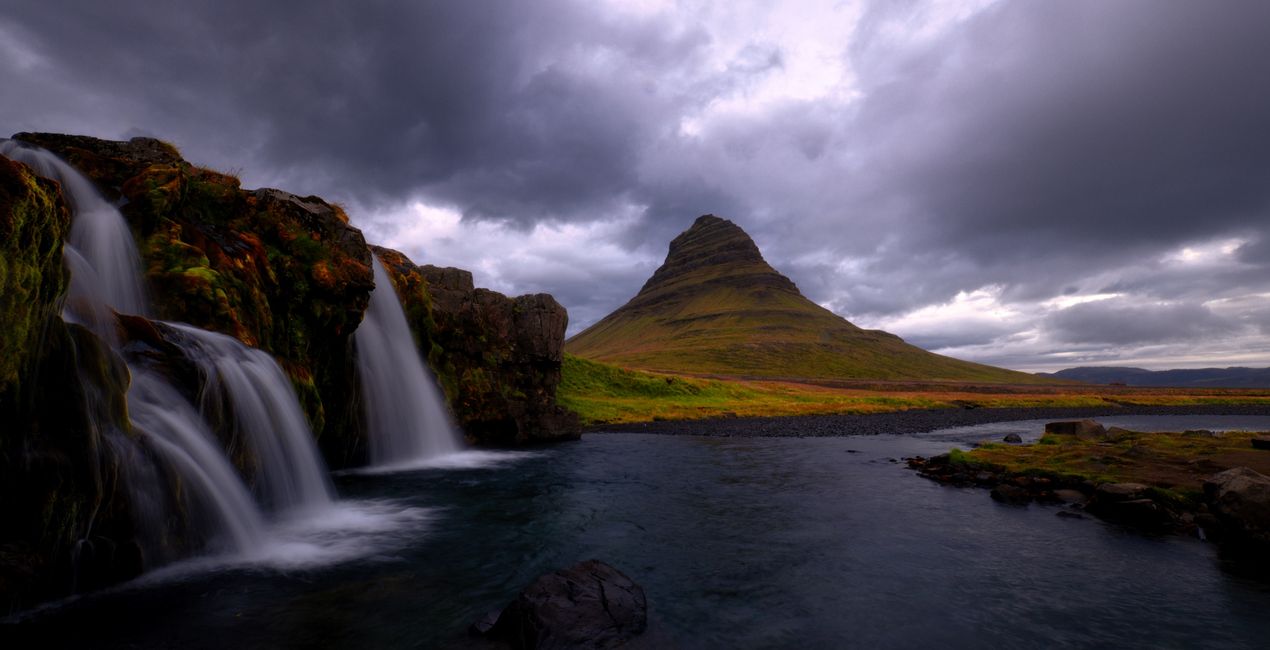
Magical Waters: Use this Preset to enhance photos of hollows behind waterfalls and the orange-yellow colors in the sky during sunset. Best for long exposure photos and curtain views of water.
Day Dream: Recommended for long exposure photos of a mountain landscape with forming waterfalls and dramatic-looking clouds.
Sunset Clouds: Use it on sunset photos, when the dew grains are illuminated with the colorful light before the sun goes down.
The Beach: Perfect for black and white photos. Try it on abstract landscapes created by waves crashing onto the shore on a beach, transitioning from black to white and gray tones.
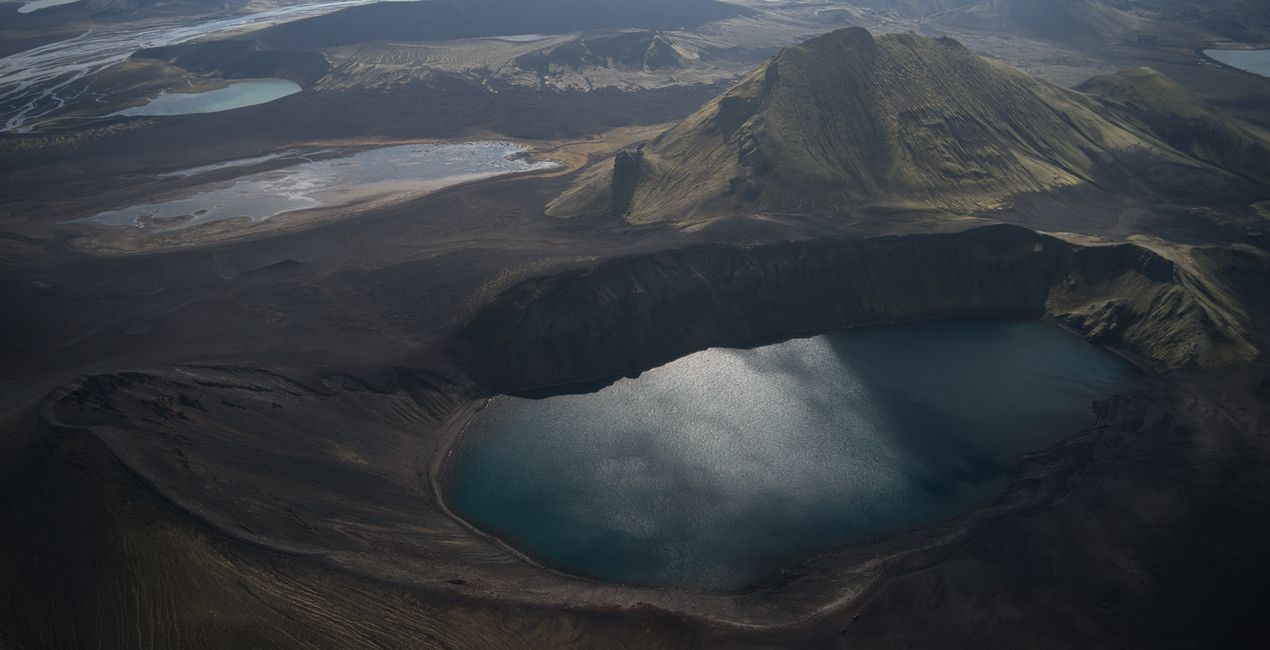
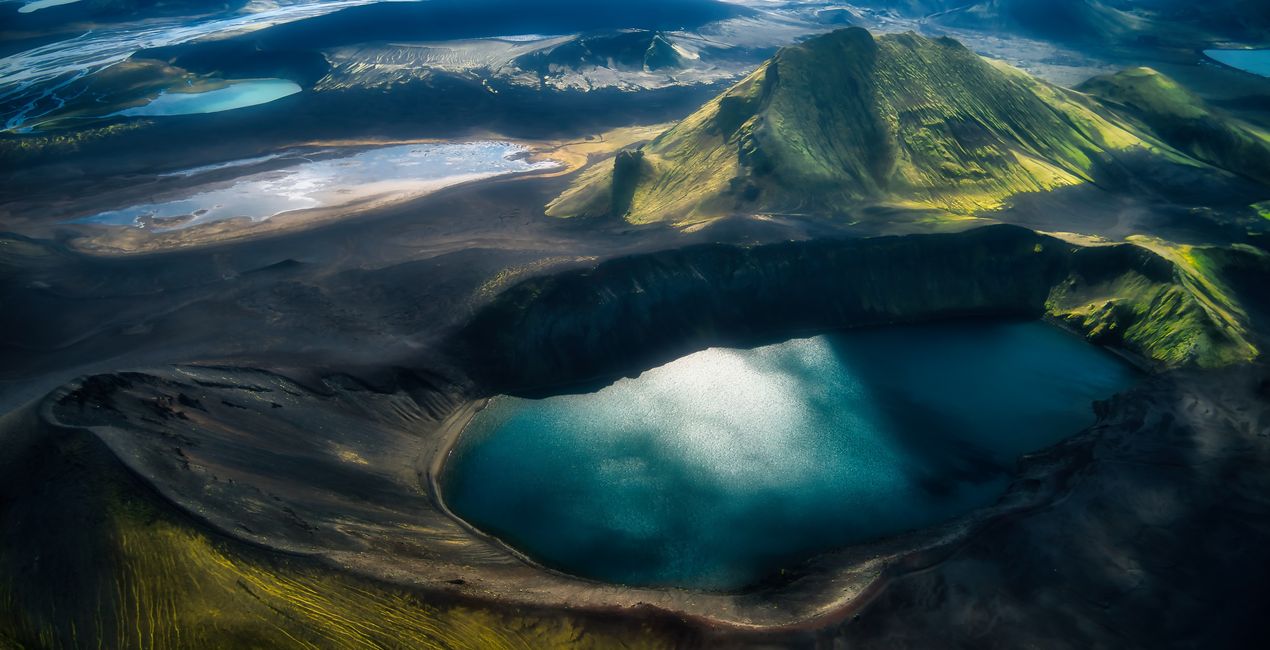
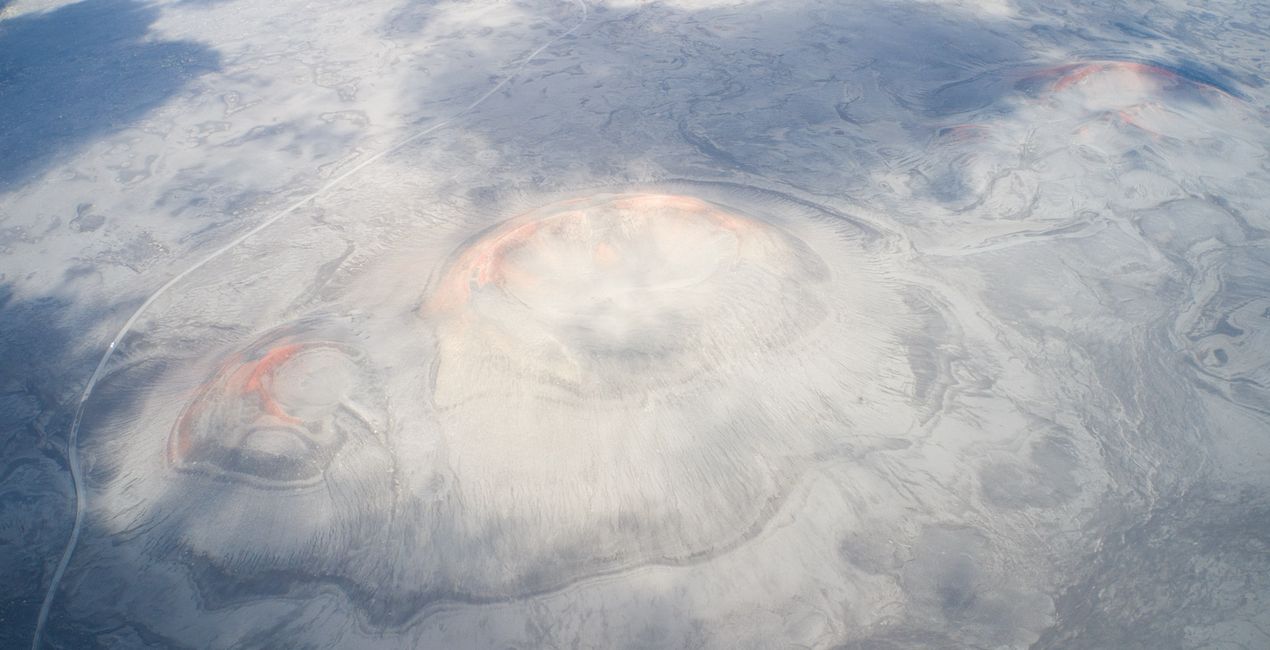
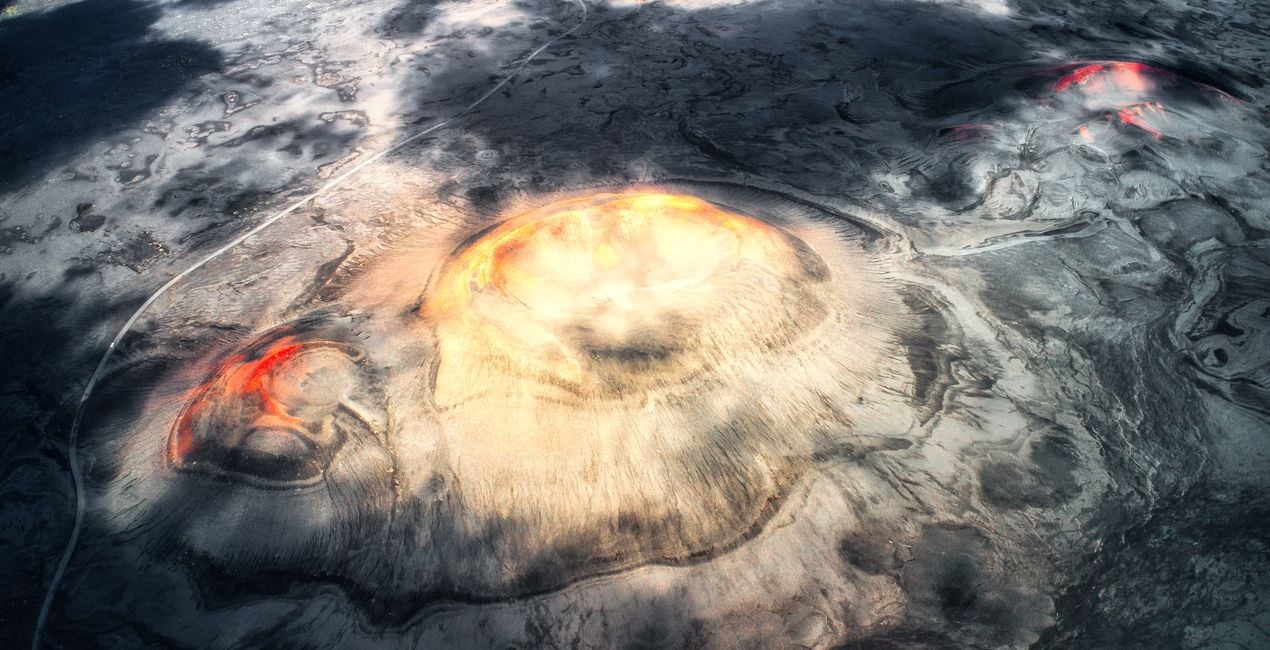
Planet’s Eye: Enhance the dramatic landscape of craters rising from the ground in a pitch black ground and the red and orange areas at the crater mouths. Great for drone photos.
Dark Planet: Recommended for crater and lake photos taken with a drone. Make your photos of the bird's eye view of a crater lake and hills covered with green grass with surrounding lakes stand out
Monument Rocks: Try it on Iceland's most famous monumental cliffs like the Sea Stacks at Black Beach. This Preset is great for drone photos, and for those containing a mystical shade of blue from light to dark, accompanied by a dramatic light from the left.
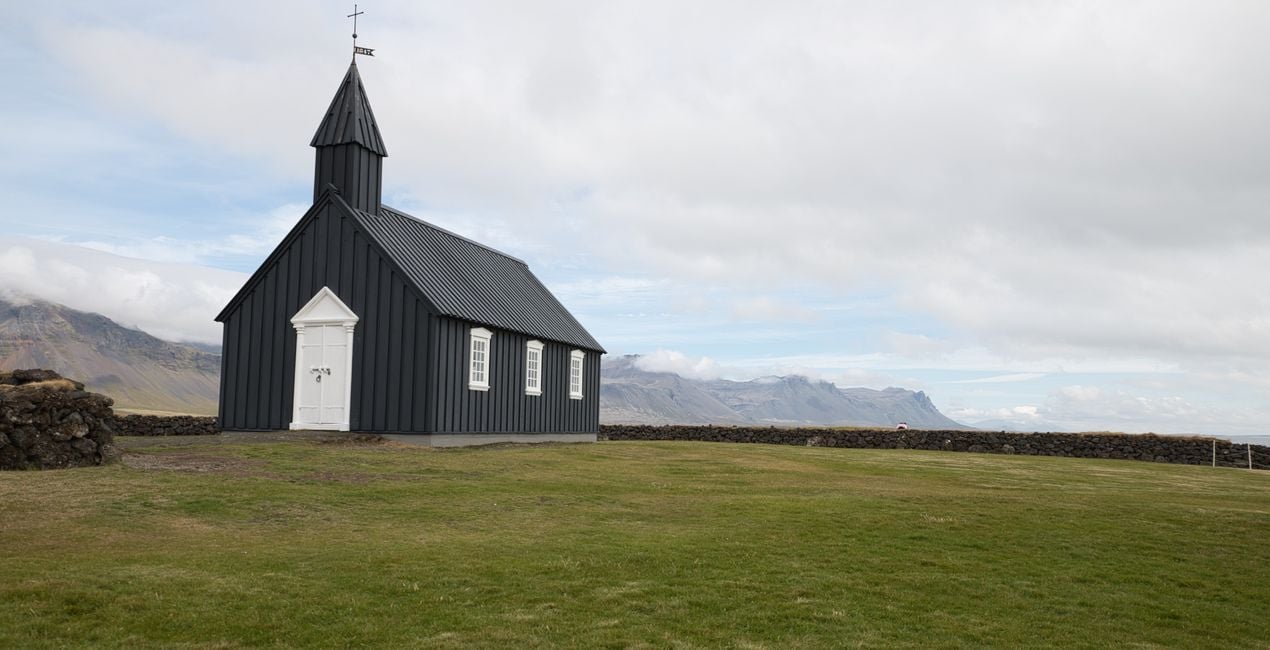
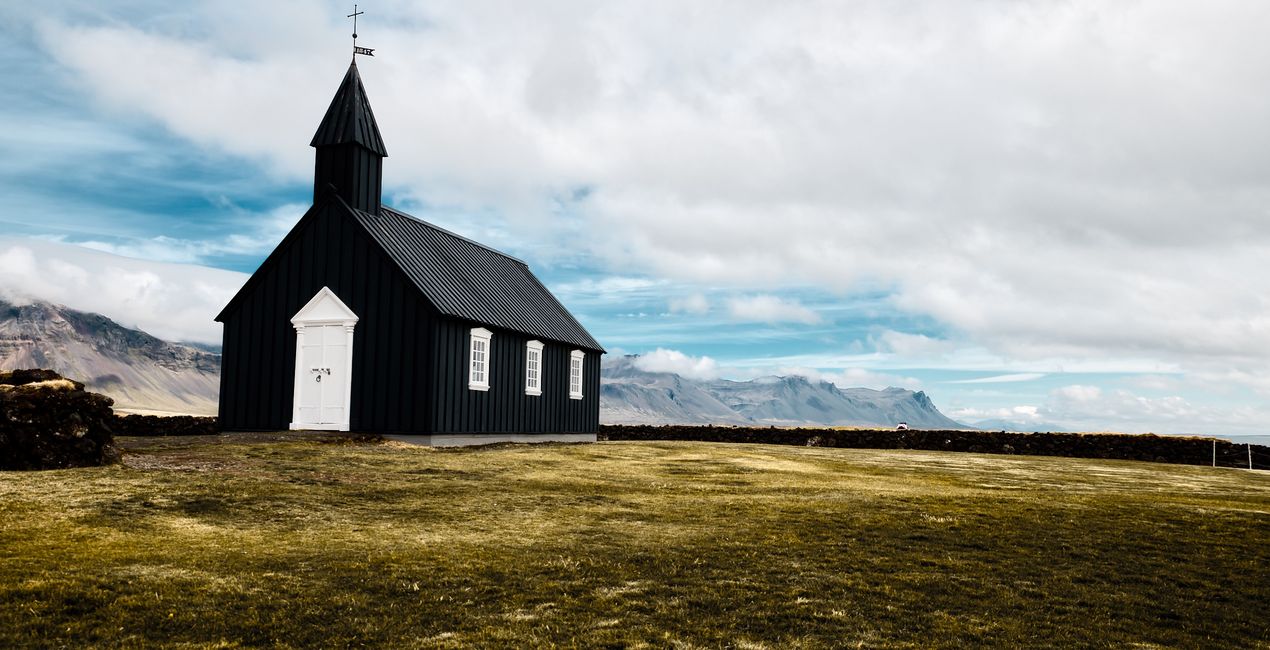
The Church: Architectural Preset, try it for a simple shot of a church on faded grass, under a blue and partly cloudy sky.
Puffin: Perfect for wildlife photos. Photograph Iceland’s favorites, the Puffins, who are the most well-known and adorable birds of the Arctic Circle.
Don't forget to adjust the amount slider when using Presets. This way you can determine where the Preset meets your photo best. If you need more adjustments, you can make adjustments in the "Edit" section, where you can see the components of the Preset you are using.
Never be afraid to use your creativity when using Presets. Let the Presets be an inspirational push that gets you going.
Landscape, nature photographer, colorist and retoucher
Ahmet Anak lives in Paris, France. He has worked in the design of air conditioning products for about 25 years and has been involved in professional photography for over 10 years. He has been working in photography full-time for the last 3 years.
Ahmet has traveled to more than 20 countries so far and has taken nature and landscape photographs in these countries. He went to Finland, Iceland and Norway from Northern European countries and took various photographs in the parts of those regions that remain in the Arctic Circle.
The photographs he took in Finland were published in one of Turkey's popular travel magazines. It also shares some of the photos it takes with stock photography sites and provides downloadable versions of these photos. He has been interested in drone photography for the last two years and has started to add bird's-eye photos to his archive.
Ahmet works with Luminar products while processing his photographs. Ahmet, one of the first users of Luminar, is currently working with Luminar Neo.
제품에 관한 문의 사항이 있으시면 24시간 지원팀에 연락하세요. 아래 링크를 따라가시면 됩니다.
Otherworldly Iceland을 구매하려면 다음 단계를 따르세요:
1. Skylum 마켓플레이스를 엽니다.
2. Otherworldly Iceland이 표시된 탭으로 이동하세요. 해당 상품을 클릭하여 장바구니에 담으세요.
3. 장바구니로 이동하세요. 여기서 Otherworldly Iceland의 구매 절차를 완료하세요.
4. 구매 후 Otherworldly Iceland의 다운로드 링크가 포함된 주문 완료 이메일을 받게 됩니다. 또한 새로 구매한 항목은 Skylum 계정의 ‘내 애드온’ 탭에서 확인하실 수 있습니다.
Otherworldly Iceland 설치에 대한 자세한 안내는 다운로드 링크와 함께 발송되는 주문 처리 이메일로 보내드립니다.
또한 구매한 항목은 Luminar Neo에서 직접 설치할 수 있습니다: 기타 > 마켓플레이스로 이동한 후, 제품 카테고리를 선택하고 구매한 항목을 찾아 설치를 클릭하세요.
아주 간단합니다! 프리셋 탭으로 이동한 후 '구매한 항목'을 선택하세요. 설치된 프리셋이 여기에 표시됩니다.
걱정하지 마세요. Otherworldly Iceland을 포함한 모든 구매 항목은 Skylum 계정의 ‘내 애드온’ 탭에 저장되어 있어 다시 간편하게 다운로드하고 이용할 수 있습니다.
일반적으로 대부분의 항목은 Luminar Neo와 호환됩니다. 그러나 Otherworldly Iceland이 귀하의 소프트웨어와 호환되는지 확인하려면 다운로드 또는 구매 전에 해당 제품의 사양을 검토하십시오. Otherworldly Iceland 페이지 오른쪽의 ‘호환성’ 섹션을 확인하시면 모든 호환 제품이 나열되어 있습니다.
아직 떠나지 마세요. 여러분만을 위한 특별 할인 코드를 준비했습니다. 15분 이내에 이 코드를 사용하시면 결제 시 추가 10% 할인을 받으실 수 있습니다. 아래 코드를 복사하여 구매를 완료해 주세요.
15 m : 00 s





