

 적용됨
적용됨 



Enchanting Mountains
Save $201 $ 19 .00
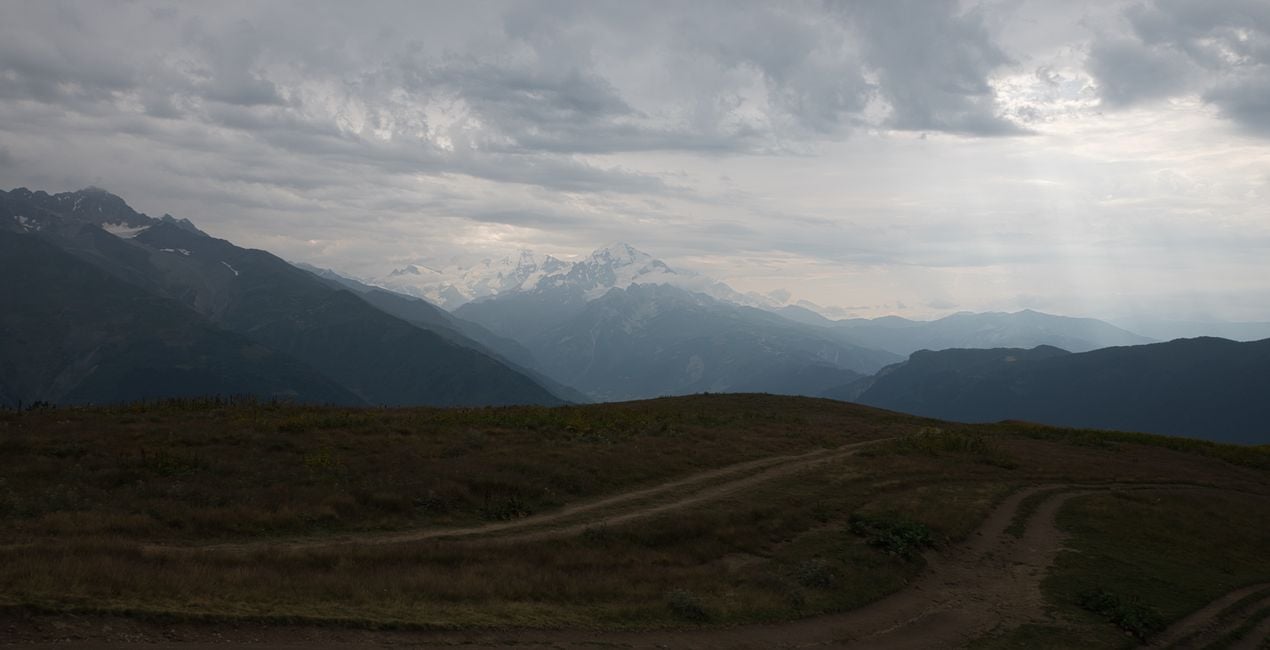
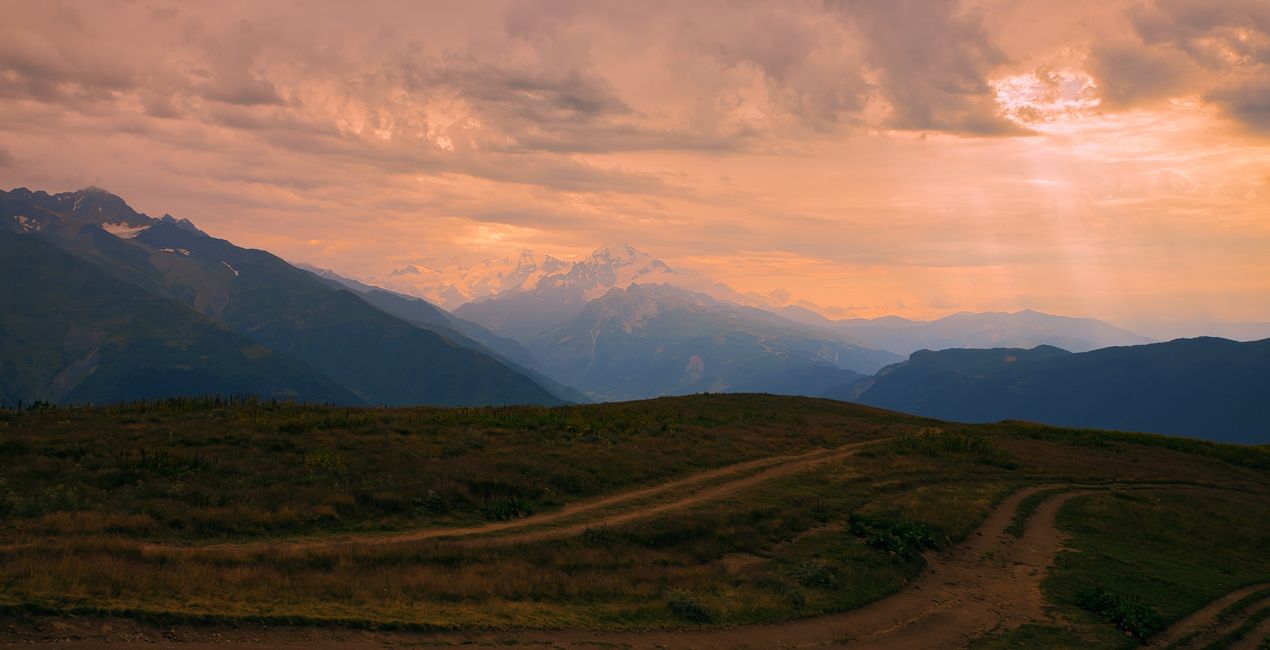
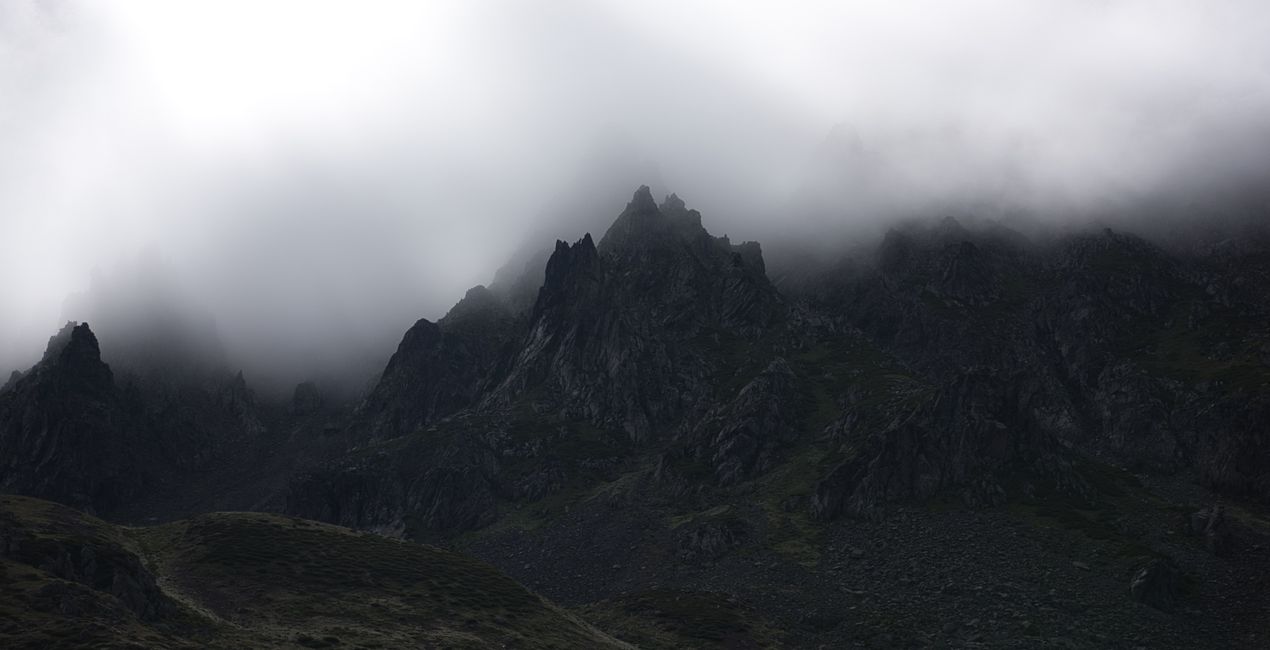
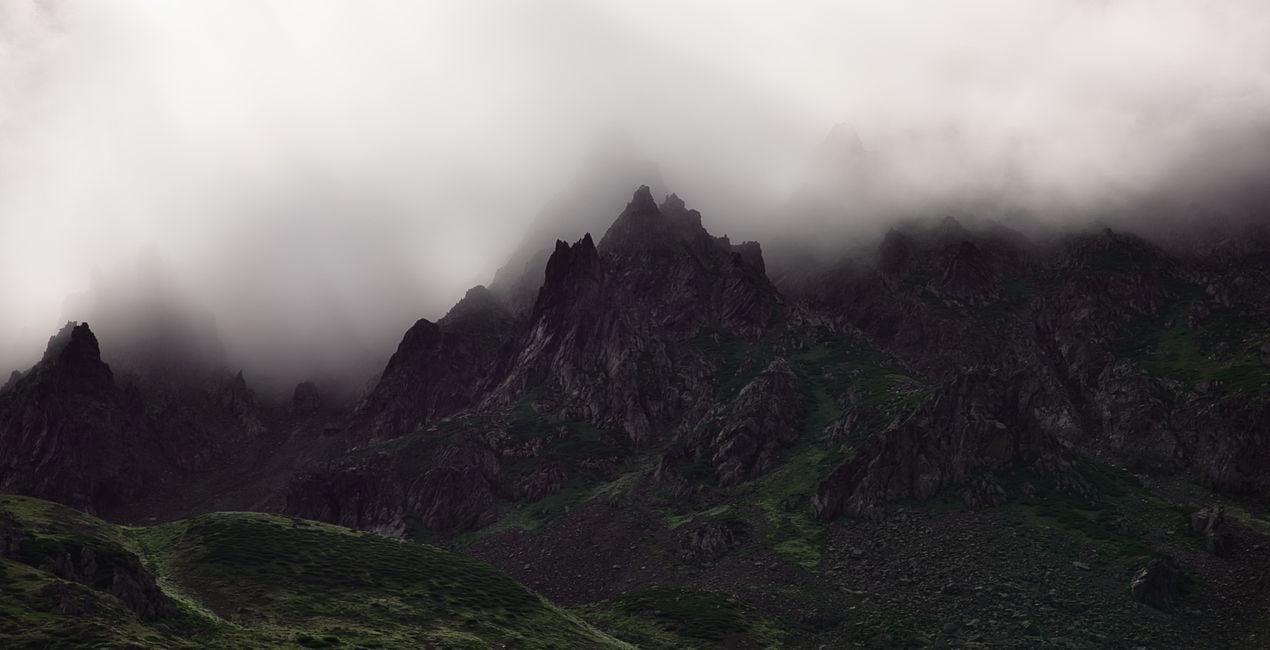
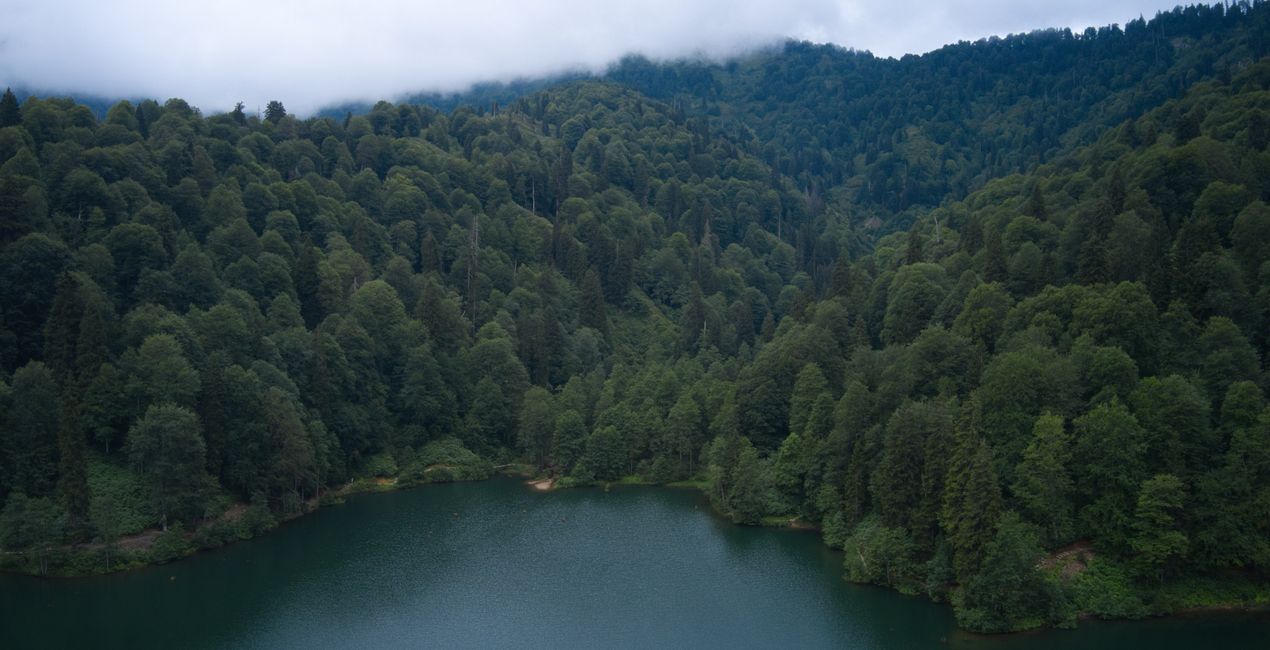
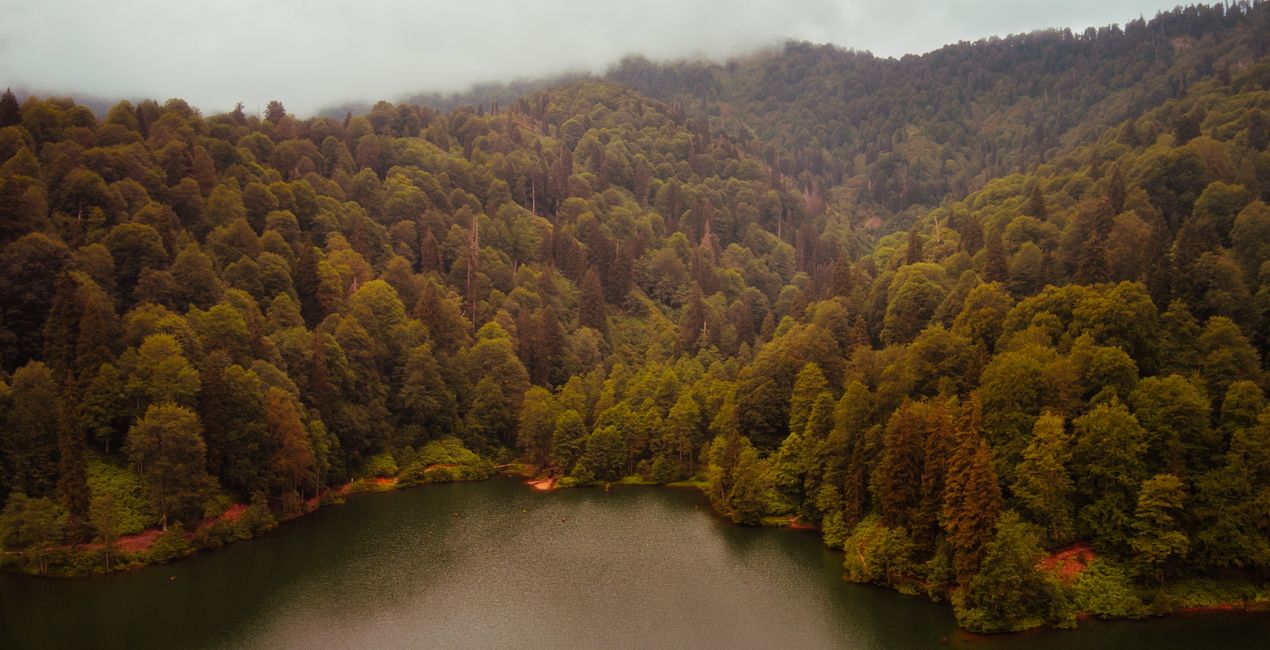
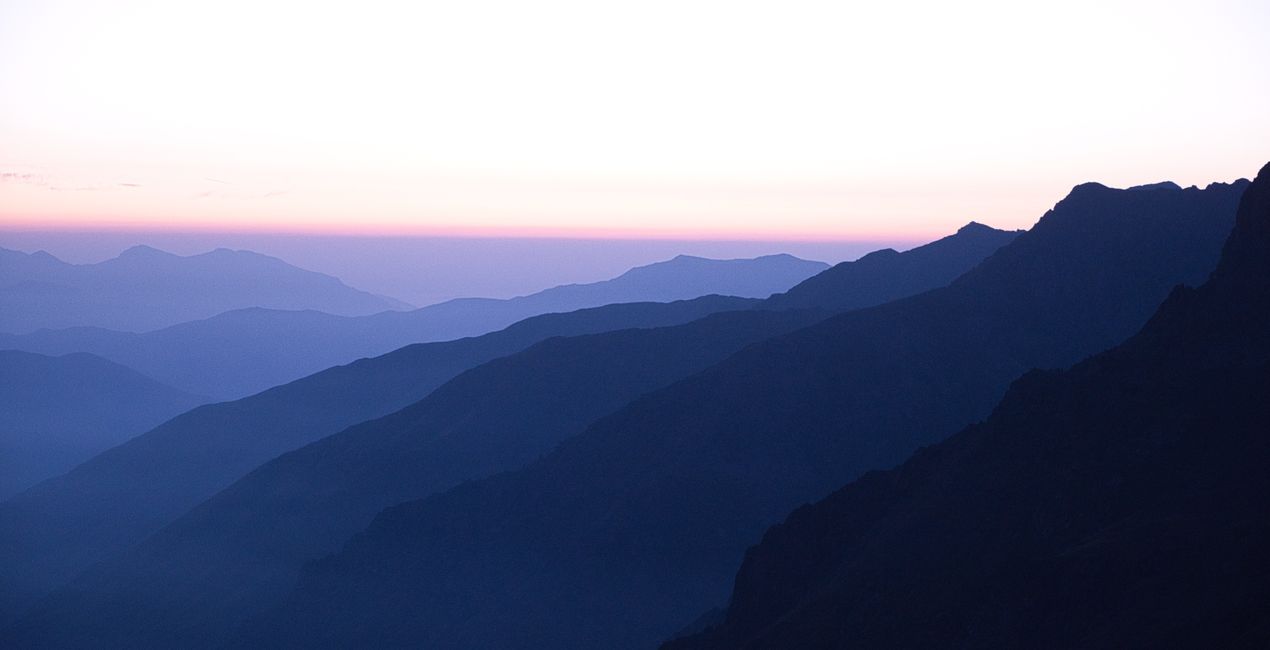
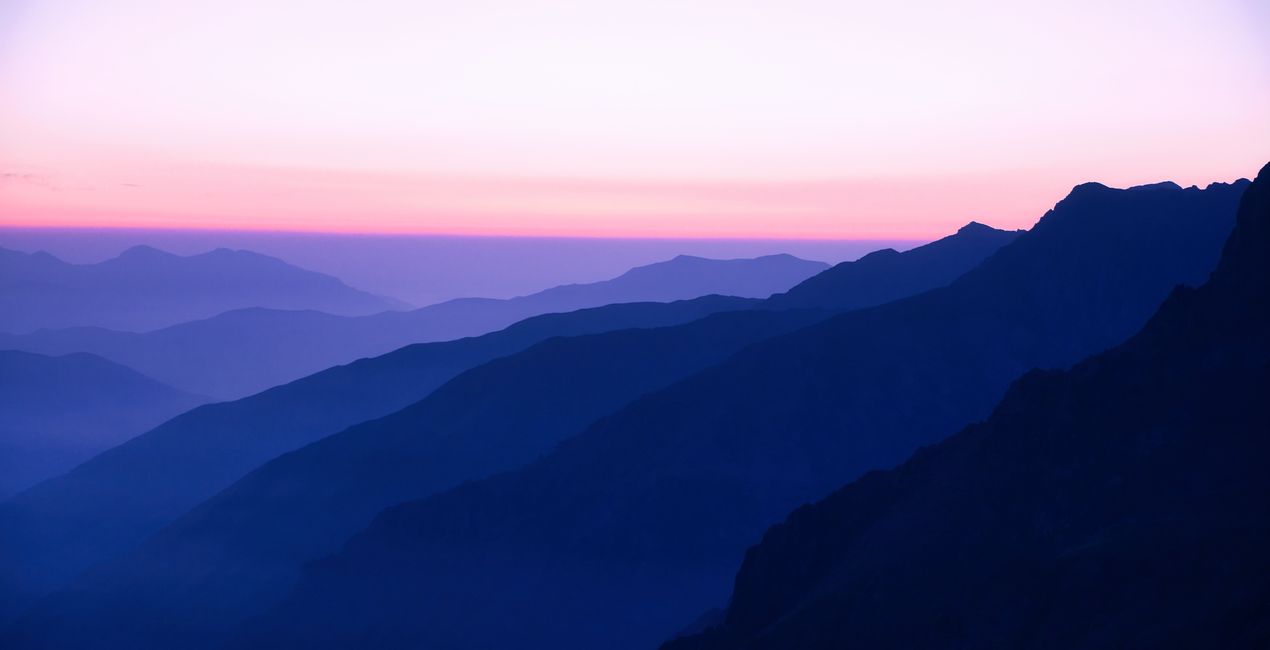
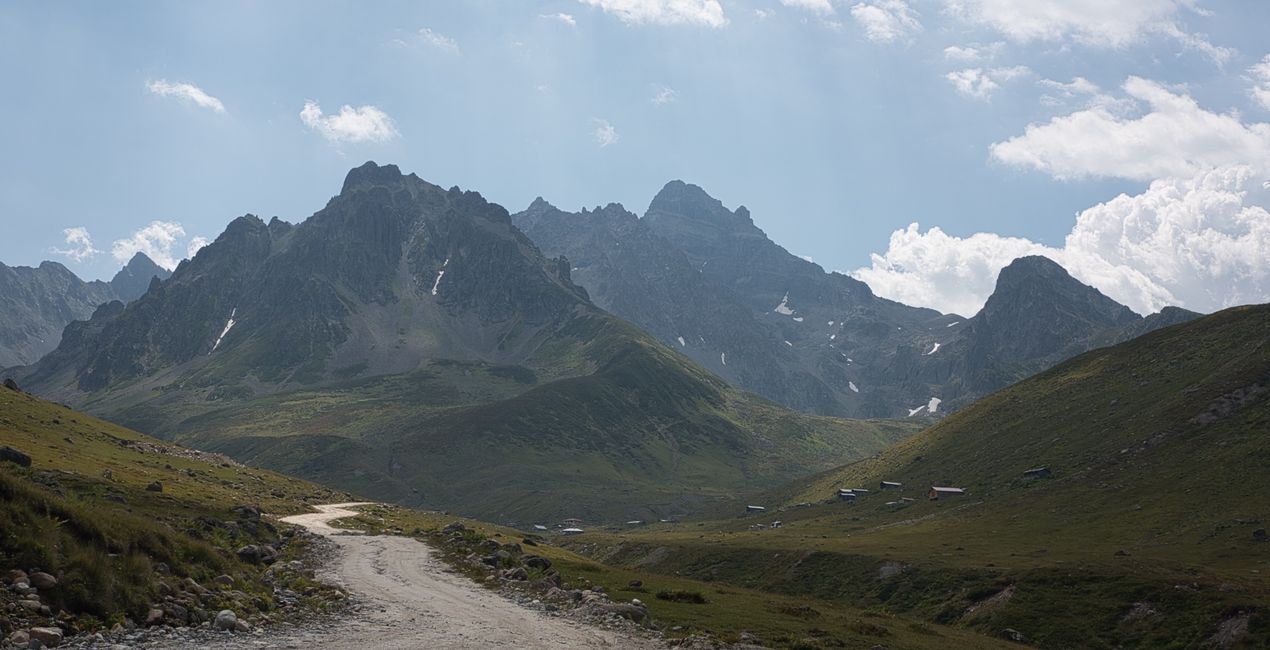
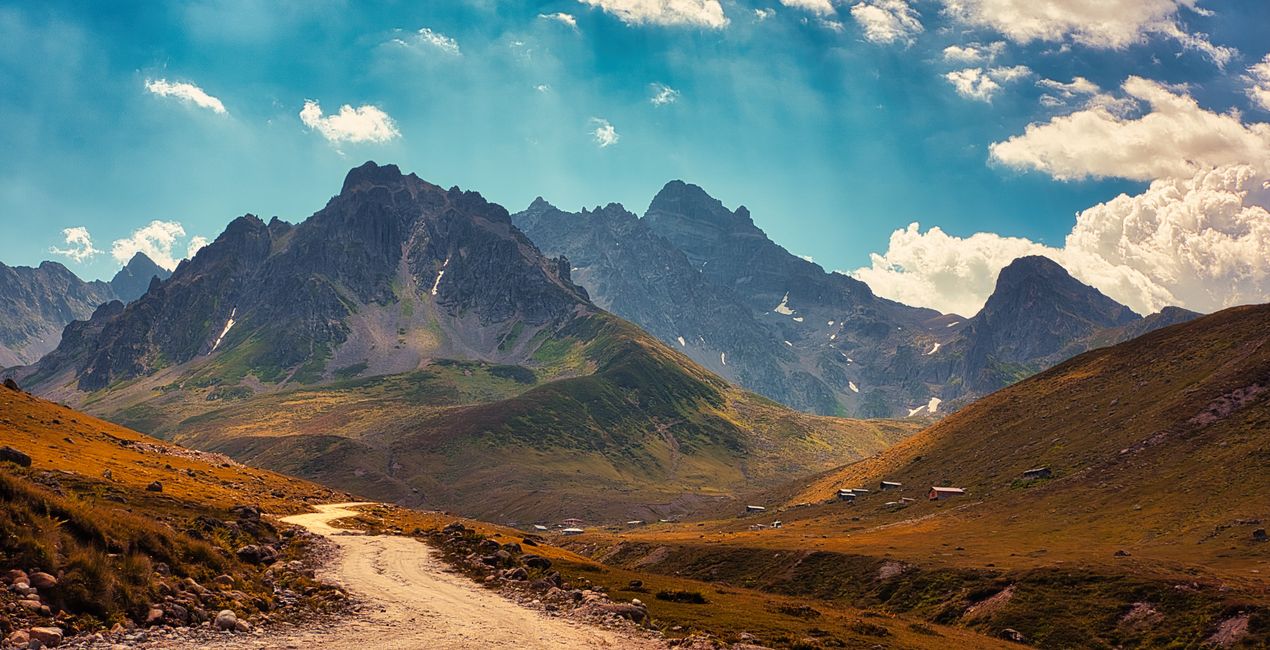
Thanks to this Luminar Neo Preset pack, you can add the uniquely mystical atmosphere of the mountains to the photos you take during your hikes through charming valleys and distant highlands. Enhance the colors and the light of the summits, transform your photos with snowy or cloudy peaks. Make sure that the layers of color created by the first lights of the day, the color show of a snowy peak near sunset, or the views of a hut in a forest at the end of the Alpine Line look as magnificent as you remember them.

RAW 파일을 사용하면 간편하게 리터치 기법을 연습하고 멋진 사진을 편집하는 방법을 배울 수 있습니다.
 >
>
 >
>
 >
>
 >
>
 >
>
 >
>
Between 2017 and 2022, Ahmet Anak traveled to both the Eastern Black Sea Region of his own country and the Svaneti Region of neighboring Georgia specifically to enjoy many walks in the mountains. He climbed to the top of Kackar Mountain in Turkey's Eastern Black Sea Region and explored the hiking routes at the foot of this mountain. He also went to the Svaneti Region of Georgia twice and took photographs in areas above 2000 meters. He had the chance to see the fascinating landscapes of the Kackar and Caucasus mountain ranges and to get to know the cultures there.
With Ahmet Anak's Preset package, you can add that mystical and fascinating atmosphere to your mountainscapes by using the similar settings Ahmet used in his photos to make them spectacular. You'll see how color, light, and contrast come to life with each Preset in this pack.
Be sure to use the amount slider when using Presets. This way you can determine where the Preset best meets your photo and develop your own style accordingly. If you need further adjustments, you can make them in the "Edit" section, where you can see the components of the Preset you are using.
Never be afraid to use your creativity when using Presets. Let the Presets be a starting point that gets you going!
You will find 12 Presets in this pack:
Red Peaks: give red color to a snow-covered peak in the last hours of the day and create cloud appearances in the same color.
Candlelight: use the golden hour color that hits the tip of a hill, like a candlelight. This Preset will replace other areas of the photo with a similar color.
In The Forest: Adjust the forest colors to the tone you want and create different colors from your own perspective. You can change the Hue and Saturation settings with the edit section of the setting.
Mysterious Mountains: This preset is especially suitable for rocky areas and mountain passes covered with dense fog. Additionally, it will also suit slightly dark and moody photos where there is not much color variety.
Colors of Nature: This Preset specifically enhances colors. You can also try adjusting the different hues. It is useful to increase the Sky Enhancer setting in photos with intense sunlight.
Two Headed Giant: A Preset of Ushba, one of the most famous mountains in the Caucasus. It can be used for a dramatic sky and an accompanying mountain peak.
Cloud Fire: A Preset where the redness of the sky fills the entire environment. Recommended for sunset and golden hour photos.
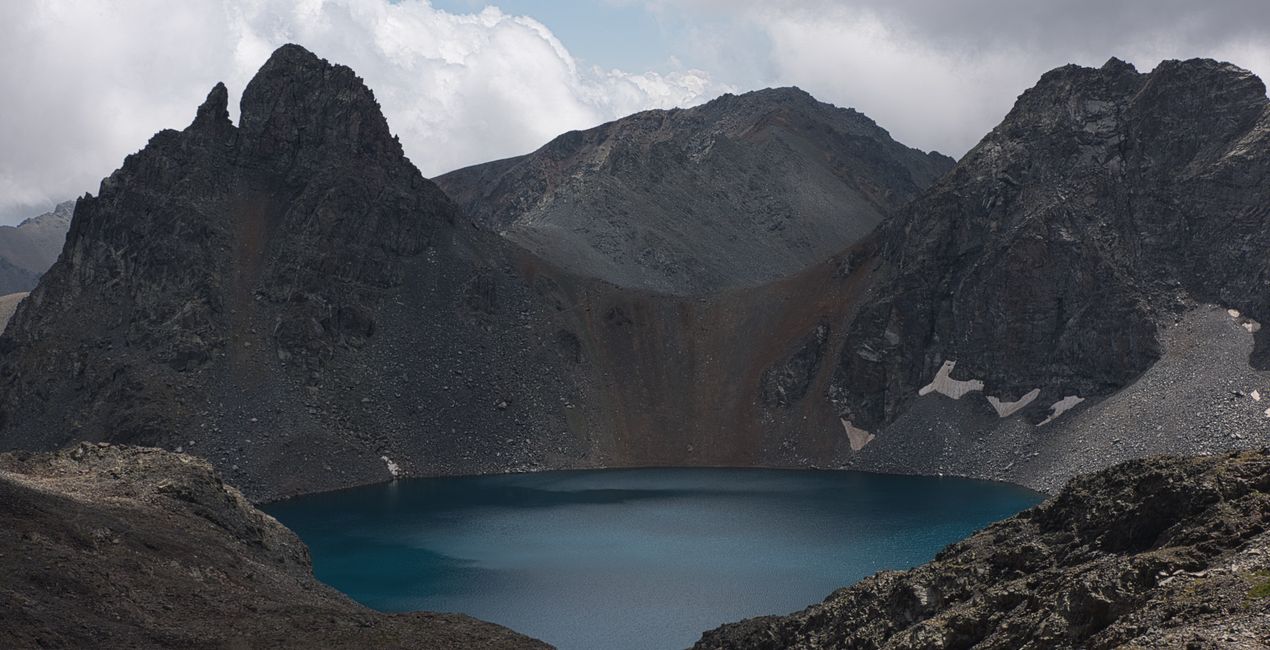
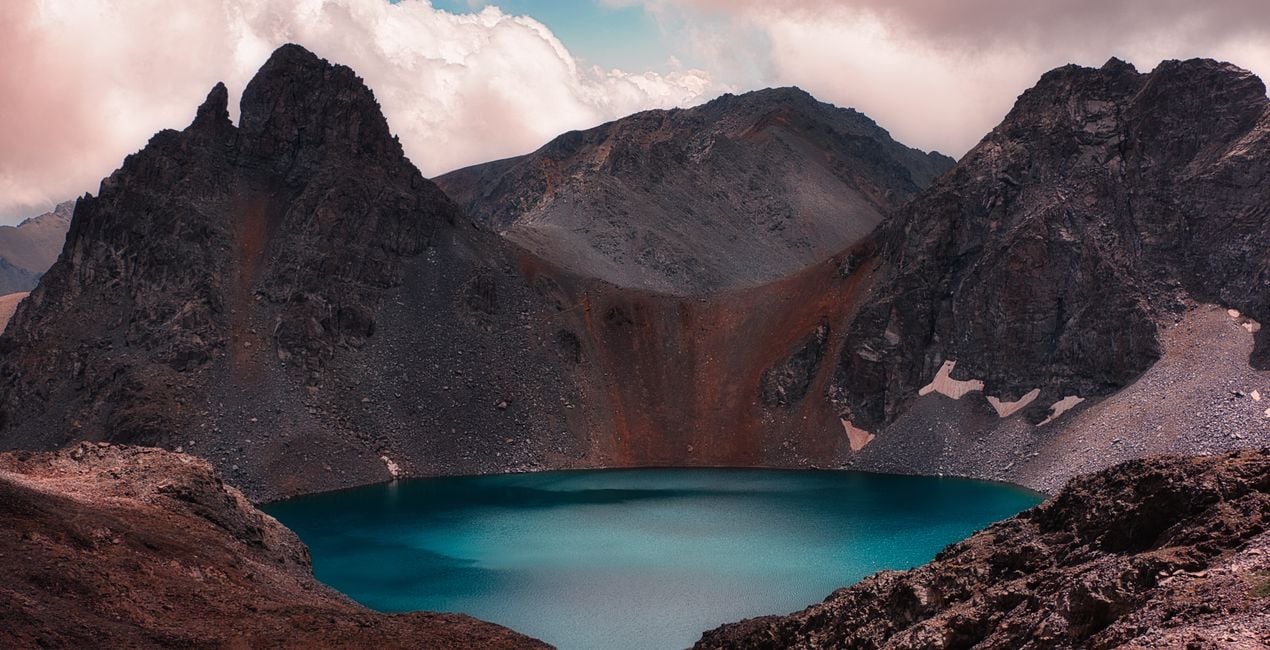
Mountain Lake: A Preset that can be used on a photo with two contrasting colors. Also recommended for crater lake photos.
Morning Layers: It can be used for photographs where the mountain ranges are illuminated in similar tones before sunrise and the sky is colored magenta, purple, etc.
Misty Forest: Recommended for lake and forest photos taken with a drone or camera. You can also switch between spring and autumn tones by changing the hue settings.
Fairytale Valley: Recommended for green areas along a valley and for photos with a sense of depth.
Unique Landscape: Recommended for similar photographs where forest and plateau houses are intertwined. It is perfect for moody tones.
Landscape, nature photographer, colorist and retoucher
Ahmet Anak lives in Paris, France. He has worked in the design of air conditioning products for about 25 years and has been involved in professional photography for over 10 years. He has been working in photography full-time for the last 3 years.
Ahmet has traveled to more than 20 countries so far and has taken nature and landscape photographs in these countries. He went to Finland, Iceland and Norway from Northern European countries and took various photographs in the parts of those regions that remain in the Arctic Circle.
The photographs he took in Finland were published in one of Turkey's popular travel magazines. It also shares some of the photos it takes with stock photography sites and provides downloadable versions of these photos. He has been interested in drone photography for the last two years and has started to add bird's-eye photos to his archive.
Ahmet works with Luminar products while processing his photographs. Ahmet, one of the first users of Luminar, is currently working with Luminar Neo.
제품에 관한 문의 사항이 있으시면 24시간 지원팀에 연락하세요. 아래 링크를 따라가시면 됩니다.
Enchanting Mountains을 구매하려면 다음 단계를 따르세요:
1. Skylum 마켓플레이스를 엽니다.
2. Enchanting Mountains이 표시된 탭으로 이동하세요. 해당 상품을 클릭하여 장바구니에 담으세요.
3. 장바구니로 이동하세요. 여기서 Enchanting Mountains의 구매 절차를 완료하세요.
4. 구매 후 Enchanting Mountains의 다운로드 링크가 포함된 주문 완료 이메일을 받게 됩니다. 또한 새로 구매한 항목은 Skylum 계정의 ‘내 애드온’ 탭에서 확인하실 수 있습니다.
Enchanting Mountains 설치에 대한 자세한 안내는 다운로드 링크와 함께 발송되는 주문 처리 이메일로 보내드립니다.
또한 구매한 항목은 Luminar Neo에서 직접 설치할 수 있습니다: 기타 > 마켓플레이스로 이동한 후, 제품 카테고리를 선택하고 구매한 항목을 찾아 설치를 클릭하세요.
아주 간단합니다! 프리셋 탭으로 이동한 후 '구매한 항목'을 선택하세요. 설치된 프리셋이 여기에 표시됩니다.
걱정하지 마세요. Enchanting Mountains을 포함한 모든 구매 항목은 Skylum 계정의 ‘내 애드온’ 탭에 저장되어 있어 다시 간편하게 다운로드하고 이용할 수 있습니다.
일반적으로 대부분의 항목은 Luminar Neo와 호환됩니다. 그러나 Enchanting Mountains이 귀하의 소프트웨어와 호환되는지 확인하려면 다운로드 또는 구매 전에 해당 제품의 사양을 검토하십시오. Enchanting Mountains 페이지 오른쪽의 ‘호환성’ 섹션을 확인하시면 모든 호환 제품이 나열되어 있습니다.
아직 떠나지 마세요. 여러분만을 위한 특별 할인 코드를 준비했습니다. 15분 이내에 이 코드를 사용하시면 결제 시 추가 10% 할인을 받으실 수 있습니다. 아래 코드를 복사하여 구매를 완료해 주세요.
15 m : 00 s





