

 적용됨
적용됨 



클래식 흑백 필터
Save $201 $ 19 .00
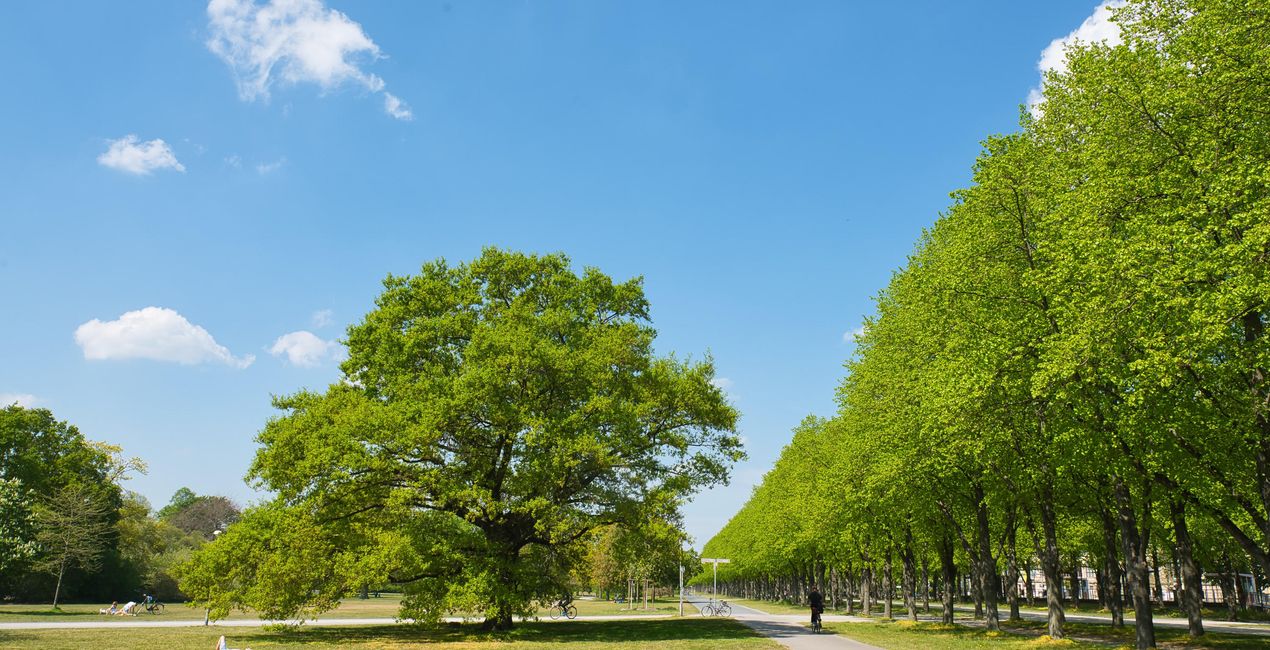
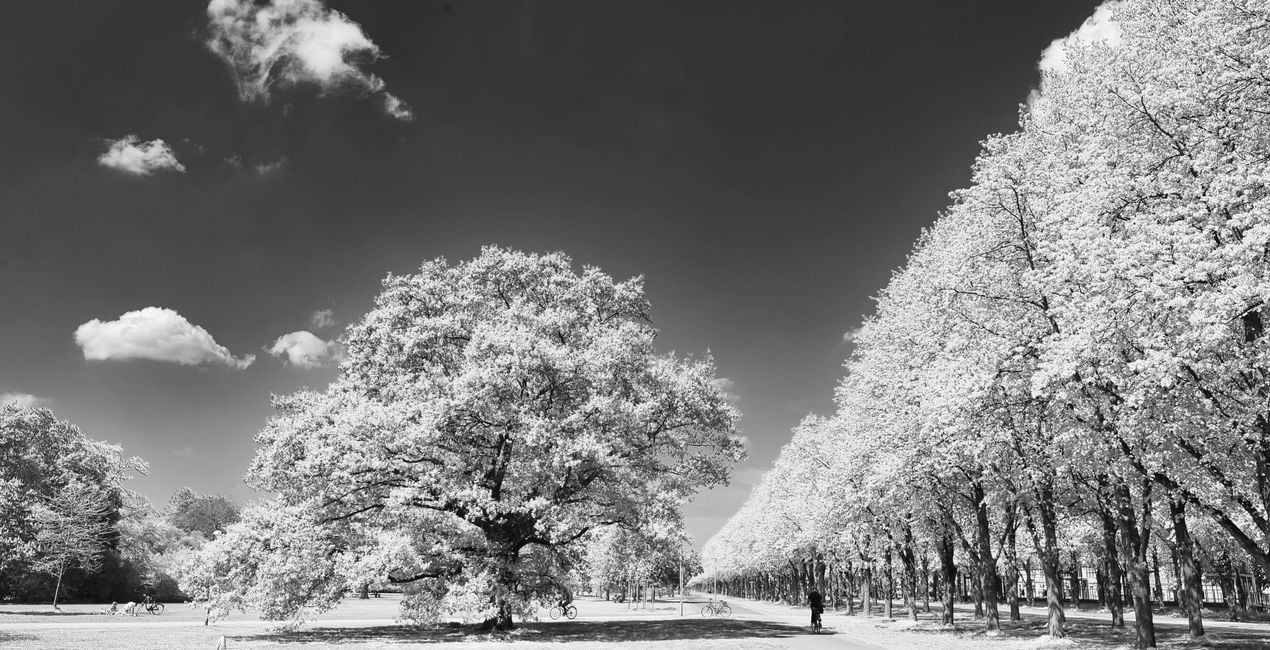
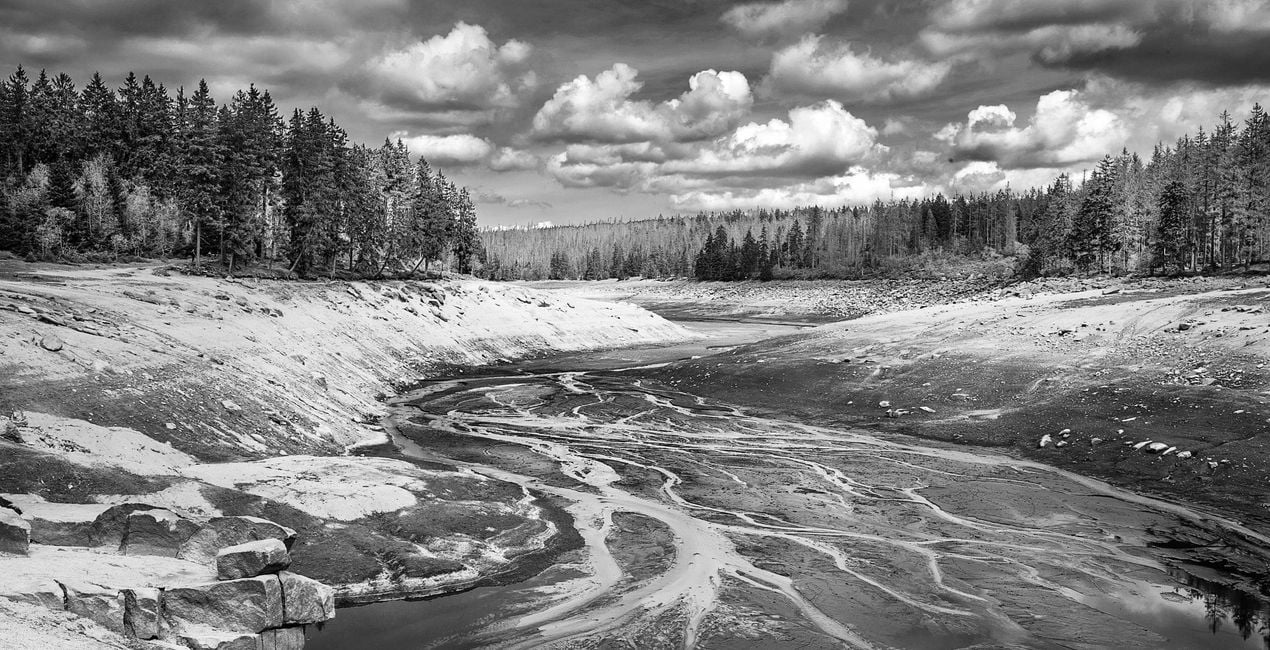
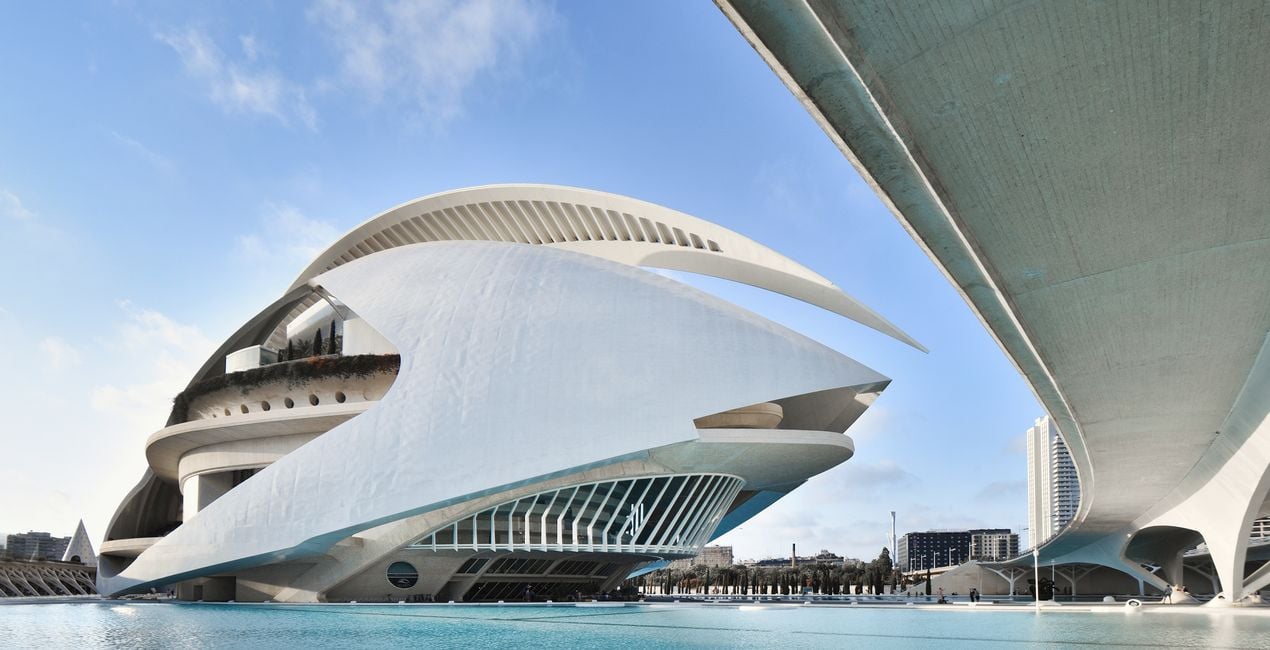
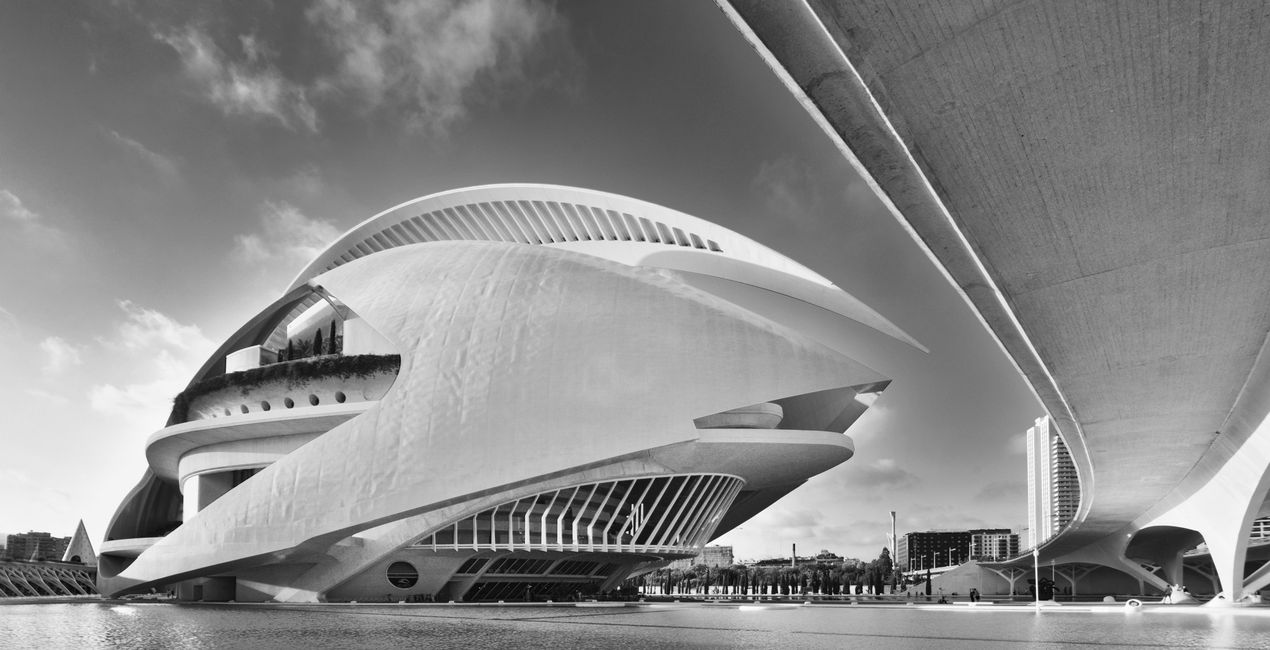
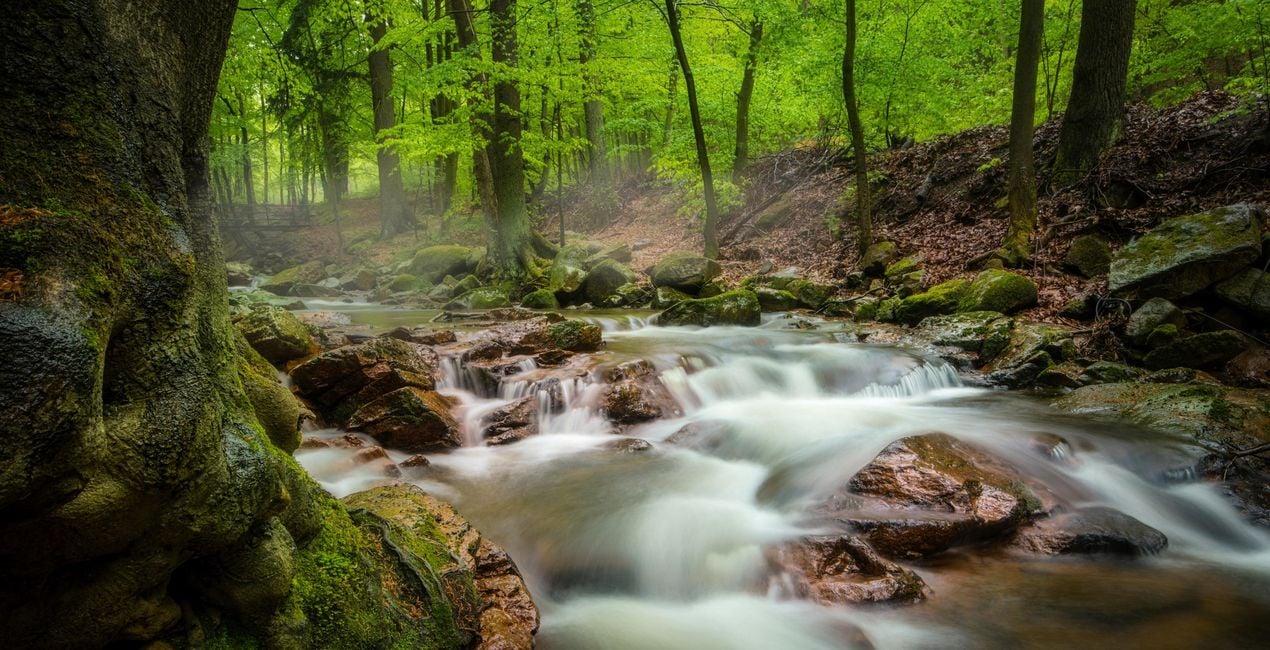
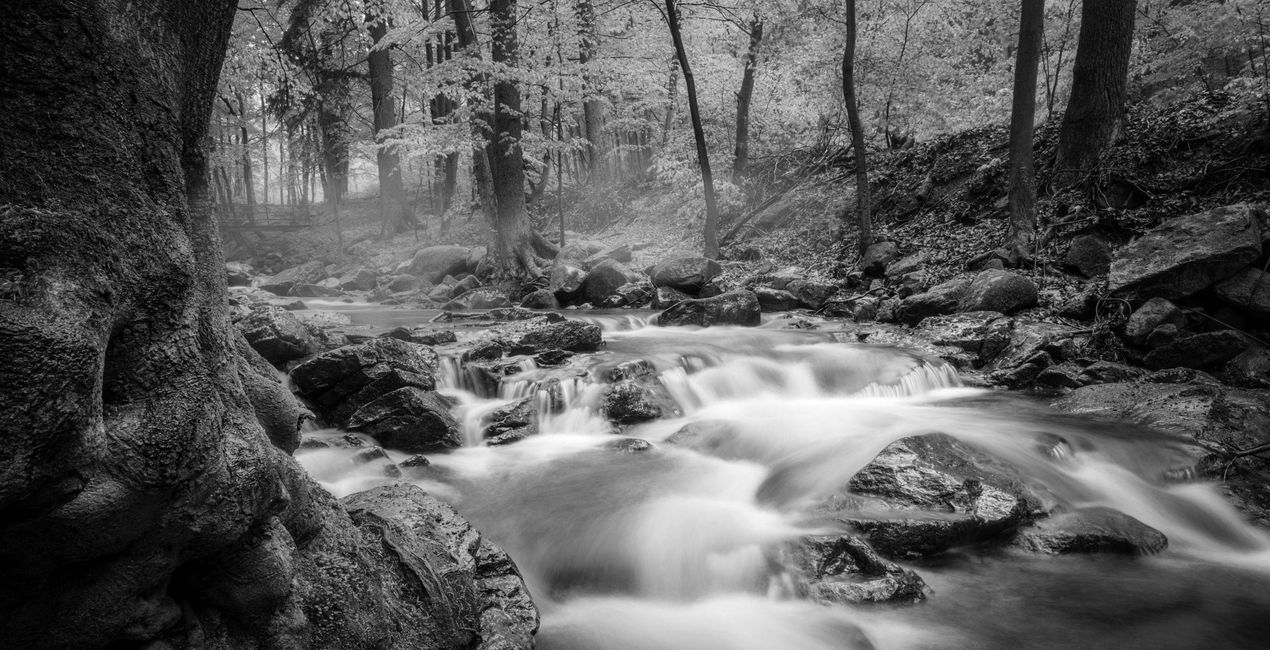
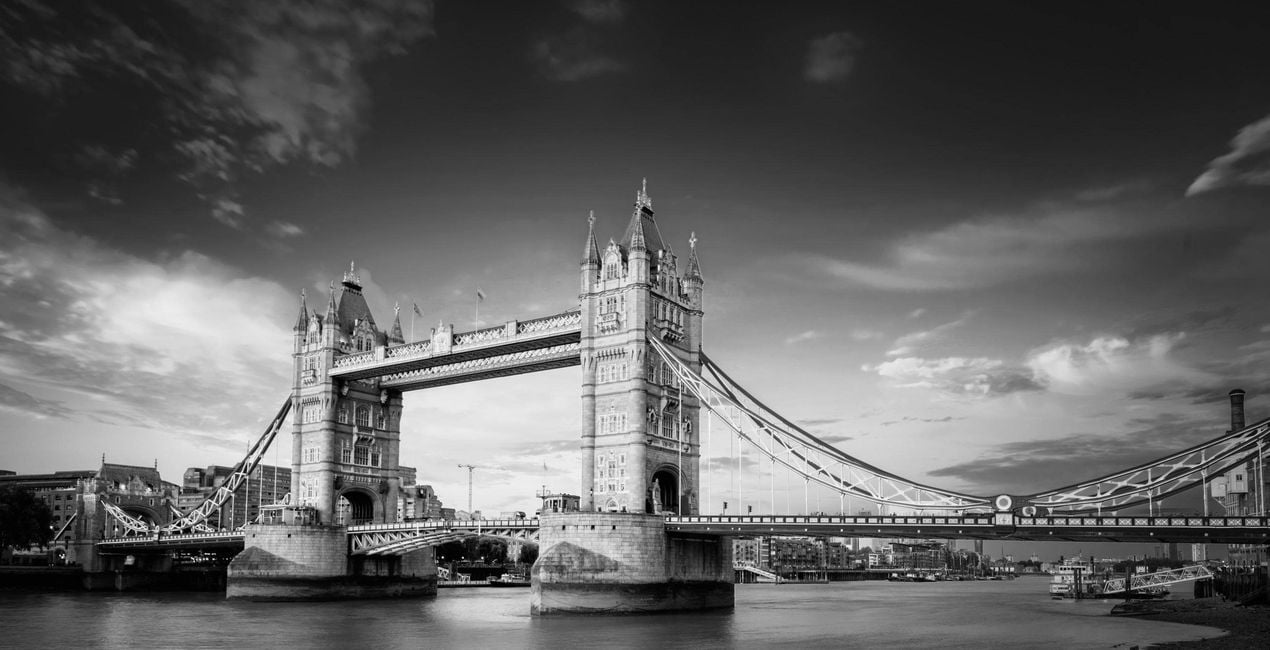
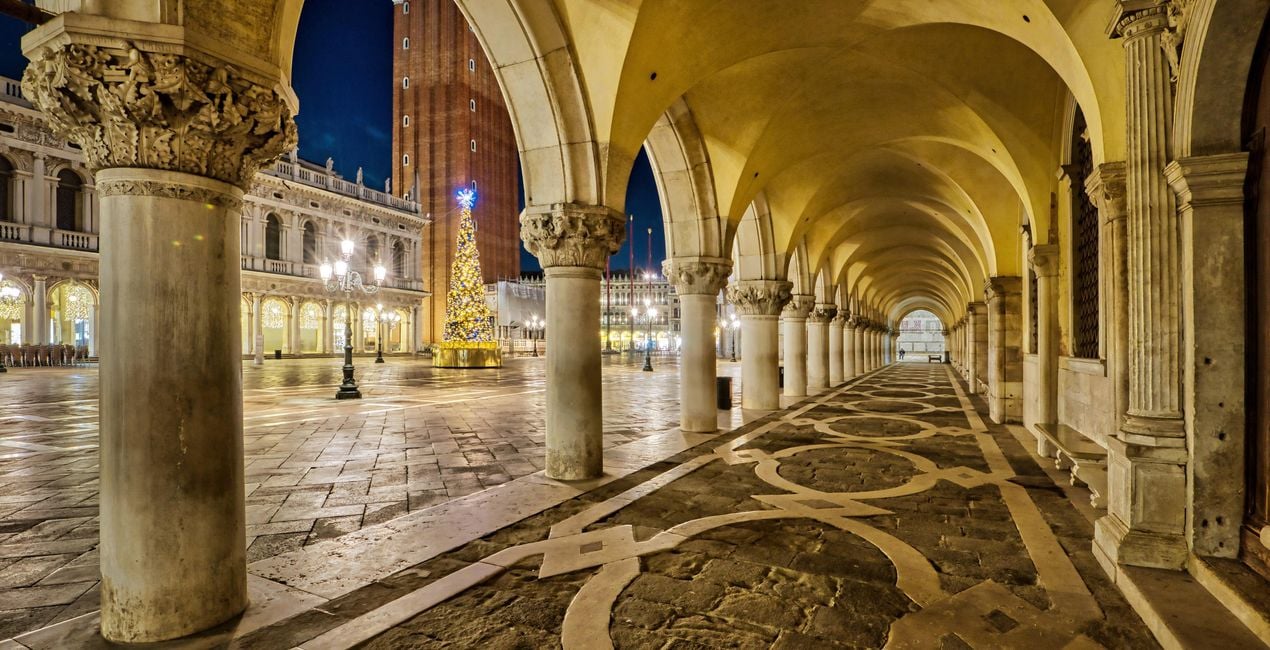
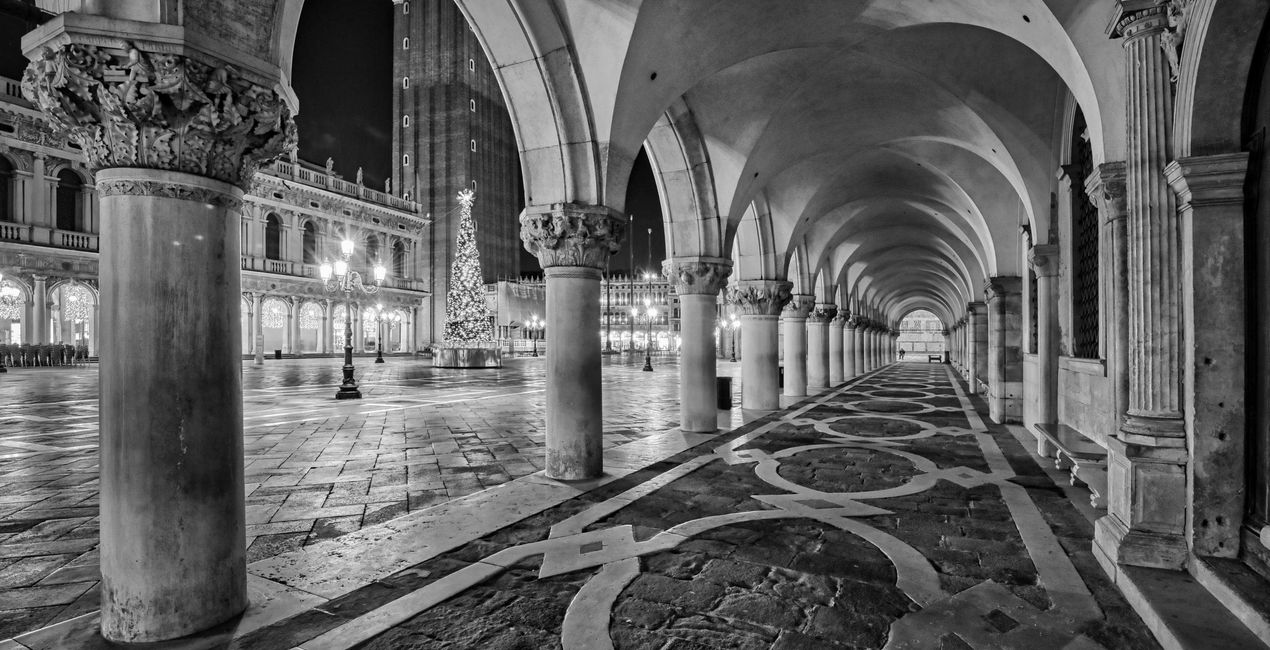
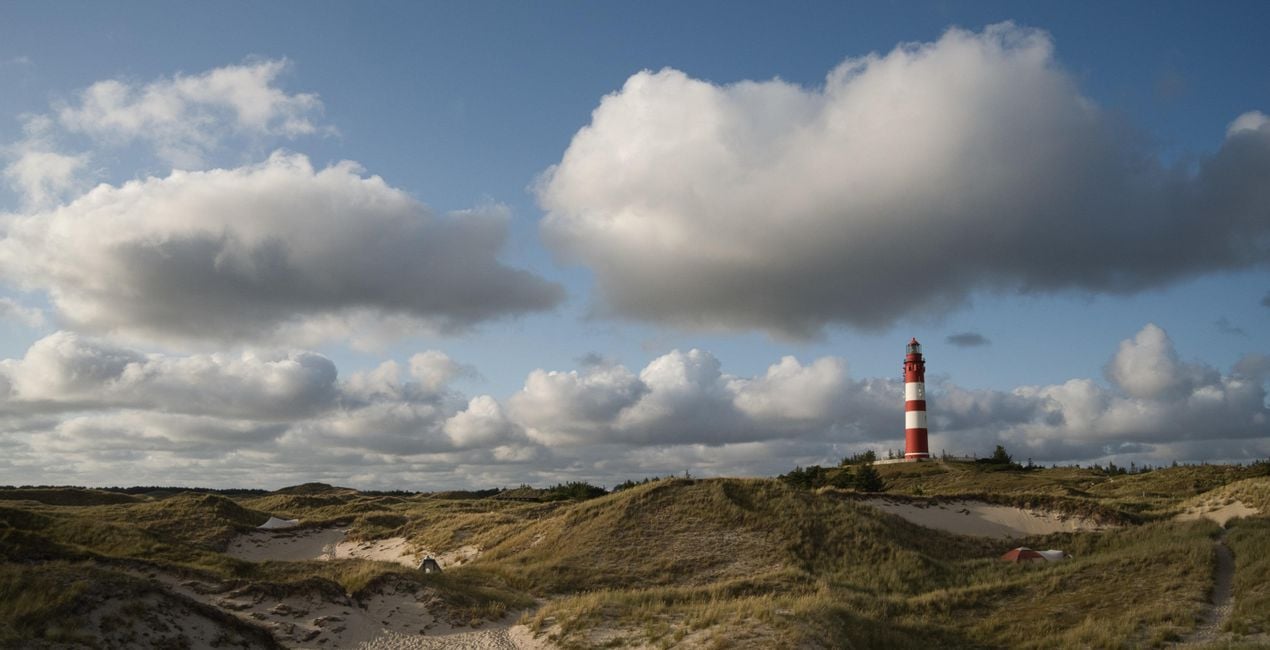
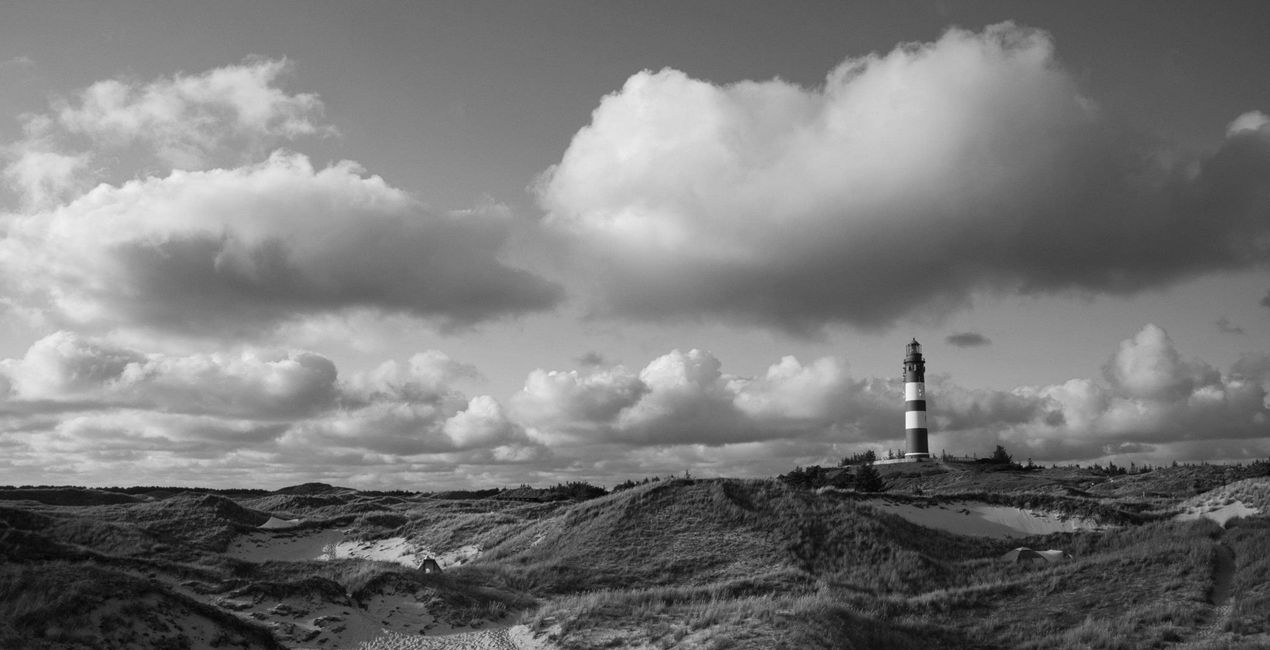
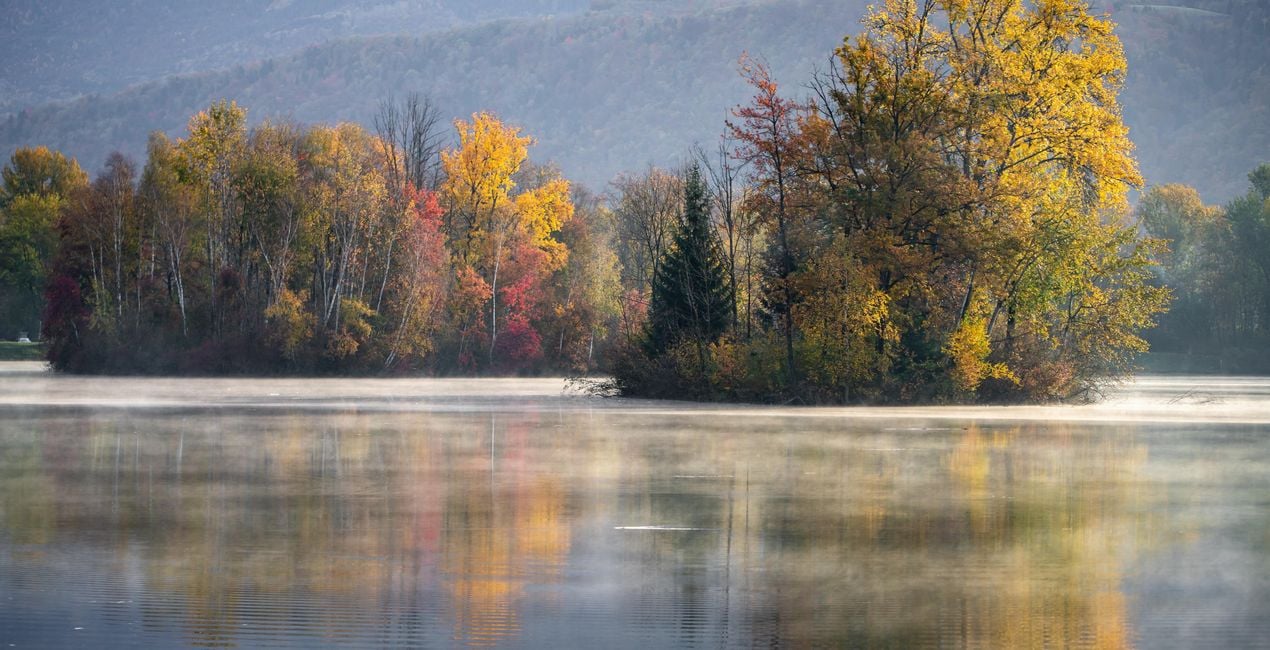
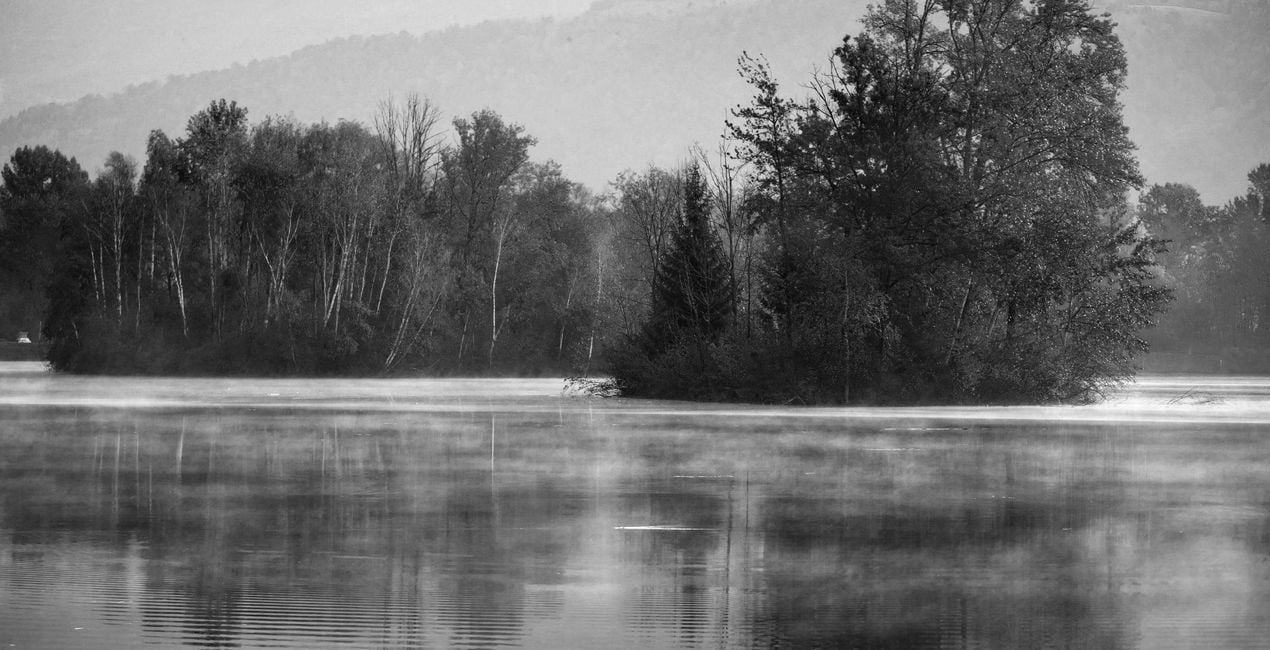
Rene Ledrado 제작 12가지 프리셋/템플릿/룩 컬렉션을 사용하여 여러분의 사진을 클래식한 흑백 스타일로 바꿔보세요. 이 컬렉션에는 빨간색 필터, 노란색 필터, 녹색 필터, 파란색 필터, 적외선 필터, 자연 필터 등 다양한 효과가 포함되어 있습니다. 지금 당장 사용해 보세요!

RAW 파일을 사용하면 간편하게 리터치 기법을 연습하고 멋진 사진을 편집하는 방법을 배울 수 있습니다.
 >
>

 >
>

 >
>
 >
>
 >
>

 >
>
 >
>
 >
>
 >
>
Want to create black and white photos that stand out? This collection contains 12 Presets/Templates/Looks by Rene Ledrado that transform your color photos into impressive black and white photos in a classic style. For this purpose, they make use of various tools in Luminar Neo such as Develop or Develop Raw, Color, Structure AI, and Black and White Conversion. You will find a variety of effects imitating yellow filters, red filters, green filters, blue filters, infrared filters, and others. Experiment and create impressive photos.You’ll find 12 Presets/Templates/Looks in this pack:BW Green Filter: Creates black and white images with bright and beautiful meadows and plantsBW Red Filter: Creates high-contrast photos with dramatic skiesBW Infrared: Transforms your colorful photos into dreamlike and surreal black and white imagesBW Standard: A grayscale conversion that corresponds to a standard panchromatic black and white filmBW Bright: Turns your color photo into a cozy black and white imageBW Dark: An overall darker black and white conversion of a color photoBW Blue Filter: A contrast-increasing Preset in which blue tones are reproduced very brightlyBW Yellow Filter: Gives fantastic photos, especially for subjects with autumn leavesBW Max Black: Produces strong, dark areas; well suited for low-key black and white photosBW Max White: Creates beautiful bright highlights; well suited for high-key black and white photosBW Neutral Density: For black and white photos with good detail and many shades of grayBW Contrasting Red Filter: For photos with an expressive sky and enhanced light/dark contrasts
Photographer. Skylum Ambassador
René Ledrado is a certified commercial photographer who has worked in advertising since 1993.
His passion is photographing landscapes, especially during the blue hour.
René teaches photography at the Akademie Deutsche POP and the Adult Education Center in Hanover. Every week, he shares a new tutorial (mostly about Luminar) on YouTube.
His popular Luminar book has already helped many photographers get the best editing results.
제품에 관한 문의 사항이 있으시면 24시간 지원팀에 연락하세요. 아래 링크를 따라가시면 됩니다.
CLASSIC B&W FILTERS 을 구매하려면 다음 단계를 따르세요:
1. Skylum 마켓플레이스를 엽니다.
2. CLASSIC B&W FILTERS 이 표시된 탭으로 이동하세요. 해당 상품을 클릭하여 장바구니에 담으세요.
3. 장바구니로 이동하세요. 여기서 CLASSIC B&W FILTERS 의 구매 절차를 완료하세요.
4. 구매 후 CLASSIC B&W FILTERS 의 다운로드 링크가 포함된 주문 완료 이메일을 받게 됩니다. 또한 새로 구매한 항목은 Skylum 계정의 ‘내 애드온’ 탭에서 확인하실 수 있습니다.
CLASSIC B&W FILTERS 설치에 대한 자세한 안내는 다운로드 링크와 함께 발송되는 주문 처리 이메일로 보내드립니다.
또한 구매한 항목은 Luminar Neo에서 직접 설치할 수 있습니다: 기타 > 마켓플레이스로 이동한 후, 제품 카테고리를 선택하고 구매한 항목을 찾아 설치를 클릭하세요.
아주 간단합니다! 프리셋 탭으로 이동한 후 '구매한 항목'을 선택하세요. 설치된 프리셋이 여기에 표시됩니다.
걱정하지 마세요. CLASSIC B&W FILTERS 을 포함한 모든 구매 항목은 Skylum 계정의 ‘내 애드온’ 탭에 저장되어 있어 다시 간편하게 다운로드하고 이용할 수 있습니다.
일반적으로 대부분의 항목은 Luminar Neo와 호환됩니다. 그러나 CLASSIC B&W FILTERS 이 귀하의 소프트웨어와 호환되는지 확인하려면 다운로드 또는 구매 전에 해당 제품의 사양을 검토하십시오. CLASSIC B&W FILTERS 페이지 오른쪽의 ‘호환성’ 섹션을 확인하시면 모든 호환 제품이 나열되어 있습니다.
아직 떠나지 마세요. 여러분만을 위한 특별 할인 코드를 준비했습니다. 15분 이내에 이 코드를 사용하시면 결제 시 추가 10% 할인을 받으실 수 있습니다. 아래 코드를 복사하여 구매를 완료해 주세요.
15 m : 00 s





