

 적용됨
적용됨 



Varied Lighting
Save $201 $ 19 .00
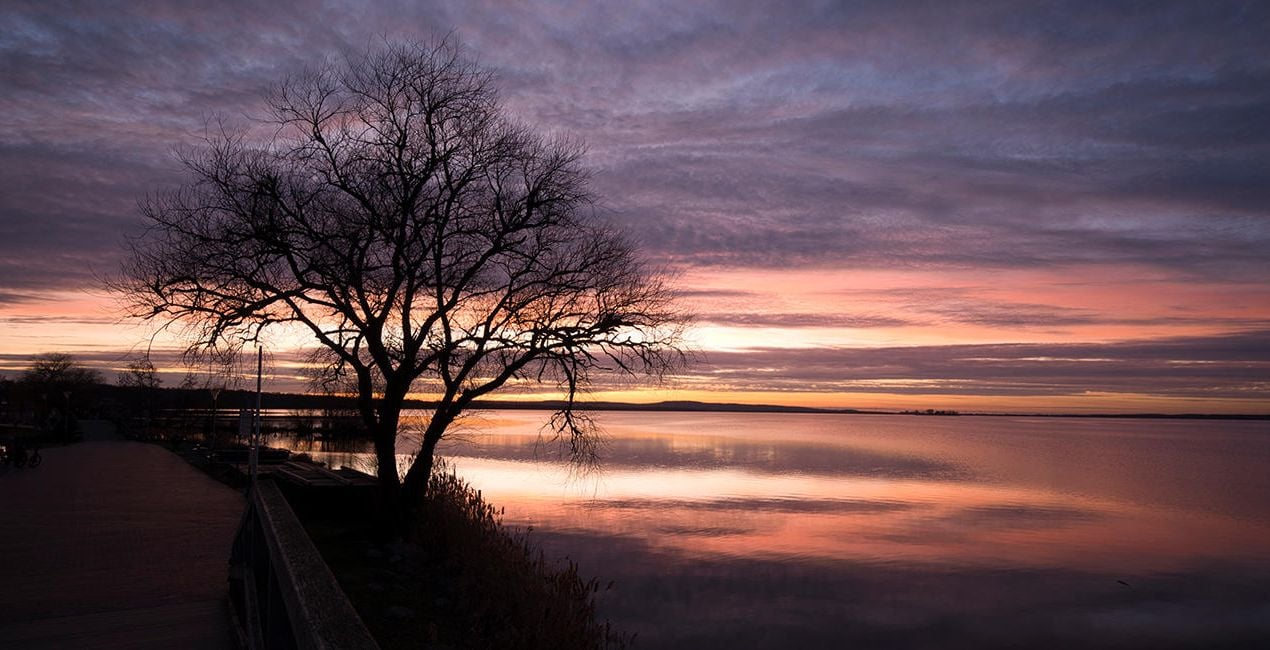
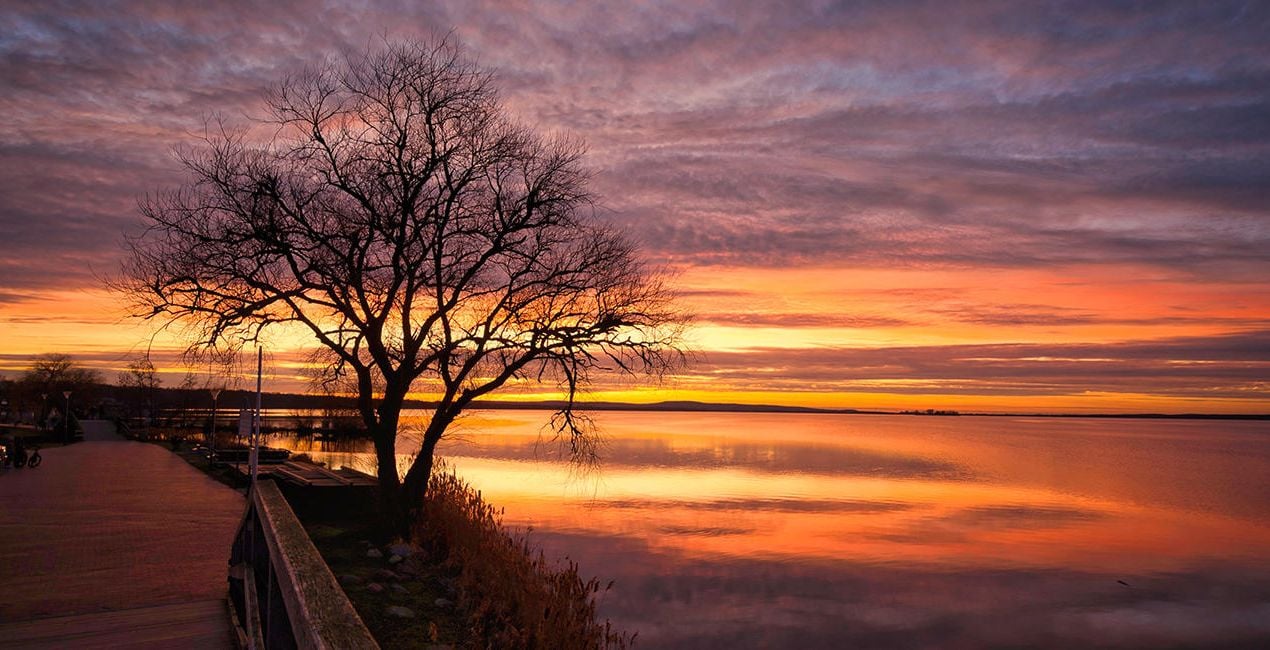
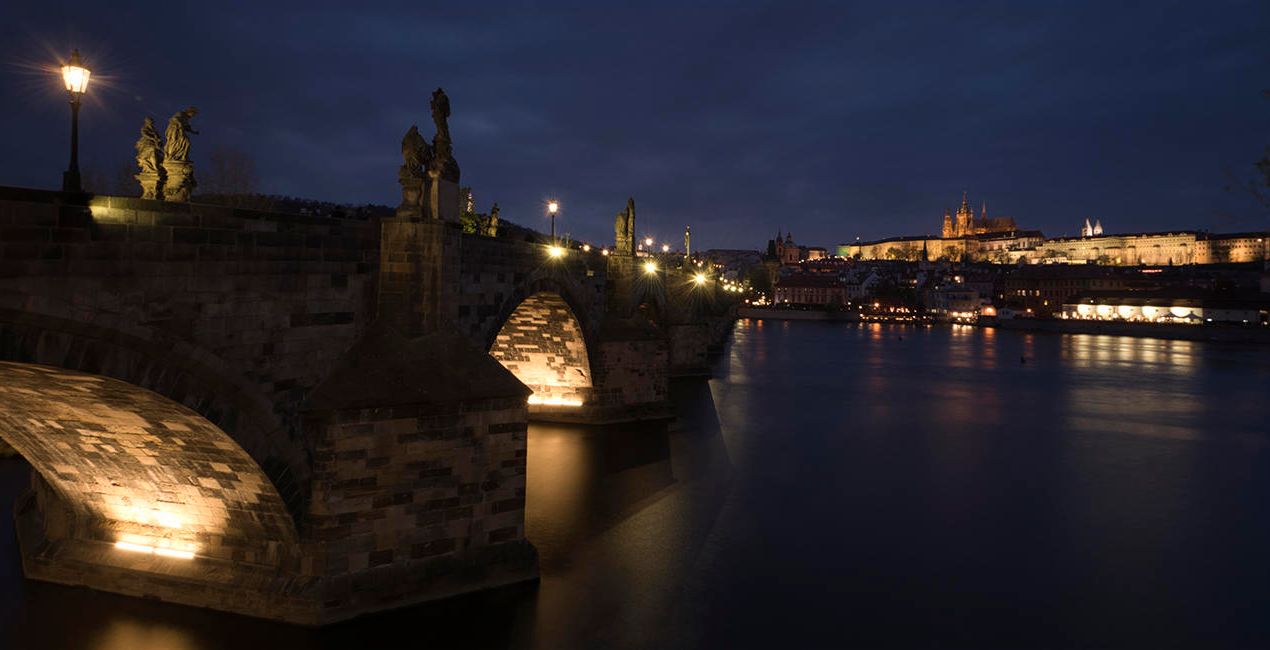
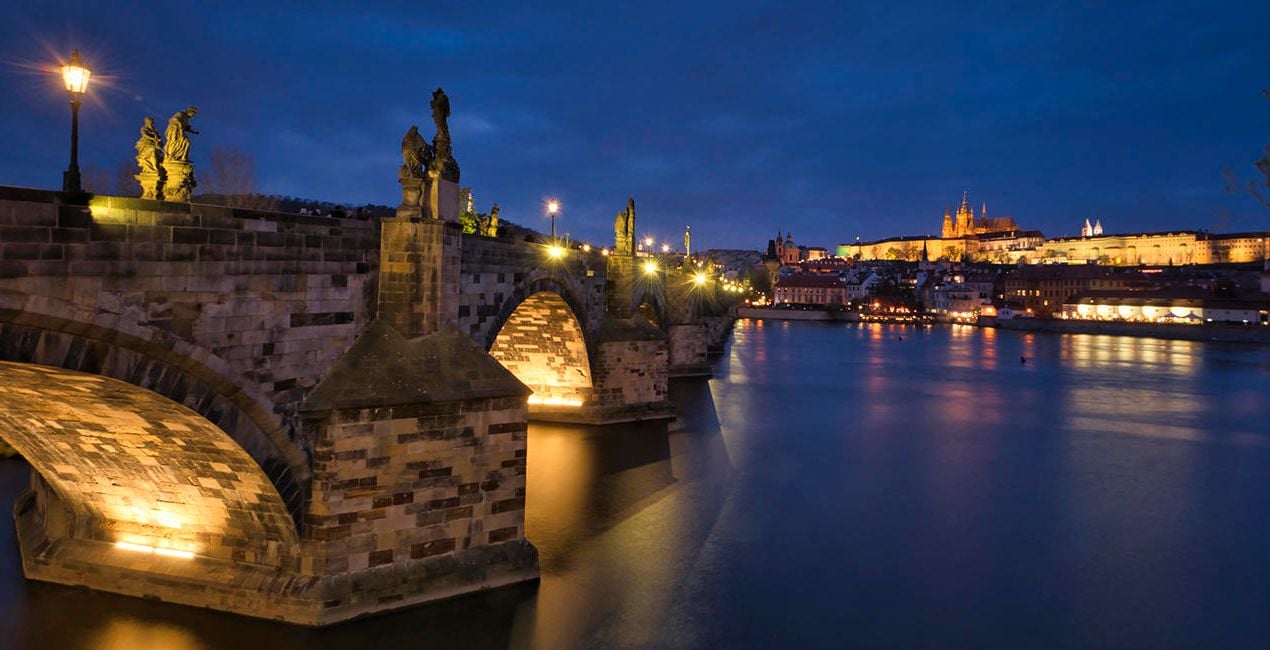
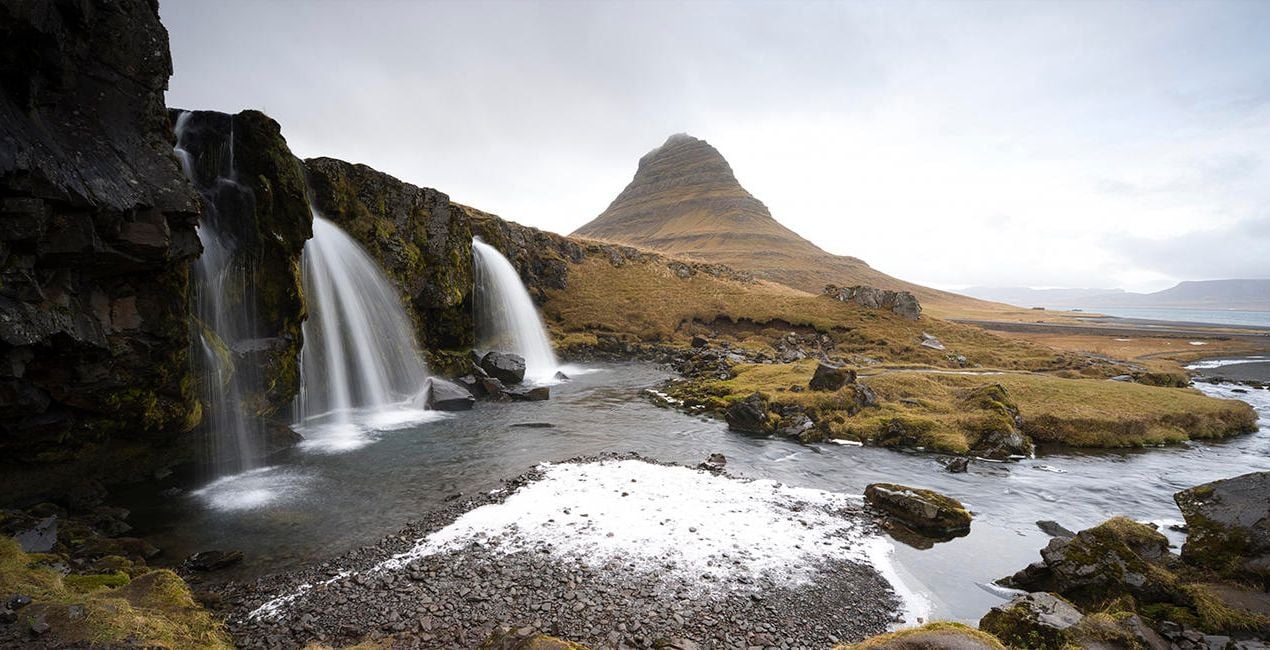
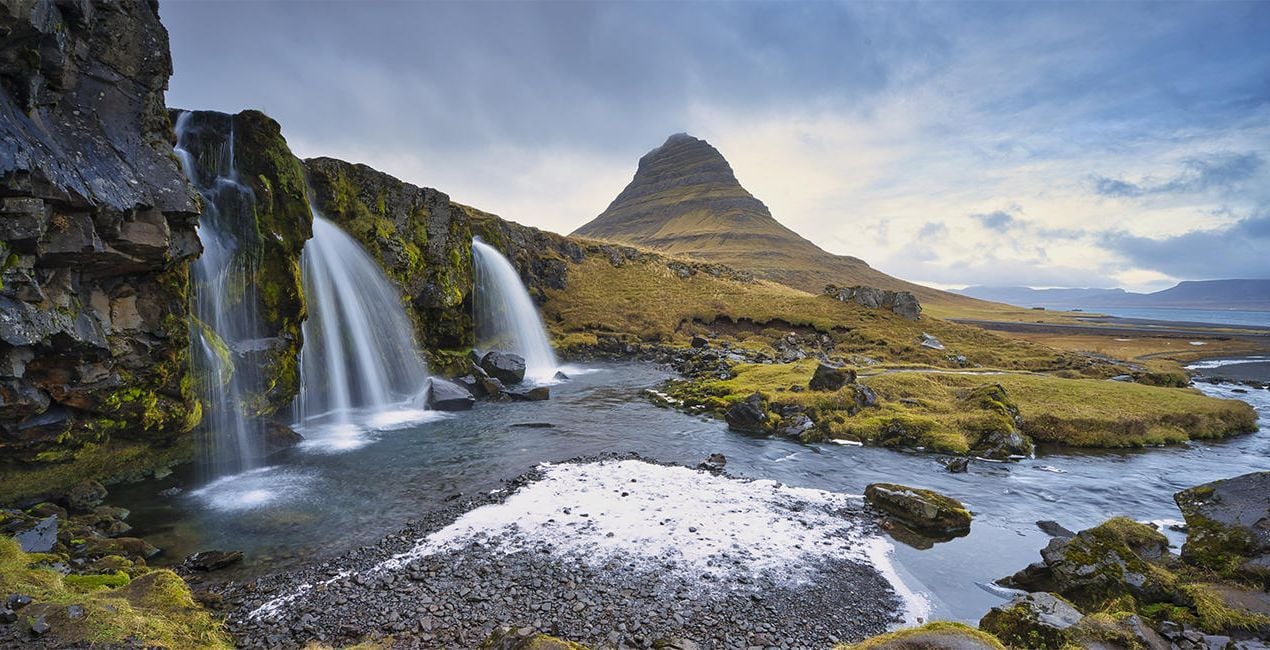
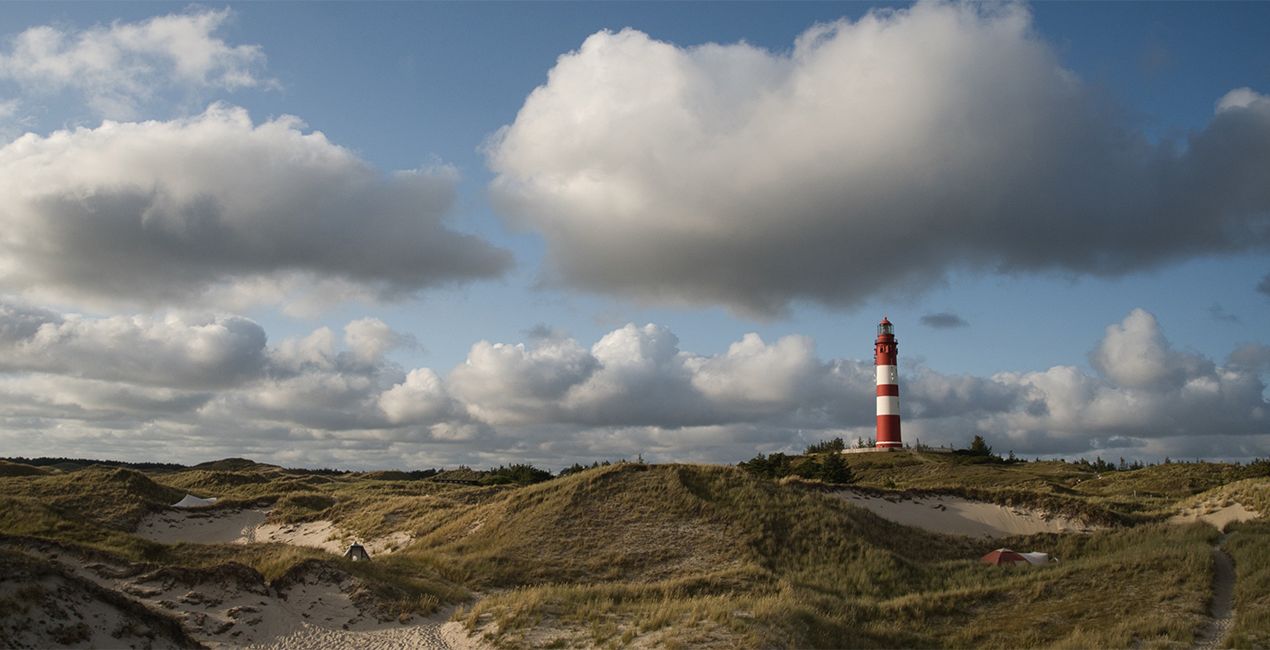
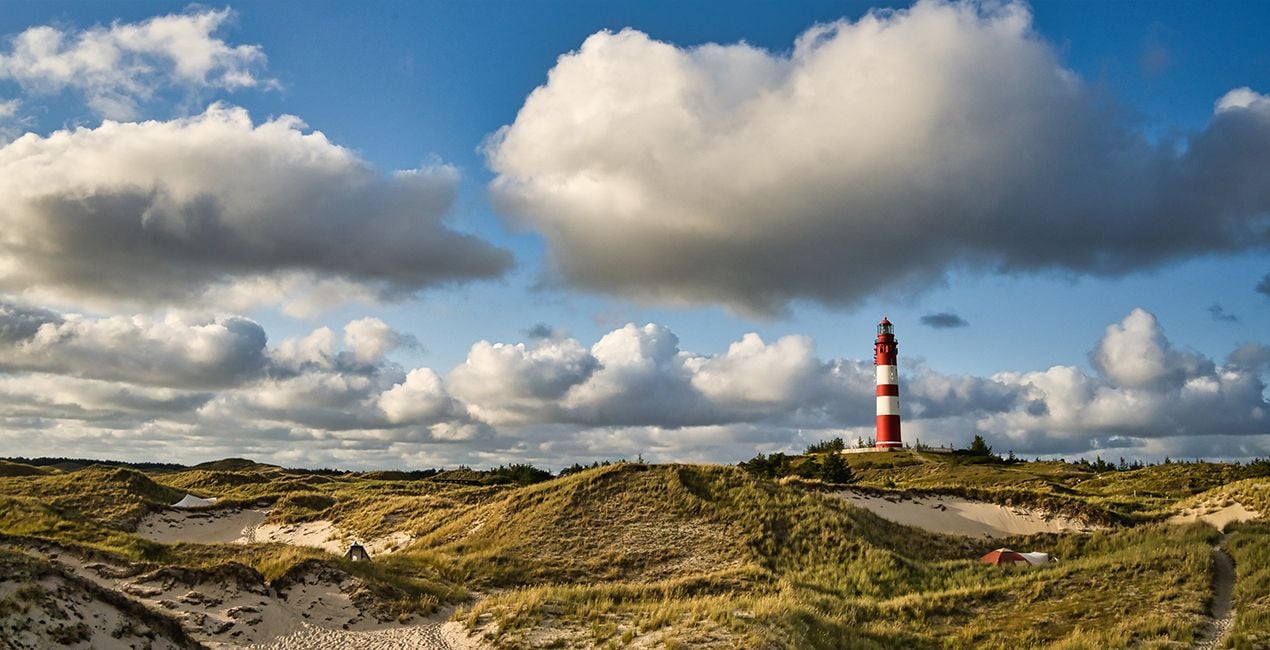
This Presets Pack is the ultimate solution for anyone who wants fast and satisfying photo results, tuned for different times of day and different weather conditions.

RAW 파일을 사용하면 간편하게 리터치 기법을 연습하고 멋진 사진을 편집하는 방법을 배울 수 있습니다.
 >
>

 >
>
 >
>
 >
>
 >
>
 >
>
These 10 Presets, which include AI-powered tools, let you quickly and easily make basic adjustments to enhance any landscape or cityscape image — no matter what time of day it was captured. The Presets will help you get stunning results in almost any lighting condition and are suitable for both JPEG and raw images. With this Presets pack, your photo editing will be easier than ever!
Presets included:
Morning / Afternoon: Enhances structures, slightly lifts haze, and provides more beautiful color
Noon: Provides beautiful light/dark contrasts, slightly lifts haze in the image, and creates a pleasant, warmer atmosphere
Backlight: Darkens the bright parts of the image and lightens the dark parts so that more details are visible
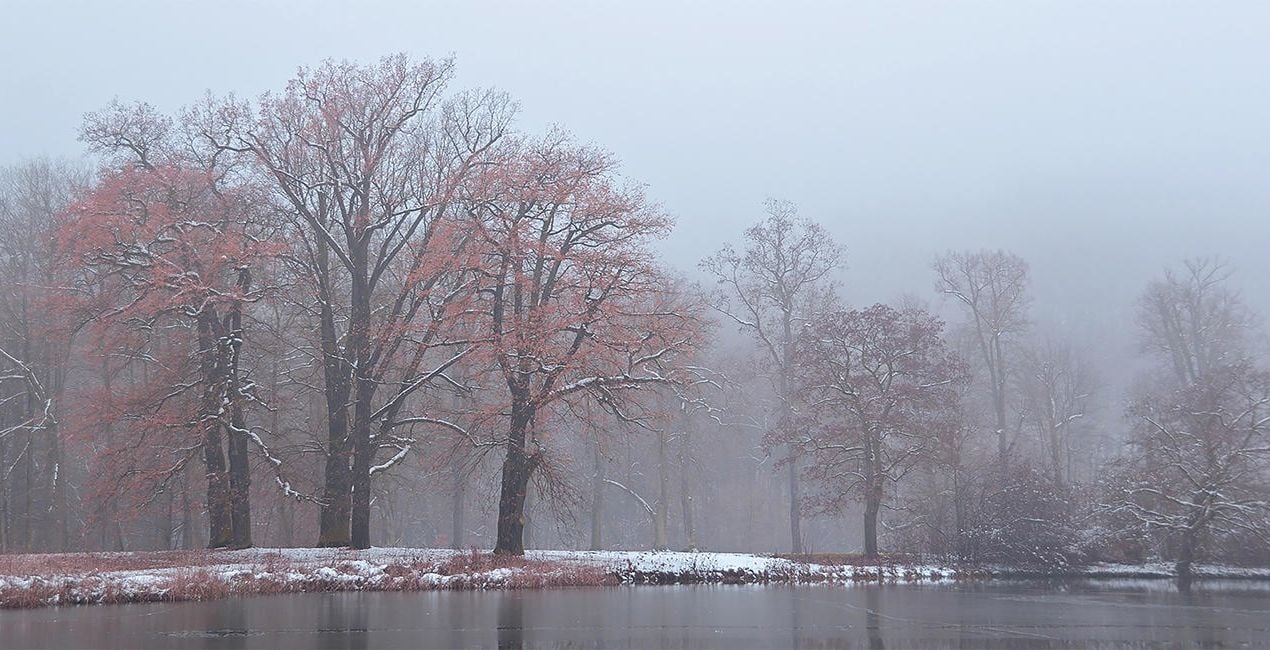
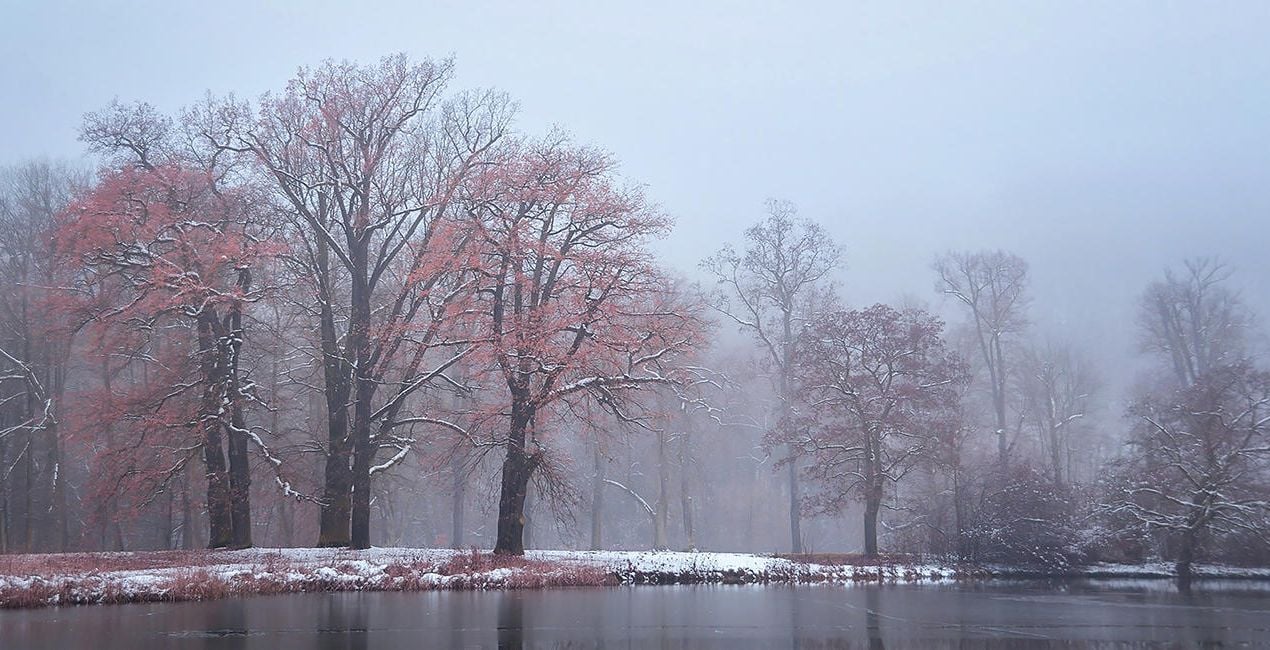
Foggy Day: Slightly raises contrast in the image without sacrificing the foggy atmosphere
Dull Weather: Increases contrast, colorfulness, and sharpness if the sun wasn’t shining when the picture was taken
Golden Hour: Enhances the warm orange-yellow mood that prevails before sunset
Backlight Golden Hour: Enhances warm tones in both the light and dark parts of the image
Blue Hour: Provides a more intense blue and at the same time enhances warm city lights
Milky Way: Provides more sharpness in the details and conjures up a beautiful Milky Way in the image with Sky AI
Nighttime: Provides more details in the dark parts of the image and enhances warm city lights
Photographer. Skylum Ambassador
René Ledrado is a certified commercial photographer who has worked in advertising since 1993.
His passion is photographing landscapes, especially during the blue hour.
René teaches photography at the Akademie Deutsche POP and the Adult Education Center in Hanover. Every week, he shares a new tutorial (mostly about Luminar) on YouTube.
His popular Luminar book has already helped many photographers get the best editing results.
제품에 관한 문의 사항이 있으시면 24시간 지원팀에 연락하세요. 아래 링크를 따라가시면 됩니다.
Varied Lighting을 구매하려면 다음 단계를 따르세요:
1. Skylum 마켓플레이스를 엽니다.
2. Varied Lighting이 표시된 탭으로 이동하세요. 해당 상품을 클릭하여 장바구니에 담으세요.
3. 장바구니로 이동하세요. 여기서 Varied Lighting의 구매 절차를 완료하세요.
4. 구매 후 Varied Lighting의 다운로드 링크가 포함된 주문 완료 이메일을 받게 됩니다. 또한 새로 구매한 항목은 Skylum 계정의 ‘내 애드온’ 탭에서 확인하실 수 있습니다.
Varied Lighting 설치에 대한 자세한 안내는 다운로드 링크와 함께 발송되는 주문 처리 이메일로 보내드립니다.
또한 구매한 항목은 Luminar Neo에서 직접 설치할 수 있습니다: 기타 > 마켓플레이스로 이동한 후, 제품 카테고리를 선택하고 구매한 항목을 찾아 설치를 클릭하세요.
아주 간단합니다! 프리셋 탭으로 이동한 후 '구매한 항목'을 선택하세요. 설치된 프리셋이 여기에 표시됩니다.
걱정하지 마세요. Varied Lighting을 포함한 모든 구매 항목은 Skylum 계정의 ‘내 애드온’ 탭에 저장되어 있어 다시 간편하게 다운로드하고 이용할 수 있습니다.
일반적으로 대부분의 항목은 Luminar Neo와 호환됩니다. 그러나 Varied Lighting이 귀하의 소프트웨어와 호환되는지 확인하려면 다운로드 또는 구매 전에 해당 제품의 사양을 검토하십시오. Varied Lighting 페이지 오른쪽의 ‘호환성’ 섹션을 확인하시면 모든 호환 제품이 나열되어 있습니다.
아직 떠나지 마세요. 여러분만을 위한 특별 할인 코드를 준비했습니다. 15분 이내에 이 코드를 사용하시면 결제 시 추가 10% 할인을 받으실 수 있습니다. 아래 코드를 복사하여 구매를 완료해 주세요.
15 m : 00 s





