

 適用する
適用する 



Exploring Wilderness
Save $201 $ 19 .00
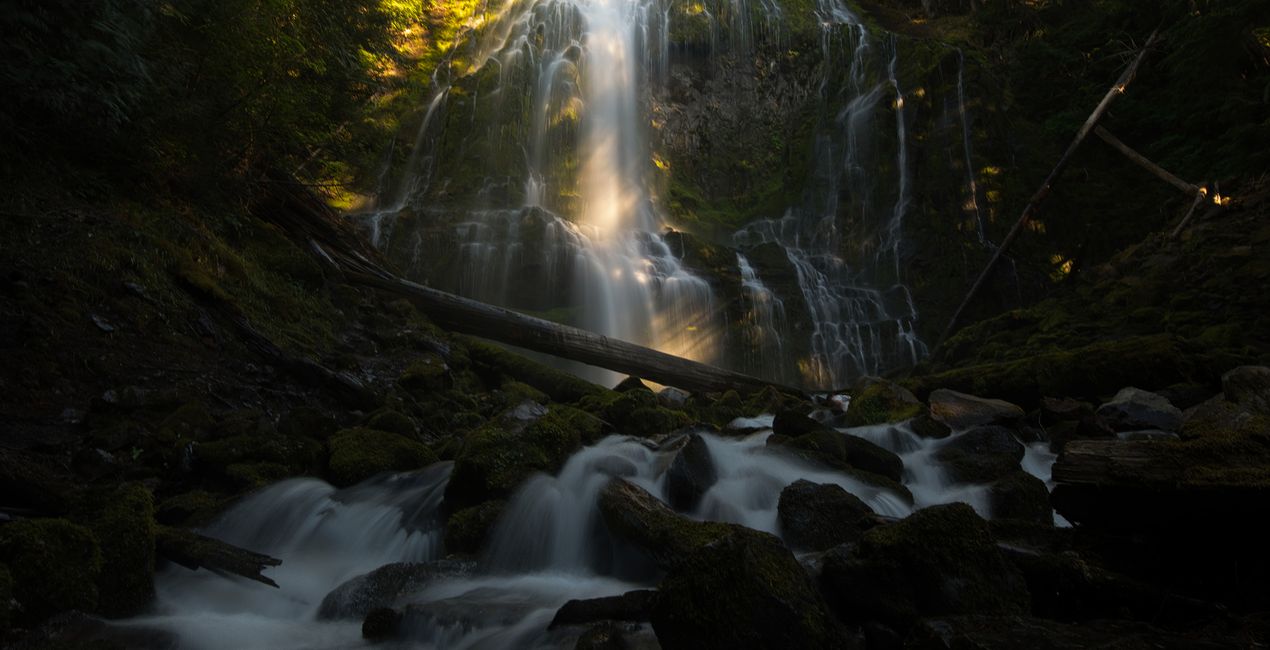
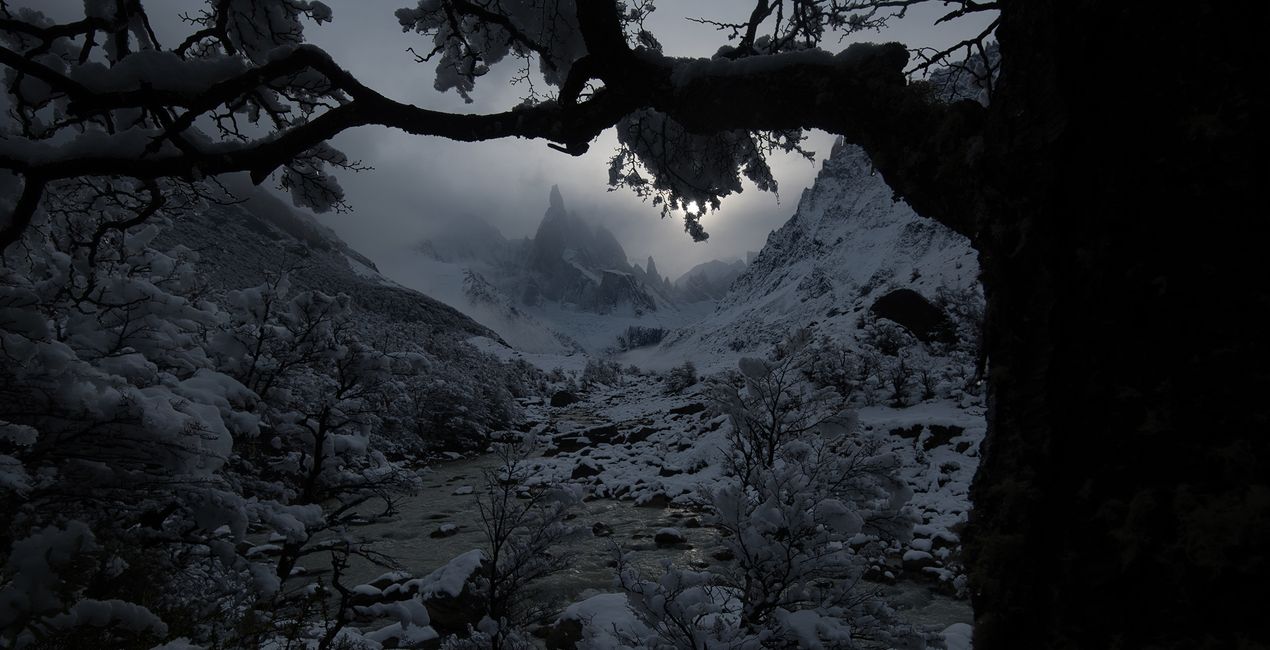
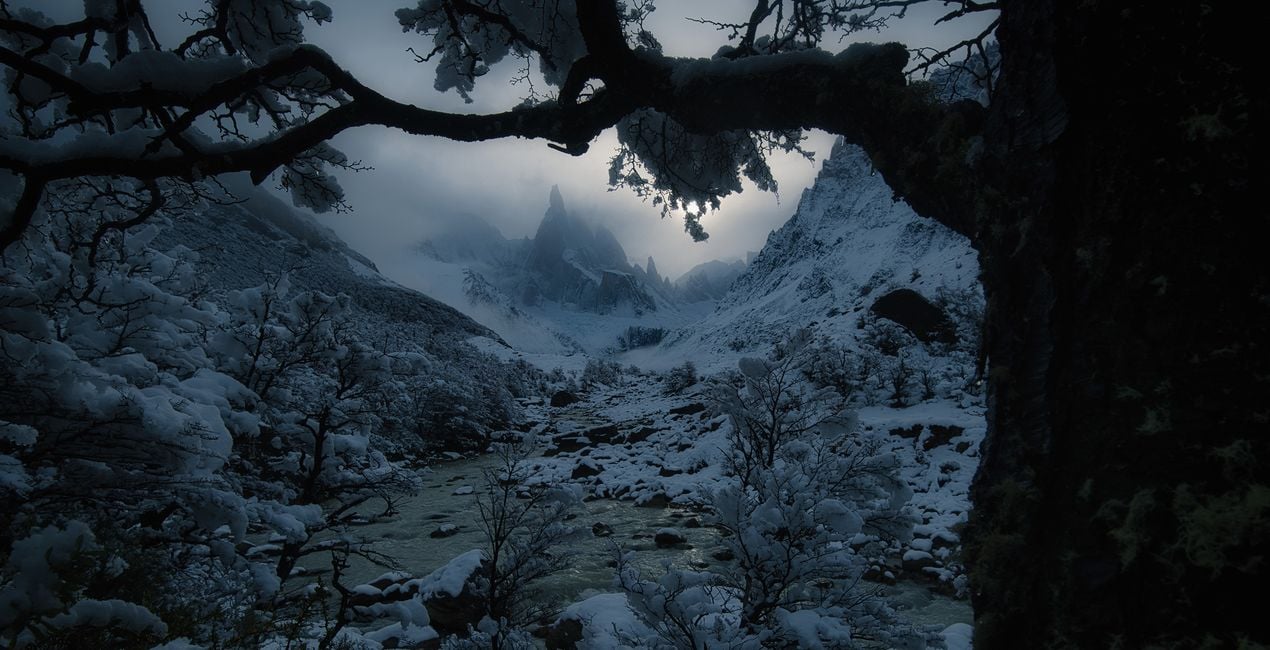
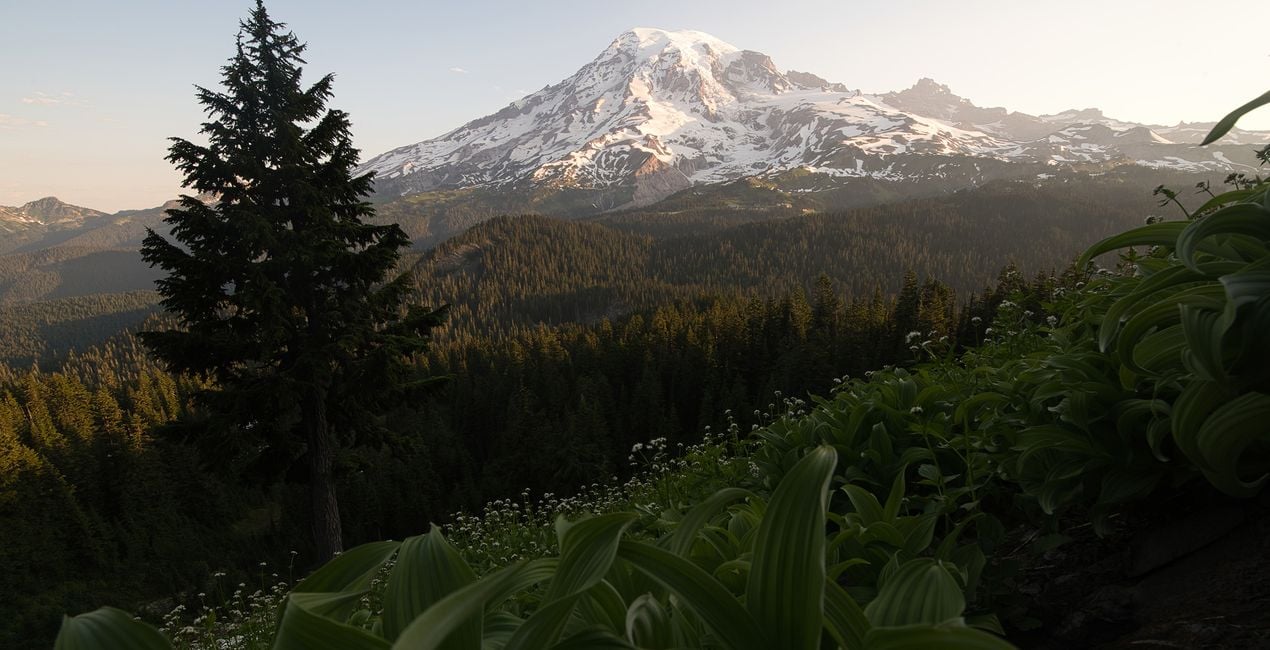
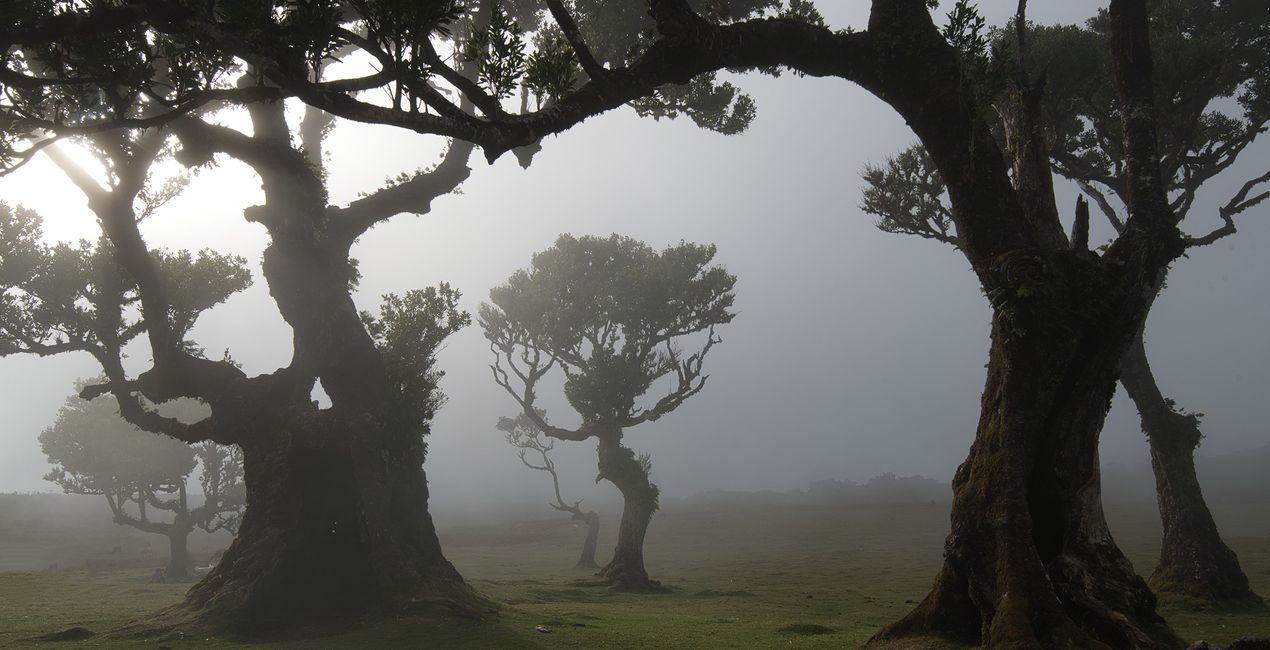
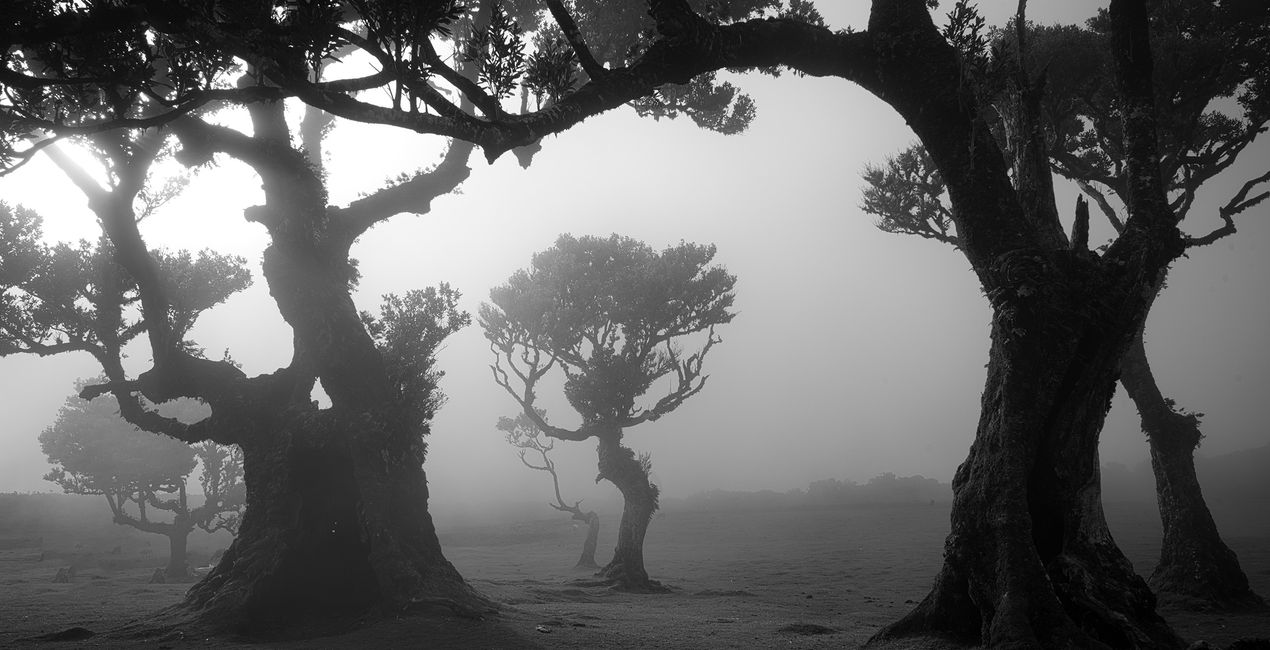
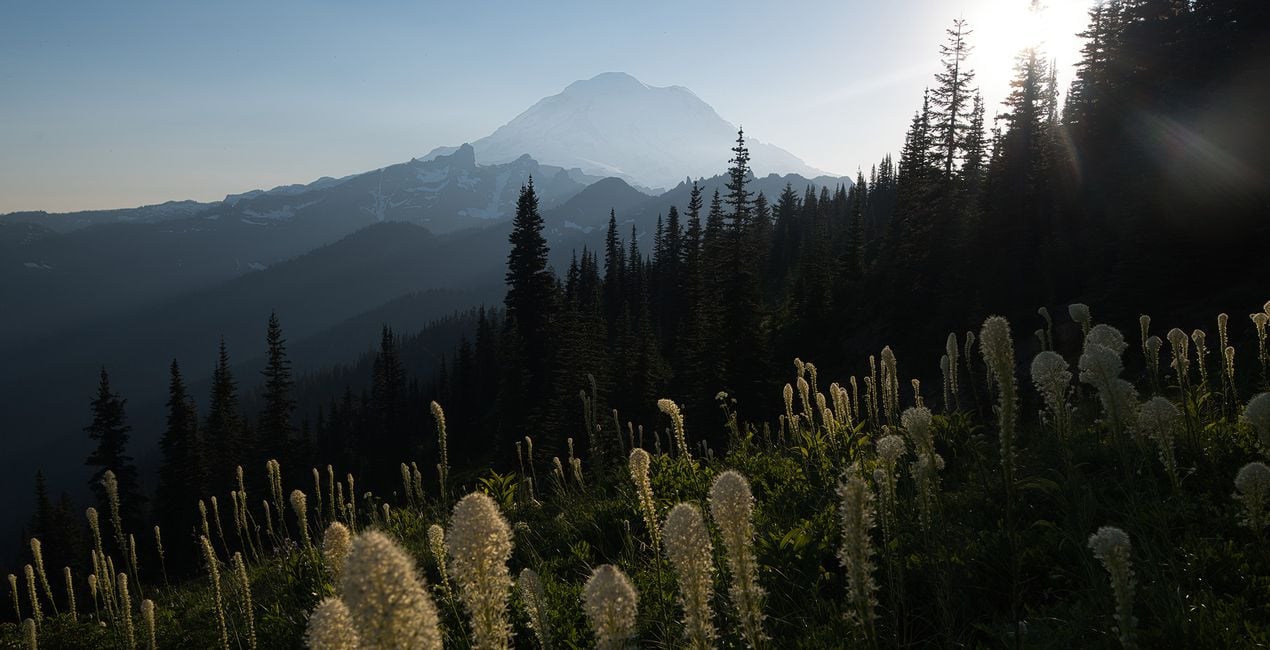
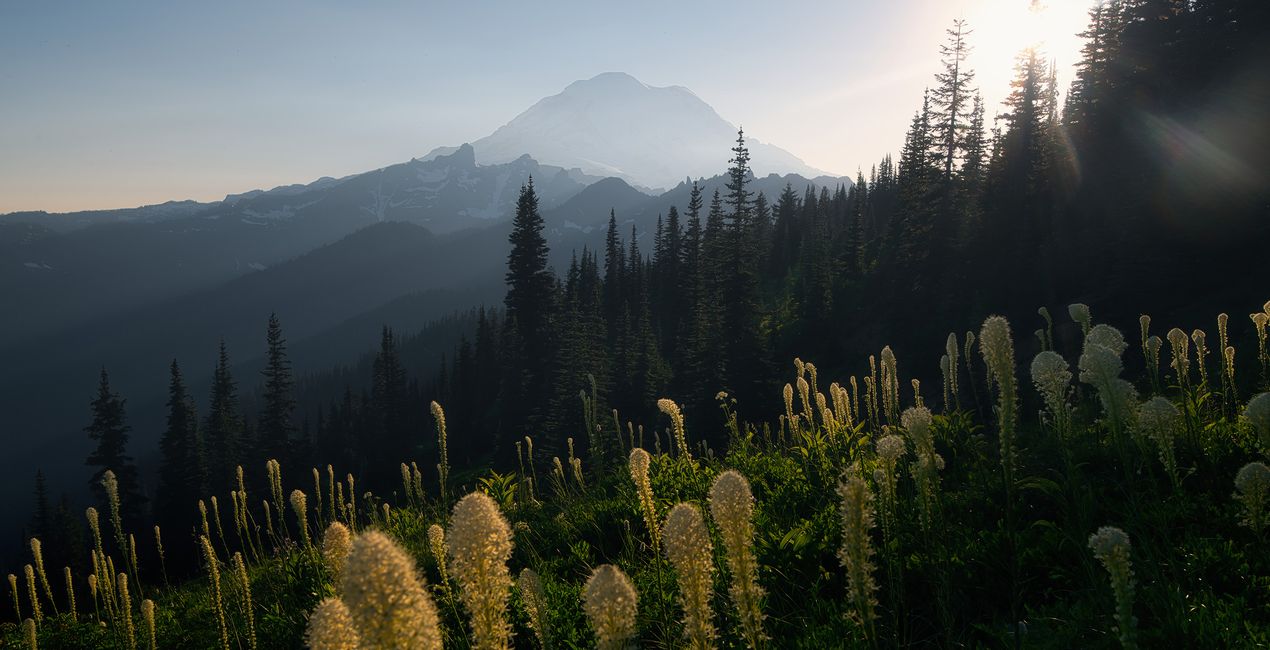
All you need for epic photos is this brand-new Preset pack designed by award-winning photographer Max Rive. Don't miss out on the opportunity to transform your landscapes into works of art in a few clicks!

提供されたRAWファイルを使ってレタッチのコツを簡単に練習、こんな写真に仕上げる方法を学ぶことができます。
 >
>
 >
>
 >
>
 >
>
 >
>
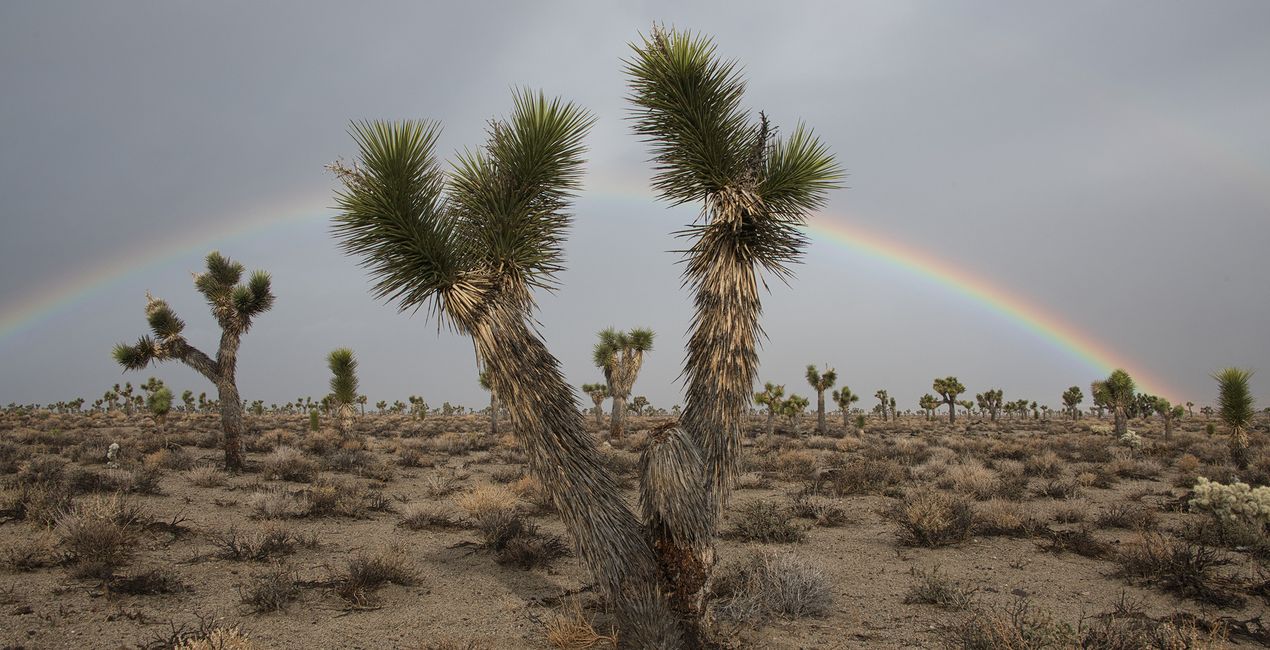
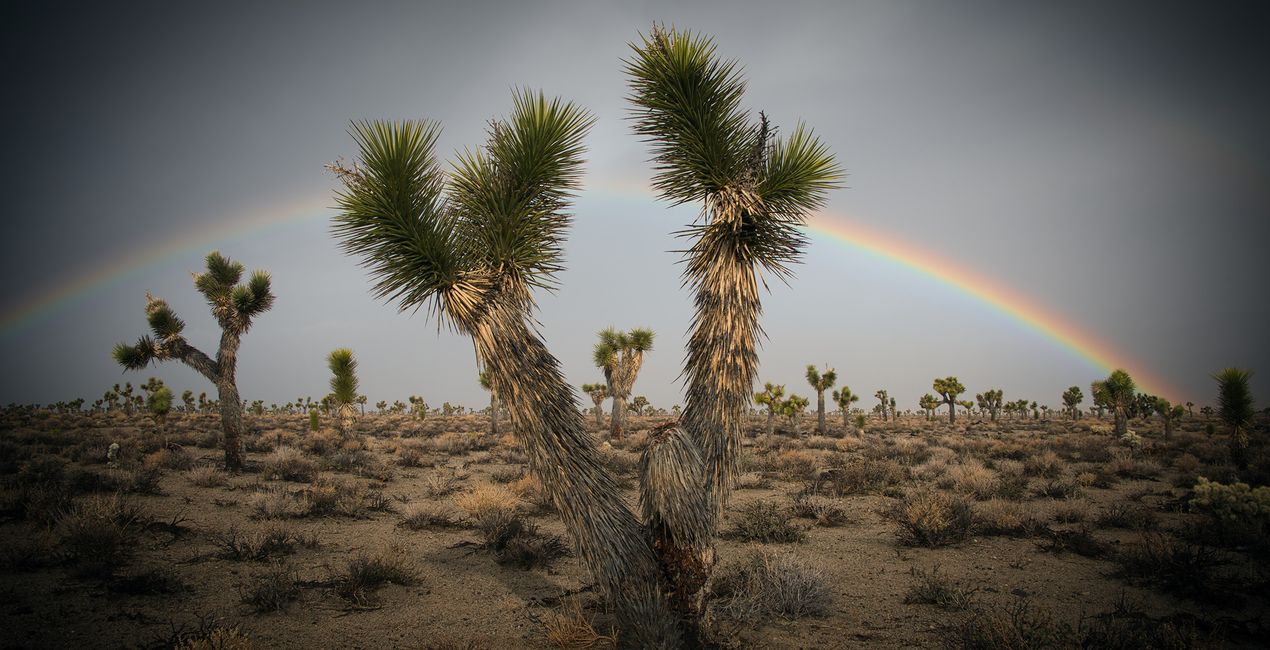 >
>
Max has traveled worldwide to take the photos for this collection – from Madeira's Magical Forest, Patagonia's otherworldly landscapes, the south-west and north-west of the USA, the Italian Dolomites and the Fjords of Norway. This incredible collection is based on various landscapes that create the total package.
This incredible pack includes Presets for all seasons and all different moods and effects. Turn your summer photos into vivid green masterpieces with the Summer Views or Summer Daylight Presets. Let your fall and autumn photos benefit from an incredible color boost with the Autumn Vibes Preset. Create the perfect winter image using the Winter Landscape or the Misty Days Preset. The Black and White Preset will result in the perfect monochrome image. The 'Moody Days, Magical Moments, Magical Light and Sunlight will all help you choose the perfect mood, light, and style to turn your image into something extraordinary.
Each of these 10 Presets is totally unique and will give your image a beautiful, dramatic, and unique look. All the latest and greatest of Luminar Neo's editing tools have been used to get the perfect landscape image. Turn your image into something special in a matter of clicks with this brand-new Preset pack by landscape photographer of the year Max Rive!
製品についてご質問がございましたら、24時間対応のサポートチームまでお問い合わせください。こちらのリンクをご利用ください。
Exploring Wildernessを購入するには、次の手順に従ってください:
1. Skylumのマーケットプレイスを開きます。
2. Exploring Wildernessがリストされているタブに移動し、クリックしてカートに追加します。
3. カートに進み、Exploring Wildernessの購入手続きを完了してください。
4. ご購入後、Exploring Wildernessのダウンロードリンクが記載された購入完了メールが届きます。また、Skylumアカウントの「マイアドオン」タブからも新しいアイテムをご確認いただけます。
Exploring Wildernessのインストール手順の詳細は、ダウンロードリンクと一緒にお送りする「購入完了メール」に記載されています。
また、Luminar Neoから購入されたアイテムを直接インストールすることもできます。エクストラ > マーケットプレイスに進み、商品カテゴリを選択して、購入済みアイテムを見つけてインストールをクリックしてください。
とても簡単です!プリセット タブに移動して、購入済みを選択してください。インストールしたプリセットがここに表示されます。
ご安心ください。Exploring Wildernessを含むすべての購入済みアイテムは、Skylumアカウントの「マイアドオン」タブ に保存されるため、簡単に再ダウンロードしてご利用いただけます。
ほとんどのアイテムはLuminar Neoに対応しています。ただし、確実にExploring Wildernessがお使いのソフトと互換性があるかを確認するには、ダウンロードや購入前に製品仕様をご確認ください。Exploring Wildernessページ右側の「互換性」セクションに対応しているすべての製品が表示されています。
まだお帰りにならないでください。あなただけの特別割引コードをご用意しました。今後15分以内にご利用いただくと、お会計時にさらに10%オフになります。以下のコードをコピーして、お買い物を完了してください。
15 m : 00 s





