当社について
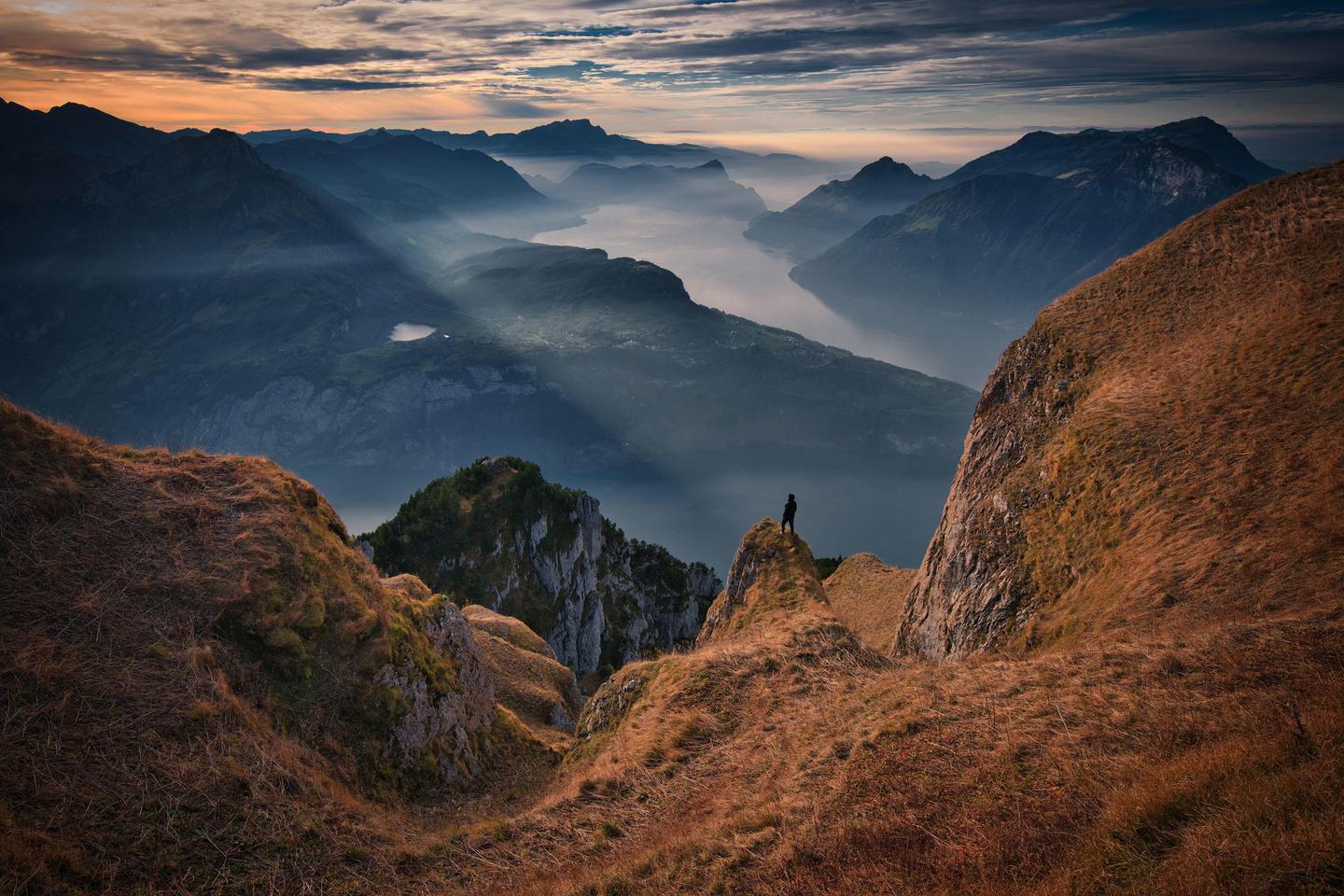
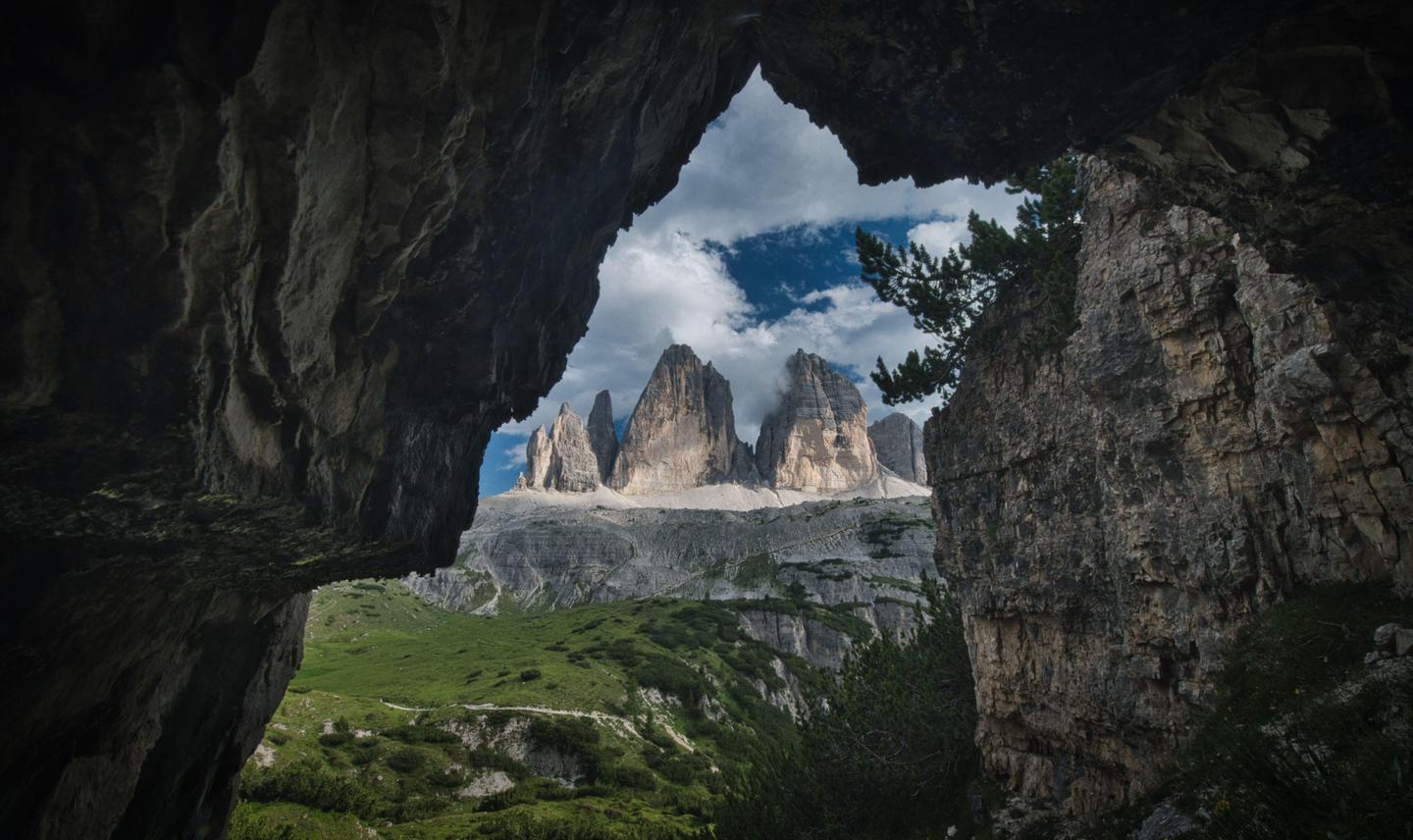
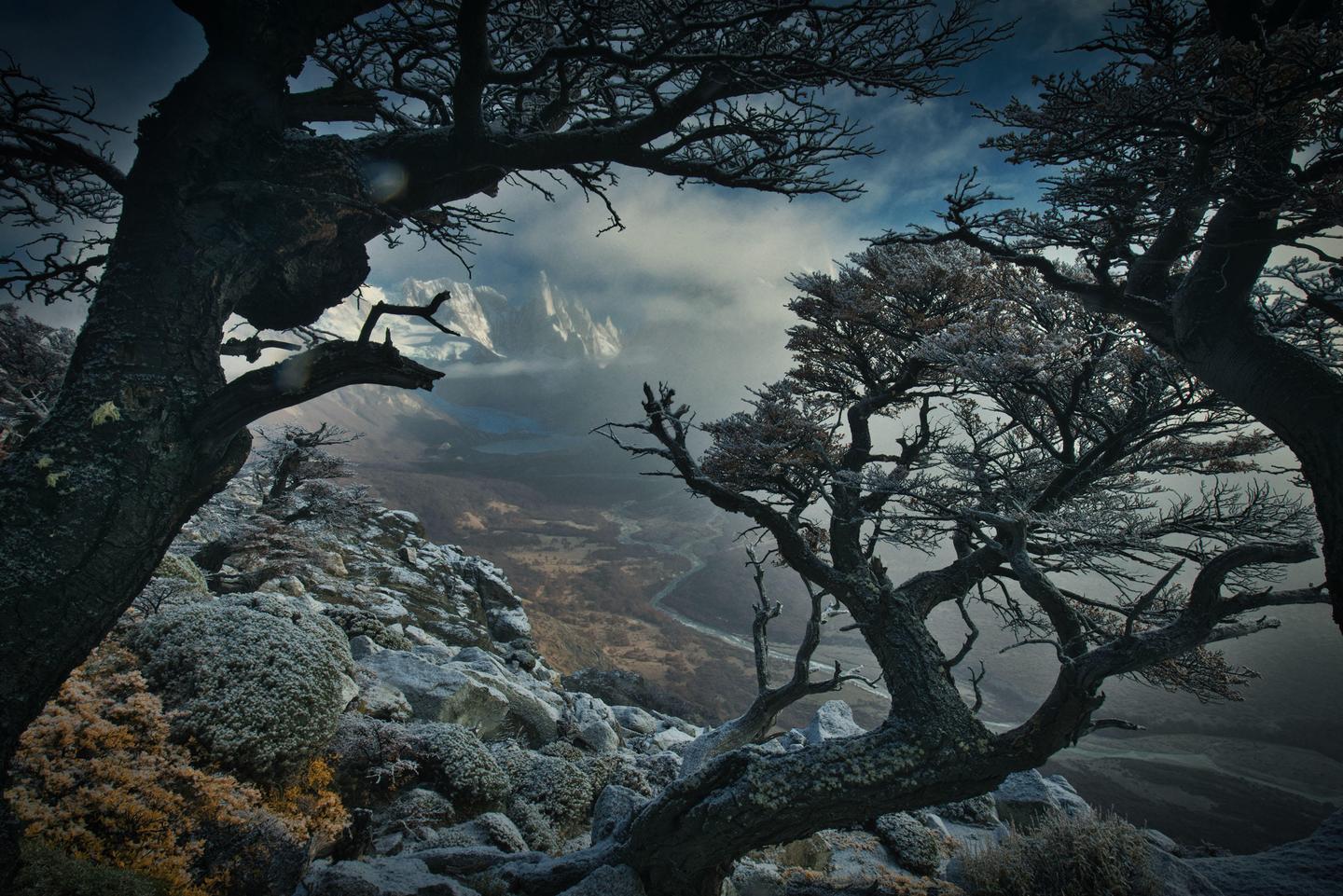
ランドスケープ・フォトグラファー・オブ・ザ・イヤー受賞者のMax Riveが、Luminar 4用の最新2020Looksに彼の秘密の編集テクニックを詰め込みました。この10個のLooksセットは、あなたの風景写真に活力を与えるだけでなく、ダイナミックレンジを改善しドラマチックに引き立たせます。秋、春、夏、日の出・日の入、霧、白黒、その他のムードでパーフェクトな写真を生み出しましょう。
含まれているもの
10種類のテンプレート。 JPEG、RAW画像に対応。
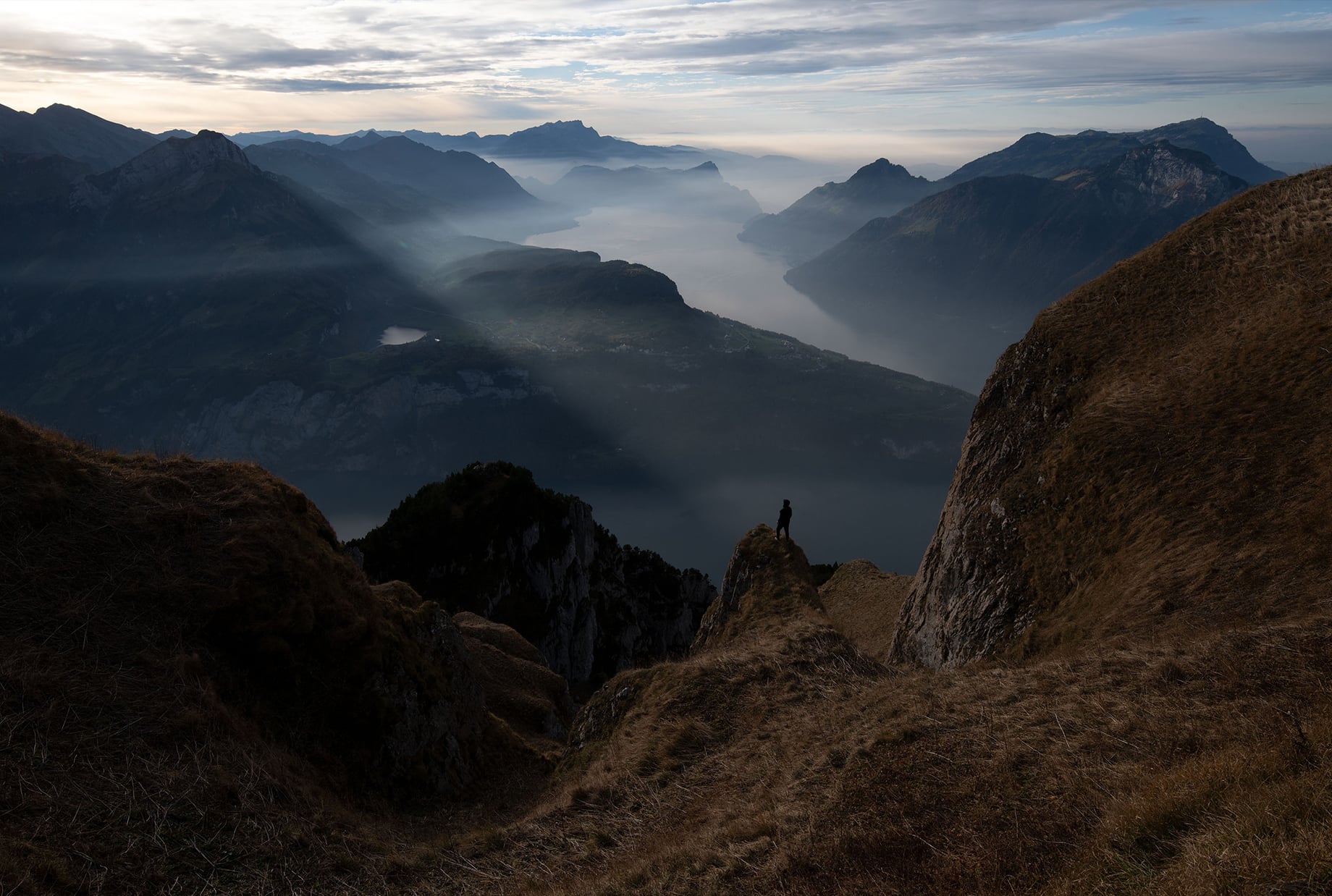
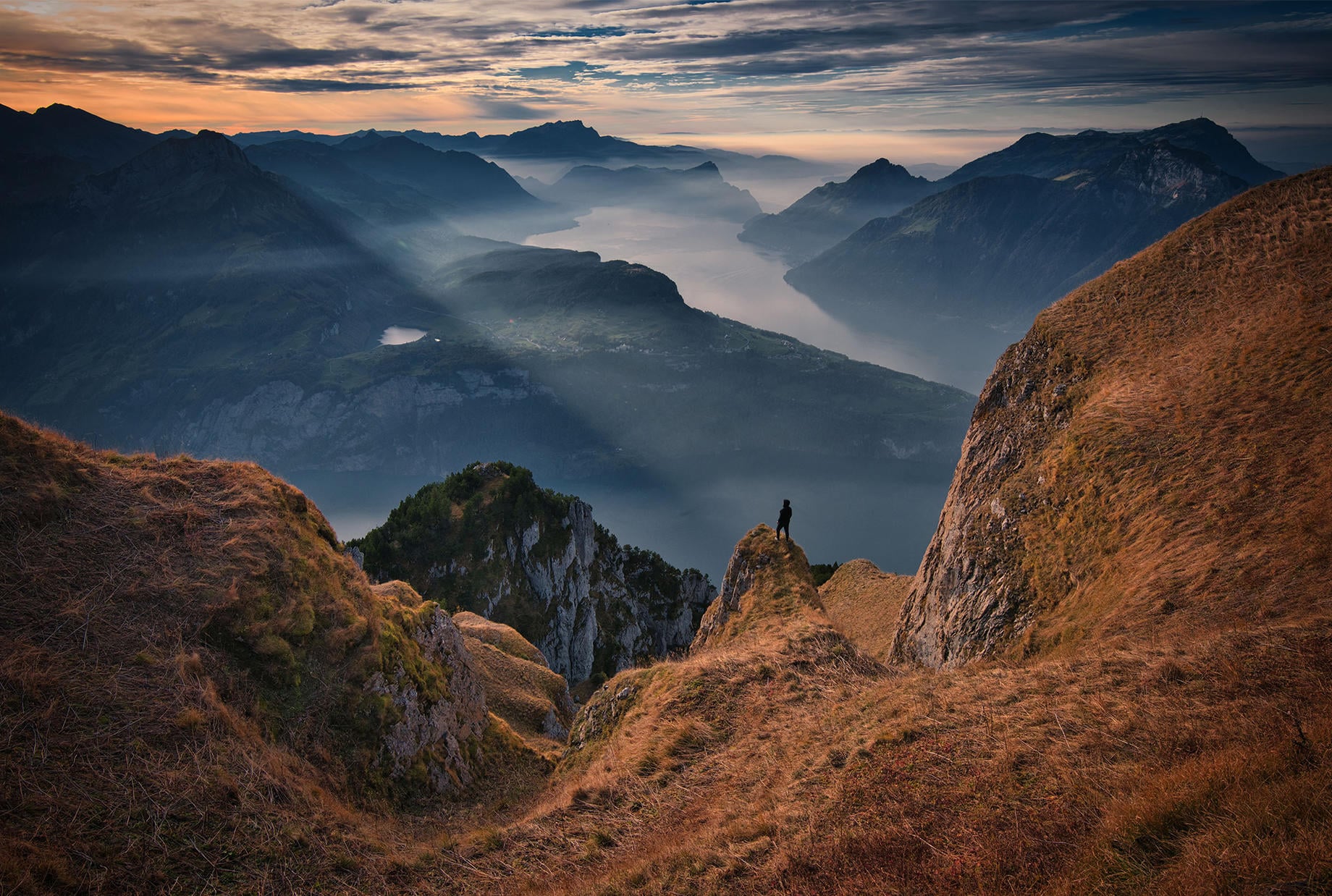
このような作品を作れます
提供されたRAWファイルを使ってレタッチのコツを簡単に練習、こんな写真に仕上げる方法を学ぶことができます。
物語
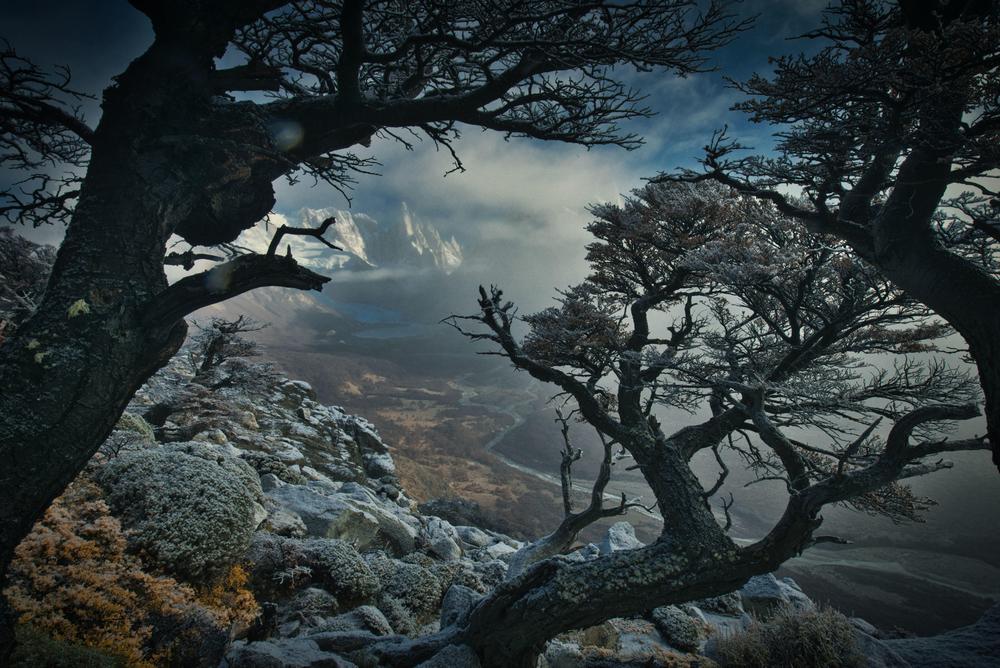
Max Rive visited his first mountain at age five. As he explored the Swiss Alps, it was love at first sight.
Looking at topographical maps, planning hiking routes, and running in front of his parents and brother, it was immediately apparent that Max had a real and deep passion for mountains and landscapes.
Since then, Max has returned many times to Switzerland. He has also traveled the world to Chile, Argentina, Greenland, Sweden, Scotland, Norway, and New Zealand.
It was just after a storm in Greenland when Max heard he had won an International Photography Award (IPA), one of the most significant awards in landscape photography. It was Max’s big dream and ambition to win this award during his stay in the Himalayas, and it was a confirmation that his hard work had paid off and that anything was possible.
In his second Signature Looks pack for Luminar, Max captures the essence of the mountains. Max was able to create this Look pack because the new Luminar 4 offers better results than ever before. With just one click, you can turn your RAW shots in works of art.
Max made a distinction between different seasons and moods in order to allow artists to choose the most fitting look for their photo of choice.
His unique processing style is reflected in this Look pack, including his special color balance techniques that give your images bright warm colors and dark cool colors. Max also managed to add drama to the Looks by making them dark yet with plenty of detail in the shadows.
This set of 10 Looks not only adds vibrancy to your landscapes but improves the dynamic range and brings out the drama.
Use them as a starting point for your own creative editing.
関連商品












クリエーター
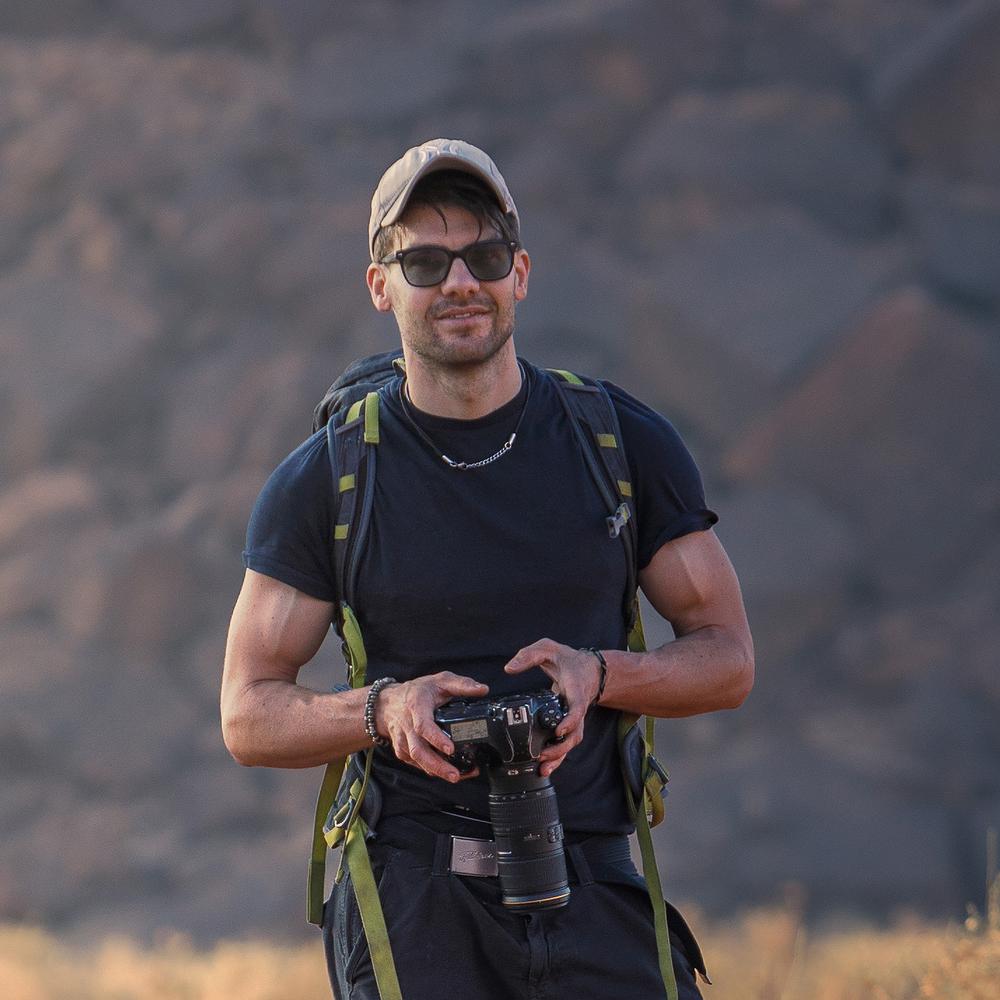
Max Rive
Worldwide Photographer. Skylum Ambassador.
First inspired by the mountains of Switzerland, IPA award-winning landscape photographer Max Rive has always had a deep passion for epic landscapes. So much so that while he’s had a few close calls, including an airplane accident and a major earthquake, he still answers to the call of the mountains.
In fact, it’s hard to pin him down as he’s always traveling, exploring mountain after mountain, photographing every natural spectacle he stumbles into, from the lush highlands of Scotland to the summits of New Zealand. Join him on one of his photography tours set in the world’s most breathtaking locations.