

 適用する
適用する 




当社について
This nostalgia-inducing Presets collection is perfect for emulating the effects of 35mm film favorites. Inspired by his mother’s old photos, Marvin Grey created these Presets so you can make your own time capsules.
互換性


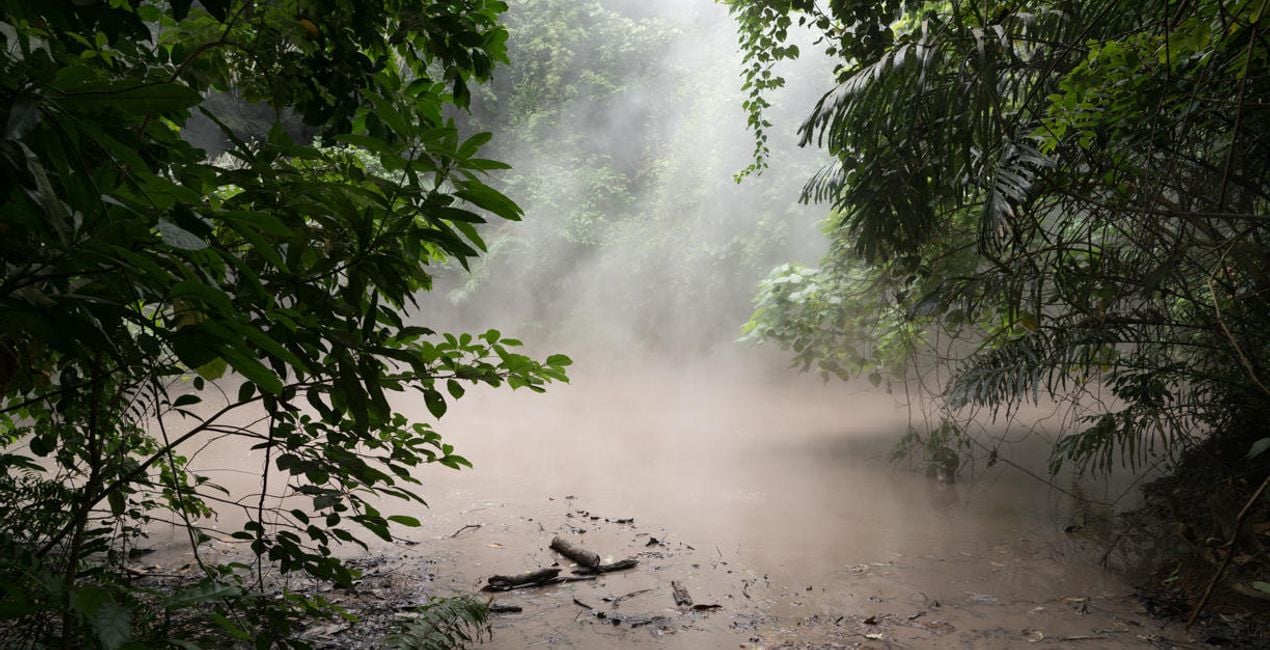
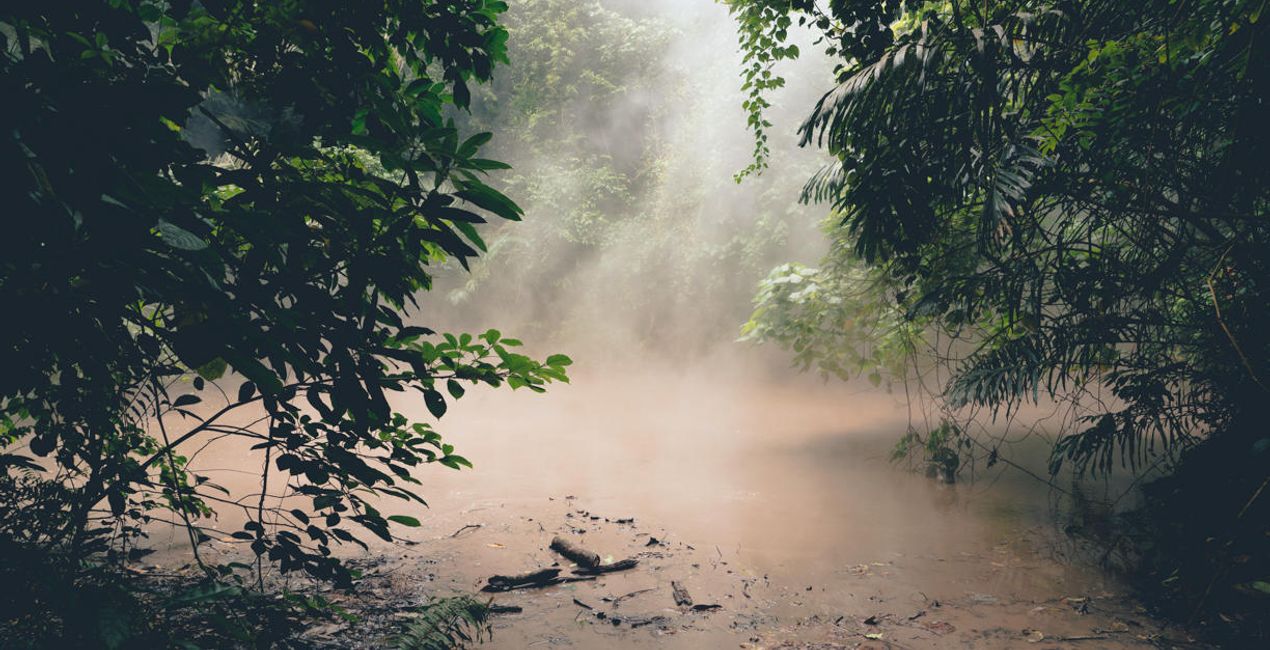
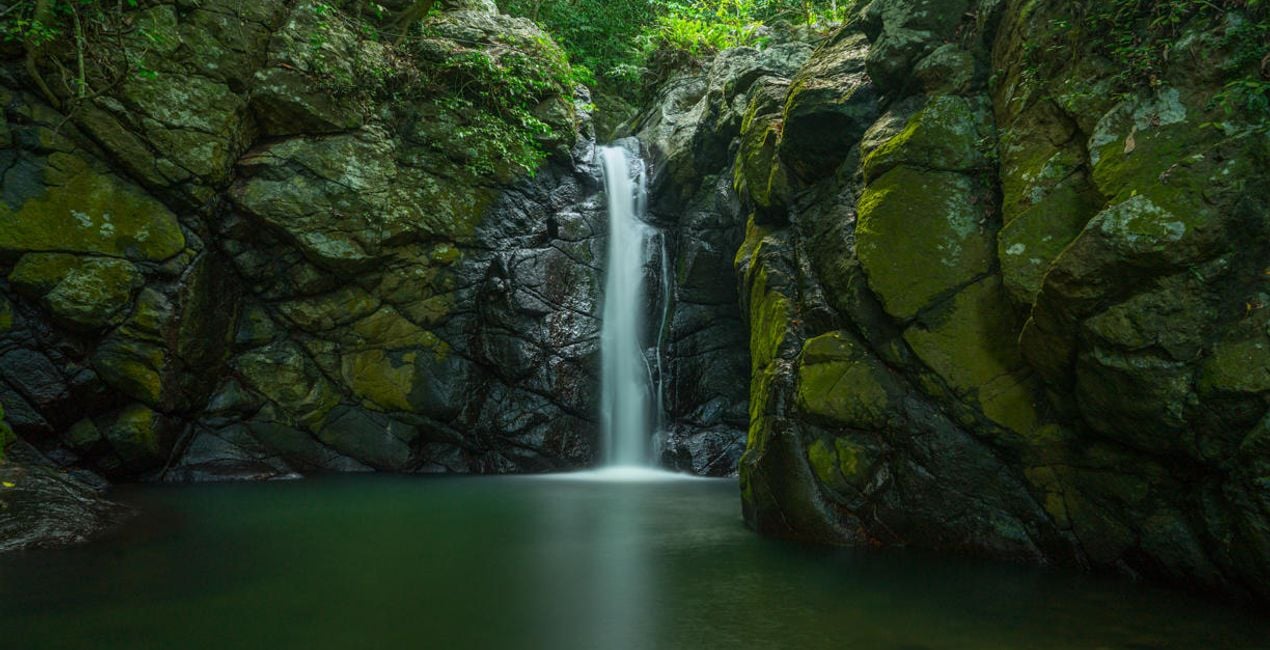
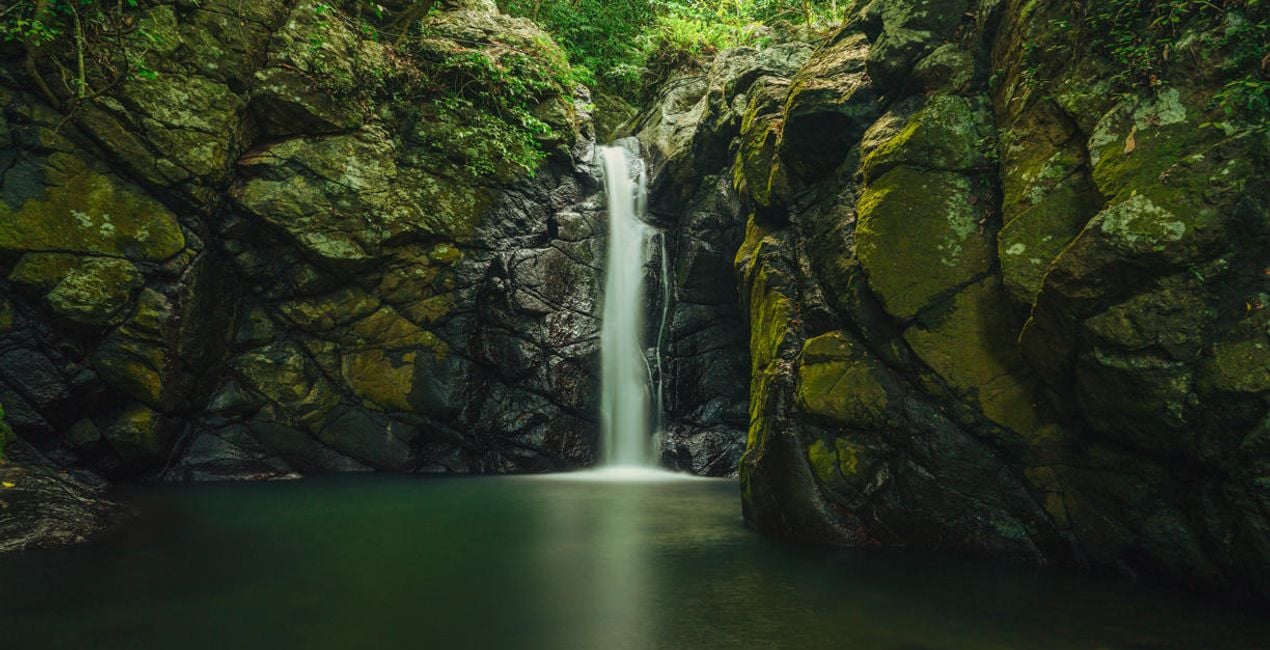
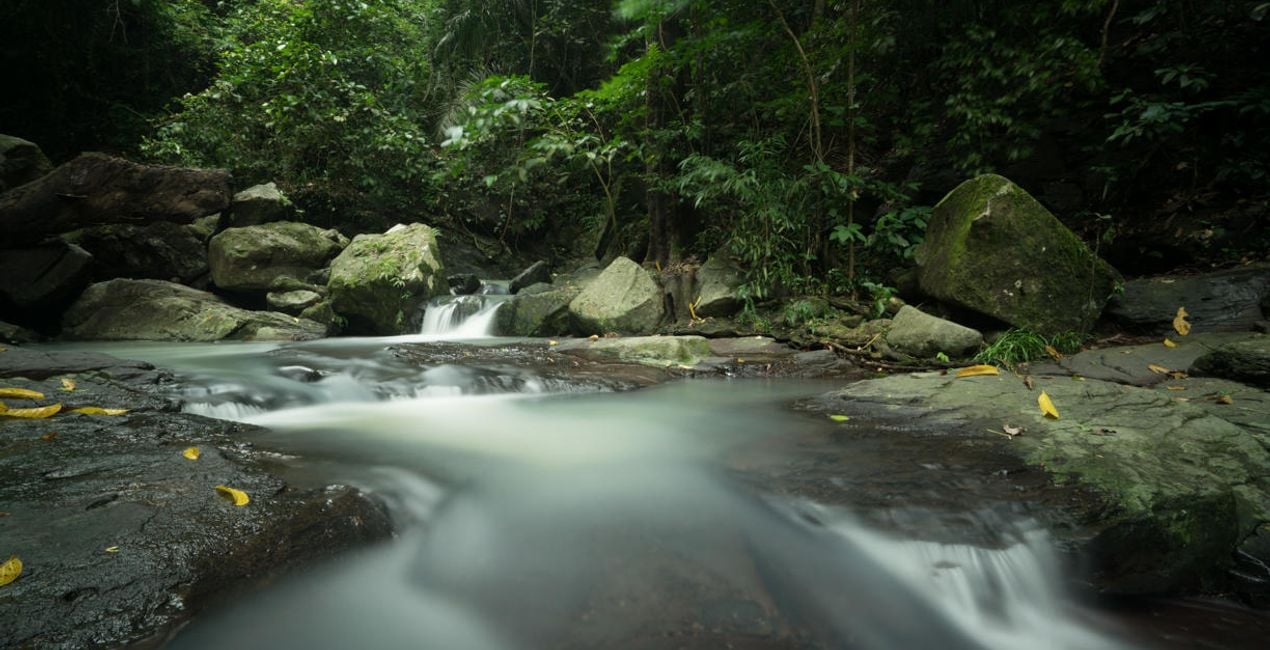
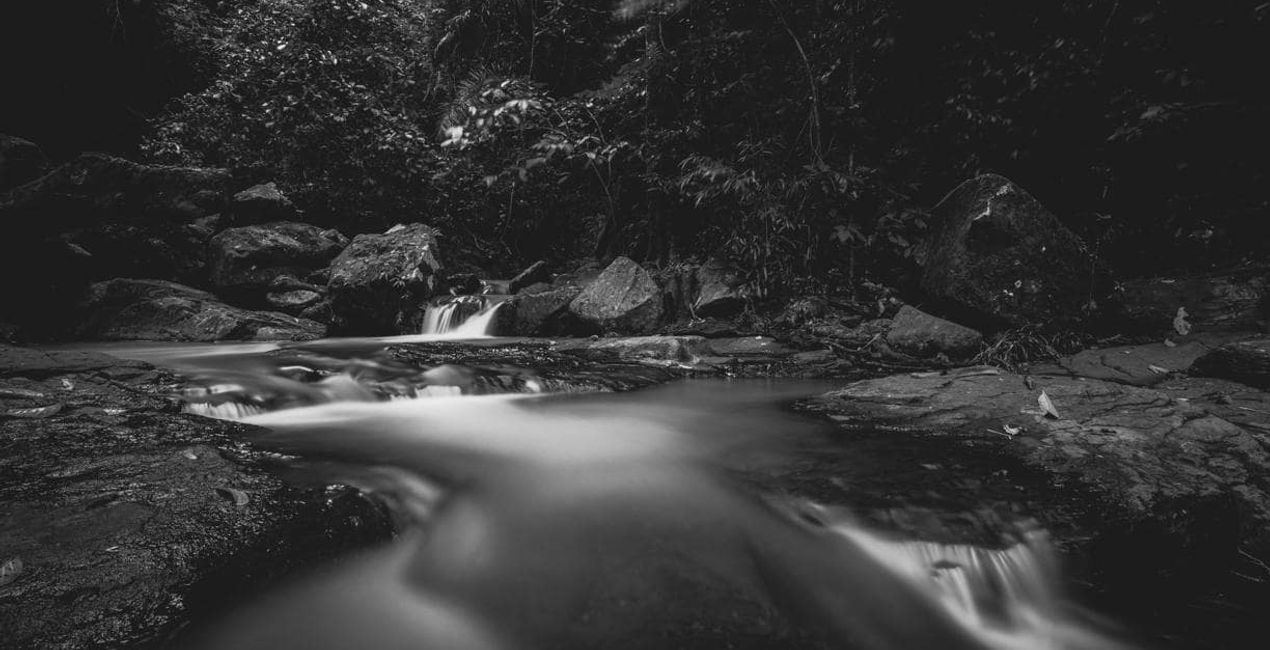
このような写真をゲット
提供されたRAWファイルを使ってレタッチのコツを簡単に練習、こんな写真に仕上げる方法を学ぶことができます。

 >
>

 >
>

 >
>
 >
>
 >
>
 >
>
物語
The idea and concept of this Preset pack came from browsing my mother’s old film photos.
She was absolutely awesome with the camera, and I remember playing with her camera and films when I was young trying to mimic her results. It’s been years since she picked up a camera, and I thought of emulating the style and colors of her favorite films.
This collection evokes a lot of nostalgia for me, and I hope you feel it too as you use the Presets on your own photos.
These 10 Presets are inspired by some of my mother’s favorite 35mm films. They are not an exact copy or color match of the films, but rather were inspired by her old photos:
Oldfilm 1: Inspired by Fuji Velvia
Oldfilm 2: Inspired by Fuji YKL
Oldfilm 3: Inspired by Kodak Portra
Oldfilm 4: Inspired by Kodak Ektar
Oldfilm 5: Inspired by Fujicolor
Oldfilm 6: Inspired by Lomography Color
Oldfilm 7: Inspired by Fuji Superia
Oldfilm 8: Inspired by Kodak Ultramax
Oldfilm 9: Inspired by Kodak Gold
Oldfilm 10: Inspired by Ilford HP5
Remember that you can modify these Presets based on the exposure of your image and the intensity you want to achieve.
関連商品


クリエーター
Marvin Grey
Photographer. Skylum Ambassador.
Marvin Grey is an award-winning fine art landscape photographer from the Philippines. His style combines mystery and minimalism to convey emotions, and he’s always exploring different ways to express them.
Since pursuing photography in 2018, Marvin has already won multiple accolades in prestigious international competitions such as the Moscow International Foto Awards, Tokyo International Foto Awards, and the International Photography Awards. Marvin had his first exhibition in 2019, and his work has been published by several magazines: Fine Eye Magazine, iLeGaLiT, and LEMAG.
Marvin is currently a staff writer for Fstoppers and hosts local photography workshops in the Philippines.
サポートへの問い合わせ方法は?
製品についてご質問がございましたら、24時間対応のサポートチームまでお問い合わせください。こちらのリンクをご利用ください。
Old Film Simulationを購入する方法は?
Old Film Simulationを購入するには、次の手順に従ってください:
1. Skylumのマーケットプレイスを開きます。
2. Old Film Simulationがリストされているタブに移動し、クリックしてカートに追加します。
3. カートに進み、Old Film Simulationの購入手続きを完了してください。
4. ご購入後、Old Film Simulationのダウンロードリンクが記載された購入完了メールが届きます。また、Skylumアカウントの「マイアドオン」タブからも新しいアイテムをご確認いただけます。
Old Film Simulationをインストールする方法は?
Old Film Simulationのインストール手順の詳細は、ダウンロードリンクと一緒にお送りする「購入完了メール」に記載されています。
また、Luminar Neoから購入されたアイテムを直接インストールすることもできます。エクストラ > マーケットプレイスに進み、商品カテゴリを選択して、購入済みアイテムを見つけてインストールをクリックしてください。
Old Film Simulationのインストール後、どこで見つけられますか?
とても簡単です!まず、アカウント>マイアドオンからパックをダウンロードしてください。次に、ダウンロードしたフォルダ内のインストール手順に従ってください。アセットの種類によってインストール手順が異なる場合がありますので、必ず同梱のガイドをご確認ください。
Old Film Simulation を失くしてしまった場合は?
ご安心ください。Old Film Simulationを含むすべての購入済みアイテムは、Skylumアカウントの「マイアドオン」タブ に保存されるため、簡単に再ダウンロードしてご利用いただけます。
Old Film Simulationが自分のソフトに対応しているかどうかを確認するには?
ほとんどのアイテムはLuminar Neoに対応しています。ただし、確実にOld Film Simulationがお使いのソフトと互換性があるかを確認するには、ダウンロードや購入前に製品仕様をご確認ください。Old Film Simulationページ右側の「互換性」セクションに対応しているすべての製品が表示されています。


