

 適用する
適用する 



Timeless Collection
Save $201 $ 59 .00
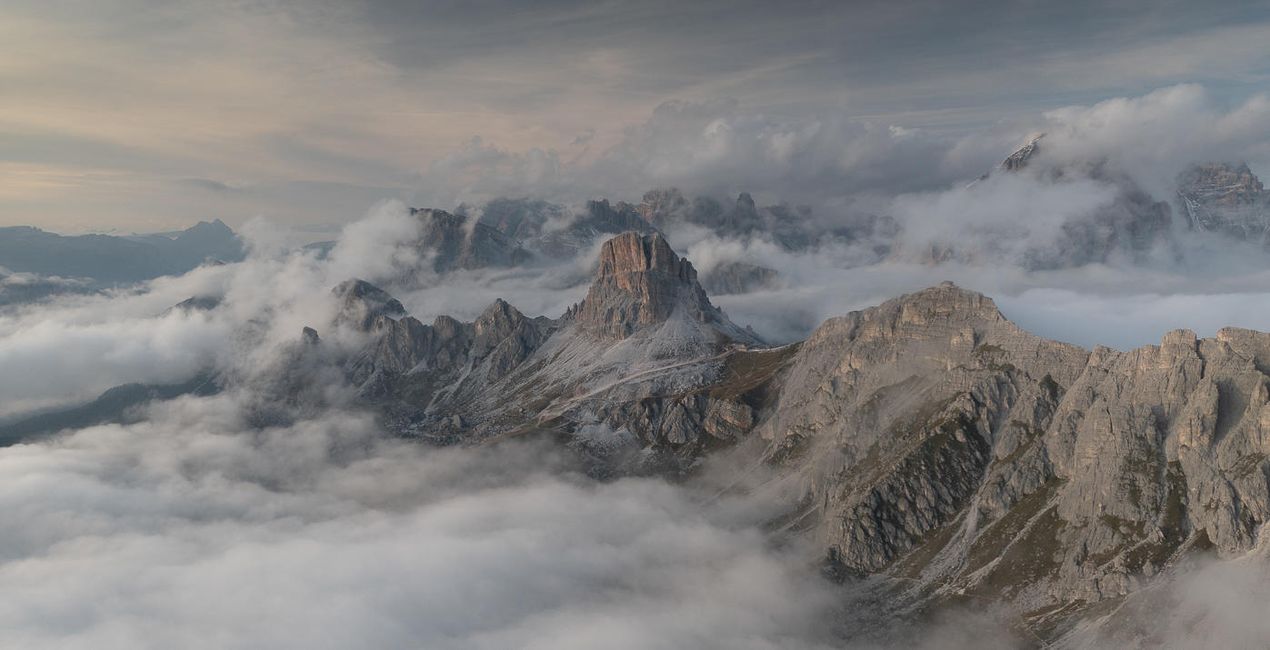
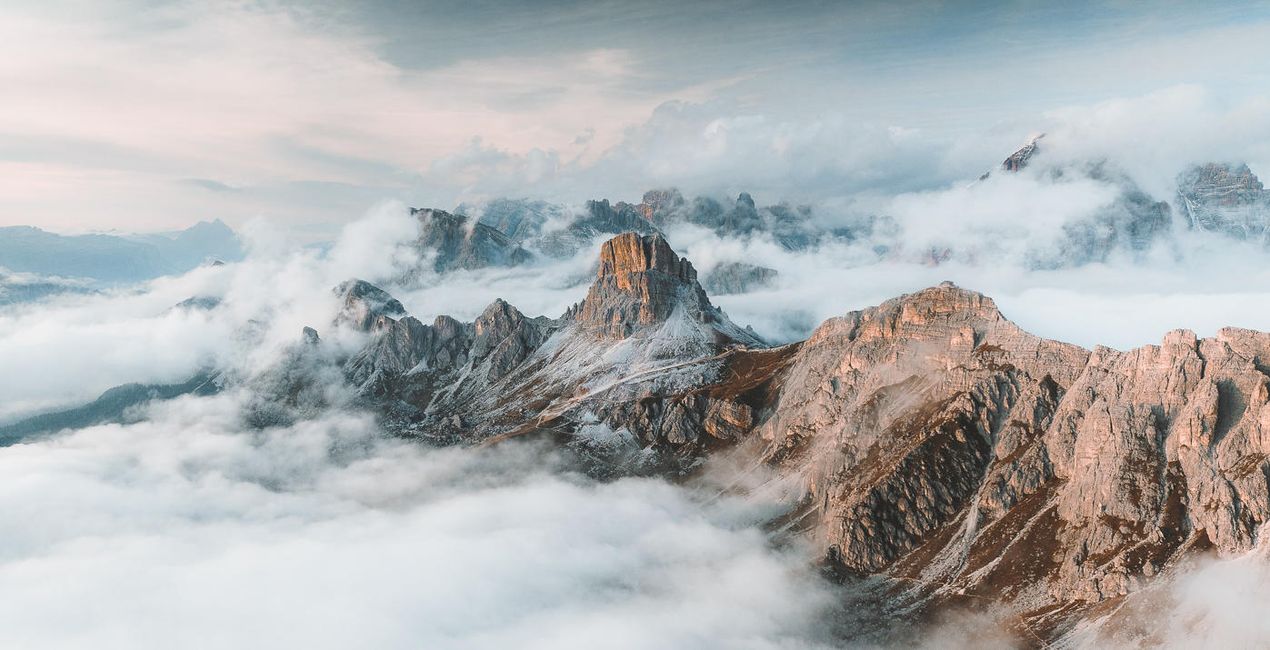
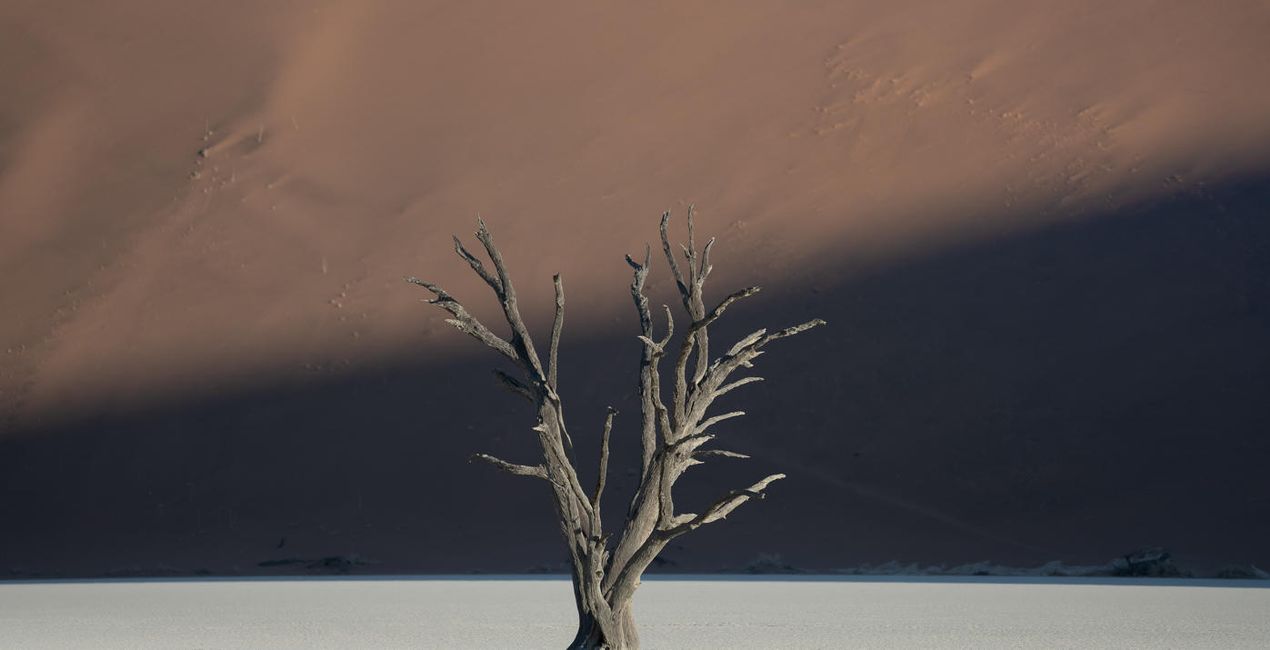
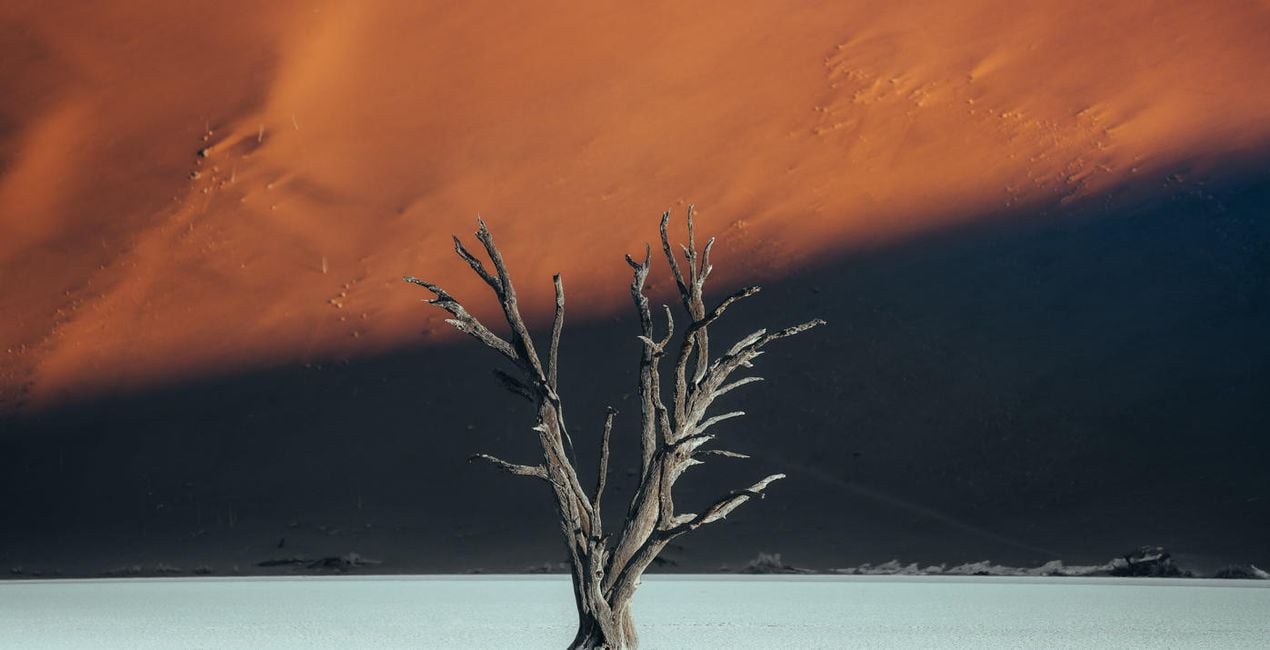
The Timeless Collection contains 50 presets that are fully compatible with both the desktop and mobile versions of Adobe Lightroom.
含まれているもの
30 Landscape Presets, 12 Wildlife Presets, 4 Urban Presets, 2 Astro Presets, 2 Global Presets, User guide & installation tutorial in English

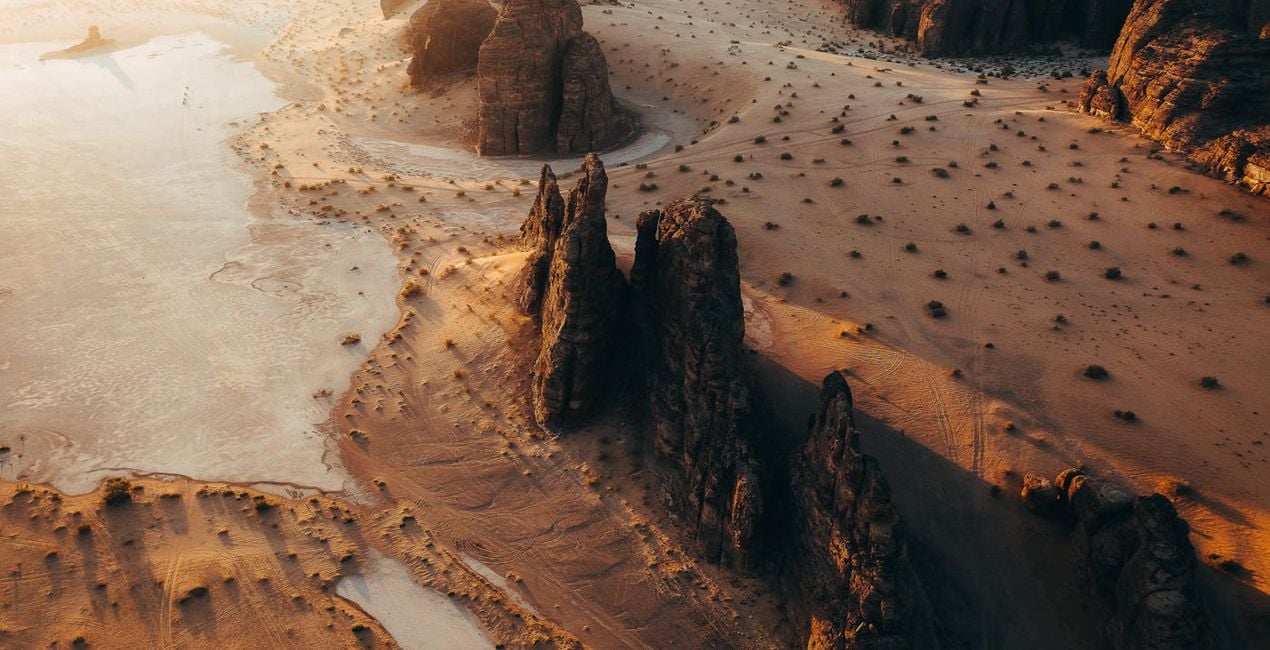
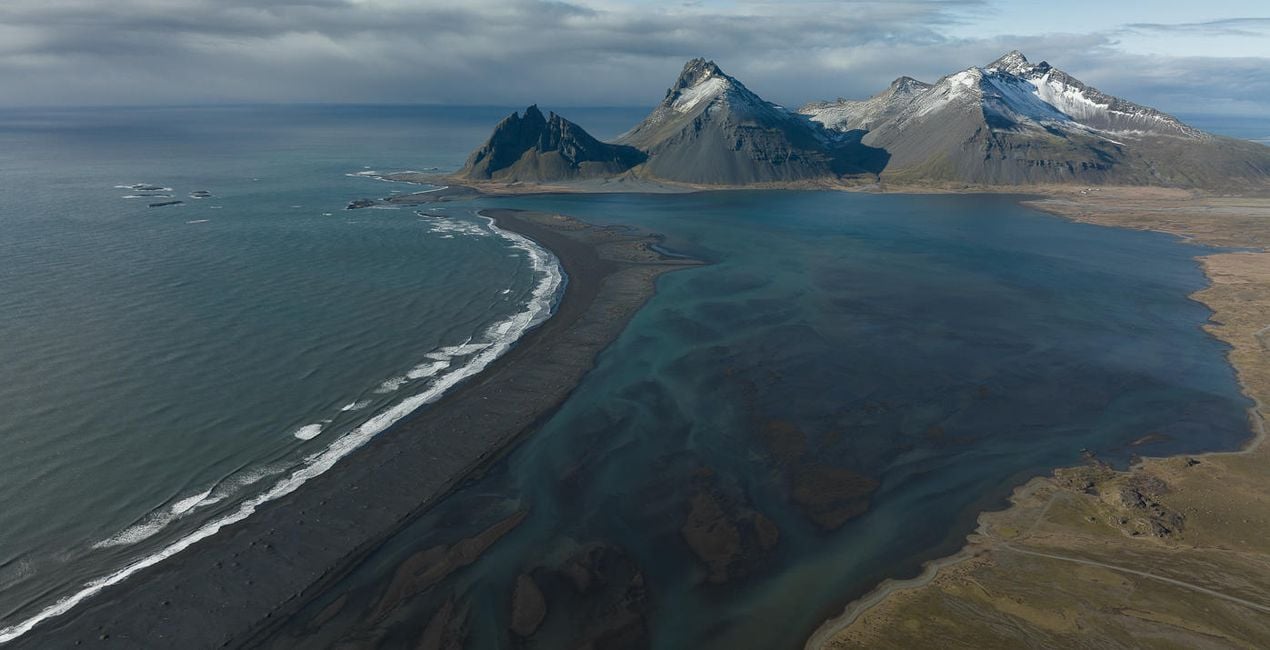
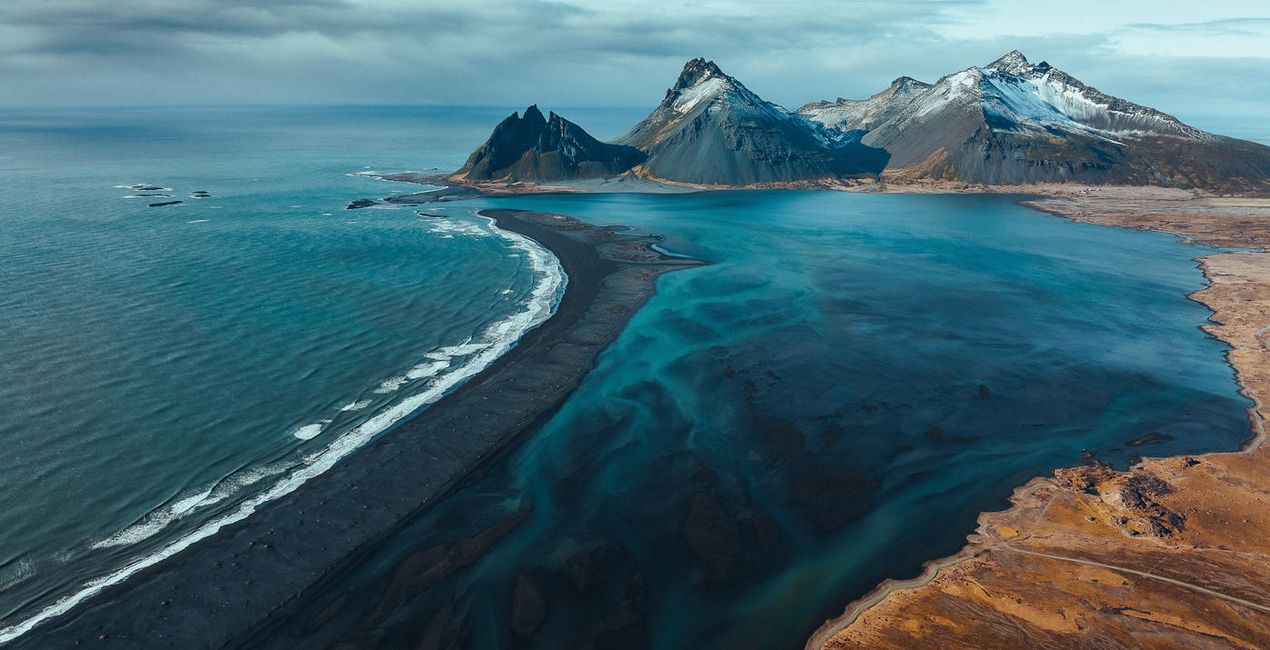
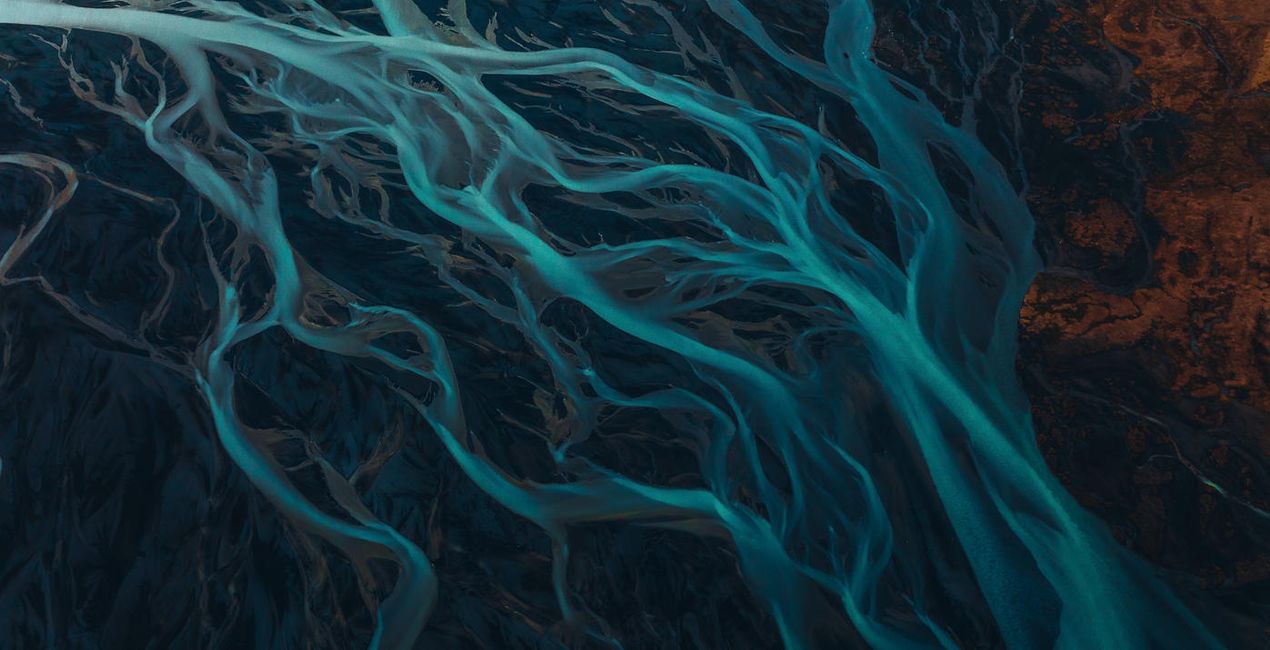
提供されたRAWファイルを使ってレタッチのコツを簡単に練習、こんな写真に仕上げる方法を学ぶことができます。

 >
>
 >
>

 >
>

 >
>
 >
>
 >
>
Luke Stackpoole shares his vision behind the pack:
This collection has been designed around my most recent editing techniques in 2022 and is suitable for a wide variety of photography styles including landscape, wildlife, urban, and night photography. By applying a unique tonal grade, these presets will help you achieve a perfect visual balance — all in the click of a button.
I have designed these presets to work on files from Canon, Sony, Nikon, Panasonic, and Fuji cameras and have tested them on raw files from multiple mobile cameras. The presets work in both Lightroom for desktop and the Lightroom mobile app, including in all legacy Lightroom versions.
All the presets are now fully ISO-adaptive, further enhancing image quality at high ISO.
Why Withluke?
These presets are a culmination of years of visualizing color and careful tweaking to help you achieve a unique and cinematic tonal balance in your images. I use these presets and techniques on a daily basis, and this consistency has helped me to build a client portfolio of leading brands around the world as well as grow my audience to 1 million followers on Instagram.
The Presets in this collection will dramatically speed up your workflow in Lightroom and will act as a base to transform your edits. They are also an effective way for you to learn how to edit by working backwards from the preset in order to visualize the techniques behind my editing style.
Lifestyle & Adventure Photographer
<p>Luke is a professional lifestyle and adventure photographer with a passion for emotive storytelling through his photography. He’s also an imaging ambassador for Tamron EU. Luke tends to focus his photography on the Nordic region because of the ever-changing weather, mountains, and drama that inspire him. Born in the UK, Luke used to work in finance in London but transitioned to photography in 2017 to pursue his passion. </p><p>Luke has spent the last couple of years traveling the world in search of some of the most unique environments to shoot, spending the majority of his time abroad creating photographic and video content for leading international brands such as Adobe, The North Face, and Visit Greenland.<br></p><p></p><p>In his spare time, when he isn’t at his computer deep in the editing zone, Luke enjoys Thai food, catching up on Netflix, and reading a good book in a cozy café!</p><div><br></div>
製品についてご質問がございましたら、24時間対応のサポートチームまでお問い合わせください。こちらのリンクをご利用ください。
Timeless Collectionを購入するには、次の手順に従ってください:
1. Skylumのマーケットプレイスを開きます。
2. Timeless Collectionがリストされているタブに移動し、クリックしてカートに追加します。
3. カートに進み、Timeless Collectionの購入手続きを完了してください。
4. ご購入後、Timeless Collectionのダウンロードリンクが記載された購入完了メールが届きます。また、Skylumアカウントの「マイアドオン」タブからも新しいアイテムをご確認いただけます。
Timeless Collectionのインストール手順の詳細は、ダウンロードリンクと一緒にお送りする「購入完了メール」に記載されています。
また、Luminar Neoから購入されたアイテムを直接インストールすることもできます。エクストラ > マーケットプレイスに進み、商品カテゴリを選択して、購入済みアイテムを見つけてインストールをクリックしてください。
とても簡単です!まず、アカウント>マイアドオンからパックをダウンロードしてください。次に、ダウンロードしたフォルダ内のインストール手順に従ってください。アセットの種類によってインストール手順が異なる場合がありますので、必ず同梱のガイドをご確認ください。
ご安心ください。Timeless Collectionを含むすべての購入済みアイテムは、Skylumアカウントの「マイアドオン」タブ に保存されるため、簡単に再ダウンロードしてご利用いただけます。
ほとんどのアイテムはLuminar Neoに対応しています。ただし、確実にTimeless Collectionがお使いのソフトと互換性があるかを確認するには、ダウンロードや購入前に製品仕様をご確認ください。Timeless Collectionページ右側の「互換性」セクションに対応しているすべての製品が表示されています。
まだお帰りにならないでください。あなただけの特別割引コードをご用意しました。今後15分以内にご利用いただくと、お会計時にさらに10%オフになります。以下のコードをコピーして、お買い物を完了してください。
15 m : 00 s





