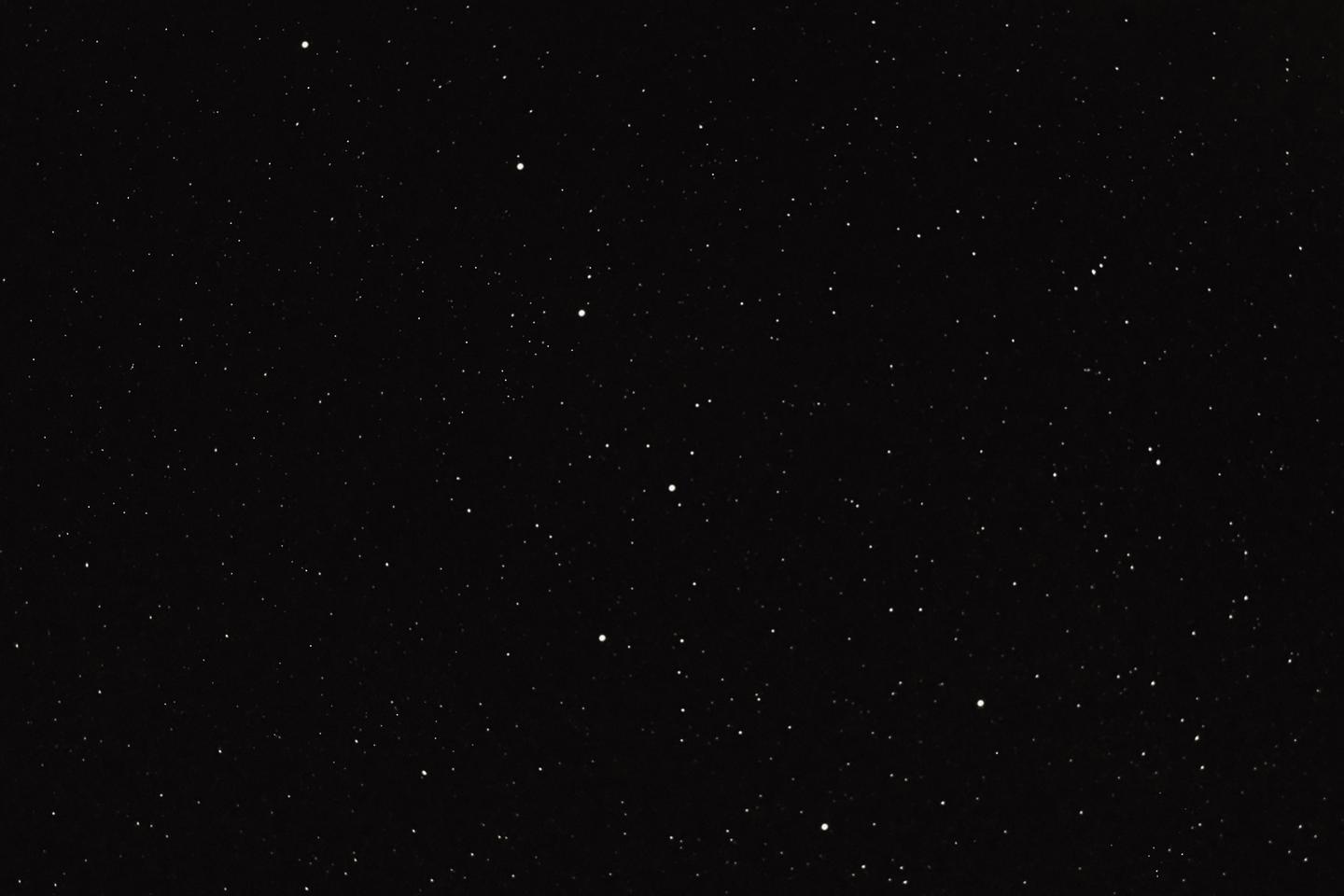
 © Rob DelVecchio
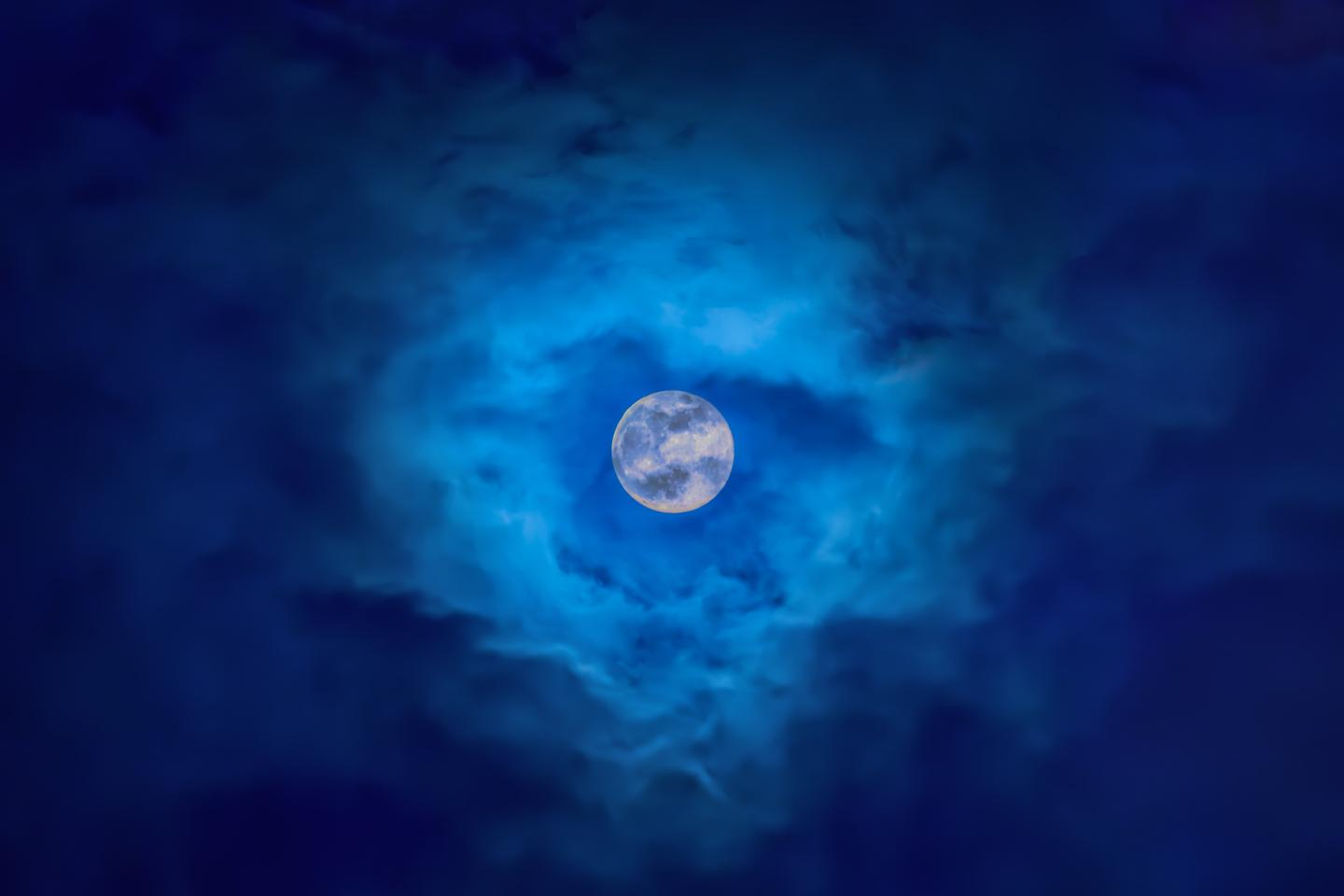 © Rob DelVecchio
 © Rob DelVecchio
Informazioni
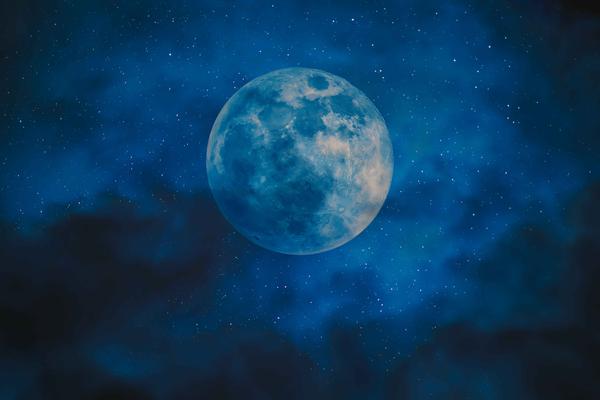
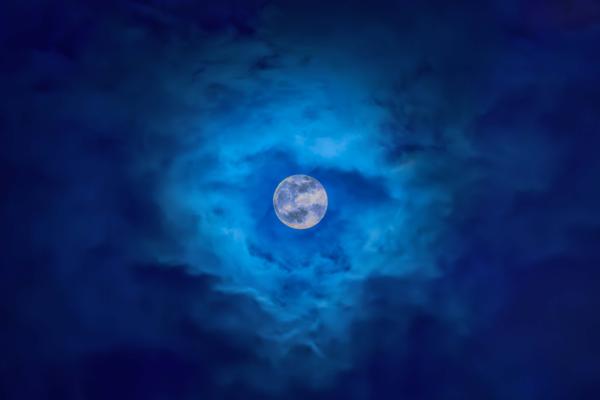
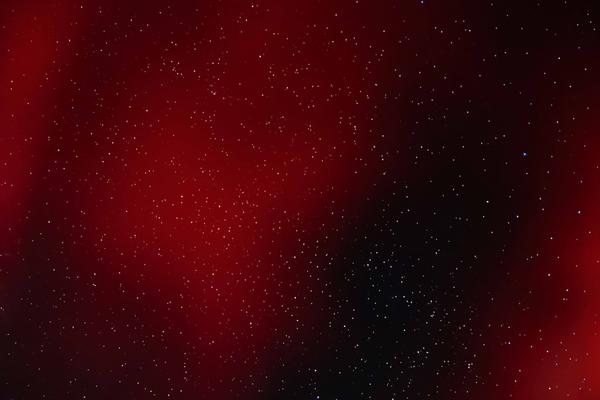
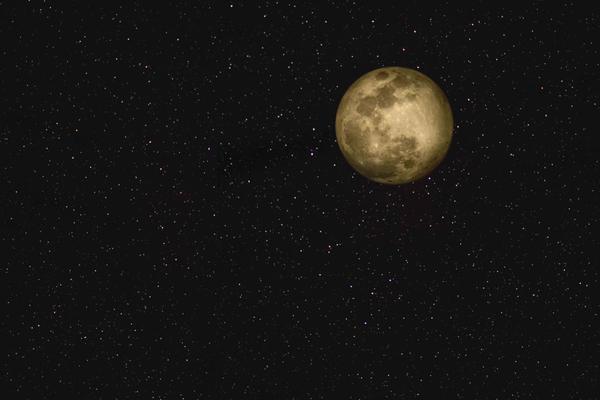
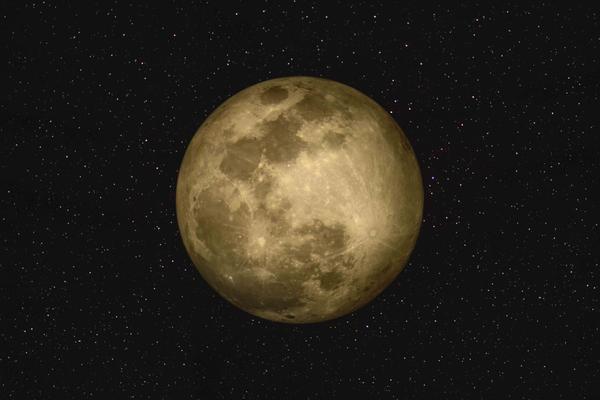
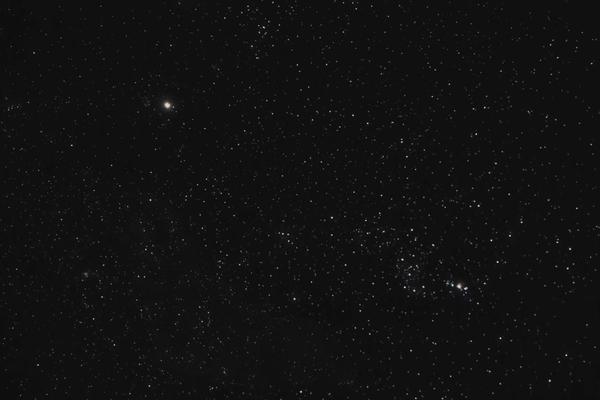
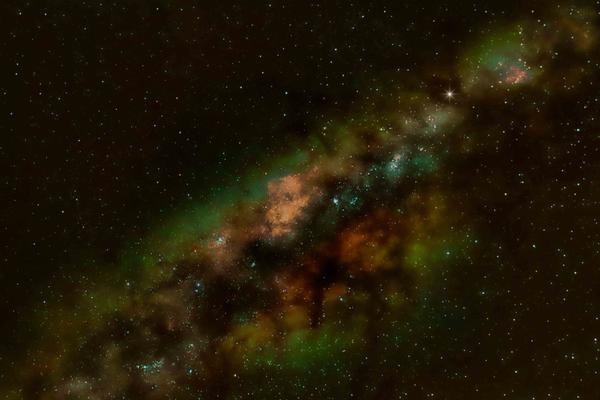
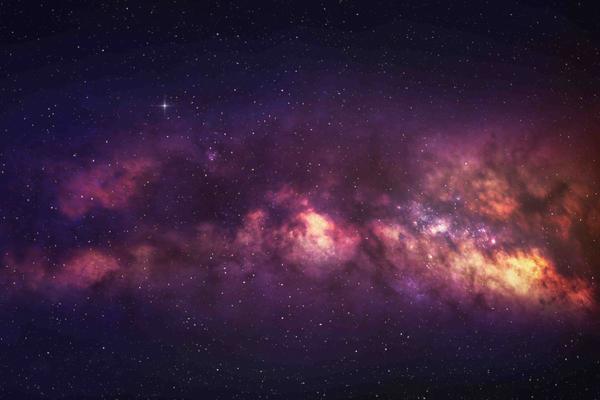
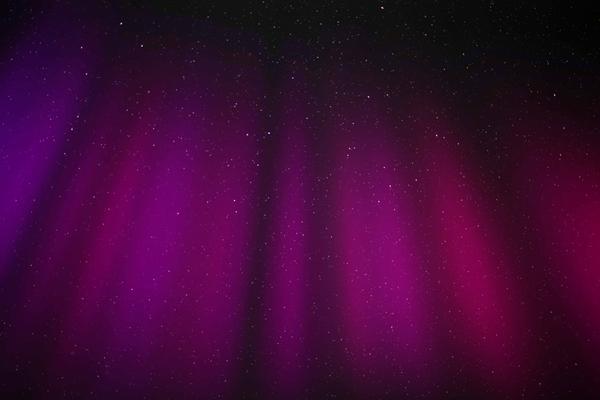
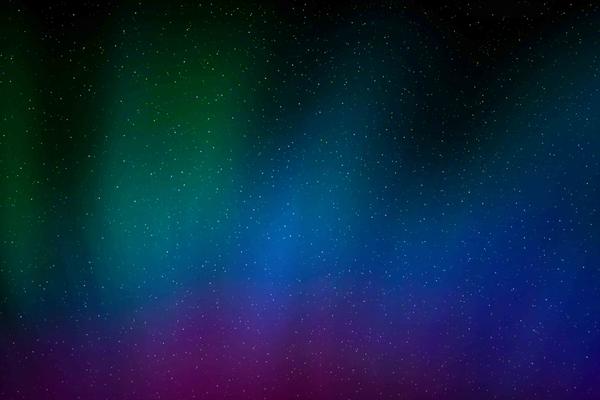
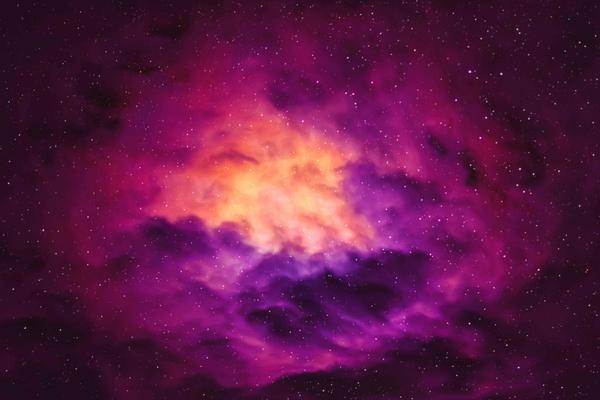
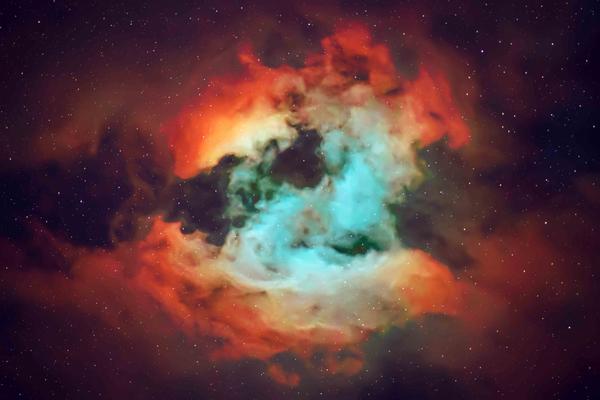
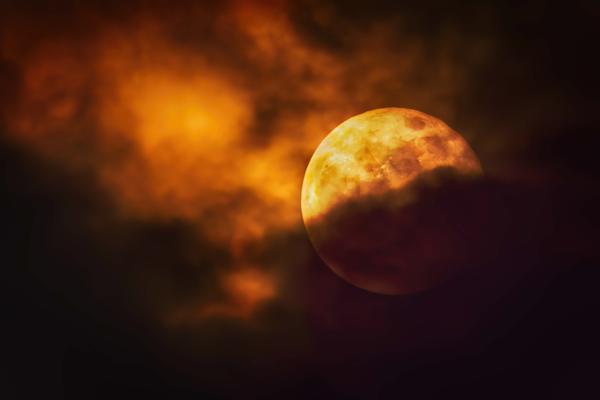
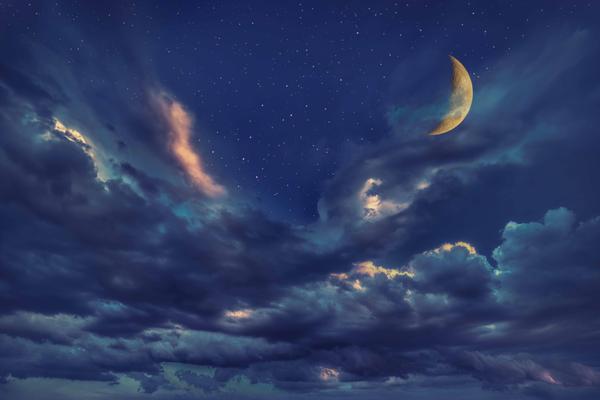
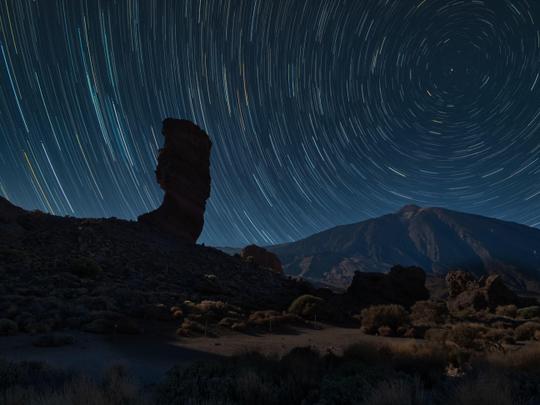
Immerse yourself in the breathtaking beauty of the cosmos with this collection by Rob DelVecchio. Featuring 10 meticulously crafted, high-resolution (8K) astrophotography skies, each image was captured in certified dark sky locations such as the Florida Everglades and Big Cypress National Preserve. Using a DSLR camera paired with a telescope or star tracker, Rob combines long-exposure photography with advanced pre- and post-processing techniques. These images reflect the true craftsmanship of astrophotography, delivering stunning clarity, color, and mesmerizing details of our universe to elevate your edits.
Cosa è incluso
10 Skies in JPEG format
Ottieni foto come queste
Utilizzando i file RAW forniti, potrai mettere facilmente in pratica i consigli di ritocco e imparare a ottenere foto come queste.
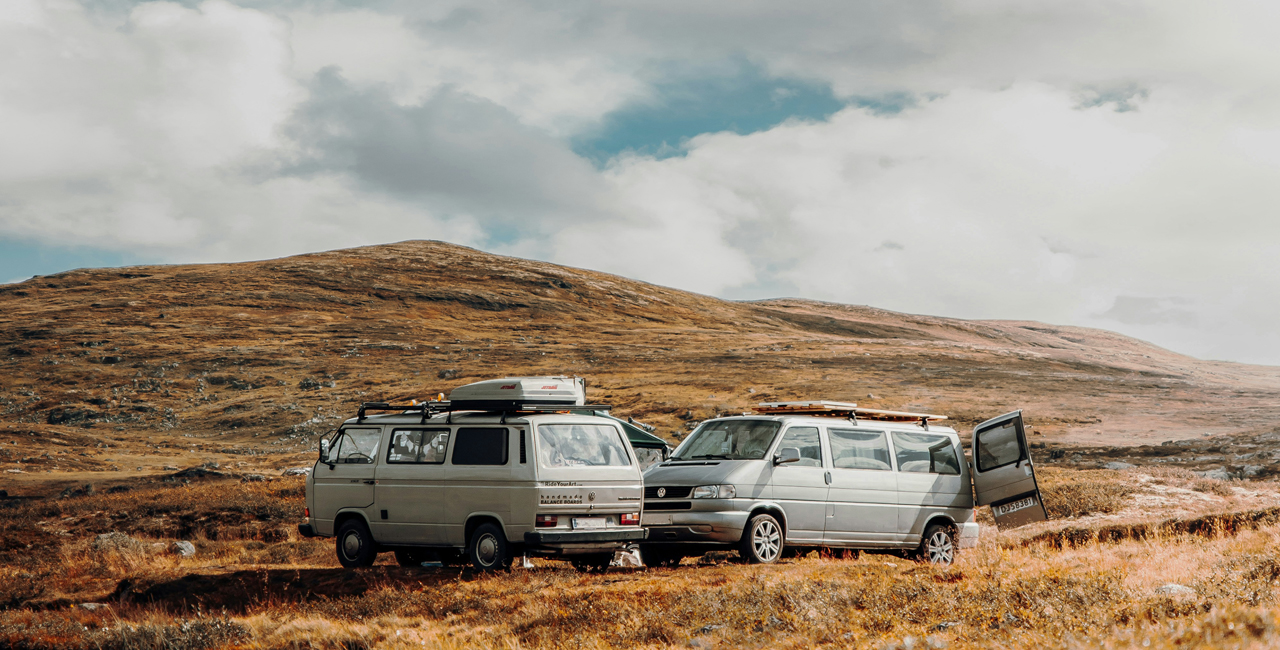
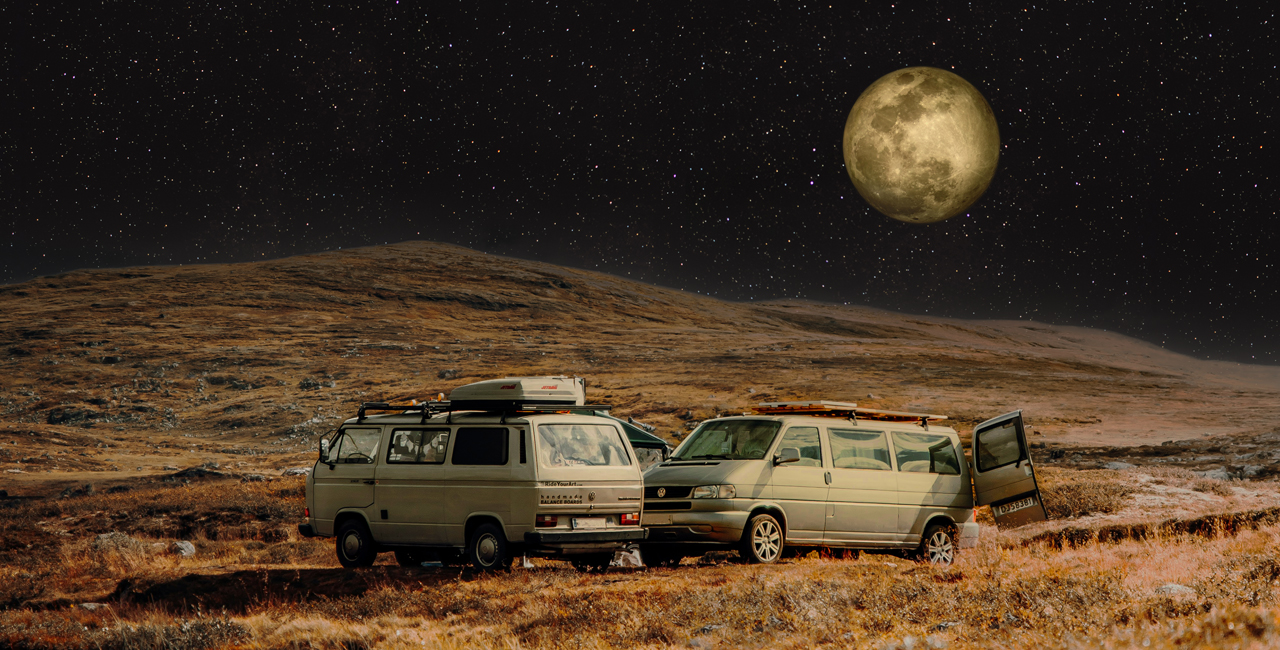
Cieli incluso nel pacchetto






Prodotti correlati



Creator
Robert DelVecchio
Aerial Landscape Travel & Wildlife Photographer
Rob DelVecchio is an FAA-certified drone pilot and acclaimed aerial photographer who finds great inspiration in the beauty of this planet we call home. Rob’s love of photography coupled with his unbridled enthusiasm for technology led him to his true calling: documenting the world through the lenses of high-tech drone cameras.
“The rapid pace of technological innovation and the convergence of the photography and UAS space has made it possible to shoot professional grade aerial photos from unique perspectives that until just a few short years ago were virtually impossible to capture even from helicopters and other types of aircraft. I love what I do and find great joy in leveraging my expertise to be able to share my passion with others!”