© Pablo Jeffs
 © Pablo Jeffs
 © Pablo Jeffs
Informazioni
Luminous Nightscapes is a collection of 10 presets created for night landscape photography. Designed for Milky Way skies, stars, moonlit landscapes, mountains, deserts and blue-hour scenes, each preset offers a distinct starting point—from natural and subtle to dramatic and cinematic. Bring depth, atmosphere and character to your night photographs while keeping creative control in your hands.
Cosa è incluso
10 Luminar Presets
Ottieni foto come queste
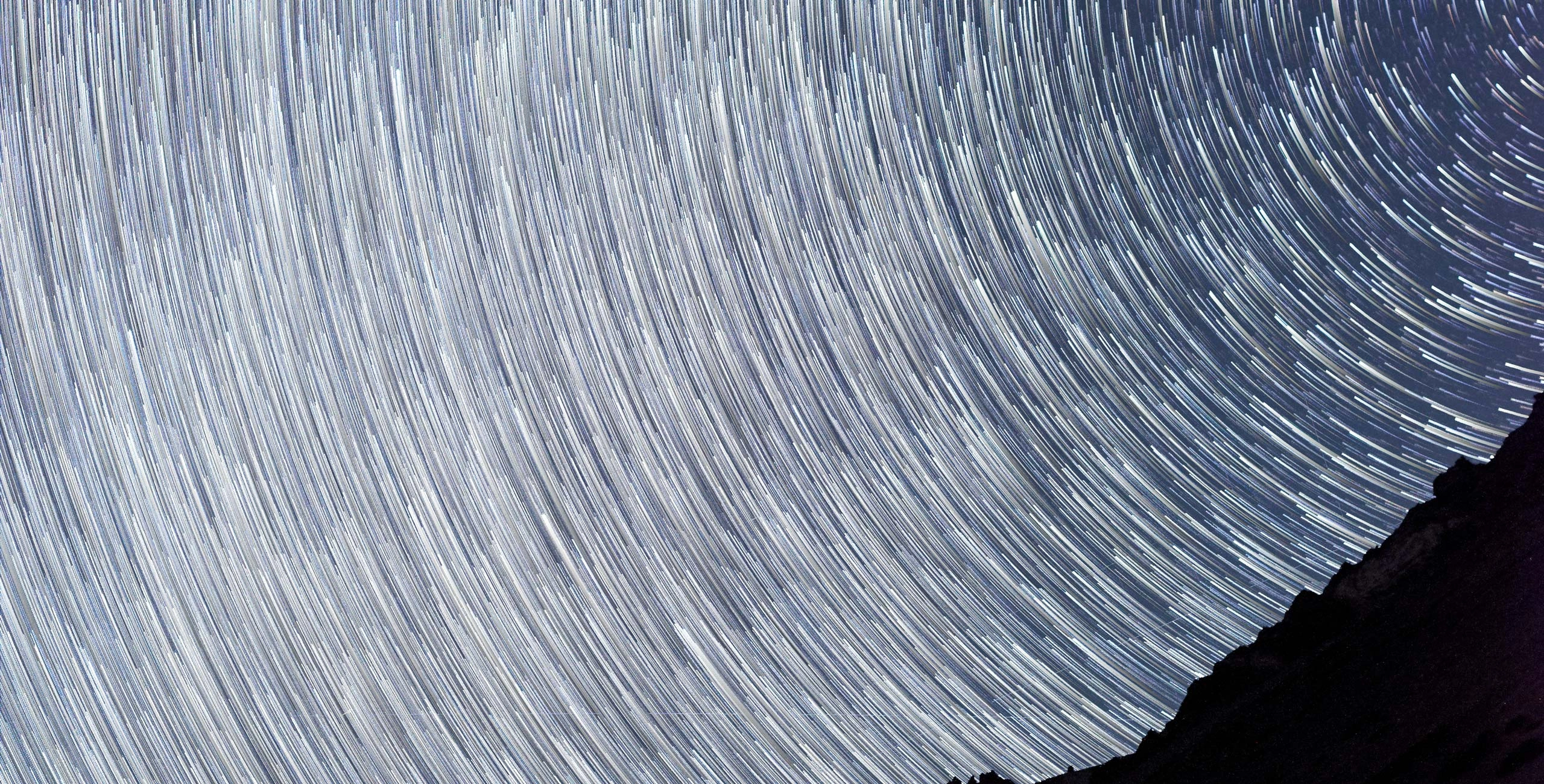
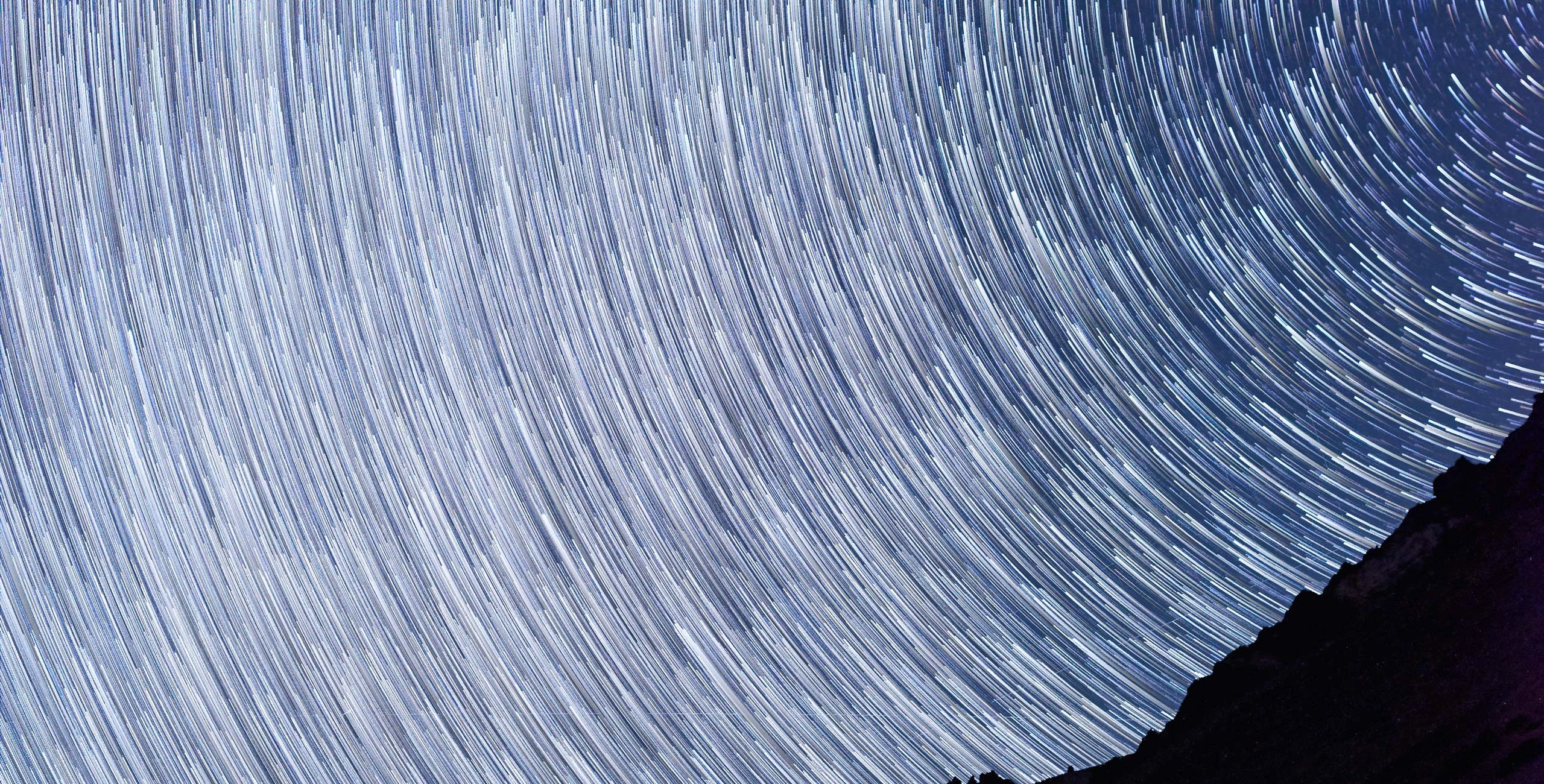
Utilizzando i file RAW forniti, potrai mettere facilmente in pratica i consigli di ritocco e imparare a ottenere foto come queste.
La storia
 © Pablo Jeffs
A Note from the Creator.
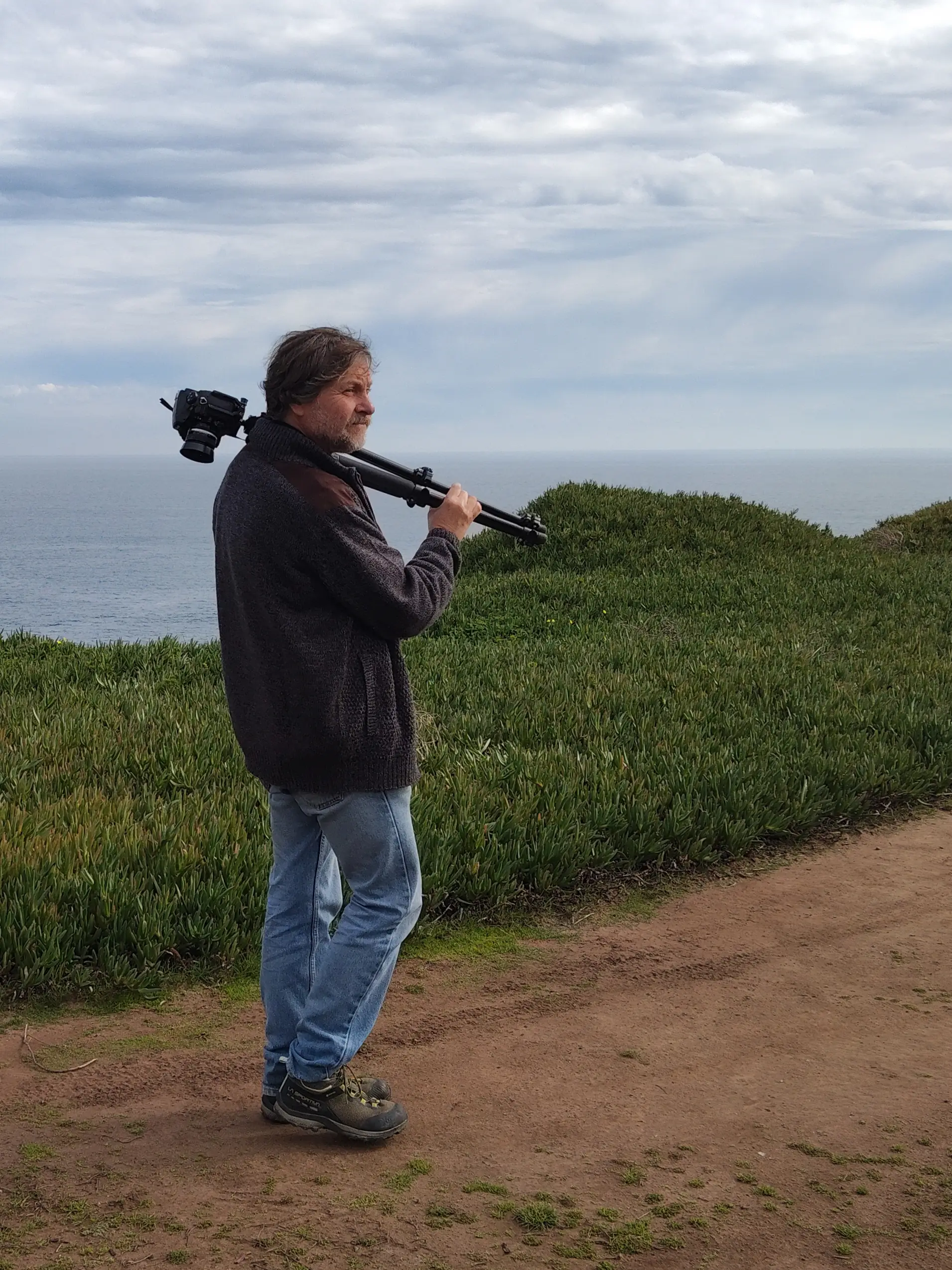
I created Luminous Nightscapes from a simple idea: night photography is not only about photographing stars. It is about learning to see a landscape when the light changes completely.
After many years of photographing mountains, deserts, and remote landscapes, I have learned that the night often reveals a different character in familiar places. The absence of daylight simplifies the scene, transforms colors, and introduces a sense of depth and atmosphere that is difficult to achieve during the day.
These presets were created to help you bring that character out of your photographs.
Luminous Nightscapes pack works particularly well with photographs of the Milky Way, star-filled skies, moonlit landscapes, mountains, deserts, lakes, coastlines, and other natural environments photographed after sunset. The presets can also work beautifully with images captured during blue hour or scenes that combine natural darkness with a small amount of artificial light.
Each preset has a different intention. Some are designed to preserve a natural appearance, while others emphasize the depth of the night, the presence of the stars, the warmth of the landscape, the cool atmosphere of mountains and snow, or a more cinematic interpretation.
I recommend trying several presets on the same photograph. Don't simply choose the one that looks most dramatic. Look for the one that best expresses what you felt when you took the photograph.
A Technical Tip for Better Night Photographs.
Good night photography begins long before the editing stage.
When photographing the Milky Way, use a sturdy tripod and focus manually on a bright star or distant light before finalizing your composition. Use the widest aperture your lens allows, keep the ISO as low as practical for your desired exposure, and start with a shutter speed of around 10–20 seconds. Adjust from there according to your focal length and how much movement is visible in the stars.
If your goal is to capture both a sharp landscape and a detailed sky, consider taking two exposures: one optimized for the stars and another for the foreground. This gives you much greater control during processing.
Most importantly, don't be afraid to take several photographs while you're there. Night scenes change quickly as the Milky Way moves across the sky, the moon rises or sets, and the ambient light fades.
The presets are only the beginning.
Use them as a starting point, then adjust exposure, contrast, color, and local details to suit your photograph and your own vision.
The goal isn't to make every night photograph look the same. It's to help you discover what your photograph can become.
Enjoy the night.
Pablo Jeffs
Photographer & Creator of Nightscapes
Prodotti correlati





Creator
Pablo Jeffs
Professional photographer & Educator