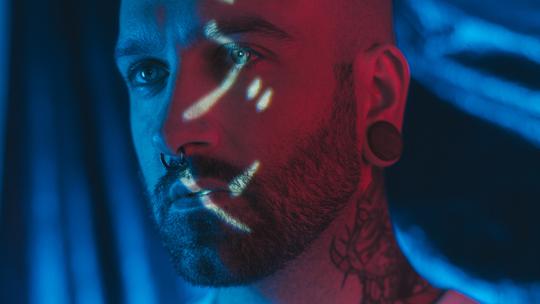
© atypicalmnd
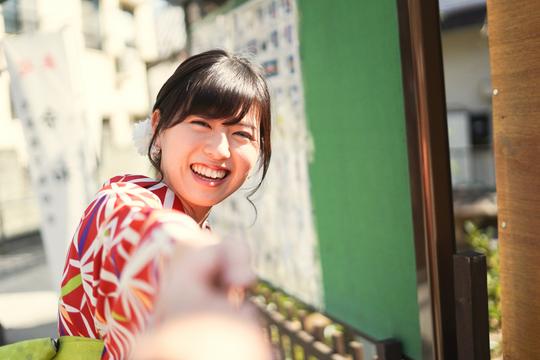
 © PantherMediaSeller
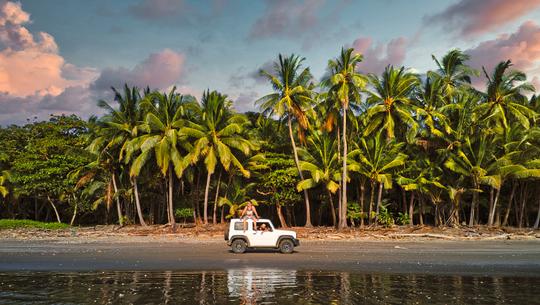
 © ENRIQUE ALAEZ PEREZ
Informazioni
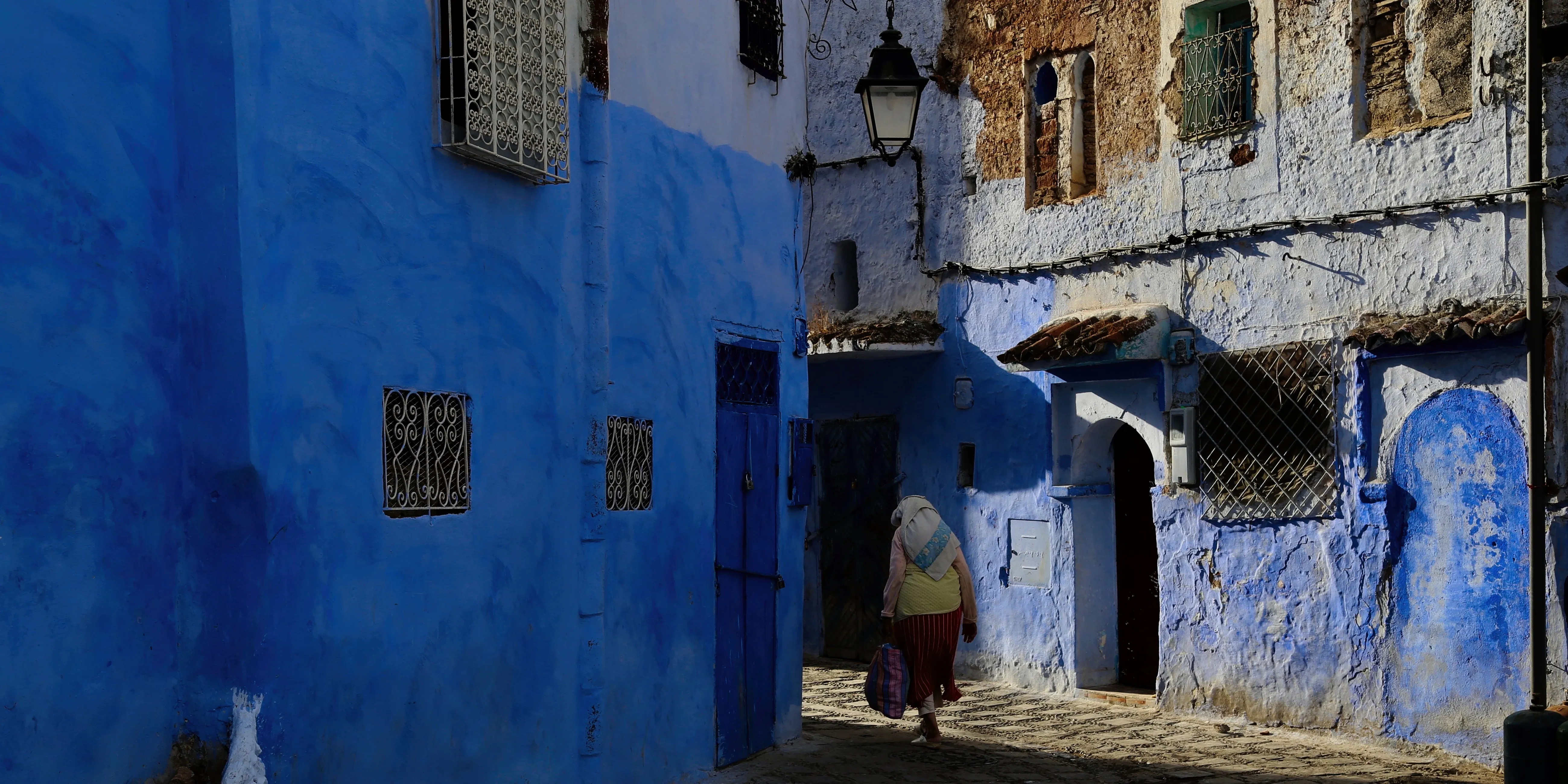
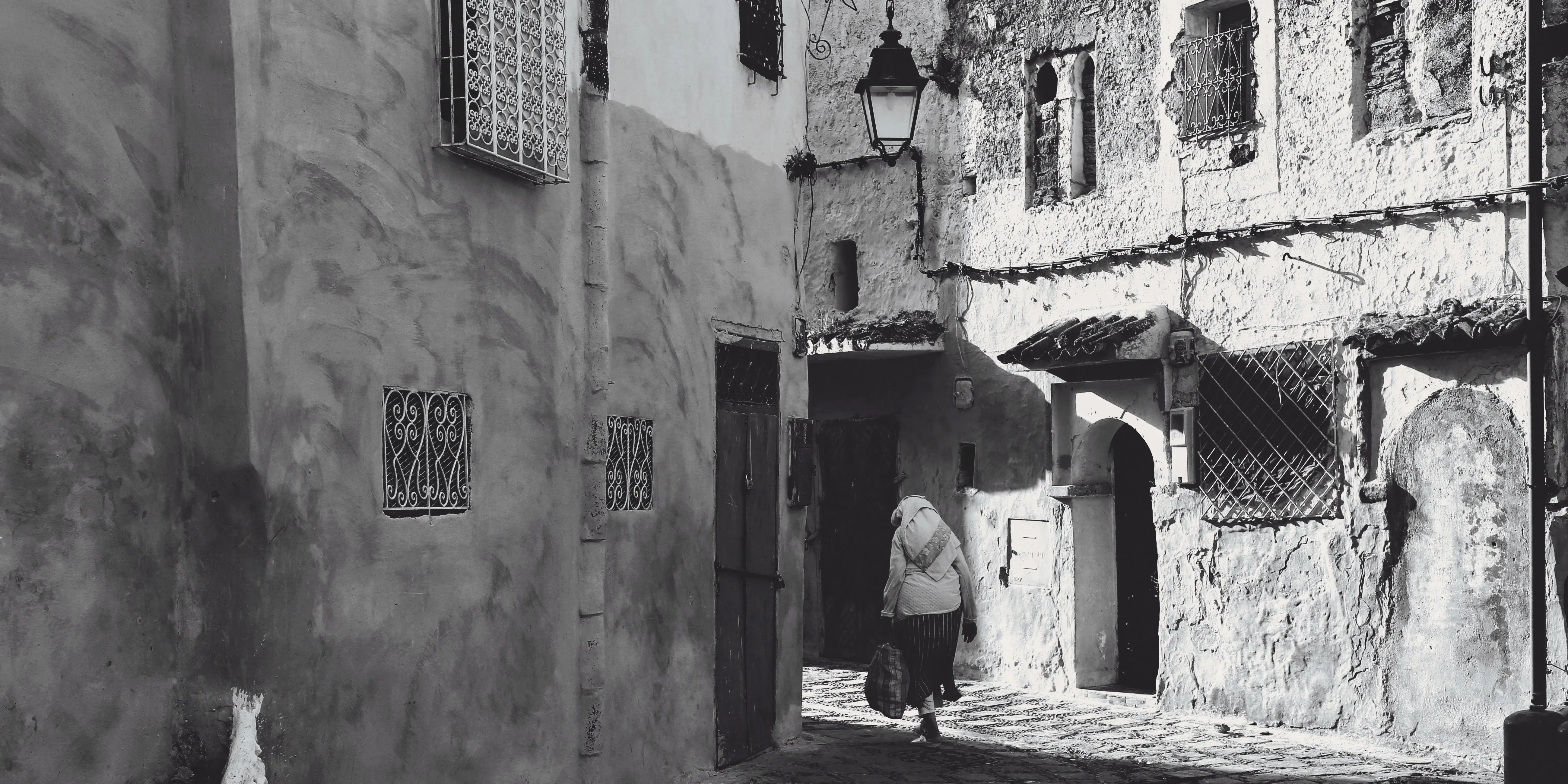
Bring the understated beauty of classic photographic prints to your images with 10 black-and-white presets inspired by Henri Cartier-Bresson. A full tonal range and moderate contrast preserve shadow detail and highlight texture. Soft midtones, slightly lifted blacks, and fine, visible grain create a natural film feel. Finishes range from neutral and cool to warm, subtly brown tones reminiscent of vintage prints.
Cosa è incluso
10 Luminar Presets
Ottieni foto come queste
Utilizzando i file RAW forniti, potrai mettere facilmente in pratica i consigli di ritocco e imparare a ottenere foto come queste.
La storia
 © Agiampiccolo
A figure caught mid-leap in Paris, a cyclist beneath the winding staircase of Hyères — fleeting scenes lie at the heart of this collection. Its inspirations span Seville in 1933, Mexico in 1934, and Kashmir and Shanghai in 1948.
Together, they bring movement, geometry, and everyday life into focus.
These 10 presets invite you to give your own passing moments the character of a classic photographic print:
Decisive Moment: Classic silver-gelatin street print: wet reflections, open shadows and a long, quiet midtone range.
Hyères: Geometry and motion: the most contrasty look in the pack, with blacks that still hold detail.
Seville 1933: Hard Mediterranean noon: blinding plaster walls, dense blacks and visible 1930s grain.
Siphnos: Bleached high-key whites and one clean hard shadow: the lighter, cleaner 1960s Tri-X look.
Kashmir Dawn: Morning haze and silver light: low contrast, lifted blacks and soft glowing highlights.
Sunday on the Marne: Slow summer afternoon on a warm vintage print: gentle S-curve, faded blacks and long midtones.
Rainy Paris: Grey drizzle and wet asphalt: a darker midtone, Tri-X grain and soft 1960s optics.
Matisse: Window-light portrait: soft contrast, open shadows and delicate, luminous skin.
Mexico 1934: Low-key and warm brown: deep shadows, a heavy soft vignette and the tone of an aged 1930s print.
Shanghai 1948: Post-war reportage: crowds, pushed film, coarse grain and punchy contrast.
Prodotti correlati



Creator
Team Skylum
Photographers, colorists & retouchers
The Skylum team works with hundreds of professional photographers and retouchers to bring you Templates that top photographers use to create their masterpieces. The Skylum AI Lab analyzes the photos and workflows of photographers and creates Presets that are accessible to everyone and that take advantage of the advanced technology under the hood of Luminar. Our mission is to cut the time and effort it takes to make a striking photo and allow everyone to enjoy photo editing and photography.