About
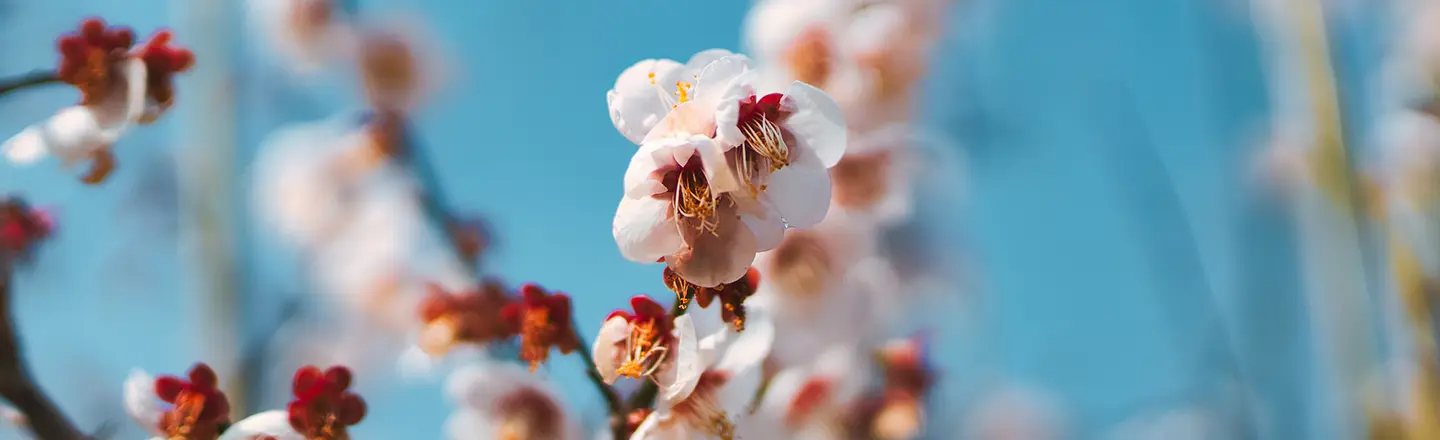
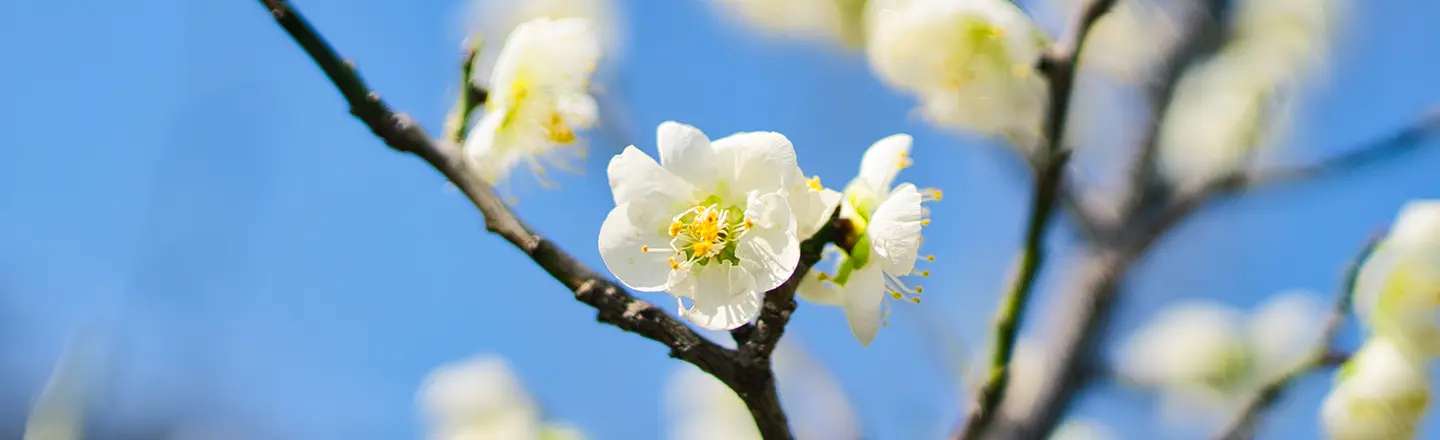
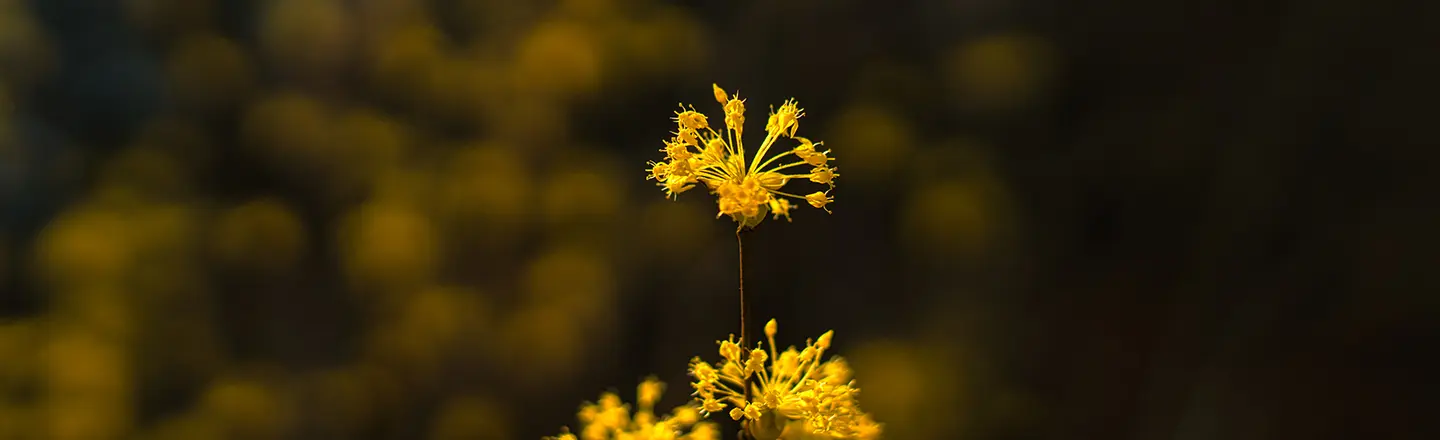
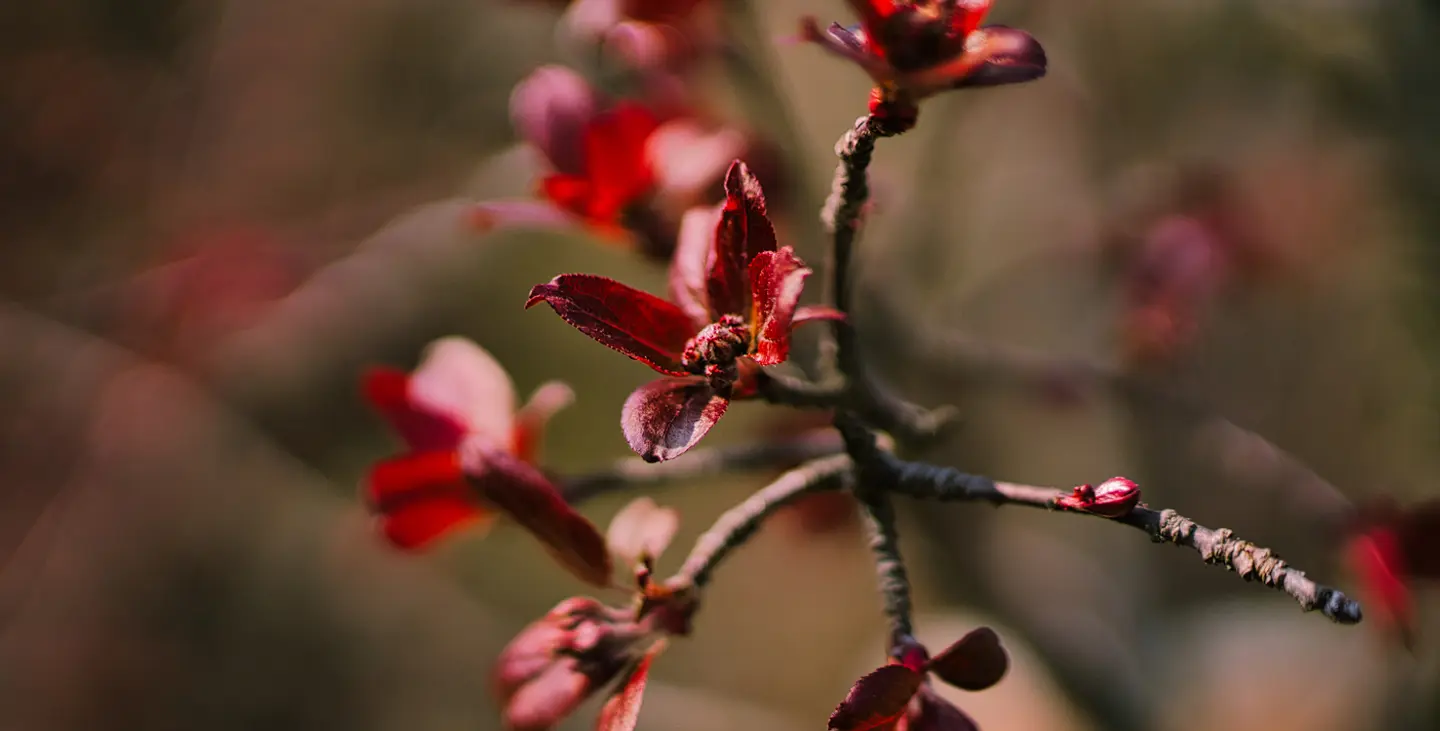
Spring Bloom is a collection of 10 Luminar presets designed to capture the delicate beauty of spring's first buds and blossoms. Perfect for highlighting intricate details in flowers and creating stunning bokeh, this pack infuses your photography with vibrancy, life, and exceptional clarity.
Compatibility


Get photos like these
Using RAW files you will easily practice retouching tips and learn how to get photos like these.
The story
 © Steve Roe
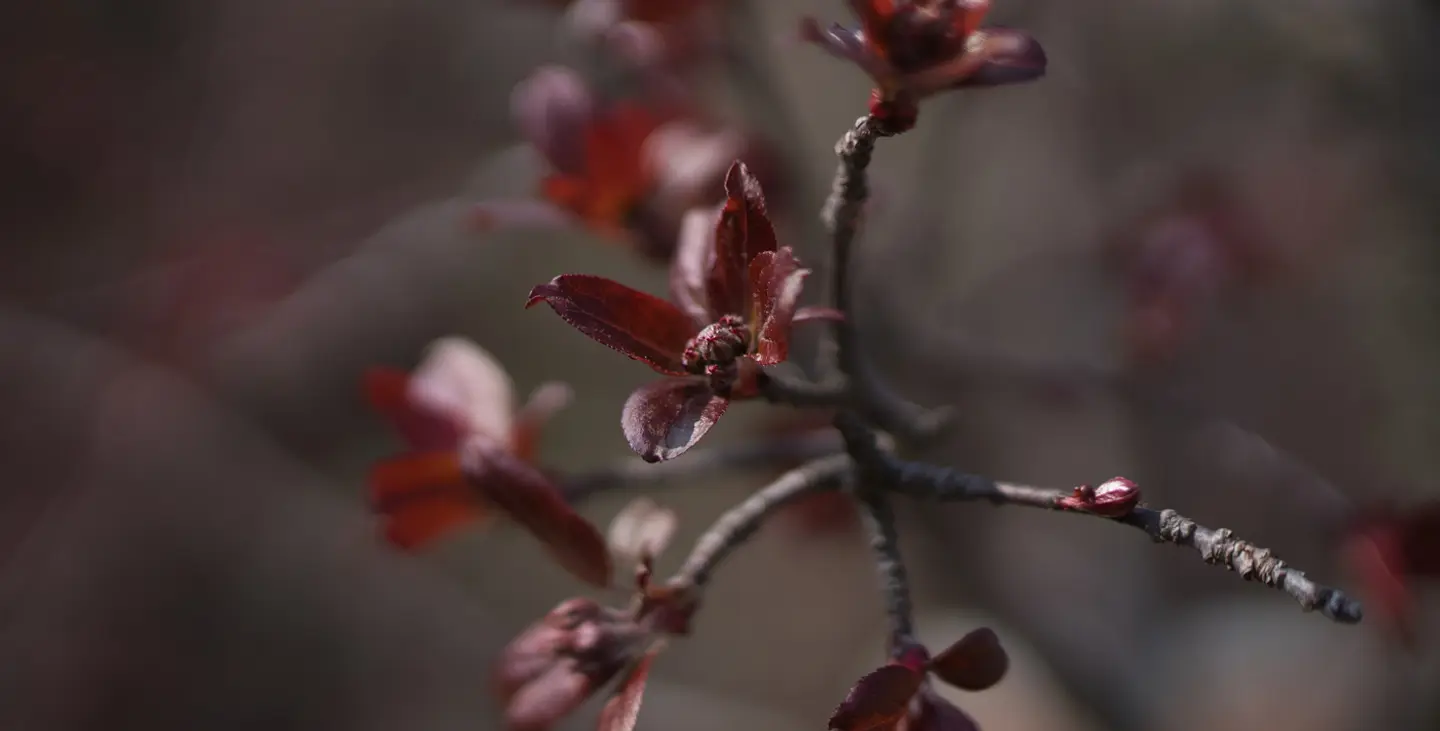
Welcome the season of renewal with Spring Bloom. This preset pack is specifically crafted to accentuate the subtle wonders of springtime. Imagine the delicate unfurling of new leaves, the intricate patterns within a flower's petals, and the soft, dreamy background created by a beautiful bokeh. These presets will bring those details to the forefront, making your flower and close-up photography truly captivating. Expect a significant boost in clarity and a gentle enhancement of the textures that define the fresh growth of spring.
Spring Bloom is also dedicated to capturing the vibrant energy of the season. Each preset is designed to amplify the natural colors of spring, bringing out the bright hues of blooming flowers and the fresh greens of new foliage. The pack's focus on creating beautiful bokeh will ensure your subjects pop with a soft, ethereal quality, making your images feel alive with the freshness and detail of a spring awakening.
You will find 10 Presets in this Pack:
Fuchsia Kiss – Vibrant fuchsia tones with enhanced detail and structure.
Scarlet Burst – Rich red tones with added structure and detail.
Fresh Spring – Fresh green tones and a bright blue sky enhancement, full of detail.
Gilded Bloom – Golden tones with strong contrast and enhanced structure.
Emerald Sunrise – Fresh green tones blended with warm golden hues and detailed textures.
Lemon Leaf – Fresh green and bright yellow tones with enhanced structure and detail.
Fuchsia Sculpt – Vibrant fuchsia with defined structure and extra detailing.
Jade Contrast – Lush green tones with enhanced contrast and structure.
Blossom Breeze – Delicate cherry blossom tones with a soft sky enhancement and refined details.
Pastel Haze – Features soft tones, delicate details, and a subtle color palette.
Related Products






Creator
Steve Roe
Street and Fashion photographer
Steve Roe is a photographer based in Seoul, originally from the UK, who has made a name for himself with his neon street photography. He captures the vibrant essence of cyberpunk culture, infusing his work with a futuristic and captivating allure.
He is also known for his experimental approach to portraiture, employing neon lights and fractal lenses to craft imaginative and unique images that transport subjects to a realm of intriguing futurism.
His talents have not gone unnoticed, with notable brands like Apple and Prada seeking his distinctive style for their campaigns. Steve's work has also received recognition from major platforms such as the BBC and National Geographic, while his photographs have graced the covers of iconic cyberpunk novels like The Neuromancer Trilogy by William Gibson.
With an eye for neon aesthetics and a passion for capturing the essence of Asia's neon-lit cities, Steve Roe continues to captivate audiences, blurring the lines between reality and the dazzling realm of neon-lit dreams.