

 Applied


Otherworldly Iceland
Save $201 $ 19 .00

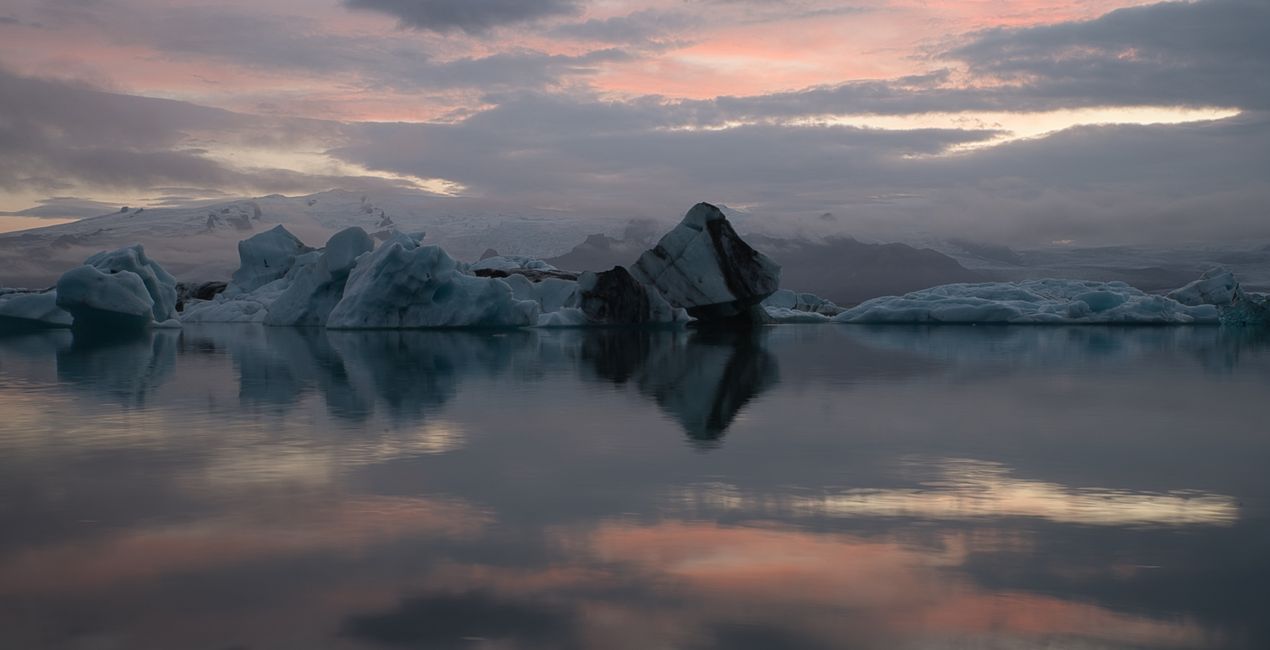
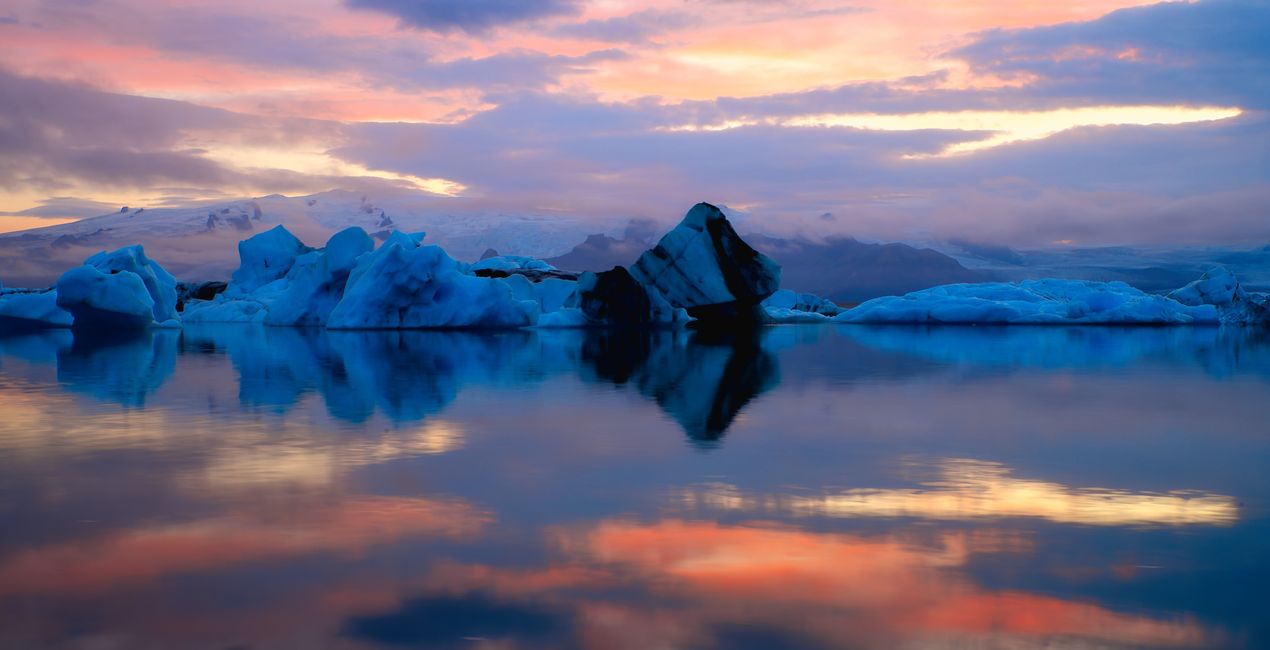
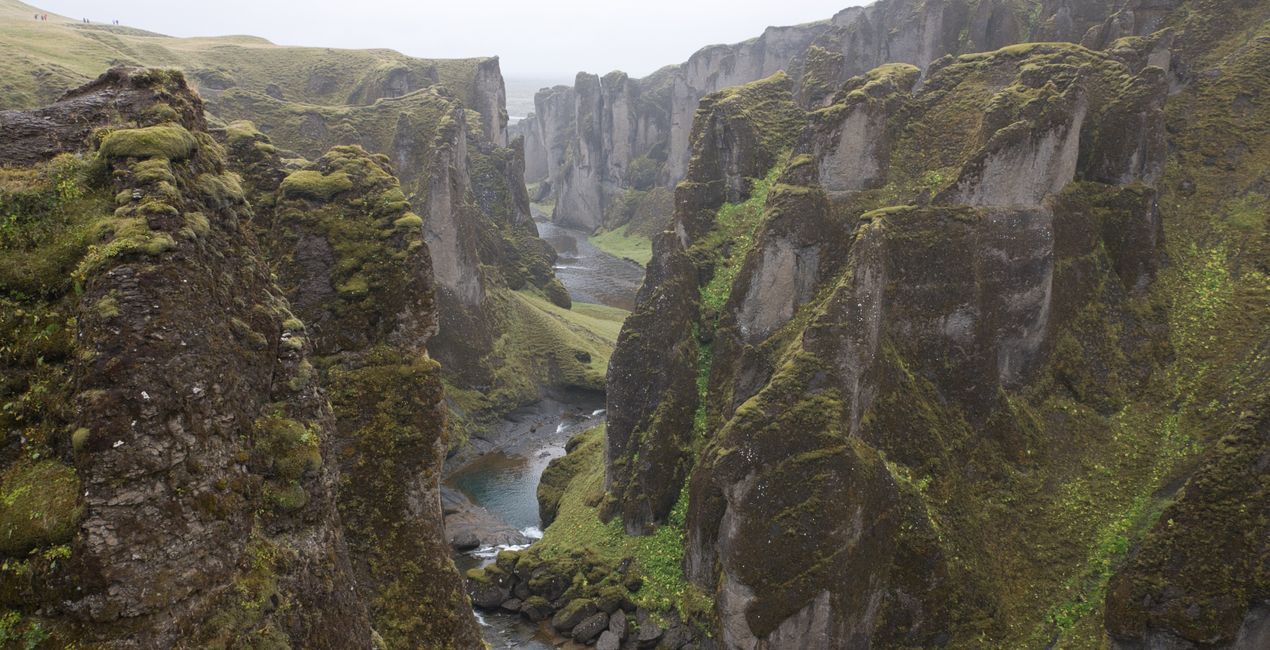
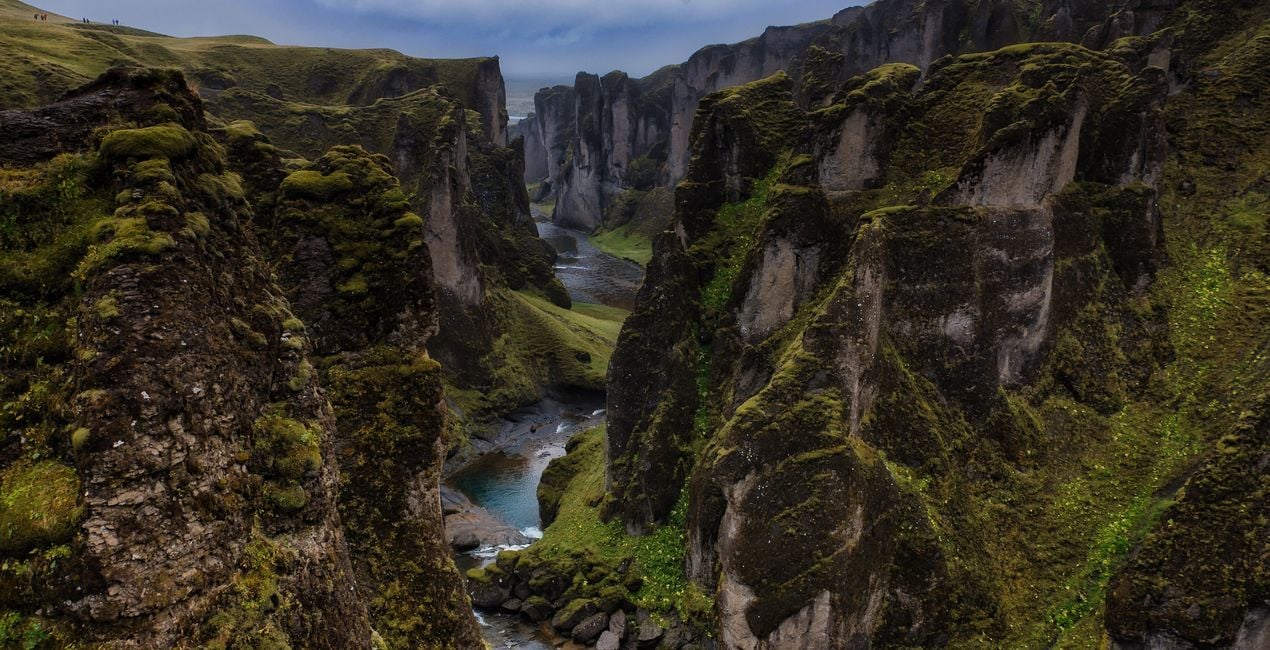
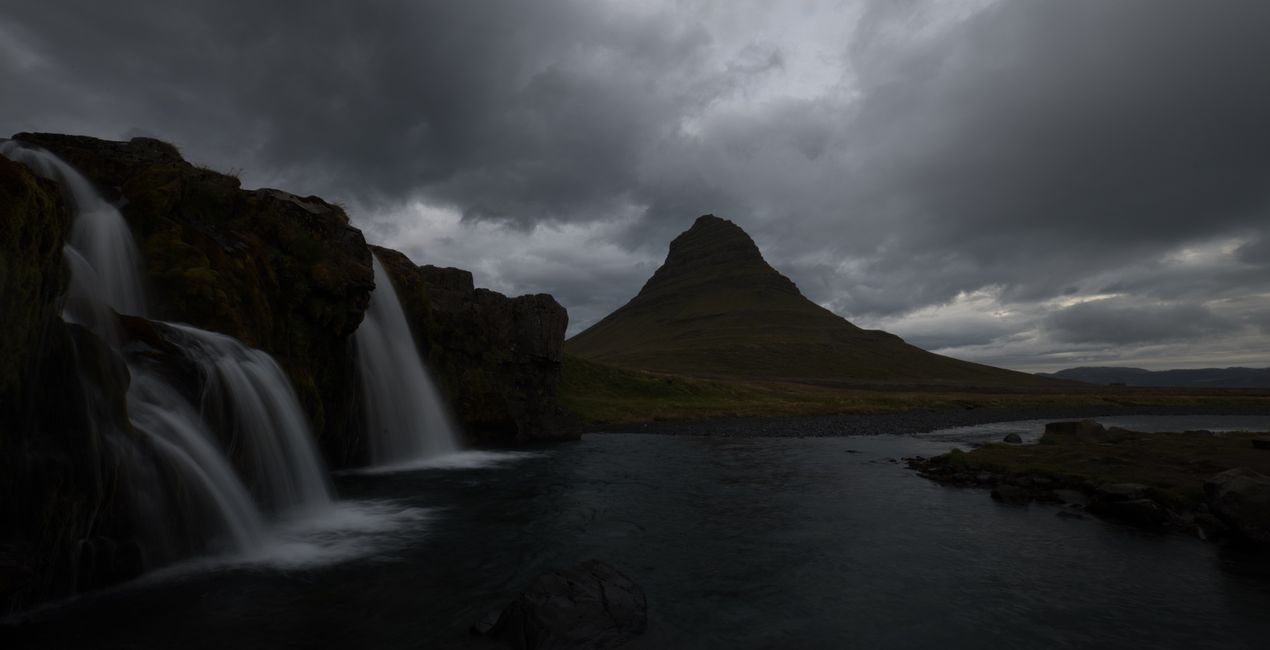
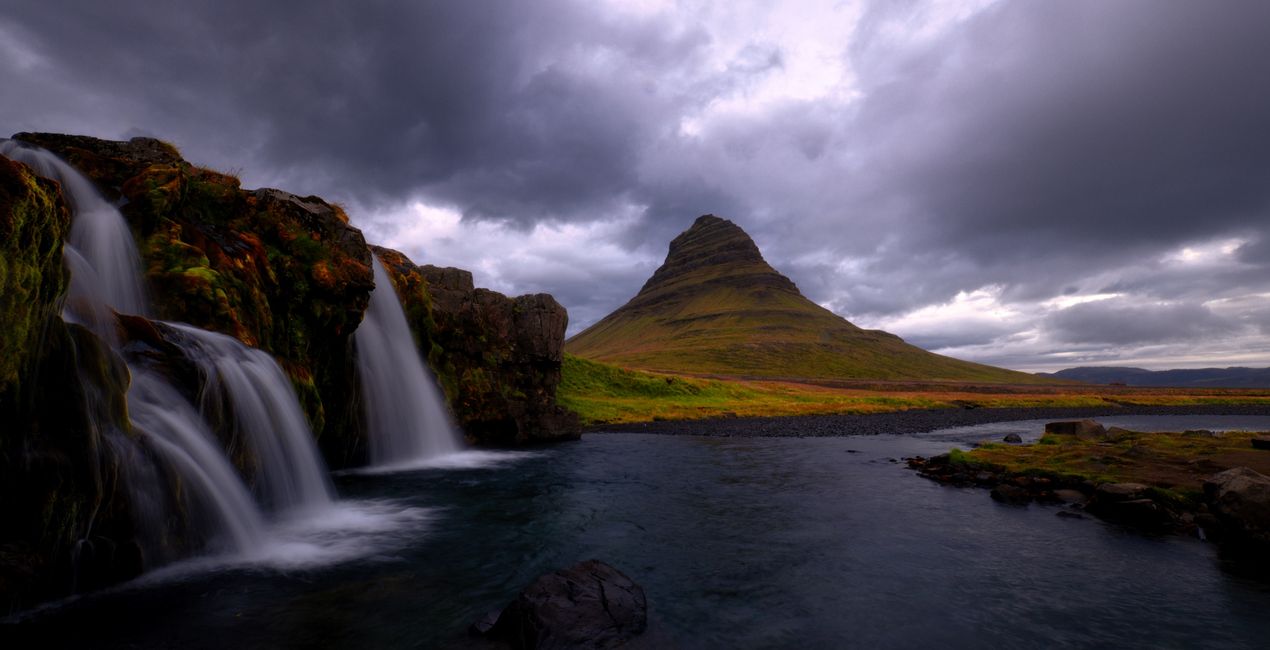
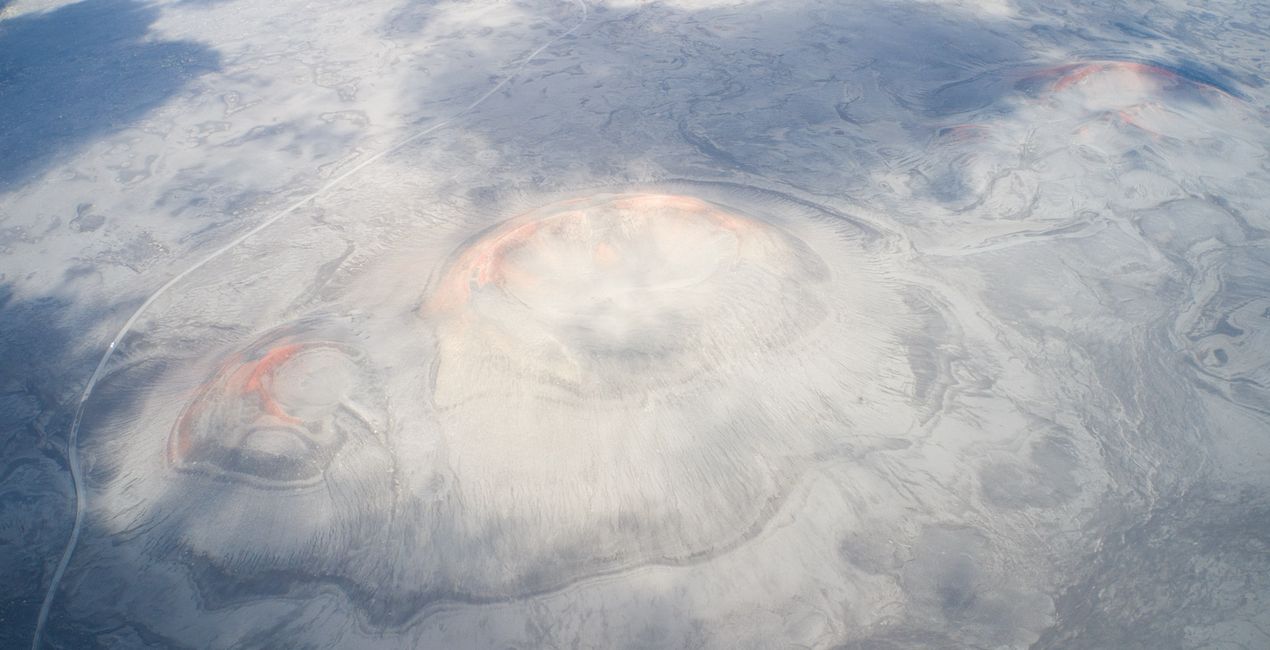
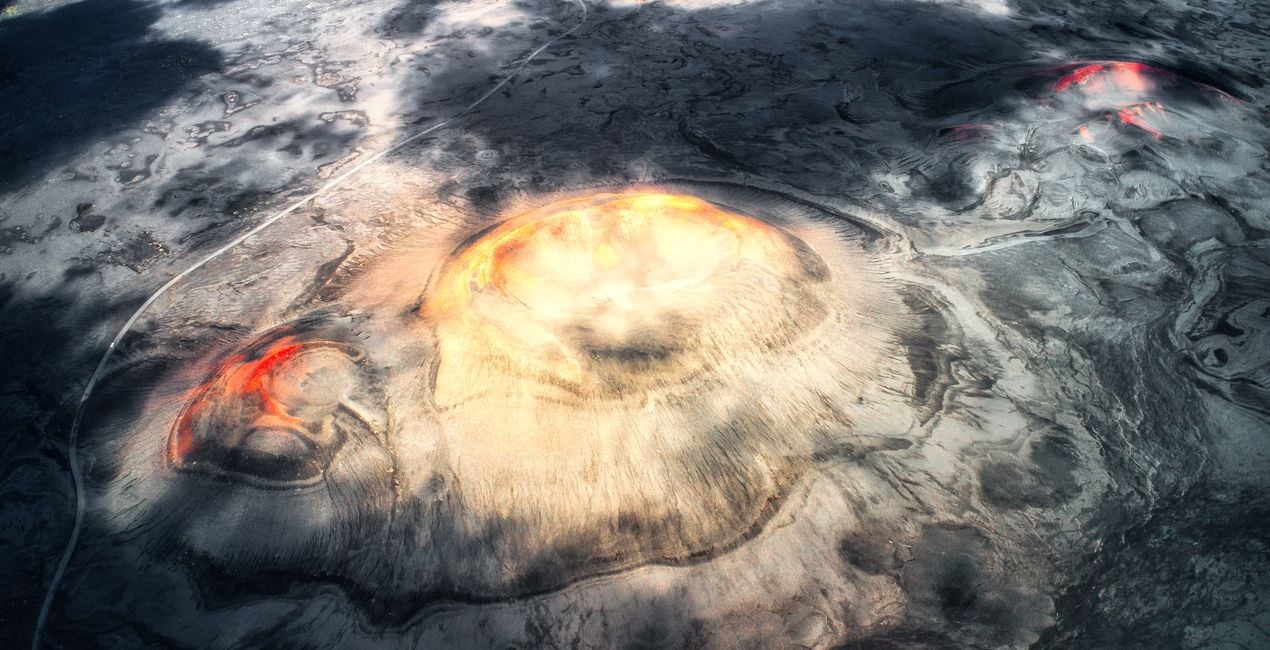
Thanks to this Luminar Neo Preset collection, you can enhance the color, light and contrast of Iceland's otherworldly landscapes in your photographs. A deep canyon, a waterfall at sunset, the magnificent black sand beach, a view of a crater taken with a drone that looks as if it belongs on another planet — make your photos of any landscape view even more stunning with the right Preset.

Using RAW files you will easily practice retouching tips and learn how to get photos like these.
 >
>
 >
>
 >
>
 >
>
 >
>
 >
>
 >
>
Ahmet Anak is the lucky winner of the photo editing challenge organized by the Luminar Team. His prize was the Luminar Adventure to Iceland in August 2023, when he came to Iceland with the Luminar Team, other participants, and top photography experts to explore the beauty of this country. As a result, he prepared this collection of Presets using the photos he took during the one-week journey.
With Ahmet Anak's Preset pack, you can transform the photos you take in the Nordic countries during the summer season into photos where colors come alive, contrast and light make the photograph even more appealing. Whether it’s for cold or warm photos, drone shots or landscapes, each Preset helps you change the perspective in the photograph and reveal different results on light, color and contrast.
You will find 12 Presets in this pack:
Ice World: Enhance the reflection of blue-colored glaciers on a calm water surface with sunset colors. Ideal for slow shutter speed photos.
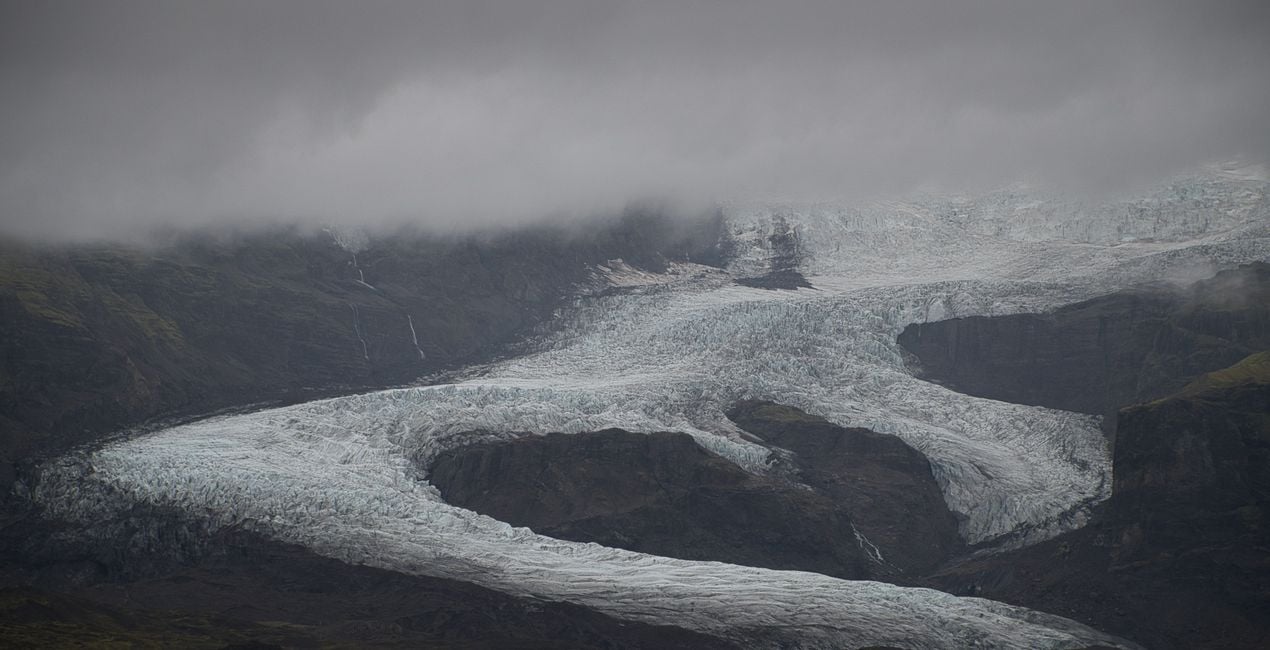
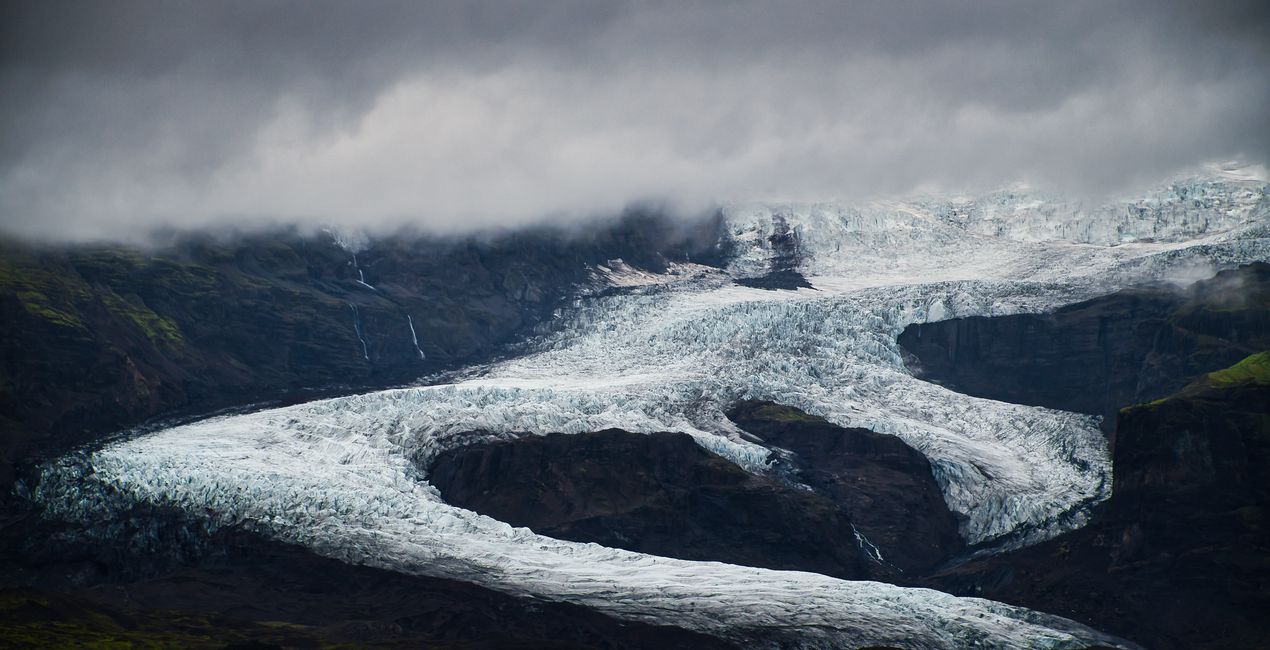
Glacier’s Heart: This Preset is recommended for the dramatic glacier and mountain photos you can easily find in Iceland.
The Passage: Recommended for canyon photographs that extend deeply and are surrounded by green and steep slopes.
Magical Waters: Use this Preset to enhance photos of hollows behind waterfalls and the orange-yellow colors in the sky during sunset. Best for long exposure photos and curtain views of water.
Day Dream: Recommended for long exposure photos of a mountain landscape with forming waterfalls and dramatic-looking clouds.
Sunset Clouds: Use it on sunset photos, when the dew grains are illuminated with the colorful light before the sun goes down.
The Beach: Perfect for black and white photos. Try it on abstract landscapes created by waves crashing onto the shore on a beach, transitioning from black to white and gray tones.
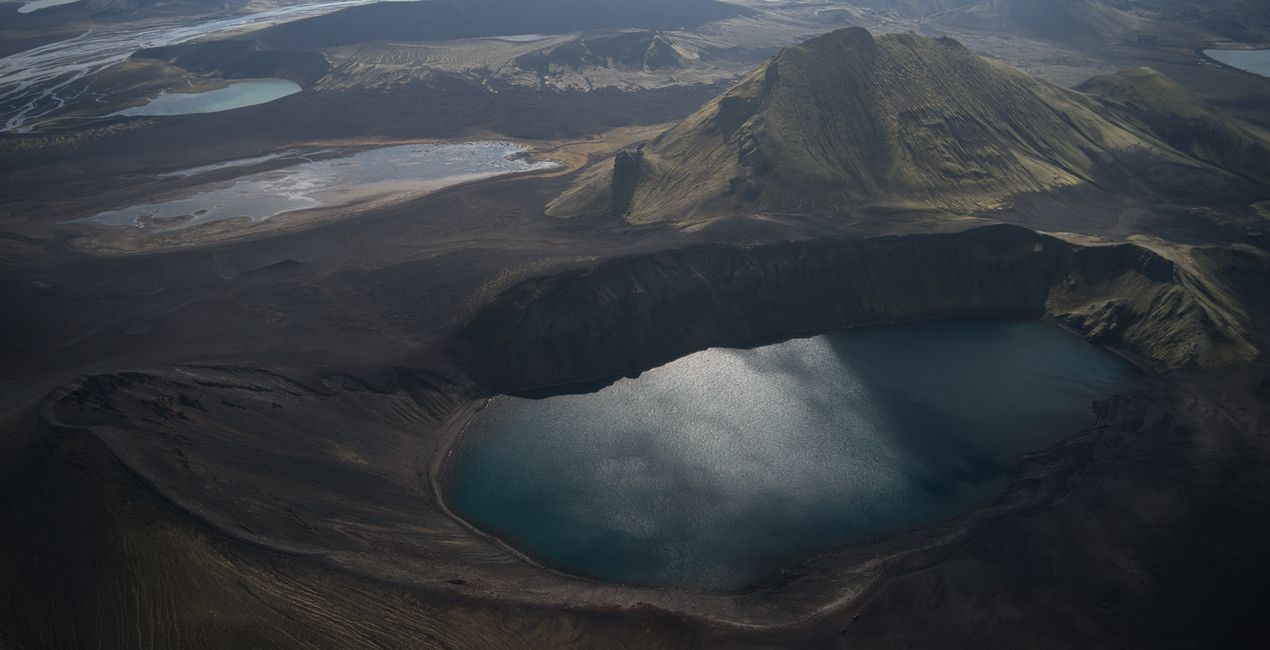
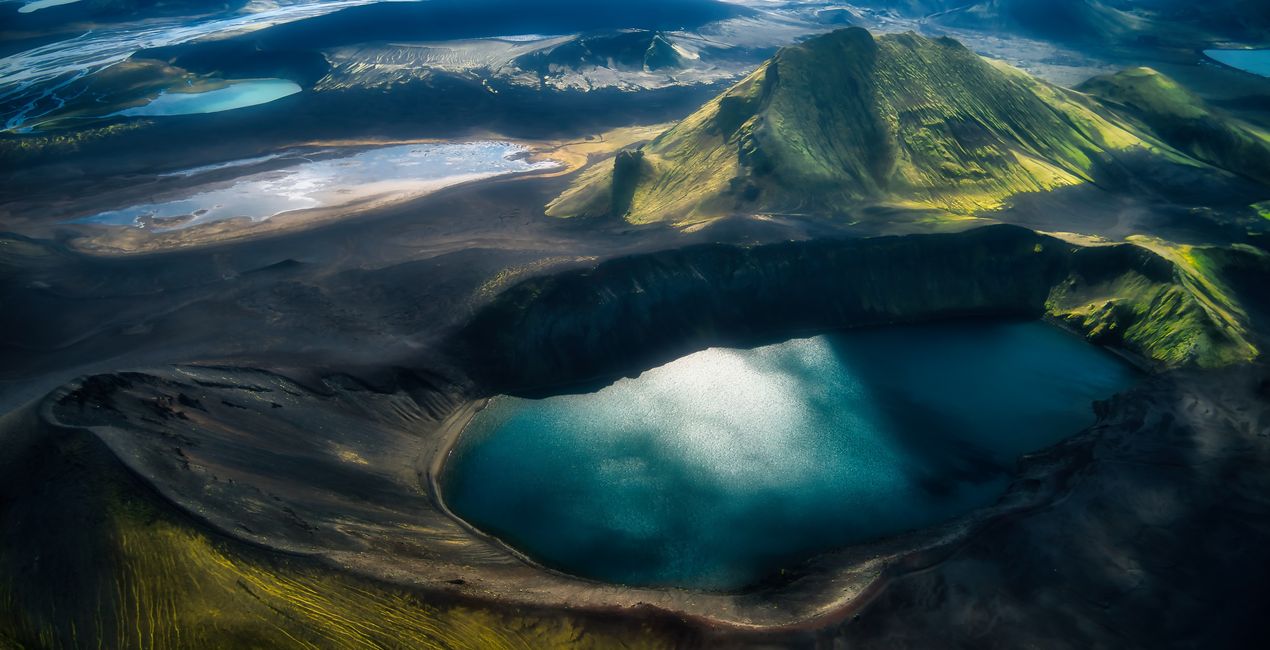
Planet’s Eye: Enhance the dramatic landscape of craters rising from the ground in a pitch black ground and the red and orange areas at the crater mouths. Great for drone photos.
Dark Planet: Recommended for crater and lake photos taken with a drone. Make your photos of the bird's eye view of a crater lake and hills covered with green grass with surrounding lakes stand out
Monument Rocks: Try it on Iceland's most famous monumental cliffs like the Sea Stacks at Black Beach. This Preset is great for drone photos, and for those containing a mystical shade of blue from light to dark, accompanied by a dramatic light from the left.
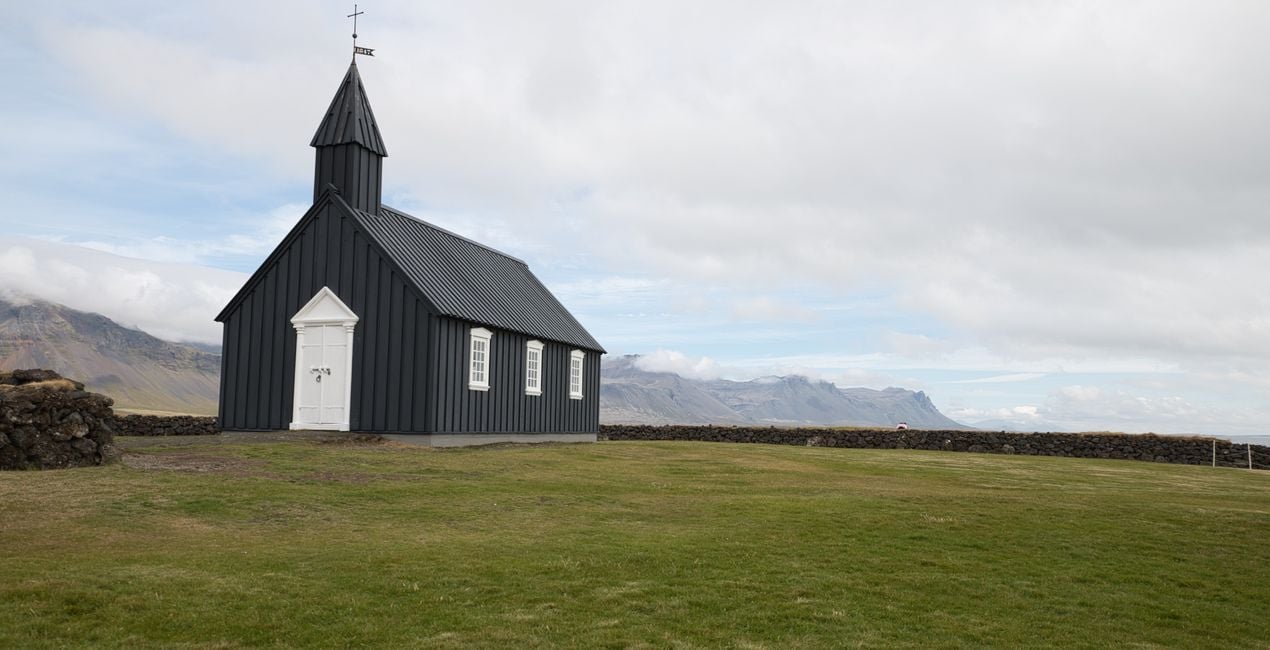
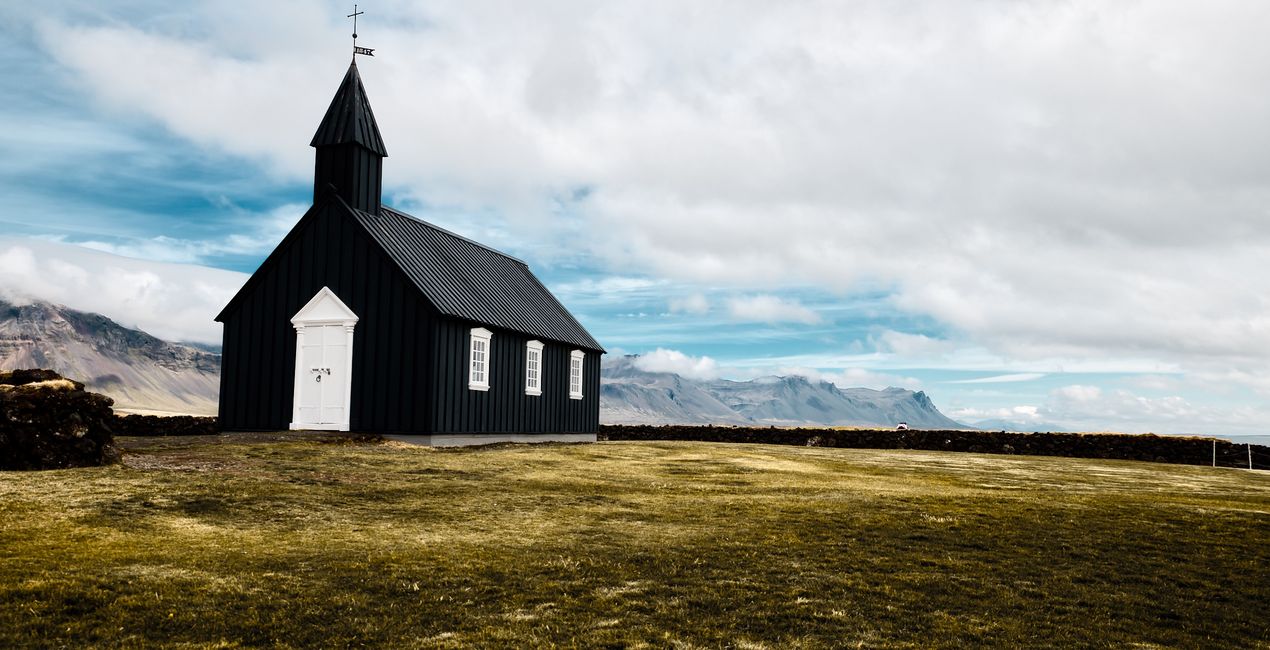
The Church: Architectural Preset, try it for a simple shot of a church on faded grass, under a blue and partly cloudy sky.
Puffin: Perfect for wildlife photos. Photograph Iceland’s favorites, the Puffins, who are the most well-known and adorable birds of the Arctic Circle.
Don't forget to adjust the amount slider when using Presets. This way you can determine where the Preset meets your photo best. If you need more adjustments, you can make adjustments in the "Edit" section, where you can see the components of the Preset you are using.
Never be afraid to use your creativity when using Presets. Let the Presets be an inspirational push that gets you going.
Landscape, nature photographer, colorist and retoucher
Ahmet Anak lives in Paris, France. He has worked in the design of air conditioning products for about 25 years and has been involved in professional photography for over 10 years. He has been working in photography full-time for the last 3 years.
Ahmet has traveled to more than 20 countries so far and has taken nature and landscape photographs in these countries. He went to Finland, Iceland and Norway from Northern European countries and took various photographs in the parts of those regions that remain in the Arctic Circle.
The photographs he took in Finland were published in one of Turkey's popular travel magazines. It also shares some of the photos it takes with stock photography sites and provides downloadable versions of these photos. He has been interested in drone photography for the last two years and has started to add bird's-eye photos to his archive.
Ahmet works with Luminar products while processing his photographs. Ahmet, one of the first users of Luminar, is currently working with Luminar Neo.
If you have any questions about the product, you can contact the 24/7 support team. Just follow this link.
To purchase Otherworldly Iceland, follow these steps:
1. Open Skylum’s Marketplace.
2. Go to the preferable tab where Otherworldly Iceland is listed. Click on it and add it to your cart.
3. Proceed to your cart. Here, complete the purchase process for Otherworldly Iceland.
4. After the purchase, you will receive a fulfillment email with the download link for Otherworldly Iceland. Also, you can find the new item in your Skylum account, My Add-ons tab.
Detailed instructions on installing the Otherworldly Iceland will be sent to you in the fulfillment email alongside the download link.
Besides, you can install the purchased item directly in Luminar Neo: go to Extras > Marketplace, Select the Product category, find the purchased item, and click Install.
It’s pretty easy! Go to the Presets tab, then select Purchased. Your installed preset will be here.
Don't worry. All purchased items, including Otherworldly Iceland, are stored in the 'My Add-ons' tab of your Skylum account, allowing for easy redownload and use.
Generally, most items are compatible with Luminar Neo. But to ensure Otherworldly Iceland is compatible with your software, review its specifications before downloading or purchasing. Look for the 'Compatibility' section at the right of the Otherworldly Iceland page, where all compatible products are listed.
Don’t leave just yet. Here’s an exclusive discount code for you. Use it within the next 15 minutes to get an extra 10% off at checkout. Copy the code below and complete your purchase.
15 m : 00 s





