

 Applied


Delicious
Save $201 $ 19 .00

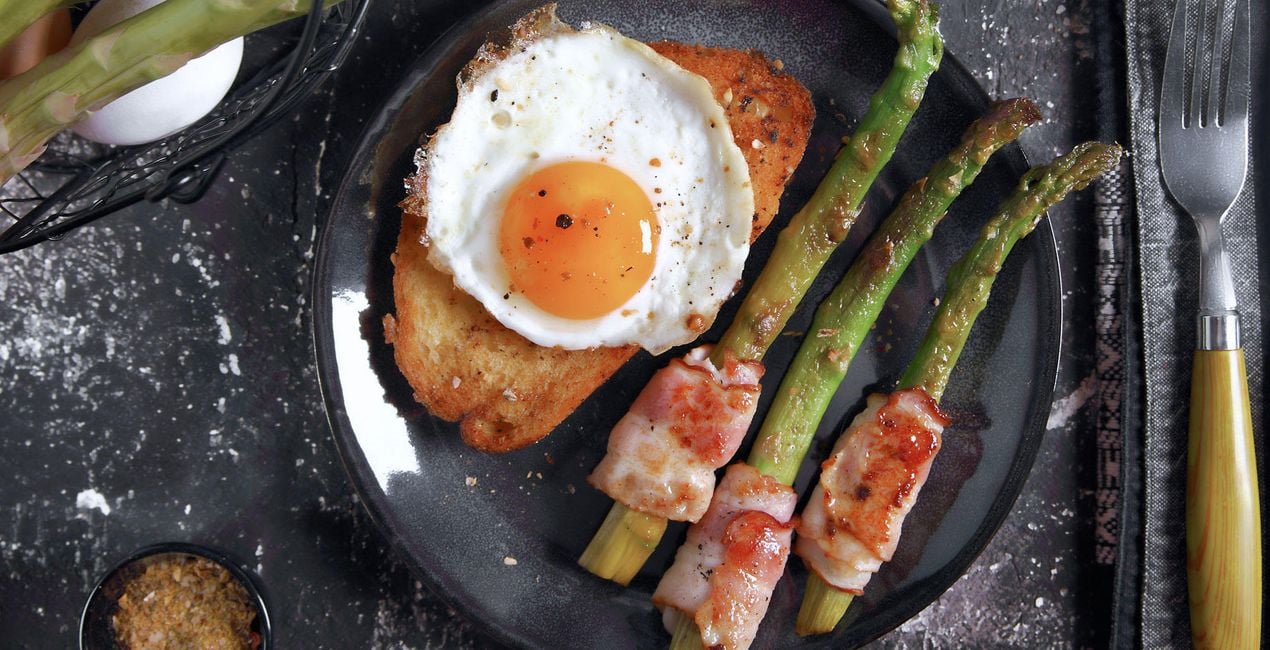
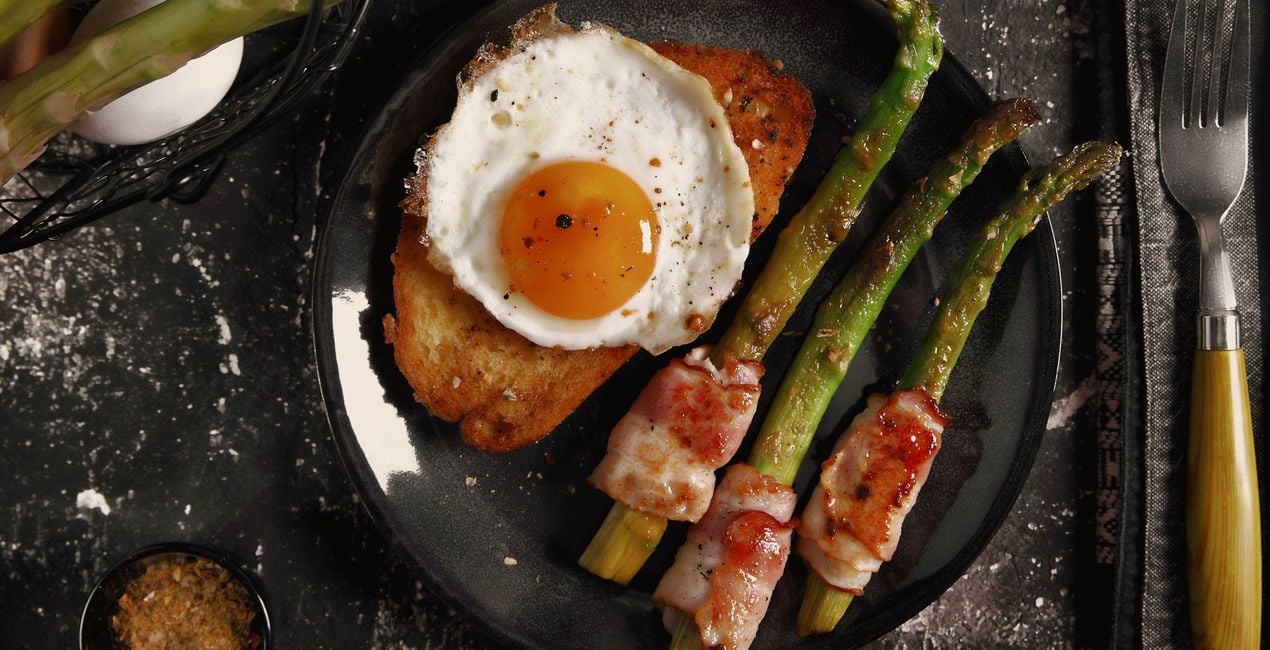
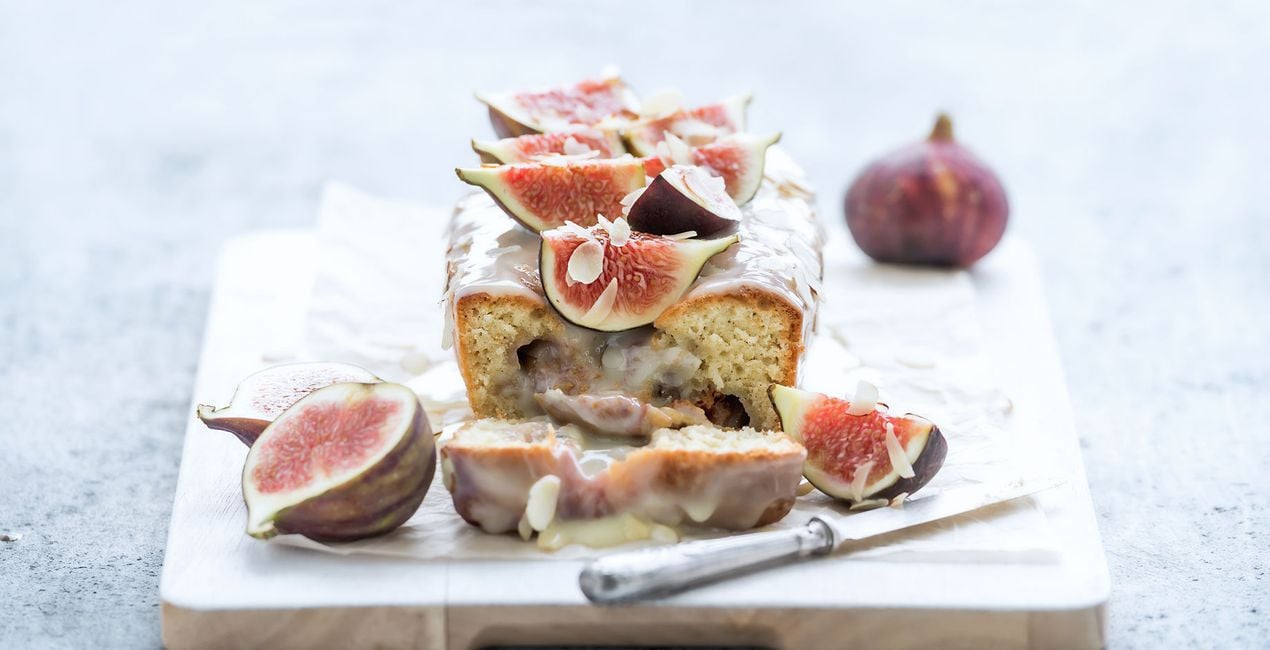
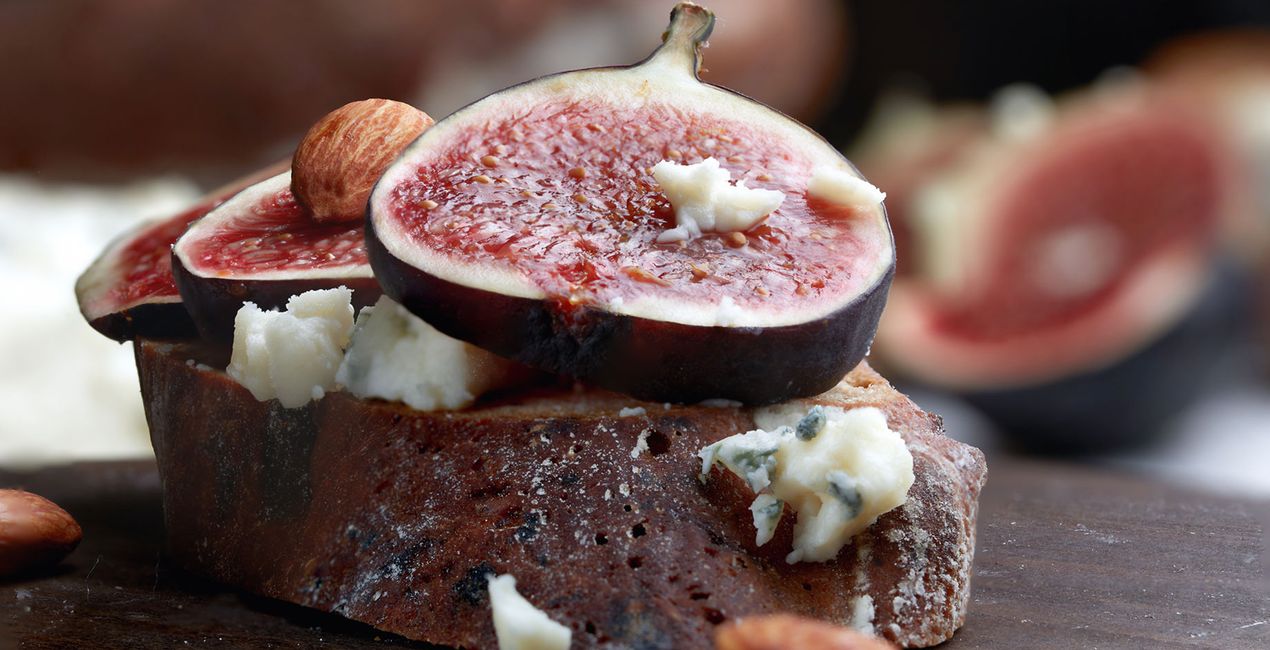
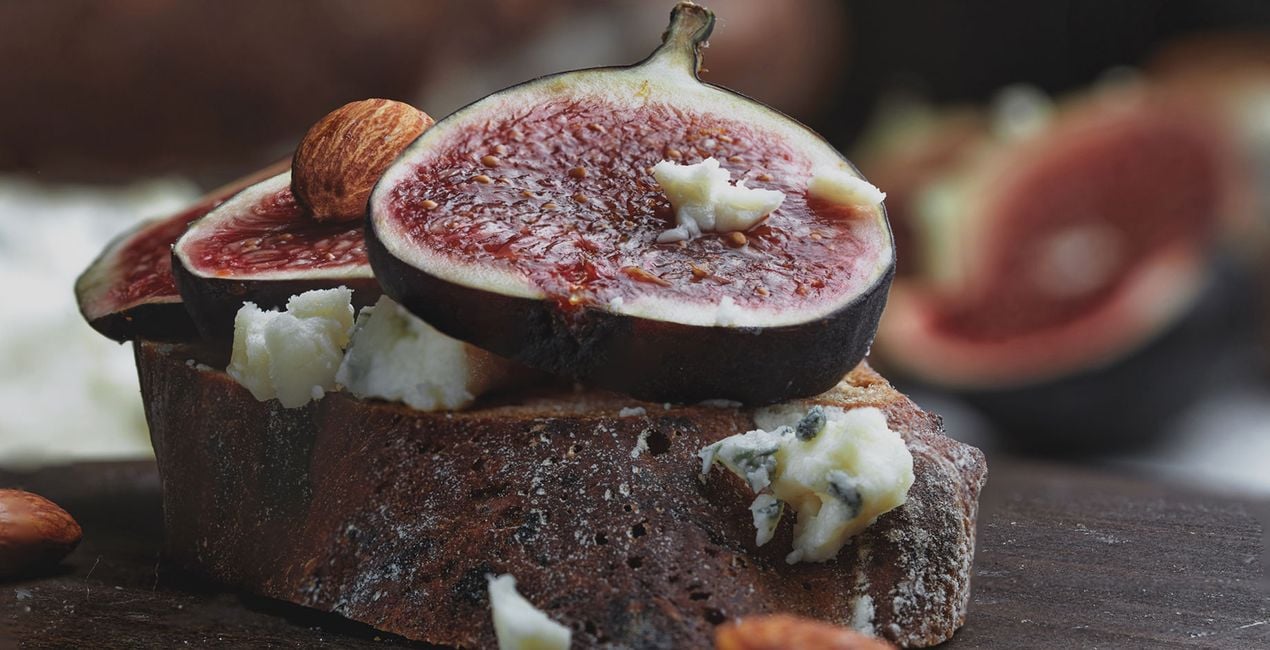
Discover a helping of gorgeous Templates that will bring out the flavor of all your meals. Use them to create mouthwatering shots of food that are worth posting on social media.
What is included
10 Templates. Compatible with JPEG and RAW images.

Using RAW files you will easily practice retouching tips and learn how to get photos like these.
 >
>
 >
>

 >
>
 >
>

 >
>

 >
>

 >
>

 >
>

 >
>
Food is something to be celebrated. With these 10 Templates, you won’t help but feel your stomach rumble in anticipation.
Whether you’re capturing a full dinner or a pretty cupcake, in this collection you’ll easily find a Template that works for your appetite and your photos.
Vivid, sharp, faded, warm, soft — choose the way you want to highlight the culinary creations in your images. The results will be worthy of a simple post or even publication on sophisticated media and food blogs.
Plus, they’ll make anyone hungry. Bon appétit!
What you’ll find in this pack (10 Templates):
Rustic: A contrasting, vivid, and sharp Template with bright and beautiful colors that goes well with anything on your plate.
Panna Cotta: A light Template with a slightly raised black point and light cool shadows. Try it on photos of food on white backgrounds or any cold meals. It goes especially well with desserts.
Wok: This elegant, exotic, spicy Template in low key with a raised black point works for all your foods and makes your photos worthy of a magazine cover.
Raspberries: A contrasting Template with warm toning and a raised black point for fresh and delicious berries and fruit.
Breakfast: A warm, soft Template in mid key for those cozy slow breakfasts you can share with a loved one.
Grapes: A soft, slightly faded Template with a raised black point for delicious, tender foods.
Old School: A Template that bursts with character — a unique Kodak gold film emulation for family meals that you simply can’t get enough of.
Banana Bread: Try out this Template in low key with a raised black point and slightly cold toning on foods with black backgrounds.
Pineapple: Want a less vivid and more minimalist shot? This slightly faded Template with a lowered white point is here to make your meals look even more delicious.
Grapefruit: Bring out the juiciness of your meals with this bright and vivid Template that channels natural colors.
Keep in mind that a Template’s default effect might be too strong for your photo.
If it is, simply bring it back a bit with the Amount slider.
Don’t forget to share your results! Use the hashtag #madewithluminar on social media so the Skylum Team can take a look at your work!
Photographers, colorists & retouchers
The Skylum team works with hundreds of professional photographers and retouchers to bring you Templates that top photographers use to create their masterpieces. The Skylum AI Lab analyzes the photos and workflows of photographers and creates Templates that are accessible to everyone and that take advantage of the advanced technology under the hood of LuminarAI. Our mission is to cut the time and effort it takes to make a striking photo and allow everyone to enjoy photo editing and photography.
If you have any questions about the product, you can contact the 24/7 support team. Just follow this link.
To purchase Delicious, follow these steps:
1. Open Skylum’s Marketplace.
2. Go to the preferable tab where Delicious is listed. Click on it and add it to your cart.
3. Proceed to your cart. Here, complete the purchase process for Delicious.
4. After the purchase, you will receive a fulfillment email with the download link for Delicious. Also, you can find the new item in your Skylum account, My Add-ons tab.
Detailed instructions on installing the Delicious will be sent to you in the fulfillment email alongside the download link.
Besides, you can install the purchased item directly in Luminar Neo: go to Extras > Marketplace, Select the Product category, find the purchased item, and click Install.
It’s pretty easy! Go to the Presets tab, then select Purchased. Your installed preset will be here.
Don't worry. All purchased items, including Delicious, are stored in the 'My Add-ons' tab of your Skylum account, allowing for easy redownload and use.
Generally, most items are compatible with Luminar Neo. But to ensure Delicious is compatible with your software, review its specifications before downloading or purchasing. Look for the 'Compatibility' section at the right of the Delicious page, where all compatible products are listed.
Don’t leave just yet. Here’s an exclusive discount code for you. Use it within the next 15 minutes to get an extra 10% off at checkout. Copy the code below and complete your purchase.
15 m : 00 s





