

 Applied


Tropical Vibes
Save $201 $ 3 .80 $ 19 .00

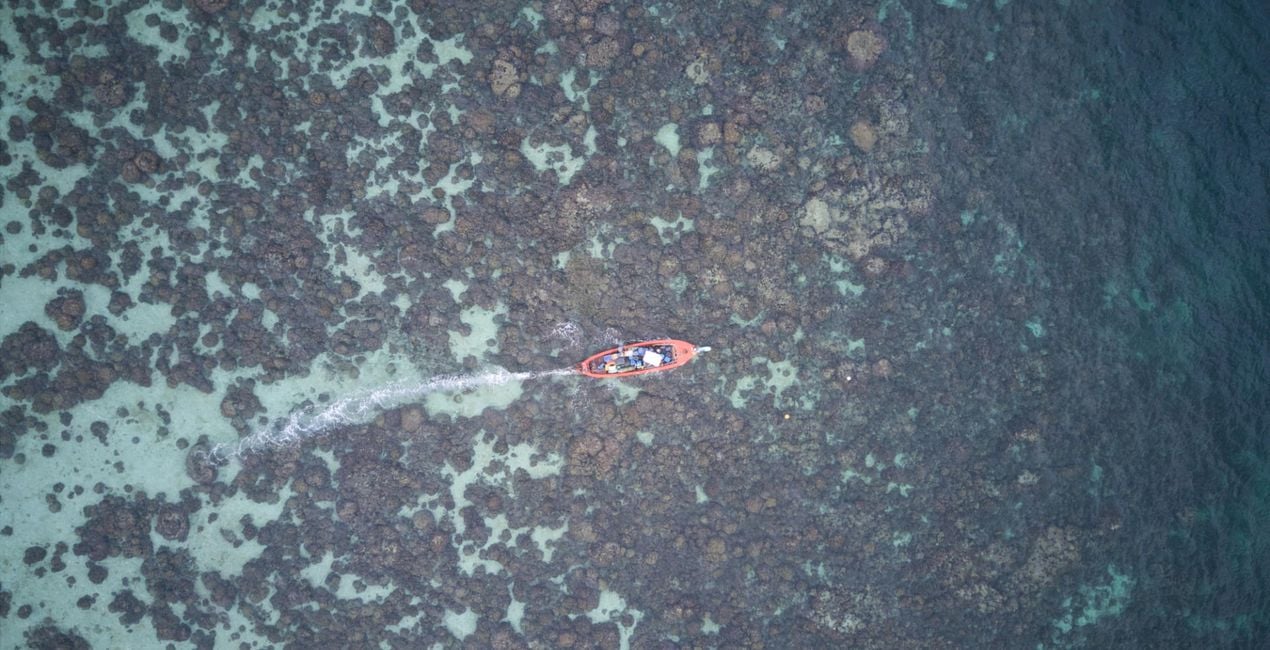
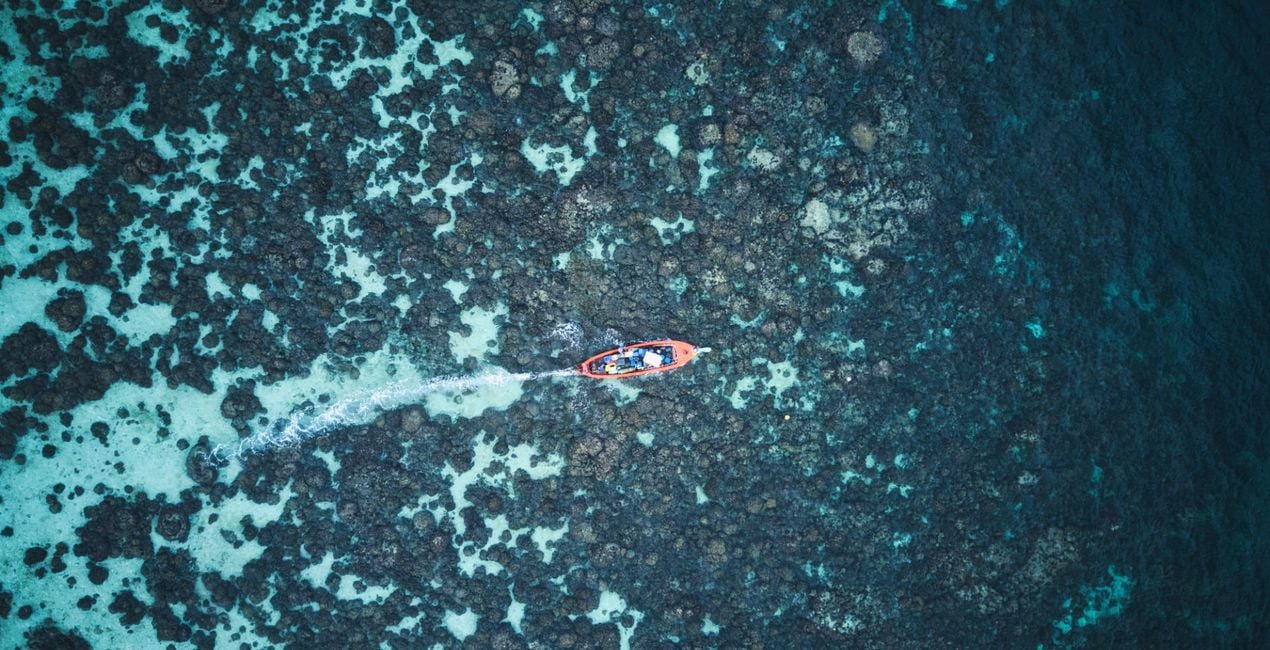
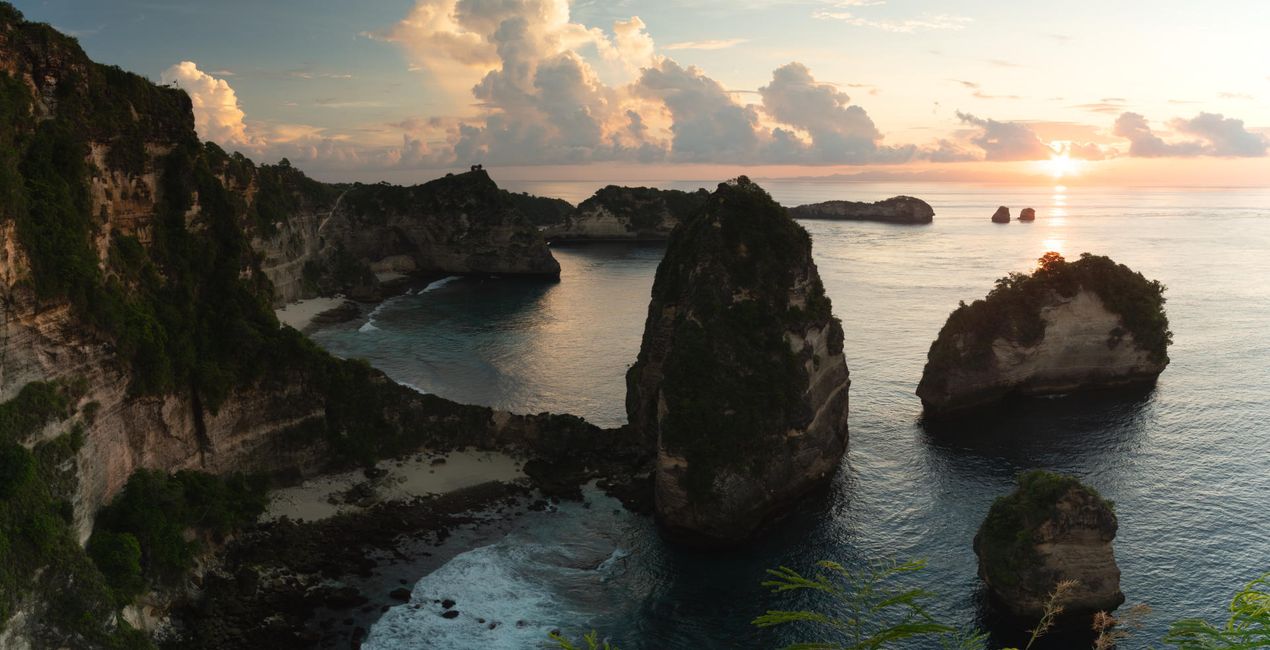
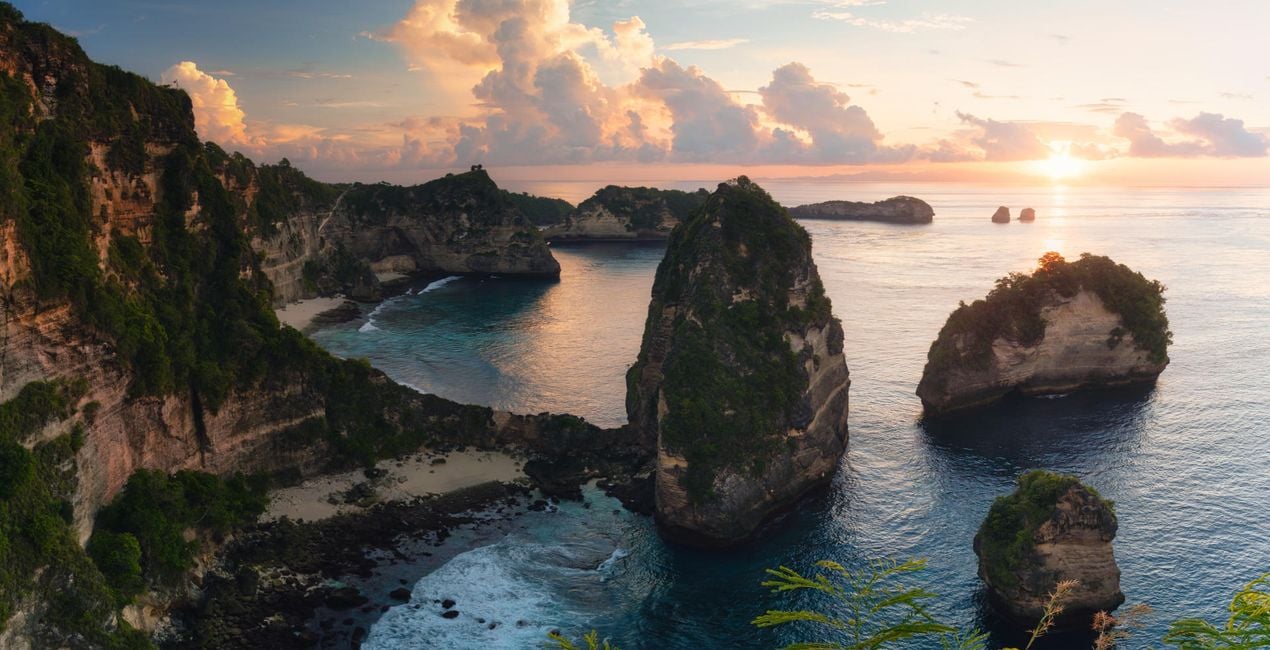
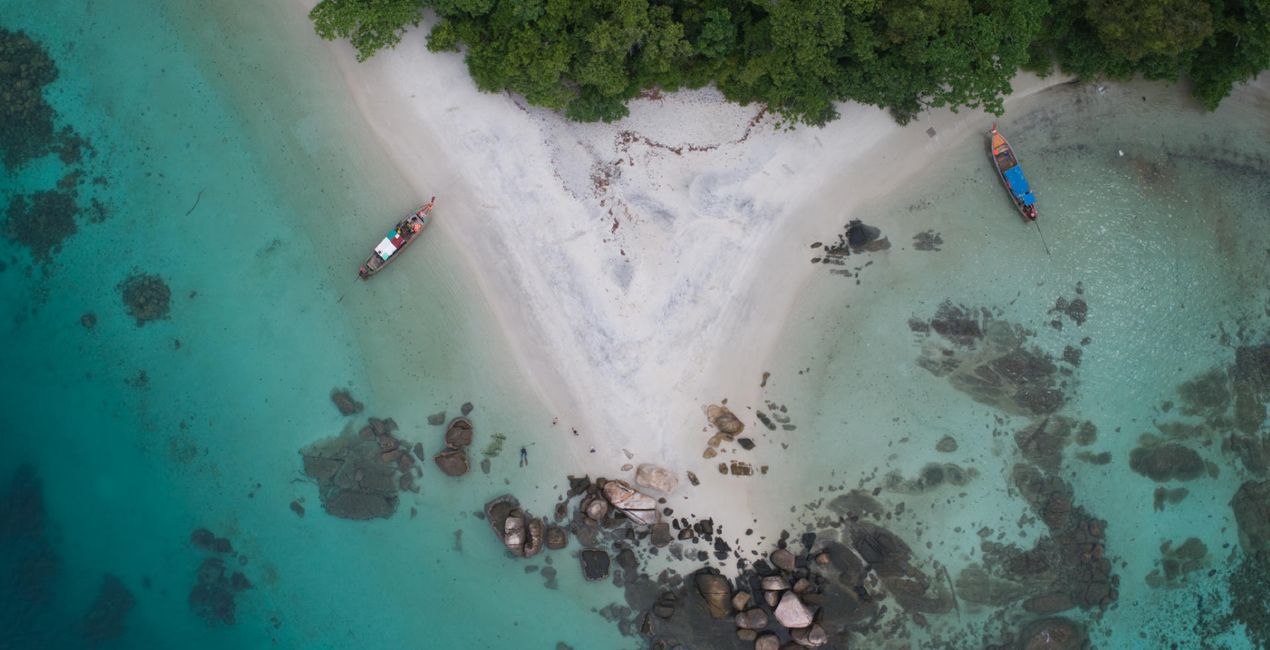
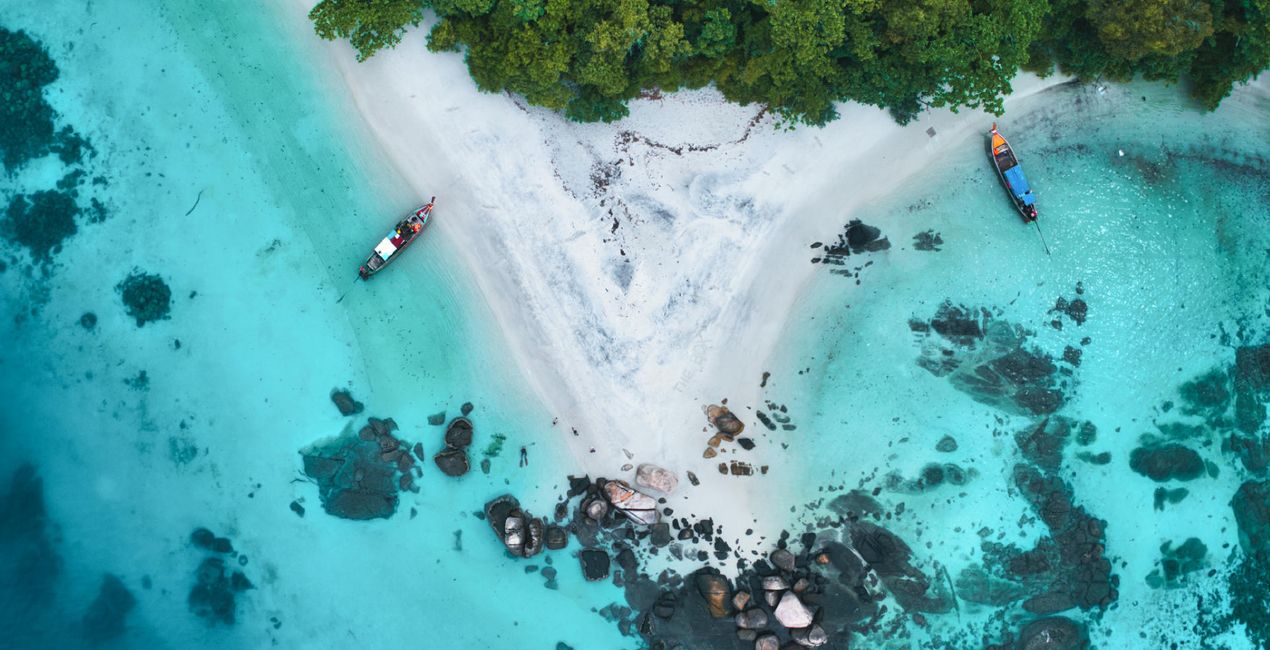
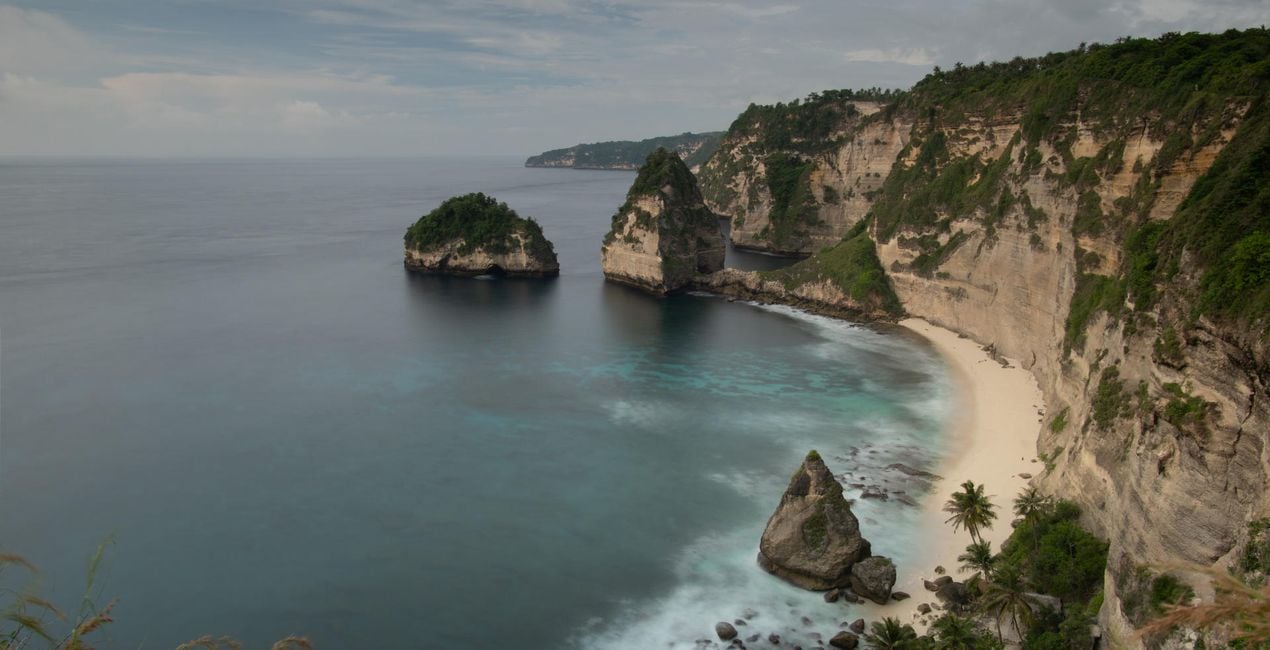
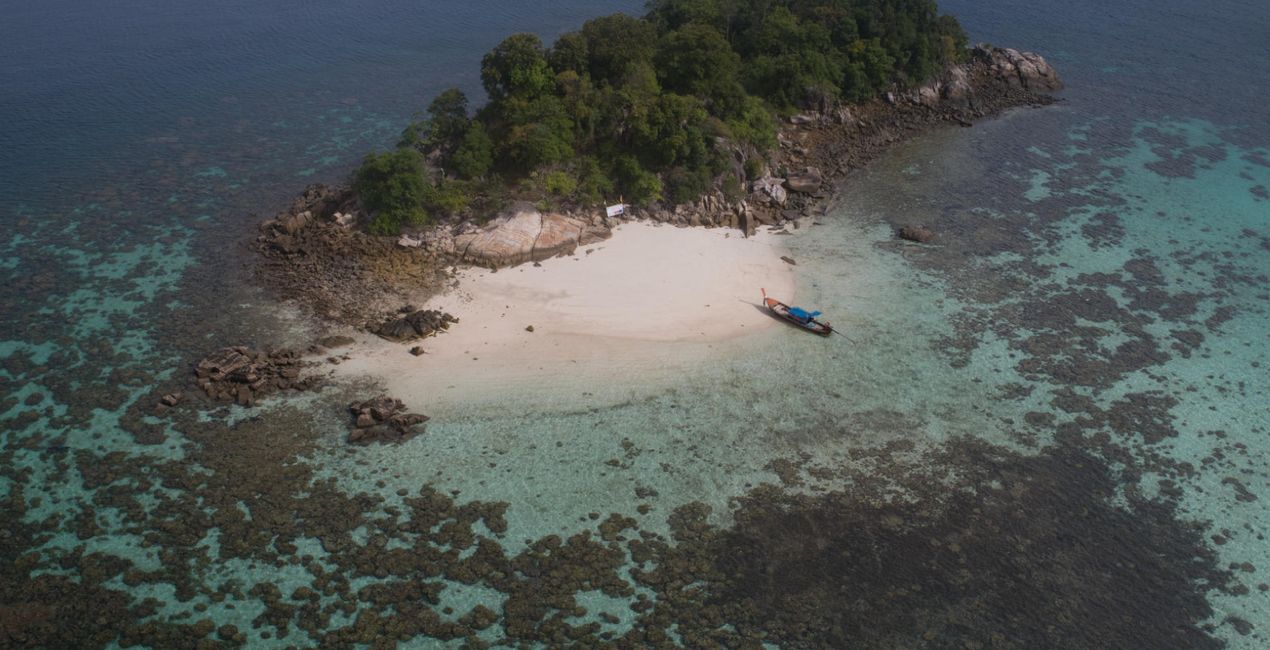
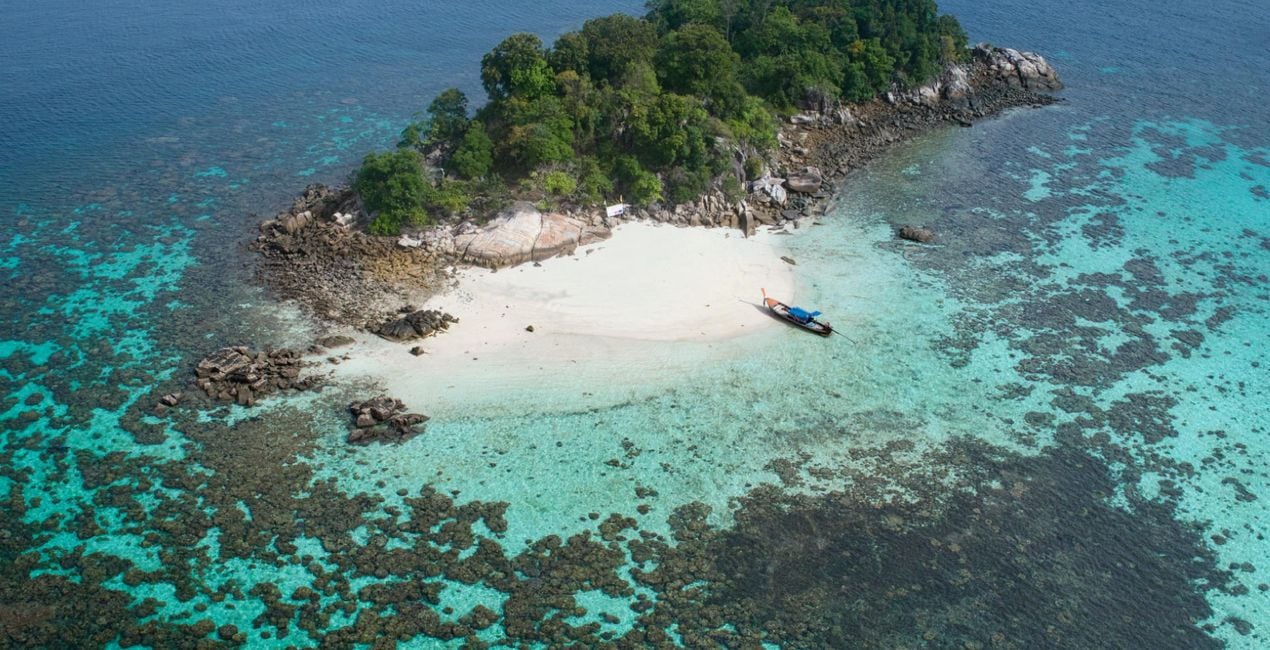
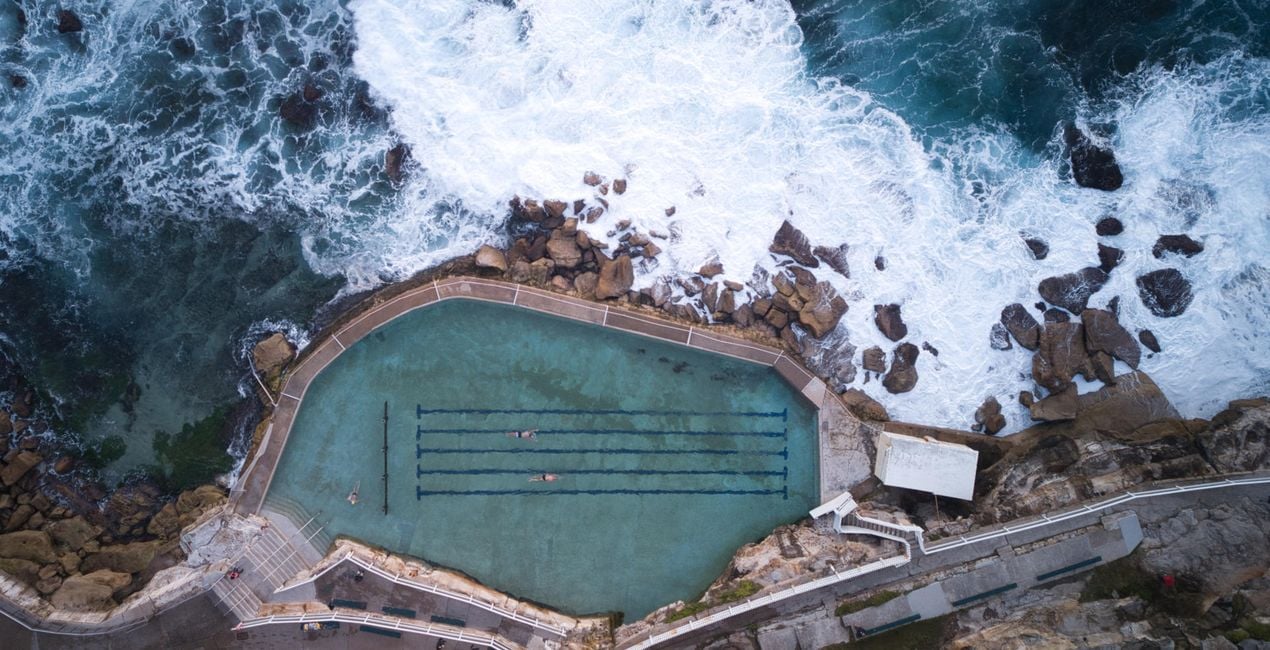
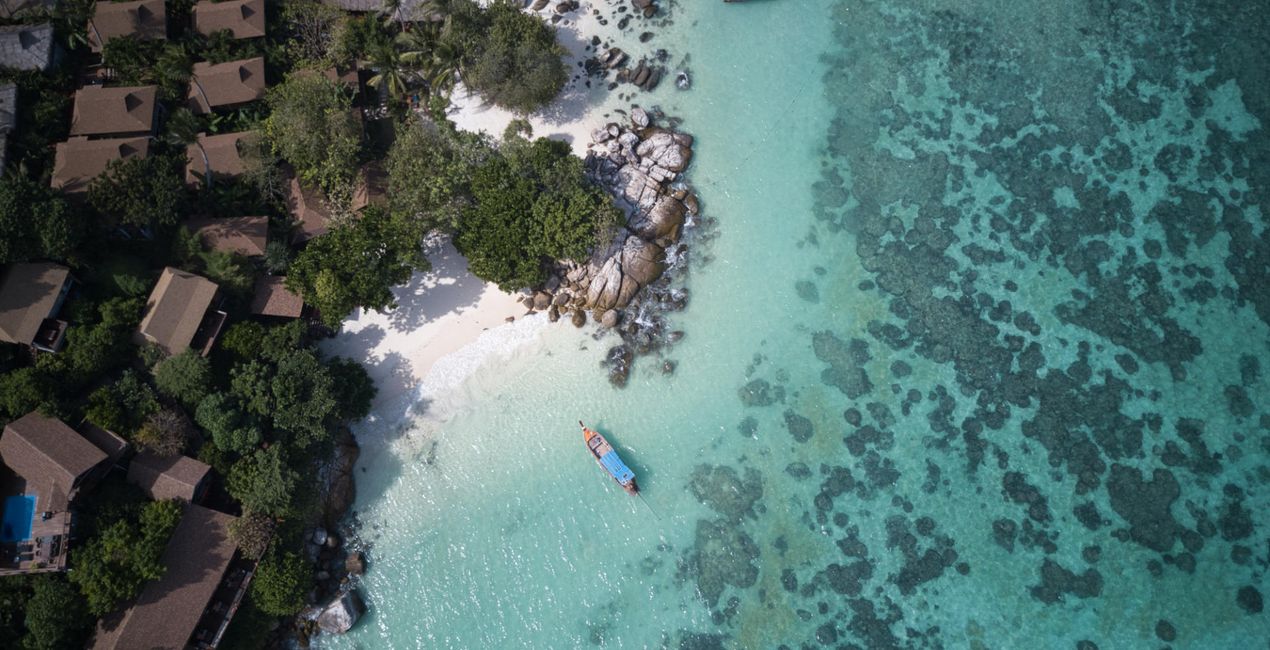
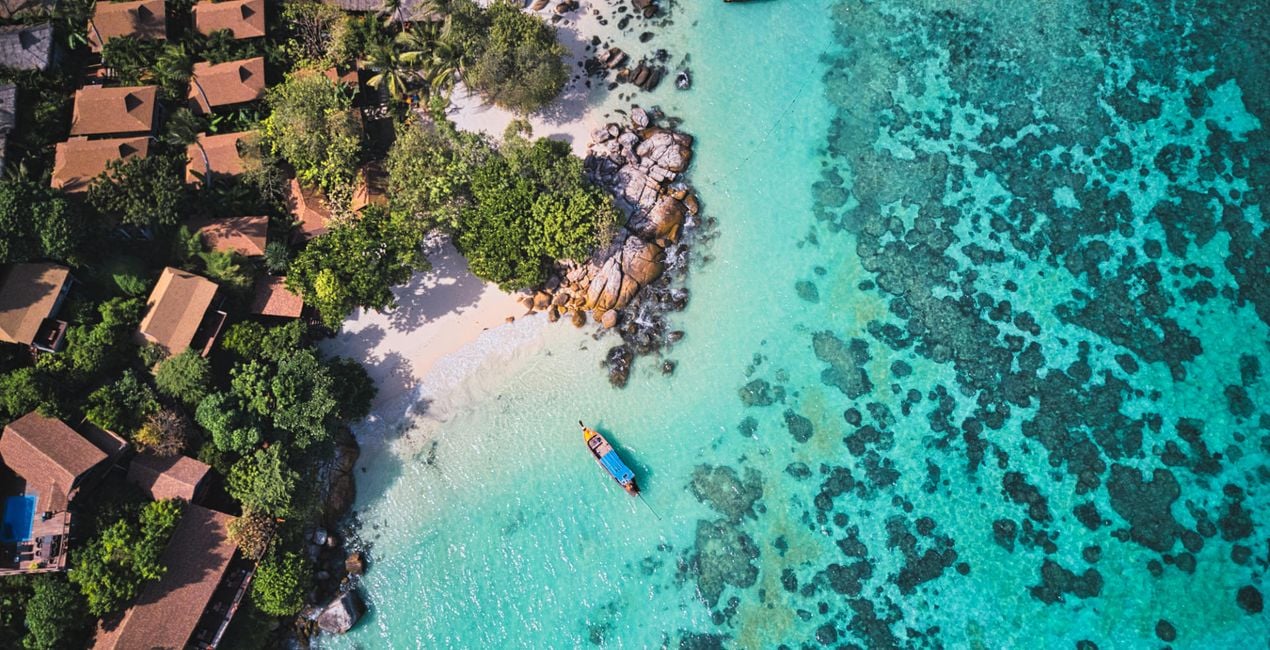
This Template collection consists of 13 unique high-quality Templates created by Jabi Sanz to edit his iconic aerial images. These Templates are designed for summer views along coastlines, above tropical beaches, and over the ocean, but they can also be applied to many other scenes.
What is included
13 Templates. Compatible with JPEG and RAW images.

Using RAW files you will easily practice retouching tips and learn how to get photos like these.
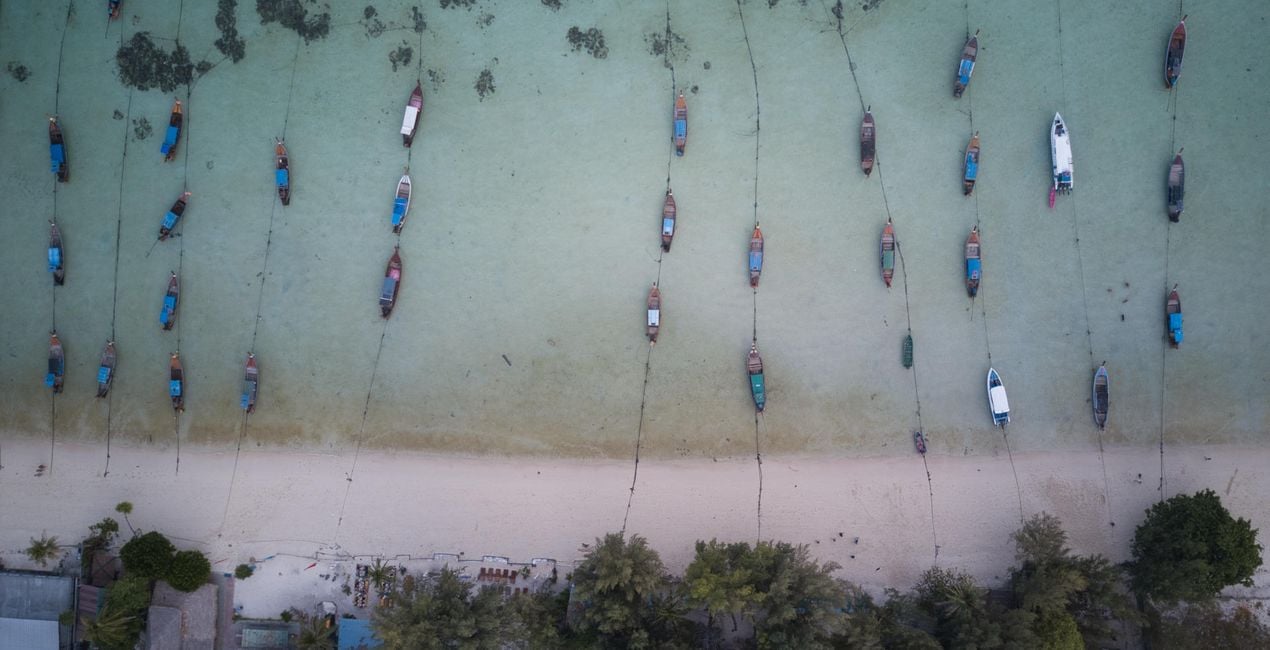
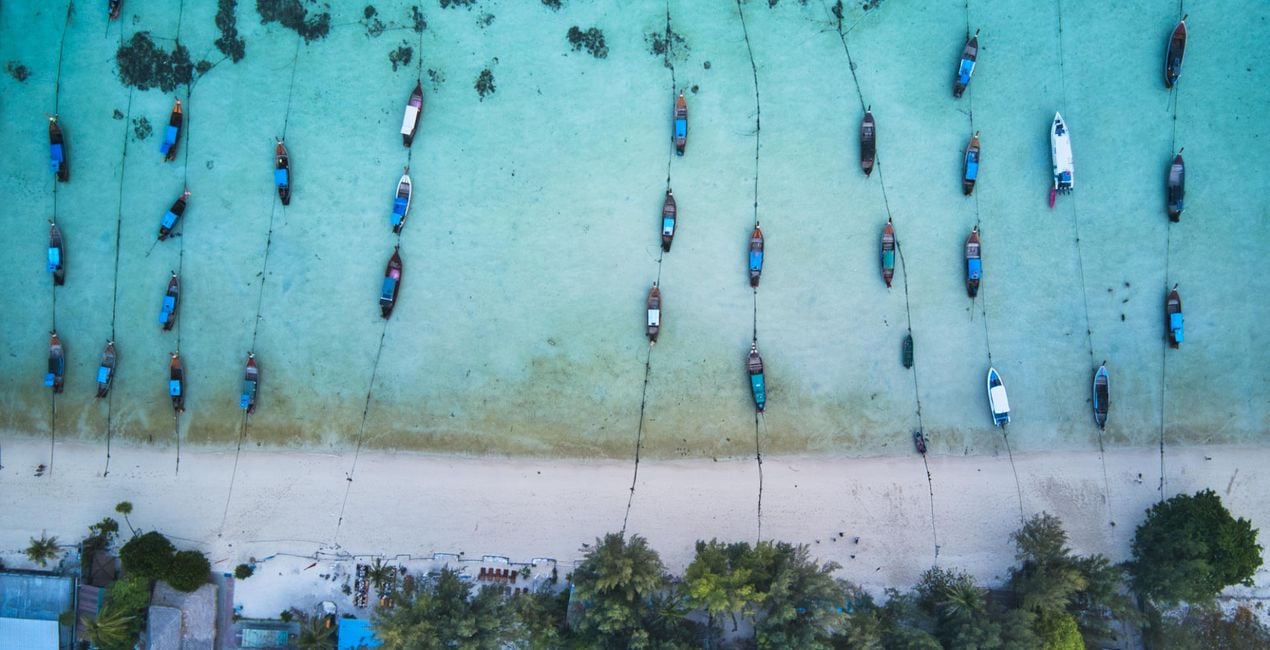 >
>
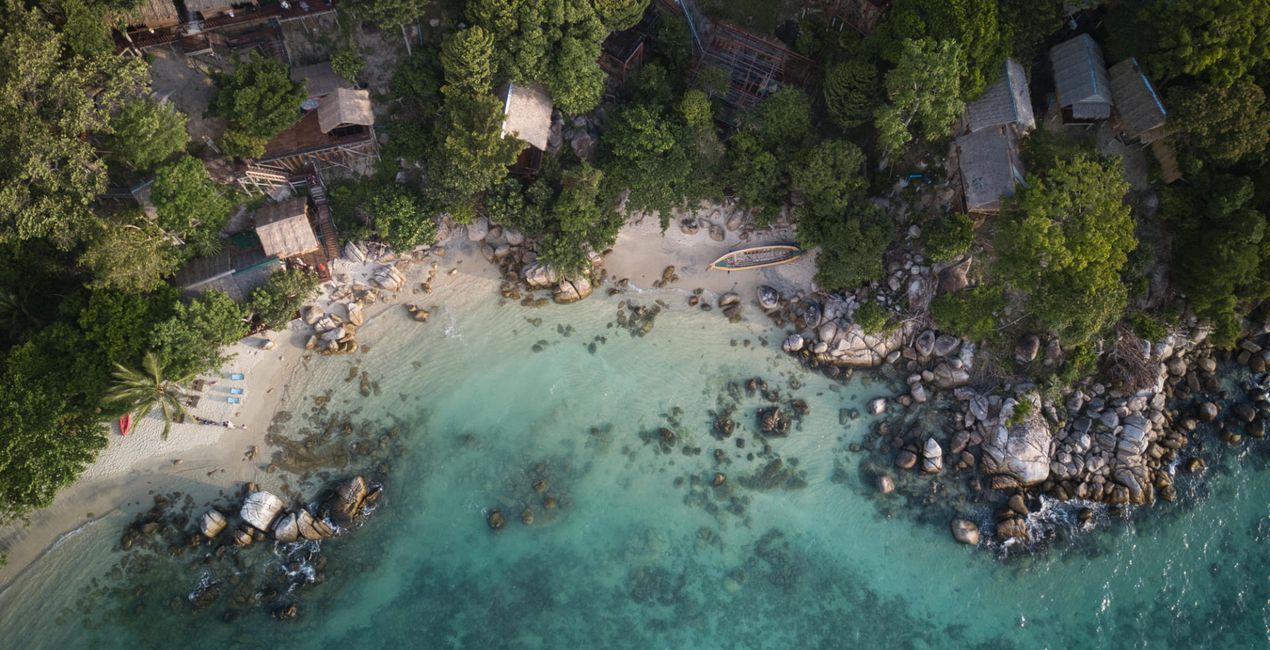
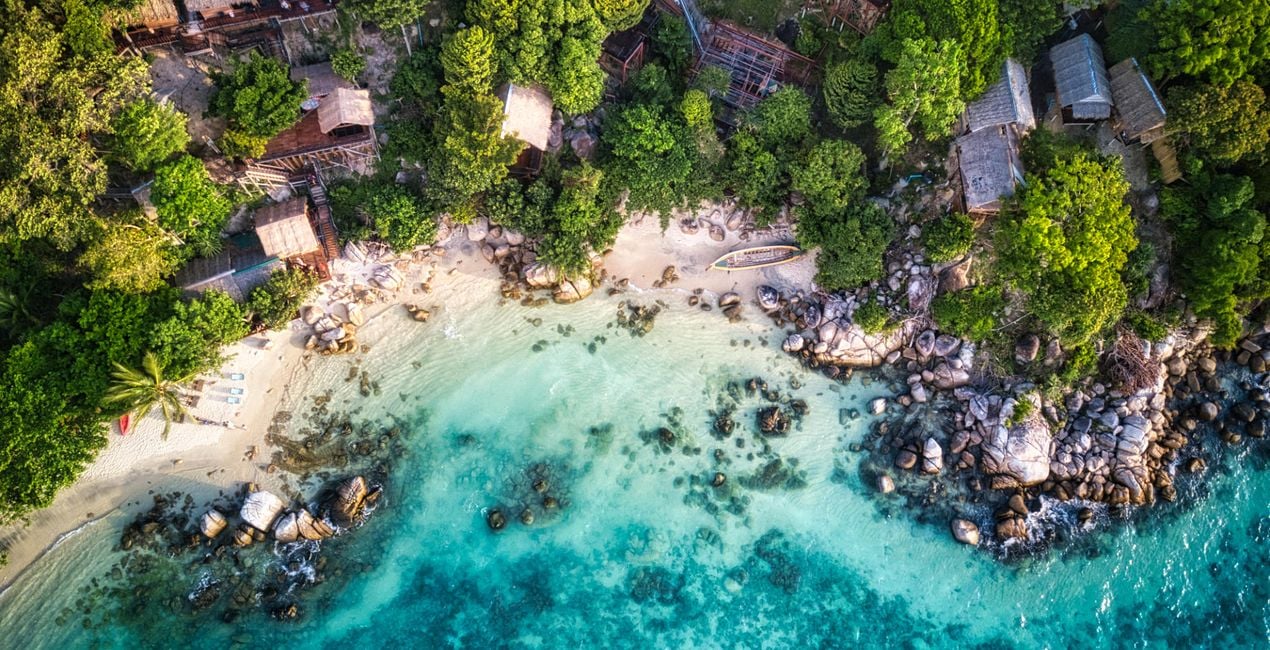 >
>
 >
>
 >
>
 >
>
 >
>
 >
>

 >
>
 >
>
 >
>
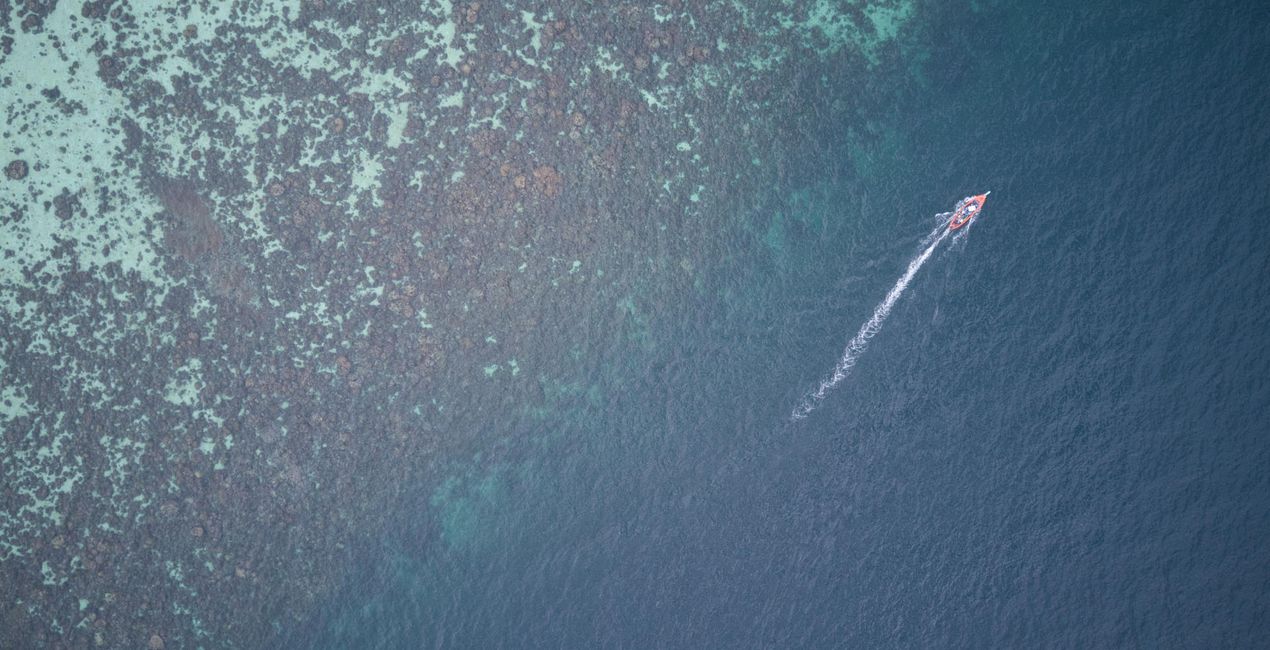
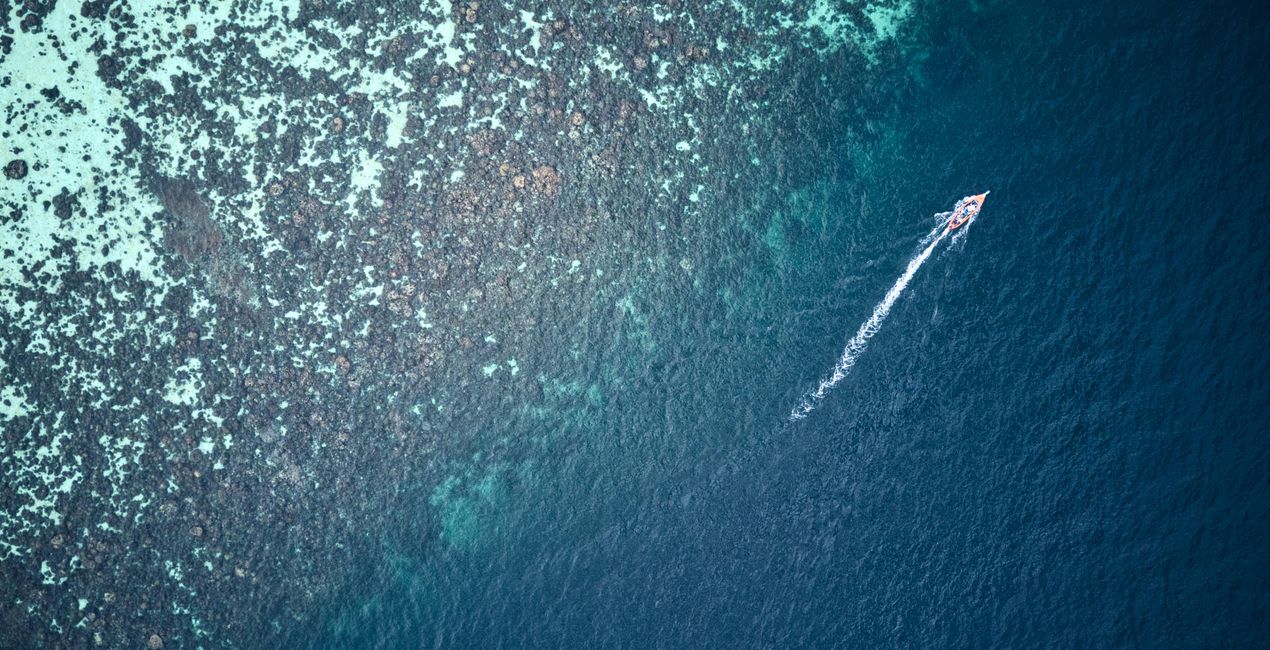 >
>
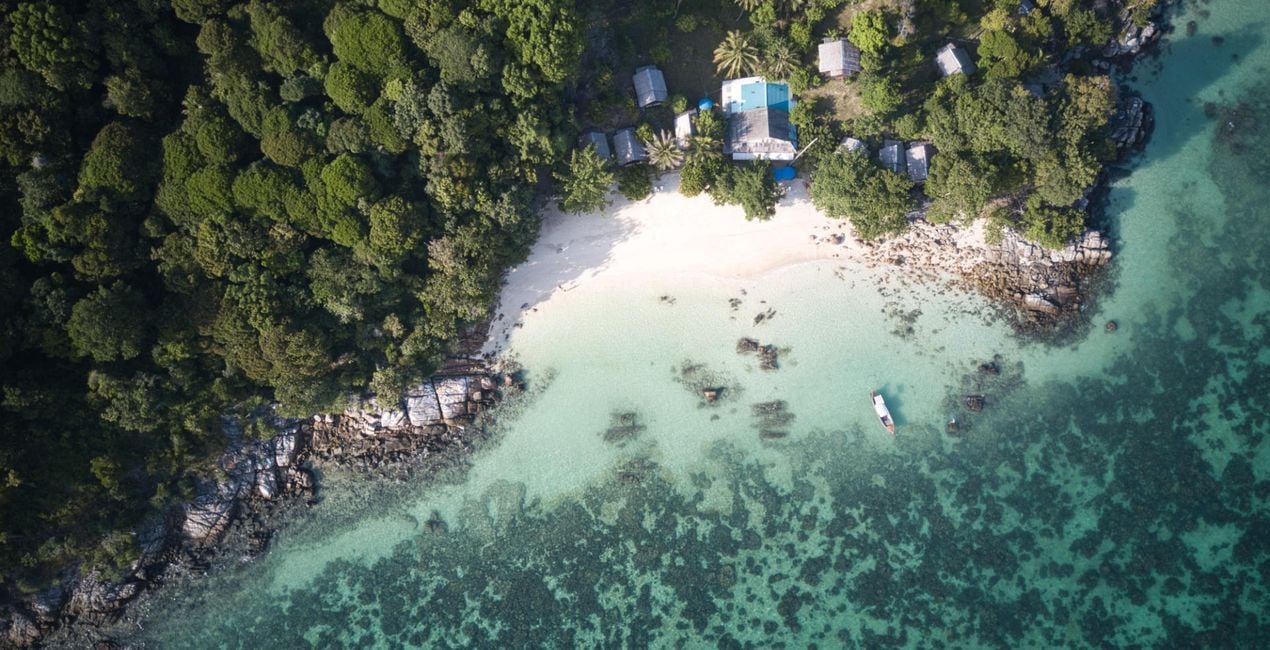
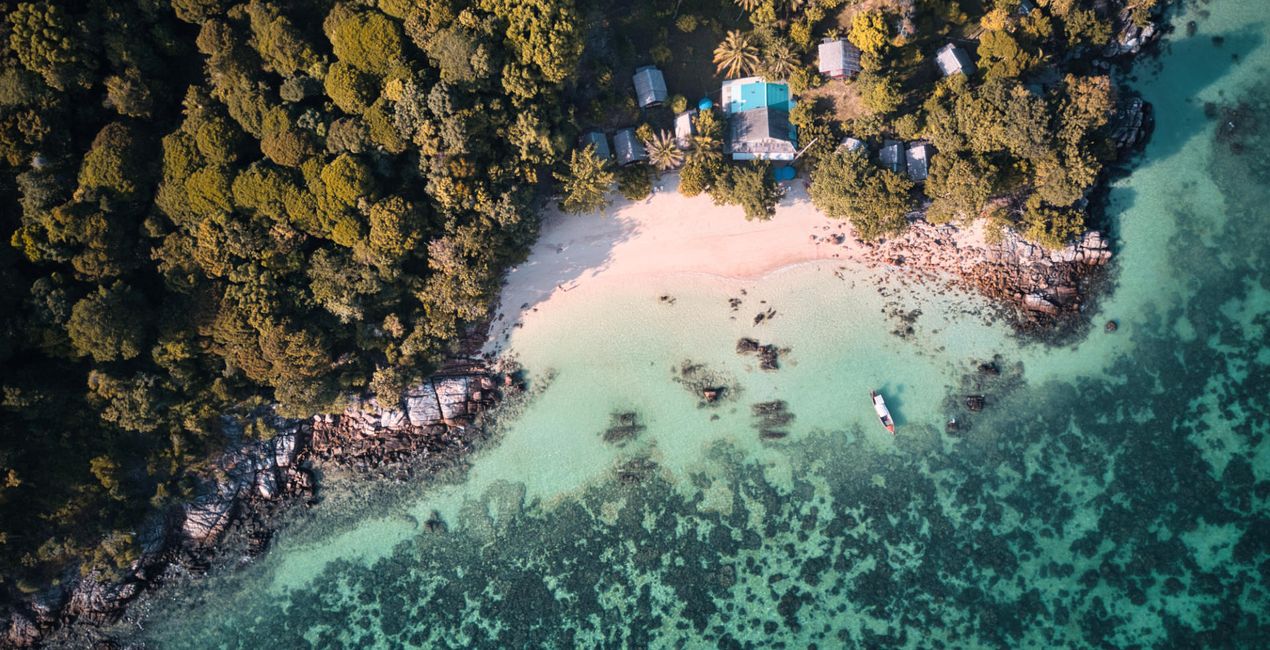 >
>
Jabi Sanz got his inspiration for these Templates from his travels to Asia, especially to Thailand and Indonesia.
They’re a quick and easy solution to editing your drone photos on the go and are sure to make your aerial photos pop
!Please note: Each image is different, so make sure to tweak each Template to match your vision and achieve the best results. Once you’ve applied a Template, play with the sliders for Exposure, Highlights, Blacks and Whites to find the desired balance and a perfect histogram.
I recommend that you shoot in the D-Log color space on DJI drones and in raw format to get more dynamic range in your photos and to have more room for editing.
Also, play with the Amount slider for each Template to adjust its impact. You can also refine or disable any of the adjustments included in a Template. Keep in mind that I added the Sun Rays effect to some of the Templates.
Don’t forget to place it in the right position where the original sun (the light source) should be in each image. Play with the sliders as you like to find the best results.
Want to take your aerial photos to new heights? This Templates pack is for you!
Photographer. Skylum Ambassador.
<p>Jabi Sanz is a landscape and travel photographer from Pamplona, a small city in northern Spain. He never had a professional camera or a passion for photography until his trip to Iceland. Iceland really blew his mind, and now Jabi can’t imagine his life without photography. His inspiration comes from nature, with all the beauty, variety of colors, sounds, and compositions. Photography and travel open new horizons for Jabi and take him to places he has never been.<br></p>
If you have any questions about the product, you can contact the 24/7 support team. Just follow this link.
To purchase Tropical Vibes, follow these steps:
1. Open Skylum’s Marketplace.
2. Go to the preferable tab where Tropical Vibes is listed. Click on it and add it to your cart.
3. Proceed to your cart. Here, complete the purchase process for Tropical Vibes.
4. After the purchase, you will receive a fulfillment email with the download link for Tropical Vibes. Also, you can find the new item in your Skylum account, My Add-ons tab.
Detailed instructions on installing the Tropical Vibes will be sent to you in the fulfillment email alongside the download link.
Besides, you can install the purchased item directly in Luminar Neo: go to Extras > Marketplace, Select the Product category, find the purchased item, and click Install.
It’s pretty easy! Go to the Presets tab, then select Purchased. Your installed preset will be here.
Don't worry. All purchased items, including Tropical Vibes, are stored in the 'My Add-ons' tab of your Skylum account, allowing for easy redownload and use.
Generally, most items are compatible with Luminar Neo. But to ensure Tropical Vibes is compatible with your software, review its specifications before downloading or purchasing. Look for the 'Compatibility' section at the right of the Tropical Vibes page, where all compatible products are listed.
Don’t leave just yet. Here’s an exclusive discount code for you. Use it within the next 15 minutes to get an extra 10% off at checkout. Copy the code below and complete your purchase.
15 m : 00 s





