

 Applied


REAL ESTATE HDR
Save $201 $ 19 .00

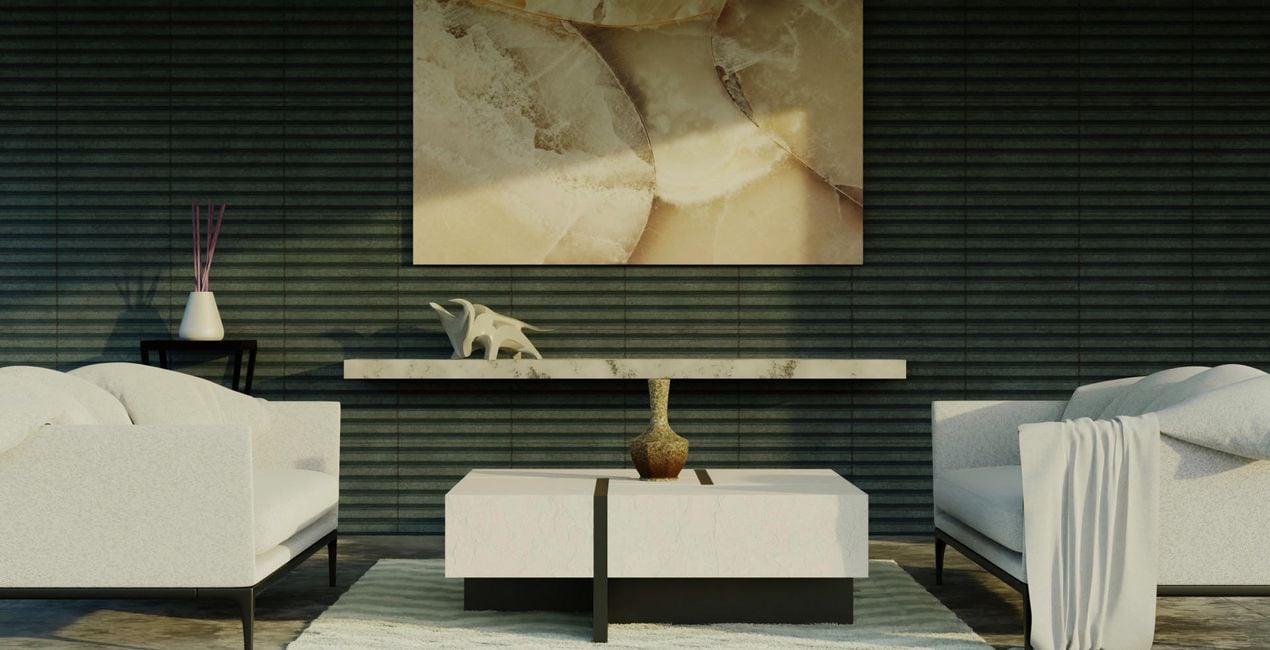
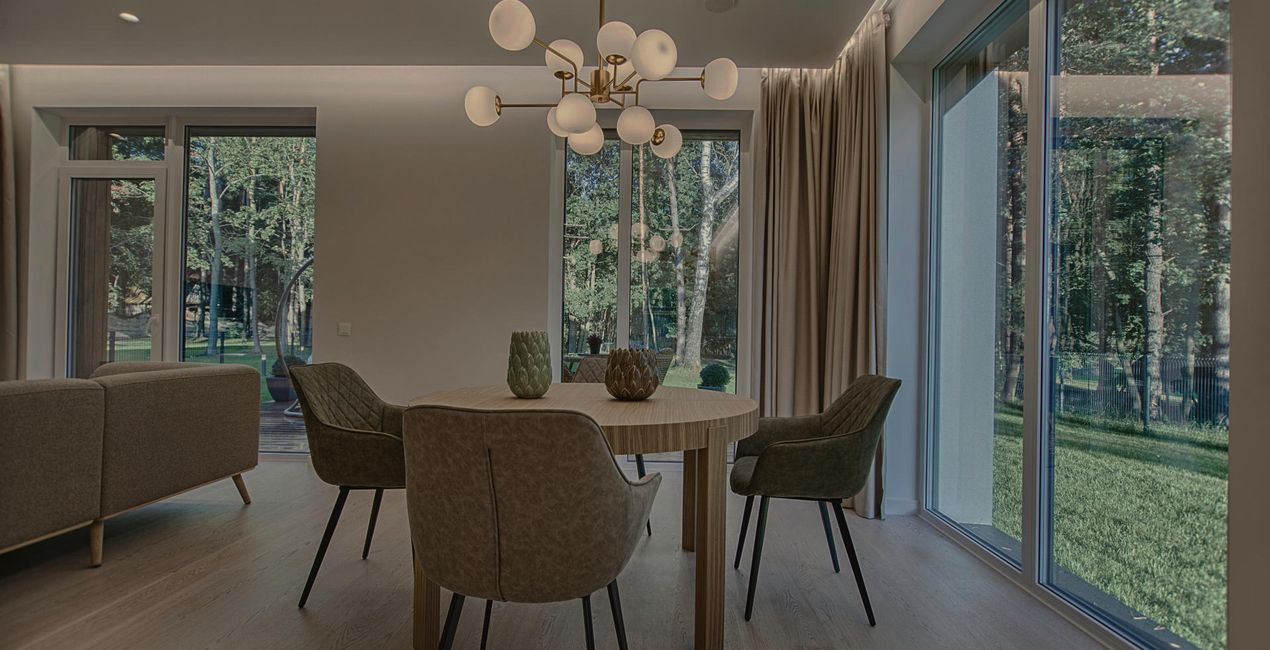
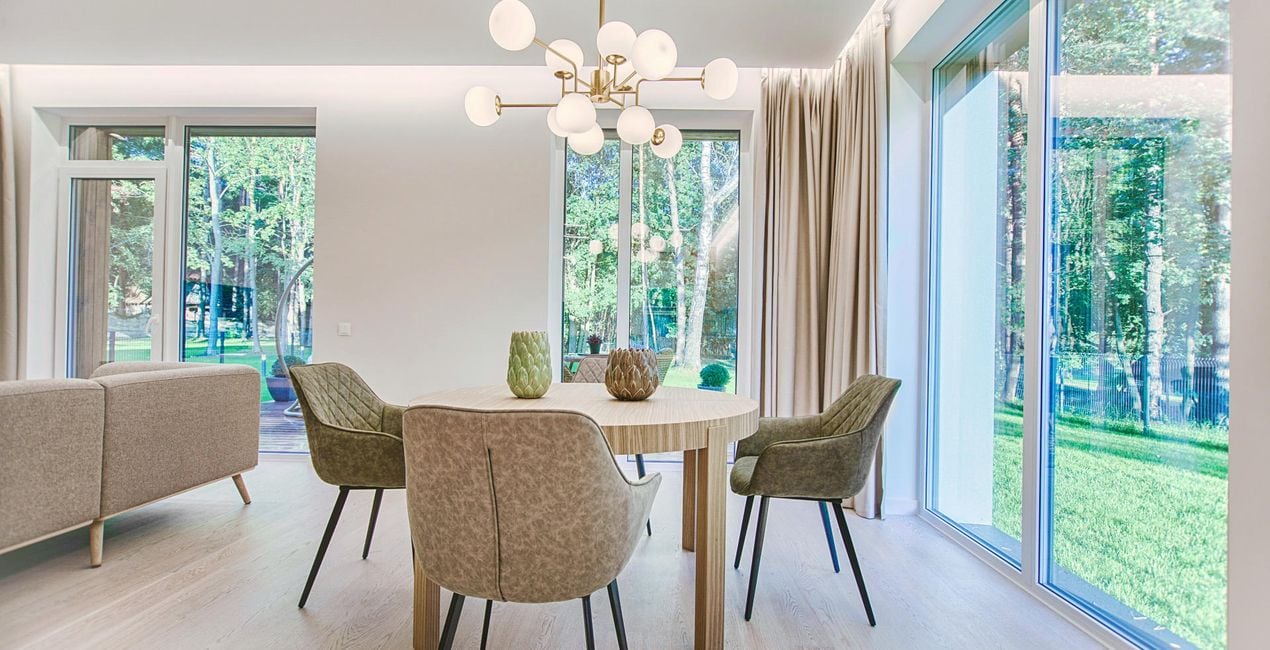
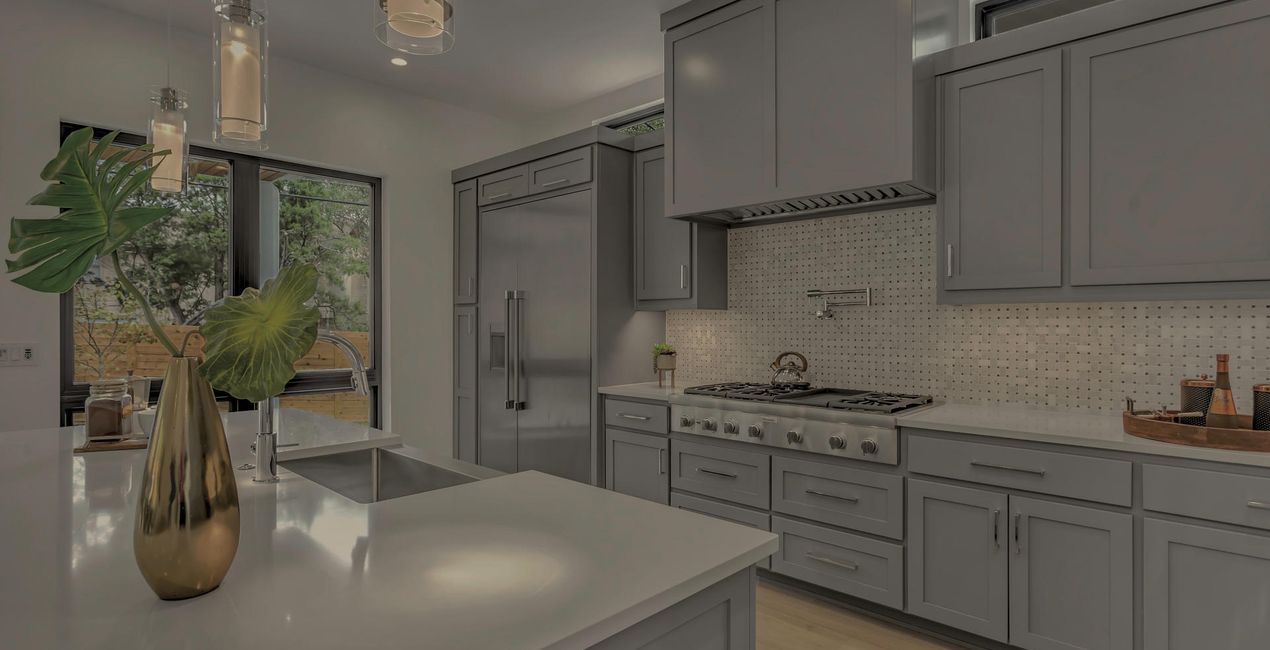
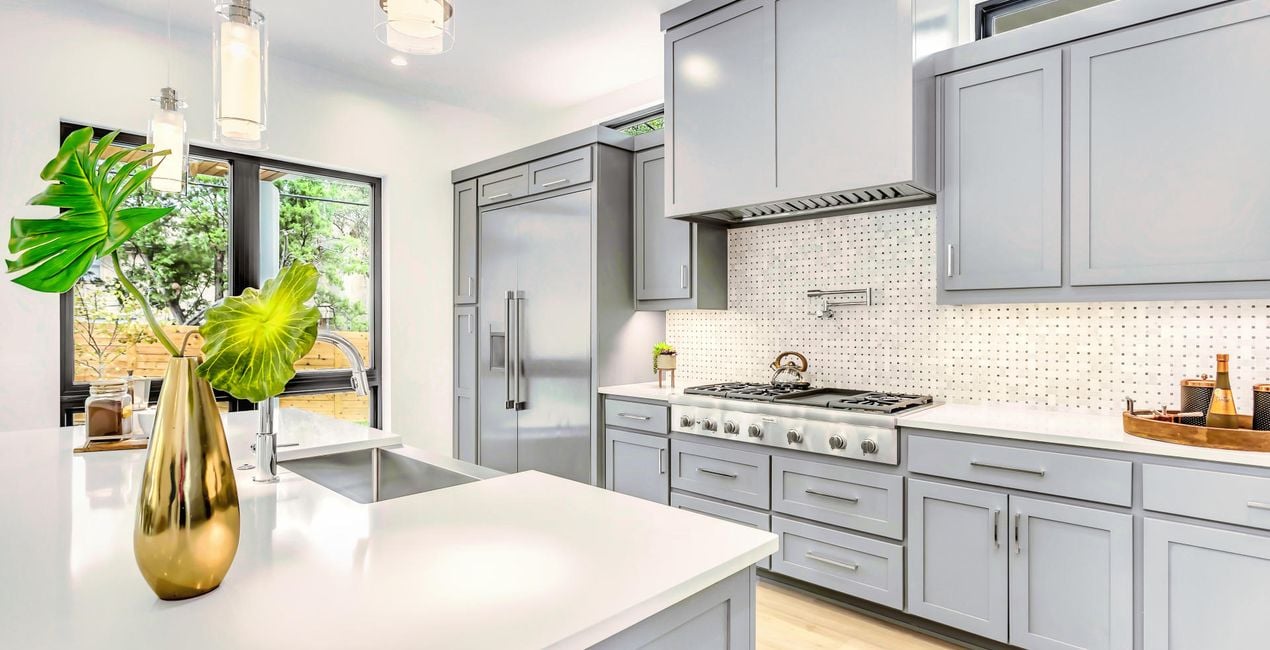
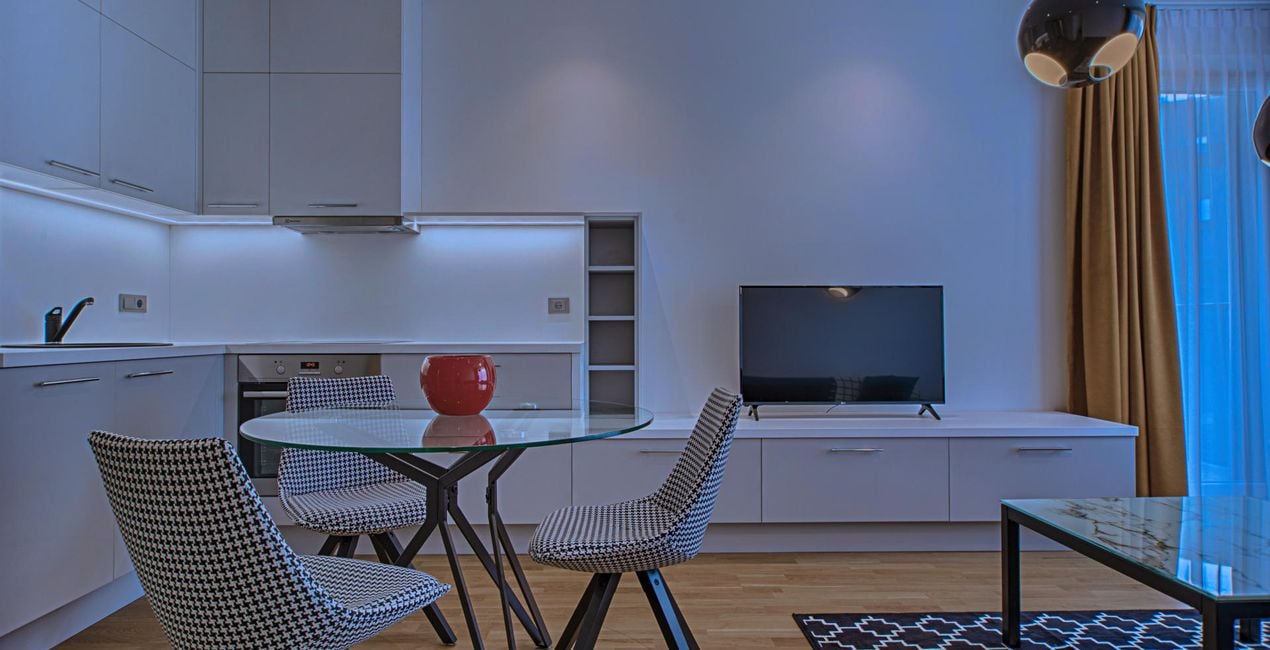
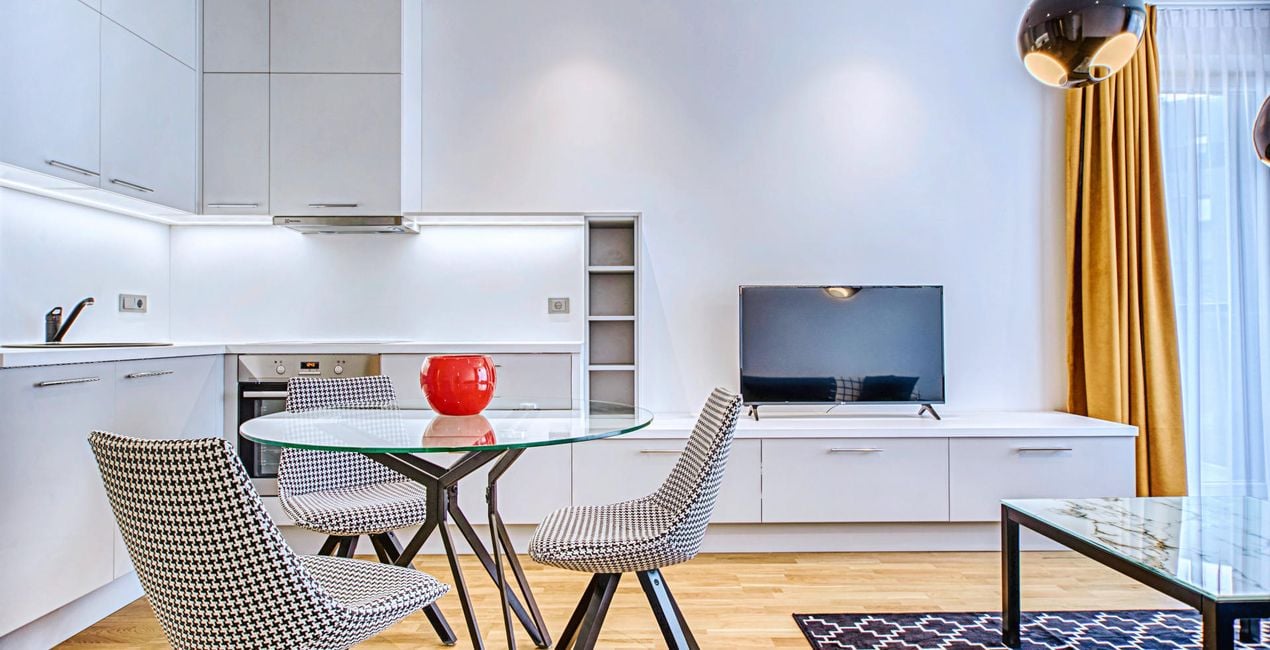
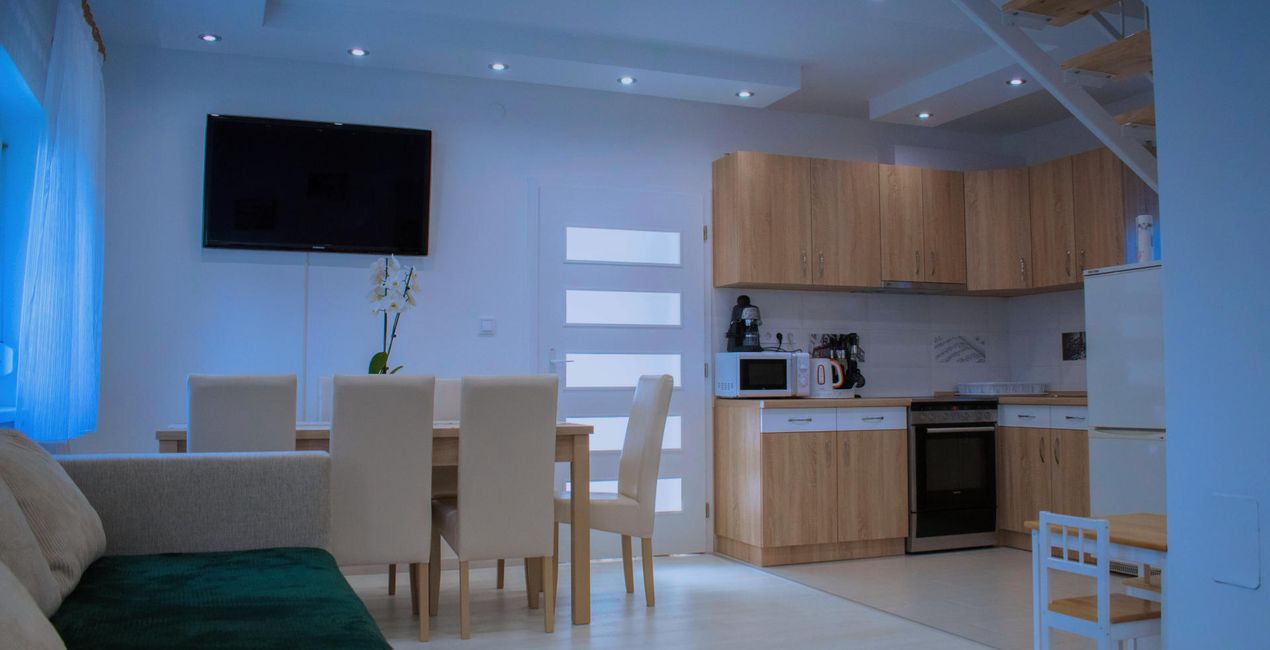
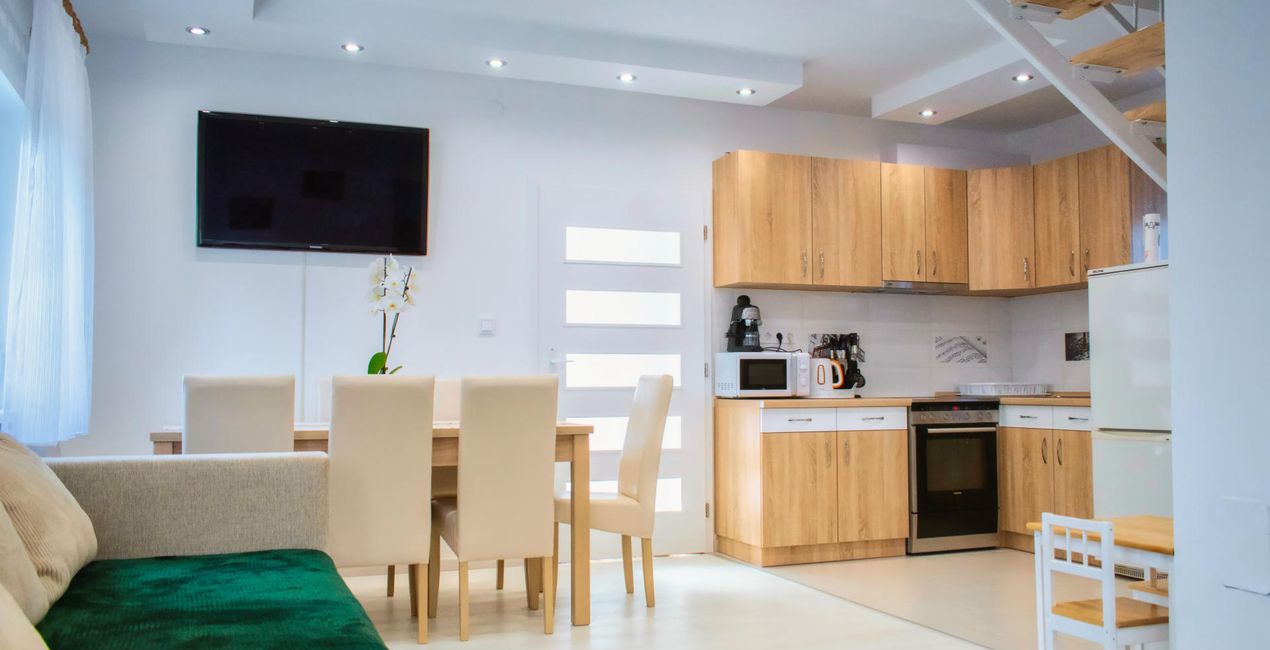
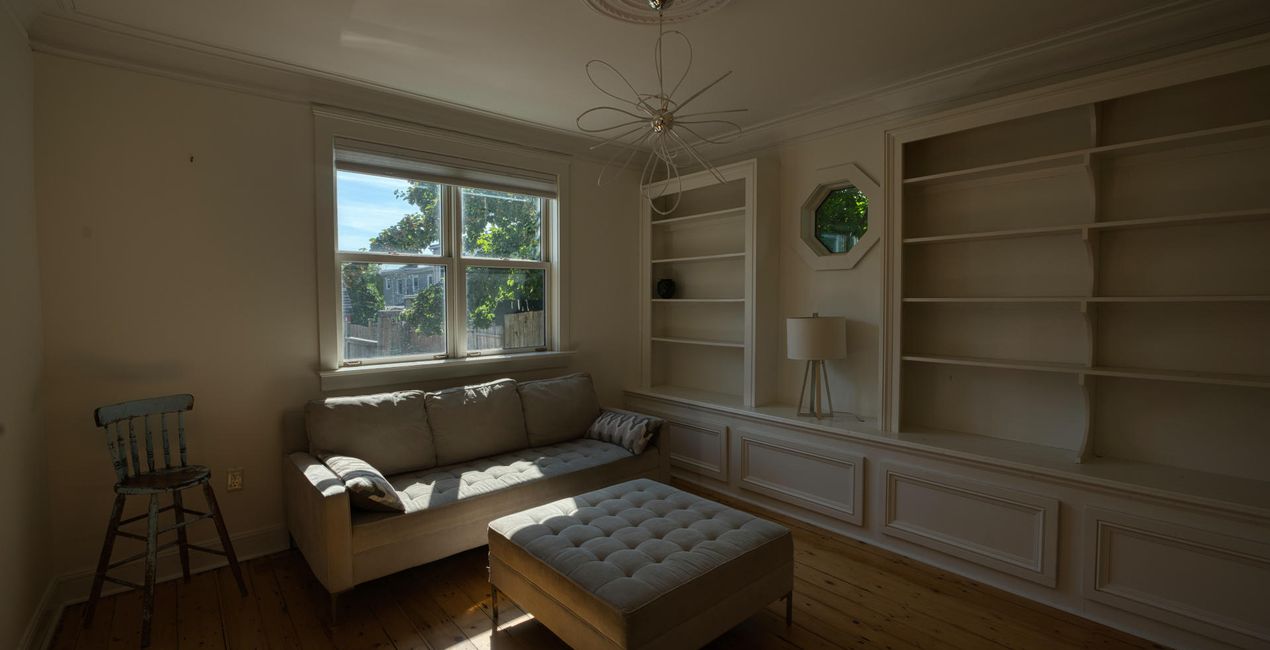
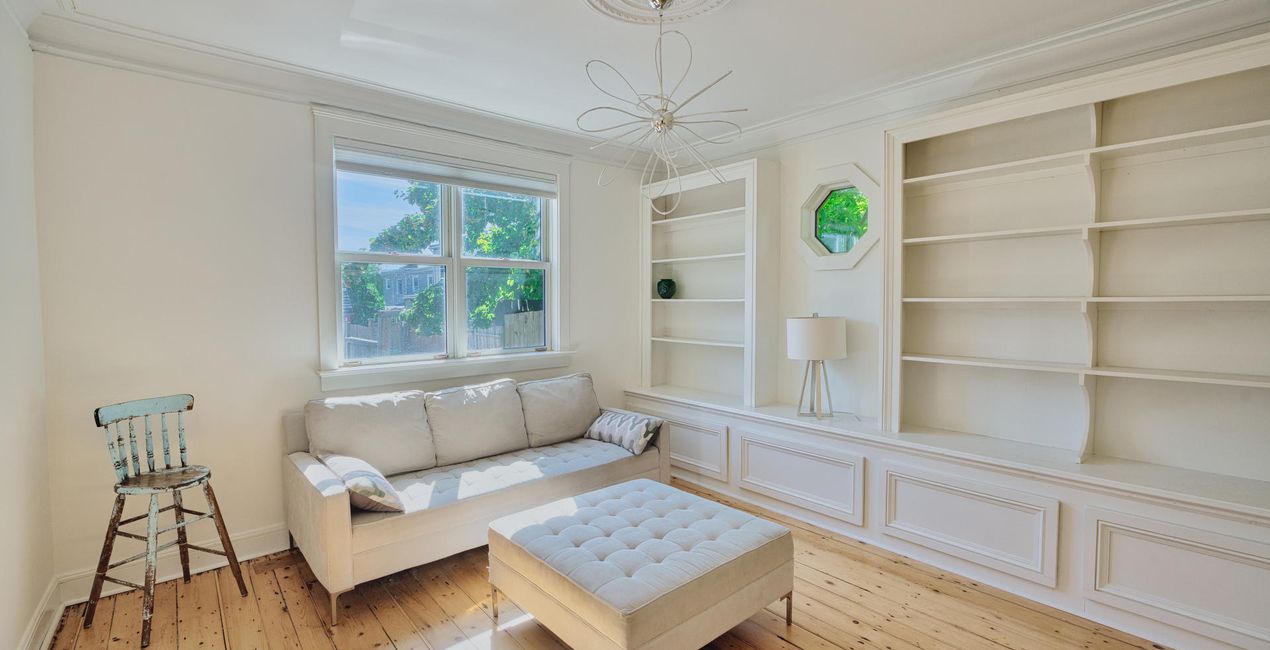
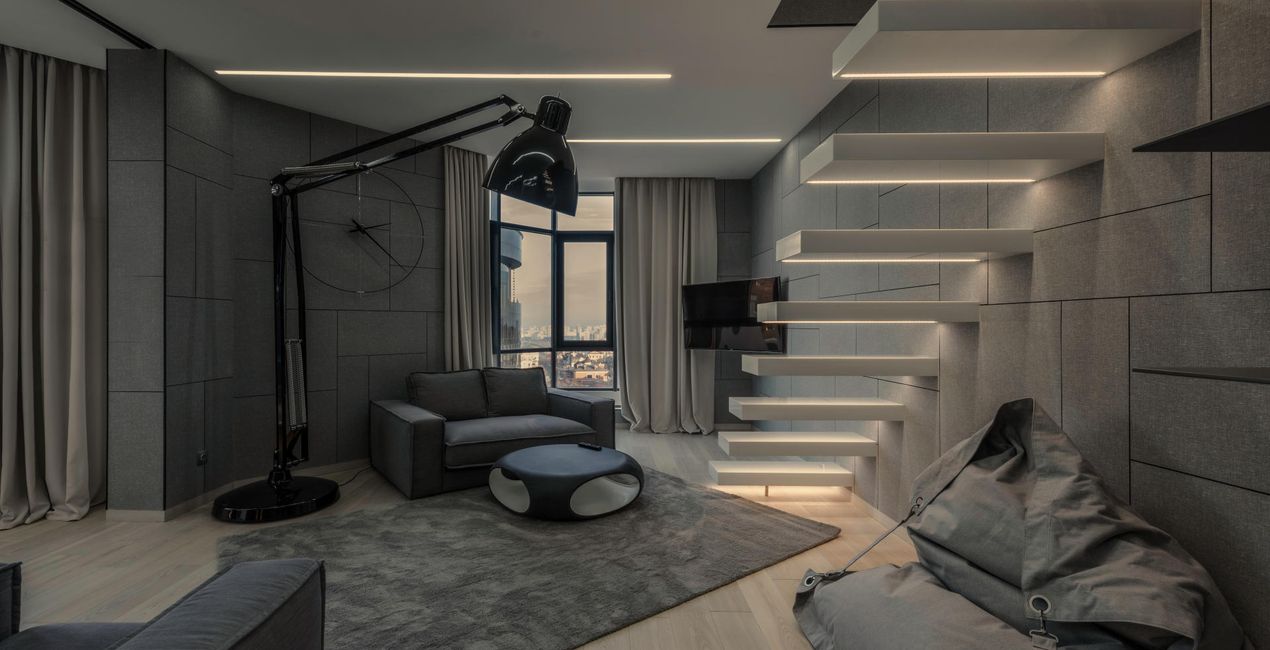
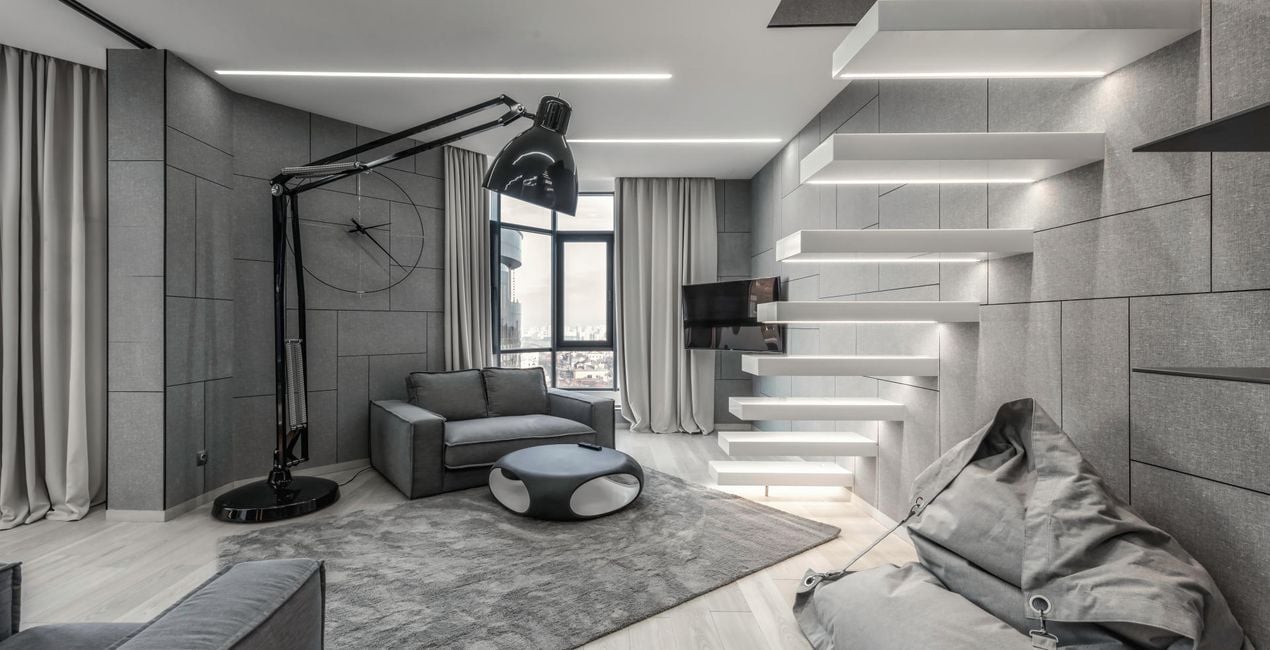
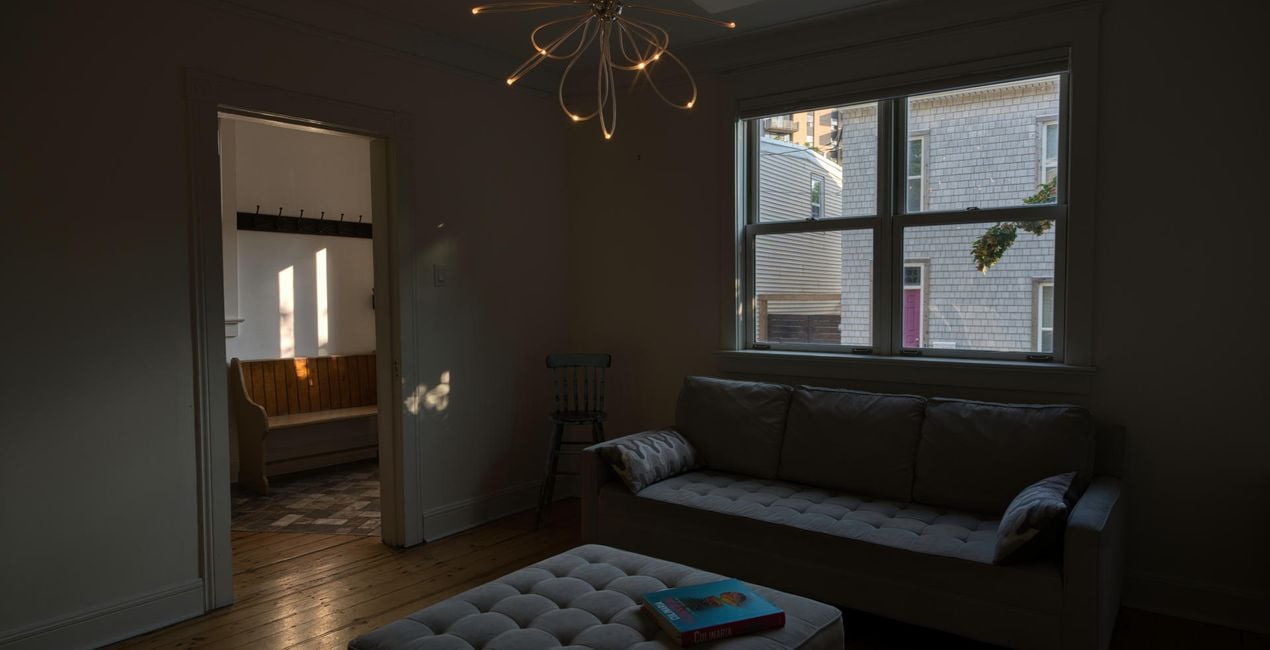
The most important thing in real estate is the first impression, so it’s crucial to have photos that sell at first glance. These 10 spectacular Presets by Jabi Sanz are here to help you create high-quality images that attract clients who are ready to strike a deal.

Using RAW files you will easily practice retouching tips and learn how to get photos like these.
 >
>
 >
>
 >
>
 >
>

 >
>
 >
>
 >
>
 >
>
 >
>
Often, it’s not enough to have an amazing property. Jabi Sanz has created these 10 Presets to make it easy for you to reach more clients with the highest quality photos. With the help of the new Luminar Neo HDR Merge Extension, Jabi captures the natural light of each scene, and he has created these spectacular Presets that you can use on your own shots. The results are beautiful photos with natural light and harmony. Since every photo is different, Jabi recommends using these Presets as a base and then playing with the Exposure sliders, Highlights, Shadows, Blacks and Whites to give your photo the perfect result. You can also explore the possibilities that masks offer. With Mask AI, your work is much easier and more precise. By using these Presets, your houses will go from for sale to sold.
Photographer. Skylum Ambassador.
<p>Jabi Sanz is a landscape and travel photographer from Pamplona, a small city in northern Spain. He never had a professional camera or a passion for photography until his trip to Iceland. Iceland really blew his mind, and now Jabi can’t imagine his life without photography. His inspiration comes from nature, with all the beauty, variety of colors, sounds, and compositions. Photography and travel open new horizons for Jabi and take him to places he has never been.<br></p>
If you have any questions about the product, you can contact the 24/7 support team. Just follow this link.
To purchase REAL ESTATE HDR, follow these steps:
1. Open Skylum’s Marketplace.
2. Go to the preferable tab where REAL ESTATE HDR is listed. Click on it and add it to your cart.
3. Proceed to your cart. Here, complete the purchase process for REAL ESTATE HDR.
4. After the purchase, you will receive a fulfillment email with the download link for REAL ESTATE HDR. Also, you can find the new item in your Skylum account, My Add-ons tab.
Detailed instructions on installing the REAL ESTATE HDR will be sent to you in the fulfillment email alongside the download link.
Besides, you can install the purchased item directly in Luminar Neo: go to Extras > Marketplace, Select the Product category, find the purchased item, and click Install.
It’s pretty easy! Go to the Presets tab, then select Purchased. Your installed preset will be here.
Don't worry. All purchased items, including REAL ESTATE HDR, are stored in the 'My Add-ons' tab of your Skylum account, allowing for easy redownload and use.
Generally, most items are compatible with Luminar Neo. But to ensure REAL ESTATE HDR is compatible with your software, review its specifications before downloading or purchasing. Look for the 'Compatibility' section at the right of the REAL ESTATE HDR page, where all compatible products are listed.
Don’t leave just yet. Here’s an exclusive discount code for you. Use it within the next 15 minutes to get an extra 10% off at checkout. Copy the code below and complete your purchase.
15 m : 00 s





