


 Angewendet


Neon Tokyo
Save $201 $ 15 .00

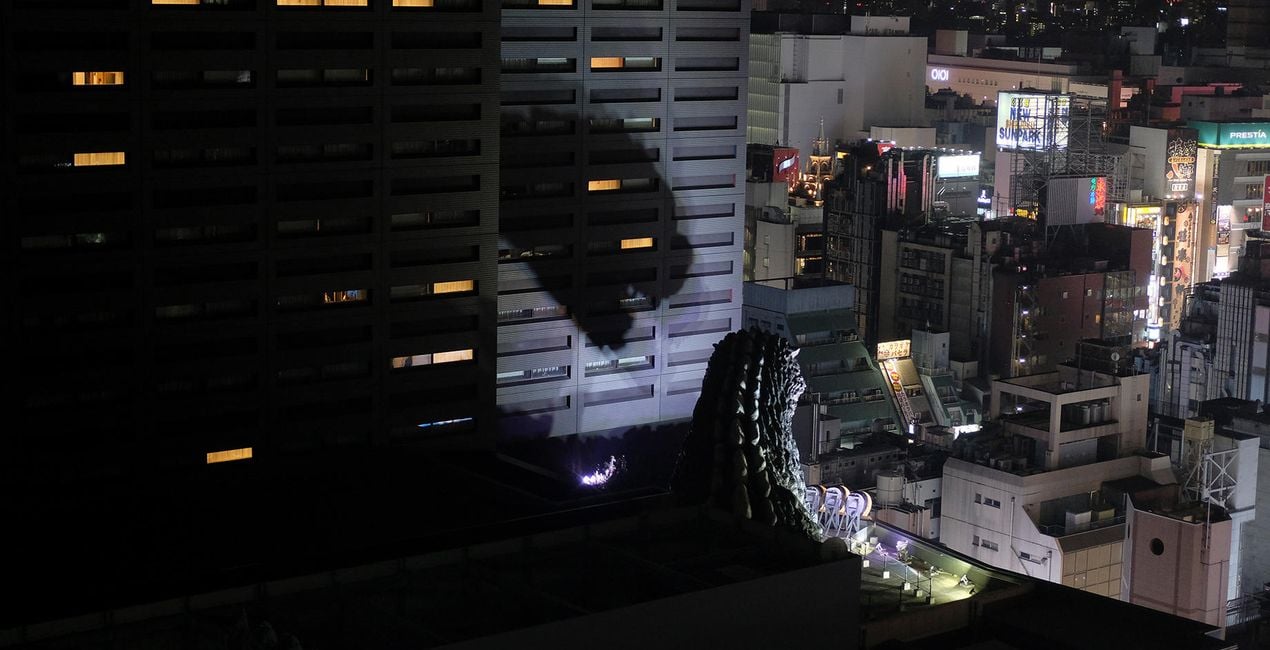
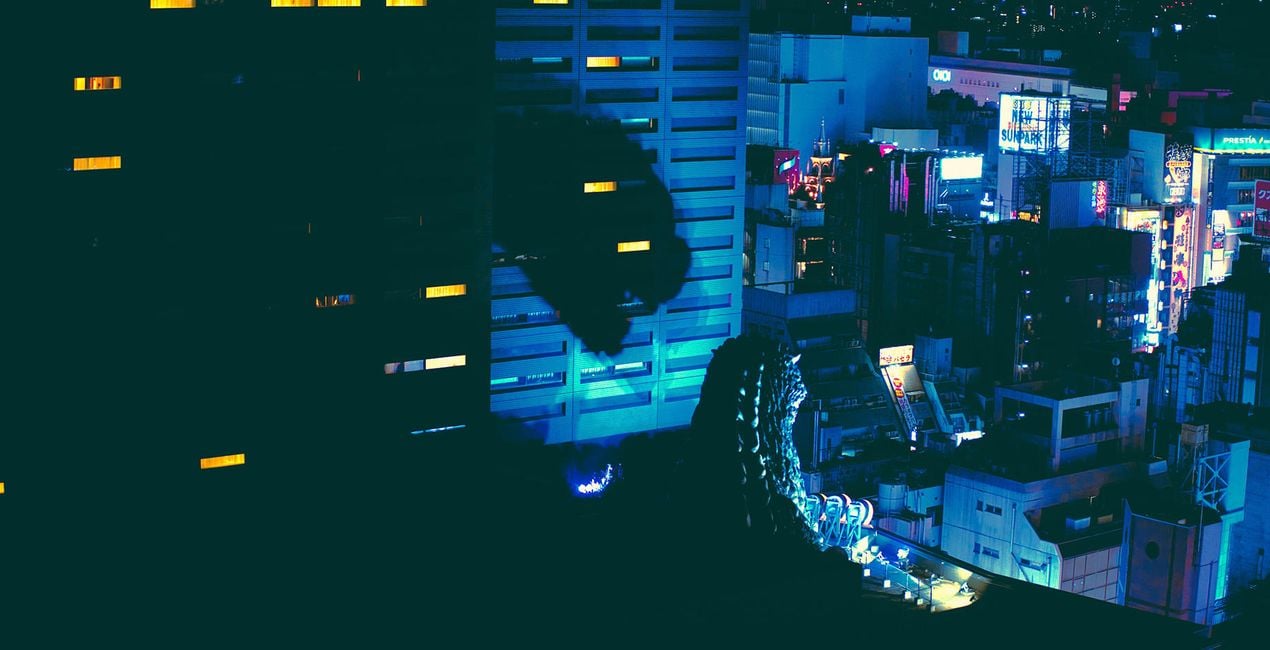
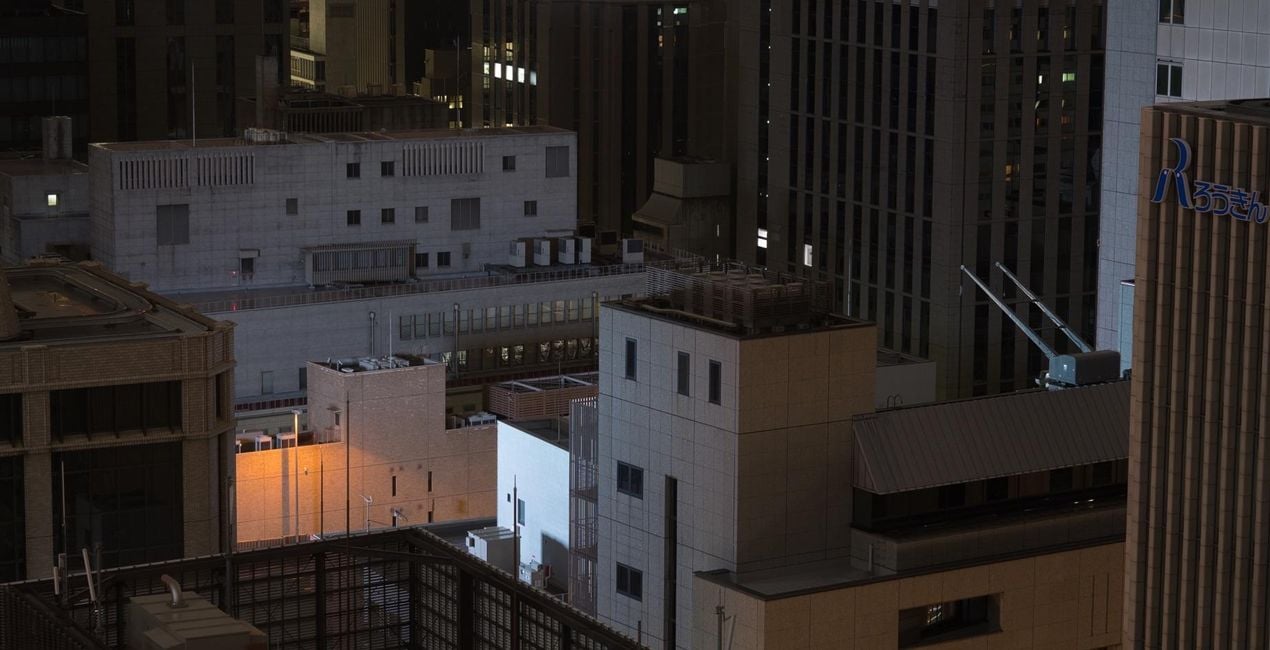
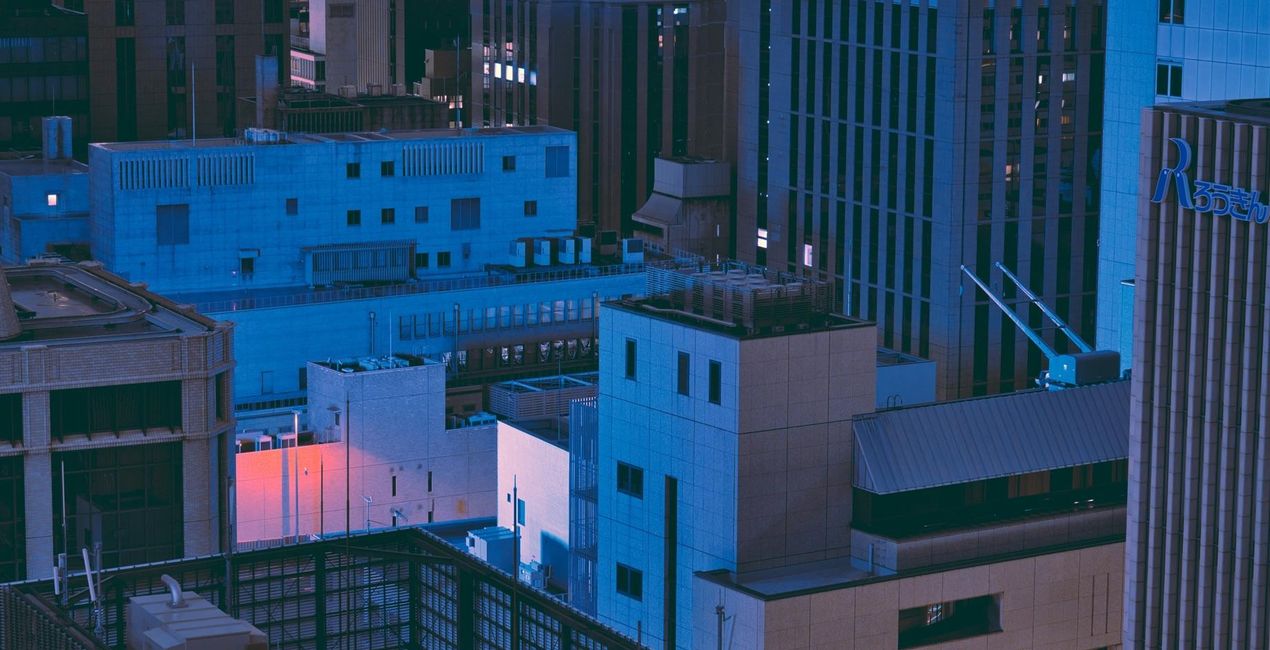
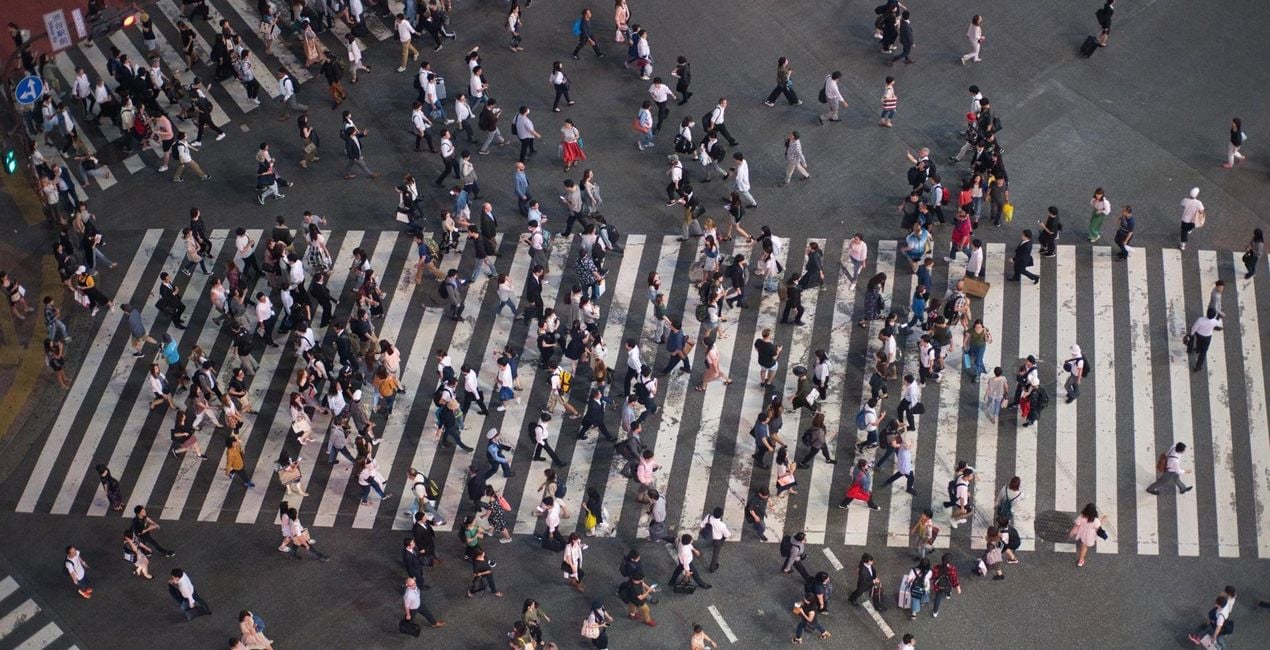
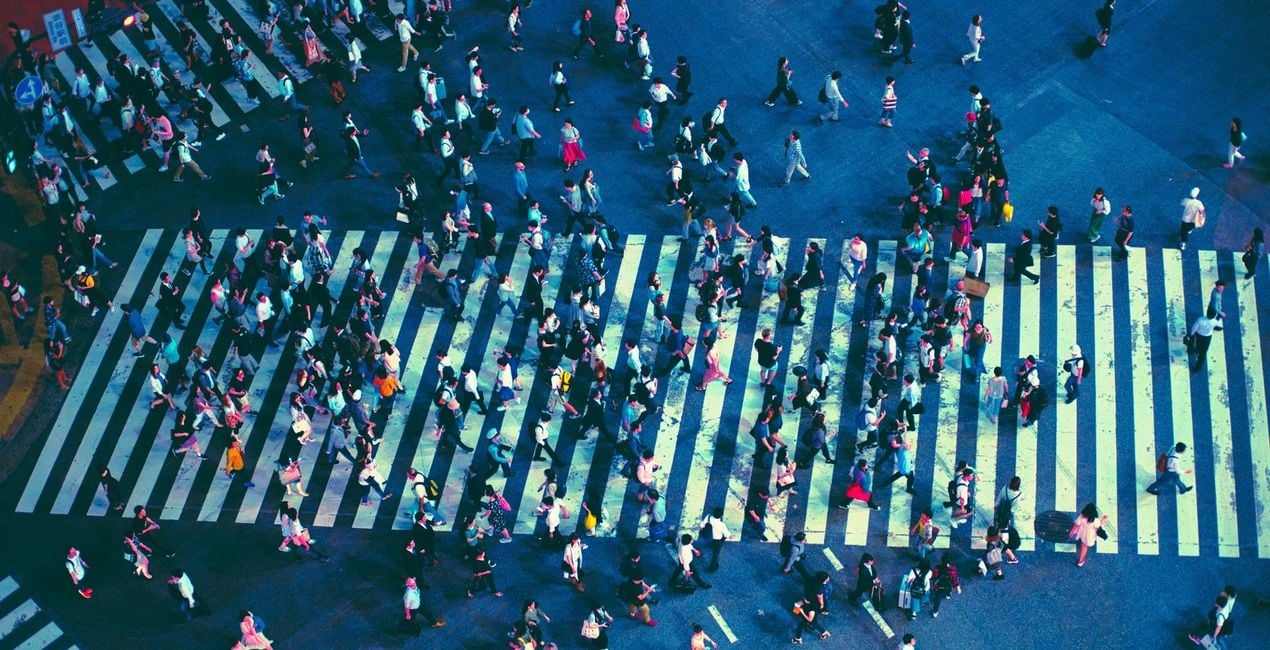
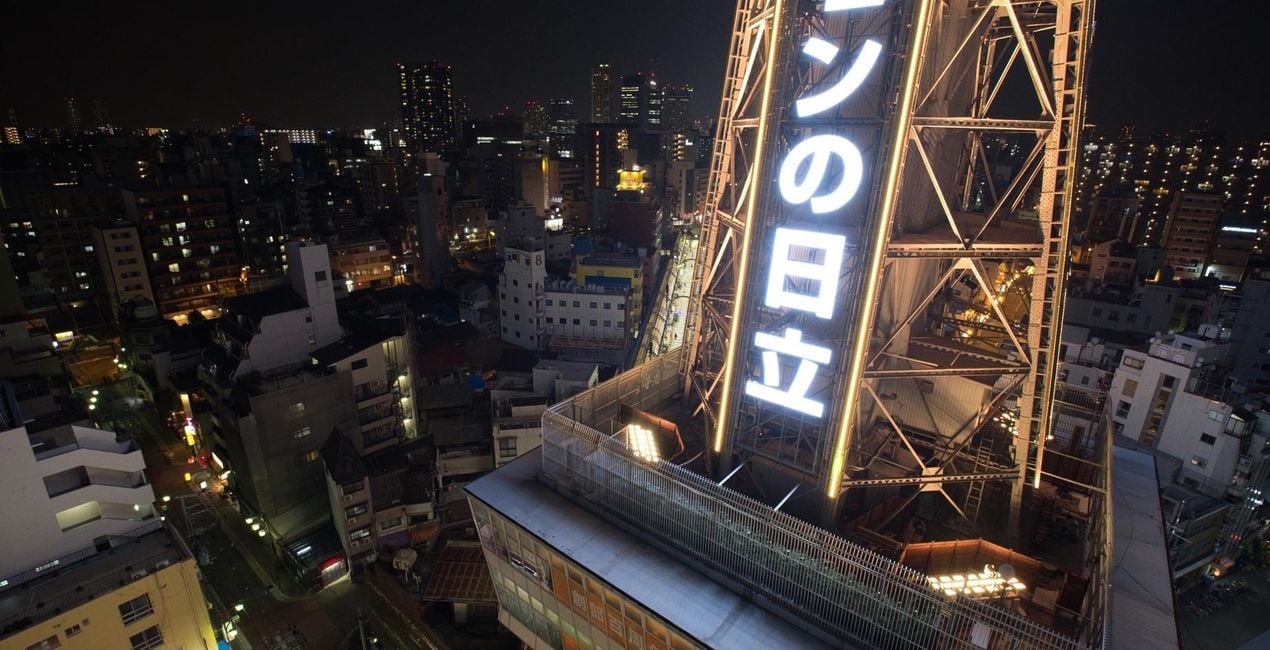
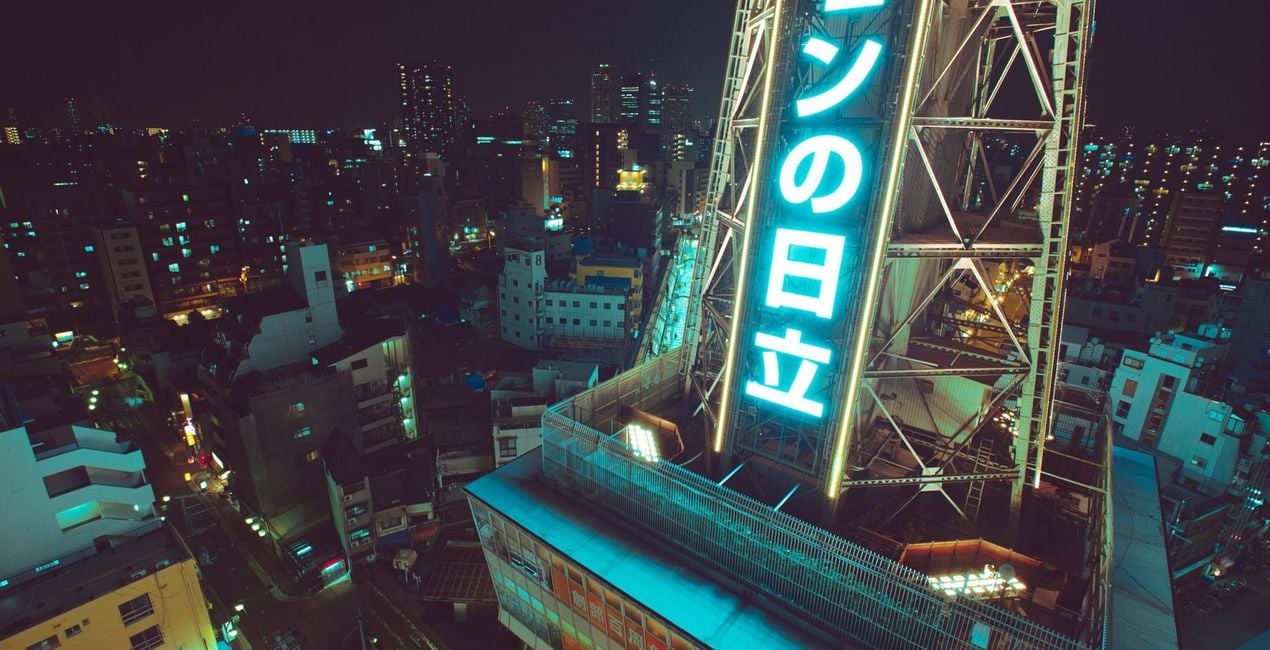
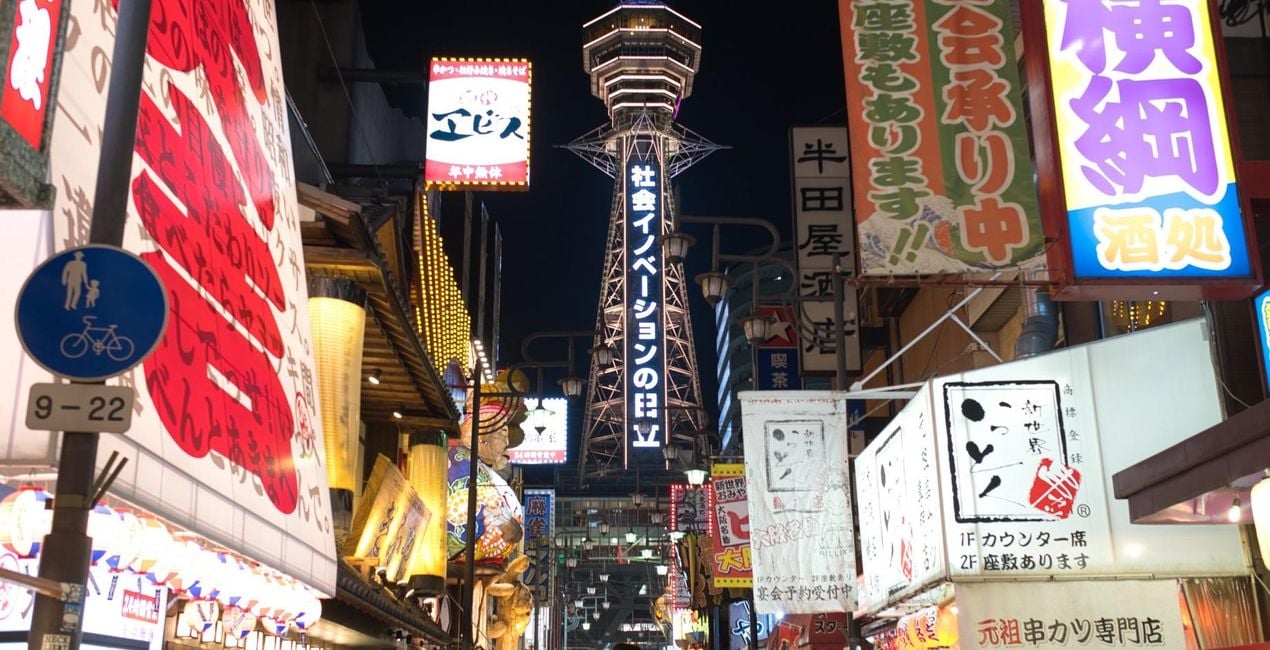
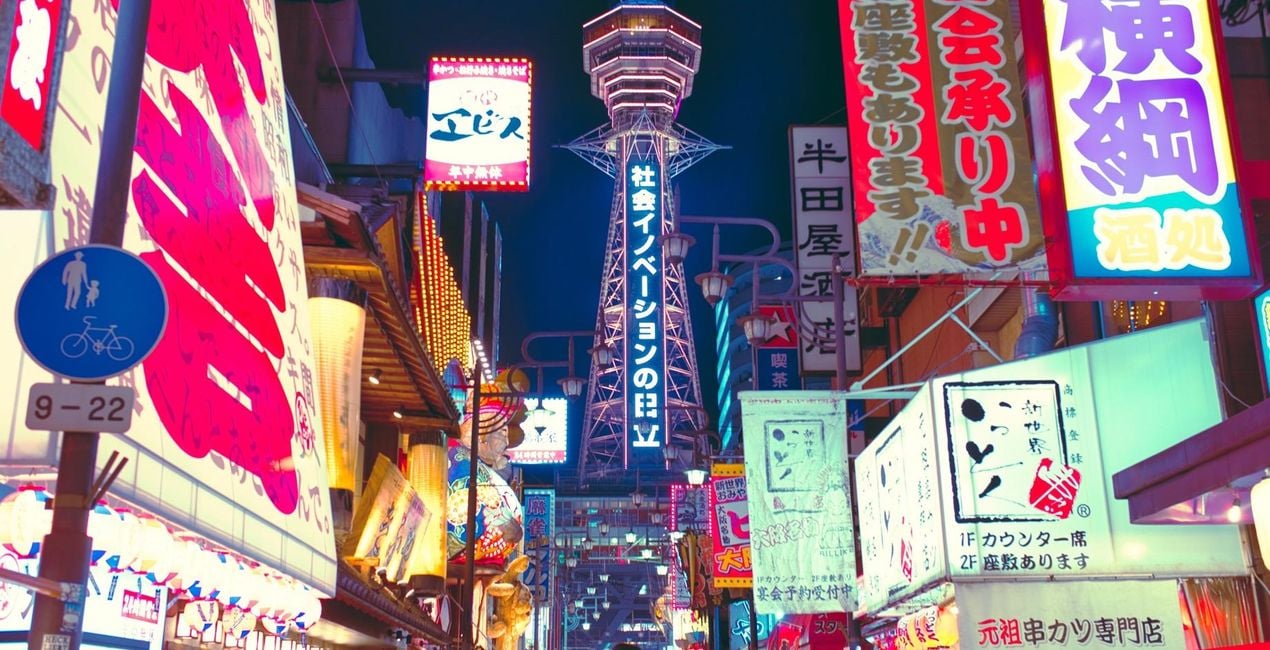
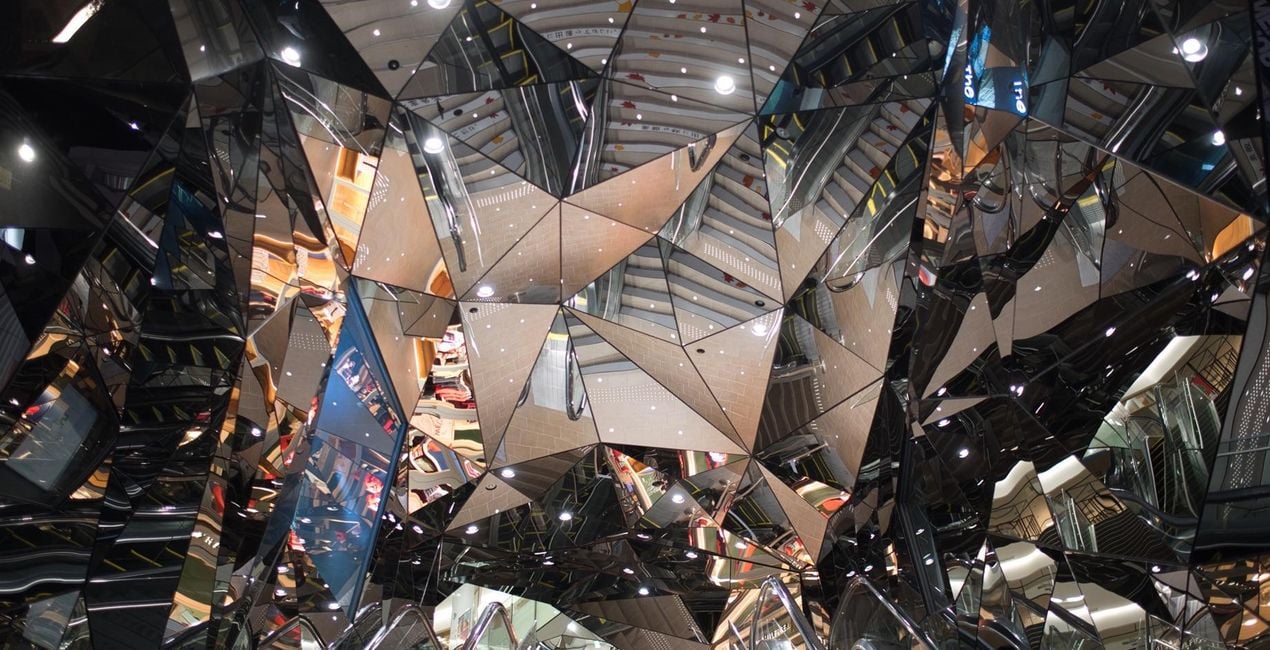
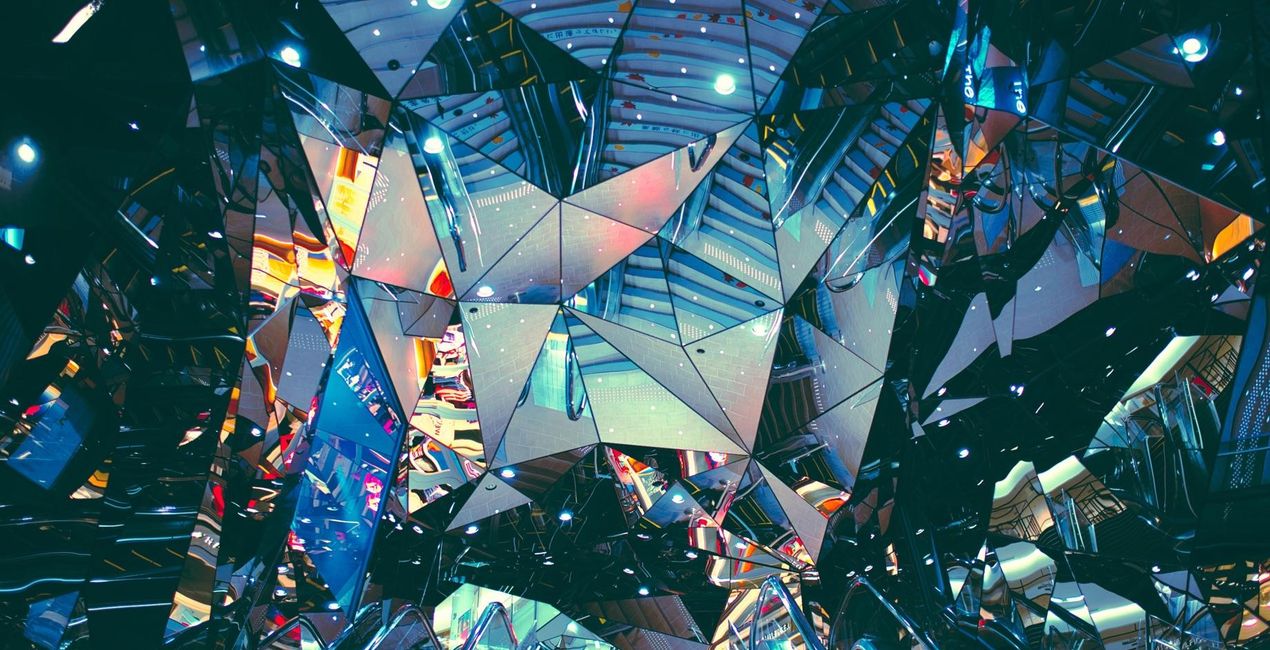
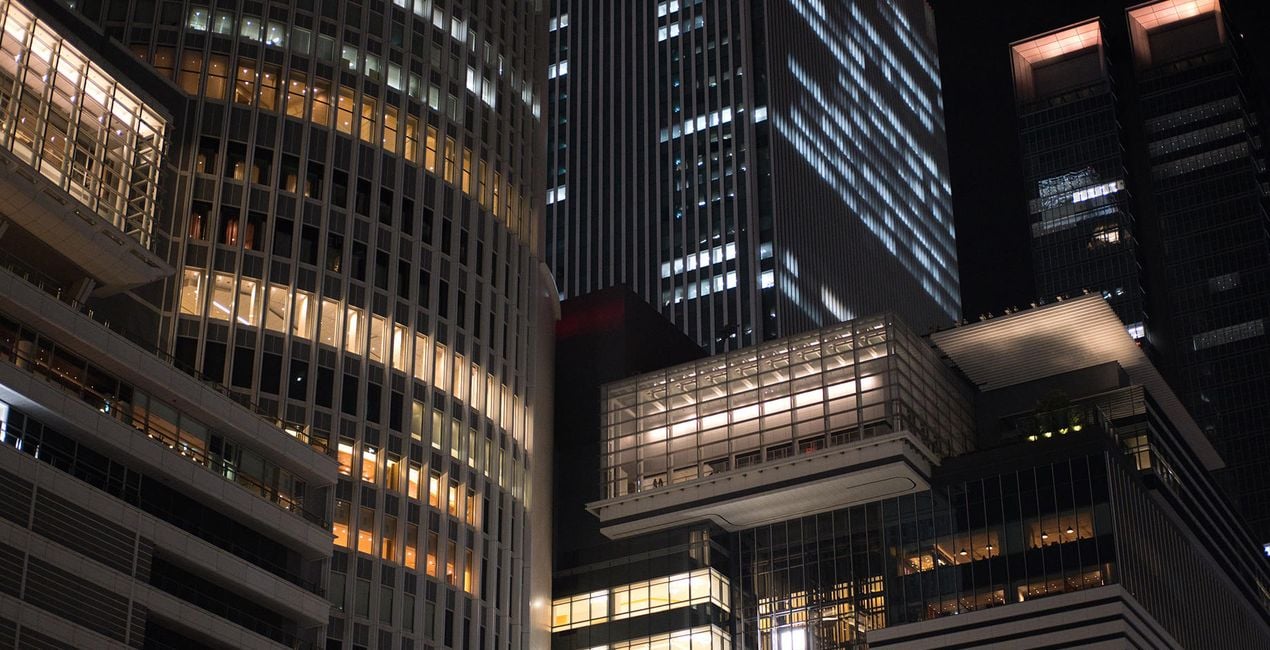
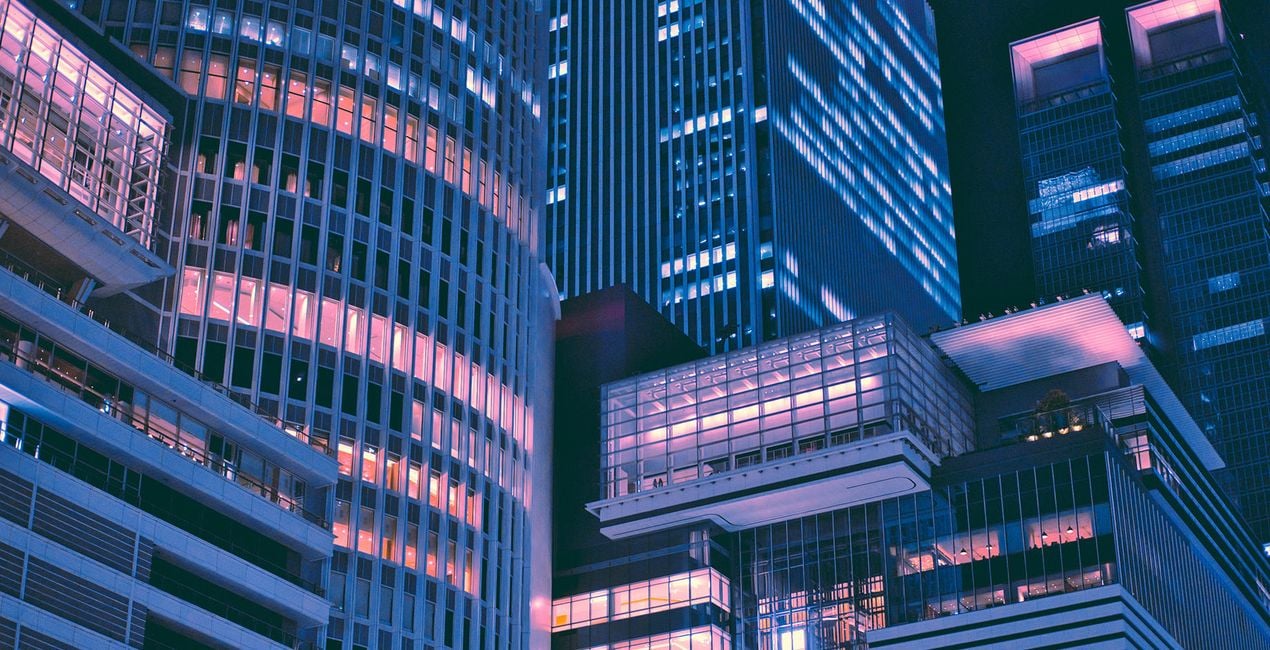
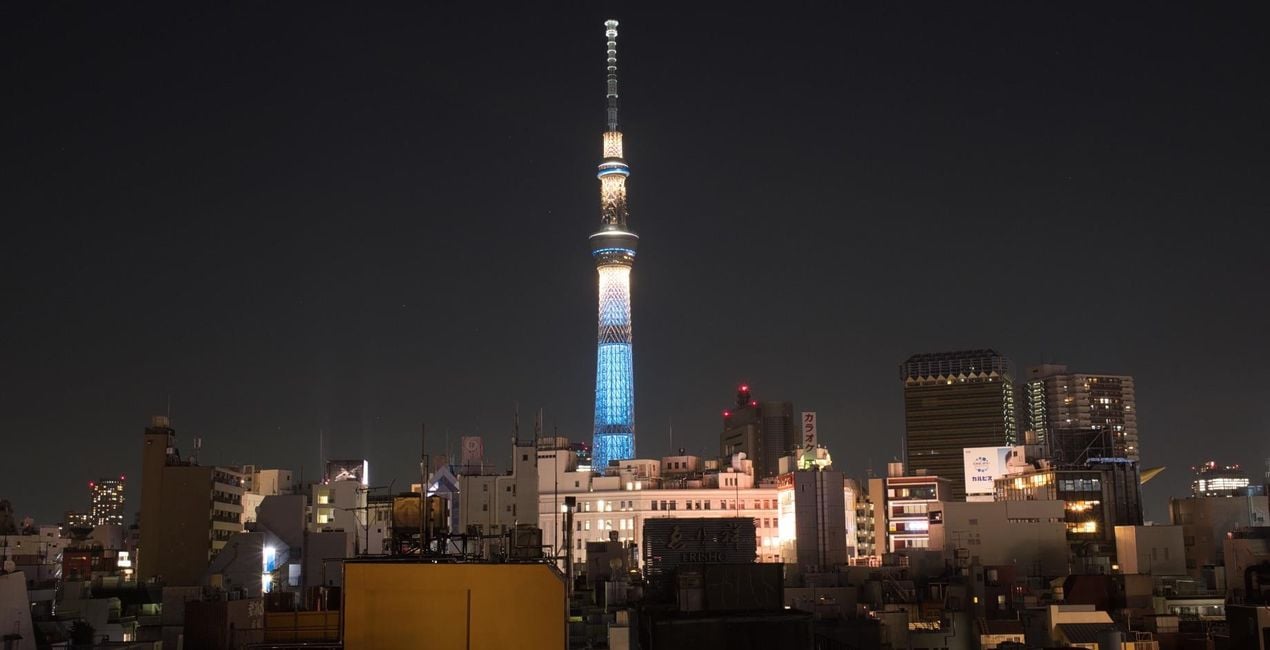
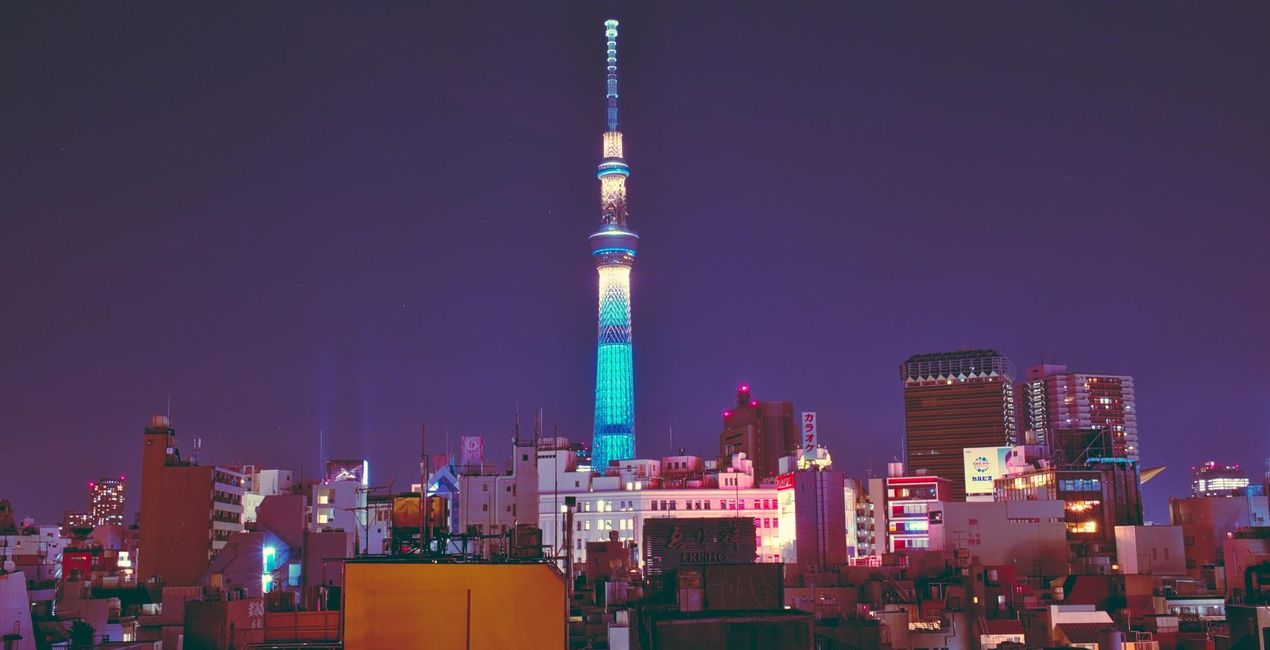
Take a night on the town, any town, and it won’t come close to that of a night out in Tokyo. No place will. Yet somehow, Evgeny Tchebotarev has managed to capture its look and feel. In his Neon Tokyo Signature looks, Evgeny has encapsulated Tokyo’s idiosyncratic energy, so that you can replicate it in your own images.
Mit den mitgelieferten RAW-Dateien kannst du ganz einfach Retusche-Tipps ausprobieren und lernen, wie man solche Fotos macht.

 >
>
 >
>
 >
>
 >
>
 >
>
 >
>
 >
>
 >
>
 >
>
There’s truly no place like Tokyo. Tokyo with its endearing kitschy joints, its lively clubbing underworld, and its seemingly endless clutter of neon signs, blinding, ever humming. It’s a place that’s captured the heart (and shutter happy finger) of 500px founder Evgeny Tchebotarev, and many street photographers before him.The VP of Growth for Skylum Asia and now Tokyo-based photographer has always been drawn to the hustle and bustle of the urban streets. He’s in his element, whether he’s roaming the vendor-riddled streets of Yangon on the hunt for that perfect shot or hosting a photo walk in the skyscraper-paved avenues of Hong Kong.Yet it’s Tokyo’s bedecked streets and alleyways that’s truly stirred the street photographer in him, and he’s spent many twilights and late nights combing them for their mesmerizing baths of light.“It’s an endless city, and its people — despite the size, hustle and speed of life — somehow learned to stay polite, be attentive, and caring. It carries me around the streets in all different districts, made famous by countless urban legends, movies and music. But the daylight is not what I'm after. My hunt begins in the blue hour, when sun has set and neon lights are shining brighter. I'm trying to quench my thirst for the bright, colorful neons that light the alleyways, and turn dusky blue sky into sparkling shades of rainbow.”Inspired by Tokyo’s neon-lit nights, Evgeny has designed his first set of Signature Looks for Luminar. Spruce up your images with the city’s effervescing energy. This is the Neon Tokyo collection.
Worldwide Photographer and VP of Growth in Asia, Skylum
<p>Ev Tchebotarev’s journey behind the lens started back in 1999 with just an Olympus 3040z. It’s been a magical journey and a whirlwind love affair ever since. </p><p>
Ev spent the next 12 years nurturing his love of photography by growing his staggering collection of stunning images, organizing photo walks, and, of course, building and cultivating 500px, his life’s work. It only takes a quick peek at Ev’s photo galleries on 500px and Instagram to see it. </p><p>With an eye trained for beauty, Ev has helped judge some of the world’s most prestigious photography contests: Red Bull Illume, Photo Life, and the Sony World Photography Awards.
Today, Ev remains a committed photographer. </p><p>Since joining Skylum to lead the effort in Japan, South Korea, and emerging markets, he has continued to create original Templates to help creatives all around the world. </p>
Wenn du Fragen zum Produkt hast, kannst du dich rund um die Uhr an den Support wenden. Folge einfach diesem Link.
Um Neon Tokyo zu kaufen, gehe wie folgt vor:
1. Öffne den Skylum-Marktplatz.
2. Geh zum gewünschten Tab, auf dem Neon Tokyo aufgeführt ist. Klicke darauf und lege es in deinen Warenkorb.
3. Geh zu deinem Warenkorb. Schließe hier den Kaufvorgang für Neon Tokyo ab.
4. Nach dem Kauf erhältst du eine Bestätigungs-E-Mail mit dem Download-Link für Neon Tokyo. Außerdem findest du den neuen Artikel in deinem Skylum-Konto auf dem Tab „Meine Add-ons”.
Detaillierte Anweisungen zur Installation von Neon Tokyo erhältst du in der Bestätigungs-E-Mail zusammen mit dem Download-Link.
Außerdem kannst du den gekauften Artikel direkt in Luminar Neo installieren: Geh zu „Extras“ > „Marktplatz“, wähle die Produktkategorie aus, suche den gekauften Artikel und klicke auf „Installieren“.
Das ist ganz einfach! Geh zum Tab „Presets“ und wähle „Gekauft“. Dort findest du deine installierten Presets.
Keine Sorge. Alle gekauften Artikel, einschließlich Neon Tokyo, werden auf dem Tab „Meine Add-ons“ deines Skylum-Kontos gespeichert, sodass du sie einfach erneut herunterladen und verwenden kannst.
Im Allgemeinen sind die meisten Artikel mit Luminar Neo kompatibel. Um jedoch sicherzustellen, dass Neon Tokyo mit deiner Software kompatibel ist, überprüfe vor dem Herunterladen oder Kauf die technischen Daten. Suche den Abschnitt „Kompatibilität“ auf der rechten Seite der Neon Tokyo-Seite, wo alle kompatiblen Produkte aufgelistet sind.
Geh noch nicht. Hier ist ein exklusiver Rabattcode für dich. Nutze ihn innerhalb der nächsten 15 Minuten, um an der Kasse zusätzliche 10 % Rabatt zu erhalten. Kopiere den unten stehenden Code und schließe deinen Einkauf ab.
15 m : 00 s





