


 Angewendet


Die Galaktische Himmelswelt
Save $201 $ 19 .00

Mit dieser Sammlung von 14 einzigartigen Vorlagen, die wunderbare, weit entfernte Galaxien mit prächtigen Sternen in allen Blau-, Violett- und Schwarztönen zeigen, kannst du einen Detailgrad erreichen, der über das hinausgeht, was die Augen sehen können.
Was ist dabei
14 Templates. Compatible with JPEG and RAW images.

Mit den mitgelieferten RAW-Dateien kannst du ganz einfach Retusche-Tipps ausprobieren und lernen, wie man solche Fotos macht.

 >
>

 >
>

 >
>

 >
>
 >
>

 >
>
 >
>
 >
>
 >
>
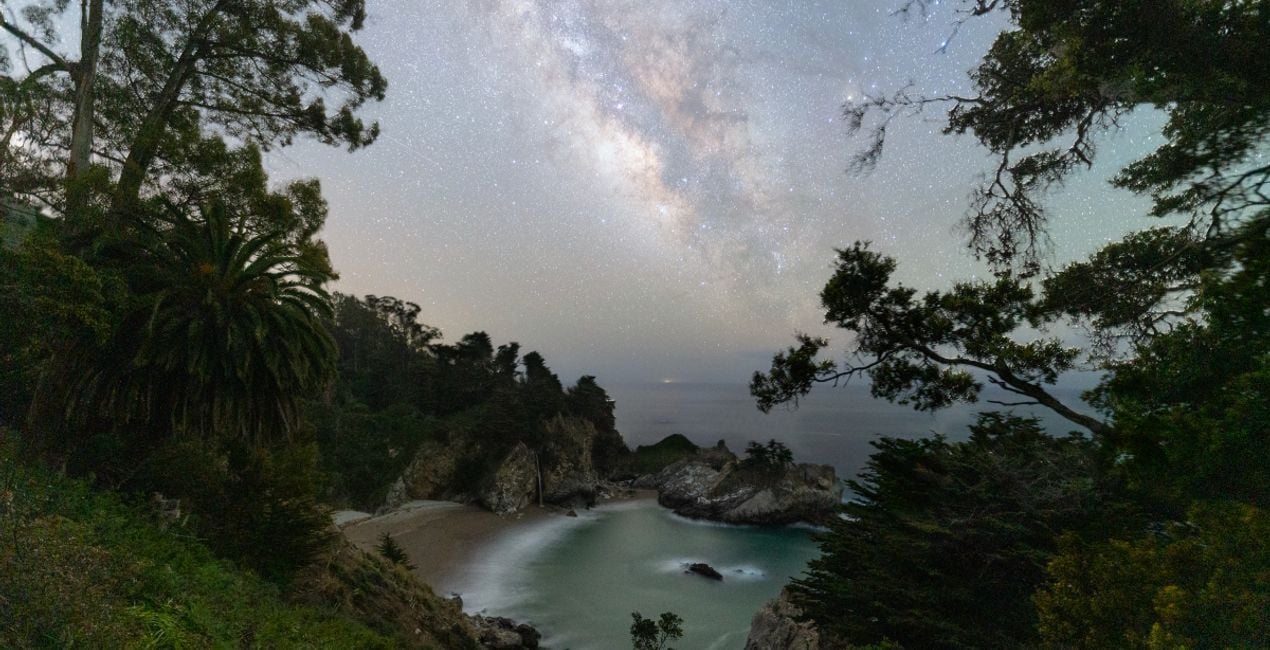
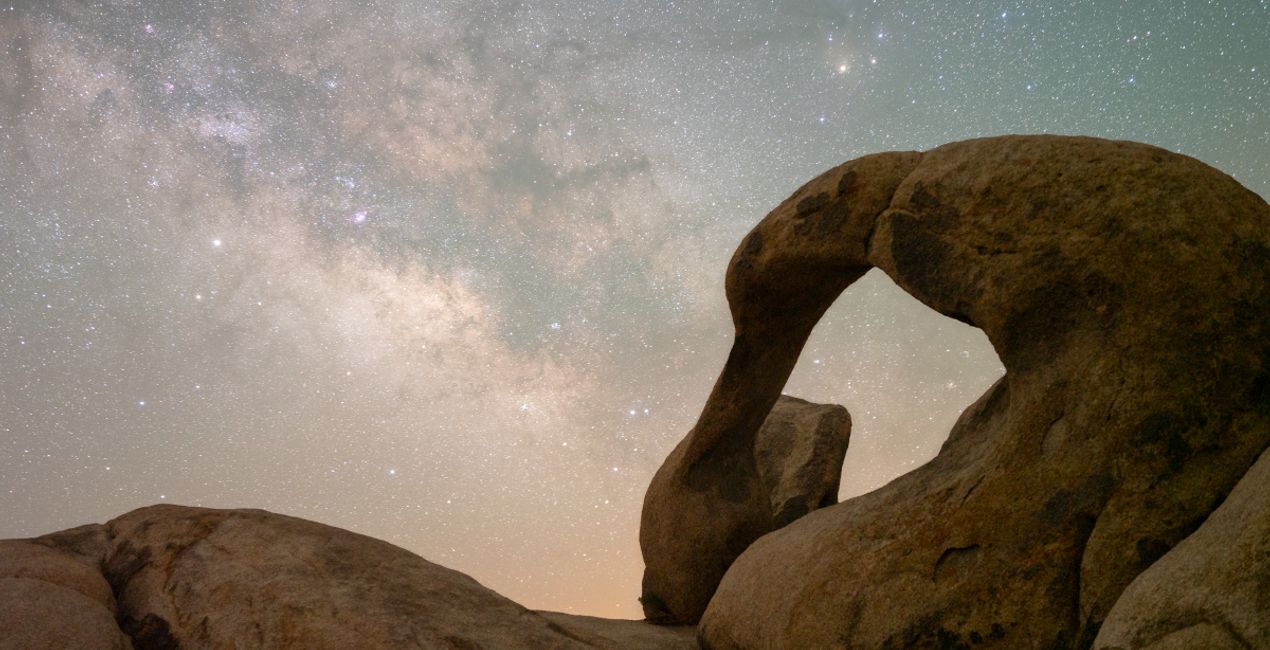
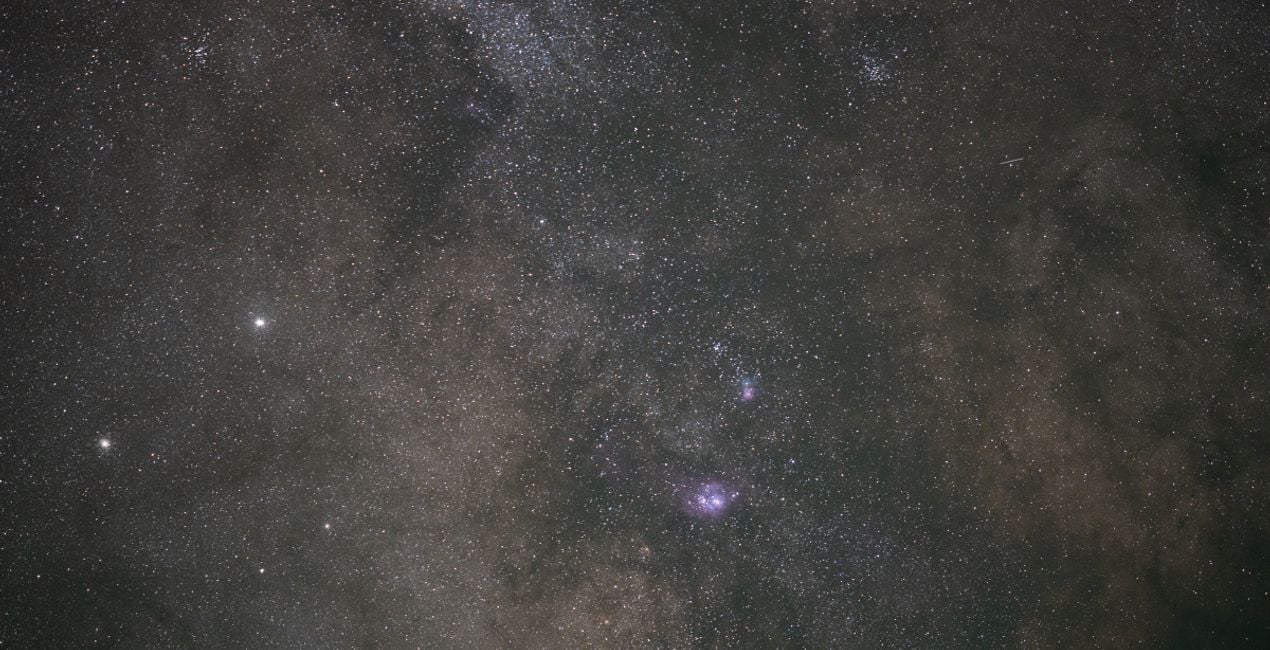
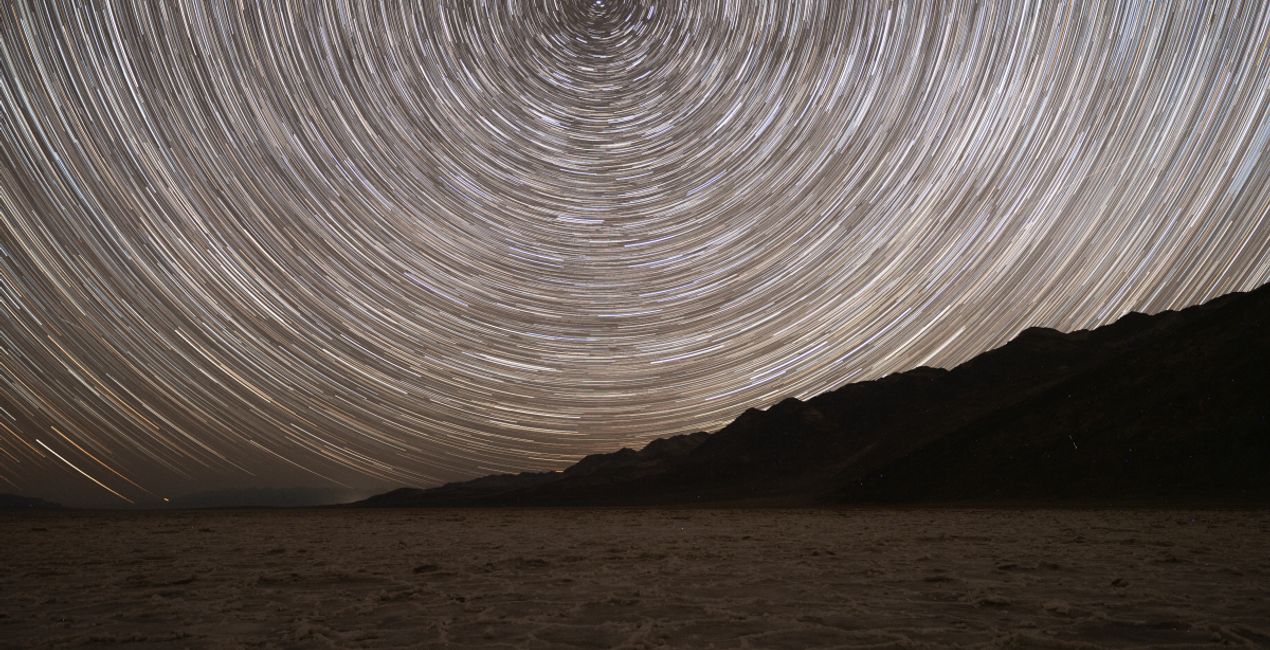
The night sky holds incredible detail in faint and distant light. While our long exposures capture far more detail than our eyes can see, it’s up to our post-processing to bring that detail to life.
These 14 Templates tackle anything from the galactic core of the Milky Way under the darkest of skies to towering mountains lit up by moonlight.
By taking advantage of traditional astrophotography processing techniques combined with tools exclusive to LuminarAI, such as EnhanceAI, Supercontrast, Mystical, and Glow, these Templates help you illustrate the wonders of the night sky.
Each Template takes a unique approach to pulling out details and enhancing your final result.
Whether you’re looking for a one-click solution or to give yourself an advantage as you further customize your image, these Templates are sure to help you unlock the details of our universe.
Jack likes to tailor these Templates by adjusting the White Balance and Exposure as a way to define the style for each image.
Astrophotographer & Timelapser
Jack Fusco is a landscape astrophotographer and timelapser based out of San Diego, California. For Jack, photography began as a way to document his travels as a touring musician, but it has become his main form of creative expression.
On his often-sleepless journeys, Jack strives to share the wonder of the night sky with as many people as possible. Whether chasing the Milky Way along coastlines or capturing the northern lights in unforgiving remote locations, he’s sure to have coffee in hand and be smiling up at the stars.
Many of Jack’s images are planned days, weeks, or even months in advance while waiting for weather and celestial objects to align. The resulting work shows a true and complete dedication to his craft.
Jack’s work has been featured by National Geographic, TEDx, the LA Times, NASA APOD, the BBC, Forbes, and many more publications.
Wenn du Fragen zum Produkt hast, kannst du dich rund um die Uhr an den Support wenden. Folge einfach diesem Link.
Um Galactic Skies zu kaufen, gehe wie folgt vor:
1. Öffne den Skylum-Marktplatz.
2. Geh zum gewünschten Tab, auf dem Galactic Skies aufgeführt ist. Klicke darauf und lege es in deinen Warenkorb.
3. Geh zu deinem Warenkorb. Schließe hier den Kaufvorgang für Galactic Skies ab.
4. Nach dem Kauf erhältst du eine Bestätigungs-E-Mail mit dem Download-Link für Galactic Skies. Außerdem findest du den neuen Artikel in deinem Skylum-Konto auf dem Tab „Meine Add-ons”.
Detaillierte Anweisungen zur Installation von Galactic Skies erhältst du in der Bestätigungs-E-Mail zusammen mit dem Download-Link.
Außerdem kannst du den gekauften Artikel direkt in Luminar Neo installieren: Geh zu „Extras“ > „Marktplatz“, wähle die Produktkategorie aus, suche den gekauften Artikel und klicke auf „Installieren“.
Das ist ganz einfach! Geh zum Tab „Presets“ und wähle „Gekauft“. Dort findest du deine installierten Presets.
Keine Sorge. Alle gekauften Artikel, einschließlich Galactic Skies, werden auf dem Tab „Meine Add-ons“ deines Skylum-Kontos gespeichert, sodass du sie einfach erneut herunterladen und verwenden kannst.
Im Allgemeinen sind die meisten Artikel mit Luminar Neo kompatibel. Um jedoch sicherzustellen, dass Galactic Skies mit deiner Software kompatibel ist, überprüfe vor dem Herunterladen oder Kauf die technischen Daten. Suche den Abschnitt „Kompatibilität“ auf der rechten Seite der Galactic Skies-Seite, wo alle kompatiblen Produkte aufgelistet sind.
Geh noch nicht. Hier ist ein exklusiver Rabattcode für dich. Nutze ihn innerhalb der nächsten 15 Minuten, um an der Kasse zusätzliche 10 % Rabatt zu erhalten. Kopiere den unten stehenden Code und schließe deinen Einkauf ab.
15 m : 00 s





