


 Angewendet


EyeEm Creators
Save $201 $ 18 .75 $ 25 .00

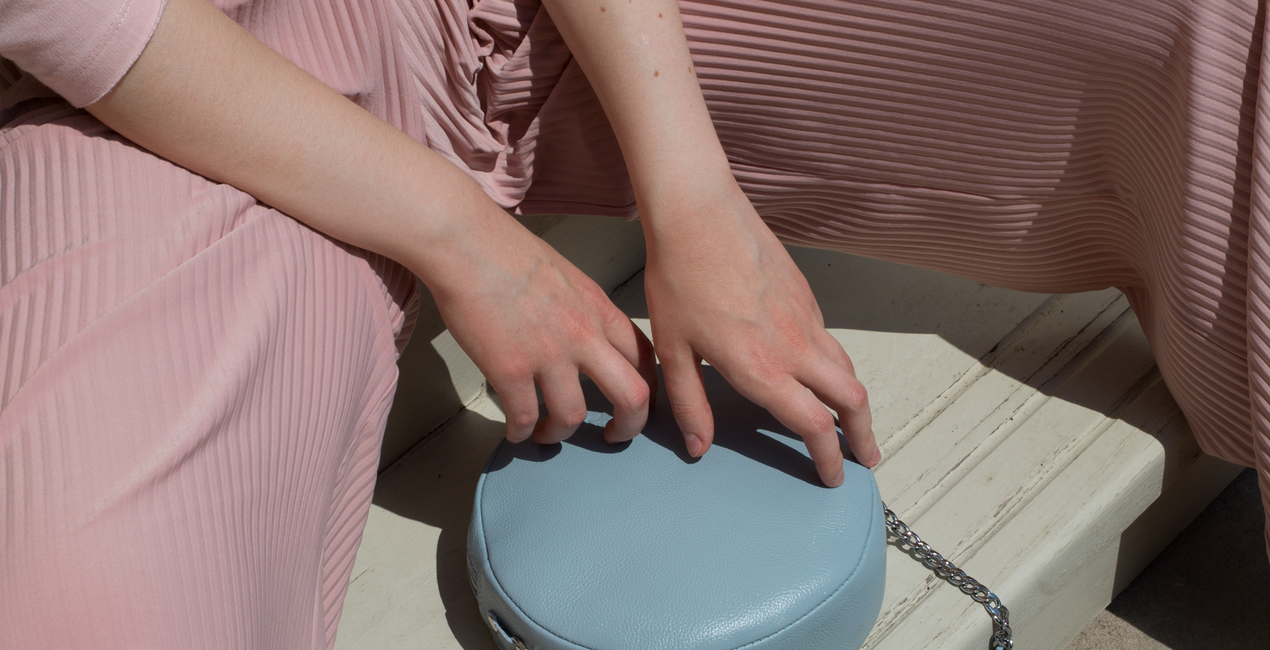
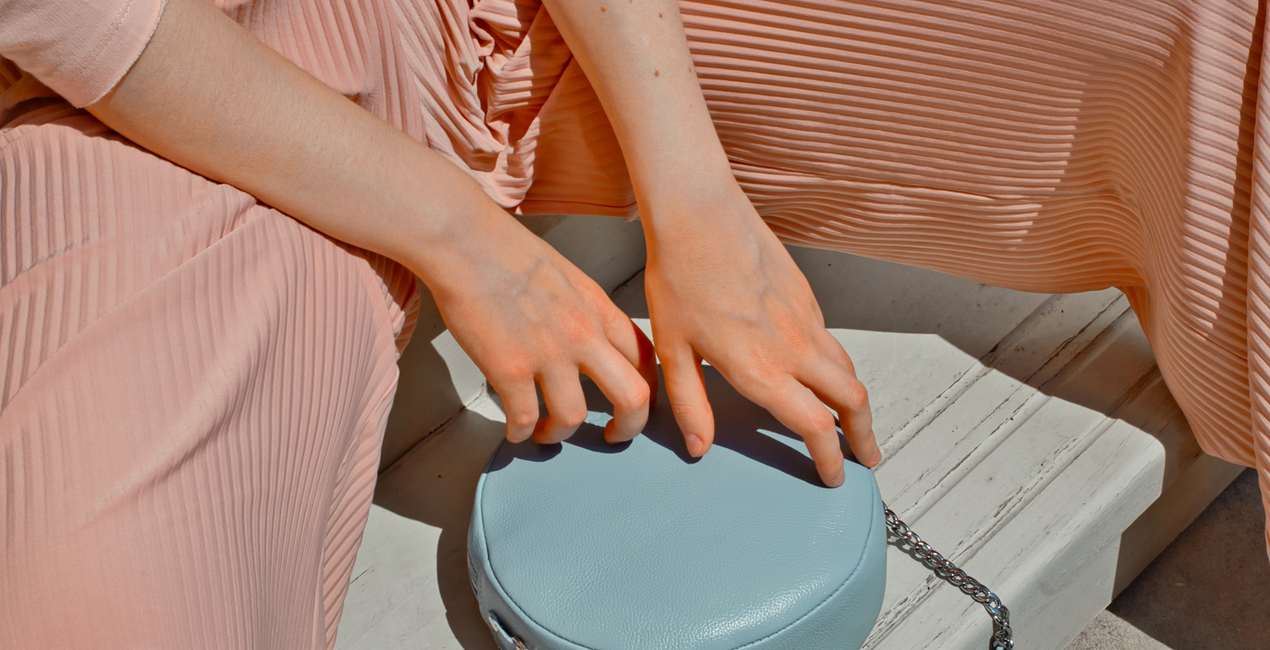
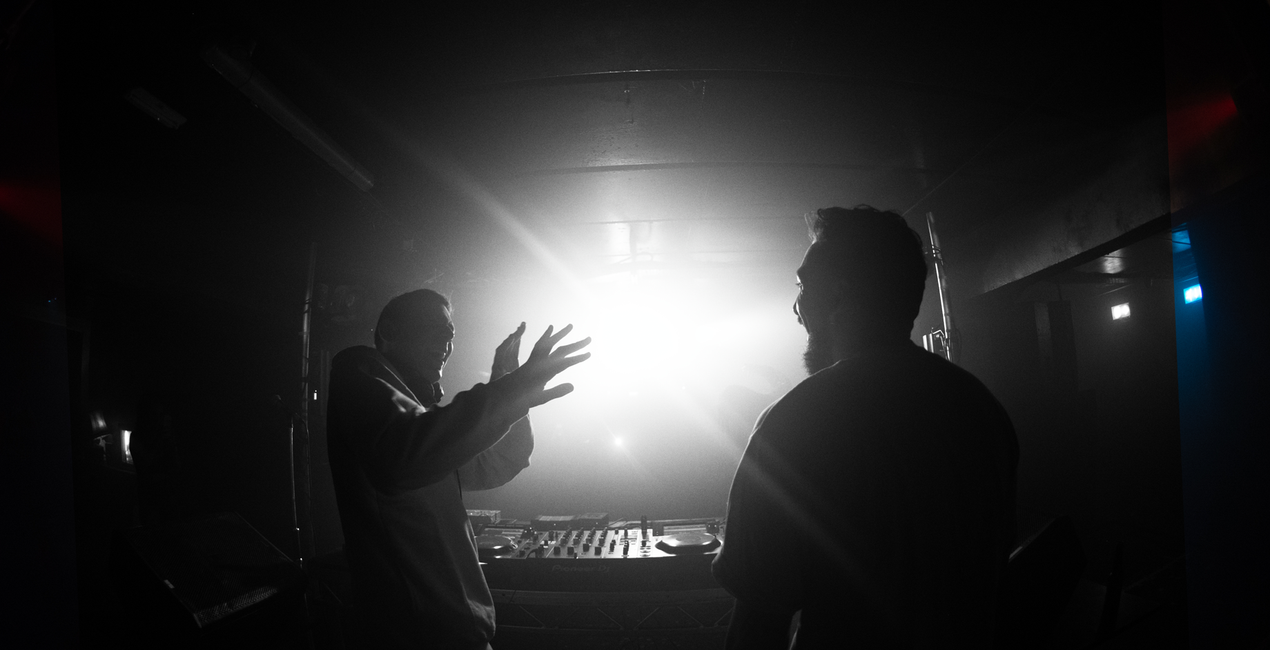
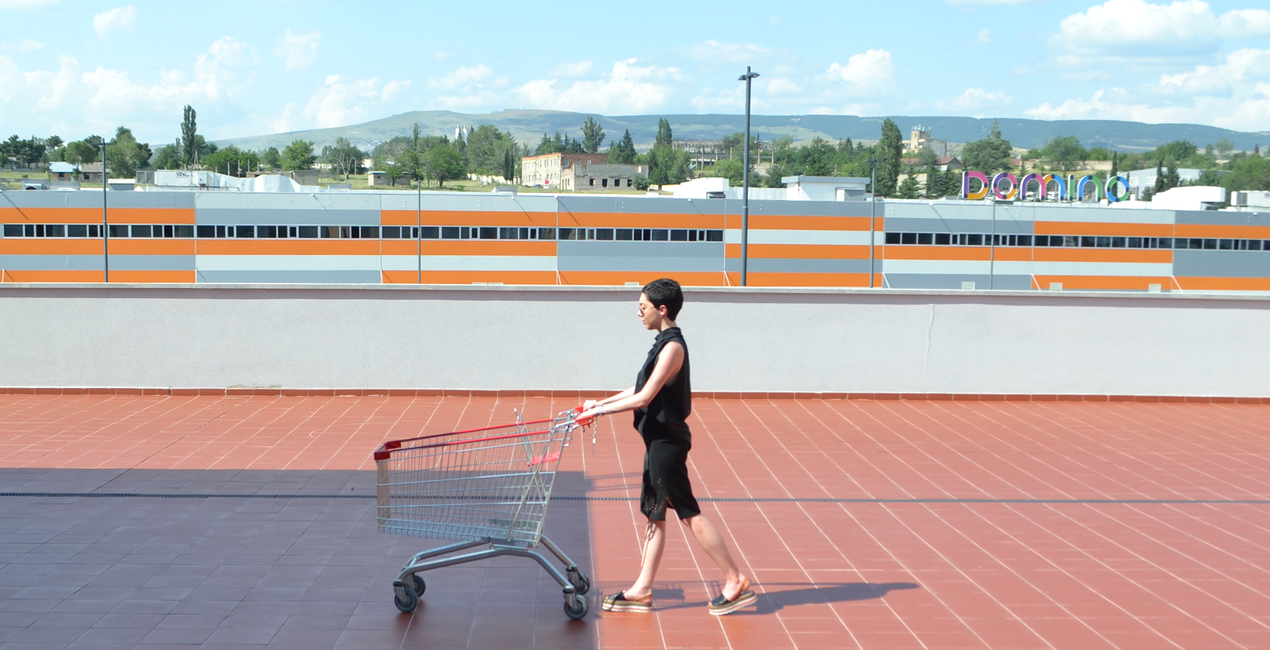
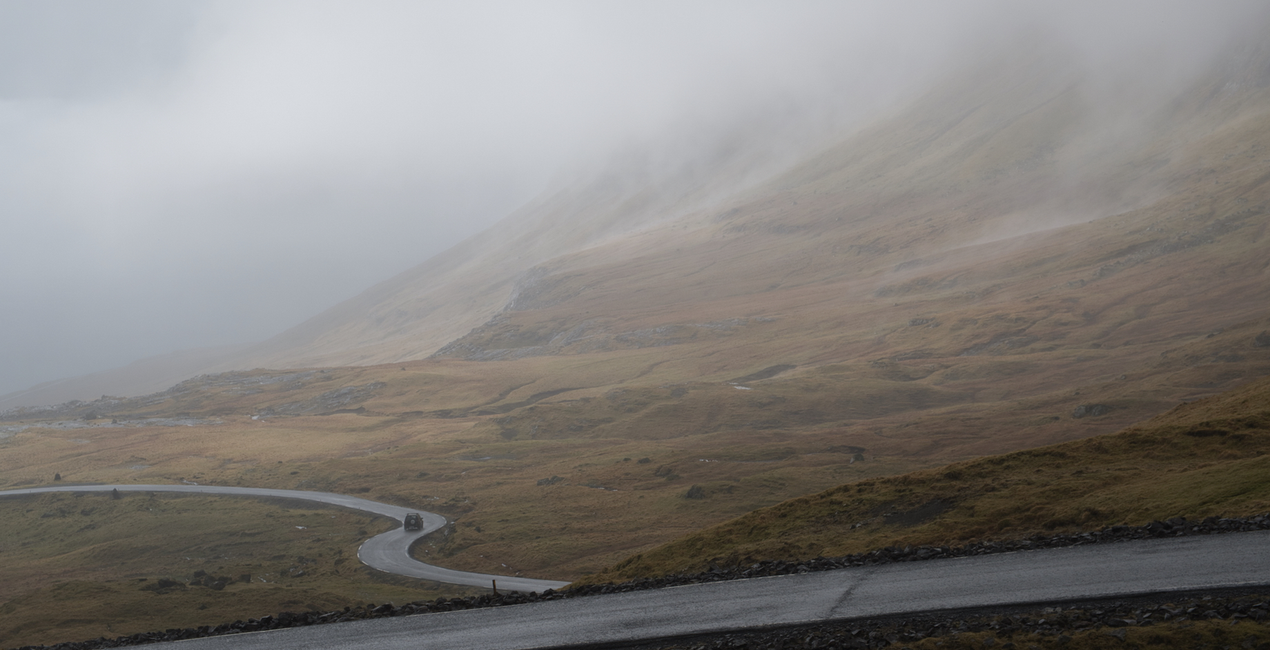
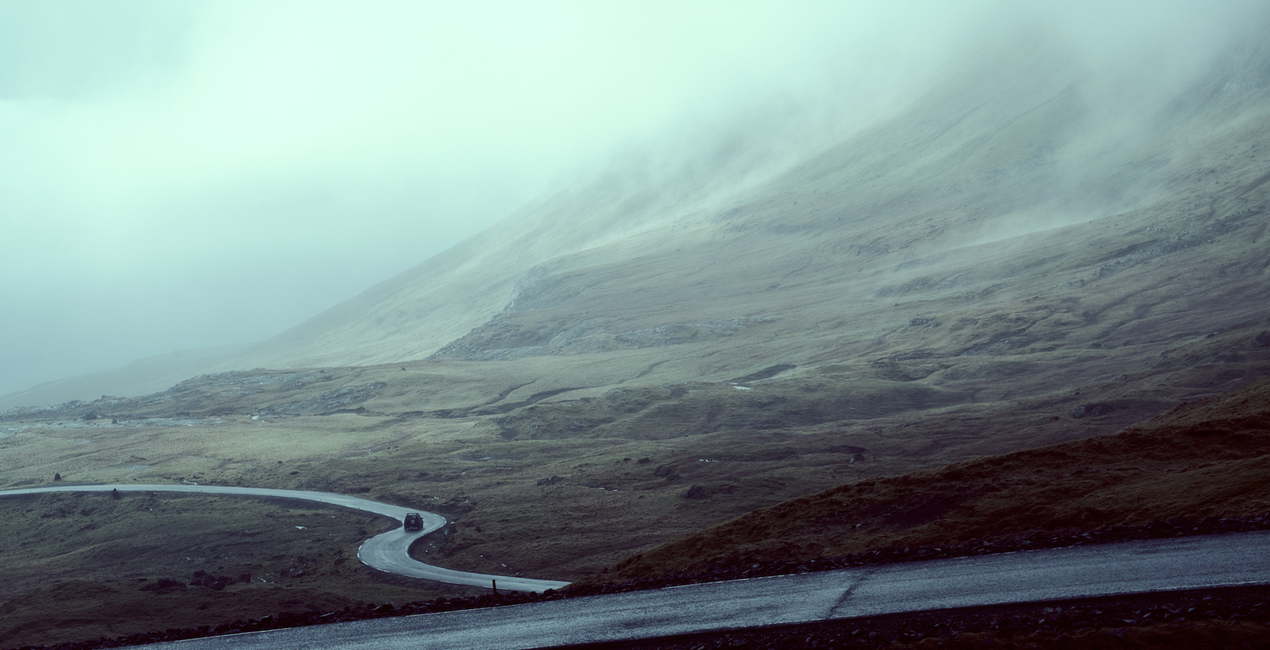
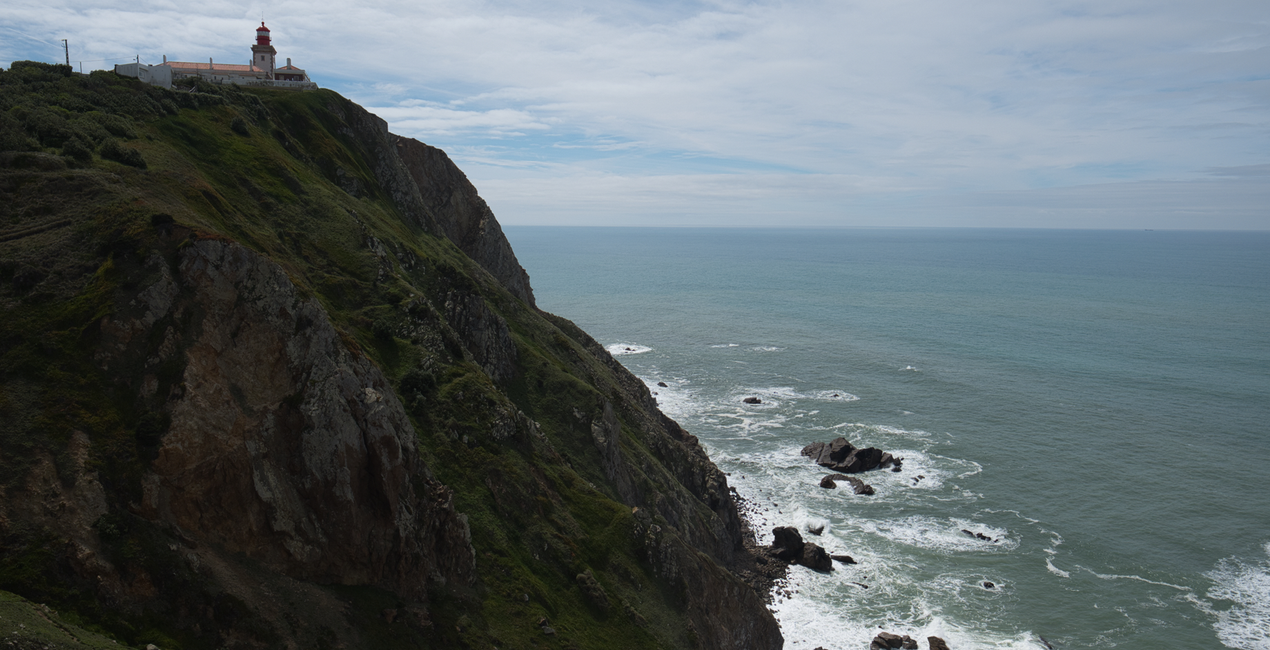
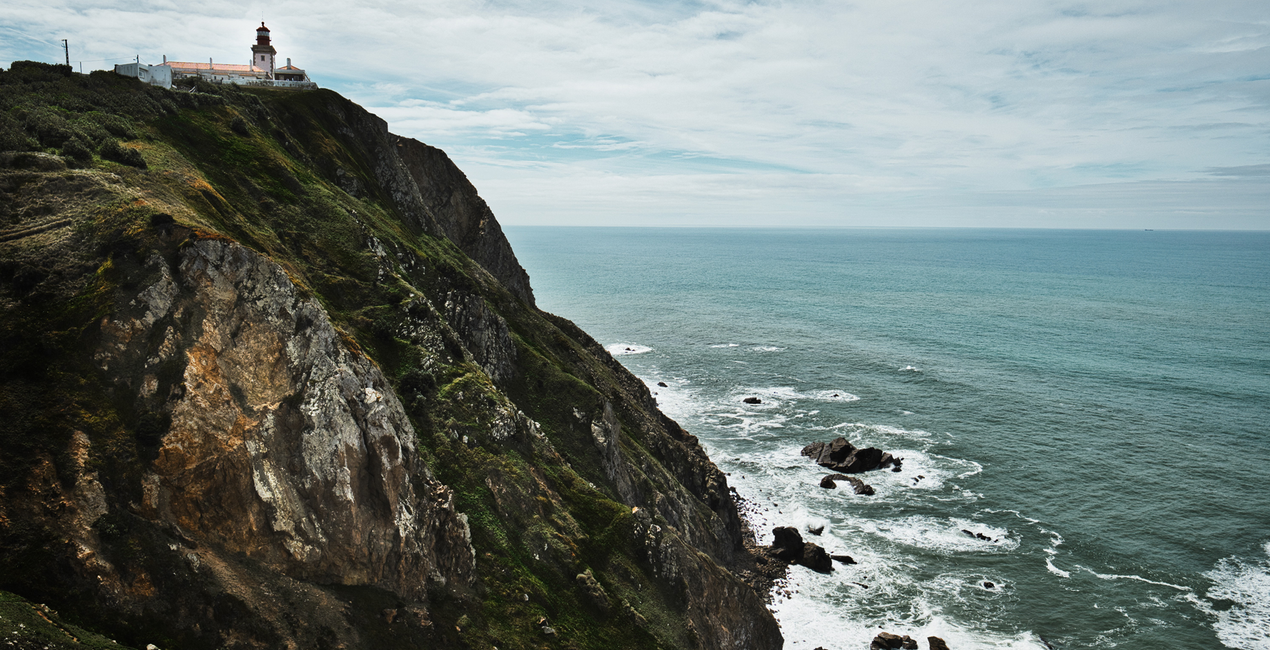
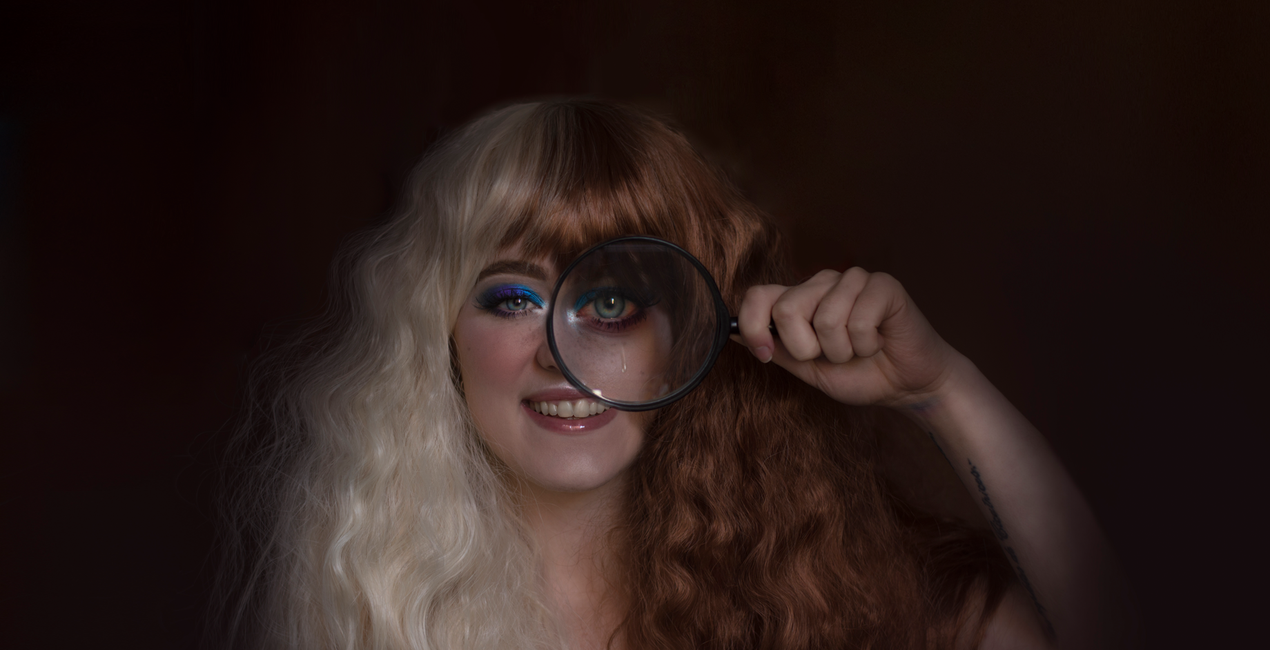
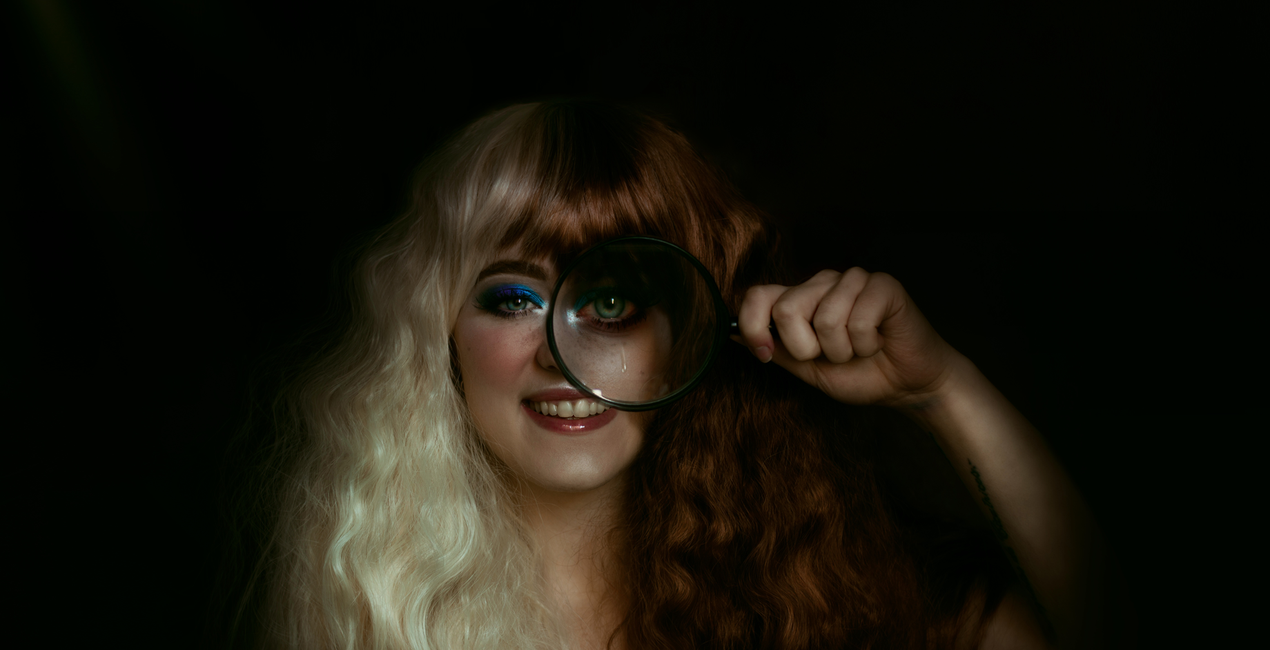
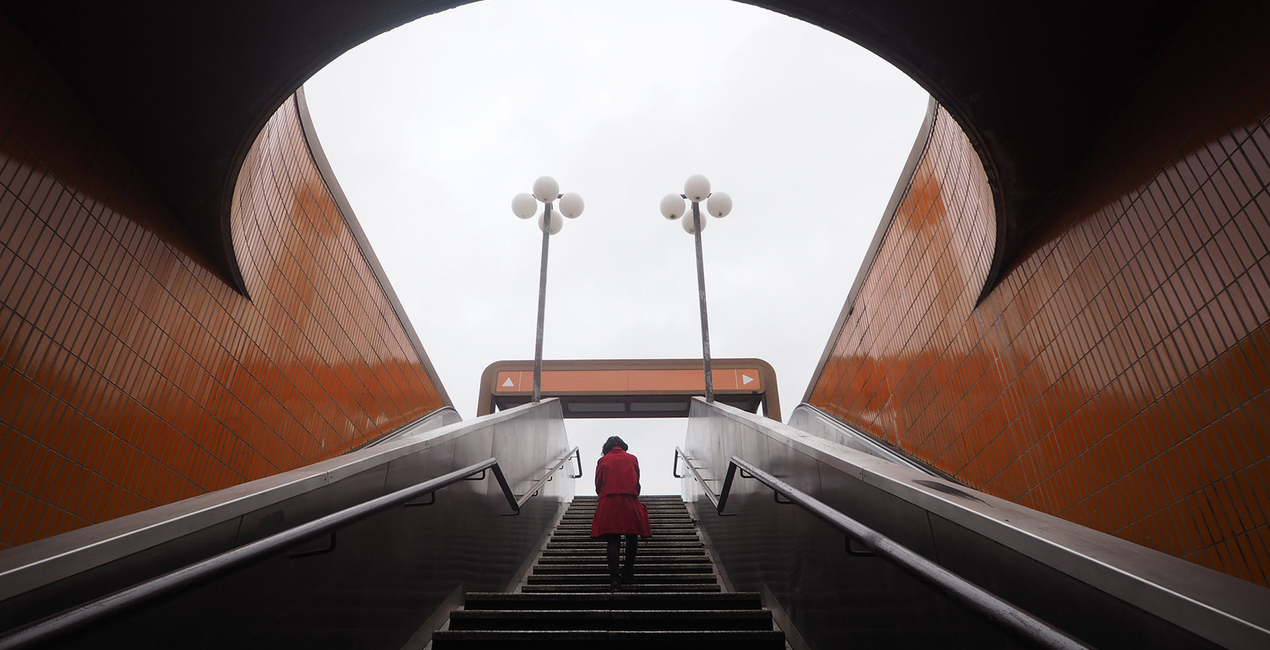
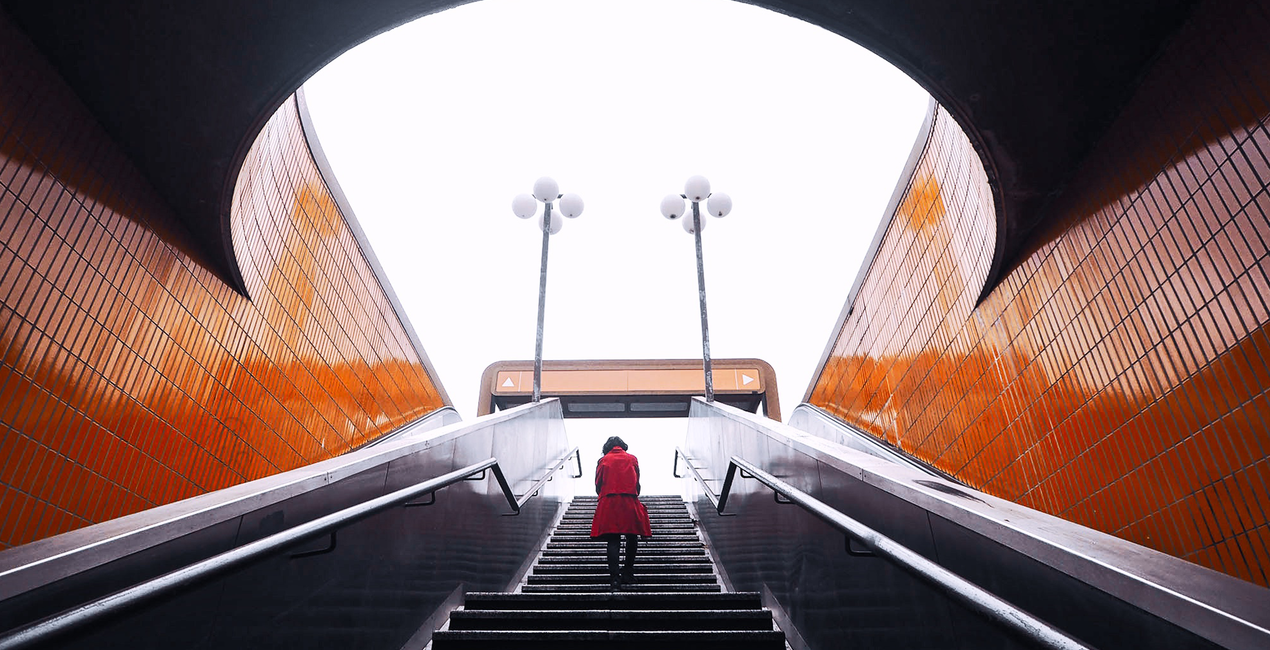
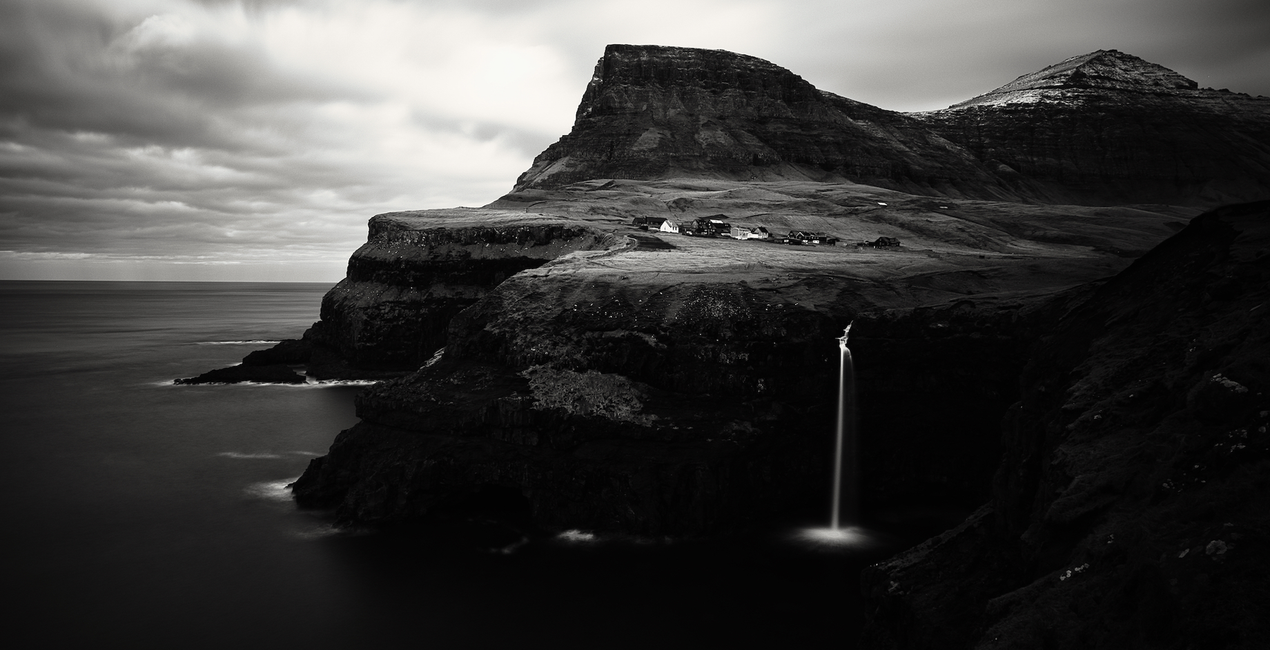
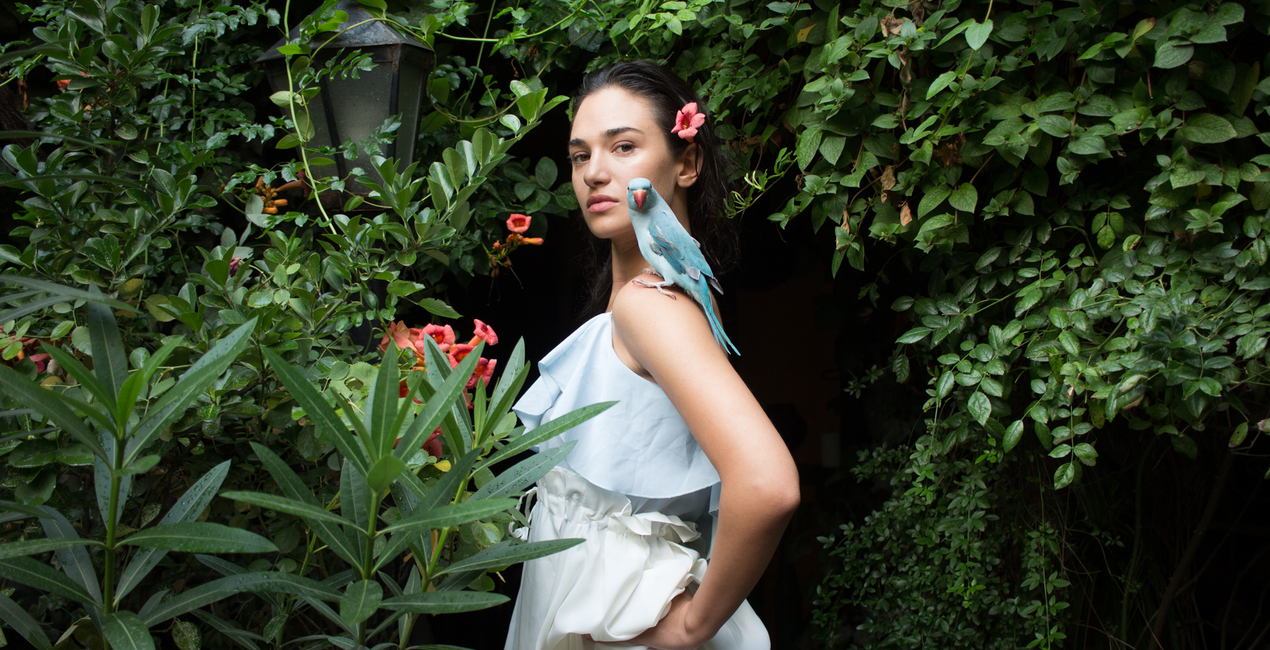
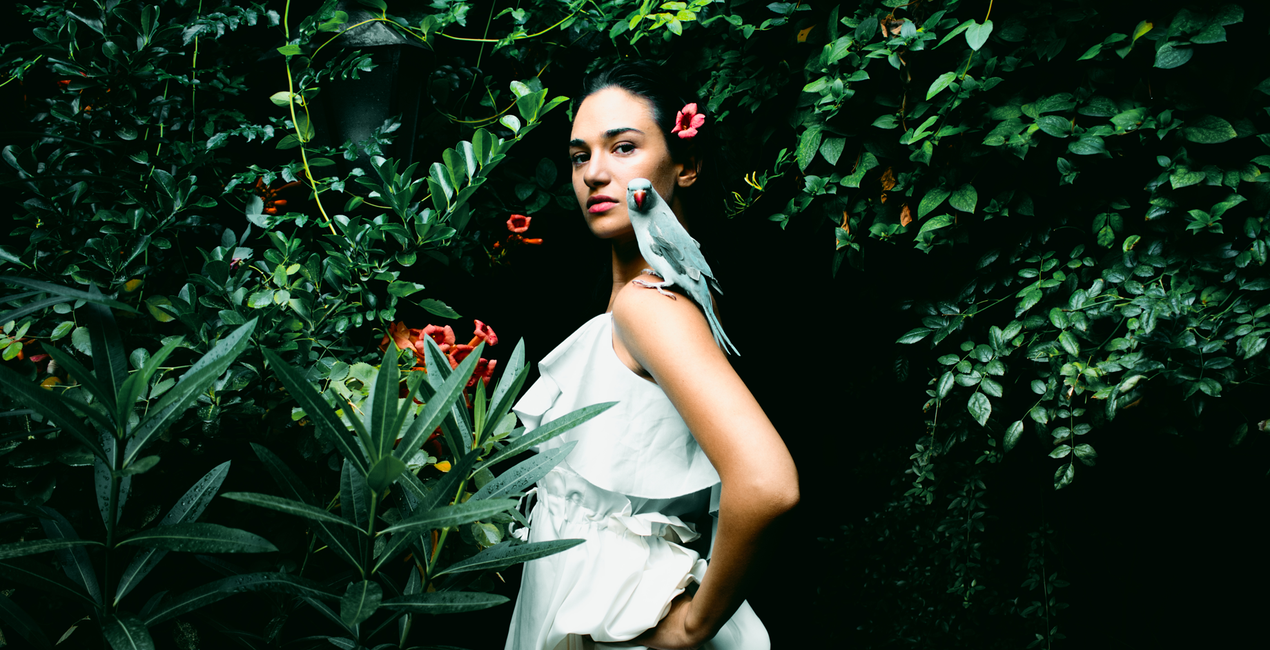
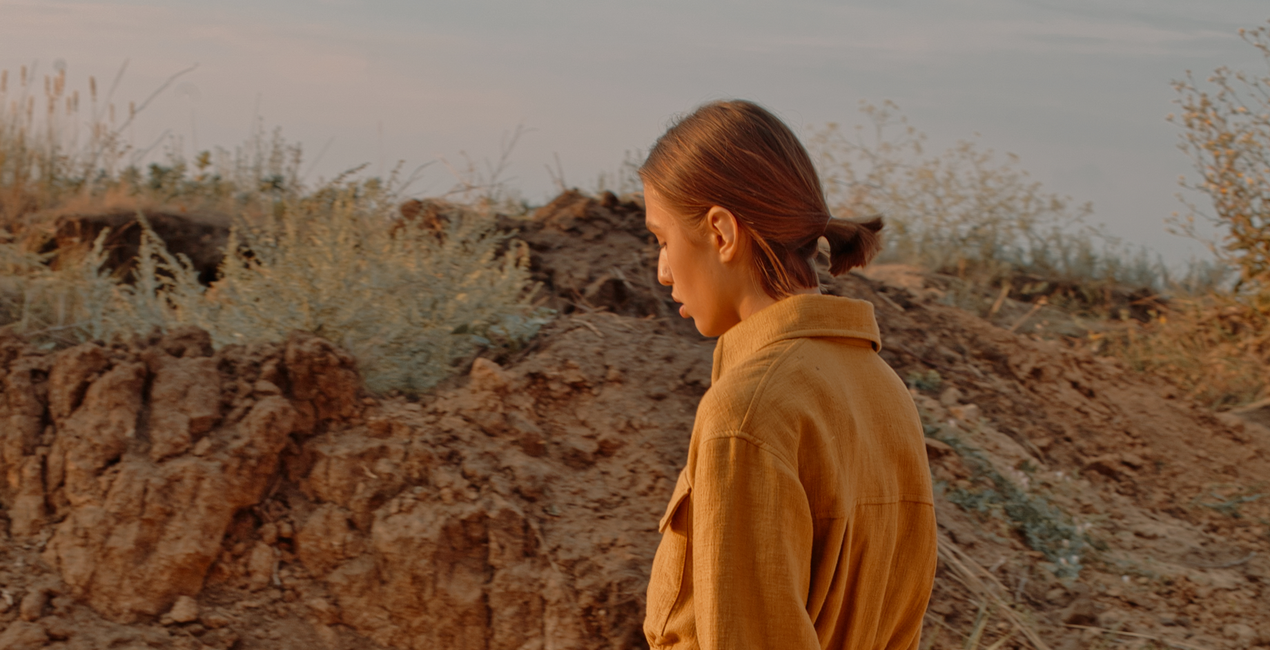
Diese Sammlung von Looks wird dir von den 10 kreativen Gewinnern des gemeinsamen Stipendienwettbewerbs EyeEm und Skylum präsentiert. Mit Beiträgen von Fotografen aus der ganzen Welt kannst du mit diesem Paket Looks mit jeder Art von Fotografie experimentieren, einschließlich Porträts, Landschaften, Street Style und Architektur. Greif zu und hol dir das neue Looks-Paket.

Mit den mitgelieferten RAW-Dateien kannst du ganz einfach Retusche-Tipps ausprobieren und lernen, wie man solche Fotos macht.

 >
>

 >
>

 >
>

 >
>

 >
>
 >
>

 >
>
 >
>

 >
>
 >
>
 >
>
 >
>

.png?w=1270&h=650&resize=cover) >
>
 >
>

 >
>
 >
>
 >
>

 >
>

 >
>

 >
>
Die EyeEm Fotografie-Gemeinschaft und das Skylum Fotosoftware-Unternehmen haben den Start eines weltweiten Fotografie-Stipendiums bekannt gegeben, das allen Fotografie-Interessierten offensteht. Das Ziel war, Künstler zu unterstützen und ihre Kreativität zu fördern, indem 10 innovativen Künstlern auf der EyeEm-Plattform 10.000 US-Dollar zur Verfügung gestellt wurden, damit sie sich auf ihre Kunst konzentrieren können.
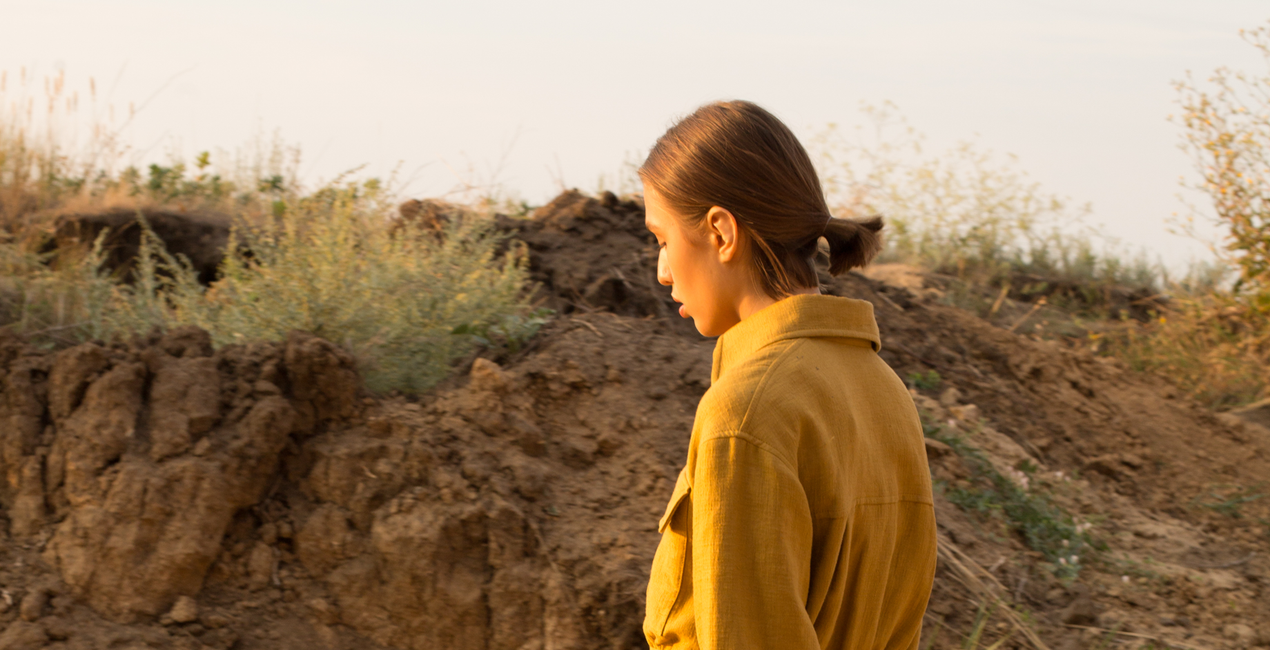
Das Ergebnis ist die Look-Sammlung, die du gerade betrachtest: einzigartige, lebendige, atemberaubende Fotos aller Art, die den Inbegriff von Kreativität und Wunder darstellen. Diese Looks verbessern deine Landschaftsfotografie, verbessern Straßenansichten, verleihen ungewöhnlichen architektonischen Winkeln Dramatik, bringen Porträts zur Geltung, verleihen deinen Fotos Sonnenschein und Glamour und vieles mehr! Diese zehn glücklichen Gewinner experimentierten in Luminar mit Verbesserungswerkzeugen, intelligenten Filtern, Kontrastanpassungen, Farben und Belichtung, um das Beste aus ihren Fotos herauszuholen.
Ganz gleich, welche Art von Fotografie dir gefällt oder welche Fähigkeiten du hast, du wirst etwas finden, das deine Fantasie anregt und dich mit deinen Fotos kreativ werden lässt, wodurch du den Bearbeitungsablauf verbesserst und wertvolle Zeit sparst. Klingt absolut genial, oder?
Photography enthusiasts
Svante Berg is a Berlin-based professional Swedish photographer who specializes in travel and lifestyle shots. During trips all around the world, he has been capturing stunning locations and the people that live there.
Nils Leithold is a self-taught photographer who specializes in landscape, travel, and outdoor shots. His works have recently been exhibited by EyeEm, where he was recognized as one of the best photographers of 2017 in the Great Outdoors category.
Ngoc Van Anh Nguyen is a Berlin-based student with Asian roots. Anh Nguyen is most interested in architecture shots, which look truly unique thanks to her play on angles and perspective.
DaMiane was born in Tbilisi, Georgia, and is one of the youngest photographers in the EyeEm Creatives collection. However, DaMiane’s photos are already impressive, and the looks he created for Luminar show much potential and energy.
Jonas Hafner, a 34-year old German photographer, has travelled to Scotland, New Zealand, and Sweden, capturing amazing landscapes and portraits along the way.
Gaile Juknyte is a photographer and content creator, originally from Lithuania, who splits her life between London and the rest of the world. She focuses on travel and adventure photography and also mixes digital art into her photographs.
Aiyush Pachnanda is a photojournalist based in Cardiff and London. He specializes in documentary, portraiture, and photojournalistic work.
Gareth Hayman is a night, urban, and aerial photographer from Sydney, Australia. Gerth has brought his unique style of photography to a variety of local and international brand campaigns.
Akiko (Carla) González is a self-taught photographer specializing in self-portraits. She combines her English Studies degree with photography, dreaming one day to devote all of her time to photography.
Kate Phellini is a Europe-based fashion and advertisement photographer as well as a graphic designer. Nowadays, she mostly works with independent magazines and fashion brands, taking an intimate and personal approach to both commercial and personal shoots.
Wenn du Fragen zum Produkt hast, kannst du dich rund um die Uhr an den Support wenden. Folge einfach diesem Link.
Um EyeEm Creators zu kaufen, gehe wie folgt vor:
1. Öffne den Skylum-Marktplatz.
2. Geh zum gewünschten Tab, auf dem EyeEm Creators aufgeführt ist. Klicke darauf und lege es in deinen Warenkorb.
3. Geh zu deinem Warenkorb. Schließe hier den Kaufvorgang für EyeEm Creators ab.
4. Nach dem Kauf erhältst du eine Bestätigungs-E-Mail mit dem Download-Link für EyeEm Creators. Außerdem findest du den neuen Artikel in deinem Skylum-Konto auf dem Tab „Meine Add-ons”.
Detaillierte Anweisungen zur Installation von EyeEm Creators erhältst du in der Bestätigungs-E-Mail zusammen mit dem Download-Link.
Außerdem kannst du den gekauften Artikel direkt in Luminar Neo installieren: Geh zu „Extras“ > „Marktplatz“, wähle die Produktkategorie aus, suche den gekauften Artikel und klicke auf „Installieren“.
Das ist ganz einfach! Geh zum Tab „Presets“ und wähle „Gekauft“. Dort findest du deine installierten Presets.
Keine Sorge. Alle gekauften Artikel, einschließlich EyeEm Creators, werden auf dem Tab „Meine Add-ons“ deines Skylum-Kontos gespeichert, sodass du sie einfach erneut herunterladen und verwenden kannst.
Im Allgemeinen sind die meisten Artikel mit Luminar Neo kompatibel. Um jedoch sicherzustellen, dass EyeEm Creators mit deiner Software kompatibel ist, überprüfe vor dem Herunterladen oder Kauf die technischen Daten. Suche den Abschnitt „Kompatibilität“ auf der rechten Seite der EyeEm Creators-Seite, wo alle kompatiblen Produkte aufgelistet sind.
Geh noch nicht. Hier ist ein exklusiver Rabattcode für dich. Nutze ihn innerhalb der nächsten 15 Minuten, um an der Kasse zusätzliche 10 % Rabatt zu erhalten. Kopiere den unten stehenden Code und schließe deinen Einkauf ab.
15 m : 00 s





