


 Angewendet


Creating The Wow Factor
Save $201 $ 11 .40 $ 19 .00

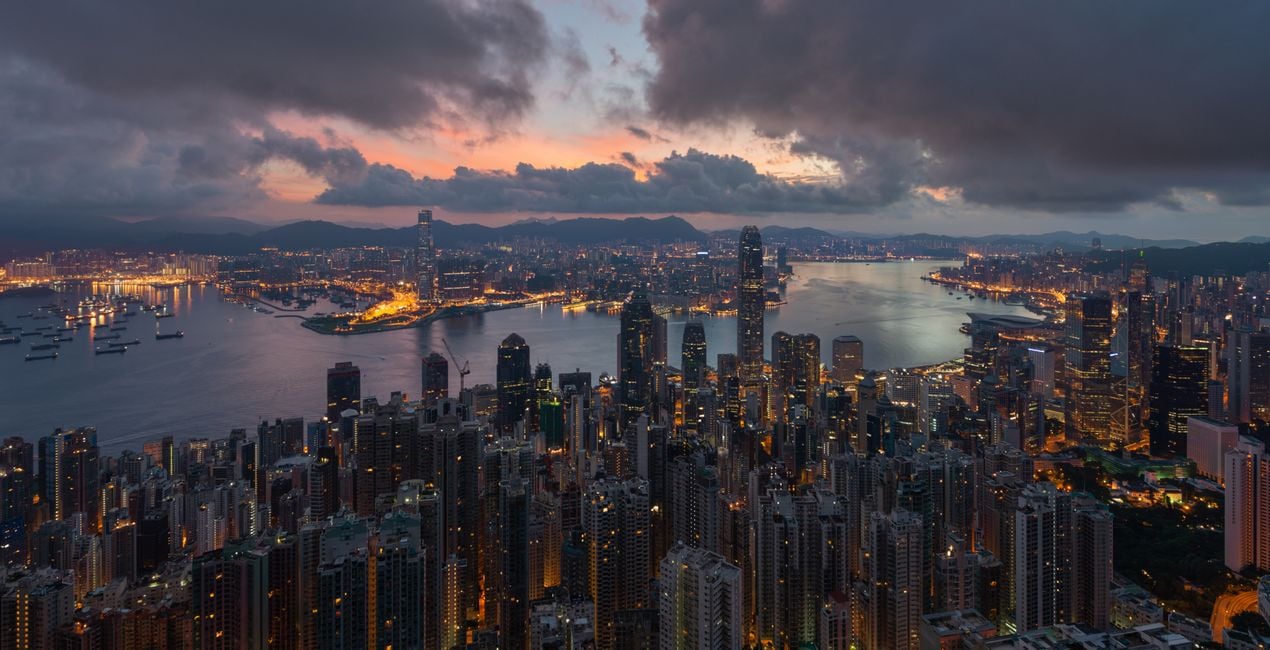
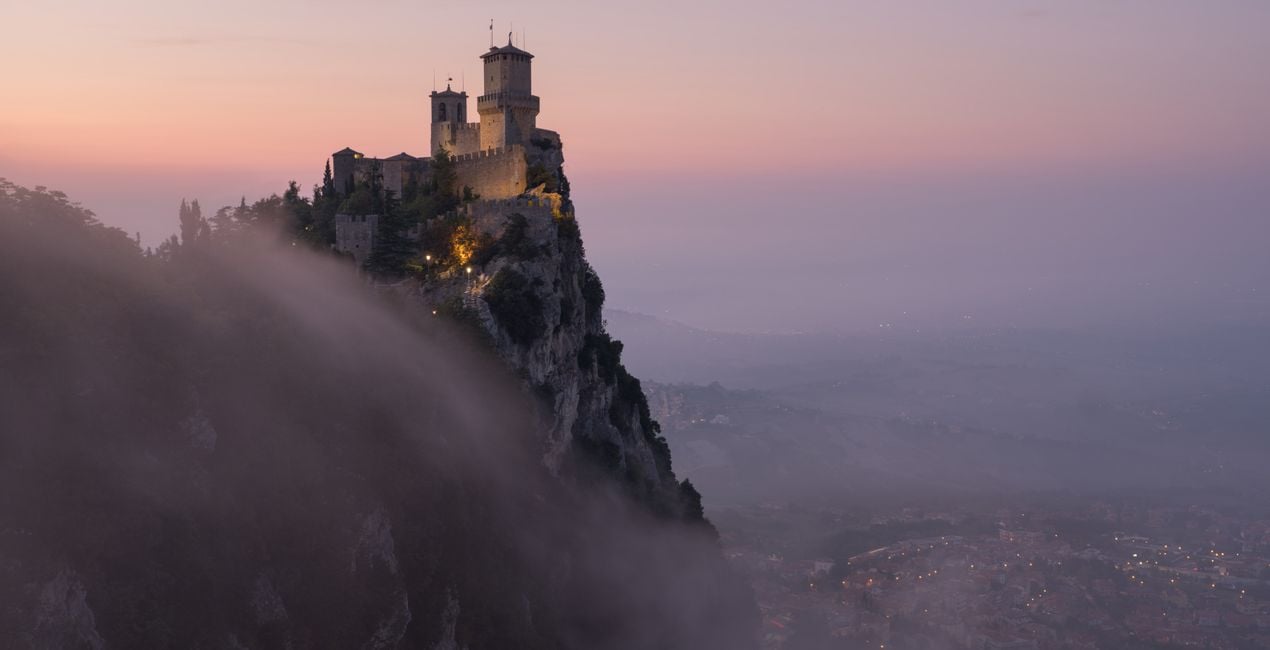
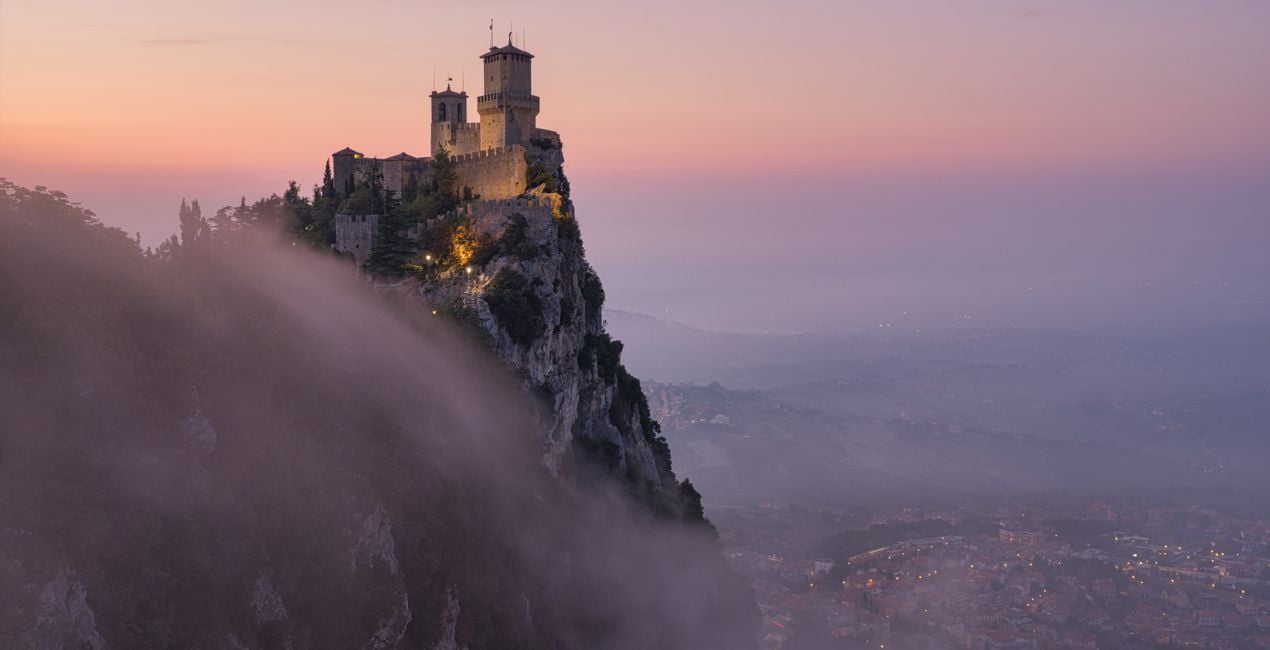
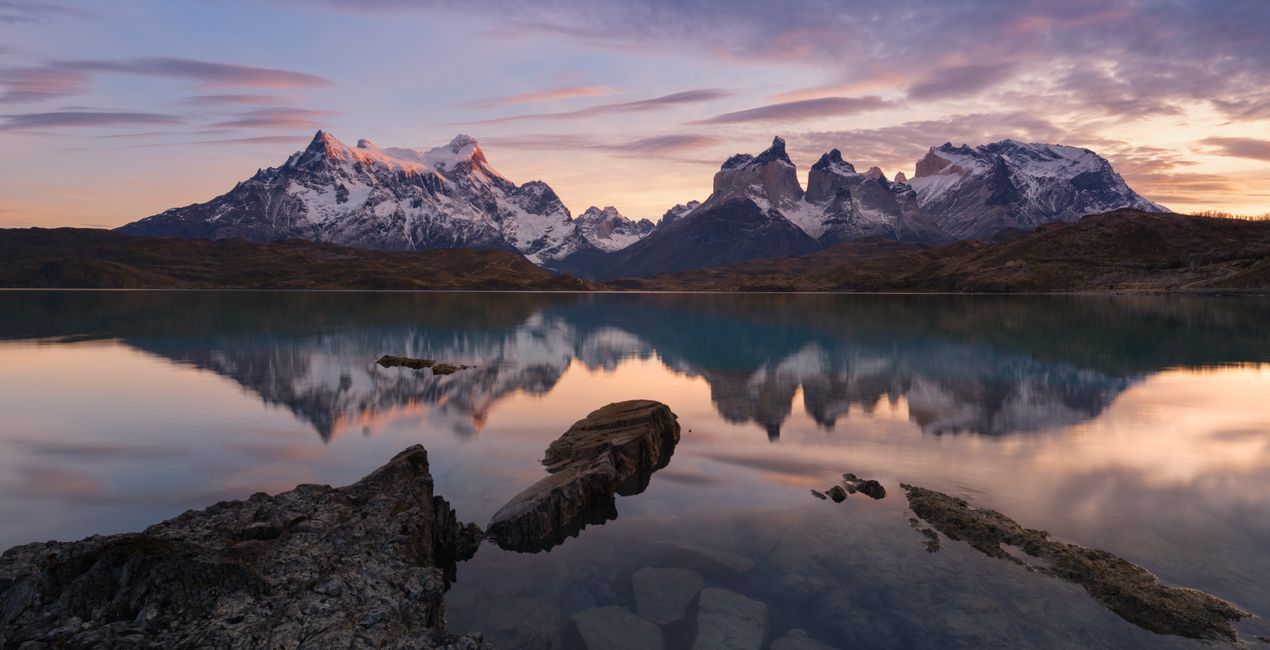
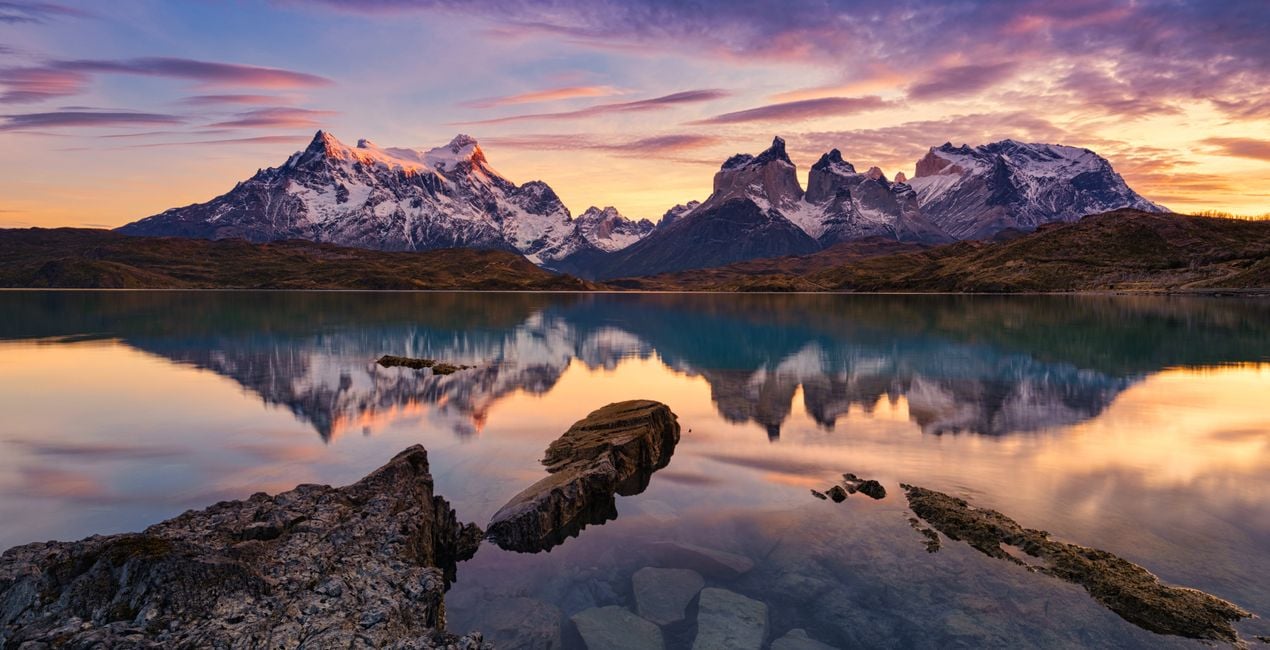
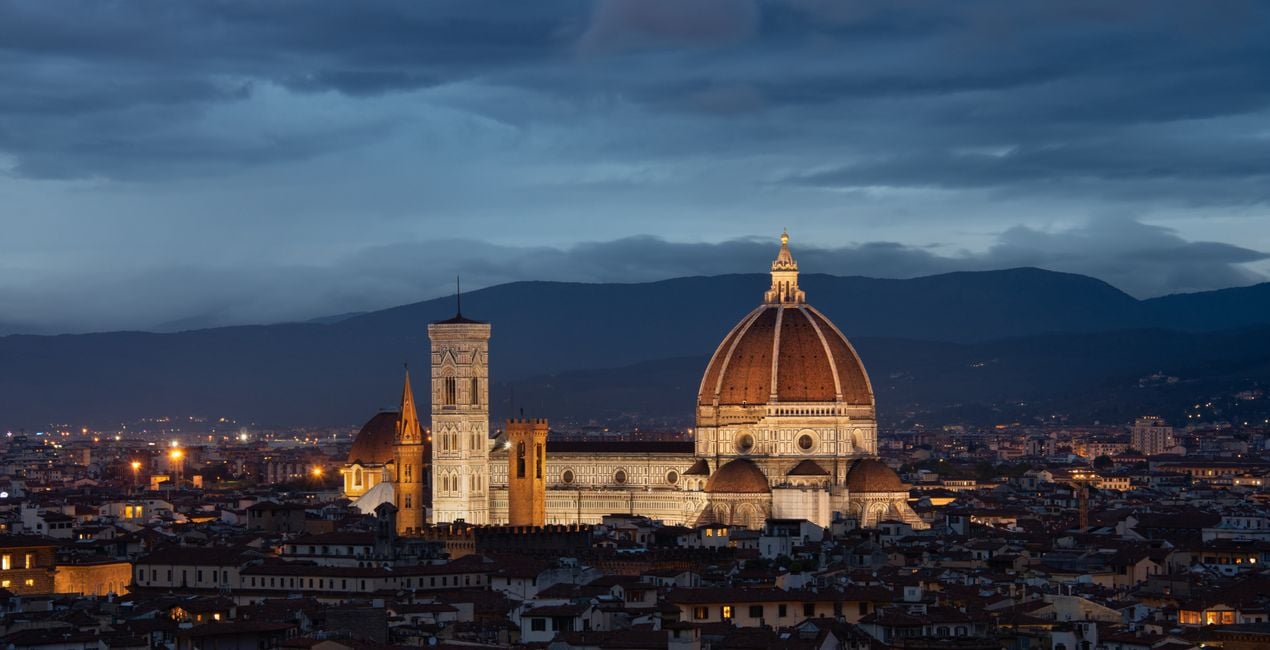
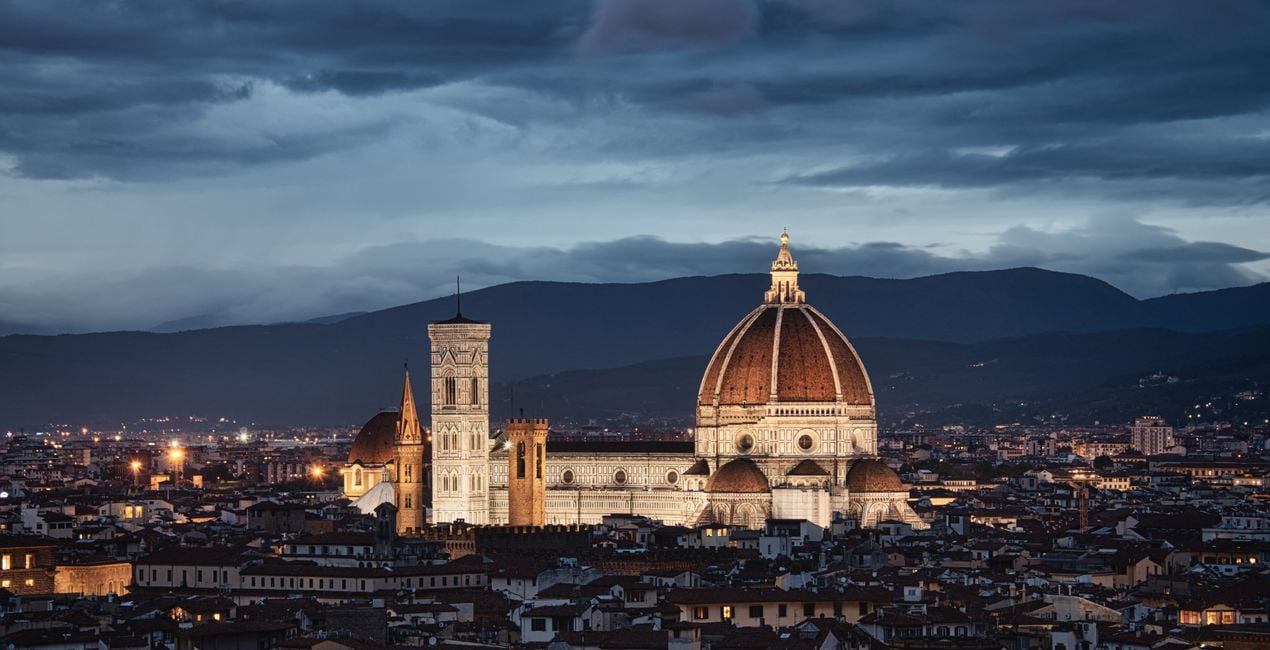
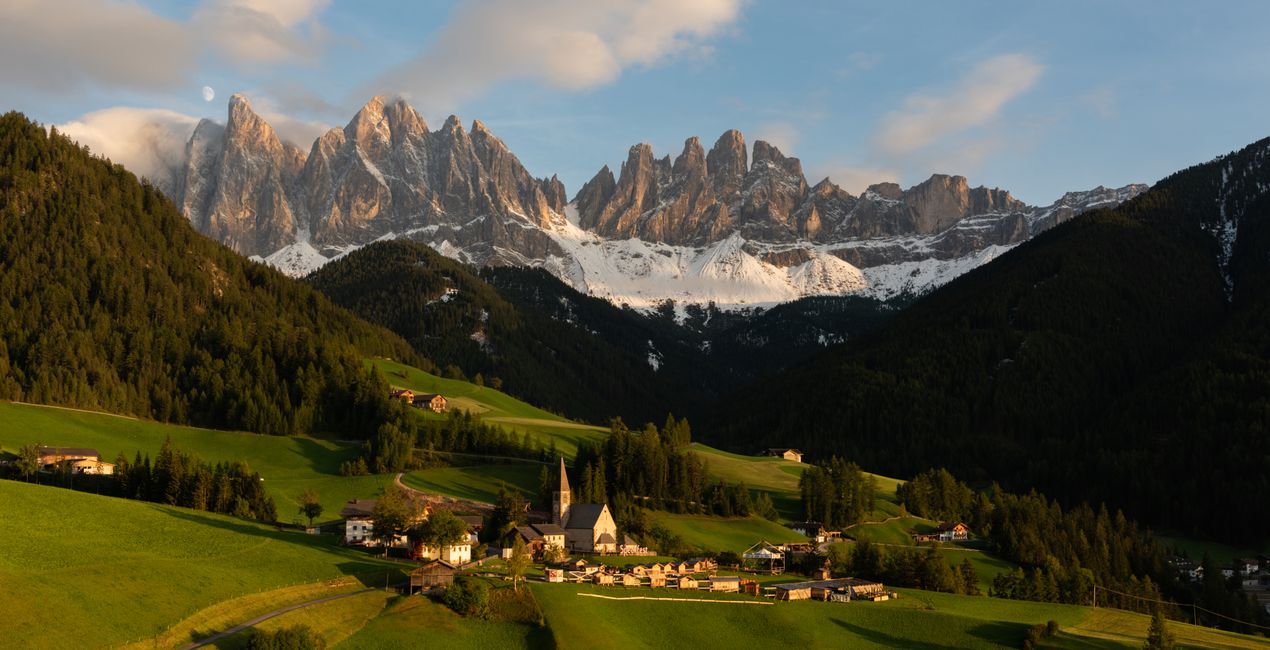
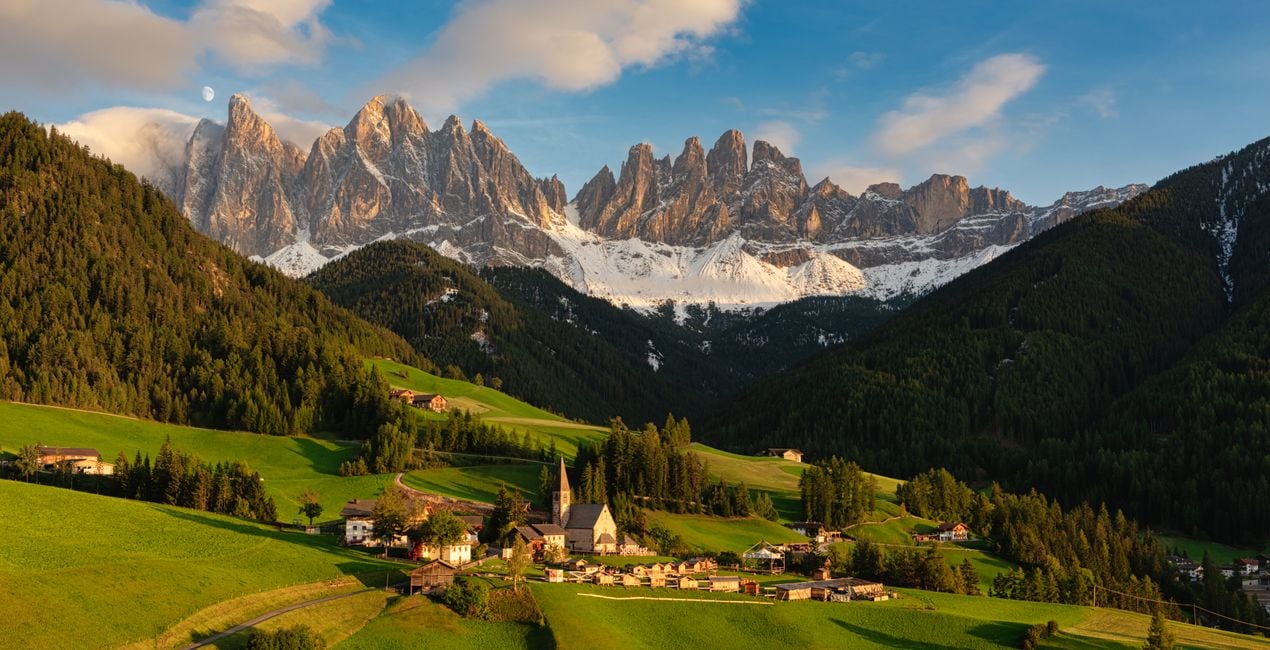
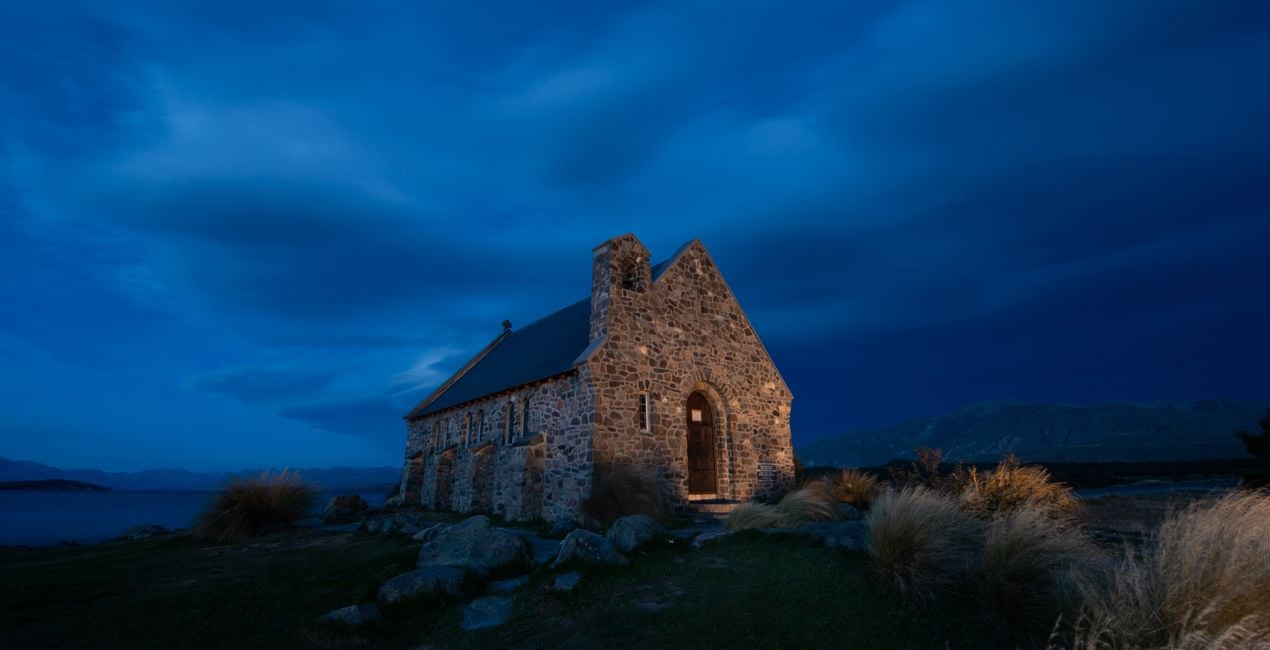
Mit einer besonderen Mischung aus reichem, dynamischem Kontrast, Farbtrennung und verstärkten Strukturdetails hat Elia Locardi einen einzigartigen und unverwechselbaren Stil erschaffen. Dieses Looks-Paket enthält 11 besondere Voreinstellungen, die Elia Locardi verwendet, um den Wow-Faktor in seine Landschafts- und Stadtbildfotografien zu bringen.
Was ist dabei
11 Vorlagen. Mit JPEG- und RAW-Bildern kompatibel.

Mit den mitgelieferten RAW-Dateien kannst du ganz einfach Retusche-Tipps ausprobieren und lernen, wie man solche Fotos macht.

 >
>
 >
>

 >
>
 >
>
 >
>
 >
>

 >
>
 >
>
-Medium-After.jpeg?w=1270&h=650&resize=cover) >
>
To create this Templates Collection, I broke down dozens of my photos to find unifying factors that are shared across my portfolio. Since I specialize in both cityscape and landscape photography, I created a small set of Templates for each genre.
The idea behind this collection is not necessarily to stylize photos but rather to bring out and enhance the natural beauty of the image itself, whether that’s in a soft, moderate, or dramatic way.
If your landscape or cityscape could use a strong pick-me-up, start by applying one of the dramatic Templates.
If your image just needs a smaller push in the right direction, begin by using one of the light Templates.
Either way, these Templates will make enhancements that are easy to adjust.
Special Tips: This Templates Collection includes 3 Landscape & Nature and 3 Cityscapes & Blue Hour Looks that have light, medium, and dramatic levels of adjustment.
Though they’re each geared towards a specific genre, I recommend trying each one no matter what photo you’re working with since they all offer something different.
Note: The Cityscapes & Blue Hour Templates are designed to work on any cityscape, and any time of day. Similarly, they also work well on Blue Hour Landscapes.
Exposure: These Templates work best if the exposure, shadows, and highlights are adjusted using the Light panel.
White Balance: Each photo is different. Make adjustments to the White Balance and Tint if the scene seems too warm or cold.
Amount: For the best results, don’t hesitate to use the Amount slider to customize exactly how much of the Template is needed.
Share: Use the tag #LocardiLuminar on social media so Elia Locardi and the Luminar Team can check out your images created with these Signature Templates!
Worldwide Photographer
Elia Locardi is an internationally acclaimed travel photographer, writer, public speaker, and educator.
Elia, who has been featured by Professional Photographer Magazine, CNet, Wacom, SmugMug Films, Fujifilm, and Fstoppers, began working full-time as a photographer in 2009. Since then he has visited more than 65 countries, flown nearly 2 million miles, and collaborated with companies and brands on nearly every continent.
Using a combination of traditional in-camera techniques, targeted times of day, and advanced post-processing and time blending methods, Elia has developed a recognizable style that has become well known around the world.
Wenn du Fragen zum Produkt hast, kannst du dich rund um die Uhr an den Support wenden. Folge einfach diesem Link.
Um Creating The Wow Factor zu kaufen, gehe wie folgt vor:
1. Öffne den Skylum-Marktplatz.
2. Geh zum gewünschten Tab, auf dem Creating The Wow Factor aufgeführt ist. Klicke darauf und lege es in deinen Warenkorb.
3. Geh zu deinem Warenkorb. Schließe hier den Kaufvorgang für Creating The Wow Factor ab.
4. Nach dem Kauf erhältst du eine Bestätigungs-E-Mail mit dem Download-Link für Creating The Wow Factor. Außerdem findest du den neuen Artikel in deinem Skylum-Konto auf dem Tab „Meine Add-ons”.
Detaillierte Anweisungen zur Installation von Creating The Wow Factor erhältst du in der Bestätigungs-E-Mail zusammen mit dem Download-Link.
Außerdem kannst du den gekauften Artikel direkt in Luminar Neo installieren: Geh zu „Extras“ > „Marktplatz“, wähle die Produktkategorie aus, suche den gekauften Artikel und klicke auf „Installieren“.
Das ist ganz einfach! Geh zum Tab „Presets“ und wähle „Gekauft“. Dort findest du deine installierten Presets.
Keine Sorge. Alle gekauften Artikel, einschließlich Creating The Wow Factor, werden auf dem Tab „Meine Add-ons“ deines Skylum-Kontos gespeichert, sodass du sie einfach erneut herunterladen und verwenden kannst.
Im Allgemeinen sind die meisten Artikel mit Luminar Neo kompatibel. Um jedoch sicherzustellen, dass Creating The Wow Factor mit deiner Software kompatibel ist, überprüfe vor dem Herunterladen oder Kauf die technischen Daten. Suche den Abschnitt „Kompatibilität“ auf der rechten Seite der Creating The Wow Factor-Seite, wo alle kompatiblen Produkte aufgelistet sind.
Geh noch nicht. Hier ist ein exklusiver Rabattcode für dich. Nutze ihn innerhalb der nächsten 15 Minuten, um an der Kasse zusätzliche 10 % Rabatt zu erhalten. Kopiere den unten stehenden Code und schließe deinen Einkauf ab.
15 m : 00 s





