


 Angewendet


Farbenfrohe Küstenpaletten
Save $201 $ 19 .00

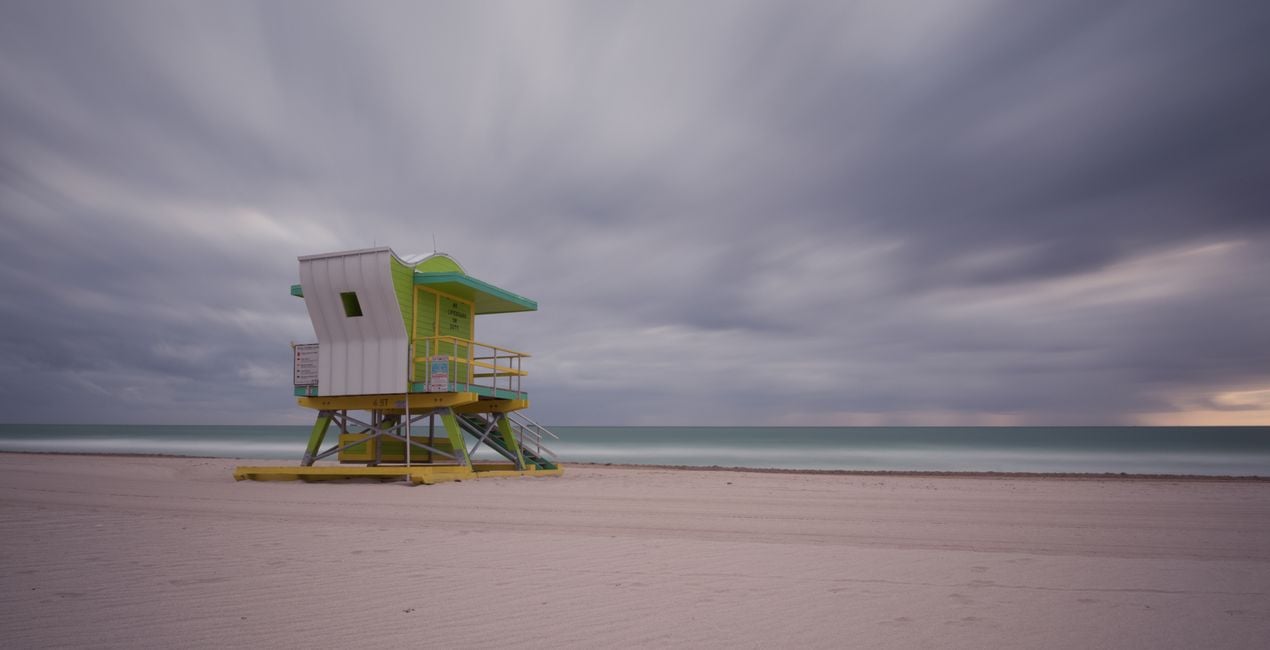
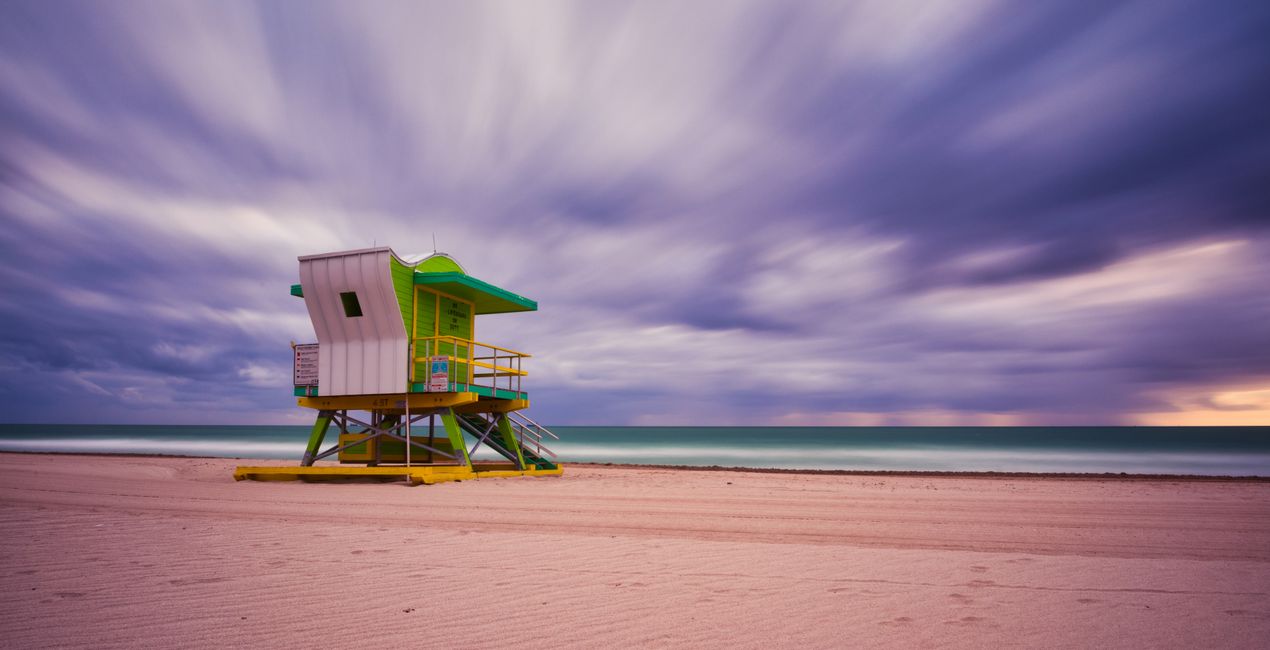
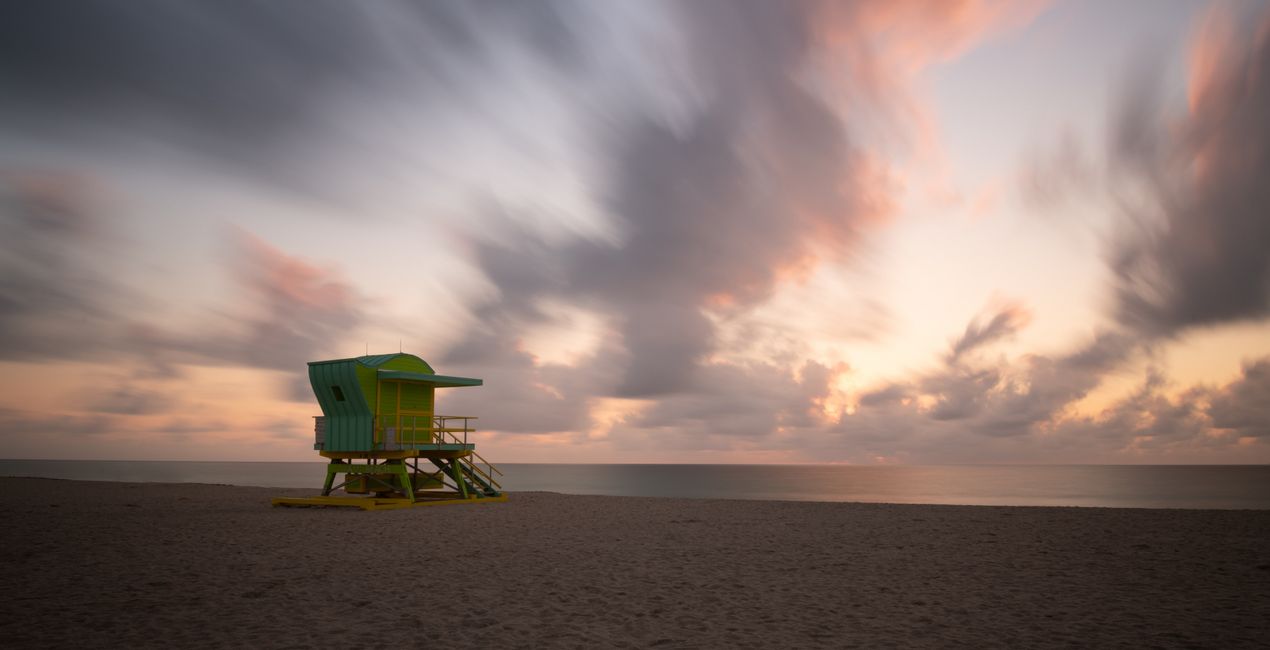
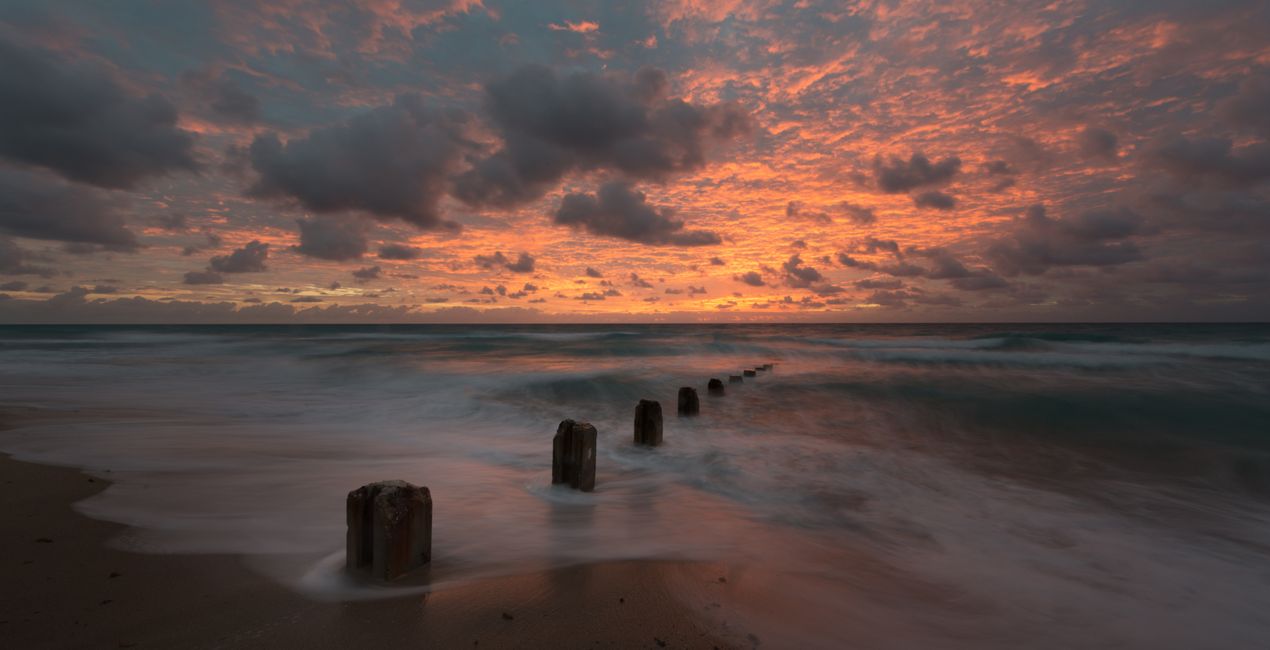
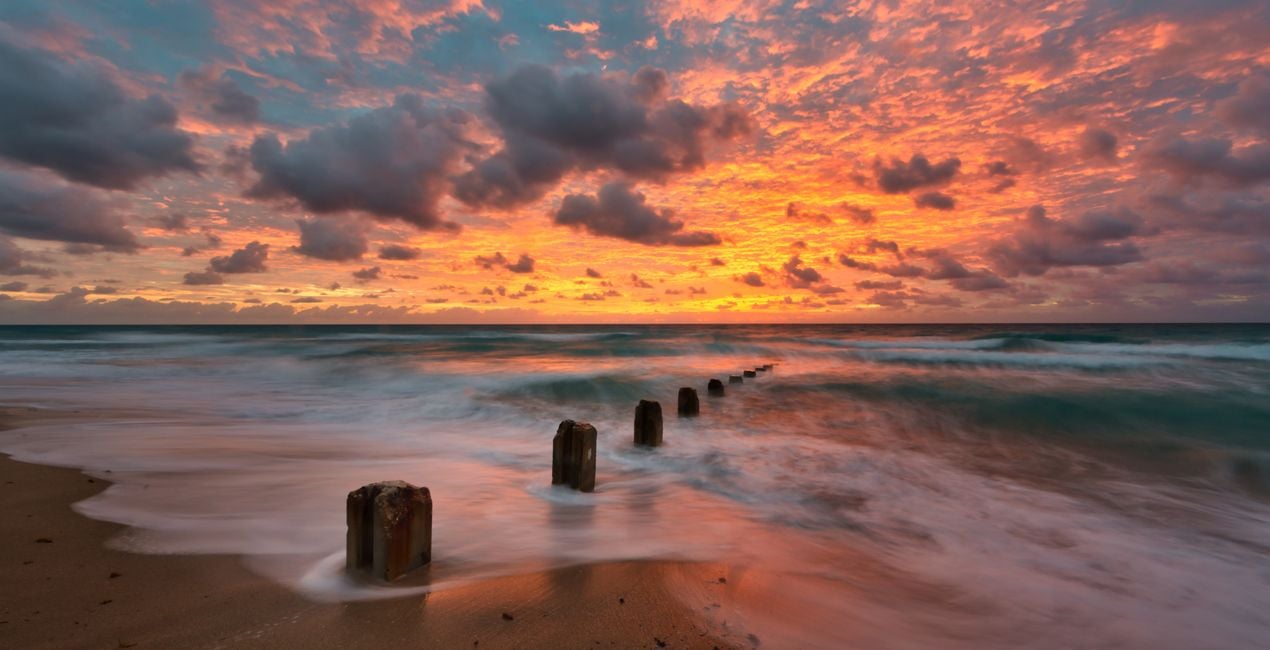
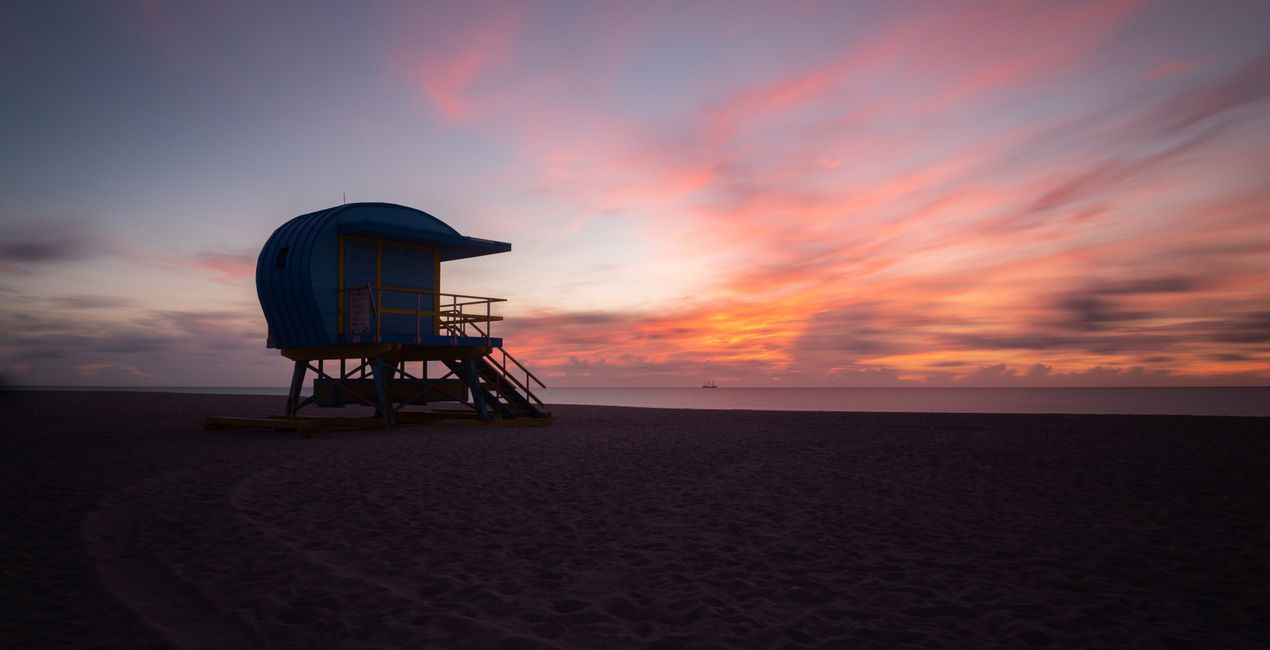
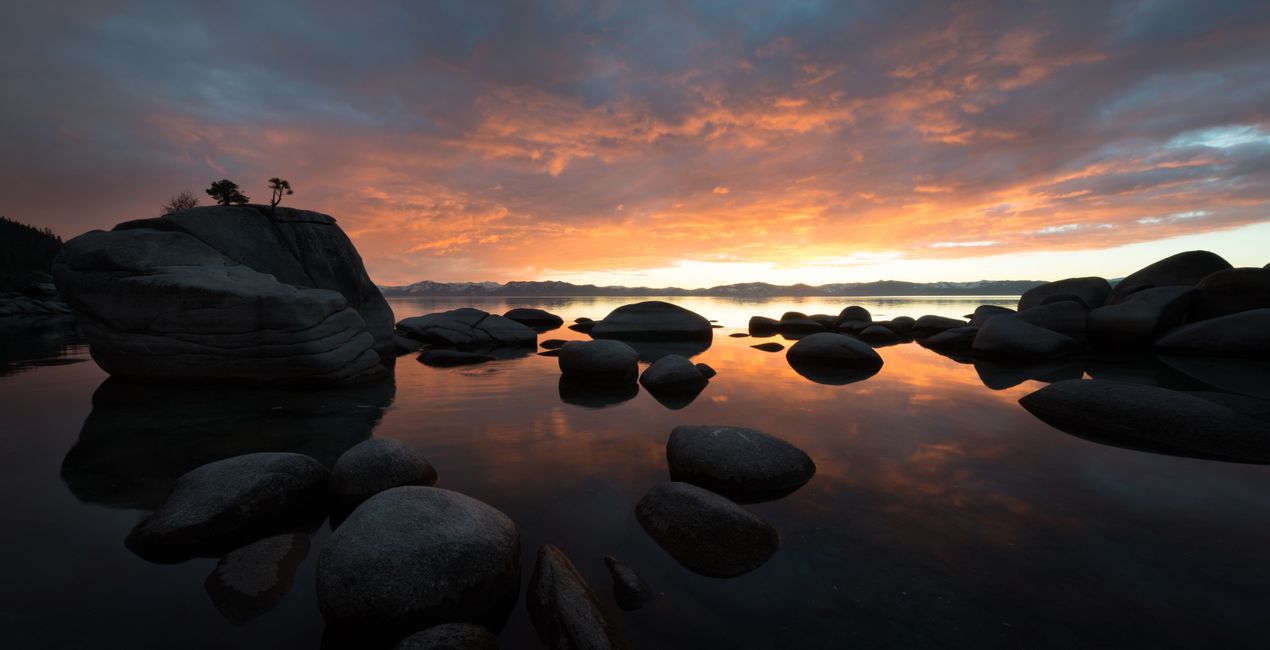
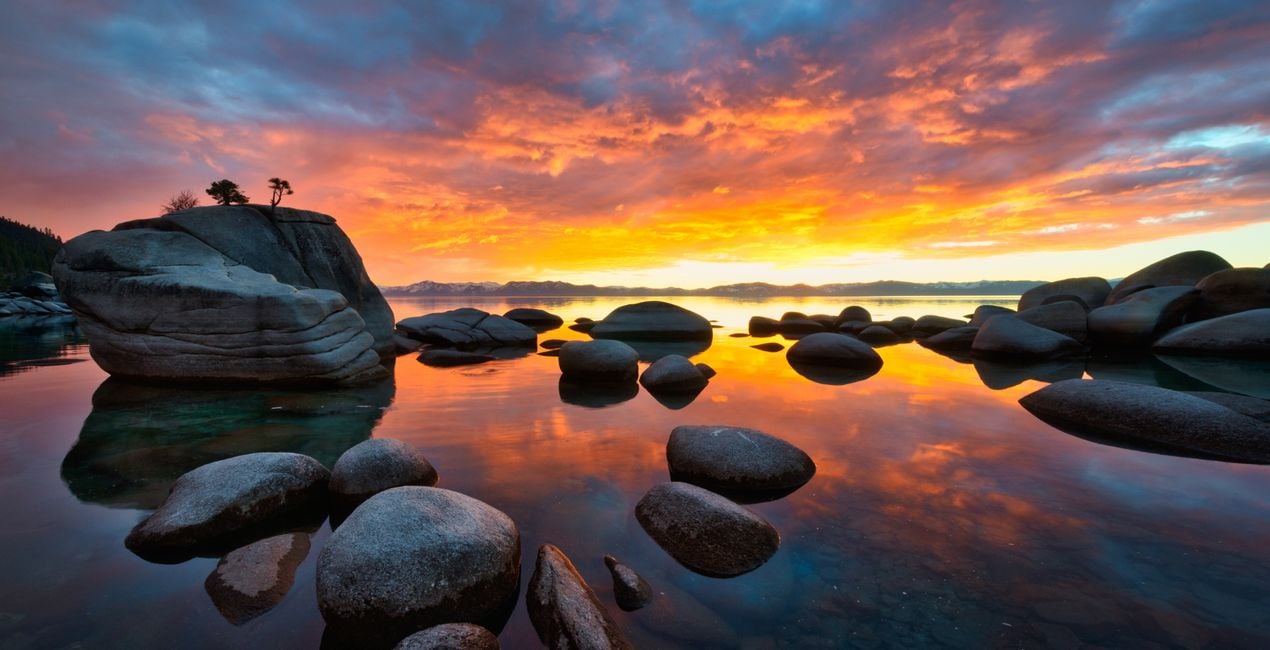
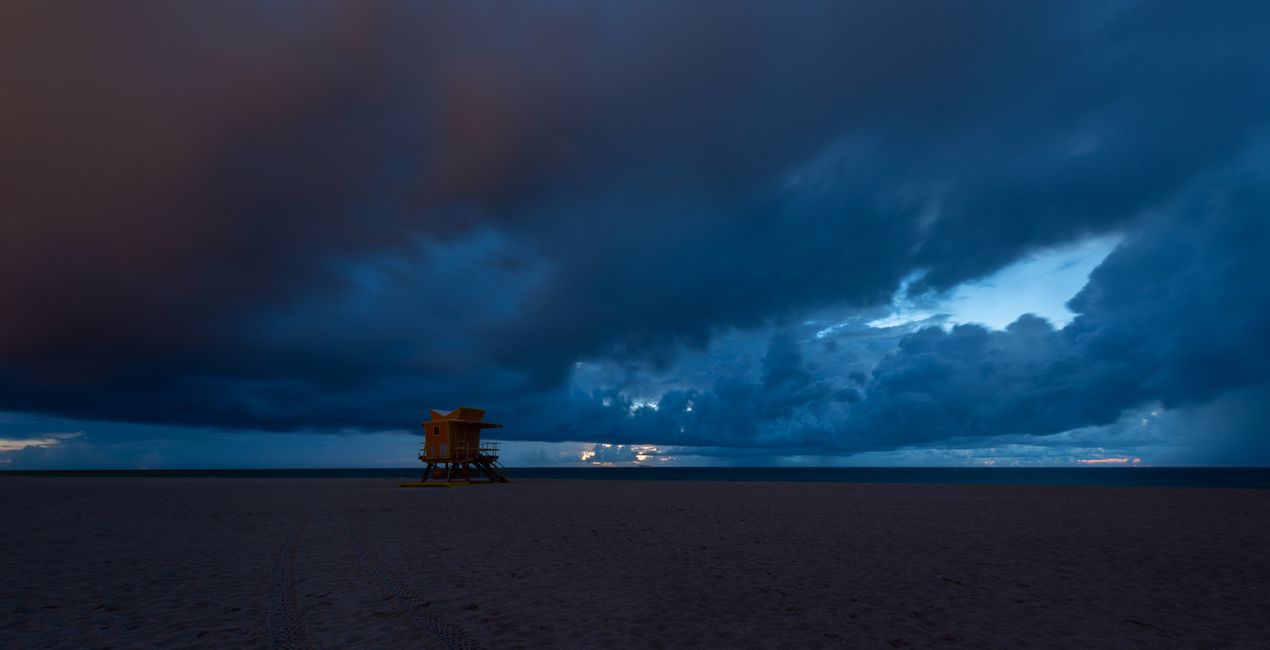
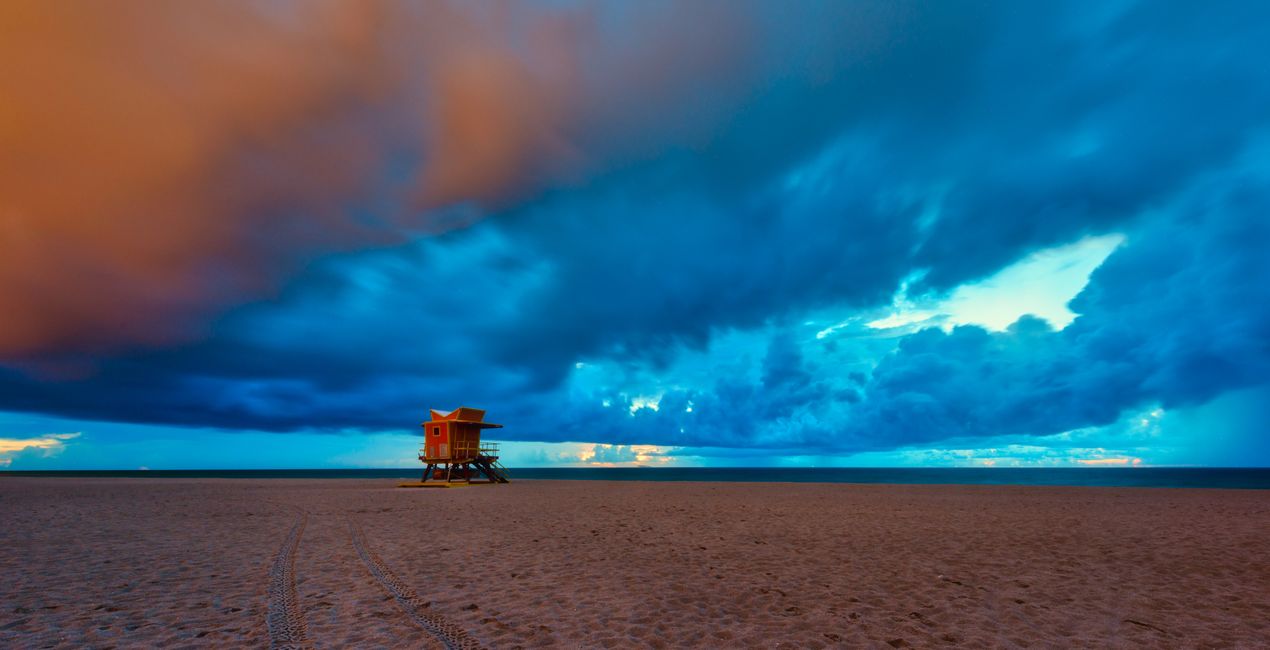
This collection of 12 Templates packs a punch, especially for images shot during the golden hour. Edin Chavez has carefully calibrated each slider to work with the natural colors of the sun and the landscape, creating a harmonious final image that makes you feel like you’re there.Edin Chavez
Was ist dabei
12 Templates. Compatible with JPEG and RAW images.

Mit den mitgelieferten RAW-Dateien kannst du ganz einfach Retusche-Tipps ausprobieren und lernen, wie man solche Fotos macht.
 >
>

 >
>
 >
>
 >
>
 >
>

 >
>
 >
>

 >
>
 >
>
Inspired by the golden hour, I crafted this Templates pack to help you bring out the beautiful colors during the most beautiful part of the day.
It’s often difficult to catch the right colors in an image, especially during the golden hour.
As the sunlight hits the clouds, an explosion of color appears, and it’s difficult to capture the entire dynamic range in one shot.
Note that if you underexpose your image by one stop (meaning you expose for the sky), you can get the rest of the dynamic range in one shot with this Templates pack.
This is how I shoot all of my images, and this is how I’m able to capture the beautiful colors mother nature paints for us.I carefully crafted these Templates using a mixture of sliders to bring out every single golden hour color without overdoing it.
These Templates will work best for your golden hour images; however, they will work with any image. I use them for all types of images.
You might have to adjust your Exposure slider to get the perfect look for your particular image.
If you think the Template is too strong, feel free to tone it down by using the Amount slider to taste.
Photographer. Skylum Ambassador
Edin Chavez is a world-renowned commercial photographer based out of Miami Beach, Florida.
His unique view of the world helps him give a creative twist to his images. Edin has worked with some of the most influential brands such as National Geographic, Nikon, and Corona.
He understands that the customer is the single most valuable asset an organization can have, and with his laser focus and passion for photography, the sky is the limit.
Edin is an animal lover, and in his free time, he loves to walk barefoot on the beach with his dog, travel around the globe, and write about it on his blog.
He also enjoys anything with a motor, including motorcycles and fast cars.
Wenn du Fragen zum Produkt hast, kannst du dich rund um die Uhr an den Support wenden. Folge einfach diesem Link.
Um Colorful Coastal Palettes zu kaufen, gehe wie folgt vor:
1. Öffne den Skylum-Marktplatz.
2. Geh zum gewünschten Tab, auf dem Colorful Coastal Palettes aufgeführt ist. Klicke darauf und lege es in deinen Warenkorb.
3. Geh zu deinem Warenkorb. Schließe hier den Kaufvorgang für Colorful Coastal Palettes ab.
4. Nach dem Kauf erhältst du eine Bestätigungs-E-Mail mit dem Download-Link für Colorful Coastal Palettes. Außerdem findest du den neuen Artikel in deinem Skylum-Konto auf dem Tab „Meine Add-ons”.
Detaillierte Anweisungen zur Installation von Colorful Coastal Palettes erhältst du in der Bestätigungs-E-Mail zusammen mit dem Download-Link.
Außerdem kannst du den gekauften Artikel direkt in Luminar Neo installieren: Geh zu „Extras“ > „Marktplatz“, wähle die Produktkategorie aus, suche den gekauften Artikel und klicke auf „Installieren“.
Das ist ganz einfach! Geh zum Tab „Presets“ und wähle „Gekauft“. Dort findest du deine installierten Presets.
Keine Sorge. Alle gekauften Artikel, einschließlich Colorful Coastal Palettes, werden auf dem Tab „Meine Add-ons“ deines Skylum-Kontos gespeichert, sodass du sie einfach erneut herunterladen und verwenden kannst.
Im Allgemeinen sind die meisten Artikel mit Luminar Neo kompatibel. Um jedoch sicherzustellen, dass Colorful Coastal Palettes mit deiner Software kompatibel ist, überprüfe vor dem Herunterladen oder Kauf die technischen Daten. Suche den Abschnitt „Kompatibilität“ auf der rechten Seite der Colorful Coastal Palettes-Seite, wo alle kompatiblen Produkte aufgelistet sind.
Geh noch nicht. Hier ist ein exklusiver Rabattcode für dich. Nutze ihn innerhalb der nächsten 15 Minuten, um an der Kasse zusätzliche 10 % Rabatt zu erhalten. Kopiere den unten stehenden Code und schließe deinen Einkauf ab.
15 m : 00 s





