© herraez
 © mihtiander
 © 3d_generator
About
Enhance the images from your last seaside vacation. Create stunning underwater scenes thanks to these 10 Templates that enhance the shades of blue, add saturation, increase brightness, and let you do more with your photos.
What is included
10 Templates. Compatible with JPEG and RAW images.
Compatibility


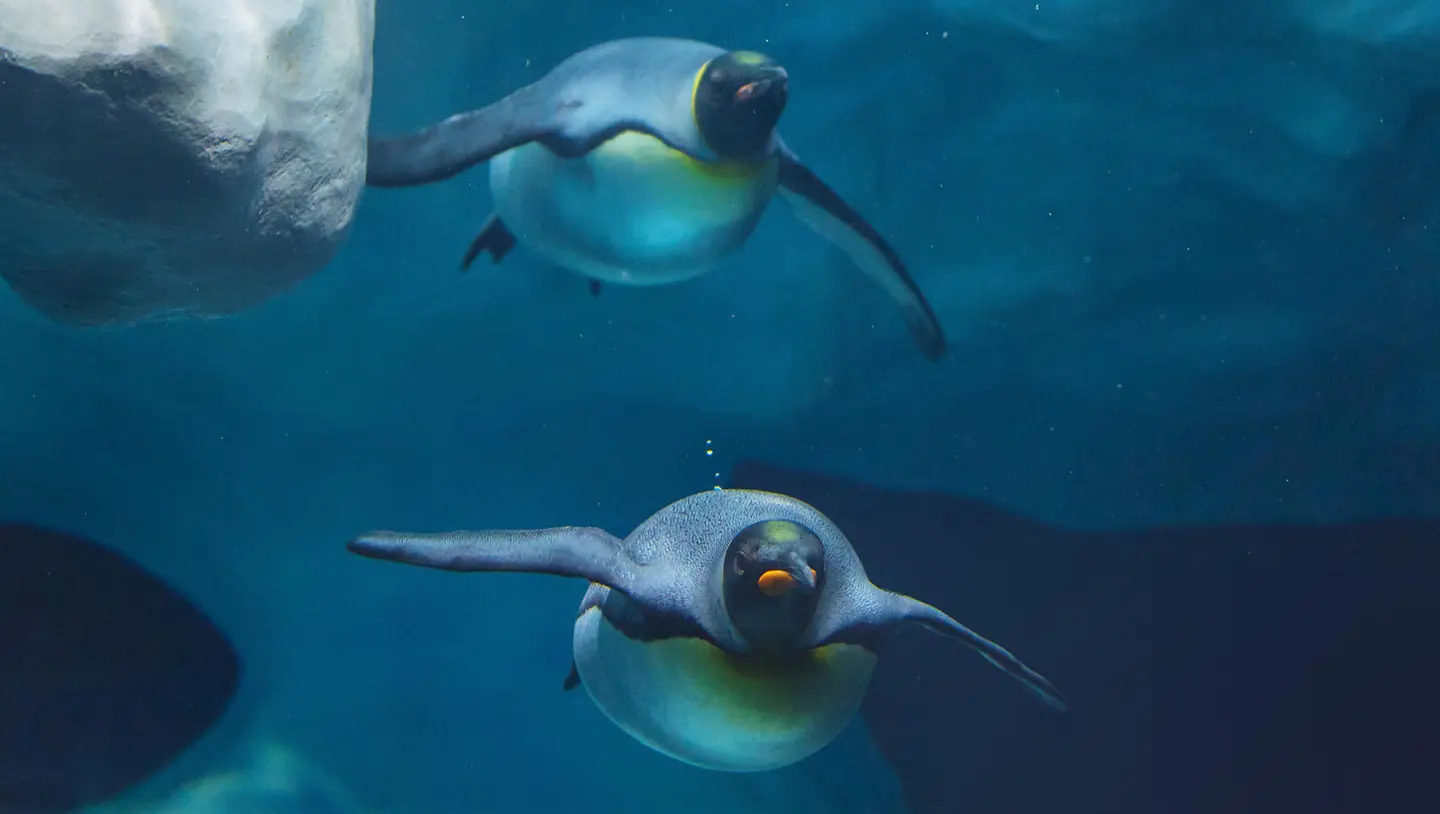
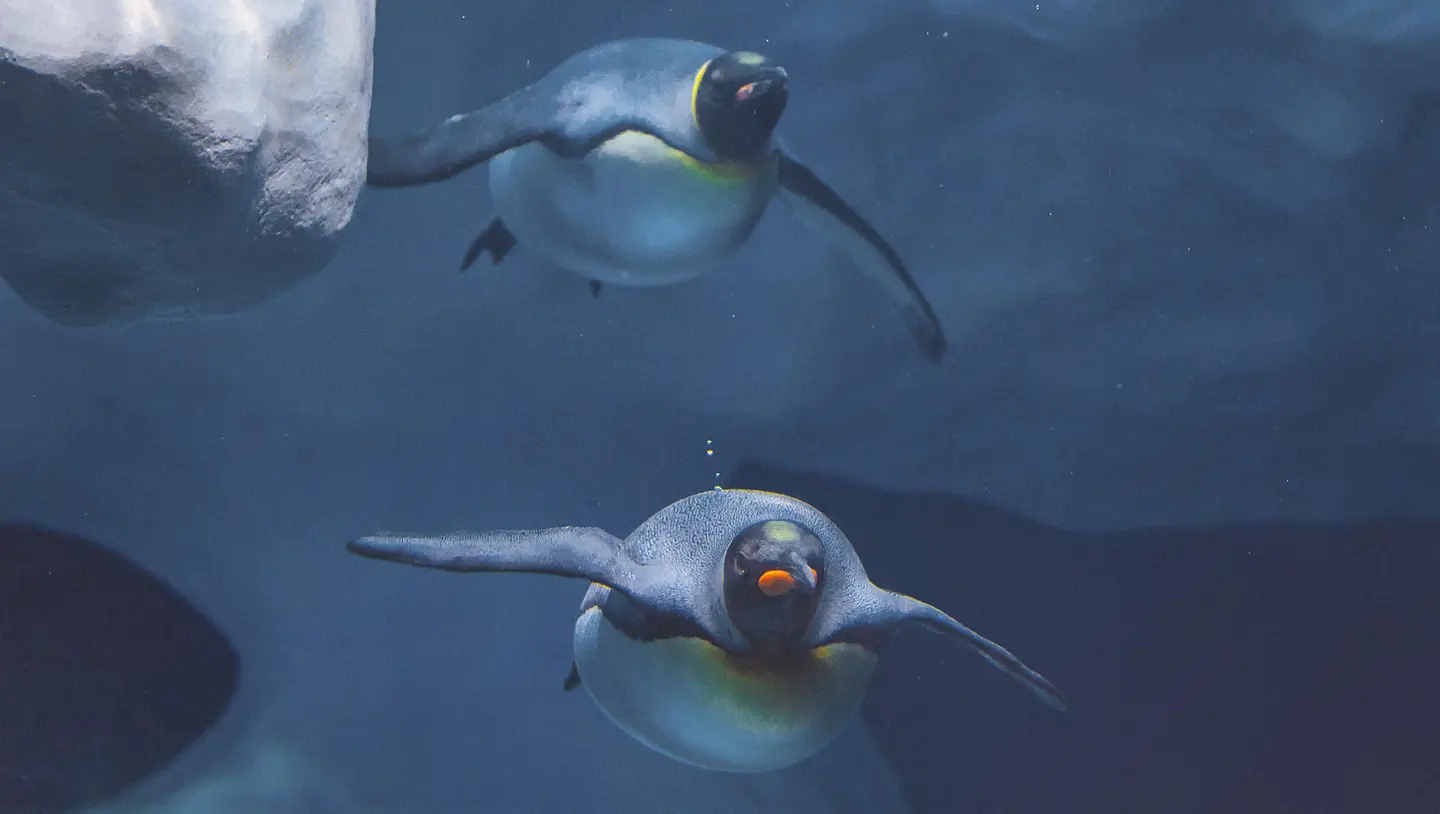
Get photos like these
Using RAW files you will easily practice retouching tips and learn how to get photos like these.
The story
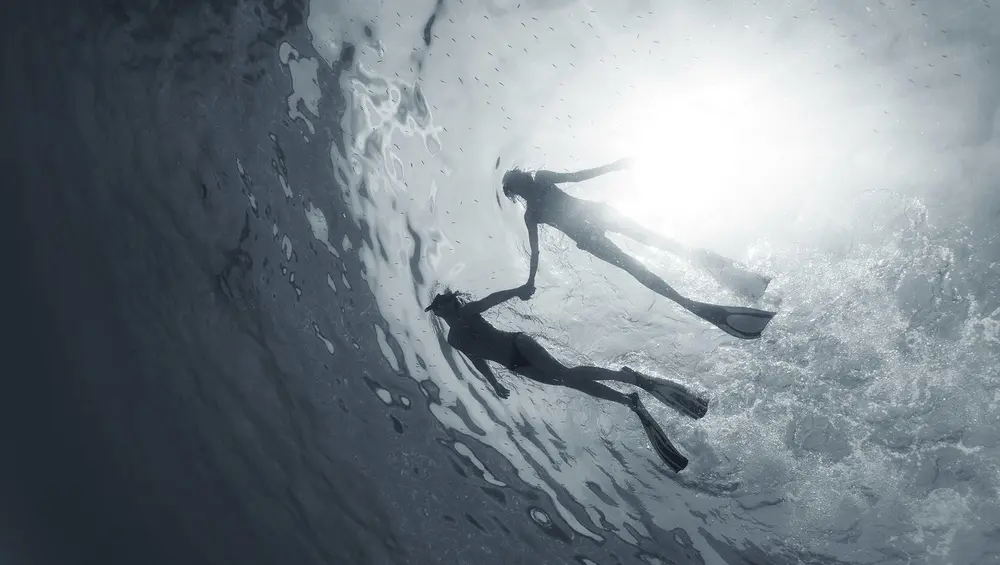
It’s hard to recreate that mesmerizing feeling of diving into the deep blue ocean and capturing the stunning underwater world in its true colors.
These 10 specialized Templates can help you channel the feeling of the deep sea and create impressive photos no matter your subject, whether it’s splendid coral reefs or the deep abyss.
Submerge yourself in creativity with deep sea blues, cinematic effects, monochrome Templates, and more to create unforgettable underwater images.
What you’ll find in this pack (10 Templates):
Colorful Reef: Craving rich colors in your photo? Try this Template without toning but with enhanced contrast and sharpness.
Water Blues: Enhance the shades of blue in your underwater photo and pull the focus on the water.
Abyss: Channel a cinematic atmosphere for the feel of underwater filming.
Turquoise: This Template brings a turquoise shade to the water and accents skin tones.
Tone Blue: Rescue overly light blue photos from your underwater shoot. This Template enhances the blues in your image, making water look more natural and creating a stunning effect.
Cinematic Deep: This cinematic atmospheric Template makes your photos look like part of a deep sea documentary.
Exotic Ocean: This bright saturated Template is perfect for photos of varied and exotic flora and fauna.
Film Look: Imitate the effect of expired film for a unique and experimental look.
Blue Monochrome: Use this Template to create monochrome toning with a slightly blue shade.
Gentle Breeze: With a soft atmospheric effect thanks to light contrast and light saturation, this Template is perfect for creating gentle and comforting photos.
Keep in mind that a Template’s default effect might be too strong for your photo.
If it is, simply bring it back a bit with the Amount slider.
Don’t forget to share your results! Use the hashtag #madewithluminar on social media so the Skylum Team can take a look at your work!
Related Products






Creator
Team Skylum
Photographers, colorists & retouchers
The Skylum team works with hundreds of professional photographers and retouchers to bring you Templates that top photographers use to create their masterpieces. The Skylum AI Lab analyzes the photos and workflows of photographers and creates Presets that are accessible to everyone and that take advantage of the advanced technology under the hood of Luminar. Our mission is to cut the time and effort it takes to make a striking photo and allow everyone to enjoy photo editing and photography.