© Ahmet Anak
 © Ahmet Anak
 © Ahmet Anak
About
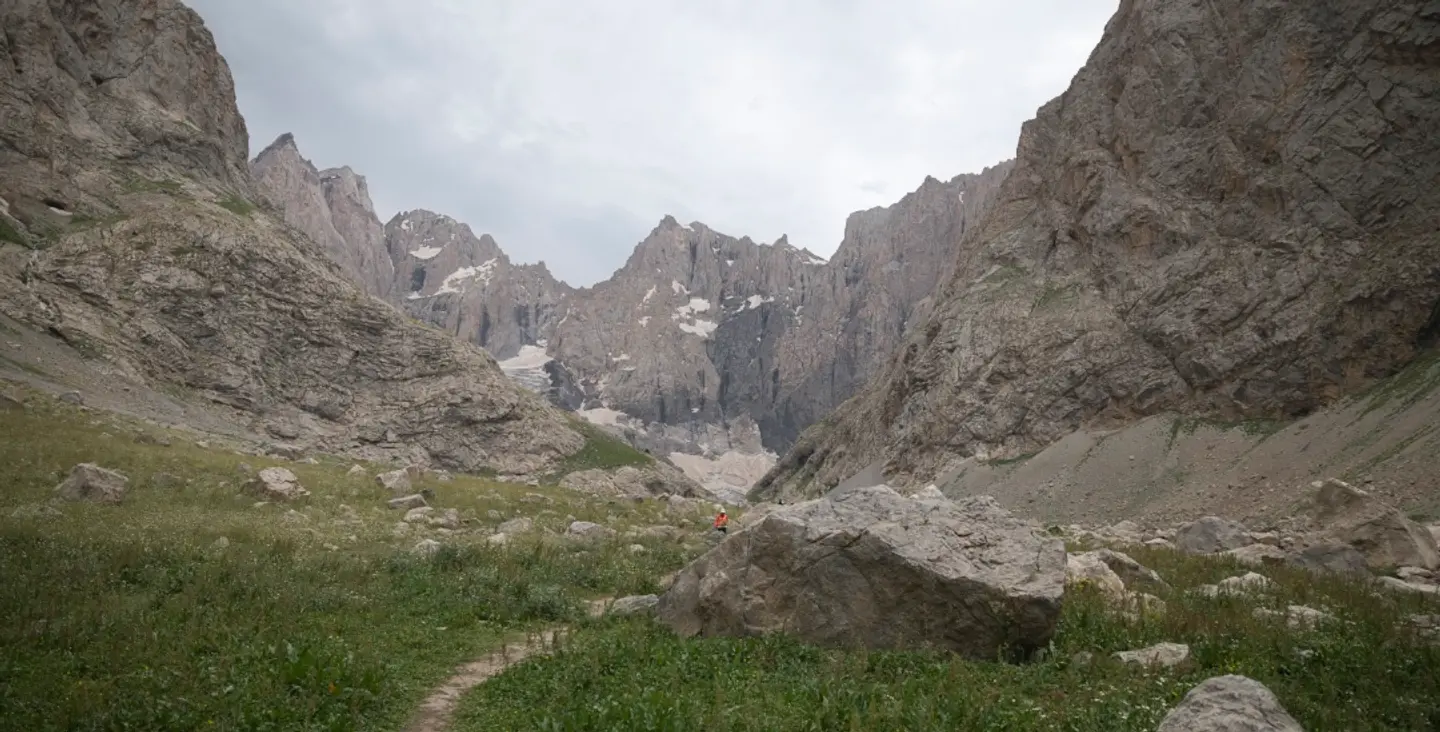
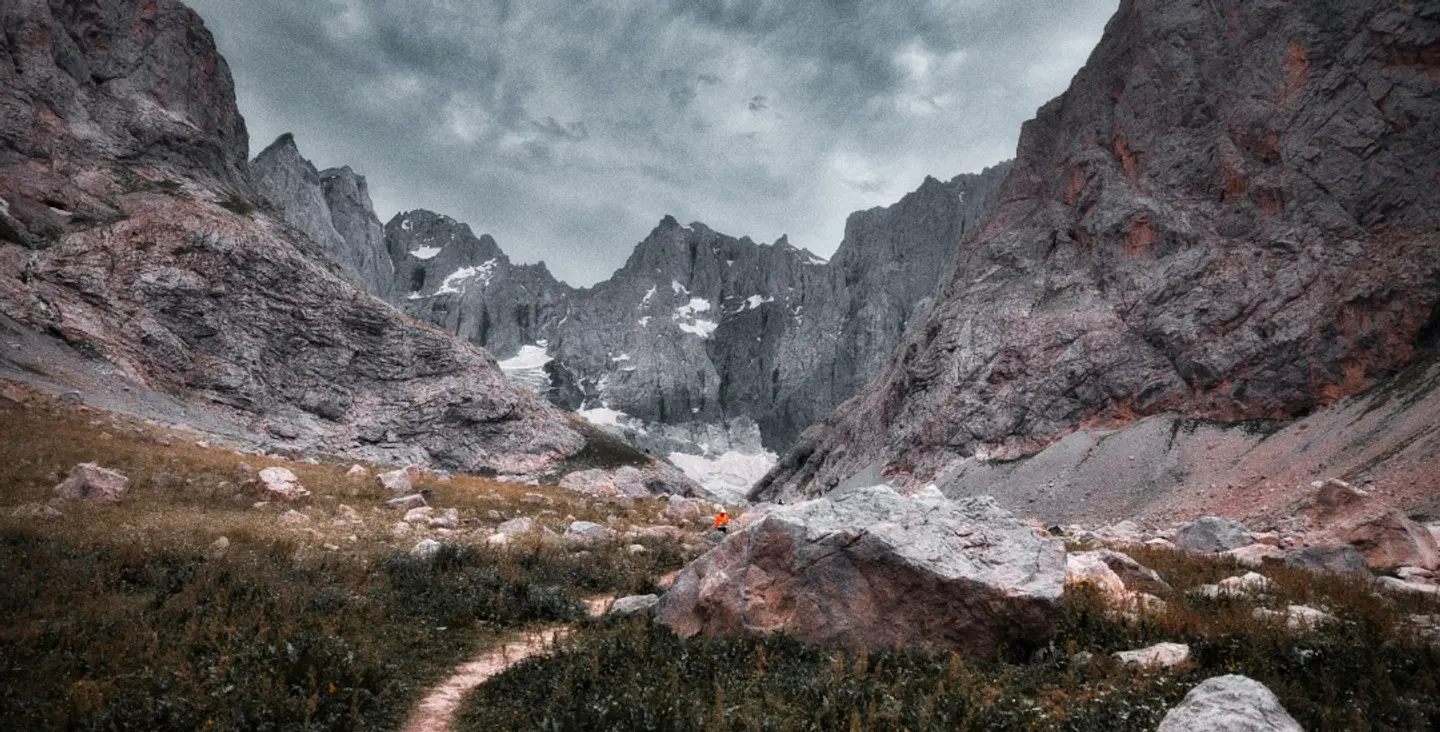
This preset pack features images from Mount Ararat and Mount Cilo, Türkiye's two highest mountains. Each preset brings a unique color palette, perfect for creating cinematic effects. Whether you're enhancing misty skies or grand mountains, these presets are ideal for elevating your landscape photos.
What is included
12 Luminar Presets
Compatibility


Get photos like these
Using RAW files you will easily practice retouching tips and learn how to get photos like these.
The story
 © Ahmet Anak
The presets in this collection were born from a week-long trek up Mount Ararat and Mount Cilo, Türkiye's tallest peaks. Photos were taken with both drones and handheld cameras, offering a variety of perspectives.
The presets combine cinematic colors to highlight the mountains' majestic landscapes. Whether the sky is overcast or the sun is setting, these presets transform photos into dramatic works of art.
These presets offer the freedom to express your creativity and capture the essence of adventure.
You will find 12 Presets in this pack:
Majestic 1: Perfect for achieving monochrome, grainy effects.
Majestic 2: Captures the mystic vibe of drone shots.
Majestic 3: Ideal for cloudy skies and monochrome results.
Majestic 4: Highlights yellow and blue tones in drone photography.
Majestic 5: Creates separation between foreground and background in drone shots.
Majestic 6: Perfect for lakes and sea photography captured by drone.
Majestic 7: Adds grain and reduces color saturation for vintage looks.
Majestic 8: Brings out earthy tones in landscape photos.
Majestic 9: Ideal for dark blue tones and dramatic clouds.
Majestic 10: Enhances purple tones, especially during sunsets.
Majestic 11: Focuses on orange hues for sunset shots.
Majestic 12: Designed for photos of animals, especially horses, in rocky terrains.
Related Products







Creator
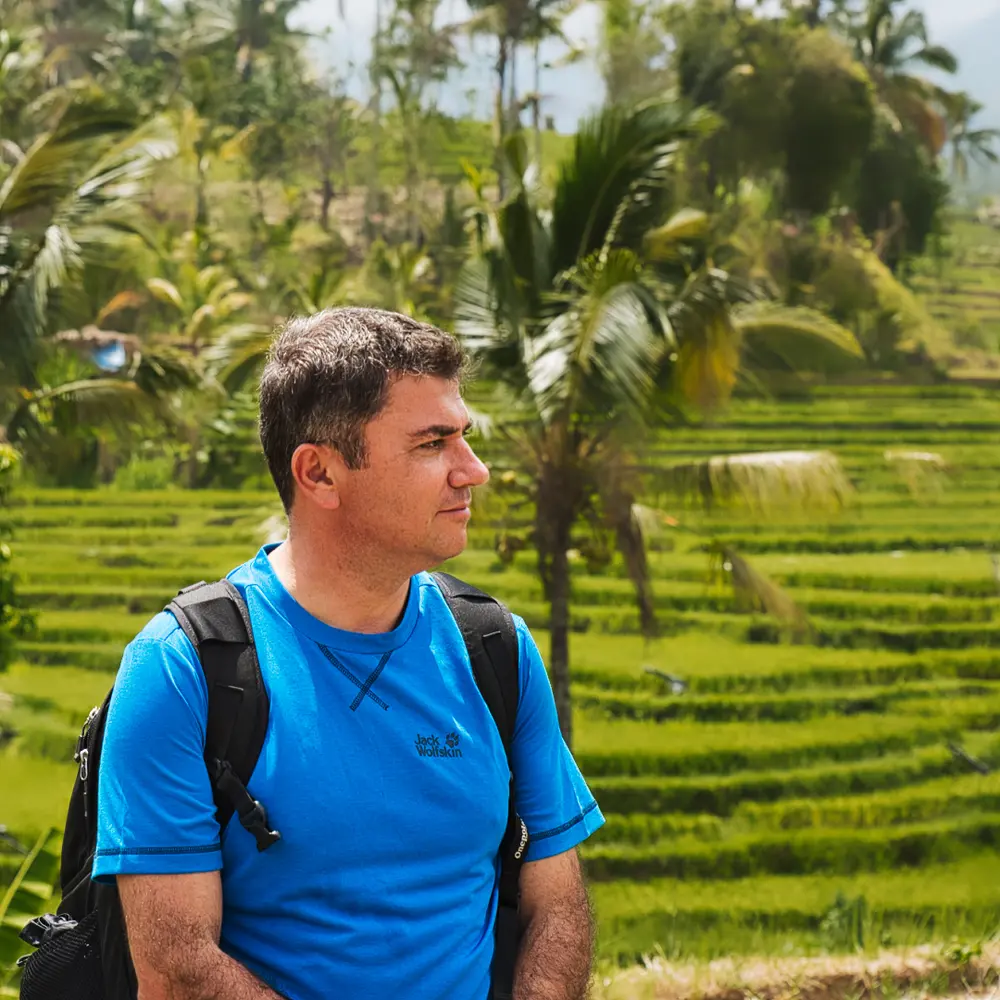
Ahmet Anak
Landscape & Nature Photographer | Color Editor | Retoucher
Based in Paris, France, Ahmet Anak is a full-time landscape and nature photographer with a deep passion for capturing the beauty of the natural world. With a background in industrial design, he spent 25 years working in the air conditioning sector before fully transitioning into photography — a field he has explored professionally for over 15 years, and pursued full-time for the past 5.
Ahmet has traveled to more than 23 countries, photographing diverse natural landscapes across the globe. His work has taken him to the Arctic regions of Finland, Iceland, and Norway, where he documented striking scenes from within the Arctic Circle. His photographs from Finland were featured in one of Turkey’s leading travel magazines.
A strong believer in visual storytelling, Ahmet shares a selection of his work through stock photography platforms, making his images available for download and broader use. Over the past 6 years, he has also developed a growing passion for drone photography, building a rich collection of aerial imagery. His latest journey took him to the remote and awe-inspiring landscapes of Antarctica the seventh continent.
Ahmet processes his images using Luminar, having been one of the early adopters of the software. He now works primarily with Luminar Neo, using its powerful AI tools to enhance the colors, tones, and moods that define his photographic style.