© Armand Sarlangue
 © Armand Sarlangue
 © Armand Sarlangue
About
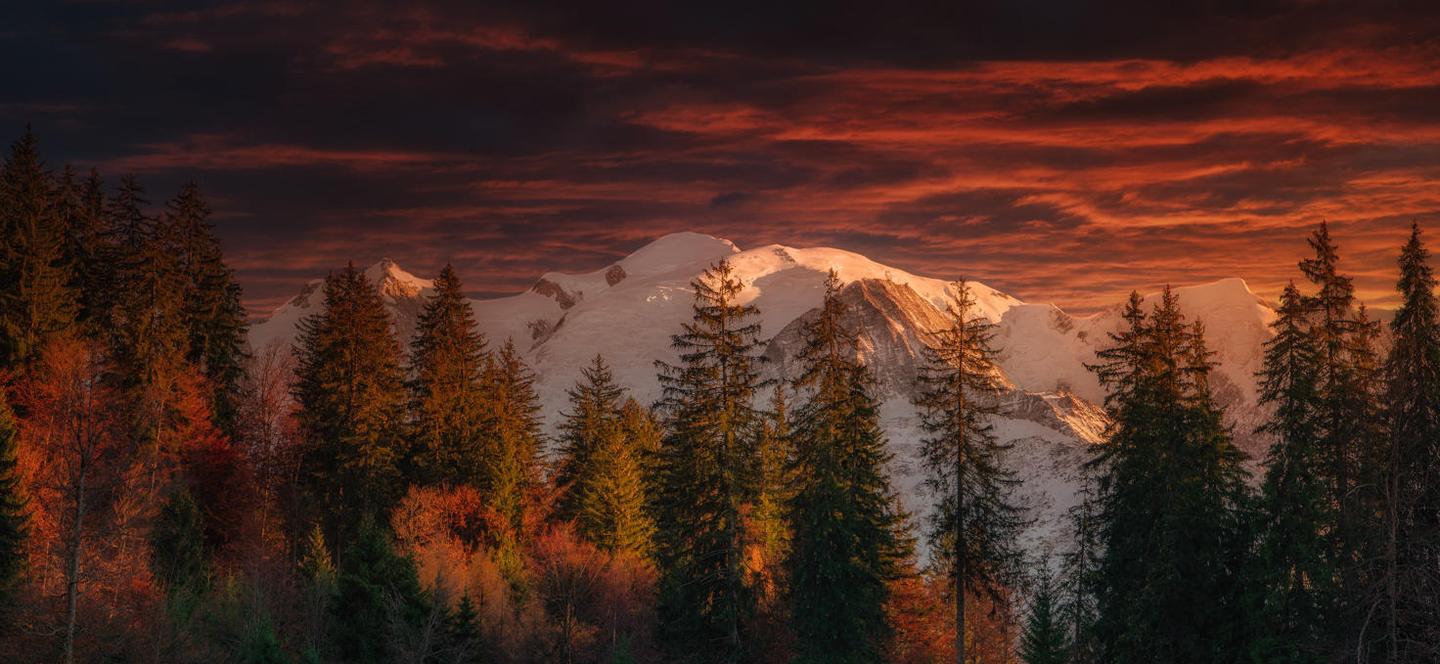
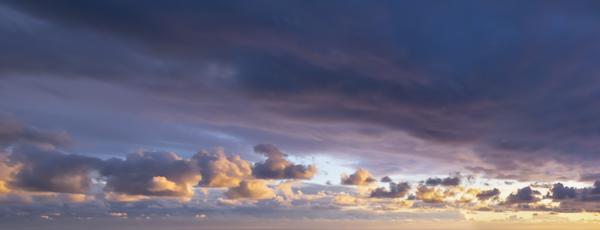
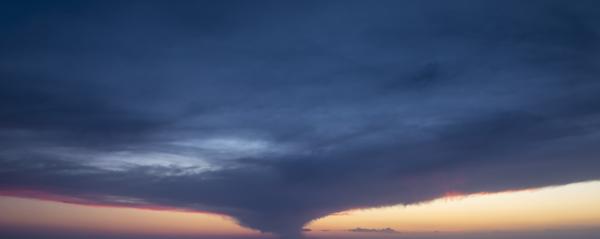
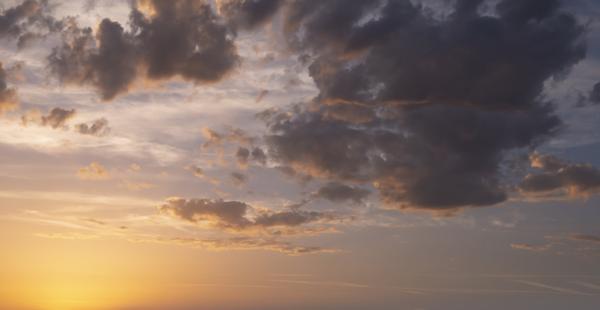
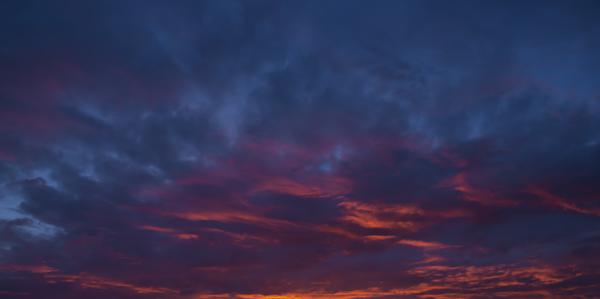
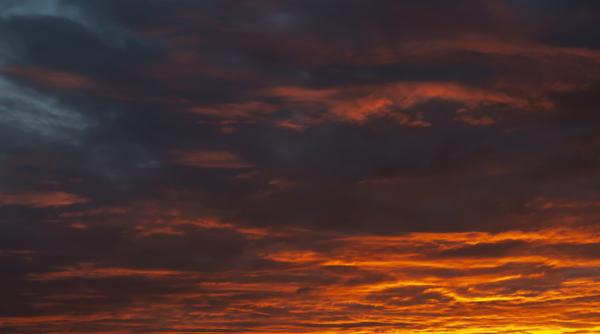
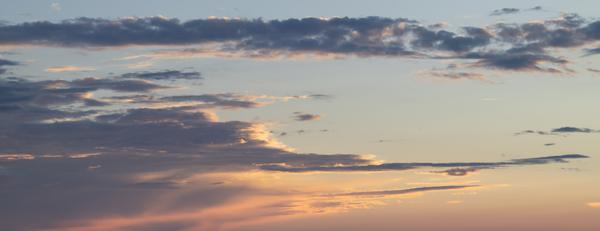
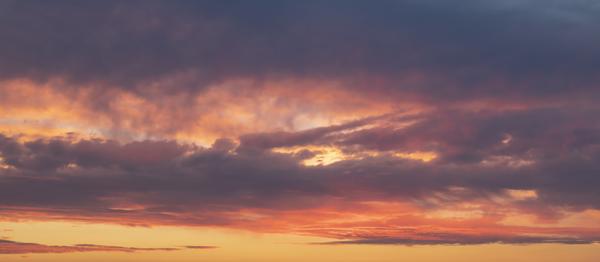
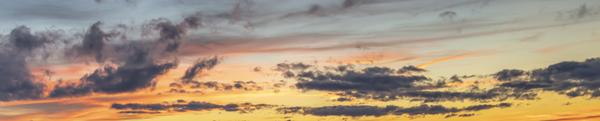
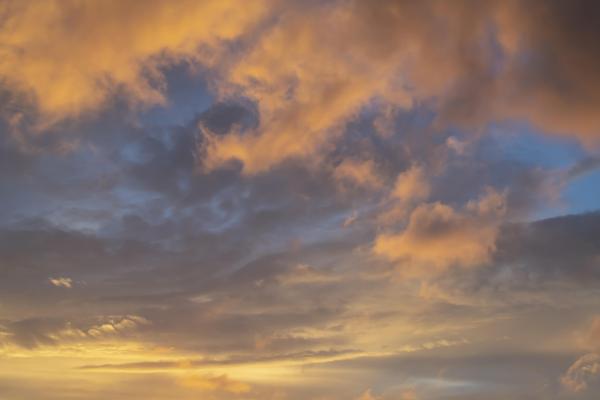
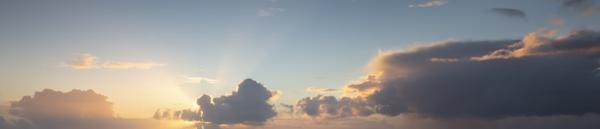
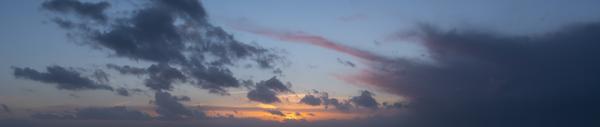
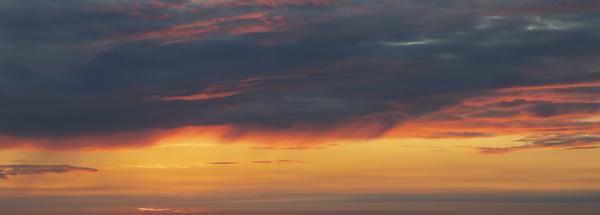
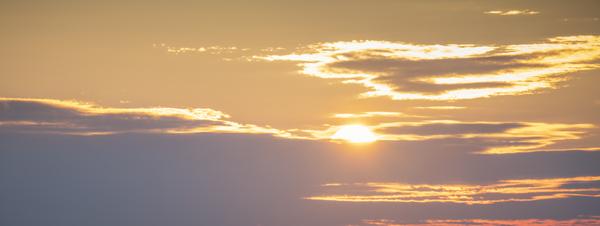
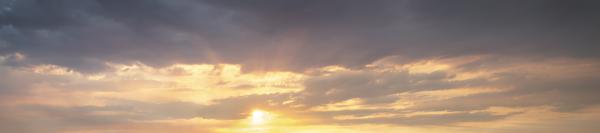
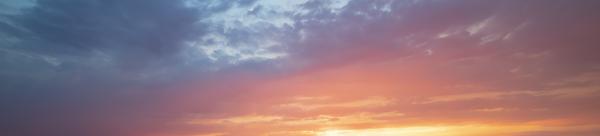
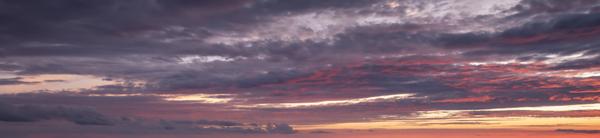
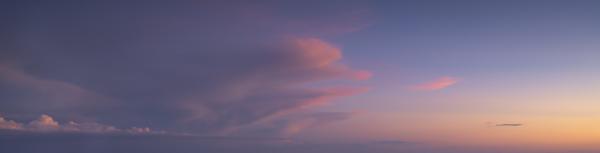
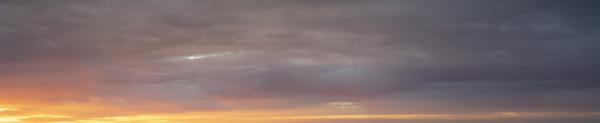
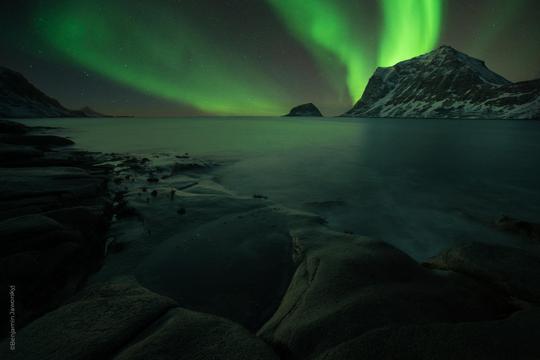
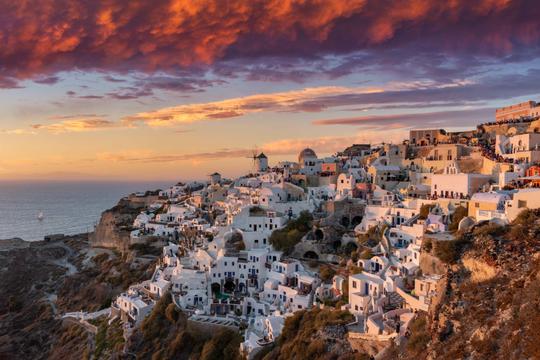
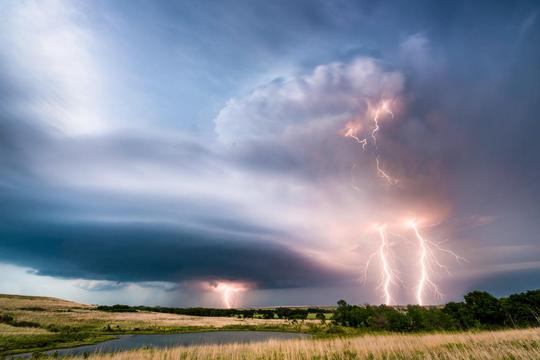
Discover this magnificent Skies pack filled with 25 vibrant sunrise and sunset skies by Armand Sarlangue, a multi-award winning nature photographer. The skies in this pack depict dream shooting conditions for every landscape photographer: uniquely shaped clouds, magical colors, and a dramatic ambiance. Photographed in places such as the French Alps and the deserts of the Southwest United States as well as under the incredible Norwegian lights, these skies will help you create an amazing atmosphere in your images. Fulfill your artistic ambitions with these high-quality TIFF and JPG sky textures.
What is included
25 skies in high-quality TIFF and JPG formats.
Compatibility


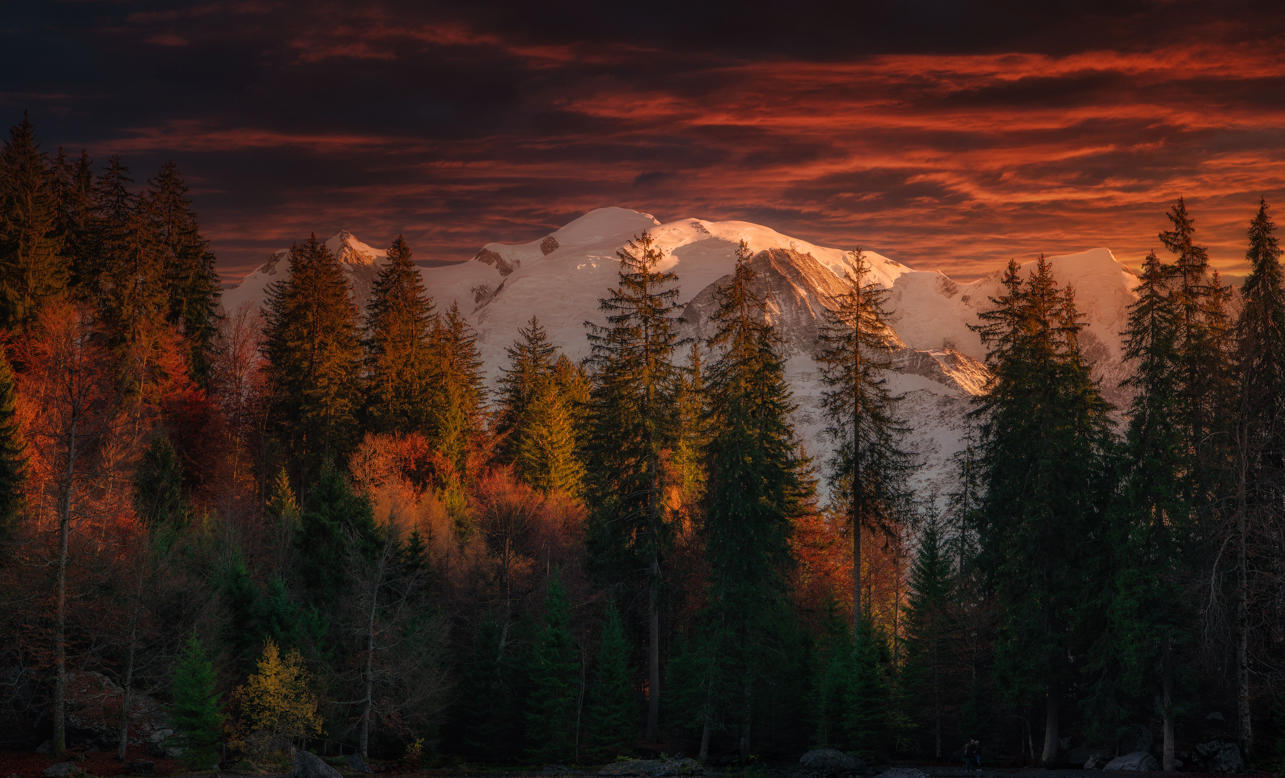
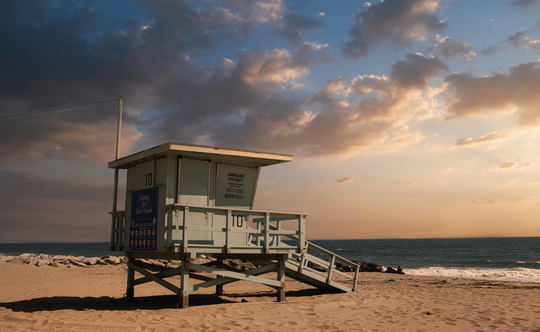
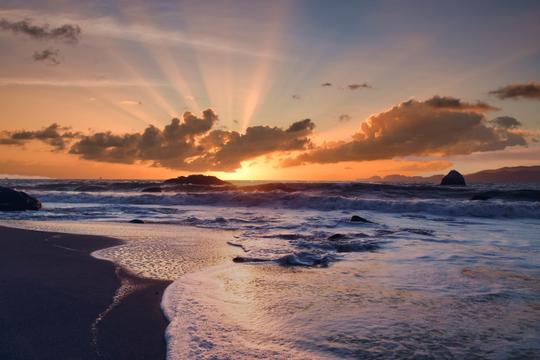
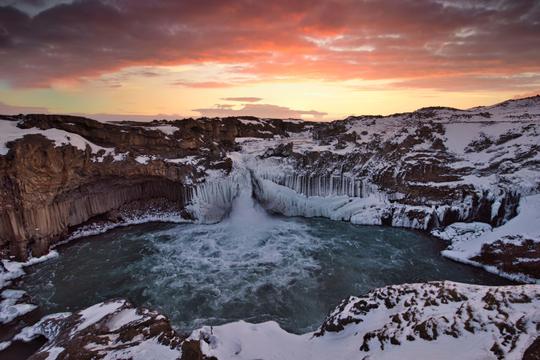
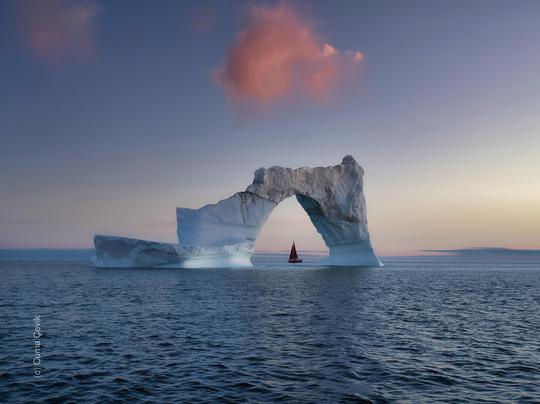
Get photos like these
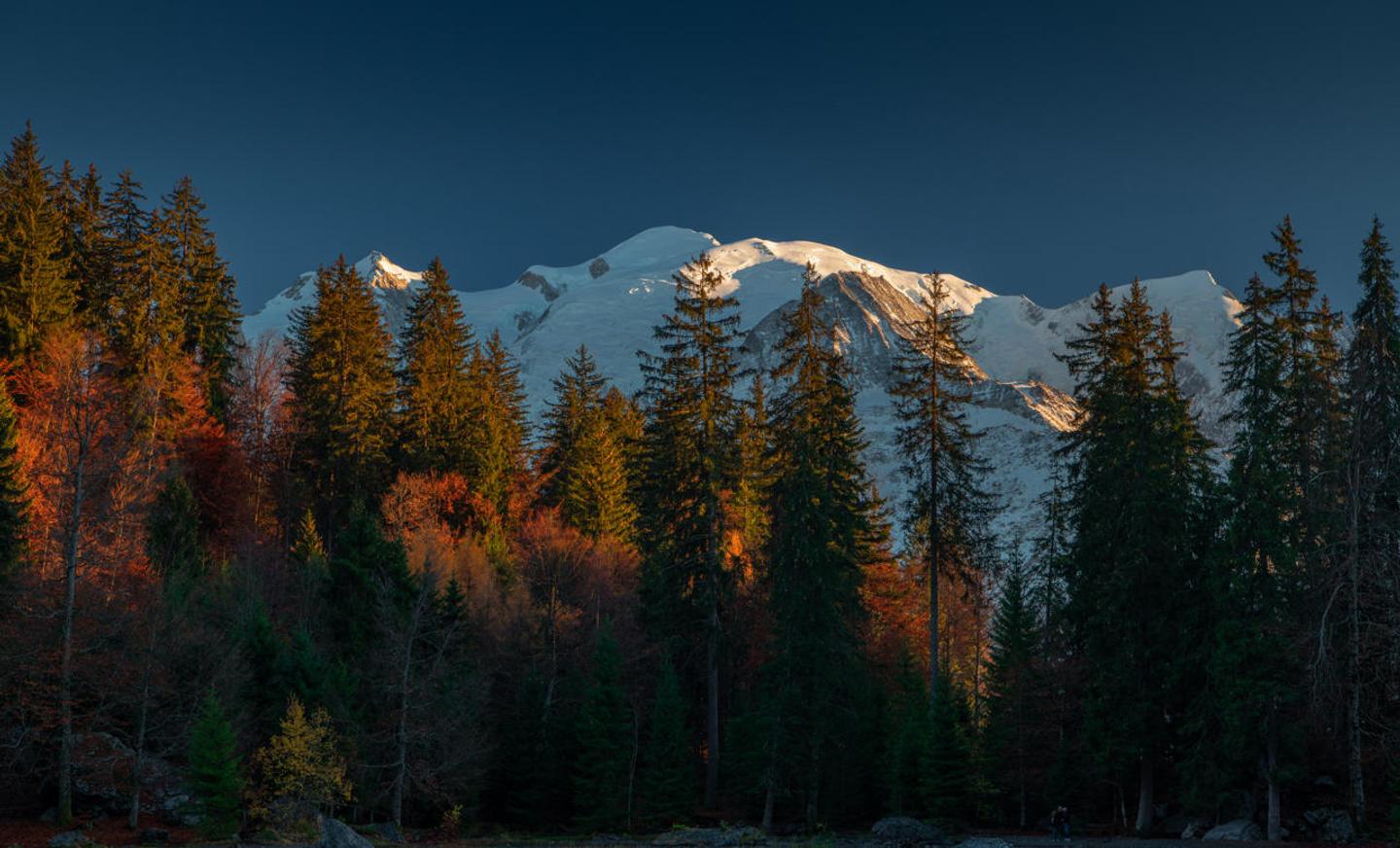
Using RAW files you will easily practice retouching tips and learn how to get photos like these.
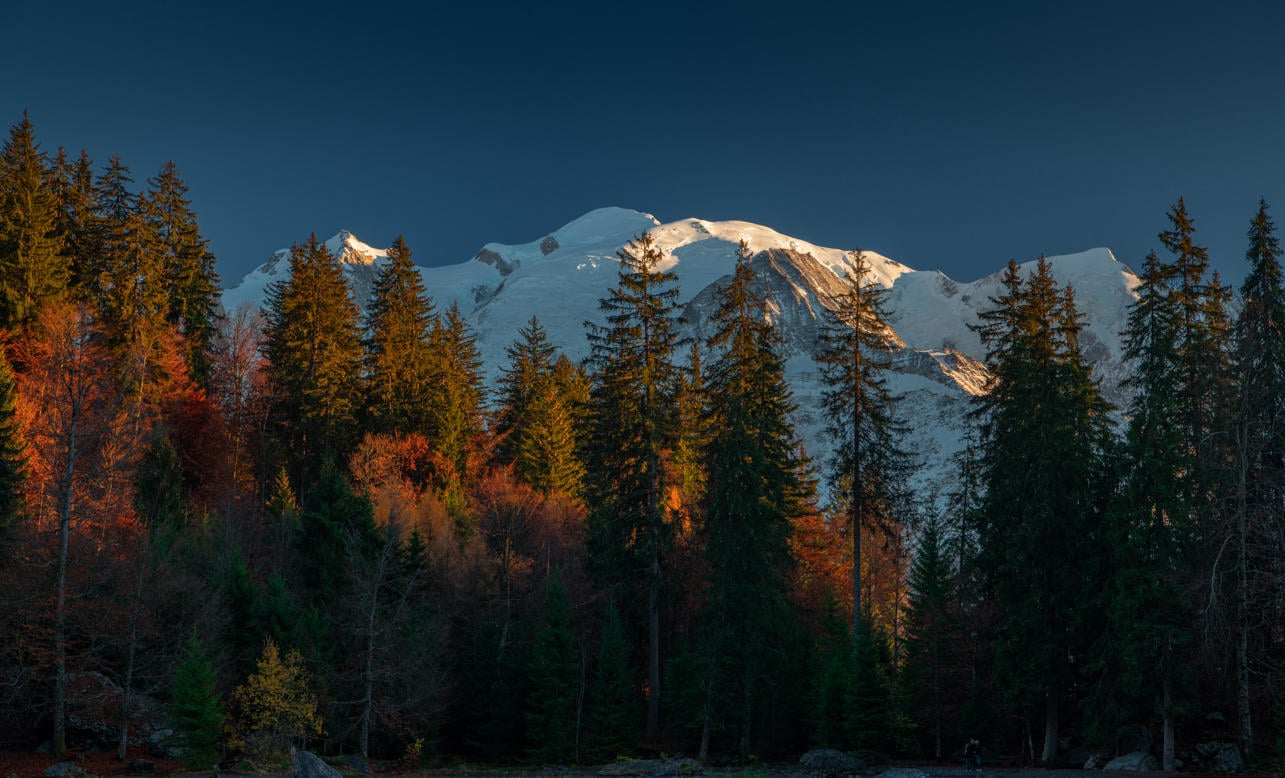
Skies included in the pack






Related Products


Creator
Armand Sarlangue
Photographer. Skylum Ambassador.
Armand Sarlangue has been a professional photographer for 14 years. The son of a photographer, visual art has been Armand’s true passion since childhood, and it’s through nature photography that he really expresses his creativity.
Being alone in the most remote places and translating the feelings of those moments through his images is what motivates Armand. He uses advanced post-production techniques to create ambiances that match his vision of our world.
Armand’s landscape images have been internationally awarded and exhibited in the USA, Spain, Italy, and France. His work has also been published by National Geographic, GEO Magazine, Australian Photography magazine, BBC News, and many other publications.