© Leraabiby160987
 © monkeybusiness
 © mickeycud41.hotmail.com
About
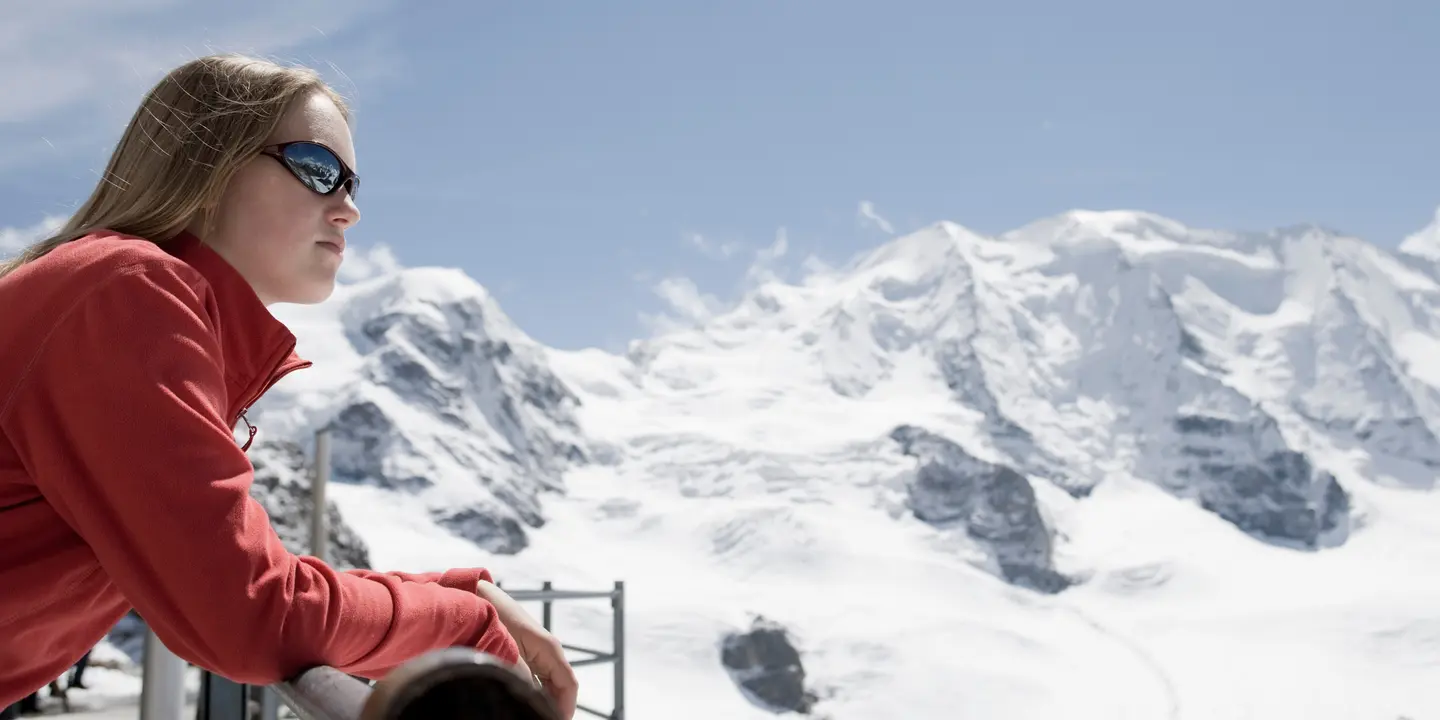
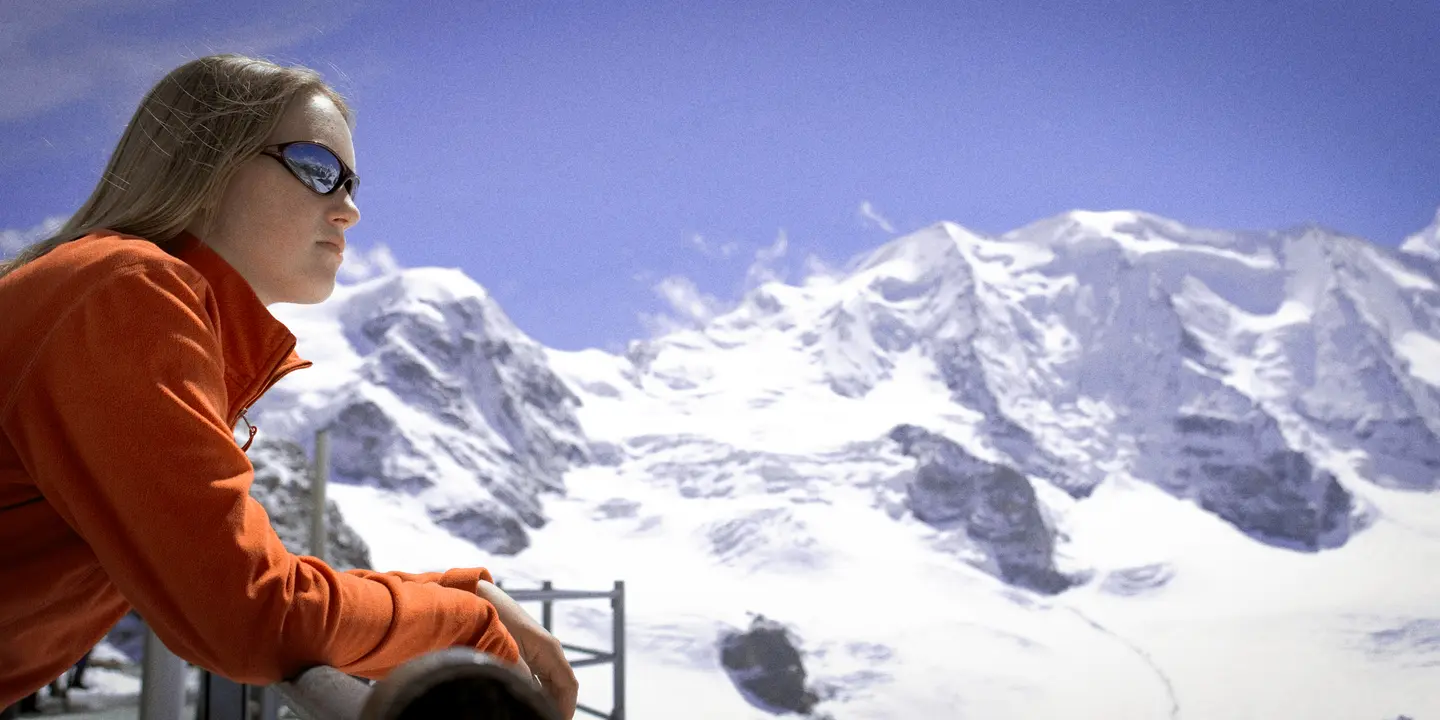
This preset collection was inspired by 90s ski resorts, vintage winter postcards, and alpine aesthetics. It combines warm cozy tones with icy blues, subtle film grain, and high-key lighting for a nostalgic feel. The pack works beautifully with snow landscapes, ski trips, winter fashion, and lifestyle photography. These presets preserve details in snow, textures, and clothing while adding cinematic mood. Perfect for photographers seeking retro winter charm with modern refinement.
What is included
10 Luminar Presets
Compatibility


Get photos like these
Using RAW files you will easily practice retouching tips and learn how to get photos like these.
The story
 © monkeybusiness
Ski Resort 90’s was created to capture the nostalgia of snowy ski resorts and winter holidays from the 90s.
Each preset evokes vintage charm with cozy warmth, icy highlights, and cinematic tones.
From soft matte effects to high-contrast snowy landscapes, the pack brings winter stories to life. It is designed for photographers who love nostalgic, playful, and cinematic winter imagery.
This collection balances retro aesthetics with modern editing flexibility, making every shot feel like a winter postcard.
You'll find 10 Presets in this pack:
Snow Angel: Matte, warm preset with blue in shadows for contrast and premium feel.
Vintage Grain: Black and white with wide dynamic range, warm tones, and high digital grain. Linear gradient with increased exposure.
Ski Classic: Bleached background with slightly cold toning to highlight atmosphere; main color bright red, matte for soft mood.
Iceberg: Deep blue emphasis with red and orange highlights, bright high-key lighting. Subtle warm gradient at the bottom.
Gift Express: Warm-toned preset making reds deep but muted; primary colors are green-yellow and dark purple.
Magazine: Lower overall contrast with lifted blacks (fade effect). Blue in shadows, yellow-red in highlights, mimicking matte magazine pages.
Cozy Day: Warm, cozy home-inspired preset for soft, inviting light.
Snow Ruby: Enhances reds on a cold background. Perfect for festive winter imagery.
Fireside: Adds golden highlights and purplish shadows. Soft contrast creates a matte, warm glow.
Aspen: 90s classic vibe. Saturated blues shifting to purple, warm whites for nostalgic winter look.
Related Products








Creator
Team Skylum
Photographers, colorists & retouchers
The Skylum team works with hundreds of professional photographers and retouchers to bring you Templates that top photographers use to create their masterpieces. The Skylum AI Lab analyzes the photos and workflows of photographers and creates Presets that are accessible to everyone and that take advantage of the advanced technology under the hood of Luminar. Our mission is to cut the time and effort it takes to make a striking photo and allow everyone to enjoy photo editing and photography.