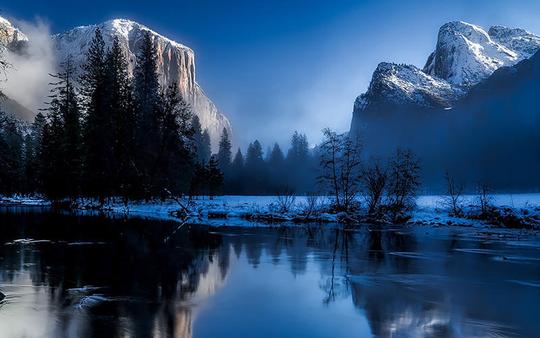
 © kojoty
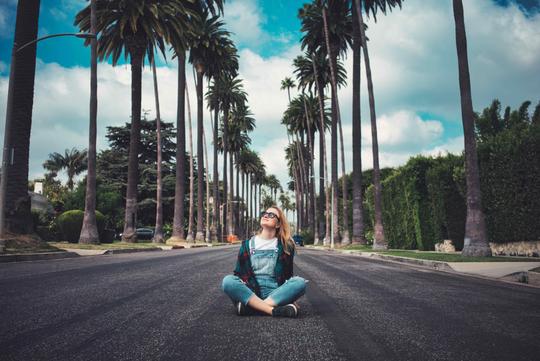
 © DmitryRukhlenko
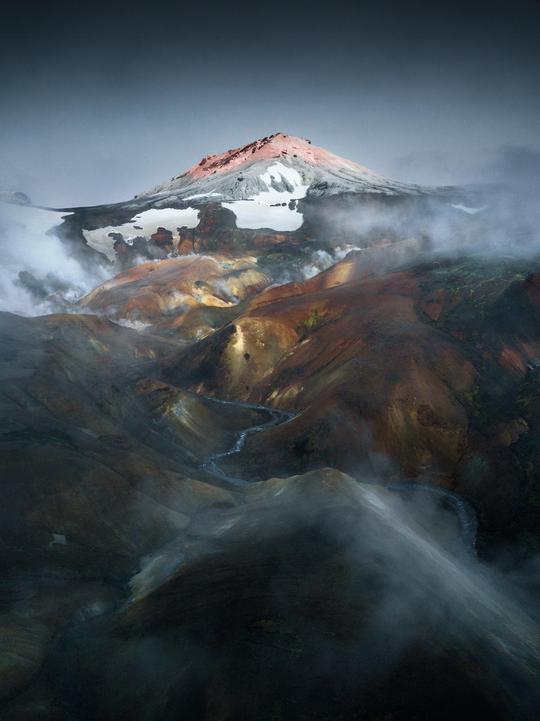
 © PantherMediaSeller
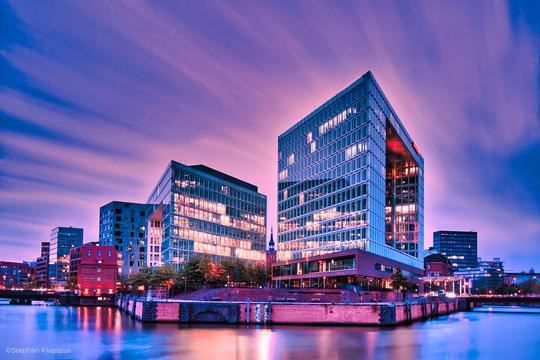
 © IgorPylBO
About
Got fantastic landscape shots from your winter vacation? Enhance them in one click with these 10 glorious Templates for mountainscapes. Whether you have daytime, evening, low-contrast, or high-contrast photos, you’ll be satisfied with the results.
Compatibility


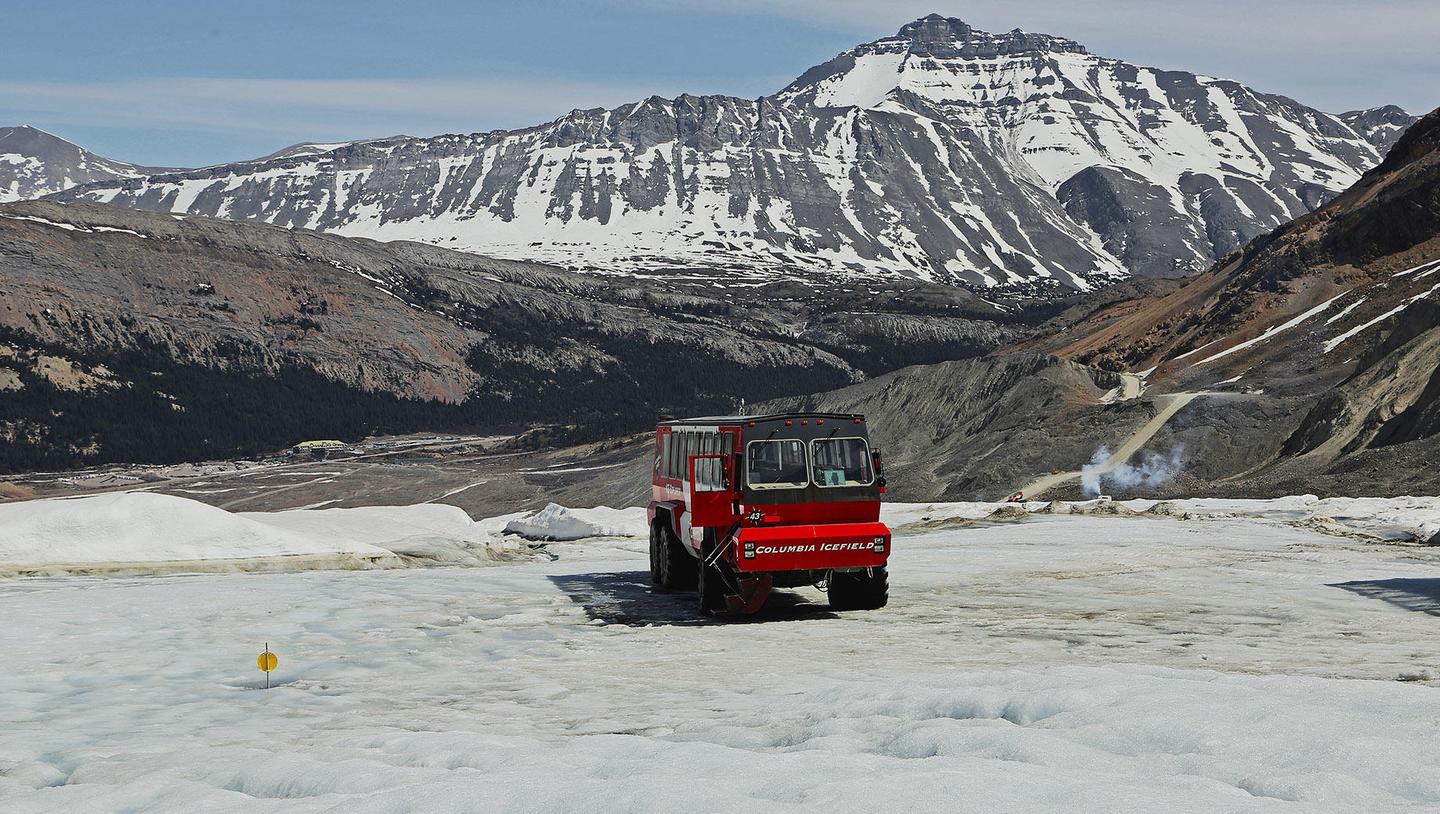
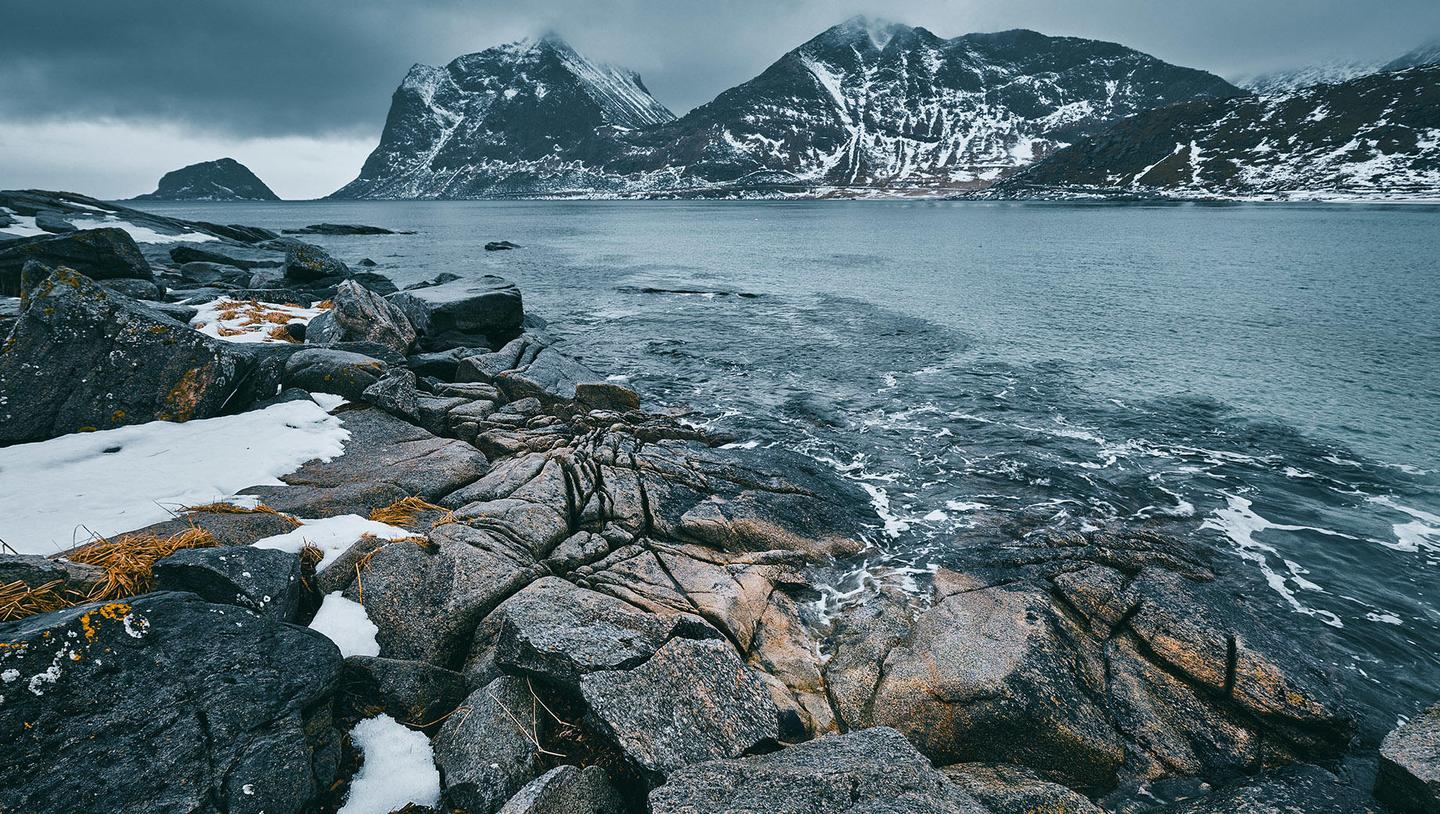
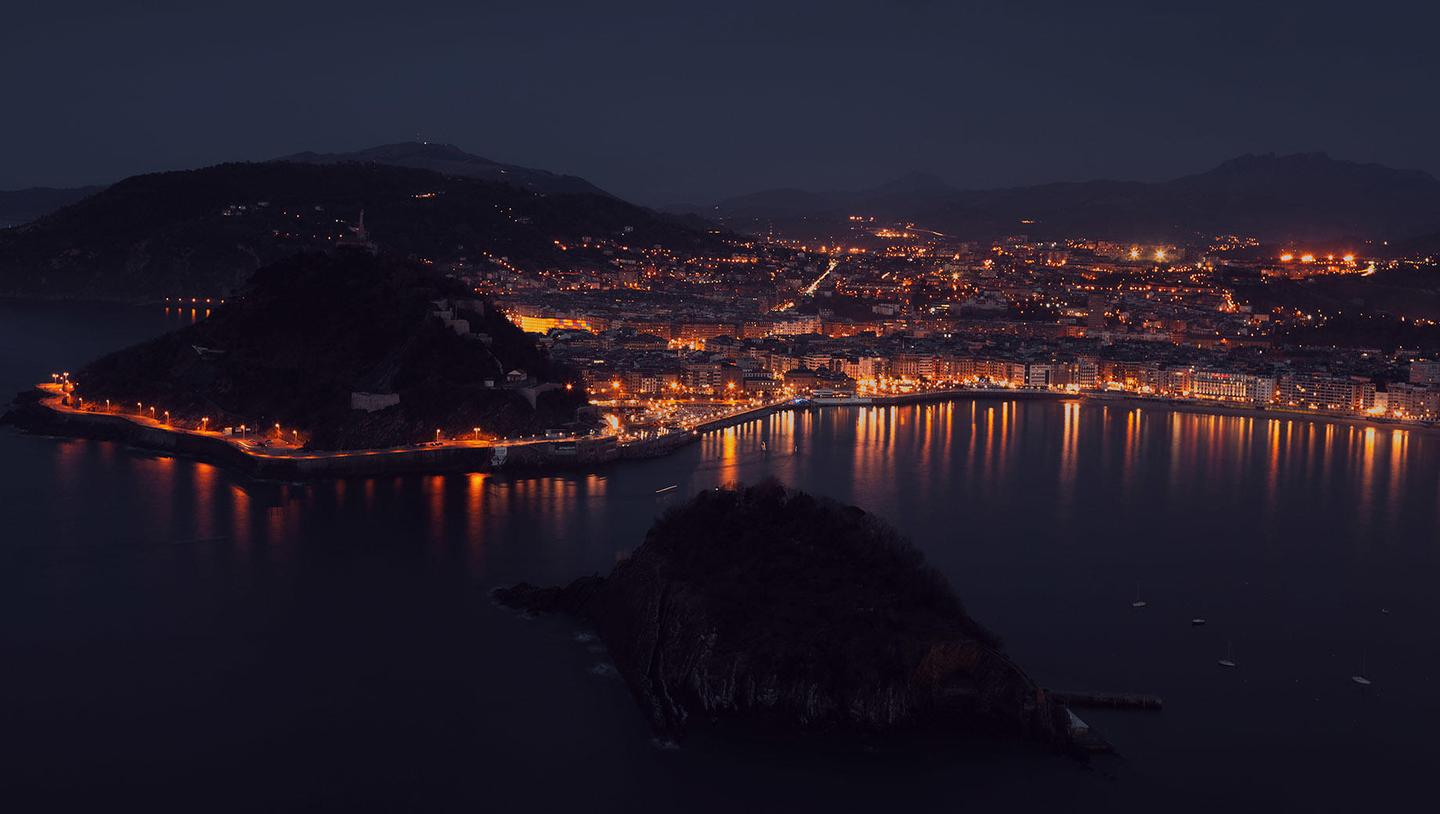
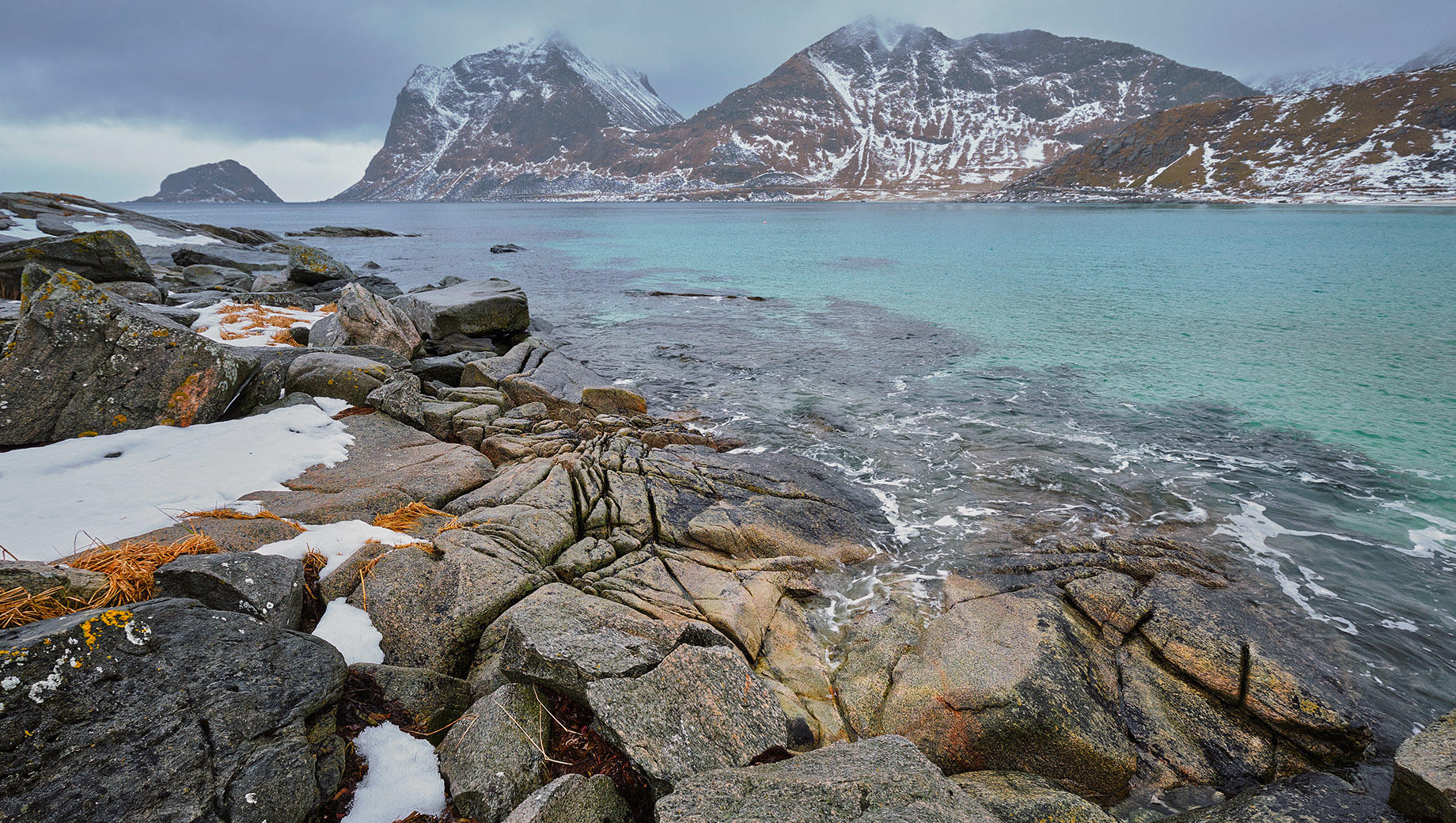
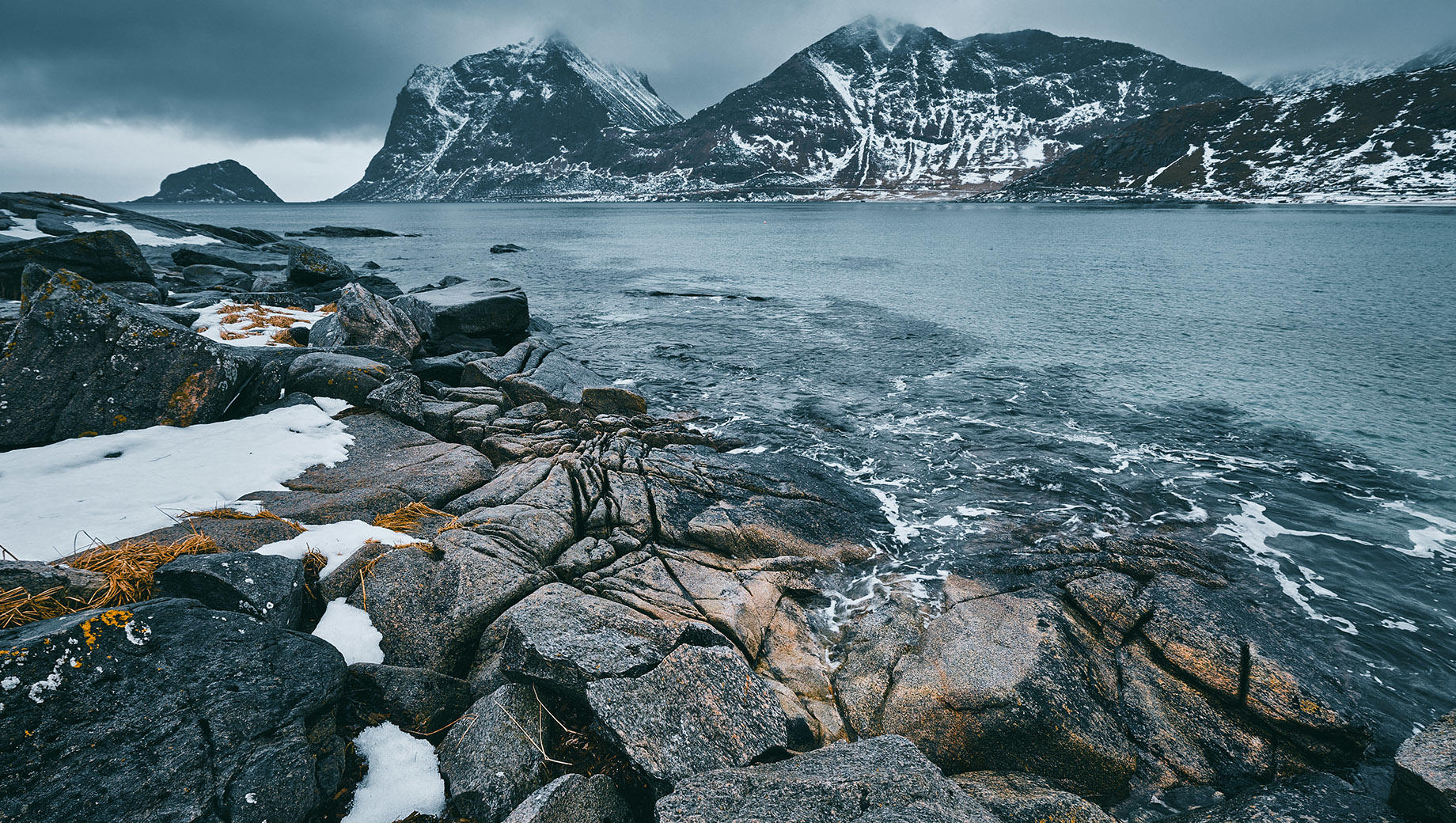
Get photos like these
Using RAW files you will easily practice retouching tips and learn how to get photos like these.
The story
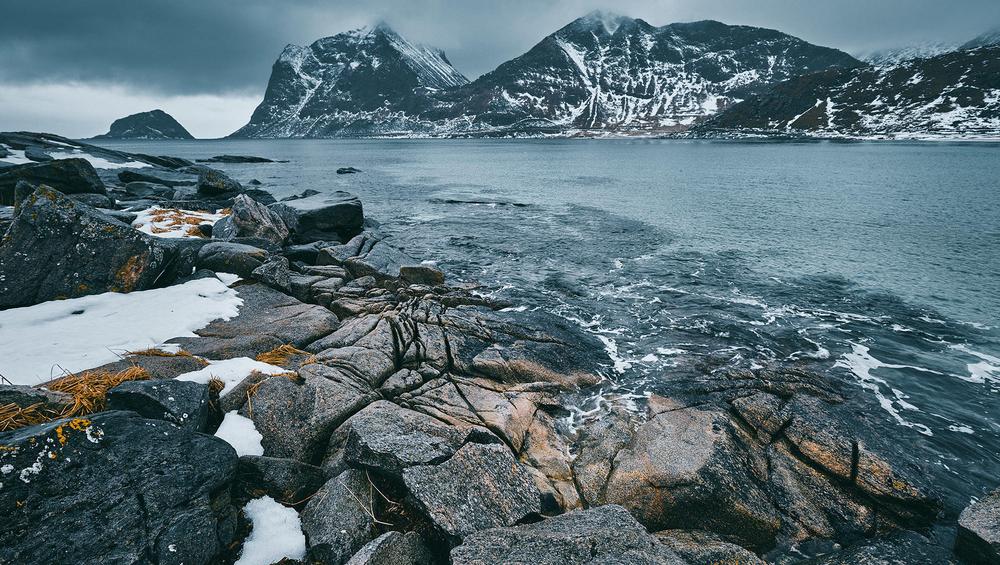
Don’t let the photos you’ve captured on your last winter vacation go unappreciated. It’s time to edit them with this incredible pack designed by Team Skylum especially for wintertime mountainscapes. This collection boasts 10 incredible Templates that are perfect for your winter travel photos captured in snowy mountains. Soft, contrasty, warm, cold, low key, or anything else — you’ll find a Template that will certainly make your photos look breathtaking.What you’ll find in this pack (10 Templates):Elbrus: A soft Template with cold shadows that’s ideal for daytime shots.Victoria: A soft two-toned Template to perfect your daytime shots.Sinai: A bright Template with low saturation of blues and an emphasis on warm hues, with a lowered white point and slightly warm highlights.Elgon: A bright Template with low saturation of blues and an emphasis on warm shades.Everest: A Template with a raised black point and slightly greenish shadows.Brandberg: A Template in low key contrast with slightly greenish shadows.Kilimanjaro: A cold Template in low key.Margherita: A slightly pinkish Template ideal for evening shots.Tambora: An evening emerald Template with an emphasis on warm areas.Ararat: A contrasted nighttime Template with a slight glow.Keep in mind that a Template’s default effect might be too strong for your photo. If it is, simply bring it back a bit with the Amount slider.Don’t forget to share your results! Use the hashtag #madewithluminar on social media so the Skylum Team can take a look at your work!
Related Products






Creator
Team Skylum
Photographers, colorists & retouchers
The Skylum team works with hundreds of professional photographers and retouchers to bring you Templates that top photographers use to create their masterpieces. The Skylum AI Lab analyzes the photos and workflows of photographers and creates Presets that are accessible to everyone and that take advantage of the advanced technology under the hood of Luminar. Our mission is to cut the time and effort it takes to make a striking photo and allow everyone to enjoy photo editing and photography.