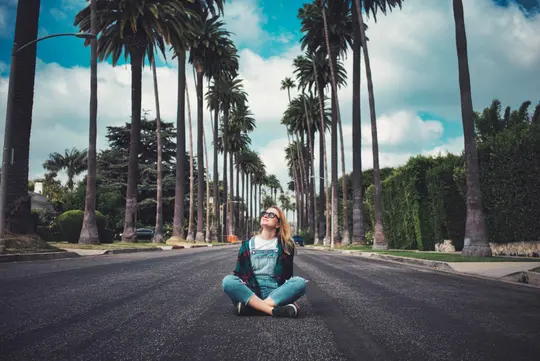
© francesco-ungaro
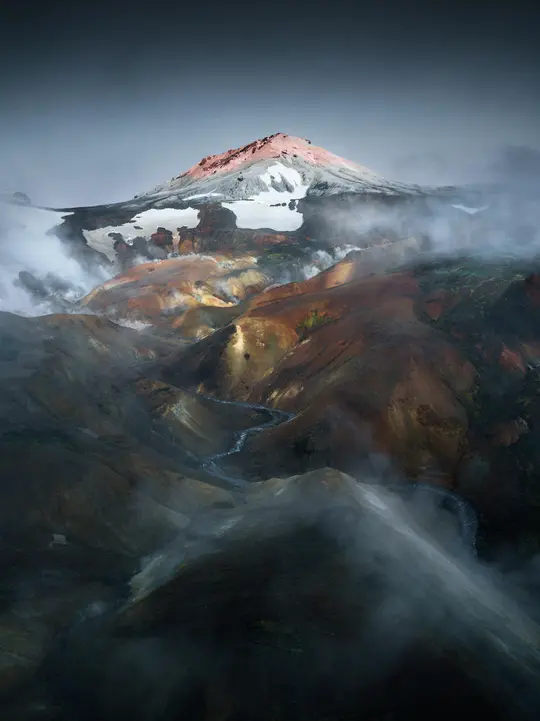
 © sam-williams
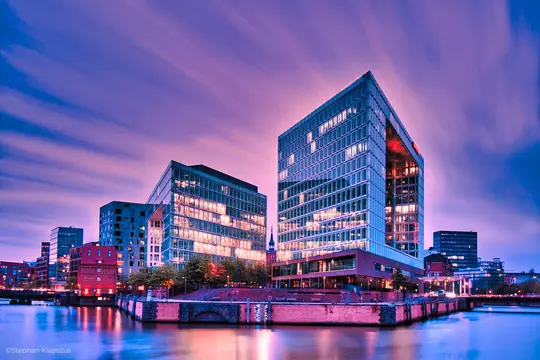
 © spenser-sembrat
About
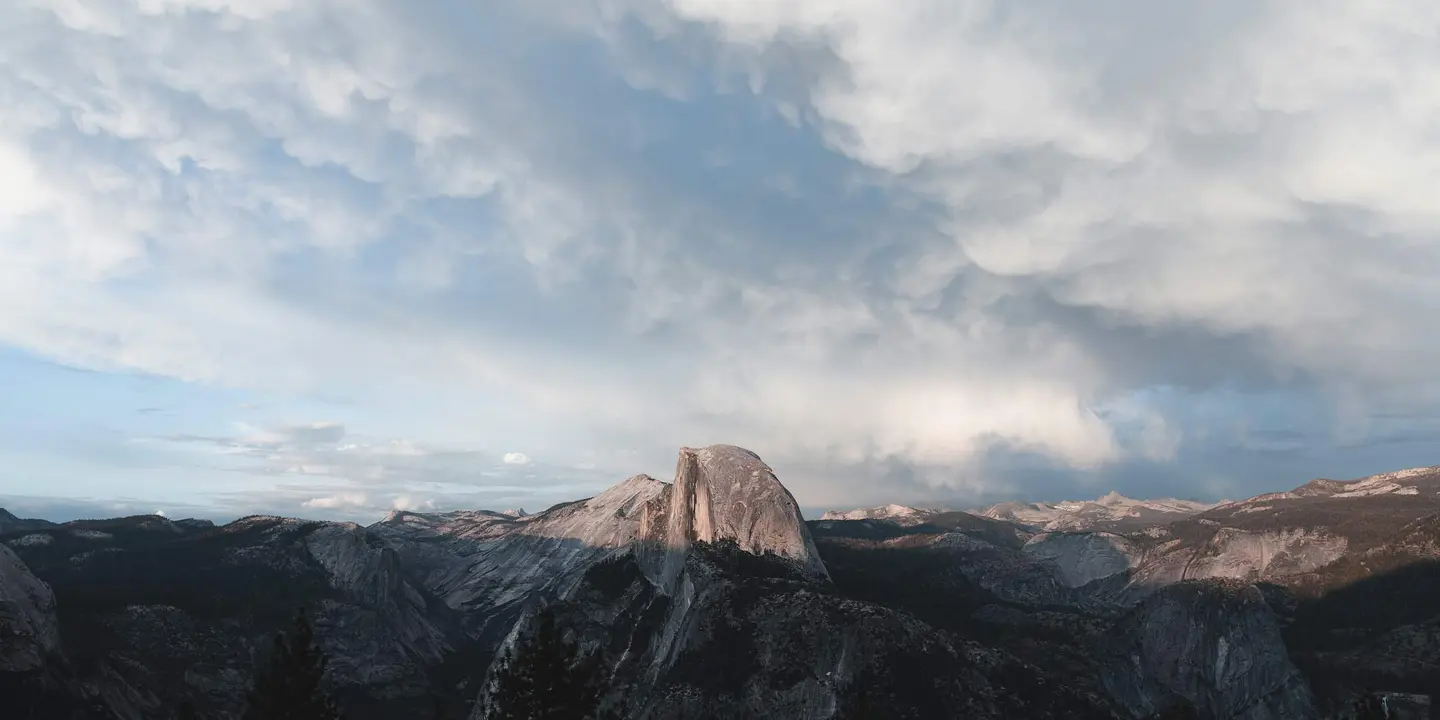
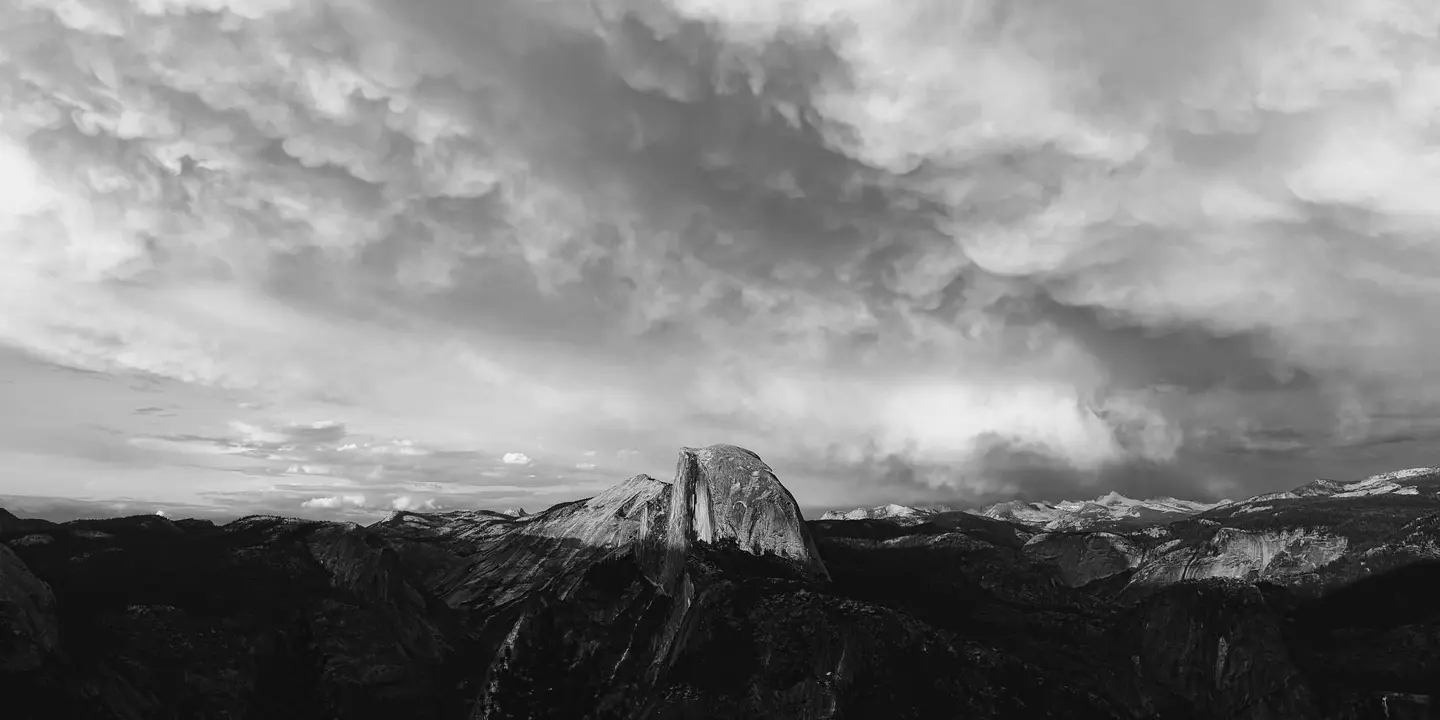
This collection of 10 Presets, inspired by the iconic work of Ansel Adams, will help you capture the breathtaking beauty and stark contrasts of nature. Each preset enhances shadows, highlights, and textures, giving your landscapes a timeless, atmospheric feel.
Compatibility


Get photos like these
Using RAW files you will easily practice retouching tips and learn how to get photos like these.
The story
 © daniele-franchi
Inspired by the master of black-and-white photography, Ansel Adams, this collection brings his legendary contrast and depth to your own images. Whether you’re photographing towering peaks, fog-shrouded forests, or tranquil waters, these 10 Presets will help you bring out the drama and beauty of your landscapes.
By enhancing contrasts, sharpening details, and emphasizing textures, each Preset transports your photos into an evocative, atmospheric world of monochrome artistry. Achieve striking, timeless images with the high-impact, yet subtle elegance of Ansel Adams' signature style.
You’ll find 10 Presets in this pack:
Silent Wilderness: Boost contrast to amplify the raw drama and intensity of natural landscapes.
Shadowed Peaks: Sharpen dark areas to create bold contrasts and bring out rugged mountain details.
Echoes of Granite: Deepen shadows to enhance the texture and power of rocky terrains with high contrast.
Moonlit Canyon: Soften the scene and lighten highlights to capture the serene beauty of a landscape
Barren Horizons: Darken skies and add mood to vast, open landscapes for a somber, dramatic feel.
Whispers of Fog: Lift the blacks to add a misty atmosphere, creating an ethereal and mysterious effect.
Stark Mountains: Highlight details with a vignette and emphasize sharp contrasts to bring out the majesty of mountainous landscapes.
Silver Silence: Expand the dynamic range to reveal subtle textures and tonal details in every corner of your image.
Dark Waters: Add sharpness and sepia toning to evoke a timeless, contemplative mood in water scenes.
Mystic Forest: Infuse your forest landscapes with a mystical, enchanted aura, enhancing the light and shadow interplay.
Don’t forget to share your results! Use the hashtag #madewithluminar on social media so the Skylum Team can take a look at your work!
Related Products








Creator
Team Skylum
Photographers, colorists & retouchers
The Skylum team works with hundreds of professional photographers and retouchers to bring you Templates that top photographers use to create their masterpieces. The Skylum AI Lab analyzes the photos and workflows of photographers and creates Presets that are accessible to everyone and that take advantage of the advanced technology under the hood of Luminar. Our mission is to cut the time and effort it takes to make a striking photo and allow everyone to enjoy photo editing and photography.