© Mathew Browne
 © Mathew Browne
 © Mathew Browne
About
Amazing Animals is one of the most popular series of Preset packs for wildlife photography on the Luminar Marketplace. The latest collection adds 12 all-new Signature Presets that will help you create more captivating works of art that convey the beauty of wildlife. Whether you’re photographing inside zoos and aquariums, enjoying wildlife closer to home, or photographing in their natural habitat, you’ll find Presets in this pack that help your images reach their potential.
What is included
12 Presets
Compatibility


Get photos like these
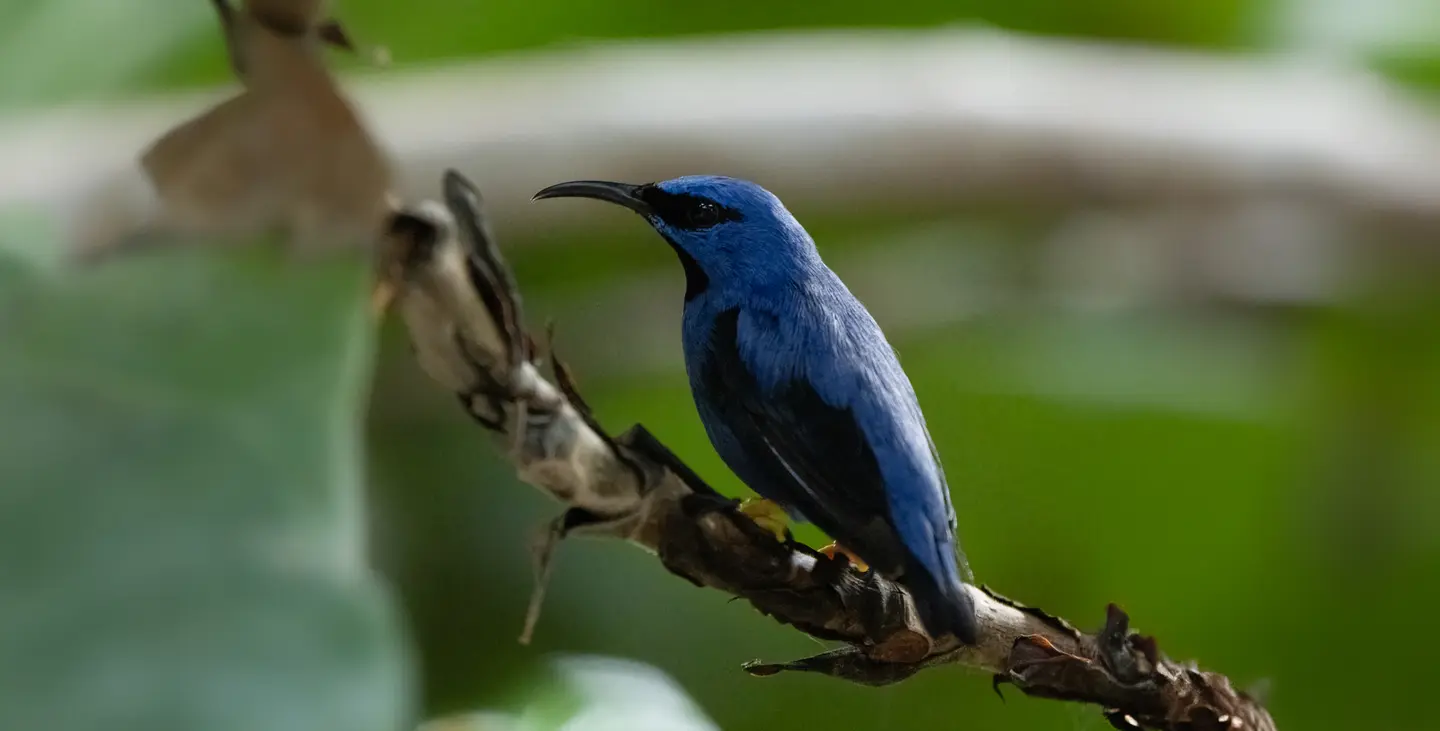
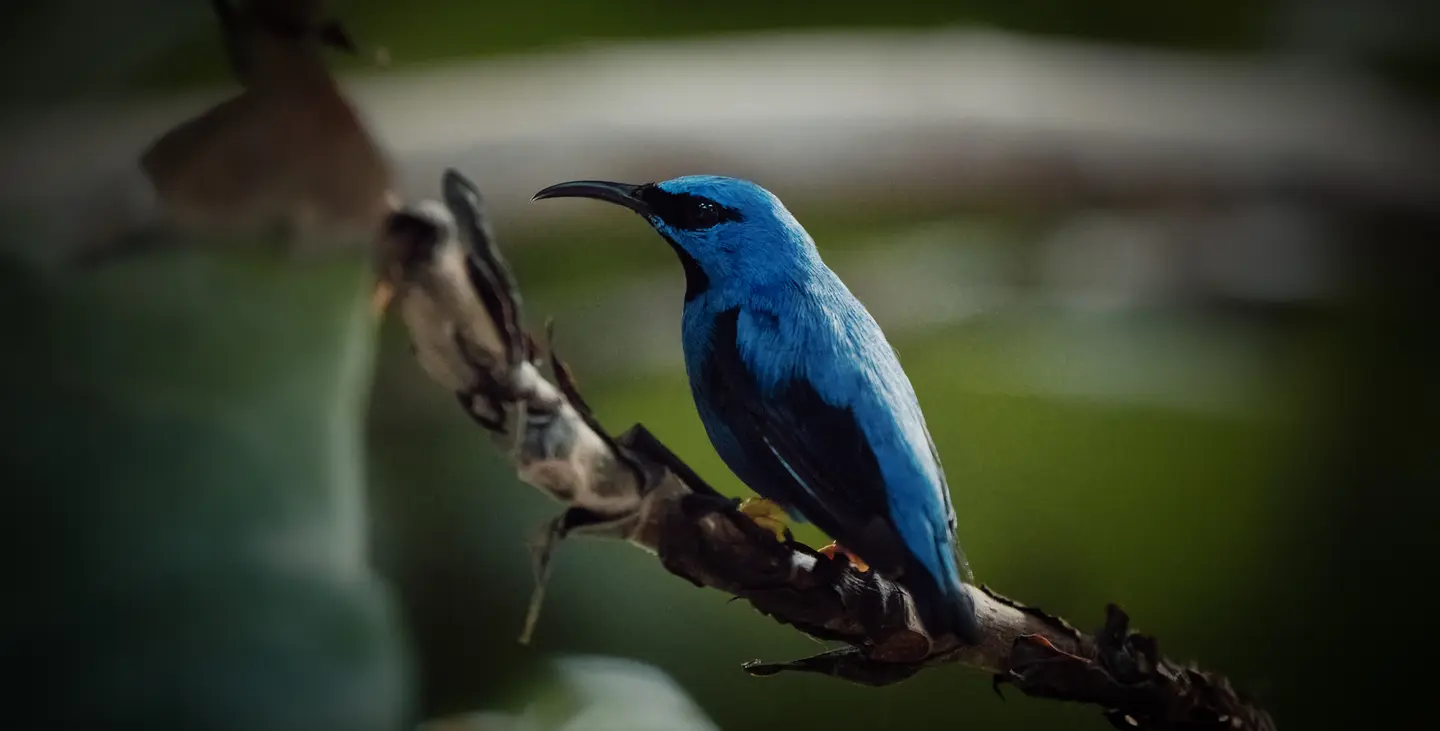
Using RAW files you will easily practice retouching tips and learn how to get photos like these.
The story
 © Mathew Browne
These Presets are designed for some of the most frequent conditions and subject types you’ll encounter, often with vignettes to isolate subjects and relying on some of Luminar’s technologies such as Structure AI to improve feather or fur details, and Accent AI to improve contrast and color rendition.
Use these Presets as a single-click edit, or use them to jumpstart your custom edit. Turn your snaps into works of art with these Presets which are ideal for raw files. Time to try them out on your photos!
You'll find 12 Presets in this pack
Warm Fur: Adds warm tones, contrast and a dreamy finish.
Giraffe: Boosts gold and brown tones as found on a giraffe hide.
Falcon: Muted greens and golds, boosted blues and teals, plus increased structure and detail for feathers.
Marmoset: Muted and earthy tones with improved shadow detail for dark fur in woodlands.
Shoots And Leaves: An airy look that restores shadow detail and crisp greens to woodland and forest creatures.
Bluebird: Mutes all colors except teals and blues for an isolated, cinematic look for blue feathers.
Zebra: A high-key, desaturated look with lots of contrast to emphasize monochrome stripes.
Lemur: Increased contrast and warmth, ideal for earthy tones.
Red Squirrel: Drawing attention to reds and oranges, this look also works great for autumnal scenes.
Robin: A simple look applying a gentle matte and even tones.
Camel: Warm sand and golden tones and a strong punch of contrast.
Jungle Canopy: Bright fresh greens and boosted shadows for animals in dark greenery.
Don’t forget to share your results! Use the hashtag #madewithluminar on social media so the Skylum Team can take a look at your work!
Related Products






Creator
Mathew Browne
Photographer. Skylum Ambassador.
Mathew Browne is a cross-genre photographer who has gained recognition for his vibrant images spanning the spectrum of travel photography. A prolific traveler, Mathew has visited nearly 70 countries and photographs extensively for the photo location sharing platform PhotoHound, which he co-founded in 2018.