


 Toegepast


Splashes of Color LUTs
Save $201 $ 39 .00

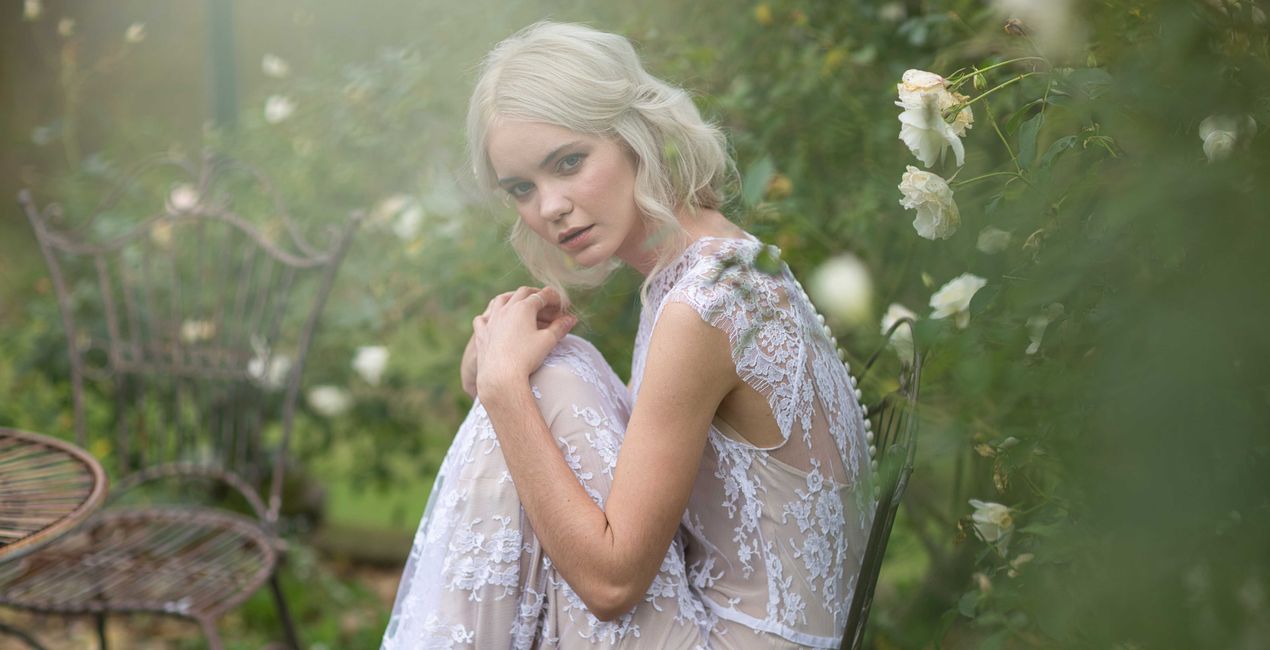
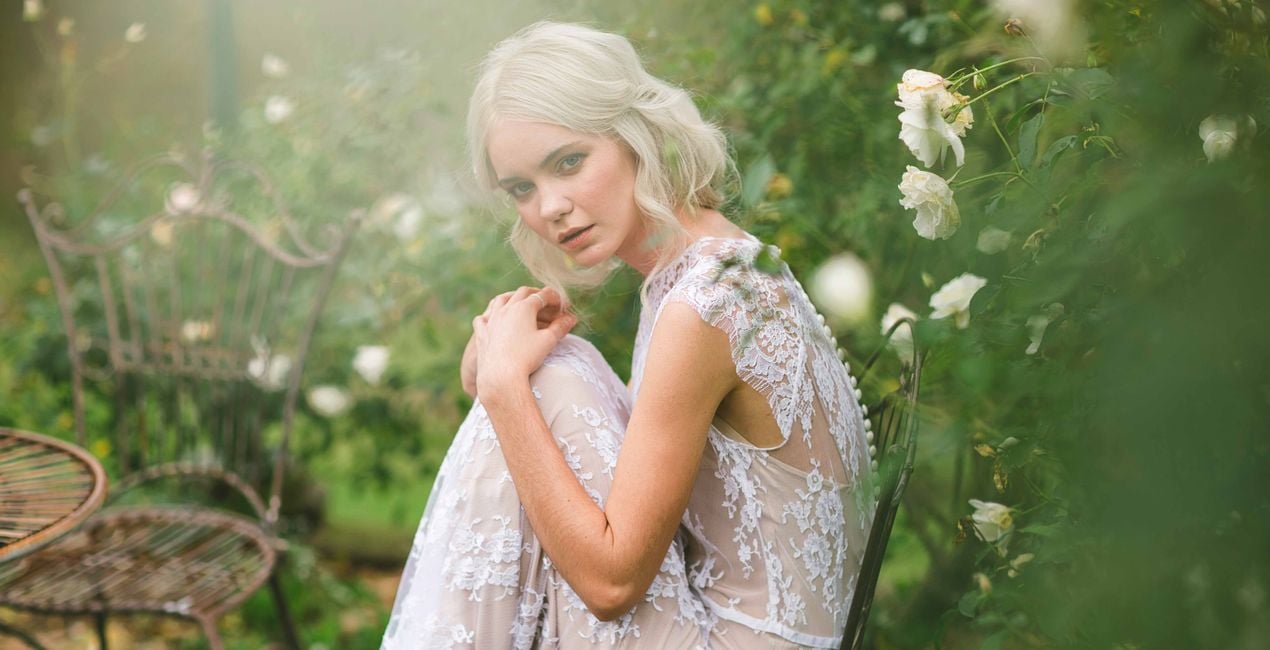
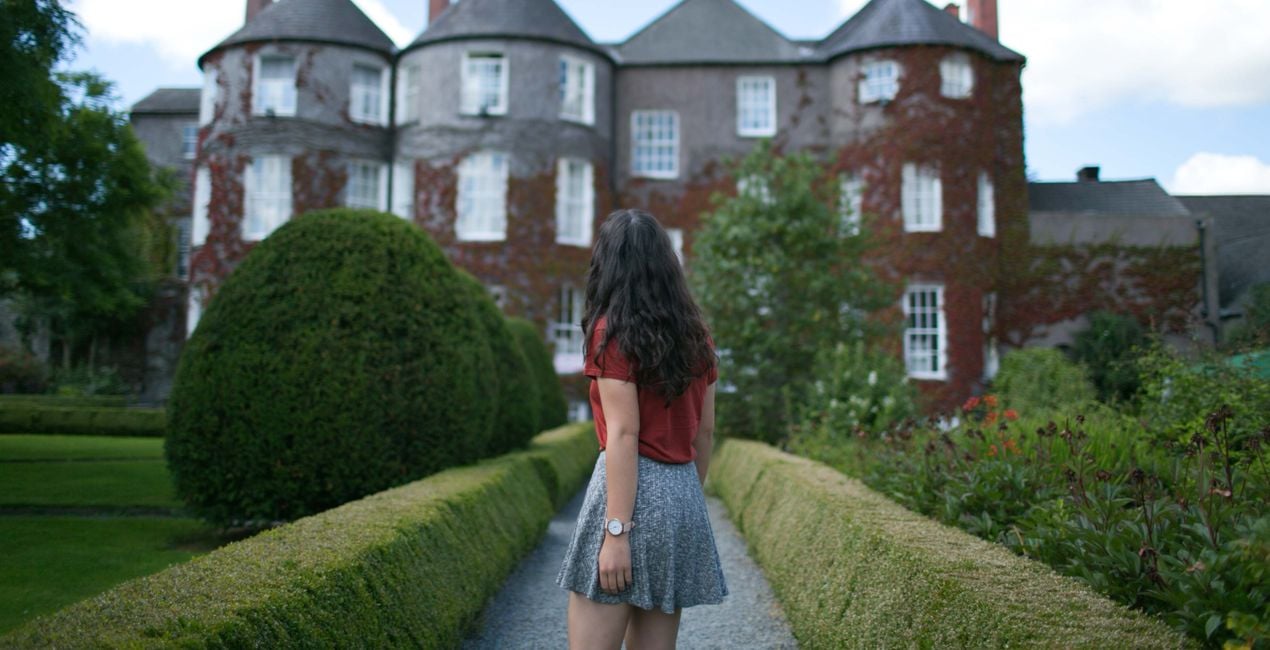
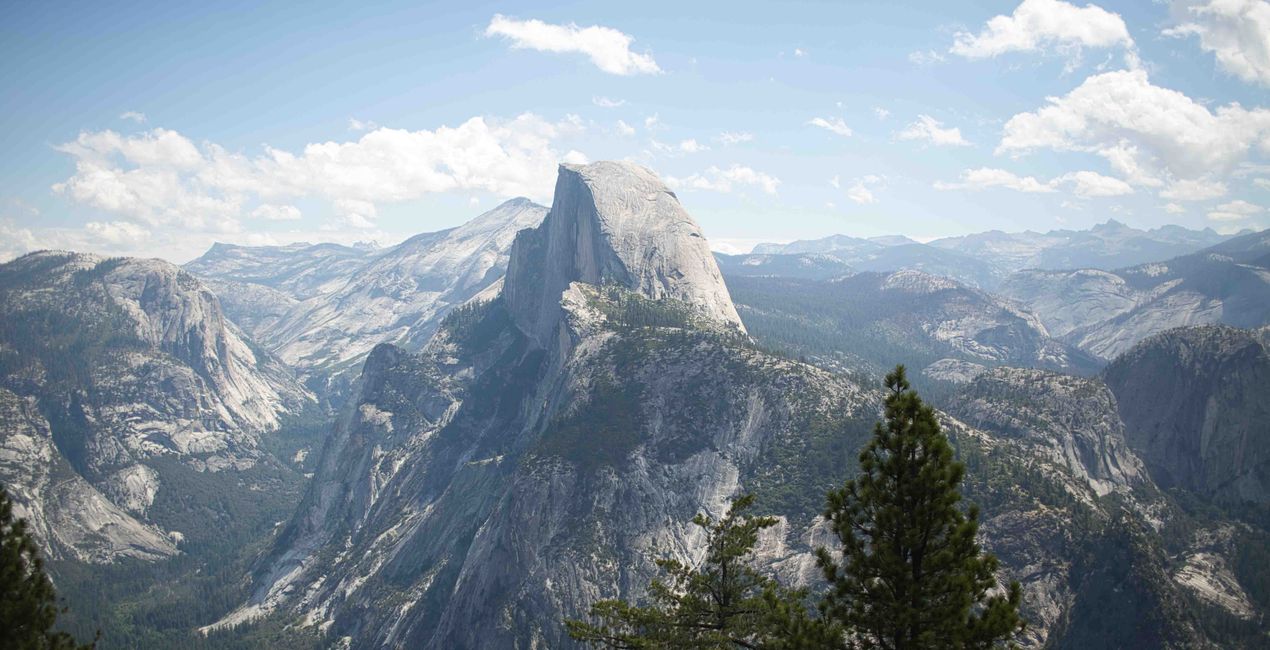
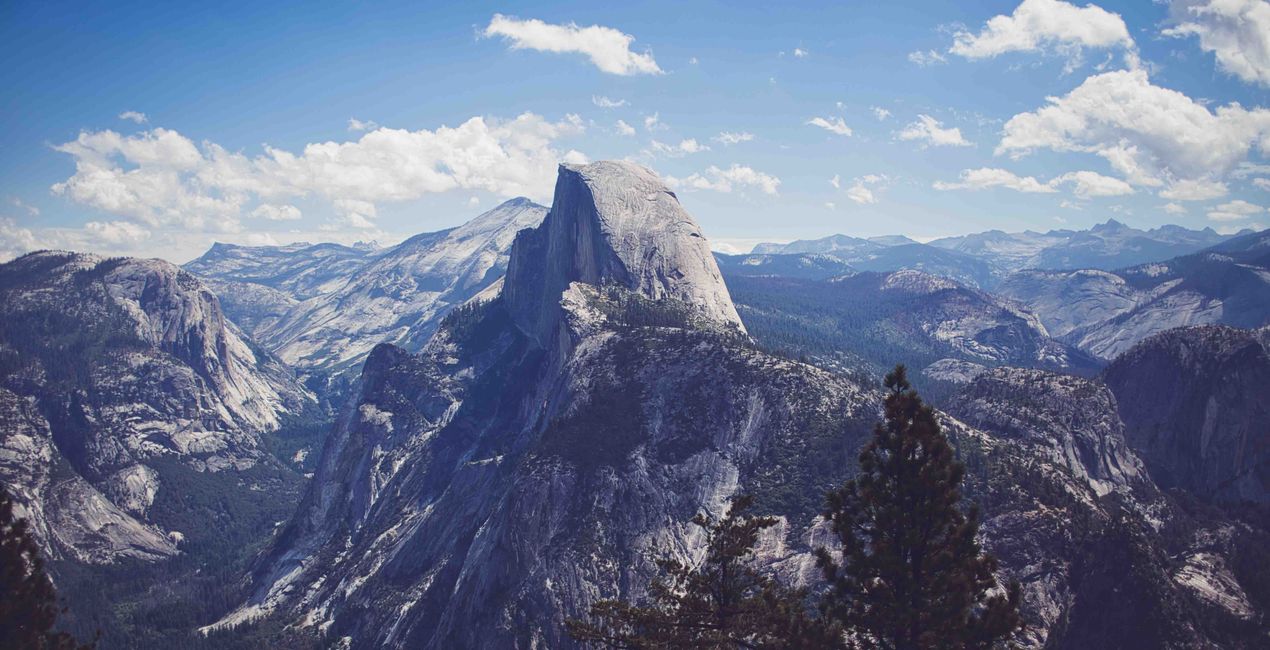
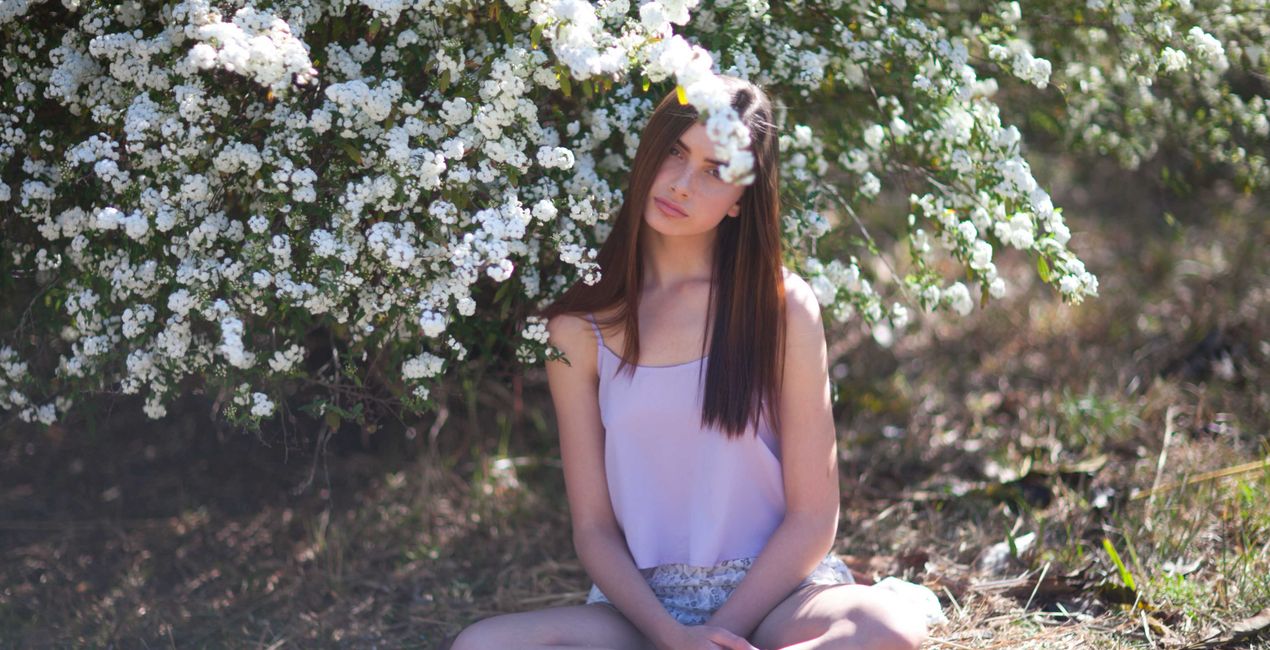
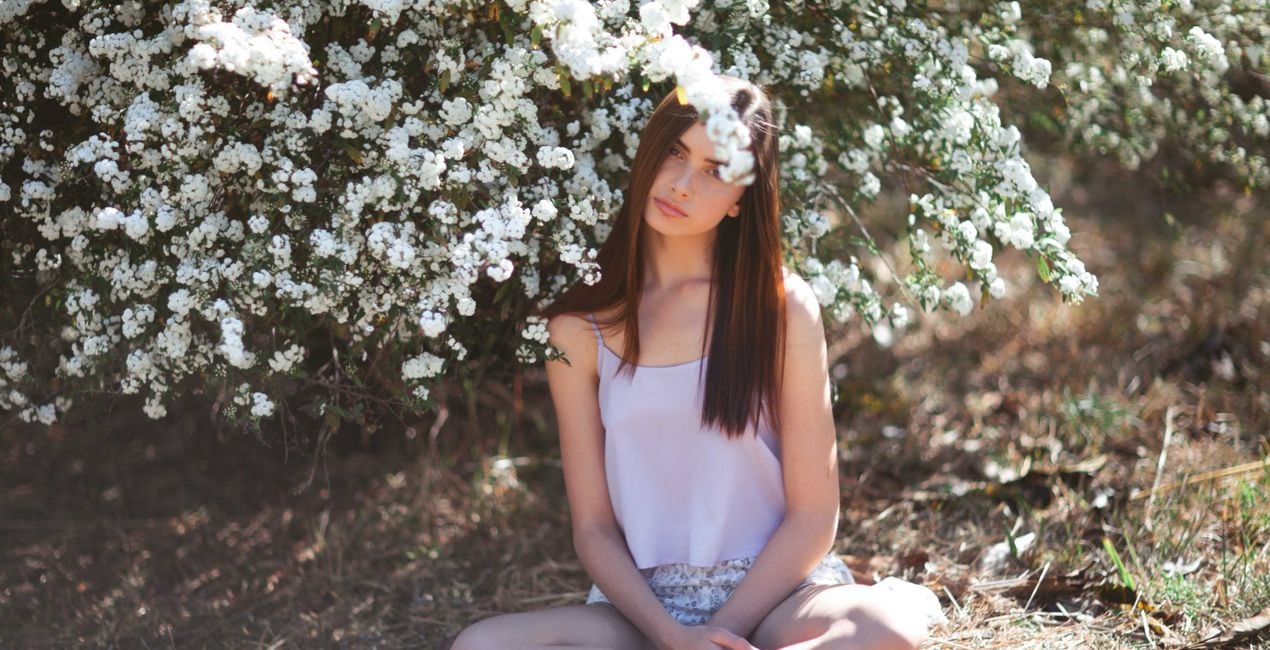
Together with Julia Trotti, we’ve created an exclusive LUTs pack for lifestyle and portrait photos that are bursting with colorful hues. Part of the money raised from its sales will be transferred to humanitarian organizations helping Ukraine right now.
Wat is inbegrepen
10 LUTs that instantly set a mood in your photo.


Met behulp van de meegeleverde RAW-bestanden oefent u gemakkelijk retoucheertips en leert u hoe u dergelijke foto's kunt maken.
 >
>
 >
>

 >
>

 >
>
 >
>
 >
>
Julia Trotti’s colors are inspired by natural sunlight and beautiful locations. As a portrait and lifestyle photographer, it’s important for Julia to have colors that work in various situations.
That’s why she created this pack of LUTs, personally handpicking colors that she most loves to use in her work.
These LUTs have been tested and tried over time on a wide variety of images, lighting styles, and camera equipment until we could guarantee they work like perfection.
They are compatible with most photo and video editing apps.
In this LUTs pack, you will find 10 colors perfect for portrait photography and lifestyle photos:
Amalfi. Julia’s personal favorite LUT that works on a variety of photos from portraits to landscapes. Adds warm, vintage tones to your images.
Disposable Film. A LUT with moody green tones to make your photos more film-like.
Gdansk. Soft and hazy peach tones, perfect for a subtle edit.
Ghosts. A low-contrast black and white LUT.
Hazel. A perfect balance between honey-like skin tones and gorgeous greens.
Lotus. Muted greens with soft, vintage tones to warm up your portraits.
Muse. Brilliant blues with a hint of warmth to create moody edits. Julia loves to use this LUT on her landscapes.
New York. A soft, dreamy LUT inspired by Julia’s time exploring the streets of New York City.
Paris. A high-contrast black and white LUT for punchy portraits.
Summer Haze. A splash of colors for your natural light portrait photography.
FASHION AND PORTRAIT PHOTOGRAPHER AS WELL AS A YOUTUBER
Julia Trotti is a YouTube content creator and a portrait and lifestyle photographer based in Sydney, Australia. Julia’s portrait photography includes a variety of fashion campaigns, on-location lookbooks, and editorials that have been published in print and online magazines. She has also worked with Australian and international publishers to have her images shared on book covers, in-store posters, and more. While working as a full-time fashion photographer for some of Australia’s competitive fashion brands, Julia also runs a YouTube channel. Her weekly videos cover a wide range of photography-related topics, and she creates behind-the-scenes looks at her on-location photo shoots to share the photography process with her audience. Julia teaches the creativity and technical aspects behind photography and creates in-depth camera and lens reviews.
Veelgestelde vragen
Heb je nog extra vragen of wil je gewoon wat advies?
neem contact op met ons supportteamHeb je vragen over het product? Neem dan gerust contact op met ons supportteam – 24/7 bereikbaar. Volg gewoon deze link.
Volg deze stappen om Splashes of Color LUTs te kopen:
1. Open Skylum’s Marketplace.
2. Ga naar het tabblad waar Splashes of Color LUTs staat. Klik erop en voeg het toe aan je winkelmandje.
3. Ga naar je winkelmandje. Rond hier het aankoopproces van Splashes of Color LUTs af.
4. Na je aankoop ontvang je een bevestigingsmail met de downloadlink voor Splashes of Color LUTs. Je vindt het product ook terug in je Skylum-account onder het tabblad ‘Mijn add-ons’.
Uitgebreide instructies voor het installeren van Splashes of Color LUTs ontvang je in de bevestigingsmail, samen met de downloadlink.
Daarnaast kun je het gekochte item direct installeren in Luminar Neo: ga naar Extra’s > Marketplace, selecteer de productcategorie, zoek het gekochte item en klik op Installeren.
Supermakkelijk! Gebruik je Luminar Neo? Ga dan in de menubalk bovenaan naar het tabblad Bewerken. Ga vervolgens naar het gedeelte Creatief, kies Sfeer > Kies LUT > Gekocht. Daar vind je het geïnstalleerde LUTs-pakket.
Geen zorgen. Alle gekochte items, waaronder Splashes of Color LUTs, staan in het tabblad ‘Mijn add-ons’ van je Skylum-account. Van daaruit kun je ze makkelijk opnieuw downloaden en gebruiken.
In de meeste gevallen zijn items compatibel met Luminar Neo. Maar om zeker te weten of Splashes of Color LUTs werkt met jouw software, check je best even de specificaties vóór je iets downloadt of koopt. Kijk op de pagina van Splashes of Color LUTs aan de rechterkant bij het kopje ‘Compatibiliteit’ – daar staan alle compatibele producten vermeld.
Ga nog niet weg. Hier is een exclusieve kortingscode voor jou. Gebruik deze binnen 15 minuten om bij het afrekenen 10% extra korting te krijgen. Kopieer de onderstaande code en rond je aankoop af.
15 m : 00 s





