


 Toegepast


Varied Lighting
Save $201 $ 19 .00

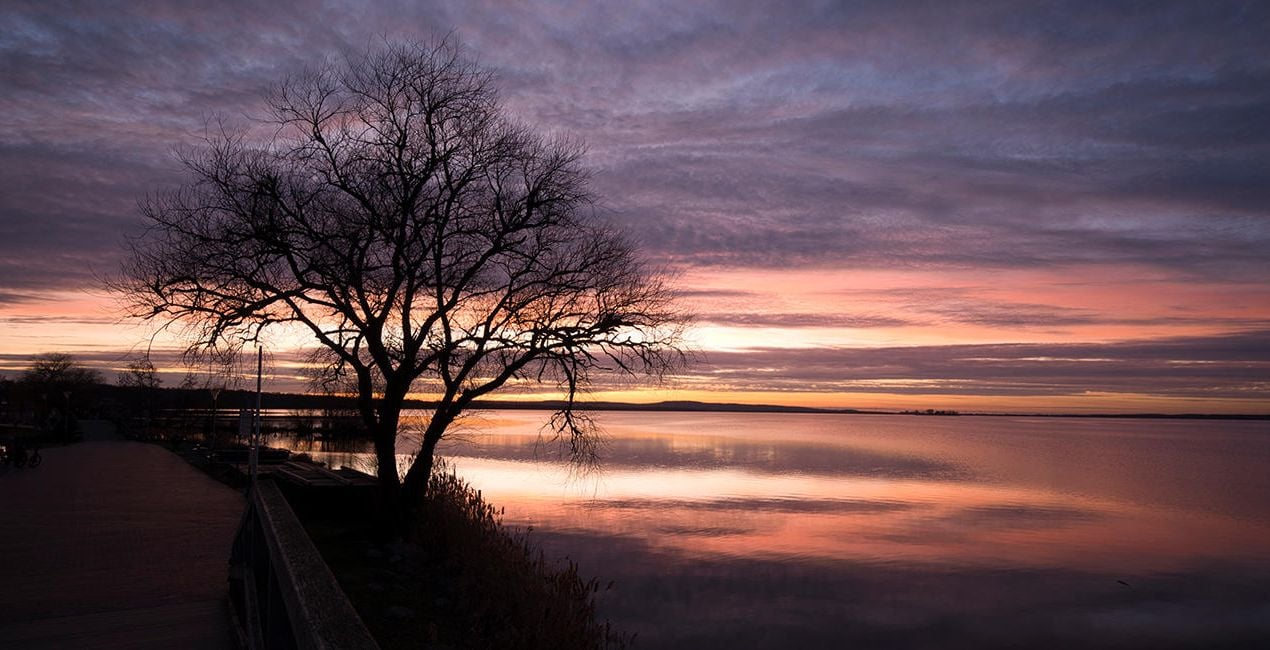
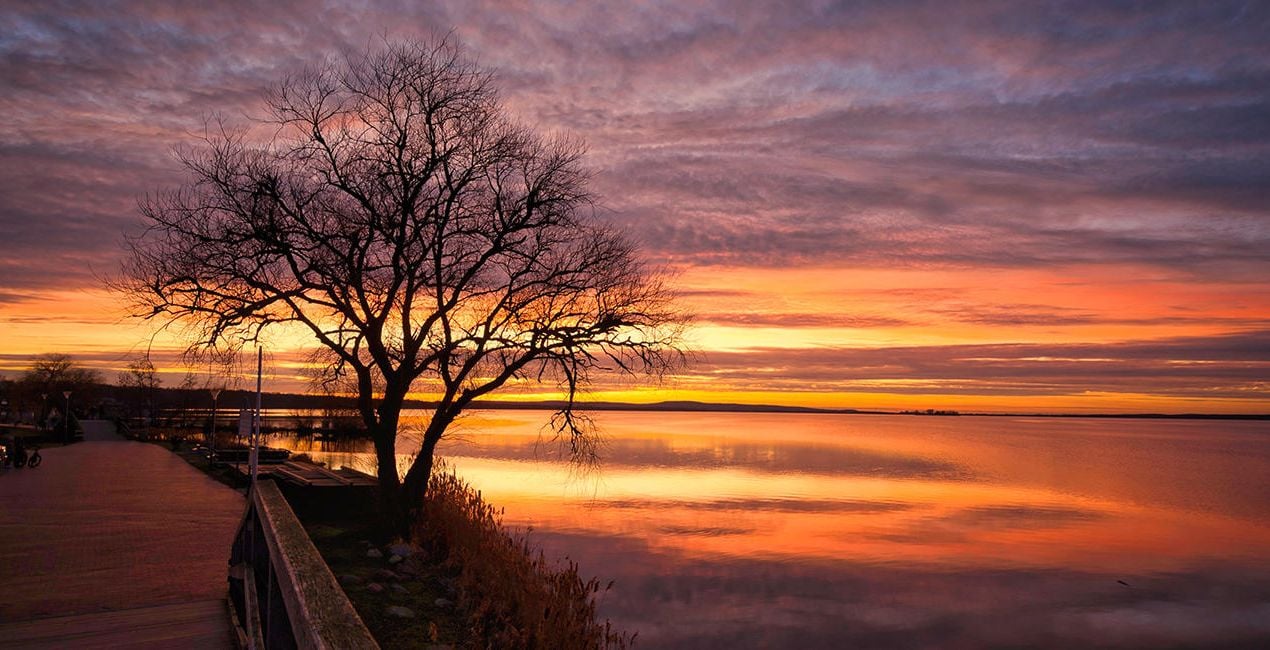
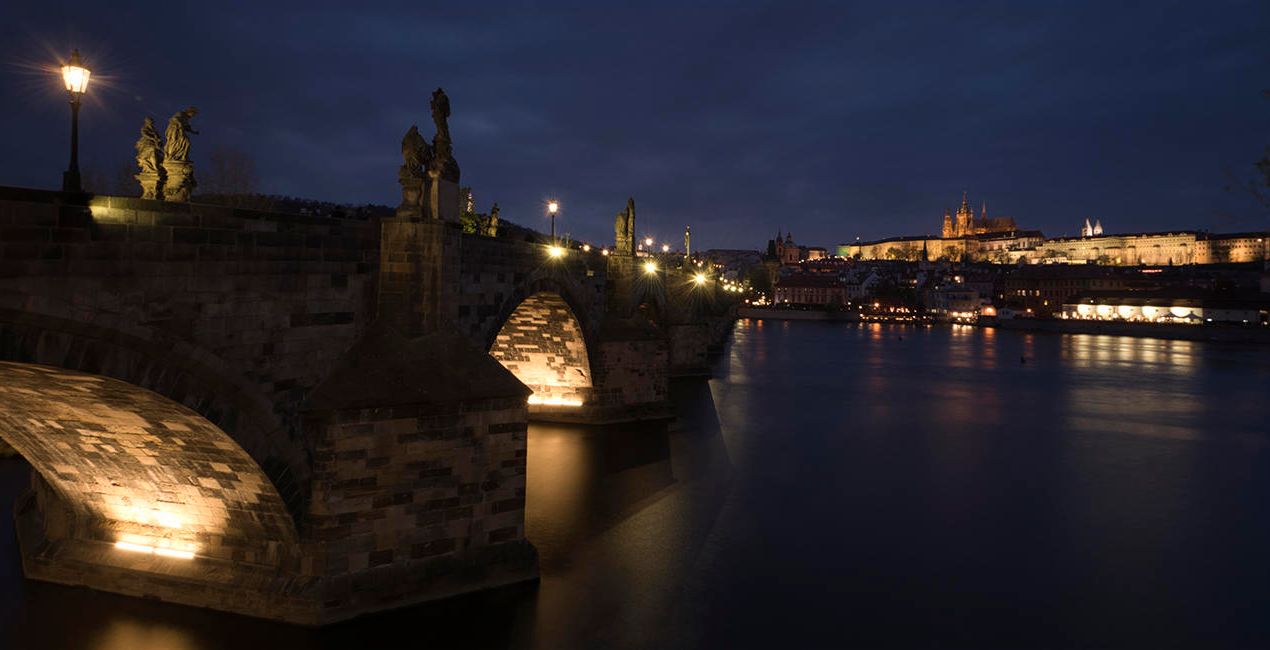
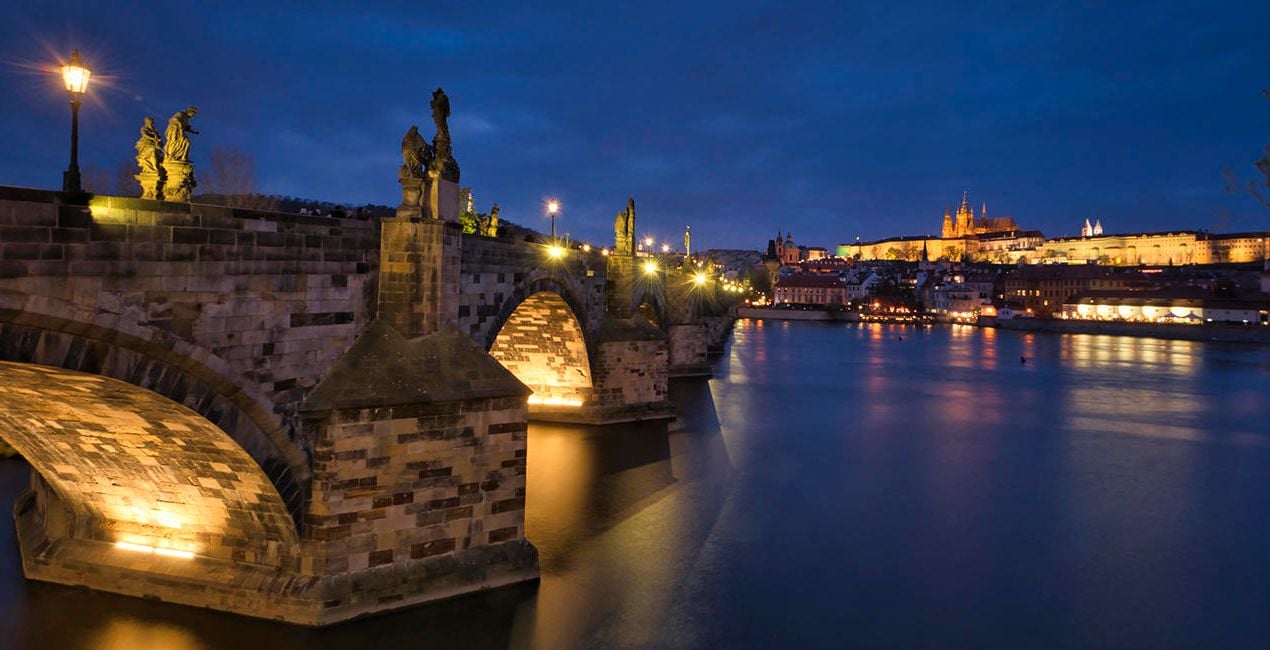
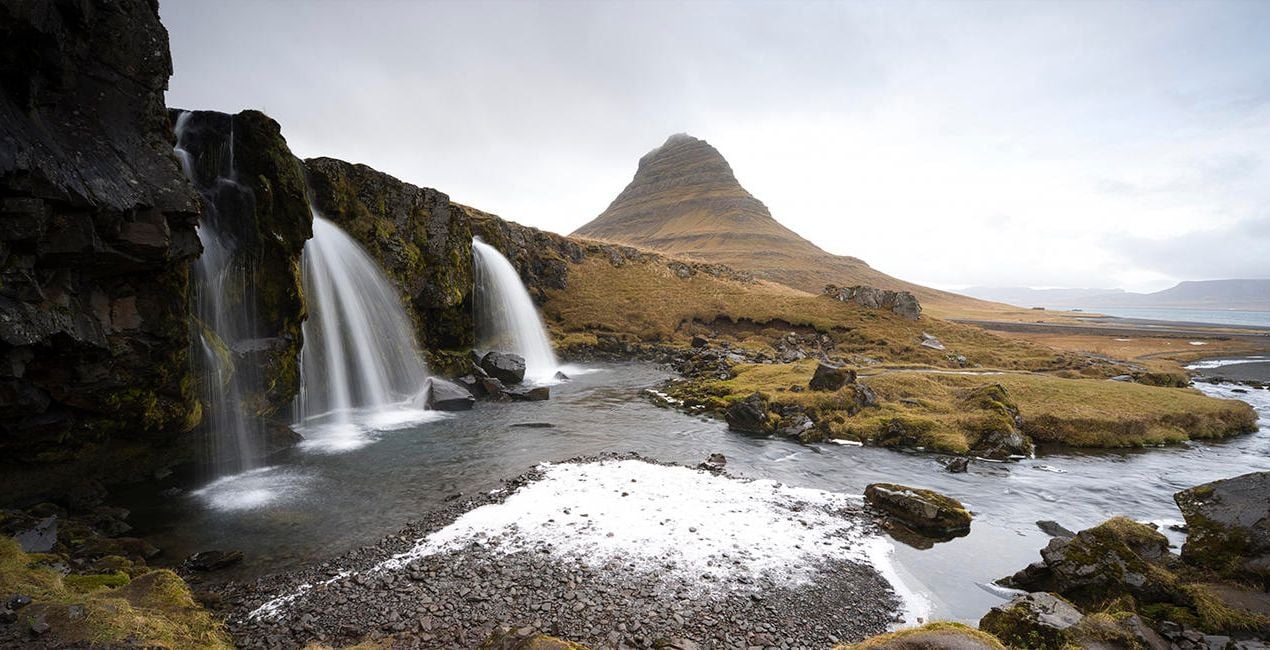
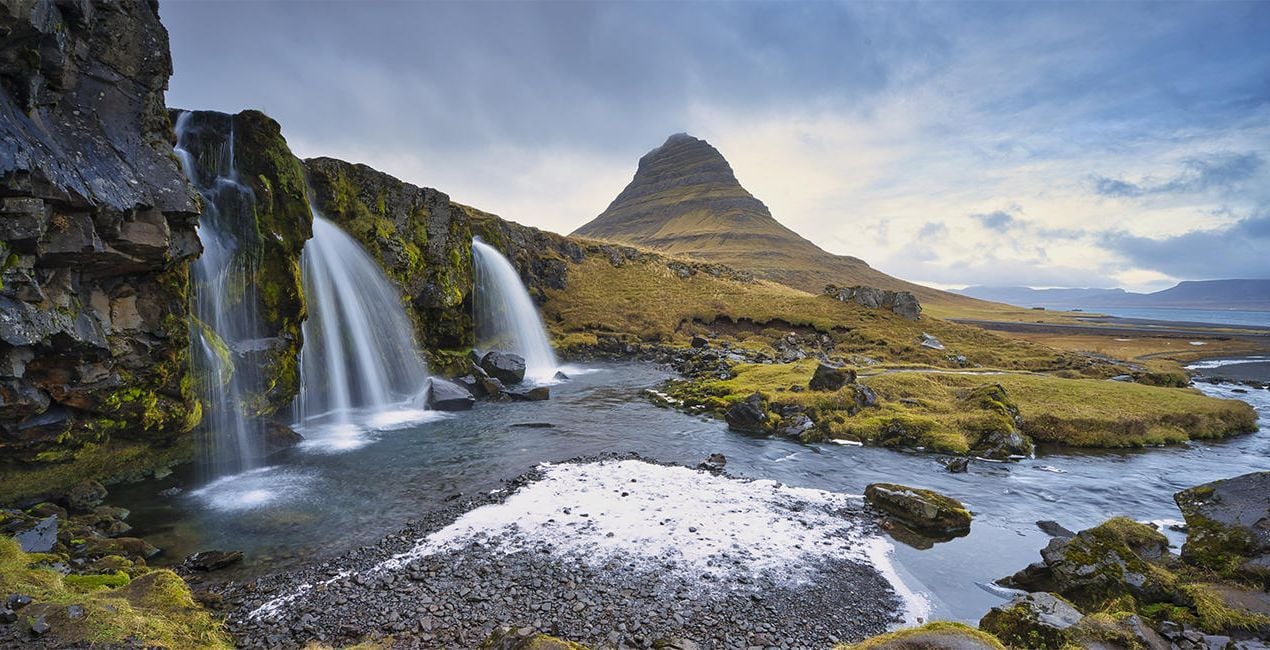
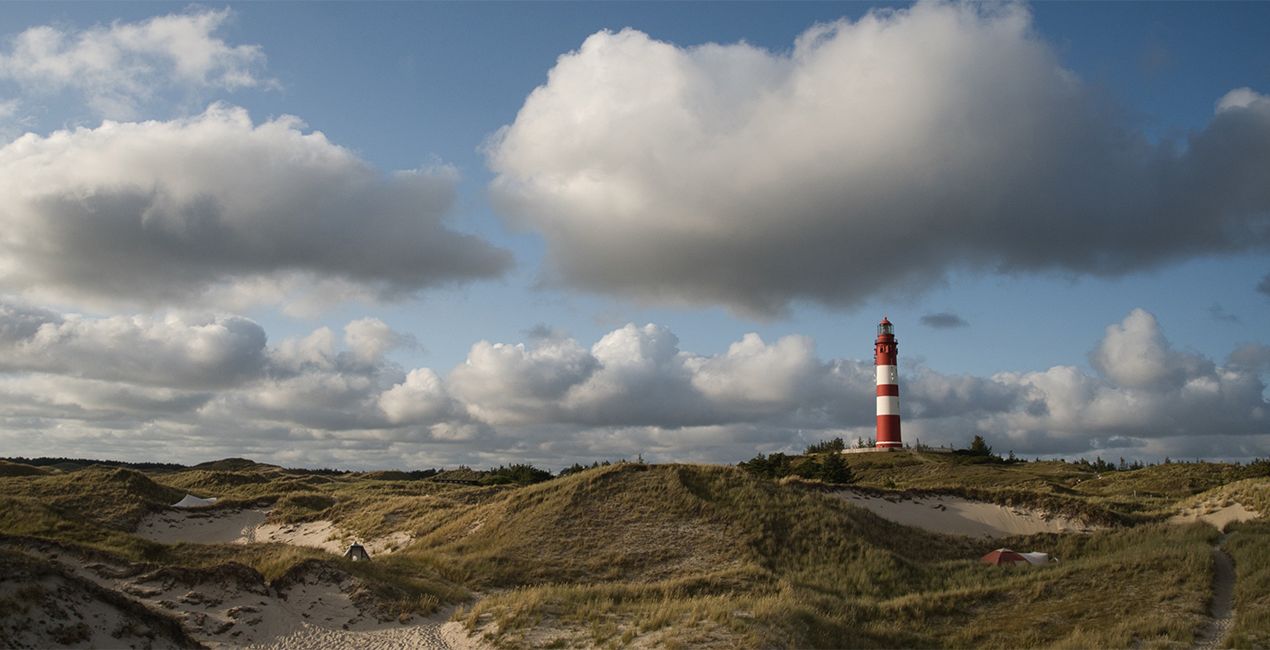
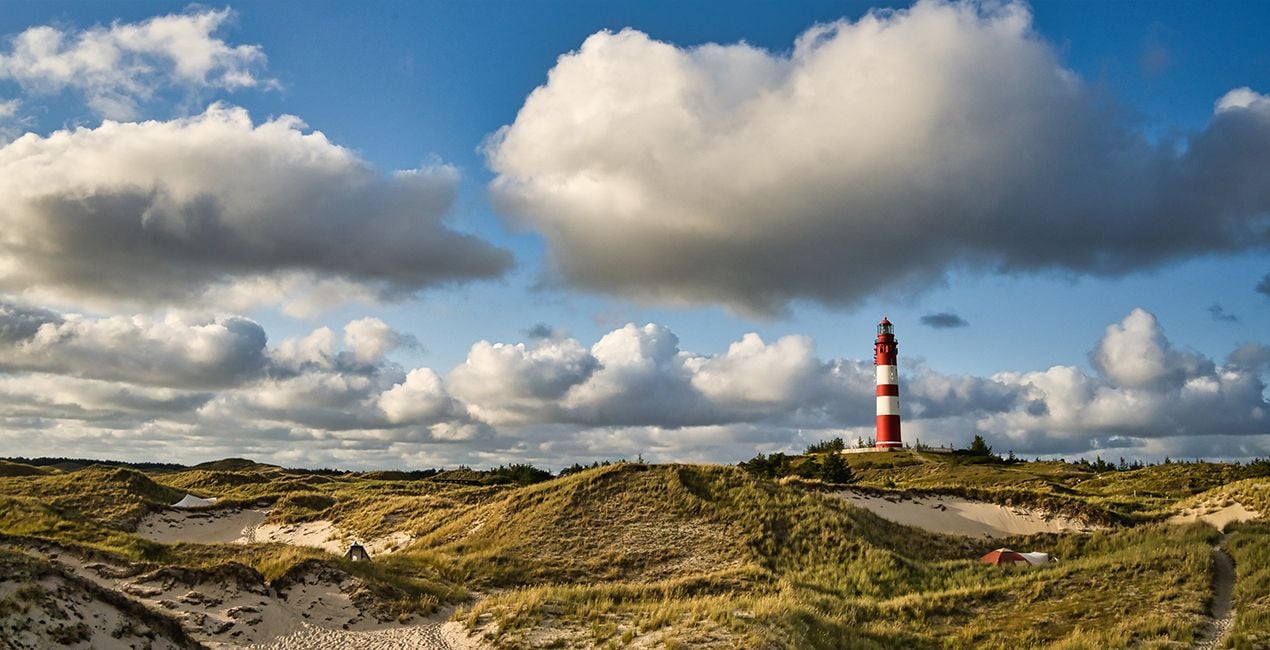
This Presets Pack is the ultimate solution for anyone who wants fast and satisfying photo results, tuned for different times of day and different weather conditions.

Met behulp van de meegeleverde RAW-bestanden oefent u gemakkelijk retoucheertips en leert u hoe u dergelijke foto's kunt maken.
 >
>

 >
>
 >
>
 >
>
 >
>
 >
>
These 10 Presets, which include AI-powered tools, let you quickly and easily make basic adjustments to enhance any landscape or cityscape image — no matter what time of day it was captured. The Presets will help you get stunning results in almost any lighting condition and are suitable for both JPEG and raw images. With this Presets pack, your photo editing will be easier than ever!
Presets included:
Morning / Afternoon: Enhances structures, slightly lifts haze, and provides more beautiful color
Noon: Provides beautiful light/dark contrasts, slightly lifts haze in the image, and creates a pleasant, warmer atmosphere
Backlight: Darkens the bright parts of the image and lightens the dark parts so that more details are visible
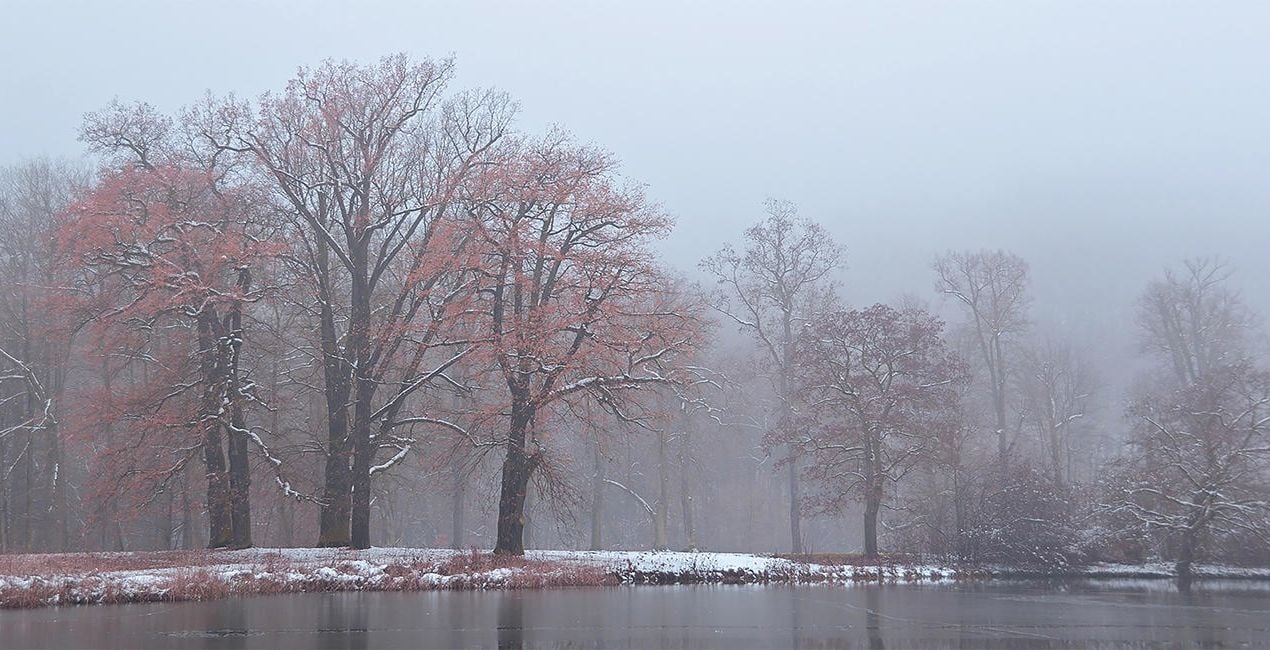
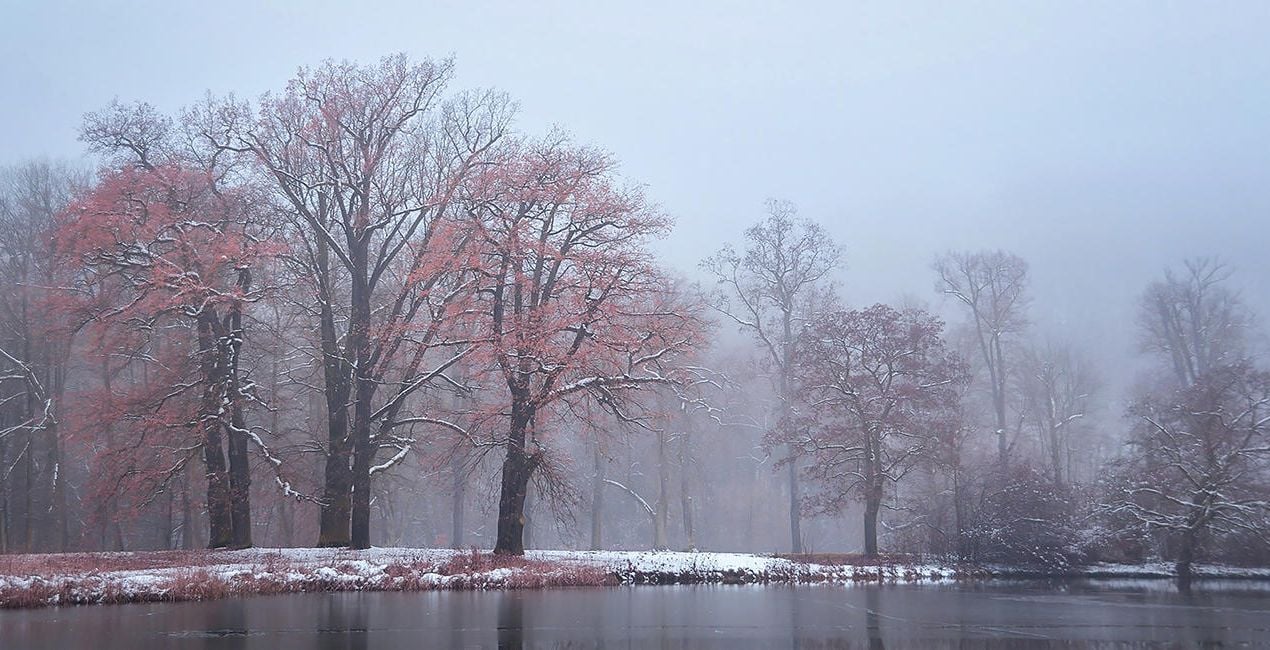
Foggy Day: Slightly raises contrast in the image without sacrificing the foggy atmosphere
Dull Weather: Increases contrast, colorfulness, and sharpness if the sun wasn’t shining when the picture was taken
Golden Hour: Enhances the warm orange-yellow mood that prevails before sunset
Backlight Golden Hour: Enhances warm tones in both the light and dark parts of the image
Blue Hour: Provides a more intense blue and at the same time enhances warm city lights
Milky Way: Provides more sharpness in the details and conjures up a beautiful Milky Way in the image with Sky AI
Nighttime: Provides more details in the dark parts of the image and enhances warm city lights
Fotograaf. Skylum ambassadeur
René Ledrado is een gediplomeerd commercieel fotograaf die sinds 1993 in de reclame werkt.
Zijn passie is het fotograferen van landschappen, vooral tijdens het blauwe uur.
René is docent fotografie op de Akademie Deutsche POP en het Centrum voor Volwassenenonderwijs in Hannover. Elke week deelt hij een nieuwe tutorial (meestal over Luminar) op YouTube.
Zijn populaire Luminar boek heeft al veel fotografen geholpen de beste bewerkingsresultaten te krijgen.
Veelgestelde vragen
Heb je nog extra vragen of wil je gewoon wat advies?
neem contact op met ons supportteamHeb je vragen over het product? Neem dan gerust contact op met ons supportteam – 24/7 bereikbaar. Volg gewoon deze link.
Volg deze stappen om Varied Lighting te kopen:
1. Open Skylum’s Marketplace.
2. Ga naar het tabblad waar Varied Lighting staat. Klik erop en voeg het toe aan je winkelmandje.
3. Ga naar je winkelmandje. Rond hier het aankoopproces van Varied Lighting af.
4. Na je aankoop ontvang je een bevestigingsmail met de downloadlink voor Varied Lighting. Je vindt het product ook terug in je Skylum-account onder het tabblad ‘Mijn add-ons’.
Uitgebreide instructies voor het installeren van Varied Lighting ontvang je in de bevestigingsmail, samen met de downloadlink.
Daarnaast kun je het gekochte item direct installeren in Luminar Neo: ga naar Extra’s > Marketplace, selecteer de productcategorie, zoek het gekochte item en klik op Installeren.
Supermakkelijk! Ga naar het tabblad Presets en kies daar ‘Gekocht’. Je geïnstalleerde preset staat ertussen.
Geen zorgen. Alle gekochte items, waaronder Varied Lighting, staan in het tabblad ‘Mijn add-ons’ van je Skylum-account. Van daaruit kun je ze makkelijk opnieuw downloaden en gebruiken.
In de meeste gevallen zijn items compatibel met Luminar Neo. Maar om zeker te weten of Varied Lighting werkt met jouw software, check je best even de specificaties vóór je iets downloadt of koopt. Kijk op de pagina van Varied Lighting aan de rechterkant bij het kopje ‘Compatibiliteit’ – daar staan alle compatibele producten vermeld.
Ga nog niet weg. Hier is een exclusieve kortingscode voor jou. Gebruik deze binnen 15 minuten om bij het afrekenen 10% extra korting te krijgen. Kopieer de onderstaande code en rond je aankoop af.
15 m : 00 s





