


 Toegepast


KLASSIEKE Z&W FILTERS
Save $201 $ 19 .00

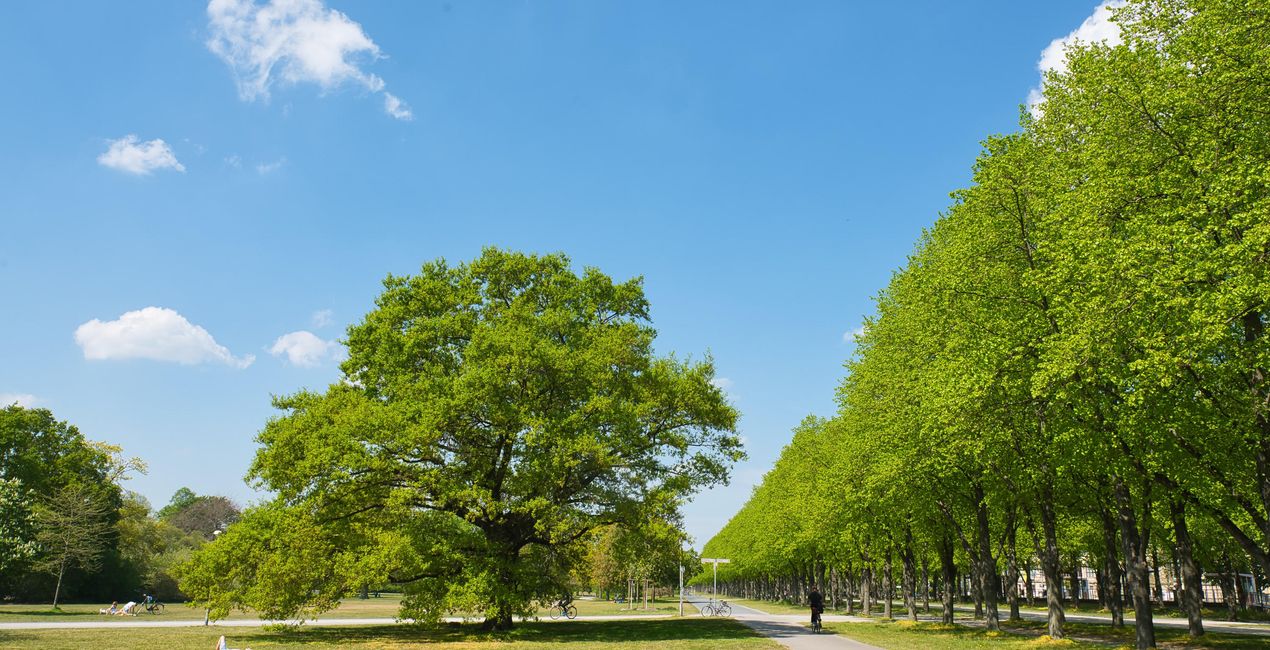
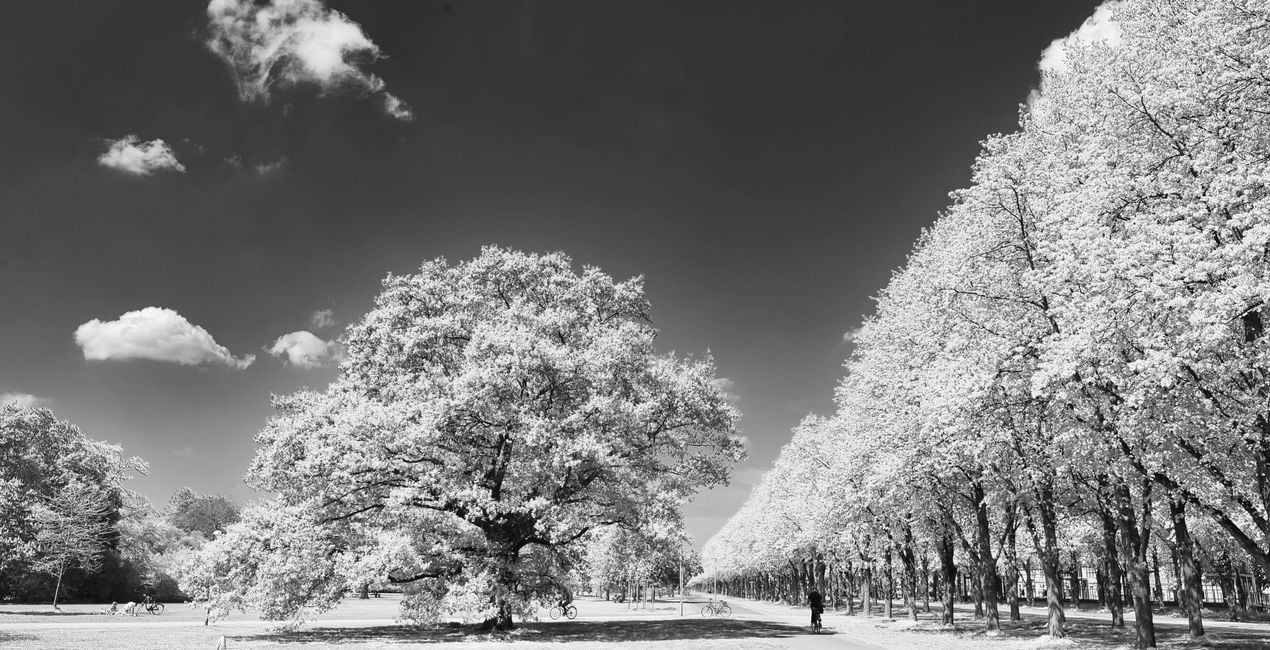
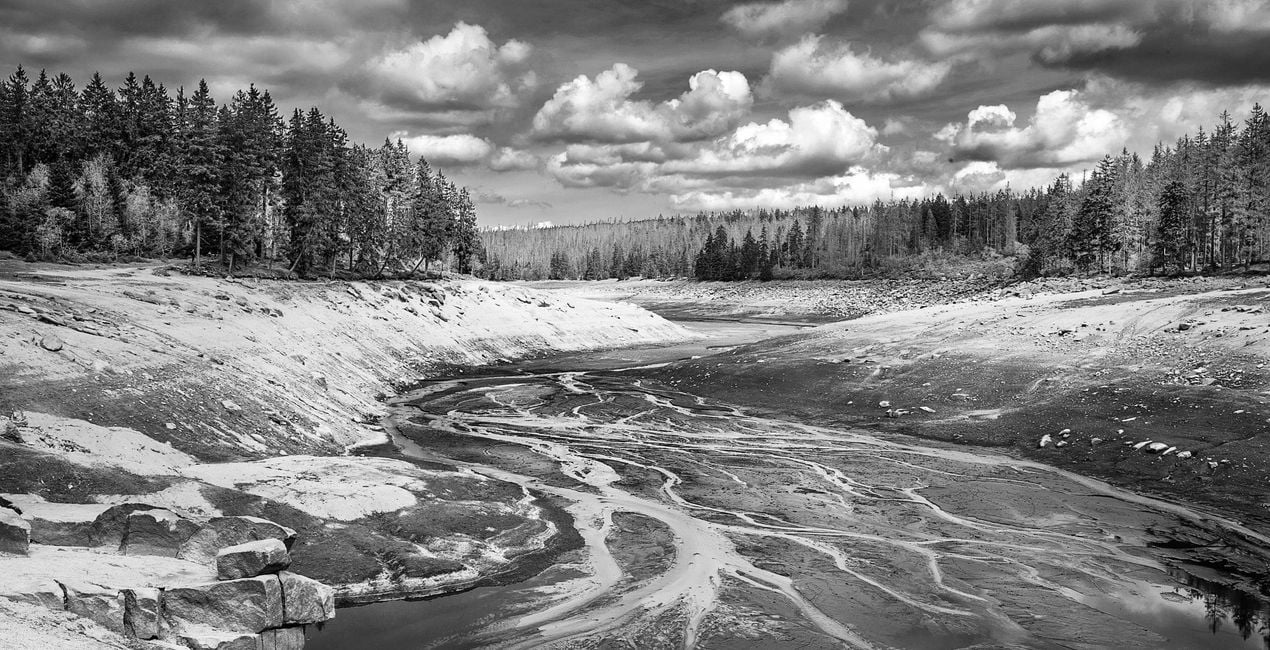
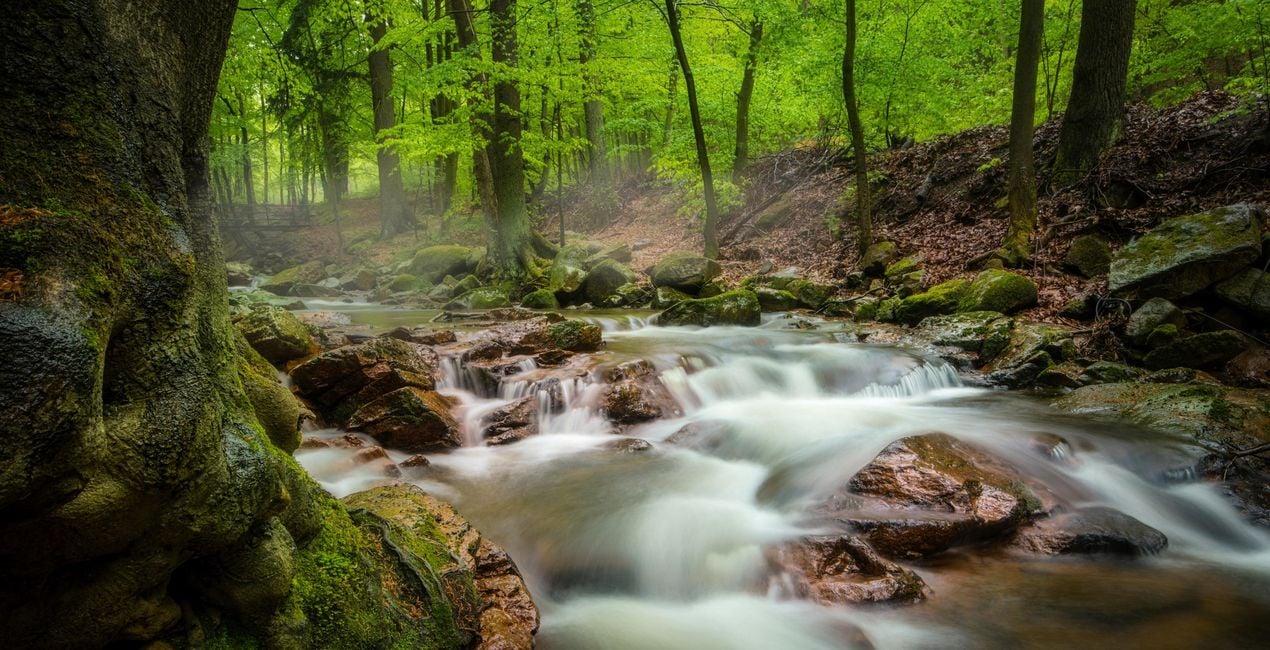
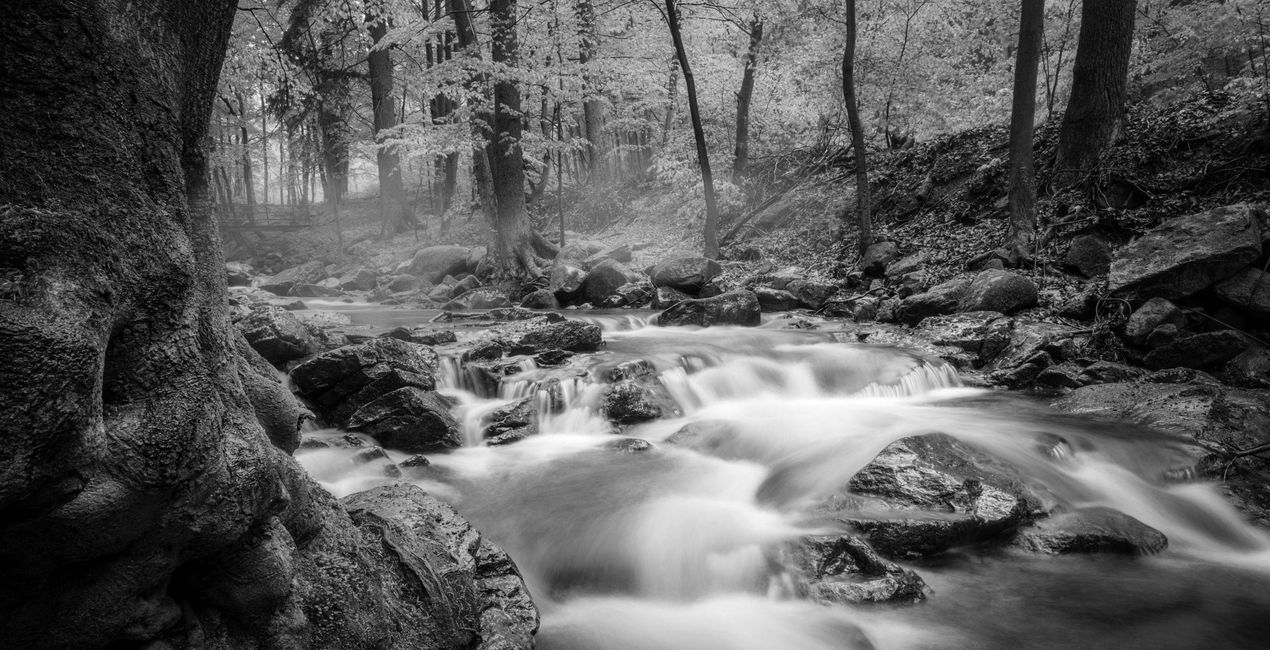
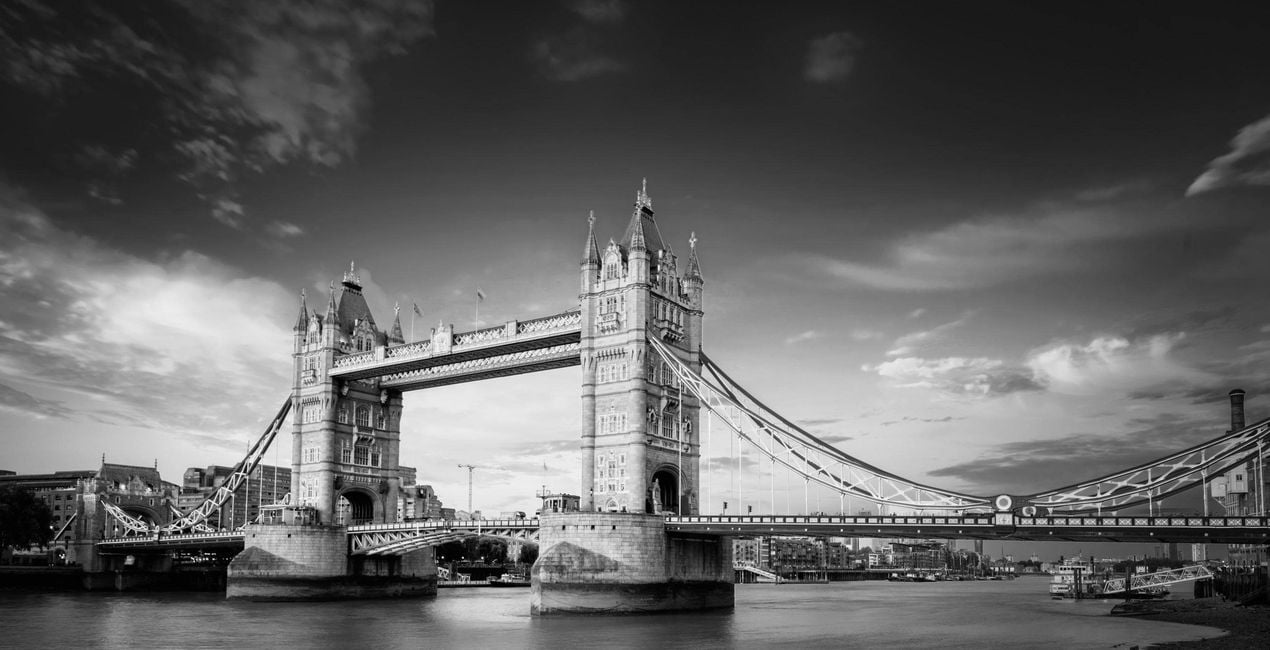
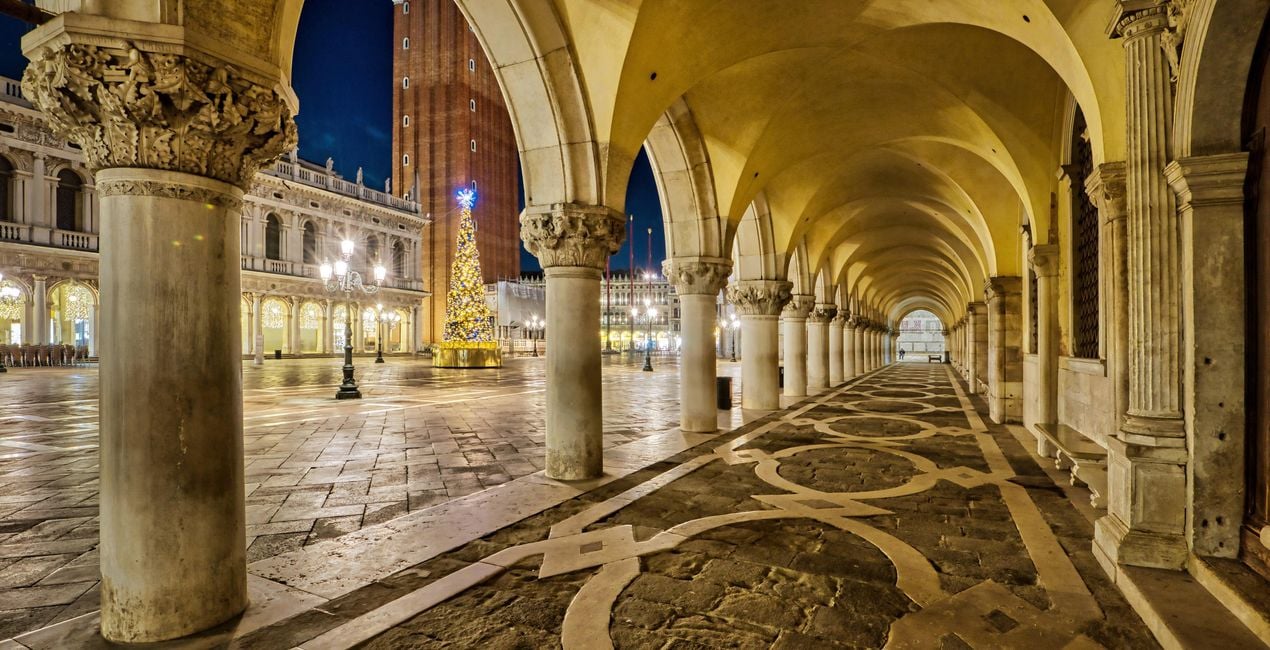
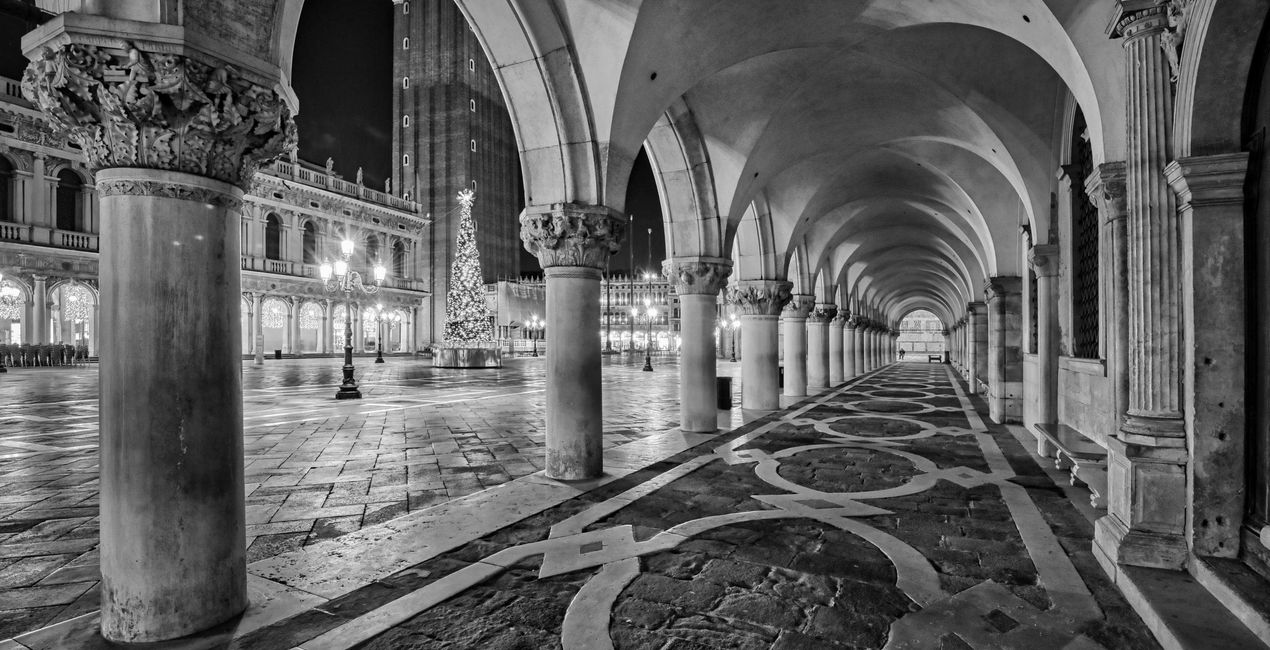
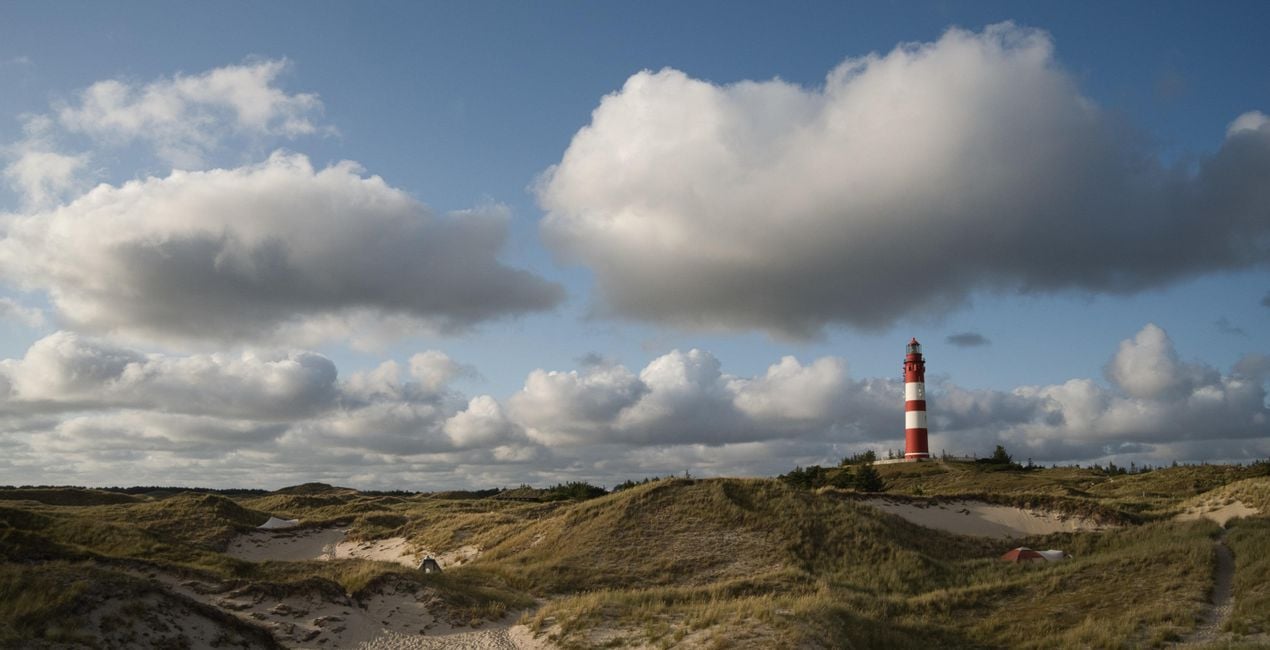
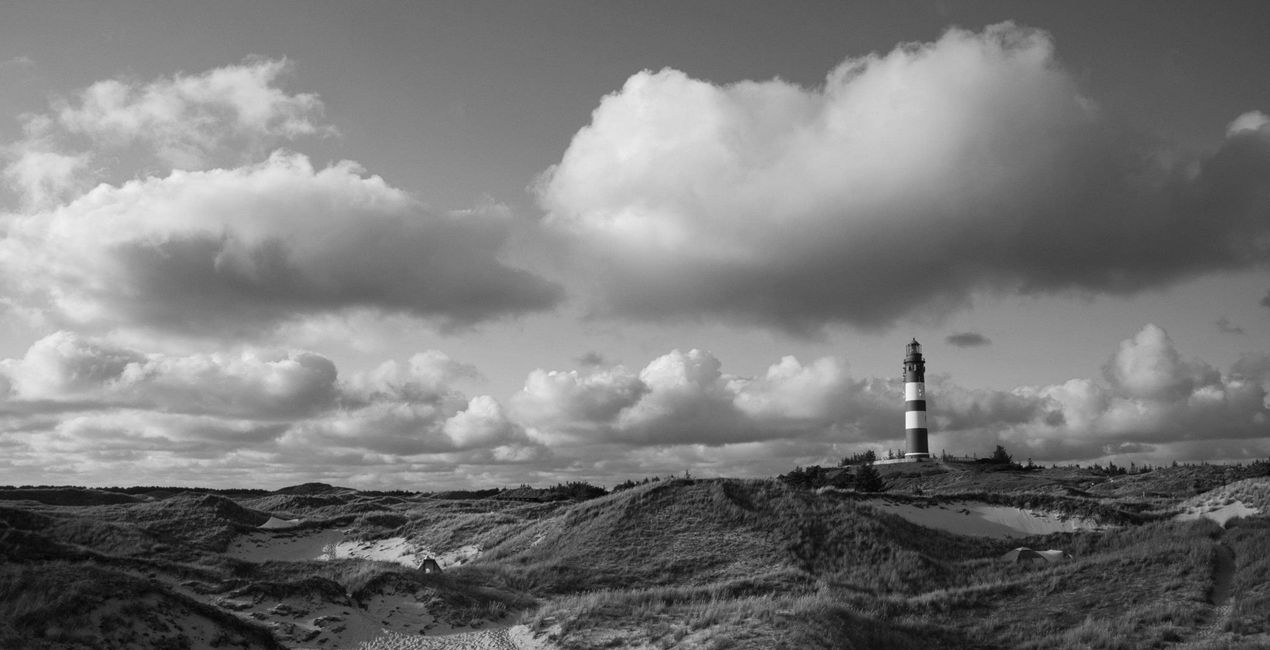
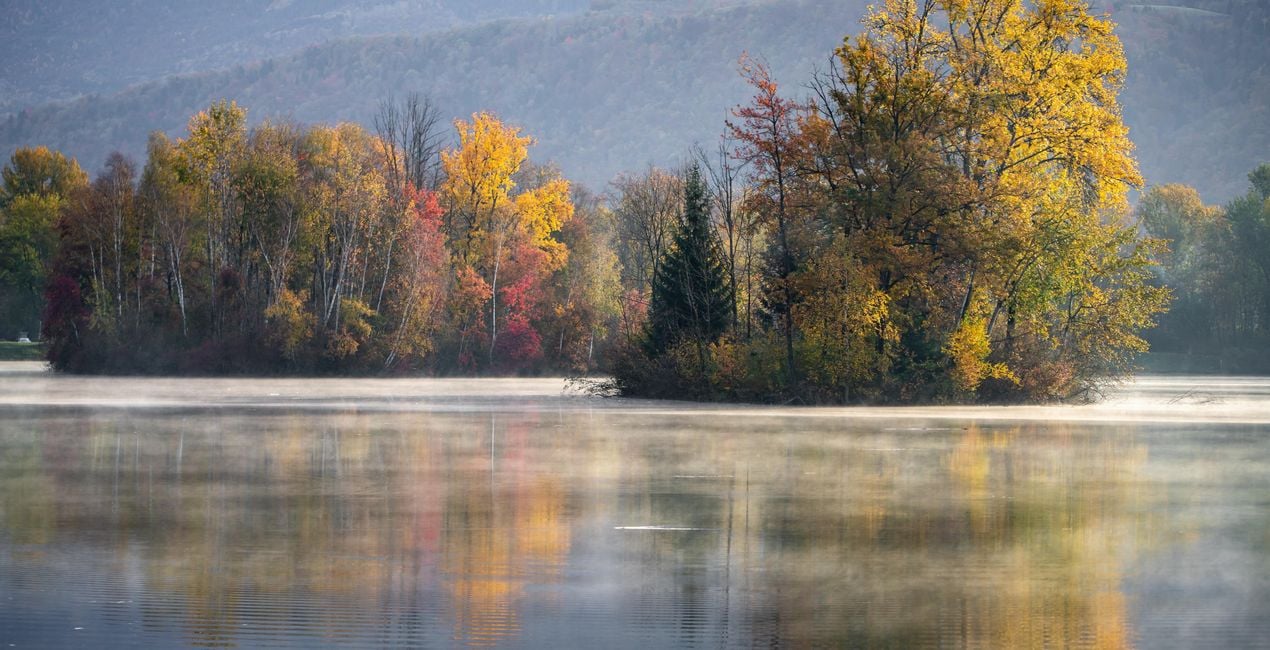
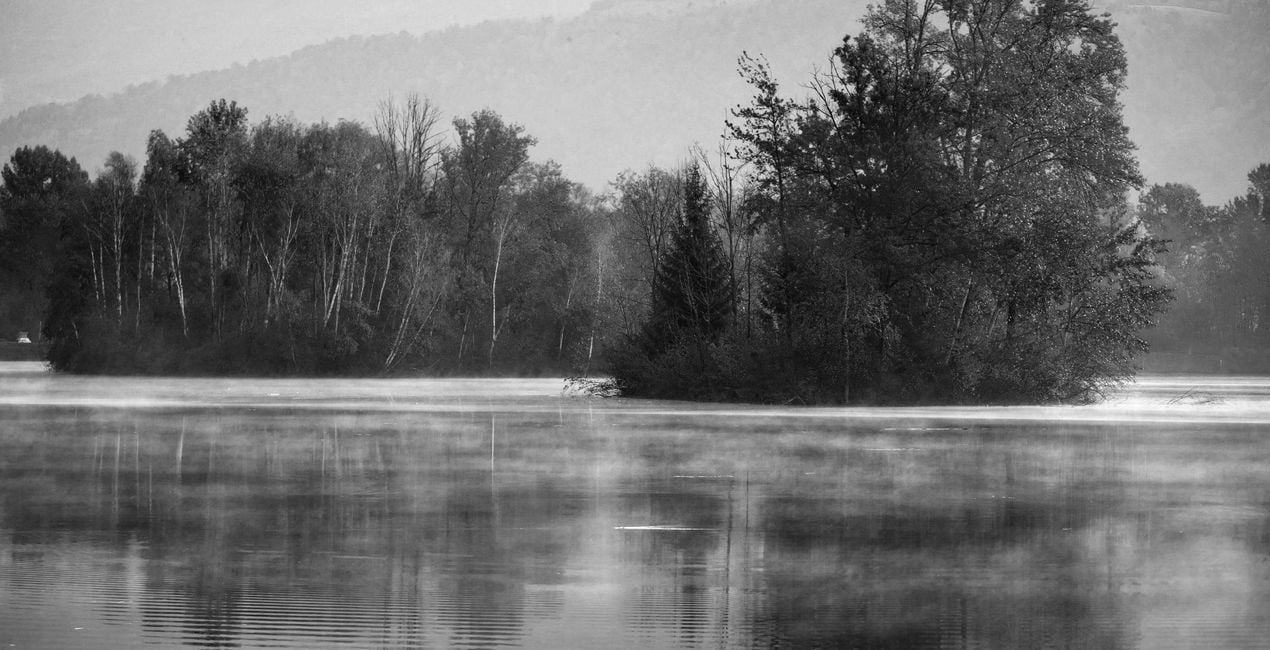
Transformeer uw foto's in een klassieke zwart-witstijl met deze verzameling van 12 Voorinstellingen/sjablonen/looks van Rene Ledrado. Het bevat een verscheidenheid aan effecten: rood filter, geel filter, groen filter, blauw filter, infrarood, natuurlijk en nog veel meer. Probeer ze nu!

Met behulp van de meegeleverde RAW-bestanden oefent u gemakkelijk retoucheertips en leert u hoe u dergelijke foto's kunt maken.
 >
>

 >
>

 >
>

 >
>
 >
>

 >
>
 >
>
 >
>
 >
>
Want to create black and white photos that stand out? This collection contains 12 Presets/Templates/Looks by Rene Ledrado that transform your color photos into impressive black and white photos in a classic style. For this purpose, they make use of various tools in Luminar Neo such as Develop or Develop Raw, Color, Structure AI, and Black and White Conversion. You will find a variety of effects imitating yellow filters, red filters, green filters, blue filters, infrared filters, and others. Experiment and create impressive photos.You’ll find 12 Presets/Templates/Looks in this pack:BW Green Filter: Creates black and white images with bright and beautiful meadows and plantsBW Red Filter: Creates high-contrast photos with dramatic skiesBW Infrared: Transforms your colorful photos into dreamlike and surreal black and white imagesBW Standard: A grayscale conversion that corresponds to a standard panchromatic black and white filmBW Bright: Turns your color photo into a cozy black and white imageBW Dark: An overall darker black and white conversion of a color photoBW Blue Filter: A contrast-increasing Preset in which blue tones are reproduced very brightlyBW Yellow Filter: Gives fantastic photos, especially for subjects with autumn leavesBW Max Black: Produces strong, dark areas; well suited for low-key black and white photosBW Max White: Creates beautiful bright highlights; well suited for high-key black and white photosBW Neutral Density: For black and white photos with good detail and many shades of grayBW Contrasting Red Filter: For photos with an expressive sky and enhanced light/dark contrasts
Fotograaf. Skylum ambassadeur
René Ledrado is een gediplomeerd commercieel fotograaf die sinds 1993 in de reclame werkt.
Zijn passie is het fotograferen van landschappen, vooral tijdens het blauwe uur.
René is docent fotografie op de Akademie Deutsche POP en het Centrum voor Volwassenenonderwijs in Hannover. Elke week deelt hij een nieuwe tutorial (meestal over Luminar) op YouTube.
Zijn populaire Luminar boek heeft al veel fotografen geholpen de beste bewerkingsresultaten te krijgen.
Veelgestelde vragen
Heb je nog extra vragen of wil je gewoon wat advies?
neem contact op met ons supportteamHeb je vragen over het product? Neem dan gerust contact op met ons supportteam – 24/7 bereikbaar. Volg gewoon deze link.
Volg deze stappen om CLASSIC B&W FILTERS te kopen:
1. Open Skylum’s Marketplace.
2. Ga naar het tabblad waar CLASSIC B&W FILTERS staat. Klik erop en voeg het toe aan je winkelmandje.
3. Ga naar je winkelmandje. Rond hier het aankoopproces van CLASSIC B&W FILTERS af.
4. Na je aankoop ontvang je een bevestigingsmail met de downloadlink voor CLASSIC B&W FILTERS . Je vindt het product ook terug in je Skylum-account onder het tabblad ‘Mijn add-ons’.
Uitgebreide instructies voor het installeren van CLASSIC B&W FILTERS ontvang je in de bevestigingsmail, samen met de downloadlink.
Daarnaast kun je het gekochte item direct installeren in Luminar Neo: ga naar Extra’s > Marketplace, selecteer de productcategorie, zoek het gekochte item en klik op Installeren.
Supermakkelijk! Ga naar het tabblad Presets en kies daar ‘Gekocht’. Je geïnstalleerde preset staat ertussen.
Geen zorgen. Alle gekochte items, waaronder CLASSIC B&W FILTERS , staan in het tabblad ‘Mijn add-ons’ van je Skylum-account. Van daaruit kun je ze makkelijk opnieuw downloaden en gebruiken.
In de meeste gevallen zijn items compatibel met Luminar Neo. Maar om zeker te weten of CLASSIC B&W FILTERS werkt met jouw software, check je best even de specificaties vóór je iets downloadt of koopt. Kijk op de pagina van CLASSIC B&W FILTERS aan de rechterkant bij het kopje ‘Compatibiliteit’ – daar staan alle compatibele producten vermeld.
Ga nog niet weg. Hier is een exclusieve kortingscode voor jou. Gebruik deze binnen 15 minuten om bij het afrekenen 10% extra korting te krijgen. Kopieer de onderstaande code en rond je aankoop af.
15 m : 00 s





