


 Toegepast




Over
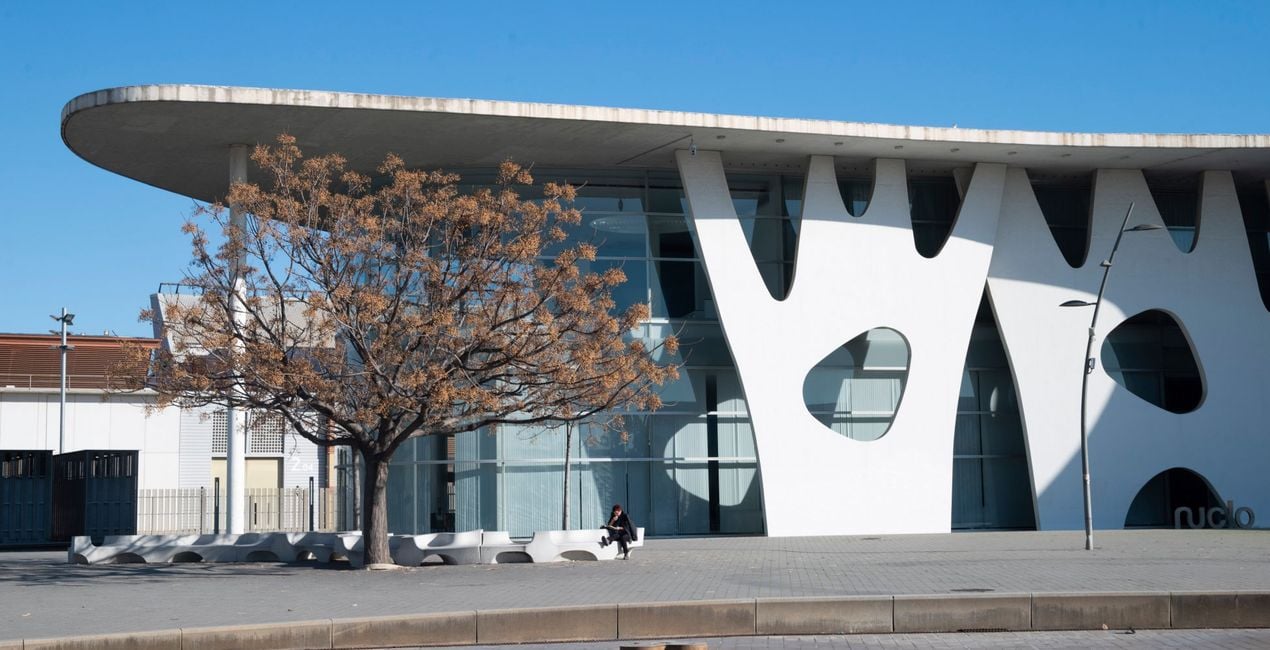
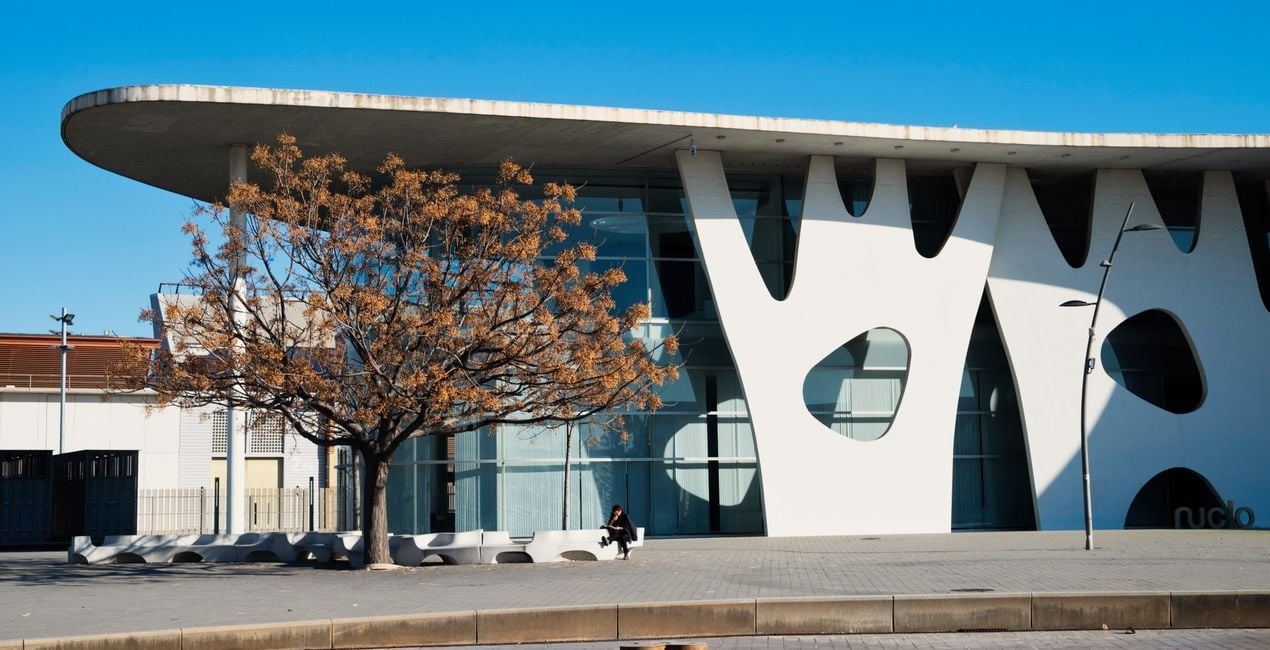
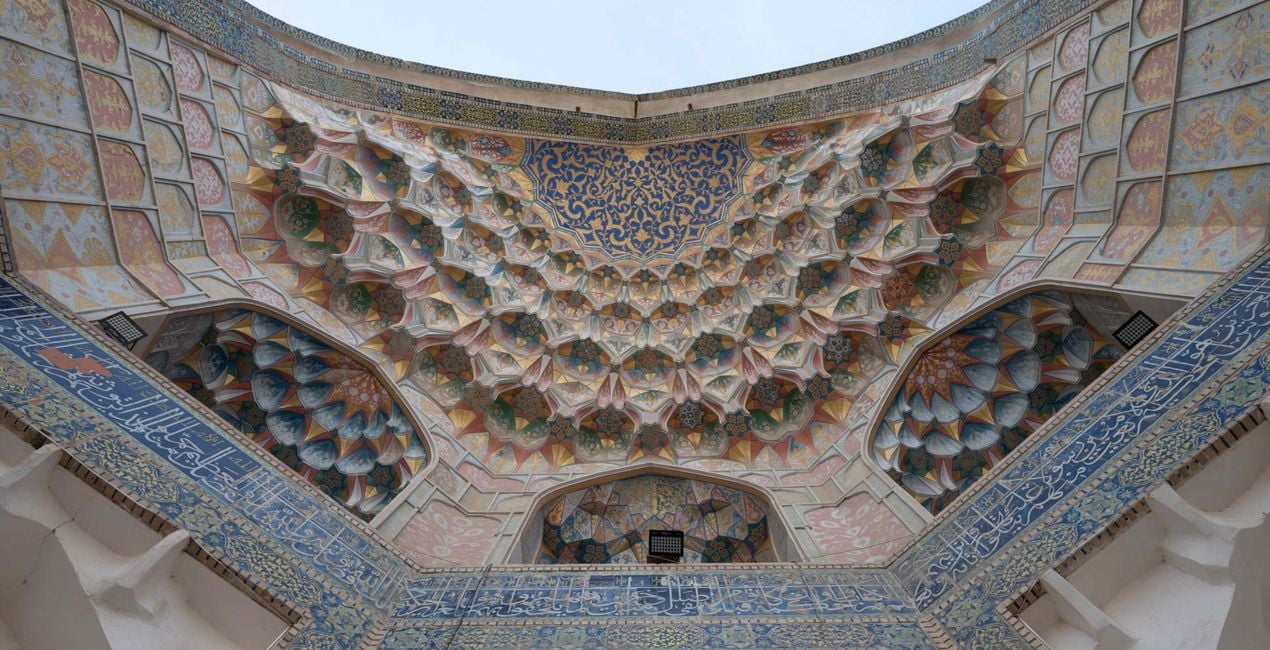
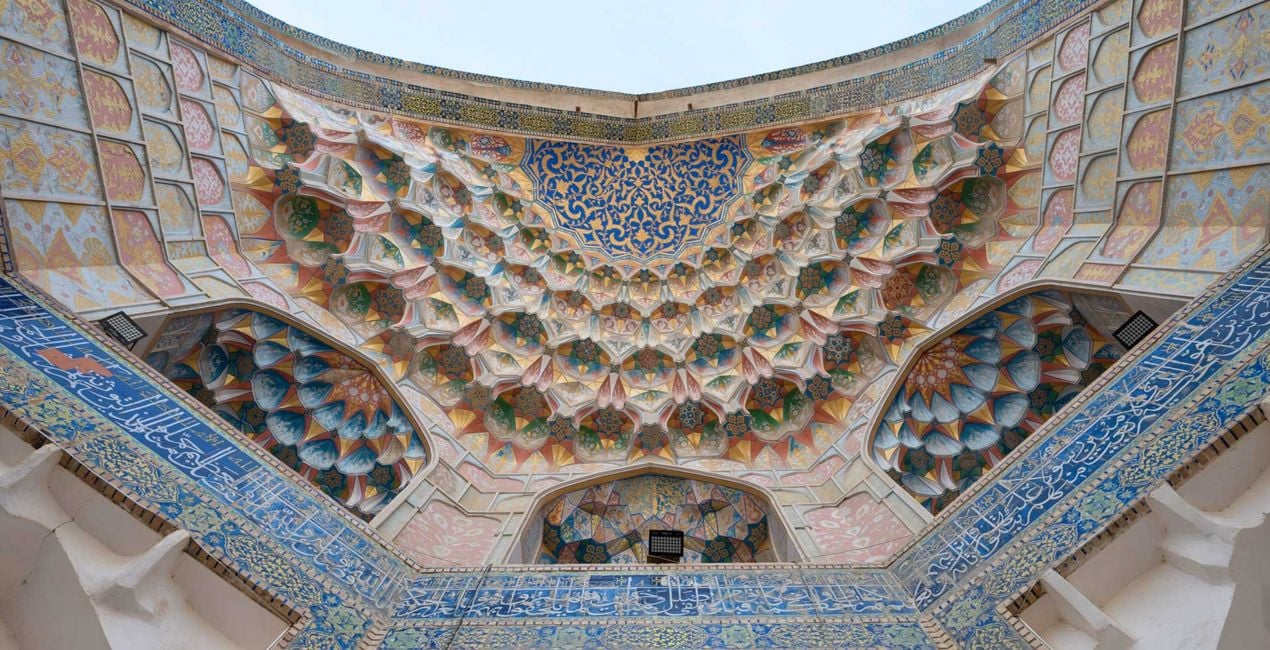
Enhance your outdoor adventure and architectural explorations with this curated Preset pack, designed to elevate your travel photography with vibrant colors and crisp details. Transform your outdoor scenes and architectural marvels effortlessly, capturing the essence of each location with stunning clarity and dynamic edits.
Compatibiliteit

Maak foto's zoals deze
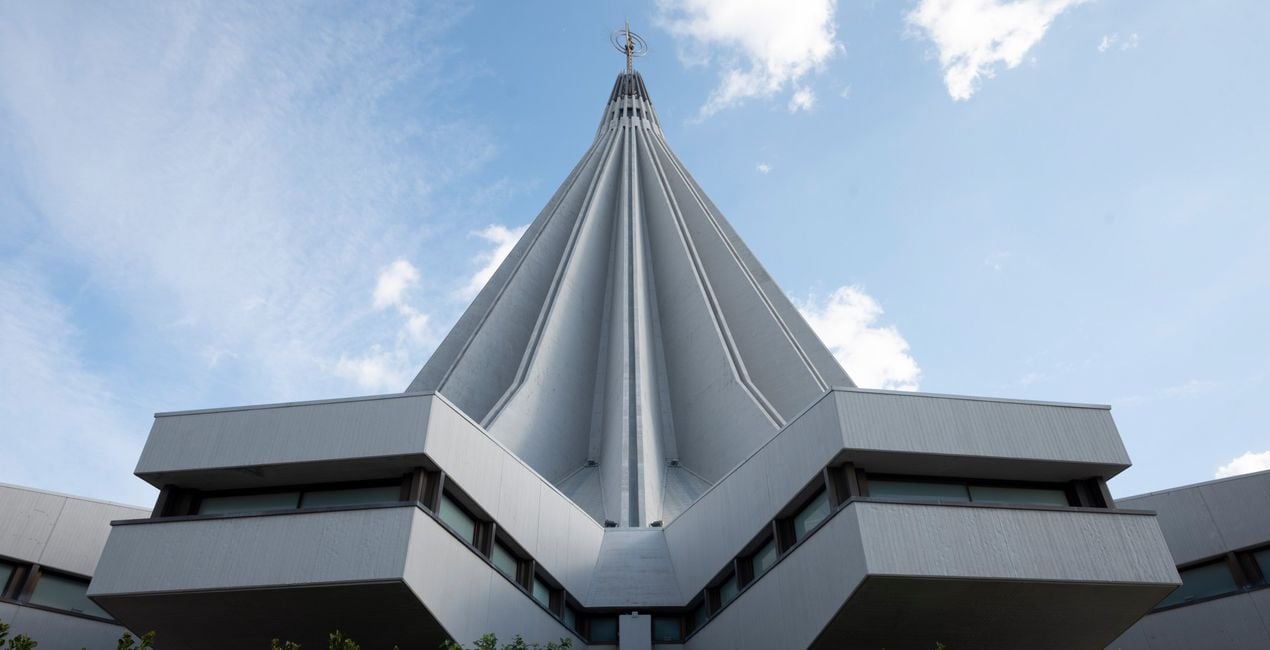
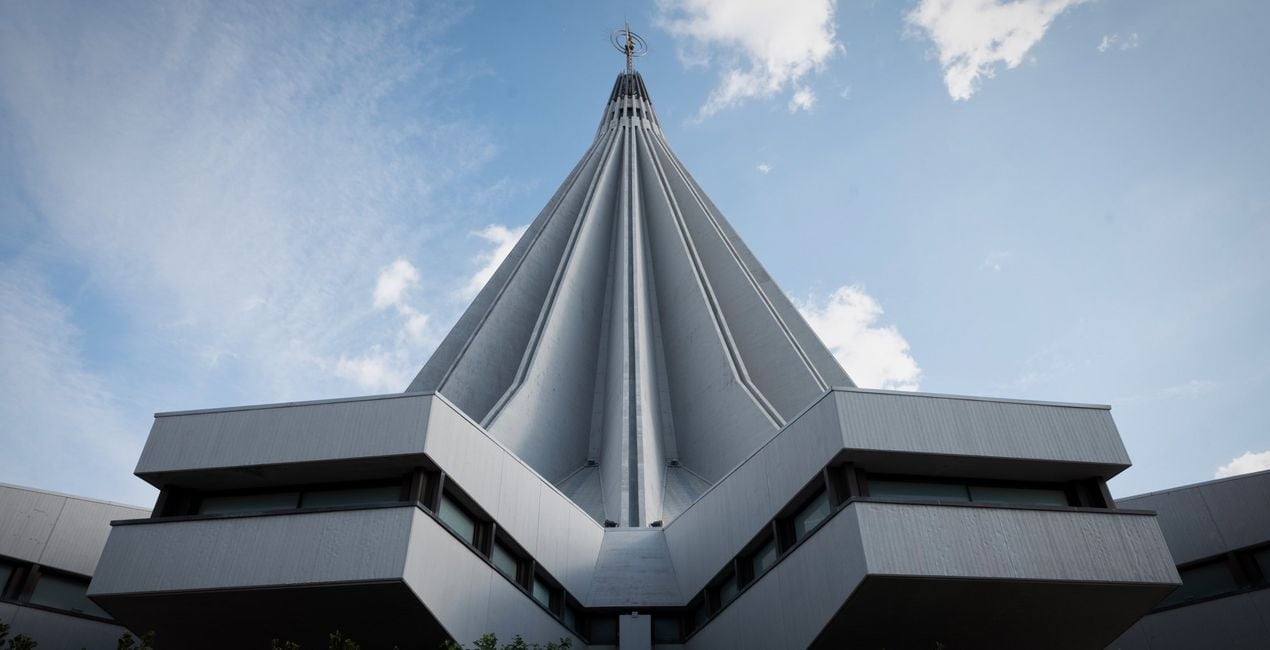
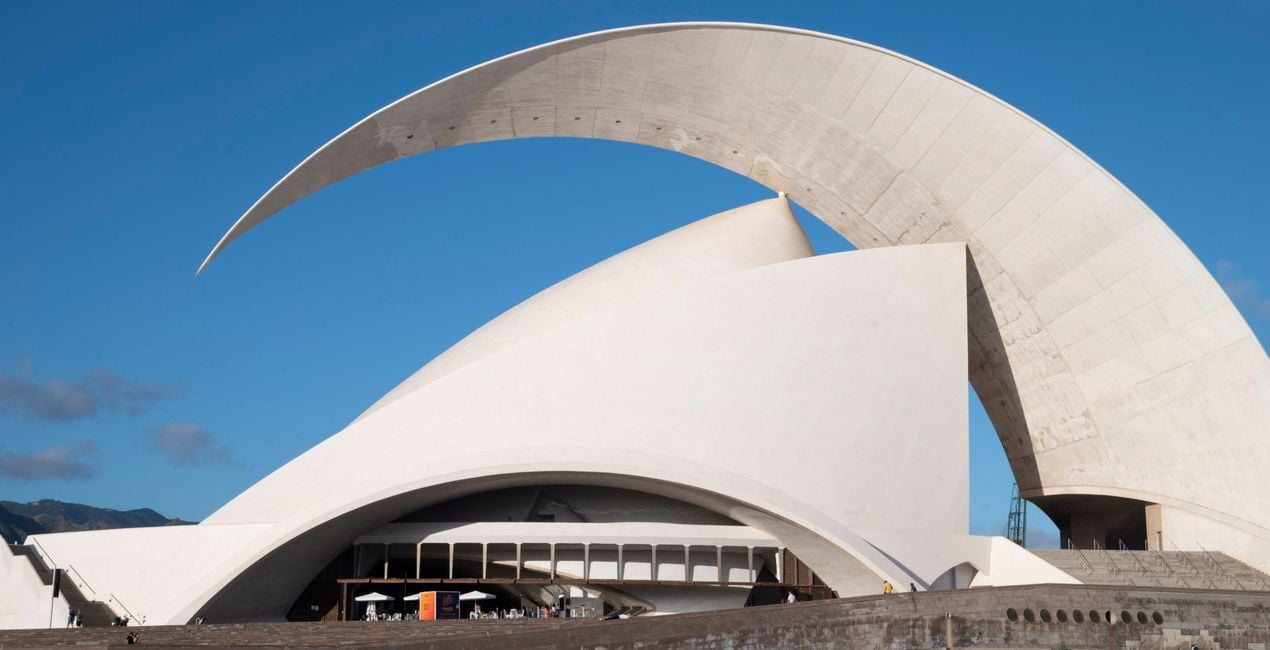
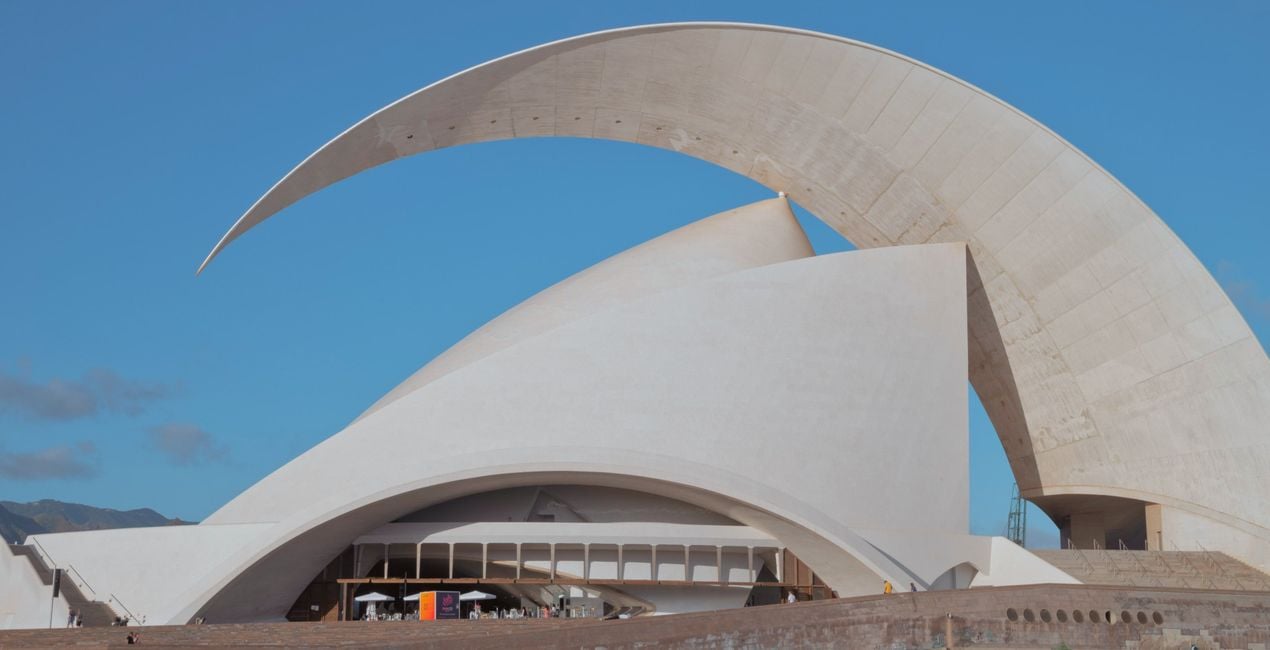
Met behulp van de meegeleverde RAW-bestanden oefent u gemakkelijk retoucheertips en leert u hoe u dergelijke foto's kunt maken.
 >
>
 >
>
 >
>
 >
>
 >
>
 >
>
Het Verhaal
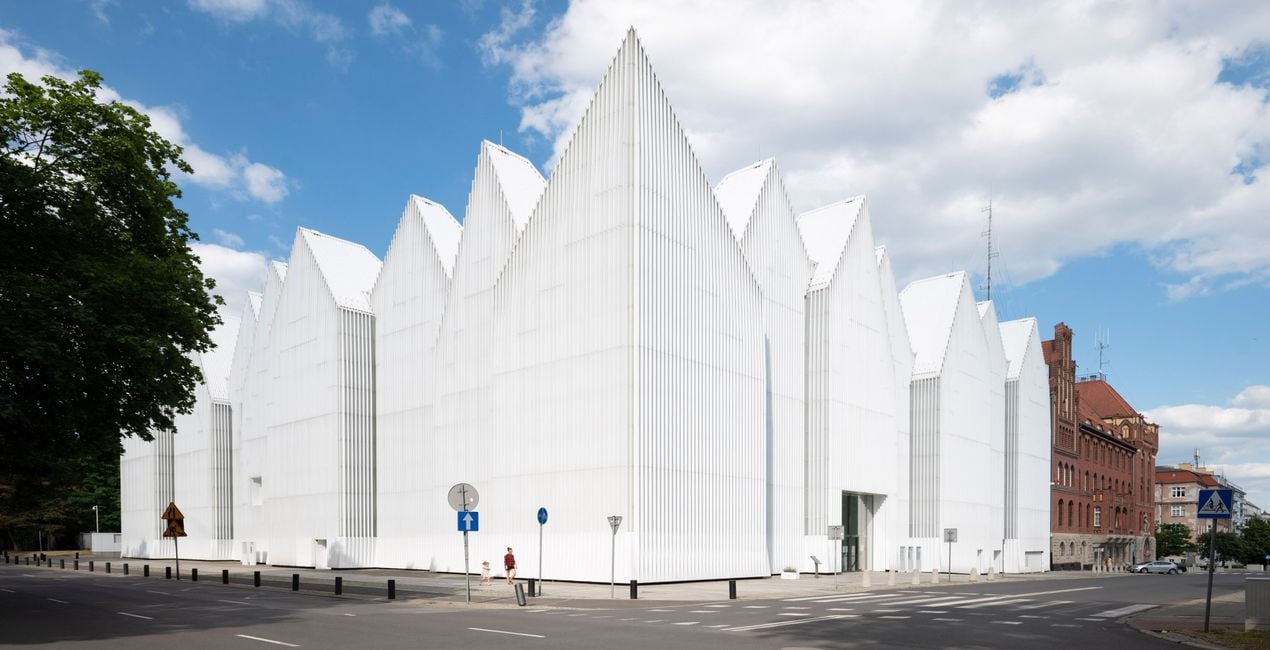
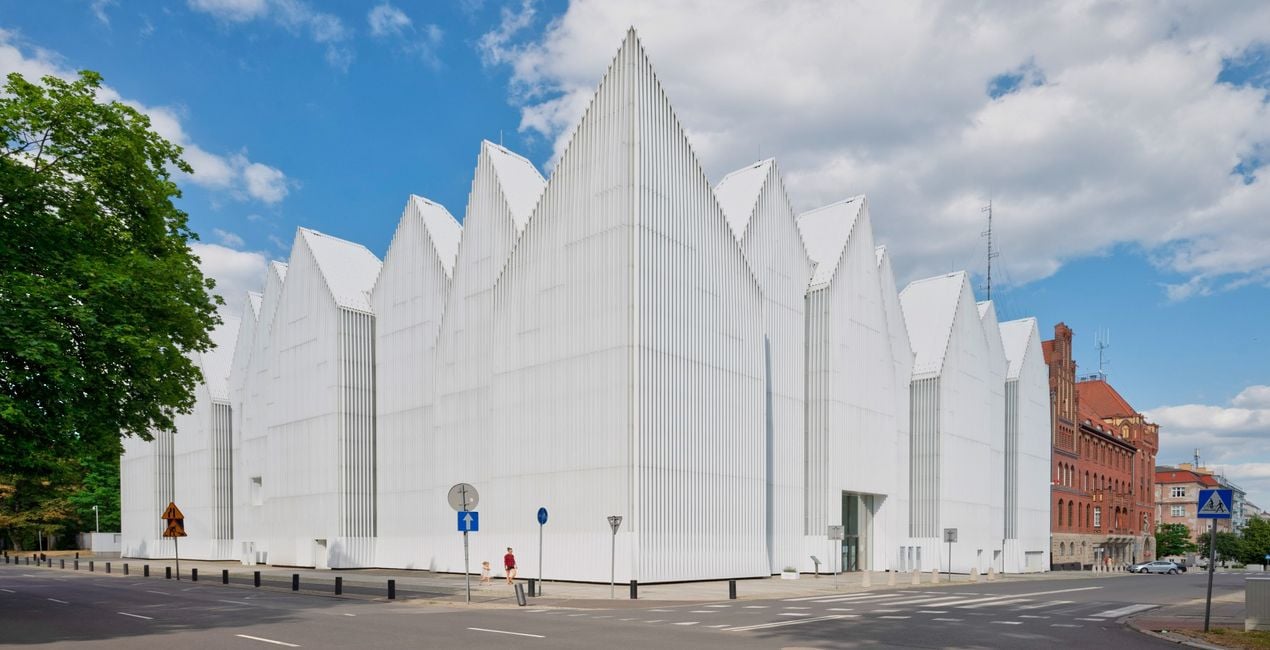
This Preset pack was designed to make your outdoor travel and architectural photos look amazing. Inspired by the beauty of incredible buildings, wanting to help people capture those moments in the best possible way. So, these Presets were created to make it easy for anyone to enhance their pictures, whether they are about stunning museums, peaceful city views, or fascinating old landmarks. With these Presets, you can bring out the best in your outdoor architectural discoveries effortlessly.
You will find 10 Presets in this Pack:
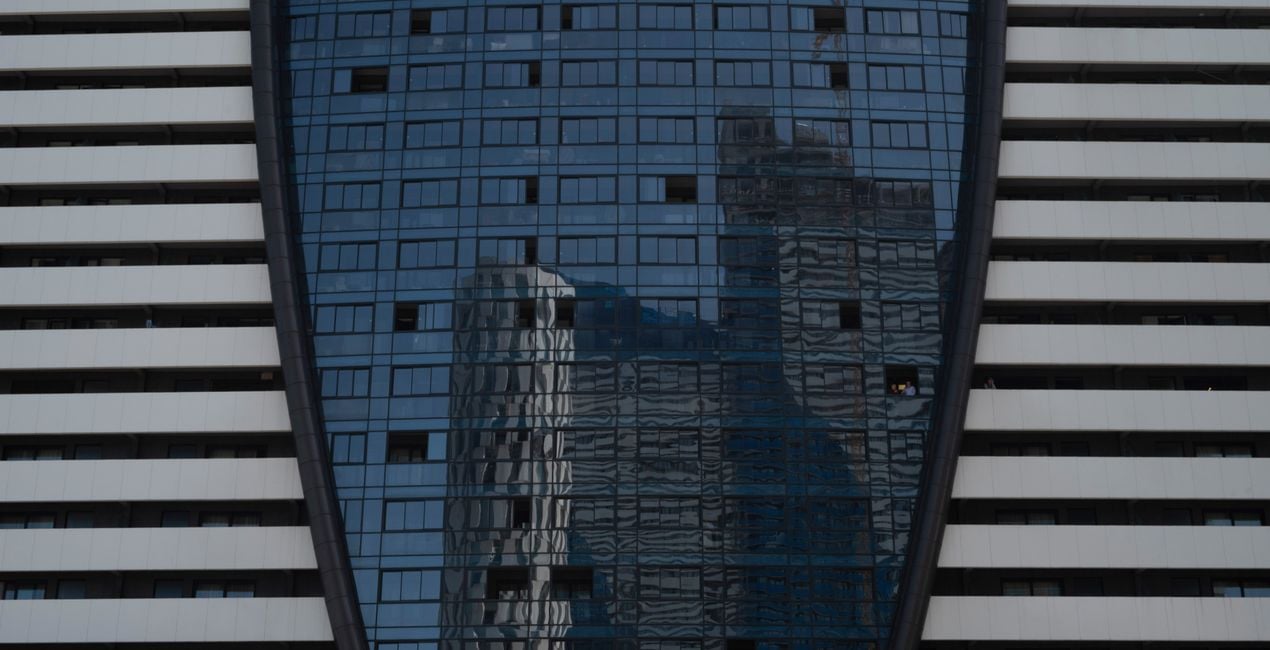
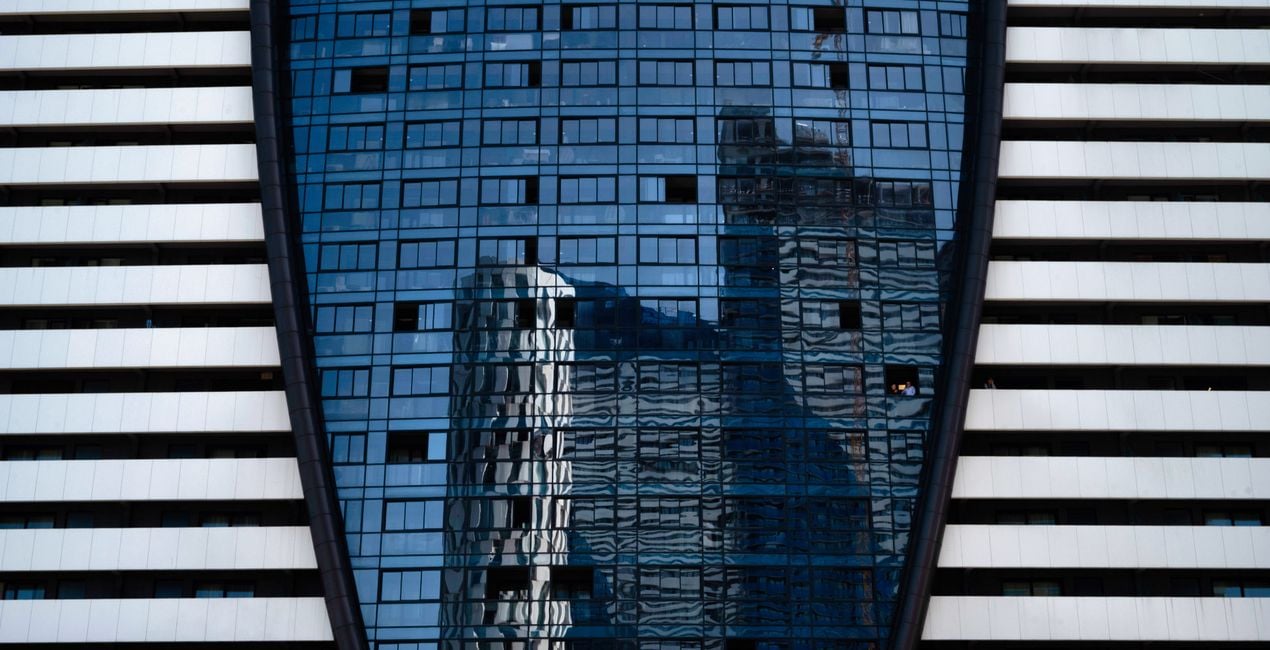
Skyscraper Reflection - a Preset with cool tones and high contrast.
Brutalism - A Preset with slightly faded colors and desaturated tones. Perfect for brutalist structures.
Bright Urban - A Preset with an accent on highlights, subtle cool shadow tones. Perfect for morning or daytime images.
Colorful Lookup - A bright, warm and vibrant Preset, perfect for those colorful landmarks.
Soft Lines - A cool-toned Preset, with faded blacks and low contrast.
Drama Mood - A Preset with deep contrasts and deep blacks for a dramatic final look.
Bright Vista - A bright, warm and with high contrast Preset making each detail pop with a lively intensity.
Futuristic - A Preset with deep shadows and cooler tones for a more futuristic look.
Dreamy - A Dreamy, faded, bright Preset with added glow .
Vibrant City - A bright and vibrant Preset for a clean, ethereal atmosphere.
Gerelateerde Producten


Maker
Nancy Da Campo
Architecture photographer and educator
<p>Nancy Da Campo is a freelance architecture and interiors photographer born in Milan, Italy, and currently traveling extensively to discover and capture the beauty of the built environment. <br></p><p>Perspectives and the use of lines are two central pillars of Nancy’s content, and she’s always looking for new and interesting angles to show her interpretation of a building through her camera or drone lens. </p><p></p><p>Nancy regularly works with architectural and cultural institutions, tech brands, and tourism boards. </p>
Veelgestelde vragen
Heb je nog extra vragen of wil je gewoon wat advies?
neem contact op met ons supportteamHoe neem ik contact op met het supportteam?
Heb je vragen over het product? Neem dan gerust contact op met ons supportteam – 24/7 bereikbaar. Volg gewoon deze link.
Hoe koop ik mijn Travel Architecture?
Volg deze stappen om Travel Architecture te kopen:
1. Open Skylum’s Marketplace.
2. Ga naar het tabblad waar Travel Architecture staat. Klik erop en voeg het toe aan je winkelmandje.
3. Ga naar je winkelmandje. Rond hier het aankoopproces van Travel Architecture af.
4. Na je aankoop ontvang je een bevestigingsmail met de downloadlink voor Travel Architecture. Je vindt het product ook terug in je Skylum-account onder het tabblad ‘Mijn add-ons’.
Hoe installeer ik mijn Travel Architecture?
Uitgebreide instructies voor het installeren van Travel Architecture ontvang je in de bevestigingsmail, samen met de downloadlink.
Daarnaast kun je het gekochte item direct installeren in Luminar Neo: ga naar Extra’s > Marketplace, selecteer de productcategorie, zoek het gekochte item en klik op Installeren.
Waar vind ik mijn Travel Architecture na installatie?
Supermakkelijk! Ga naar het tabblad Presets en kies daar ‘Gekocht’. Je geïnstalleerde preset staat ertussen.
Wat als ik mijn Travel Architecture kwijtraak?
Geen zorgen. Alle gekochte items, waaronder Travel Architecture, staan in het tabblad ‘Mijn add-ons’ van je Skylum-account. Van daaruit kun je ze makkelijk opnieuw downloaden en gebruiken.
Hoe weet ik of Travel Architecture compatibel is met mijn software?
In de meeste gevallen zijn items compatibel met Luminar Neo. Maar om zeker te weten of Travel Architecture werkt met jouw software, check je best even de specificaties vóór je iets downloadt of koopt. Kijk op de pagina van Travel Architecture aan de rechterkant bij het kopje ‘Compatibiliteit’ – daar staan alle compatibele producten vermeld.


