


 Toegepast


Interiors Enhancements
Save $201 $ 19 .00

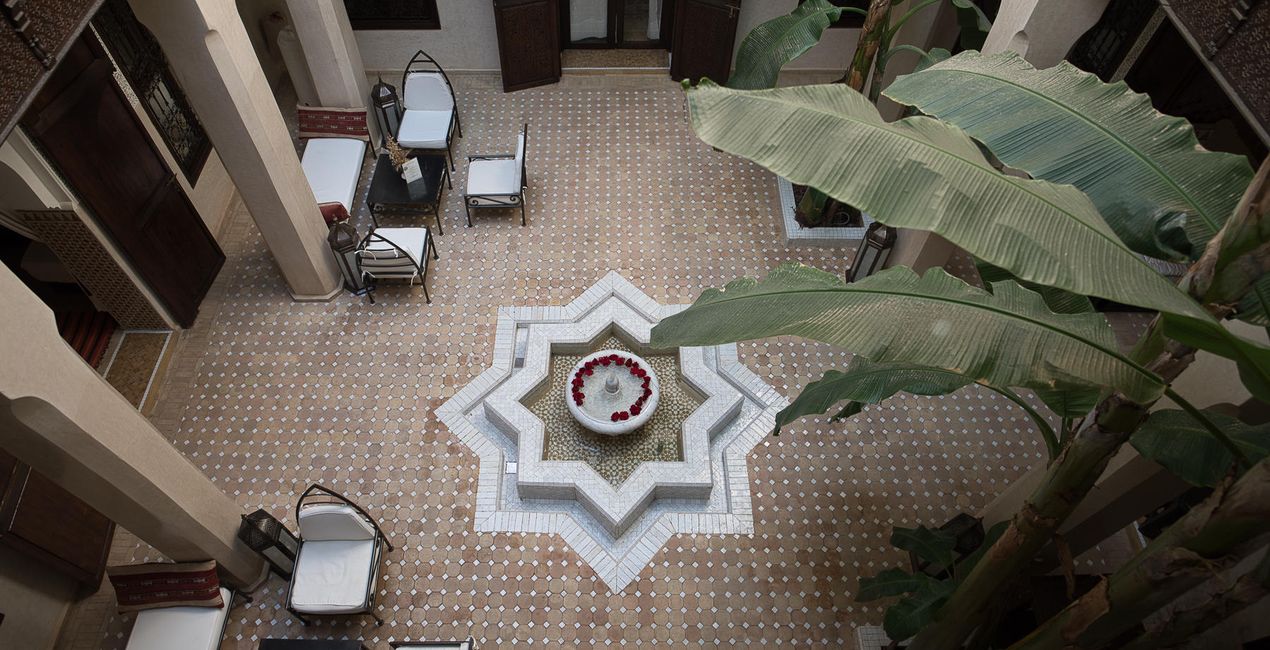
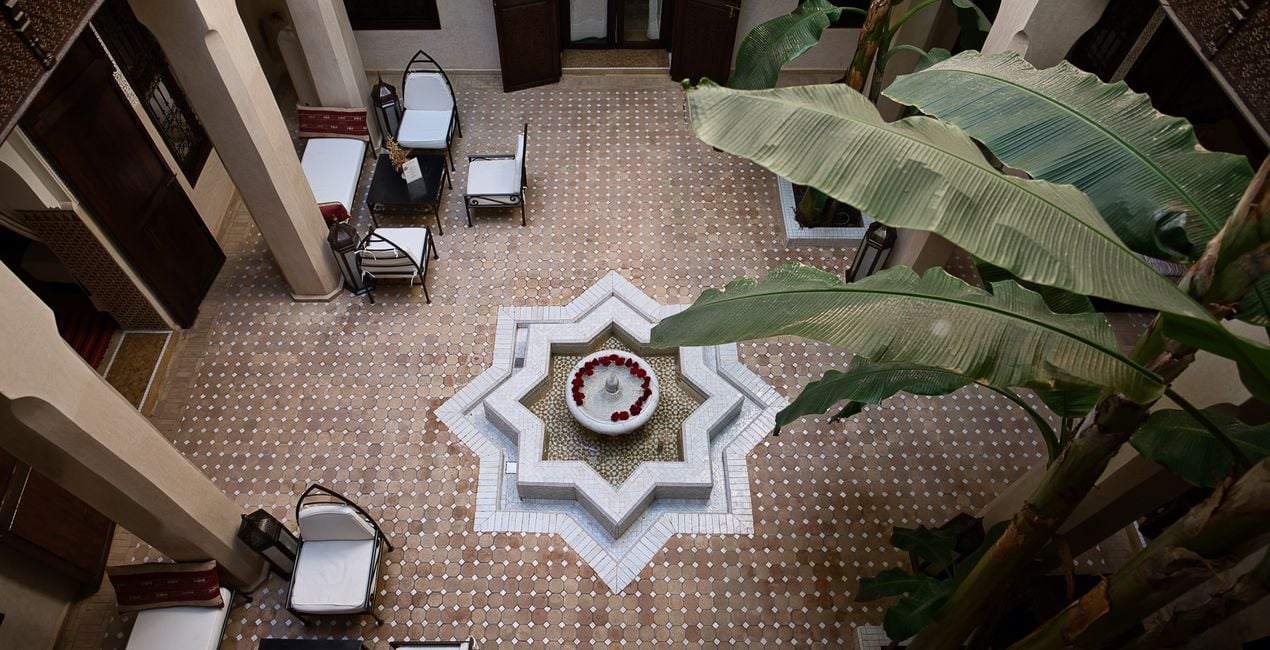
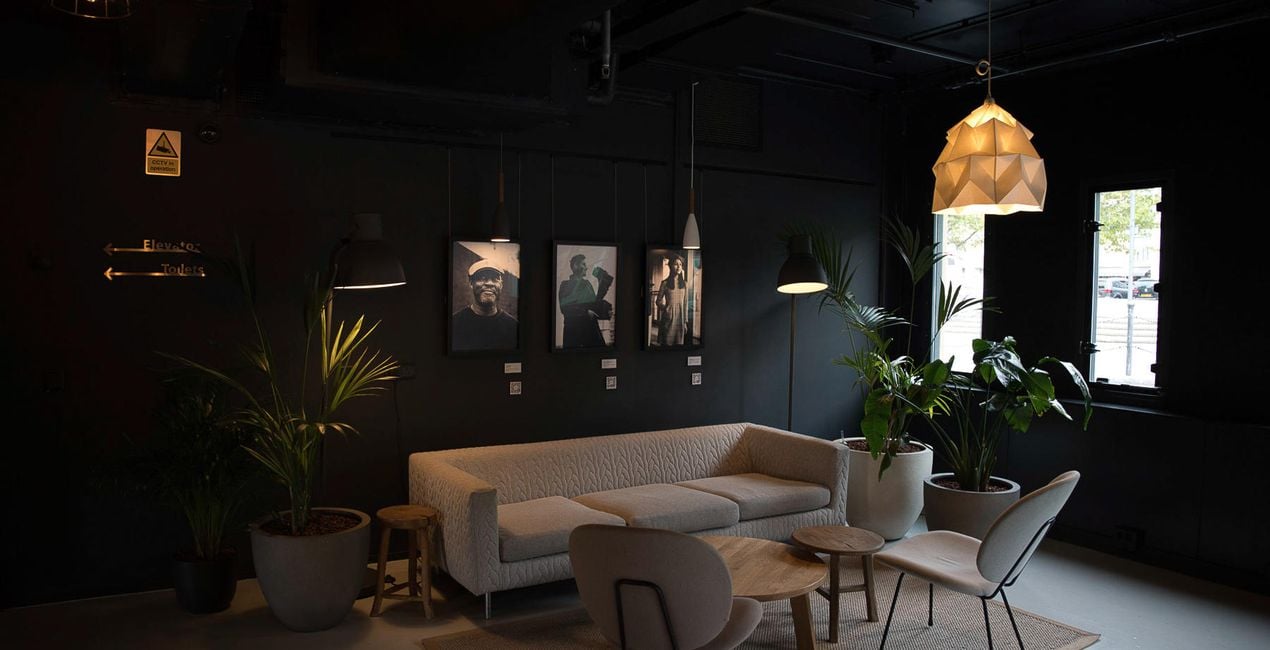
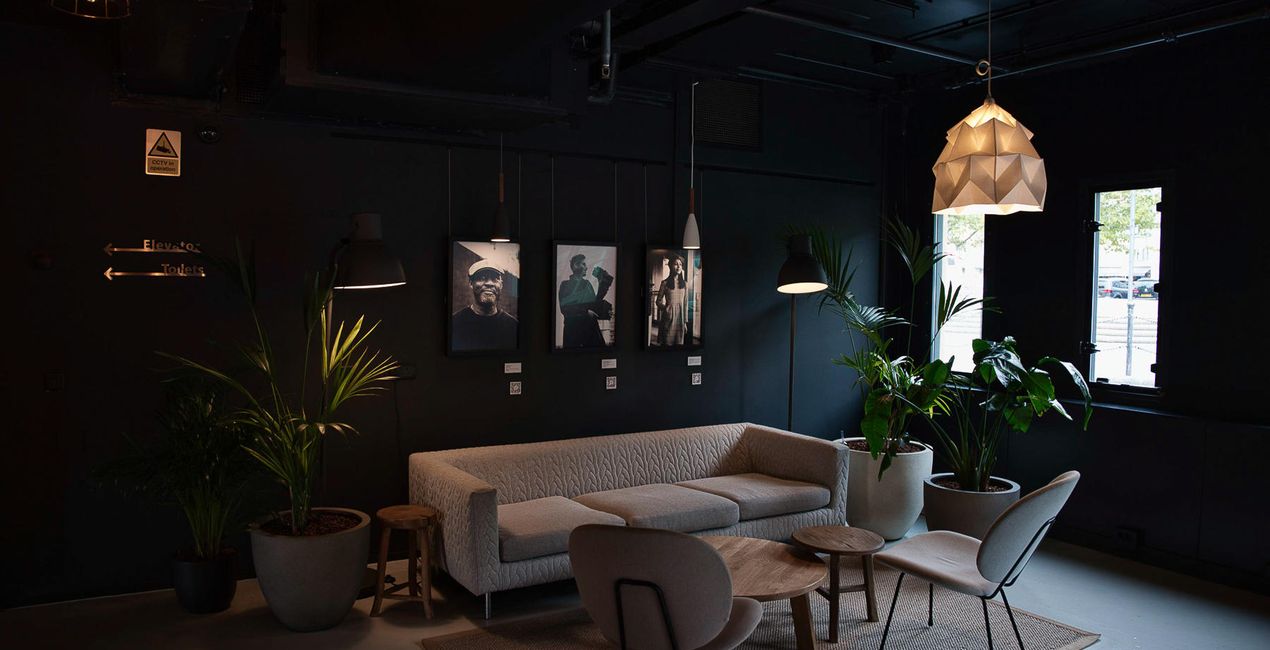
Create breathtaking images of places that look effective and inviting. Use this selection of 10 Presets to make your real estate and interior photos look professional in a few clicks. Perfect results can’t wait!

Met behulp van de meegeleverde RAW-bestanden oefent u gemakkelijk retoucheertips en leert u hoe u dergelijke foto's kunt maken.
 >
>
 >
>
 >
>
 >
>
 >
>
 >
>
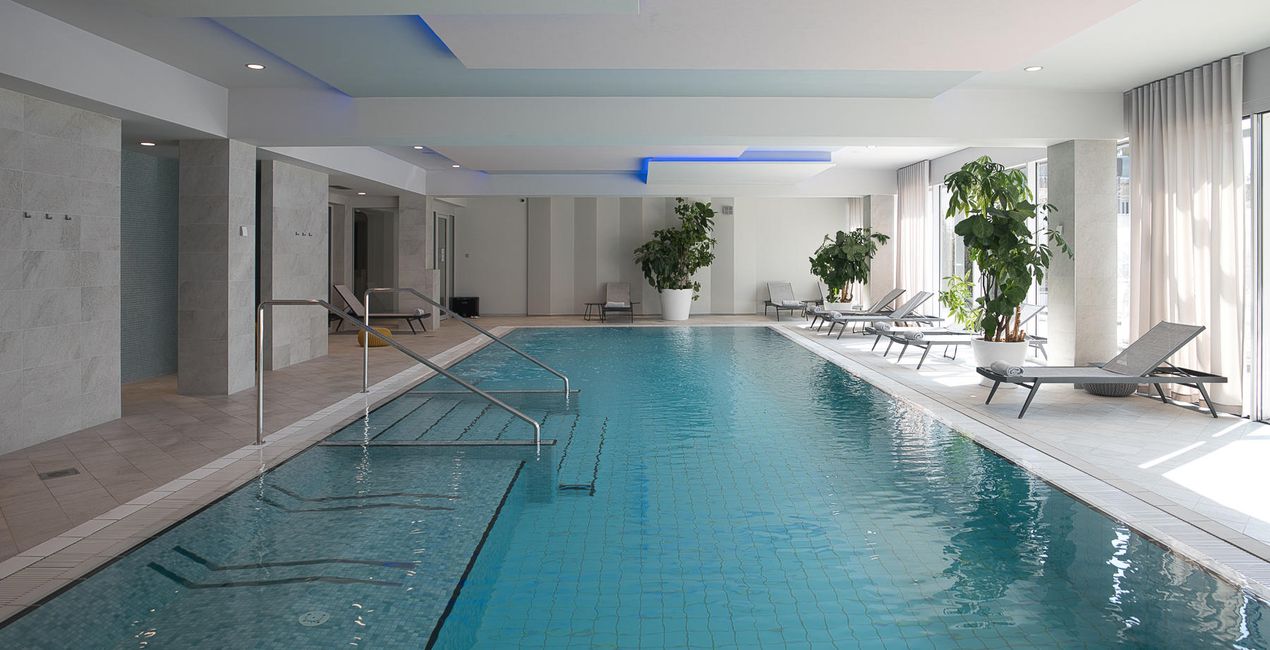
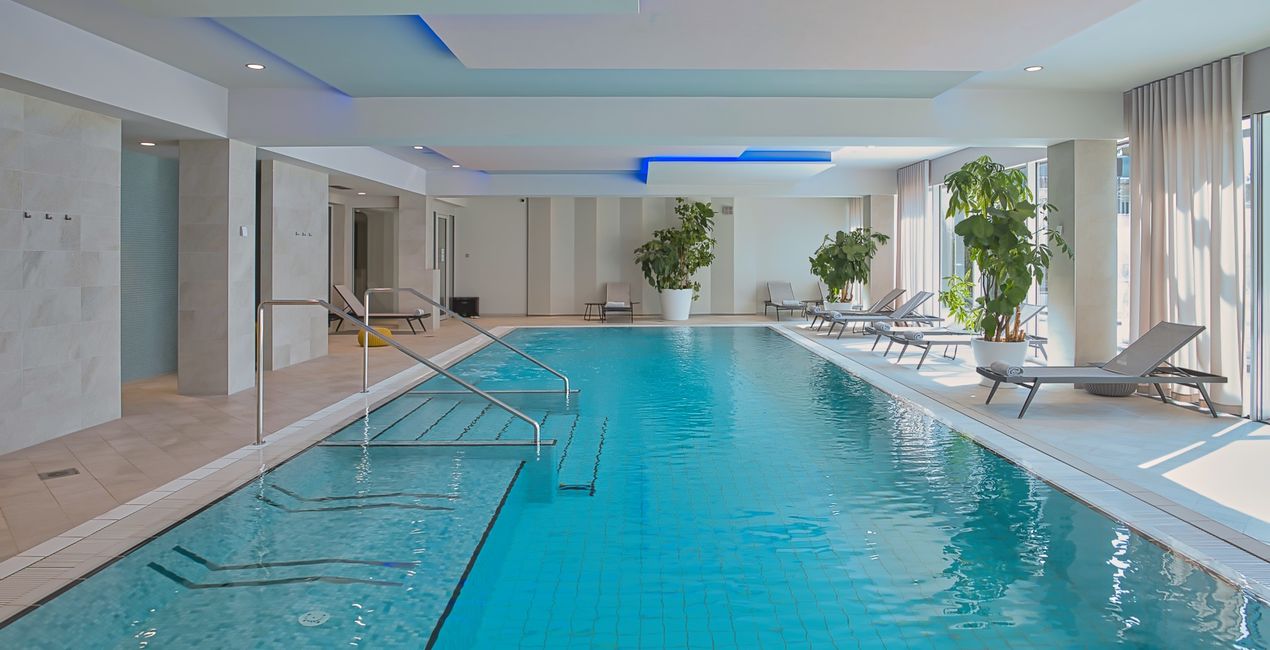
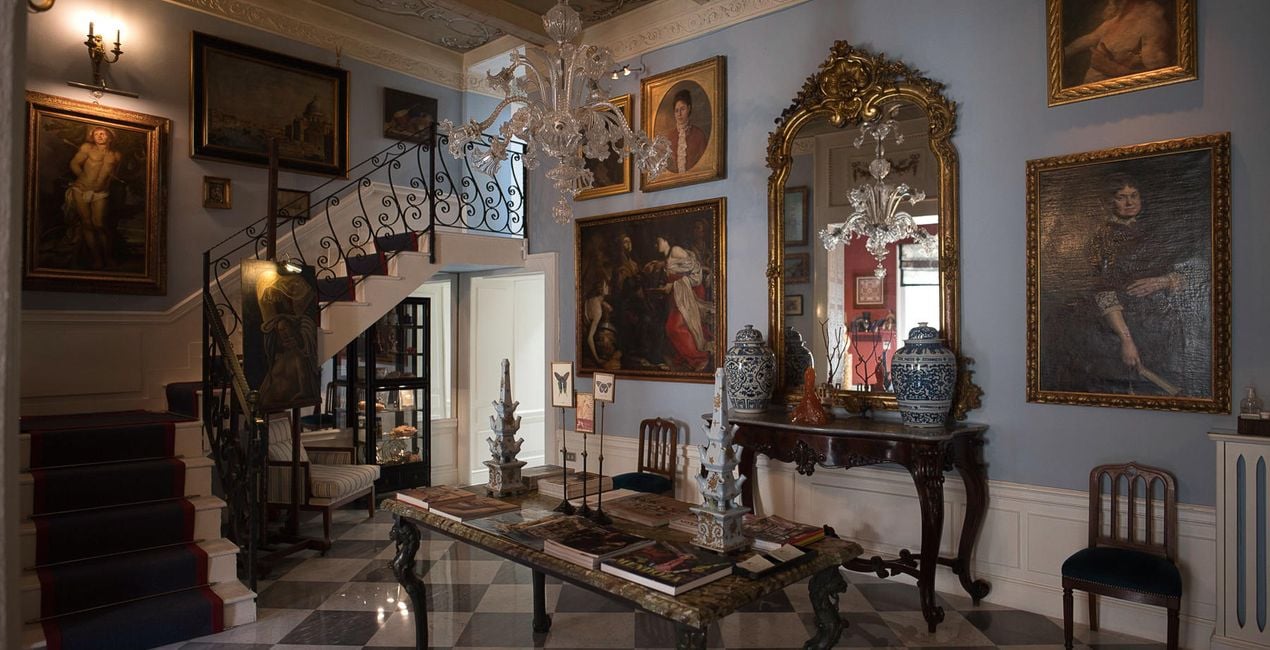
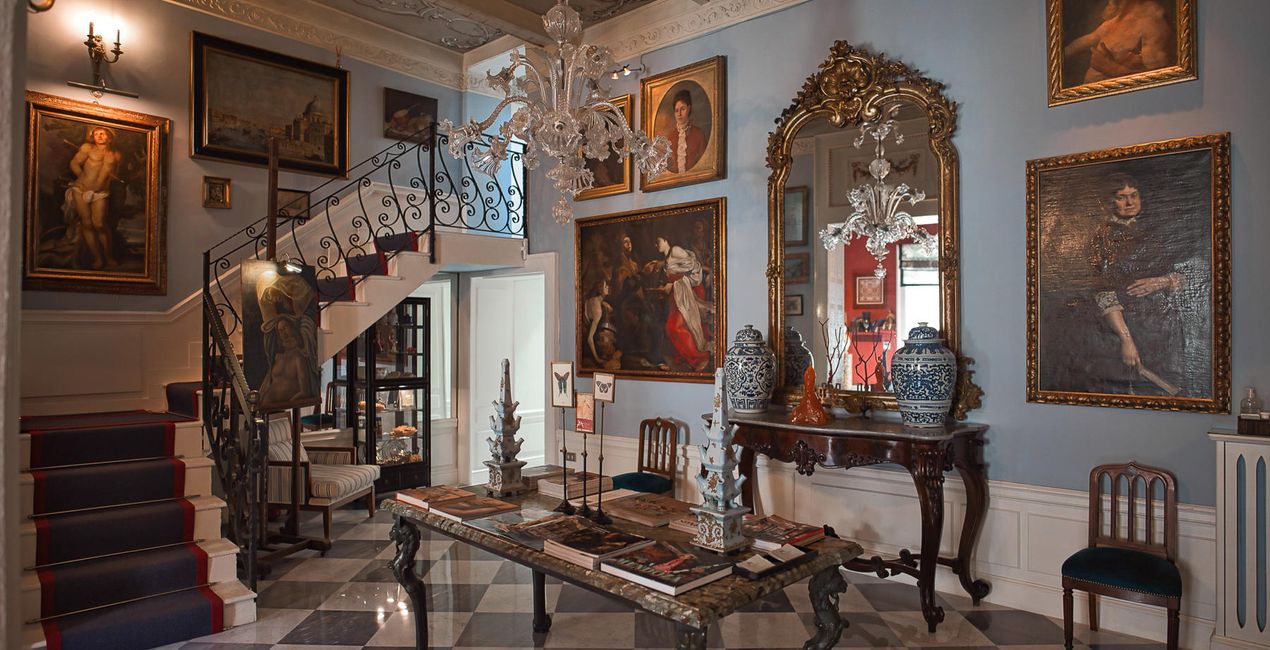
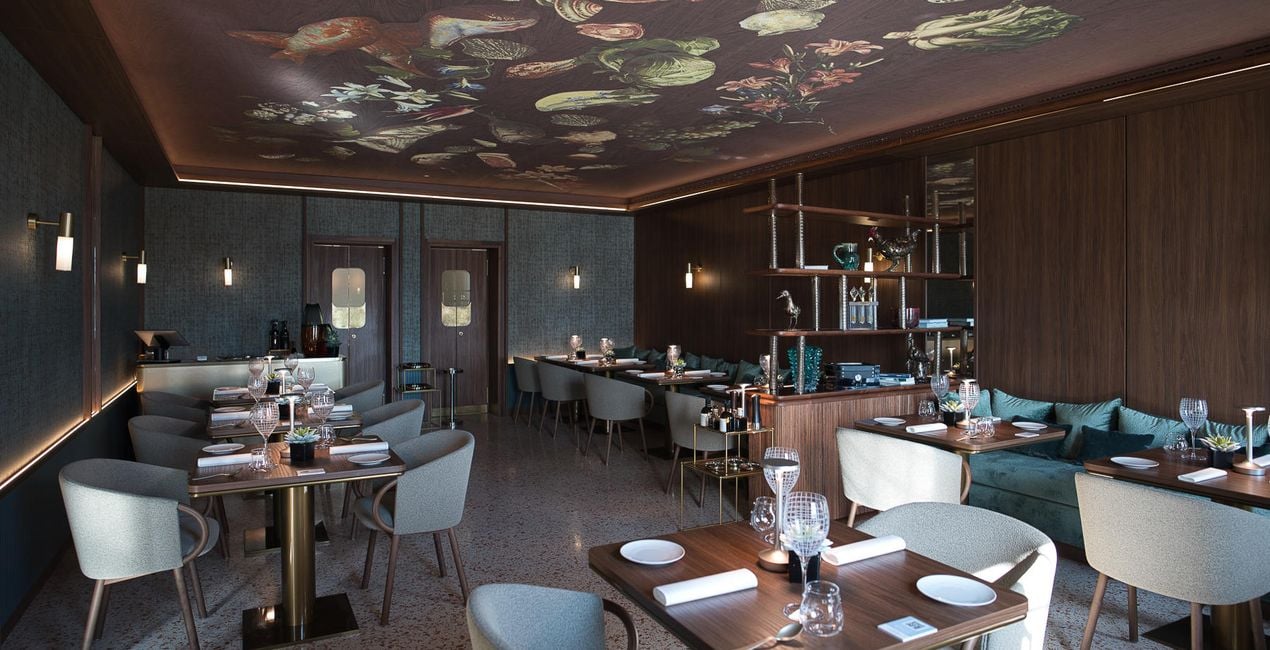
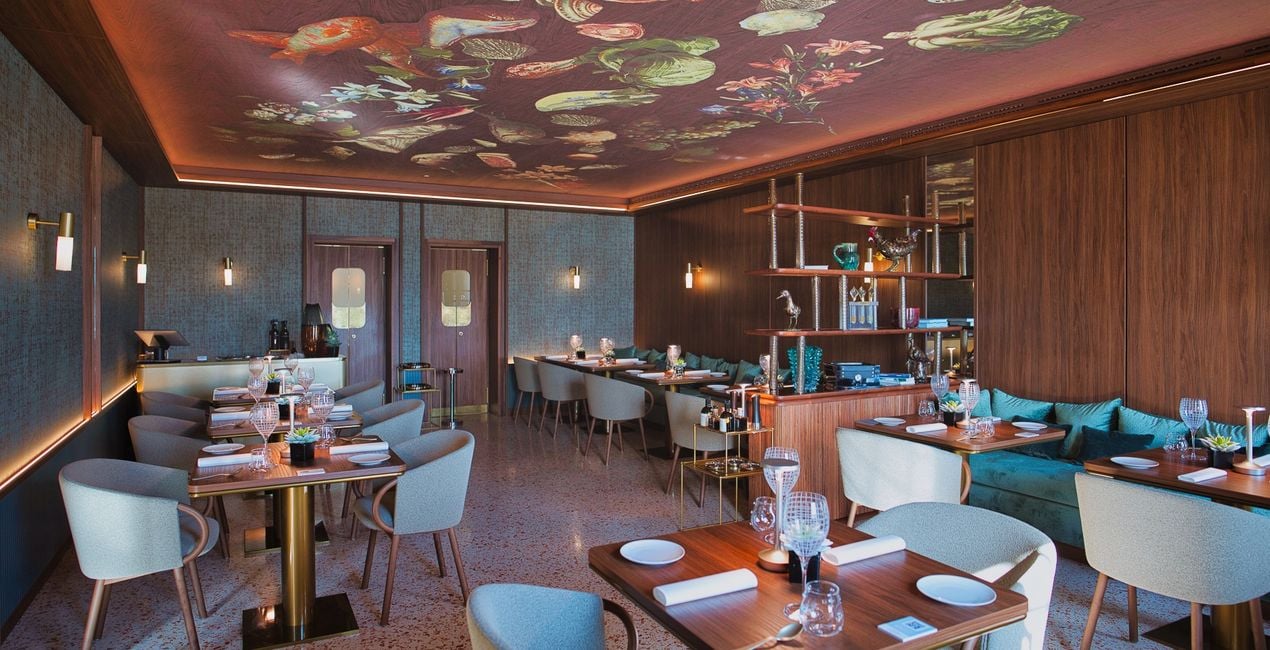
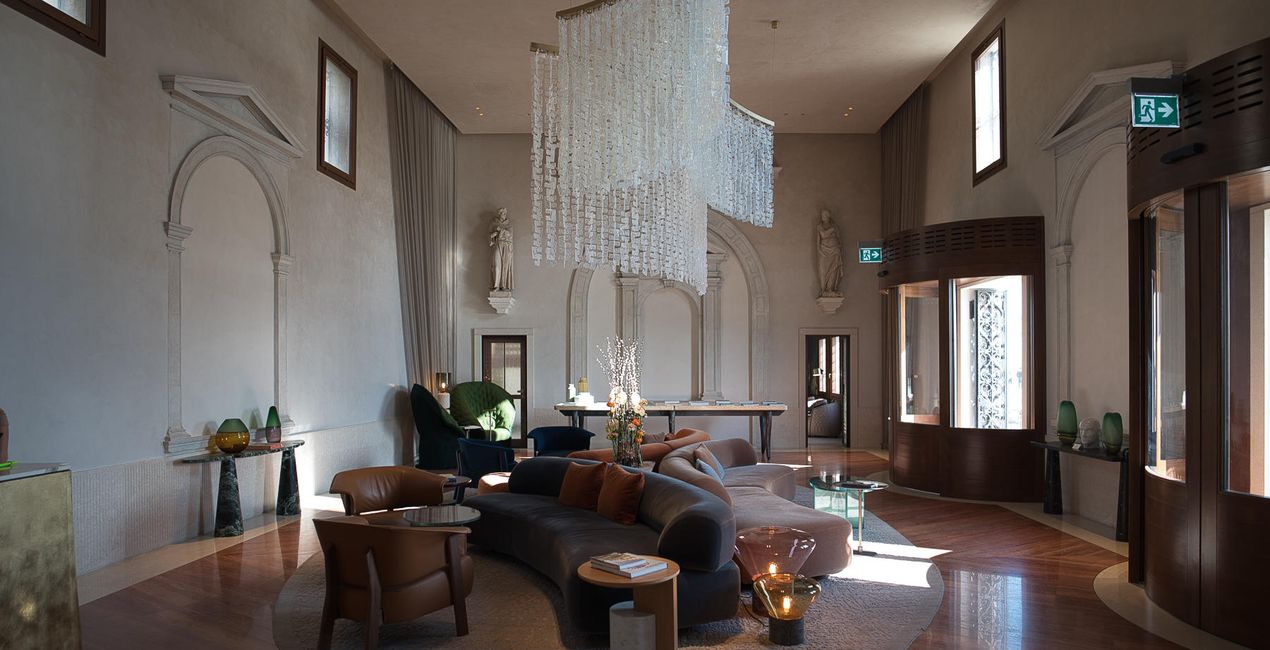
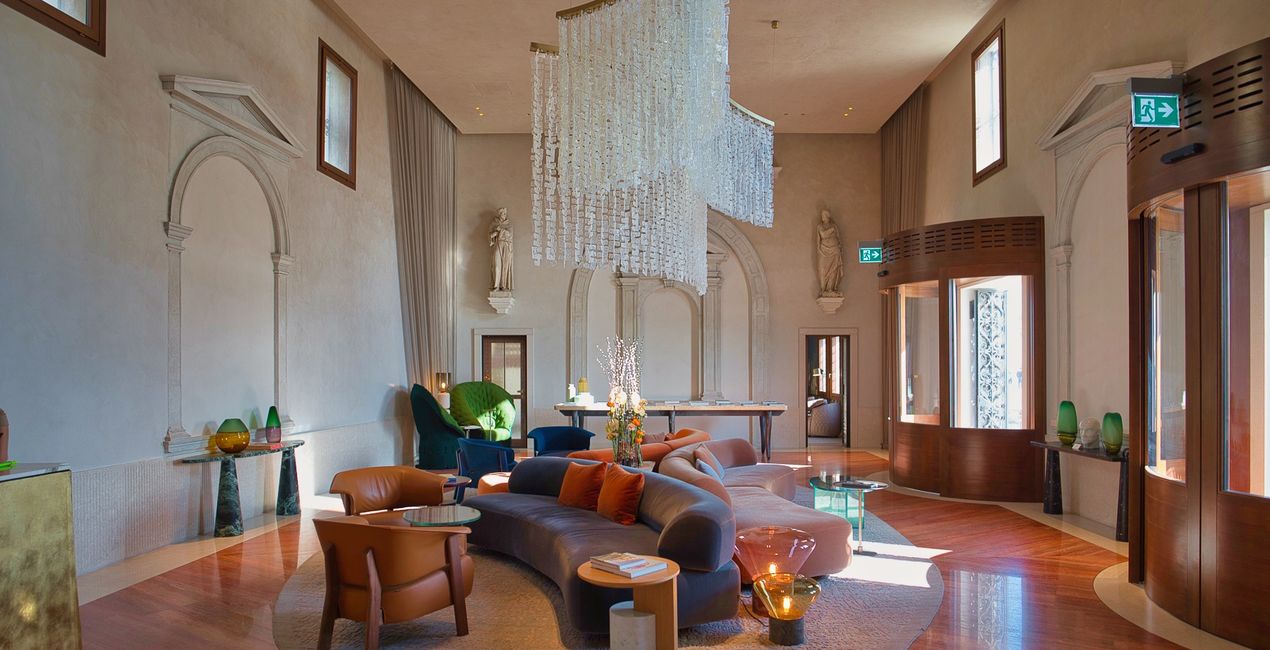
This selection of 10 Presets will make your real estate and interior photos look professional in a few clicks. They will help you to improve colors, shadows, and highlights, emphasize textures and surfaces, and correct for the lighting conditions of your interior photos.
Use them for images of home interiors, hotels, restaurants, bars, swimming pools, and gardens. Transform ordinary photos into picture-perfect images.
Note: Every photo is different, so Nancy recommends using these Presets as a starting point and then adjusting the Exposure and White Balance settings to better suit your own creative vision. Bear in mind that sometimes a Preset might be too strong for a certain image. If it is, simply switch to the Edits tab and adjust the tools according to your taste. Adjust the Exposure if you think the image becomes too bright or too dark. Adjust the White Balance and Tint if the image seems too warm or cold.
Architecture photographer and educator
<p>Nancy Da Campo is a freelance architecture and interiors photographer born in Milan, Italy, and currently traveling extensively to discover and capture the beauty of the built environment. <br></p><p>Perspectives and the use of lines are two central pillars of Nancy’s content, and she’s always looking for new and interesting angles to show her interpretation of a building through her camera or drone lens. </p><p></p><p>Nancy regularly works with architectural and cultural institutions, tech brands, and tourism boards. </p>
Veelgestelde vragen
Heb je nog extra vragen of wil je gewoon wat advies?
neem contact op met ons supportteamHeb je vragen over het product? Neem dan gerust contact op met ons supportteam – 24/7 bereikbaar. Volg gewoon deze link.
Volg deze stappen om Interiors Enhancements te kopen:
1. Open Skylum’s Marketplace.
2. Ga naar het tabblad waar Interiors Enhancements staat. Klik erop en voeg het toe aan je winkelmandje.
3. Ga naar je winkelmandje. Rond hier het aankoopproces van Interiors Enhancements af.
4. Na je aankoop ontvang je een bevestigingsmail met de downloadlink voor Interiors Enhancements. Je vindt het product ook terug in je Skylum-account onder het tabblad ‘Mijn add-ons’.
Uitgebreide instructies voor het installeren van Interiors Enhancements ontvang je in de bevestigingsmail, samen met de downloadlink.
Daarnaast kun je het gekochte item direct installeren in Luminar Neo: ga naar Extra’s > Marketplace, selecteer de productcategorie, zoek het gekochte item en klik op Installeren.
Supermakkelijk! Ga naar het tabblad Presets en kies daar ‘Gekocht’. Je geïnstalleerde preset staat ertussen.
Geen zorgen. Alle gekochte items, waaronder Interiors Enhancements, staan in het tabblad ‘Mijn add-ons’ van je Skylum-account. Van daaruit kun je ze makkelijk opnieuw downloaden en gebruiken.
In de meeste gevallen zijn items compatibel met Luminar Neo. Maar om zeker te weten of Interiors Enhancements werkt met jouw software, check je best even de specificaties vóór je iets downloadt of koopt. Kijk op de pagina van Interiors Enhancements aan de rechterkant bij het kopje ‘Compatibiliteit’ – daar staan alle compatibele producten vermeld.
Ga nog niet weg. Hier is een exclusieve kortingscode voor jou. Gebruik deze binnen 15 minuten om bij het afrekenen 10% extra korting te krijgen. Kopieer de onderstaande code en rond je aankoop af.
15 m : 00 s





