


 Toegepast


Surrealistische 3D-architectuur
Save $201 $ 19 .00

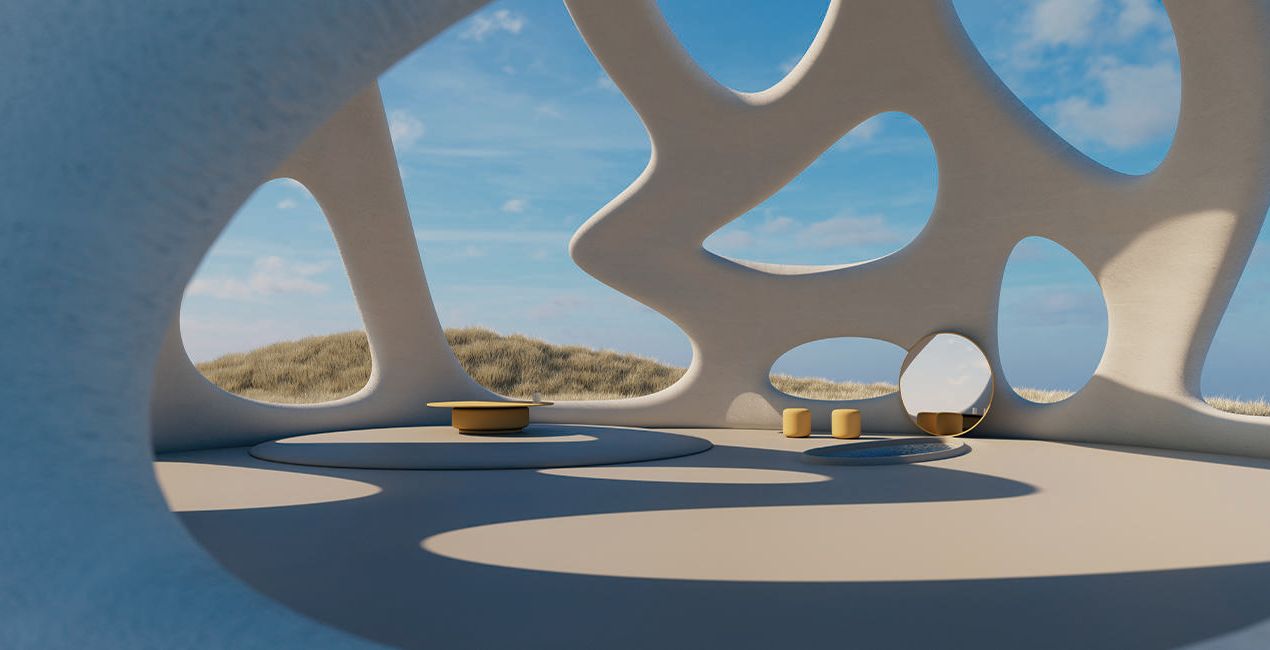
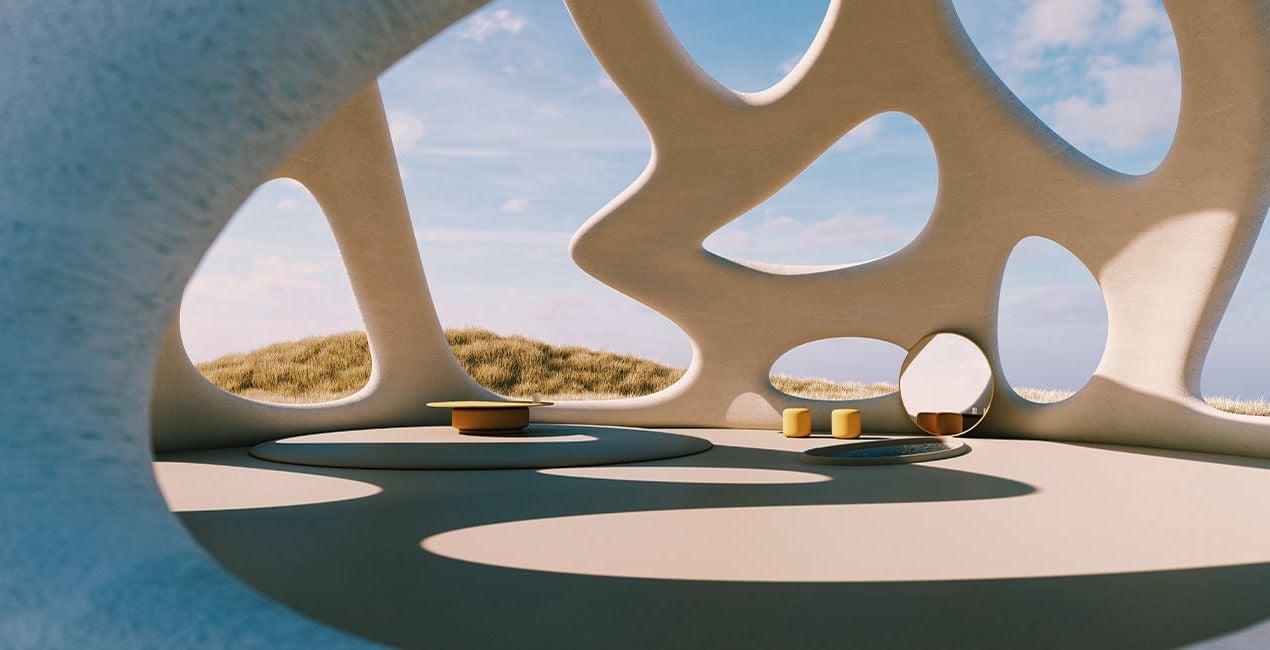
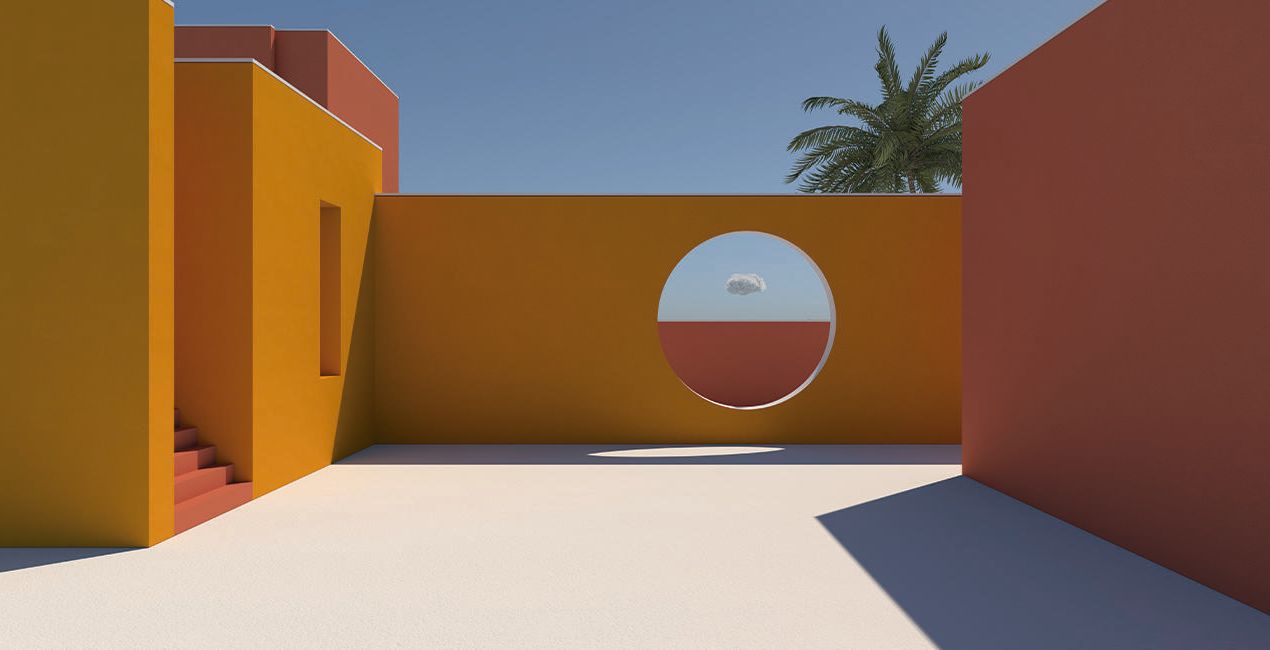
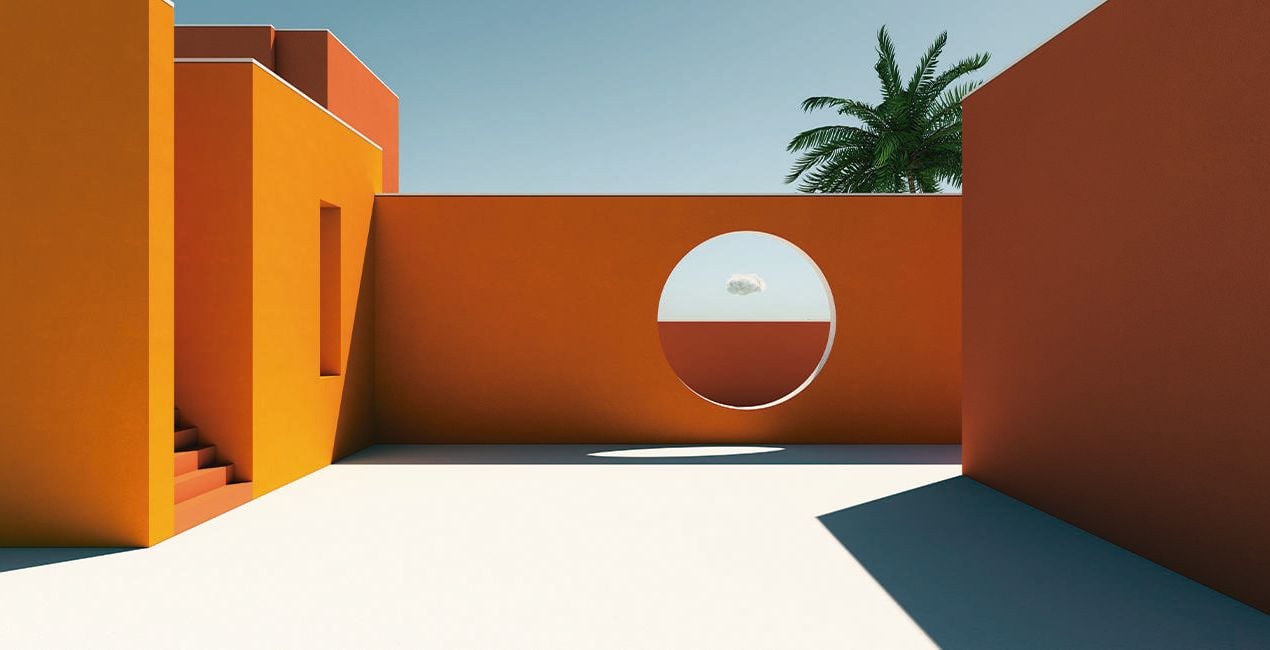
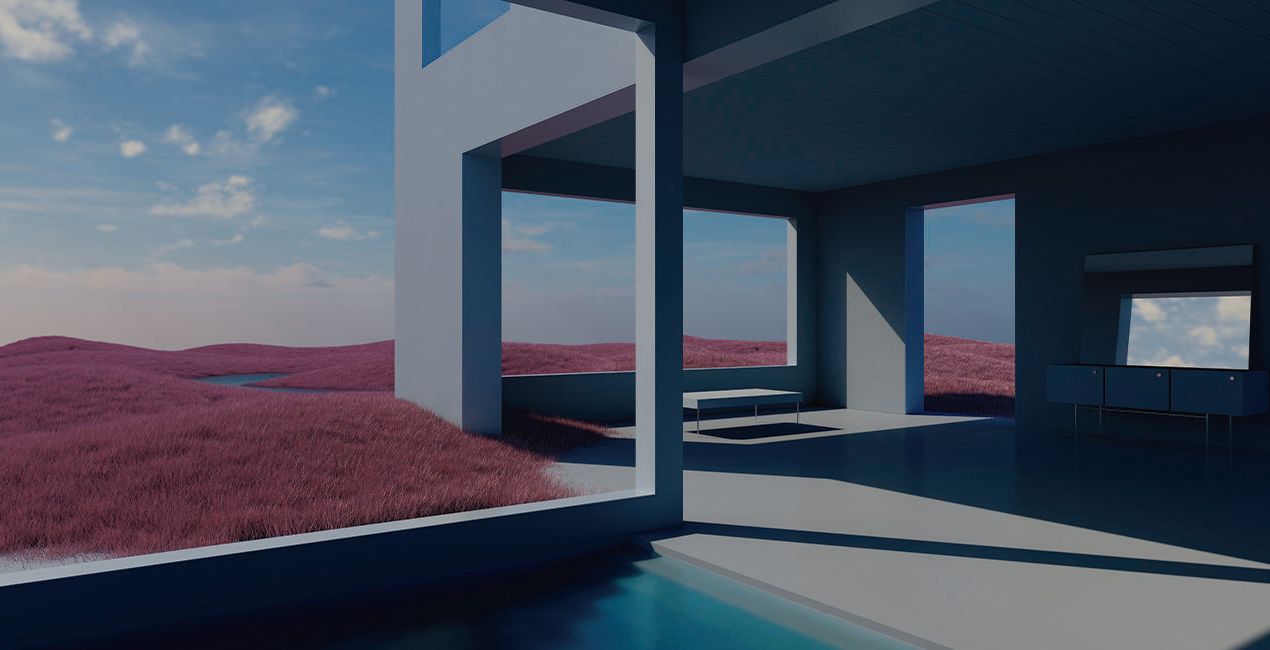
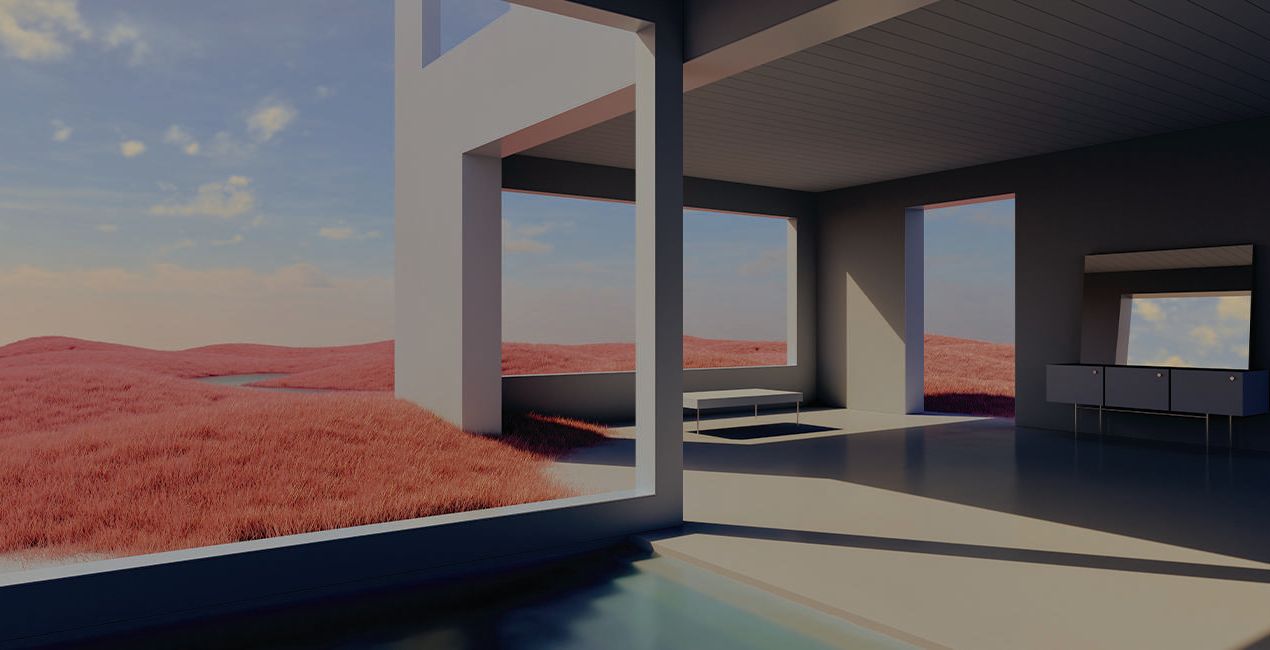
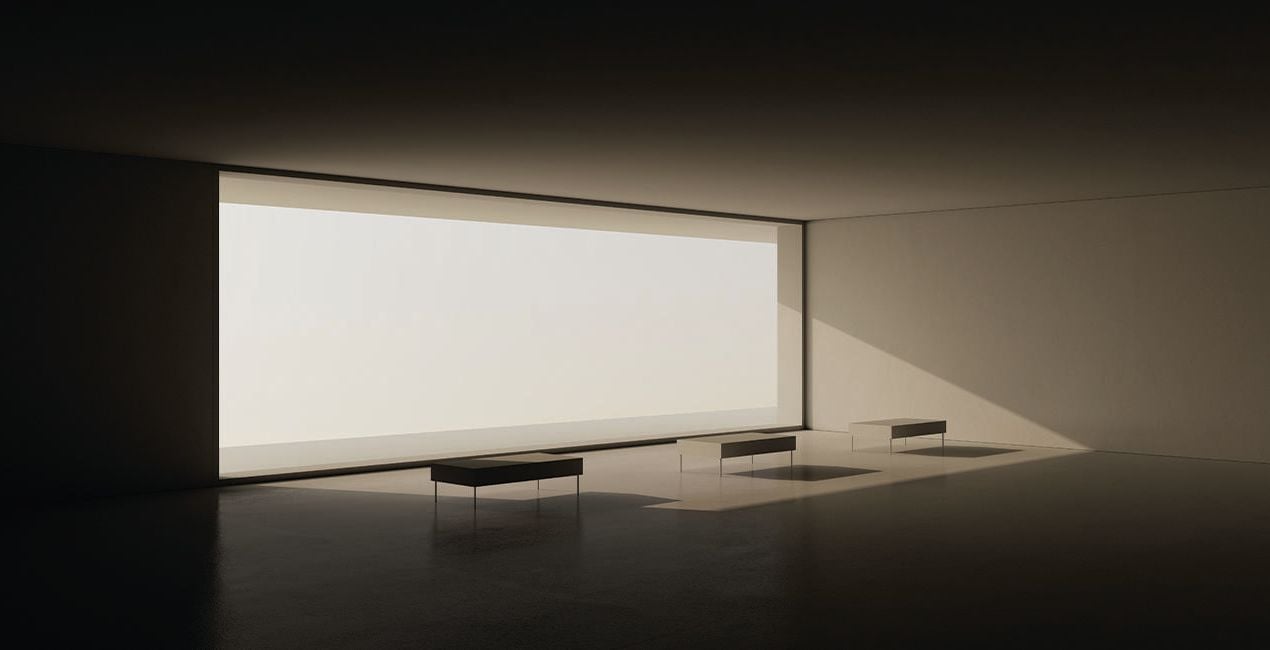
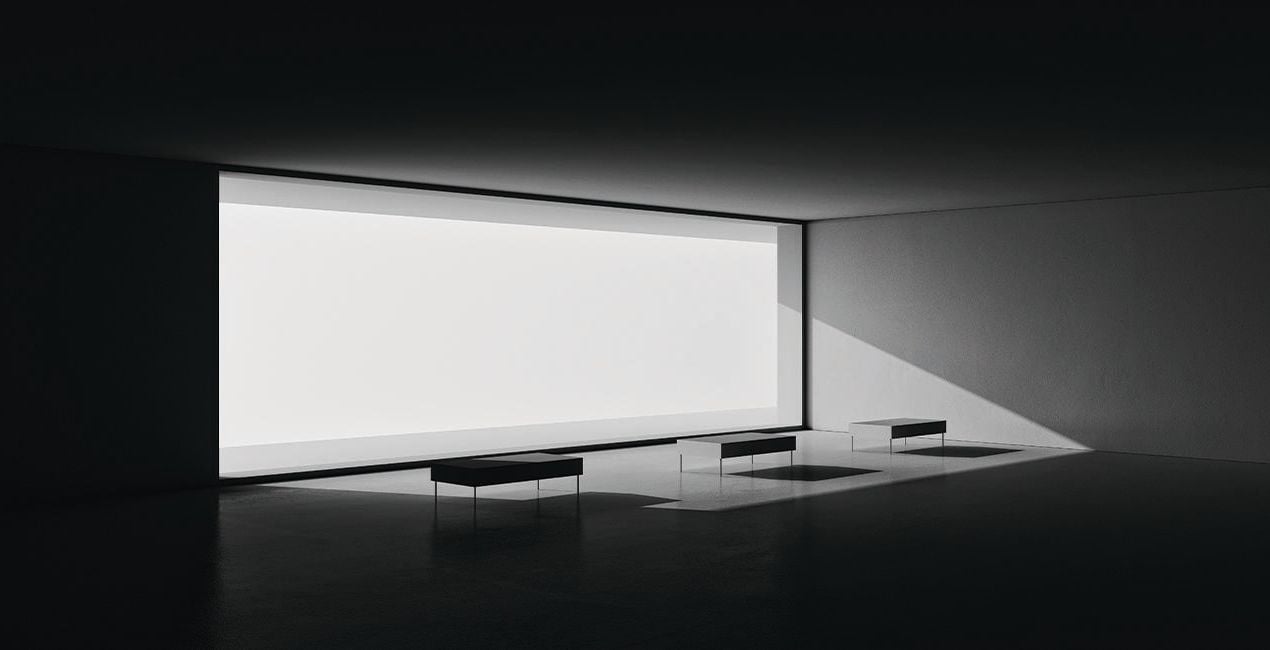
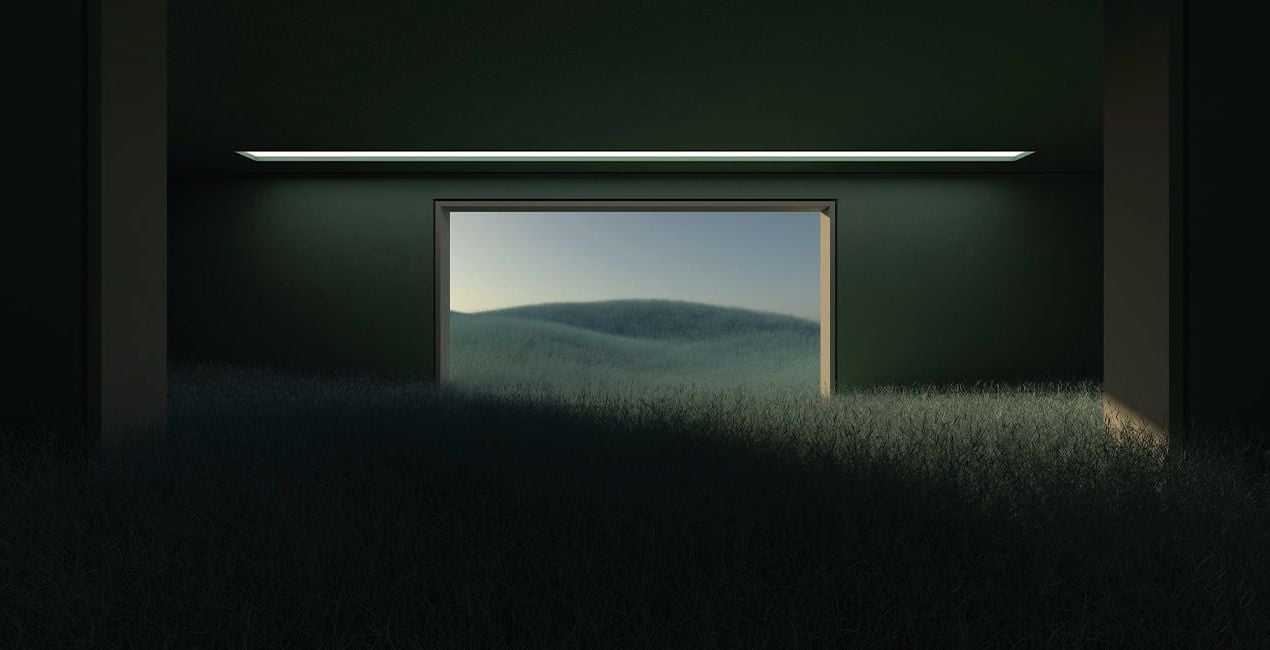
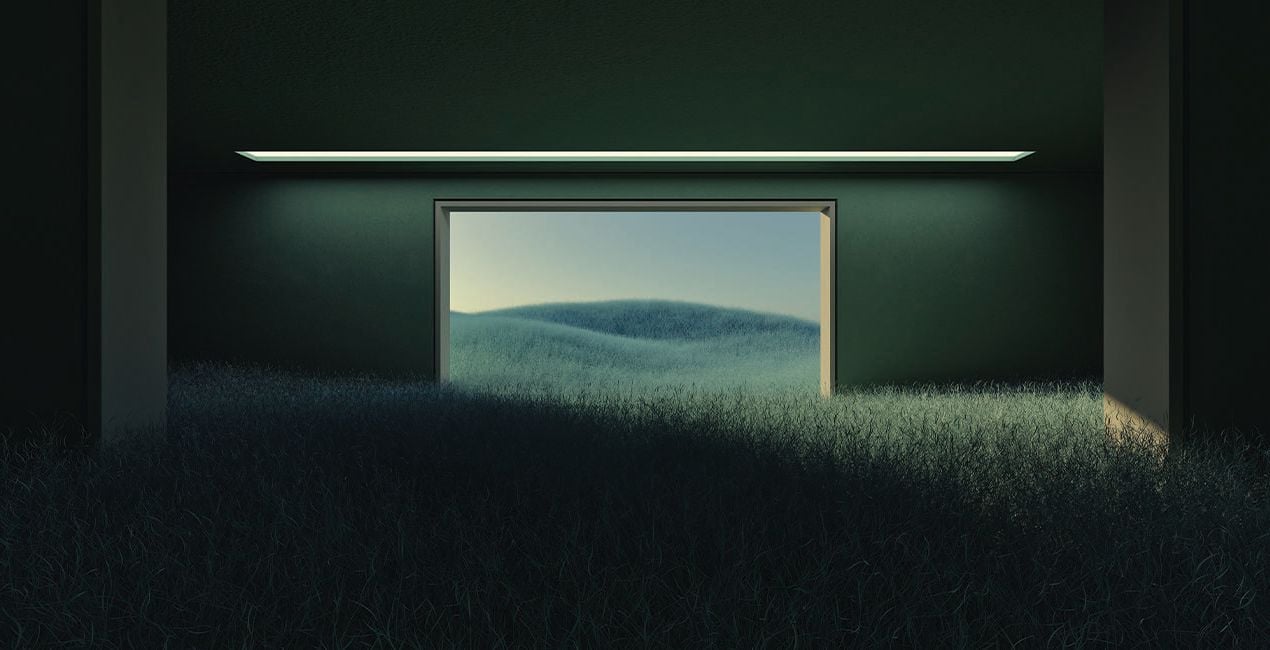
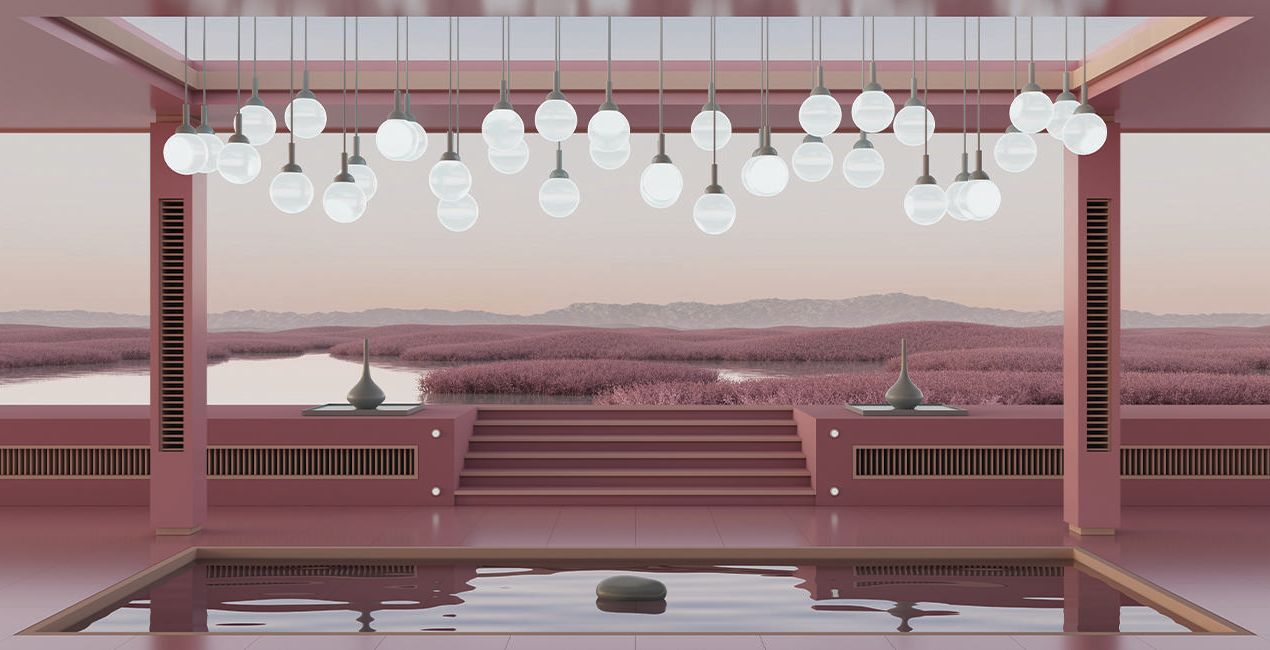
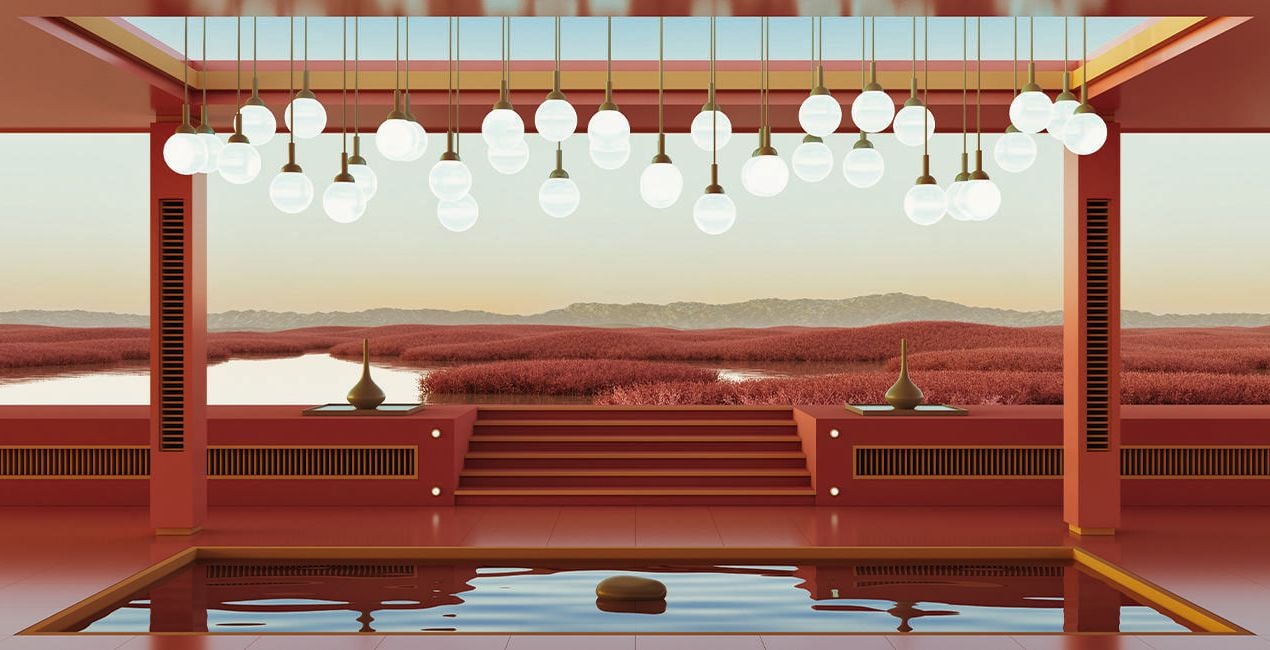
Deze revolutionaire Voorinstellingen zijn ontworpen voor makers van 3D-content. Het bewerken en verbeteren van 3D-weergaven kan een uitdaging zijn. Met deze set Voorinstellingen die speciaal is ontworpen voor 3D-weergaven, kunt u met slechts één klik snel en effectief bewerken.

Met behulp van de meegeleverde RAW-bestanden oefent u gemakkelijk retoucheertips en leert u hoe u dergelijke foto's kunt maken.
 >
>
 >
>
 >
>
 >
>
 >
>
 >
>
U vindt 10 Voorinstellingen in dit pakket:
Dromerig: een soepele Voorinstelling die het contrast en de definitie verhoogt, met een warme toets.
Grotesk: een Voorinstelling met beperkte verzadiging en uitgebreide details om aanwezigheid te krijgen.
Onconventioneel: een kleurexplosie Voorinstelling, die vintage film nabootst.
Unreal: een Voorinstelling waarin kleuren een nieuwe dimensie, desaturatie en een fijn vintage effect krijgen.
Irreal: een neutrale Voorinstelling met subtiele veranderingen; heft schaduwen en contrast op voor een warme touch.
Fantasievol: een Voorinstelling met een hoge verzadiging die de kleuren van renders tot leven laat komen.
Supernatural: een zachte Voorinstelling waarin blues wordt veranderd in verlegen seringen.
Absurd: een zwart-wit Voorinstelling.
Uncanny: een Voorinstelling met sterk contrast en kleurbewerking samen met opgeheven schaduwen die ideaal is voor donkere weergaven.
Grillig: een Voorinstelling met sterke bewerking, met merkbare verbeteringen in contrast, verzadiging en hooglichten.
Photographer. Skylum Ambassador.
Based in Lleida, Catalonia, Javier Pardina is a photographer and multimedia artist whose commercial work sees him shooting for advertising agencies, stock platforms, corporate brands, and creative agencies. Javier focused his university studies on photography, video, and graphic/3D design. Since 2004, he hasn’t stopped improving and learning all these subjects. In 2005, he created Pardina.co, using his surname as the name of his brand. Javier’s creative work was initially related to music. You can find Javier’s work on albums by some of the most talented musicians in Europe, including Thomas Lemmer and Cristopher Goze.
Years later, Javier decided to specialize in abstract photography, which he used to develop wallpapers for apps and operating systems including Firefox OS and iOS. In 2013, Javier signed with Mozilla to work on the Firefox OS project. In 2015, Javier started working with Stocksy along with offset and Shutterstock Custom, and currently Javier is working on the KAIOS project. To date, Javier has contributed 10,000+ pictures across different stock agencies, and he is heavily focused in the advertising and commercial world, using and merging video, photography, and 3D art forms. He’s worked on multiple ad campaigns both within Spain and internationally. Improving every day and working with passion, Pardina.co is a synonym for work, dedication, and trust.
Veelgestelde vragen
Heb je nog extra vragen of wil je gewoon wat advies?
neem contact op met ons supportteamHeb je vragen over het product? Neem dan gerust contact op met ons supportteam – 24/7 bereikbaar. Volg gewoon deze link.
Volg deze stappen om Surreal 3D Architecture te kopen:
1. Open Skylum’s Marketplace.
2. Ga naar het tabblad waar Surreal 3D Architecture staat. Klik erop en voeg het toe aan je winkelmandje.
3. Ga naar je winkelmandje. Rond hier het aankoopproces van Surreal 3D Architecture af.
4. Na je aankoop ontvang je een bevestigingsmail met de downloadlink voor Surreal 3D Architecture. Je vindt het product ook terug in je Skylum-account onder het tabblad ‘Mijn add-ons’.
Uitgebreide instructies voor het installeren van Surreal 3D Architecture ontvang je in de bevestigingsmail, samen met de downloadlink.
Daarnaast kun je het gekochte item direct installeren in Luminar Neo: ga naar Extra’s > Marketplace, selecteer de productcategorie, zoek het gekochte item en klik op Installeren.
Supermakkelijk! Ga naar het tabblad Presets en kies daar ‘Gekocht’. Je geïnstalleerde preset staat ertussen.
Geen zorgen. Alle gekochte items, waaronder Surreal 3D Architecture, staan in het tabblad ‘Mijn add-ons’ van je Skylum-account. Van daaruit kun je ze makkelijk opnieuw downloaden en gebruiken.
In de meeste gevallen zijn items compatibel met Luminar Neo. Maar om zeker te weten of Surreal 3D Architecture werkt met jouw software, check je best even de specificaties vóór je iets downloadt of koopt. Kijk op de pagina van Surreal 3D Architecture aan de rechterkant bij het kopje ‘Compatibiliteit’ – daar staan alle compatibele producten vermeld.
Ga nog niet weg. Hier is een exclusieve kortingscode voor jou. Gebruik deze binnen 15 minuten om bij het afrekenen 10% extra korting te krijgen. Kopieer de onderstaande code en rond je aankoop af.
15 m : 00 s





