


 Toegepast




Over
Starry Night is a pack of 10 Presets for Luminar Neo made by the nightscape photographer David Maimó. Using these Presets is an easy way to adjust your nightscape photos with one click. Edit photos containing the Milky Way, the moon, auroras, star trails and other types of night photography fast and easy.
Compatibiliteit

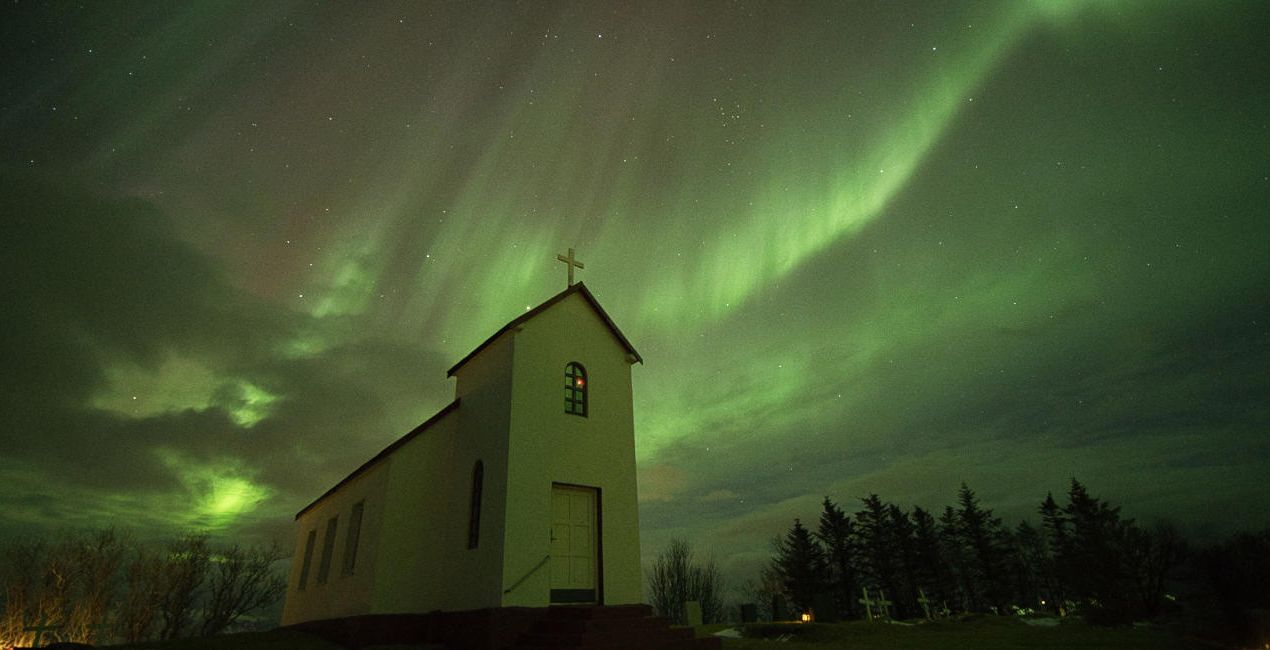
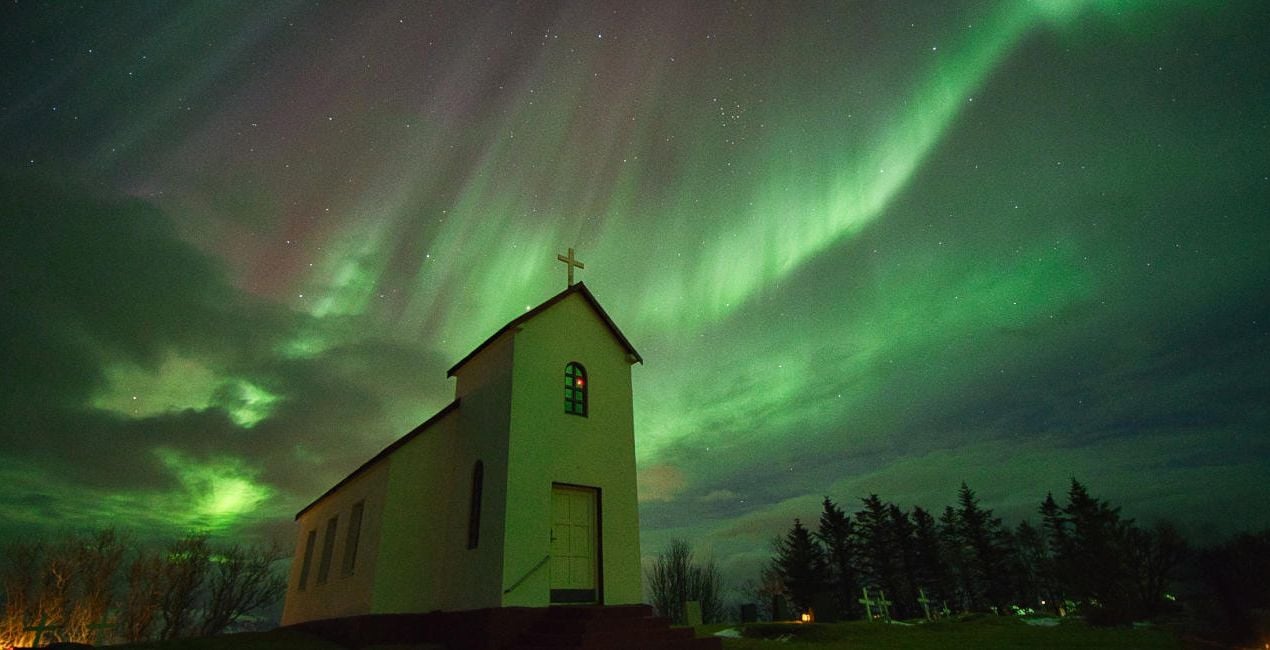
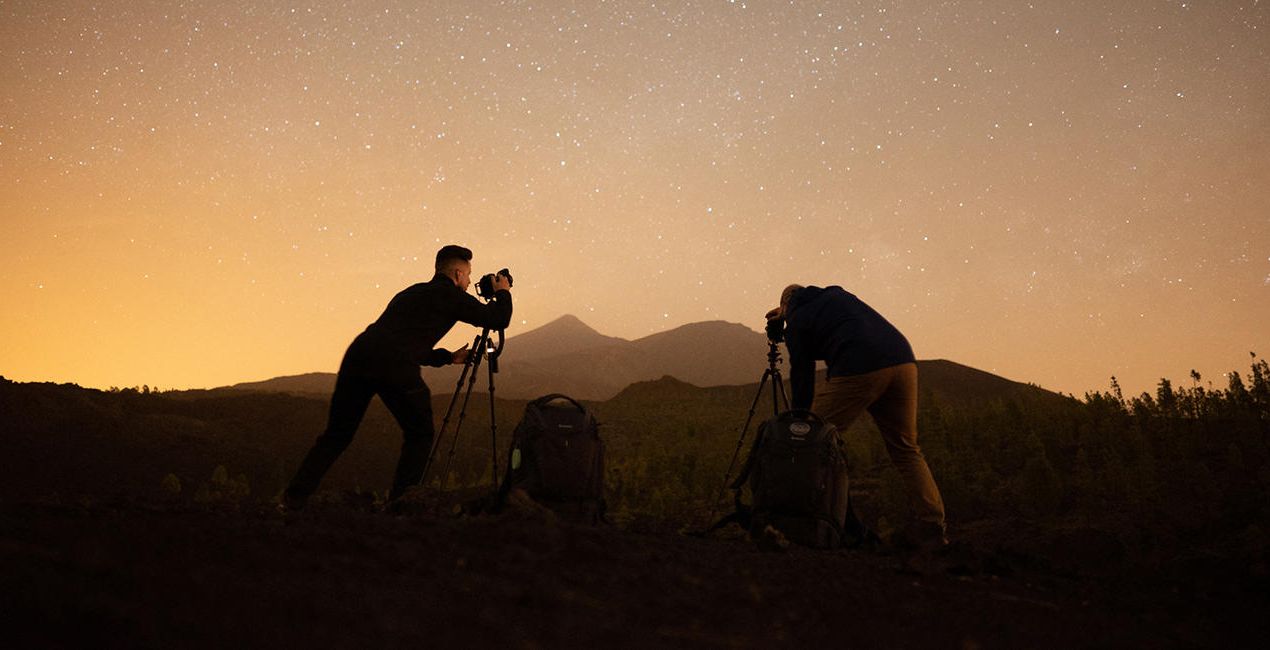
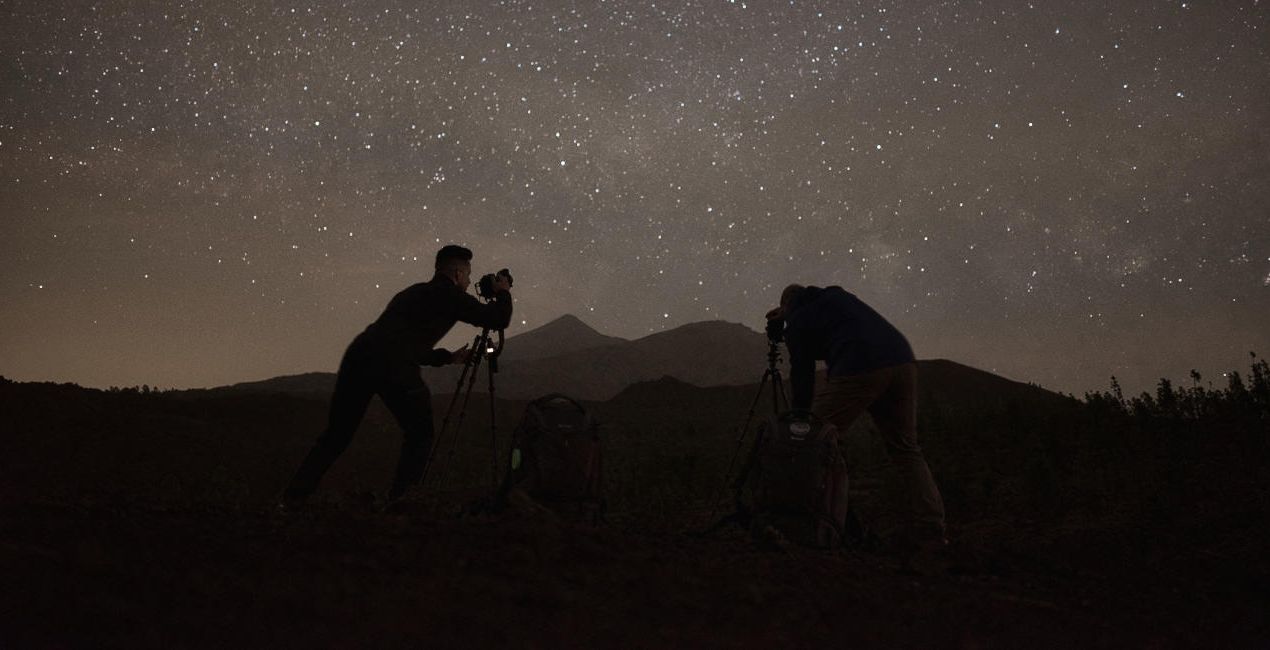
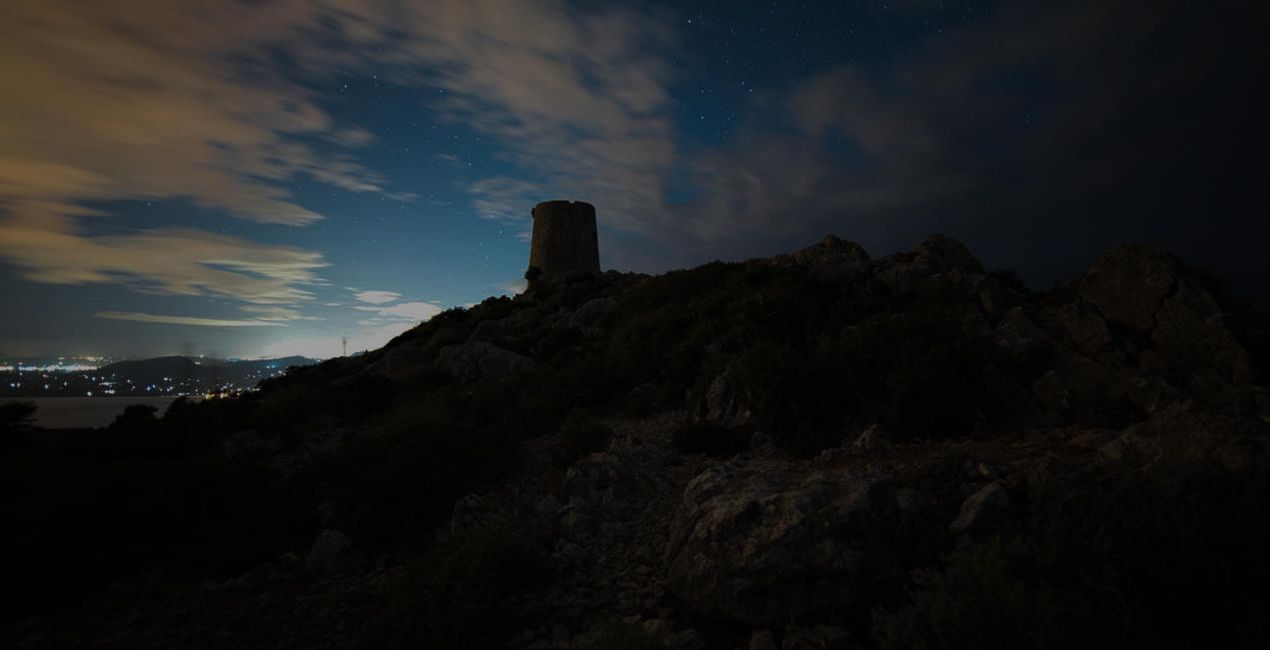
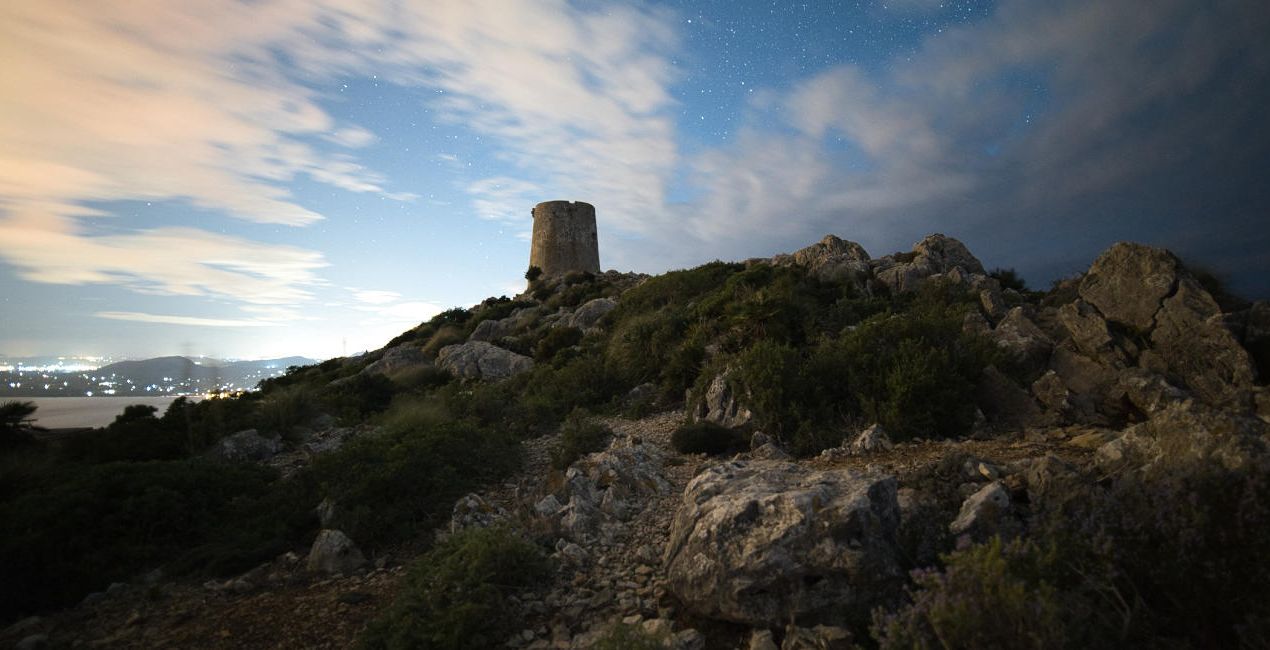
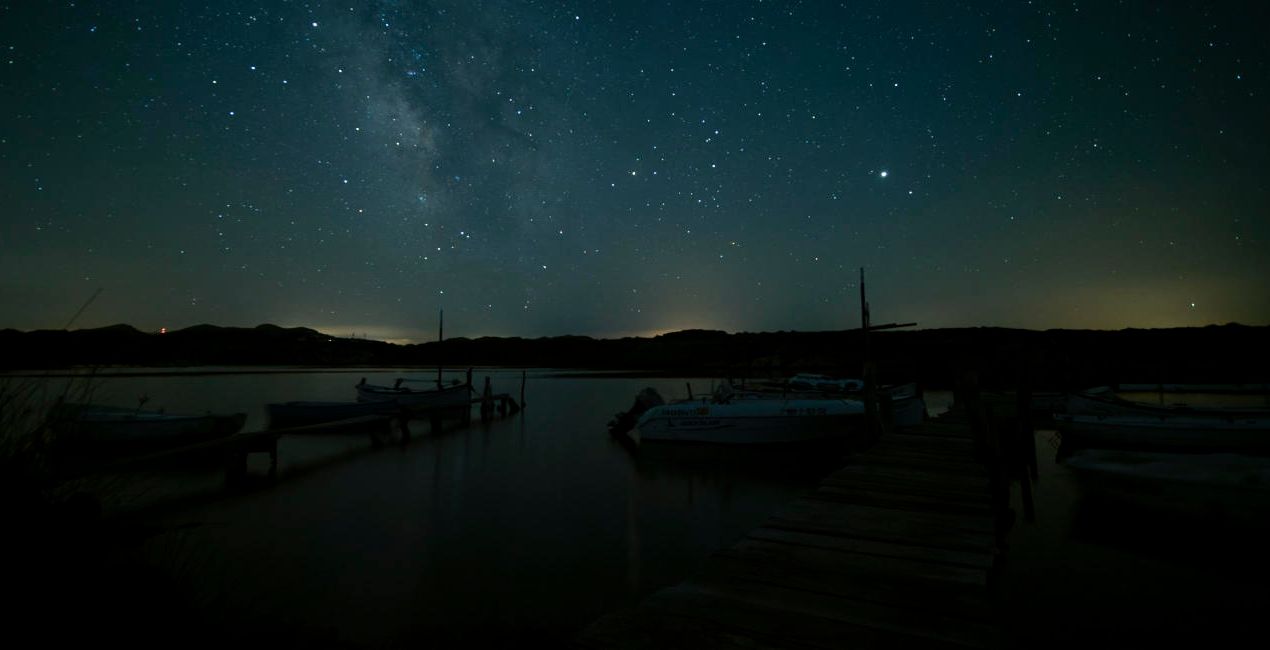
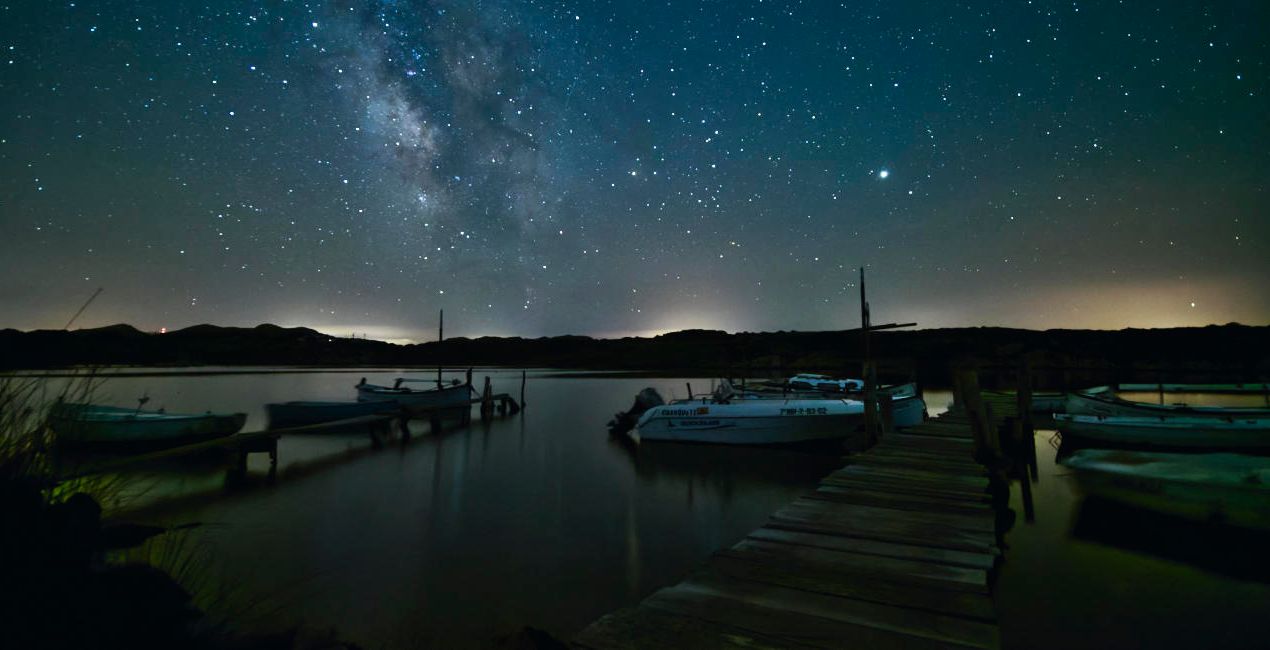
Maak foto's zoals deze
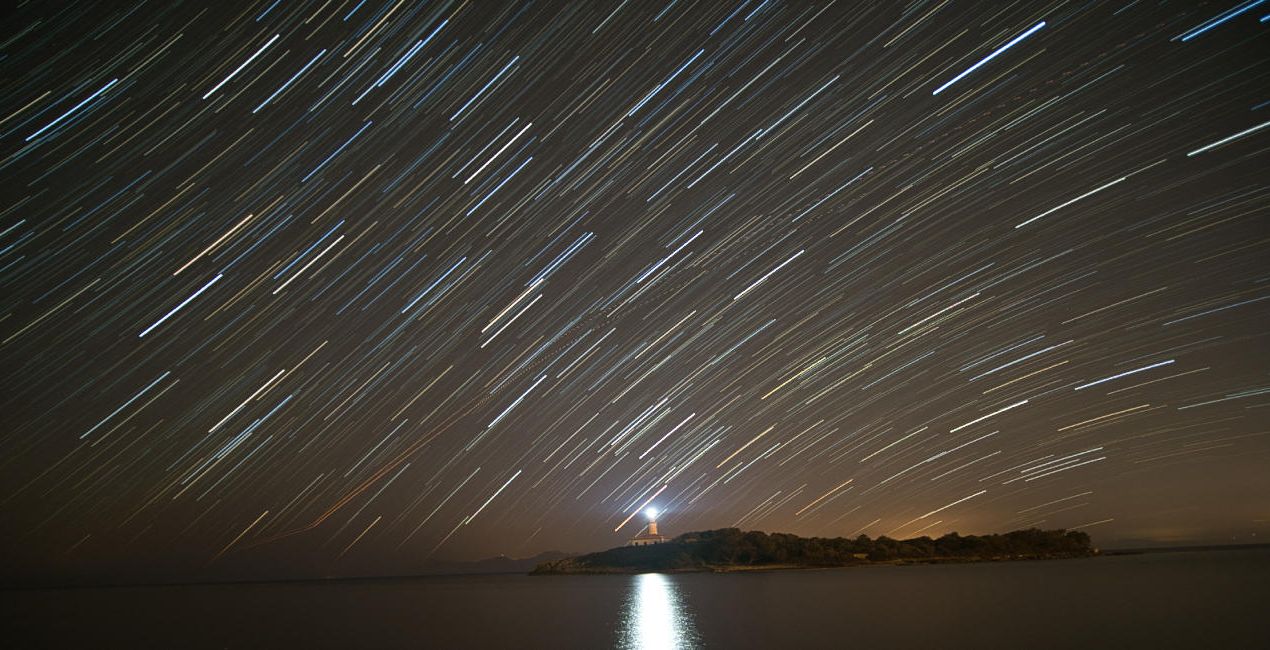
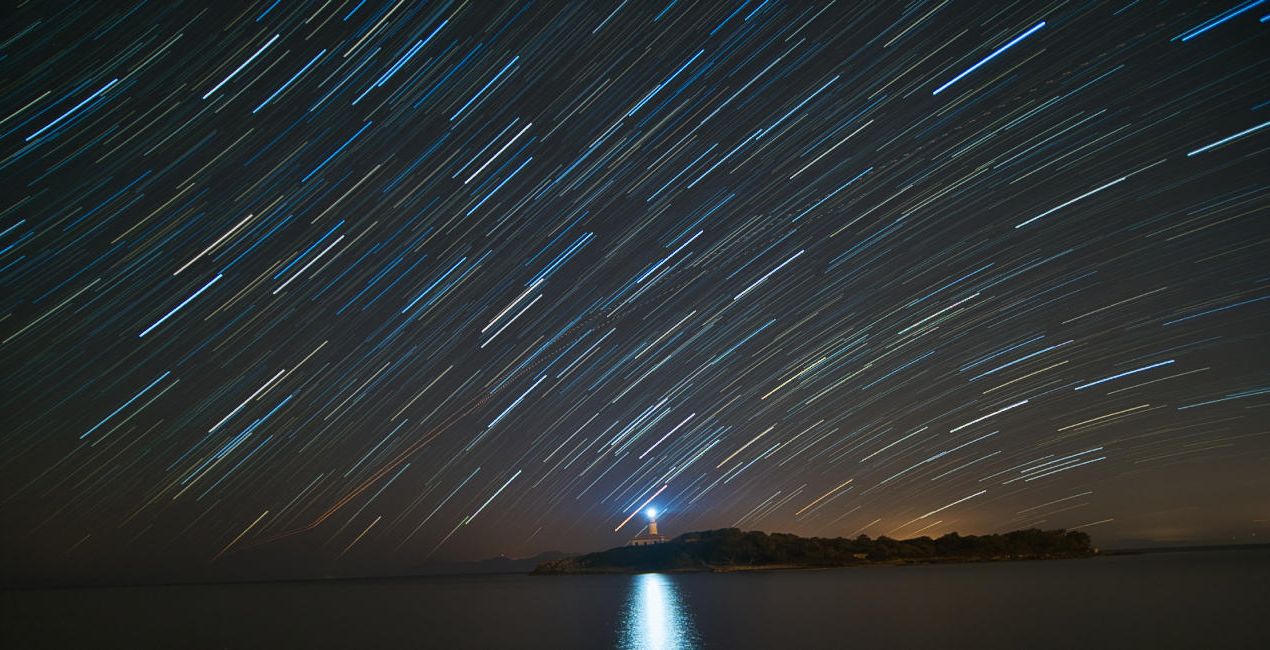
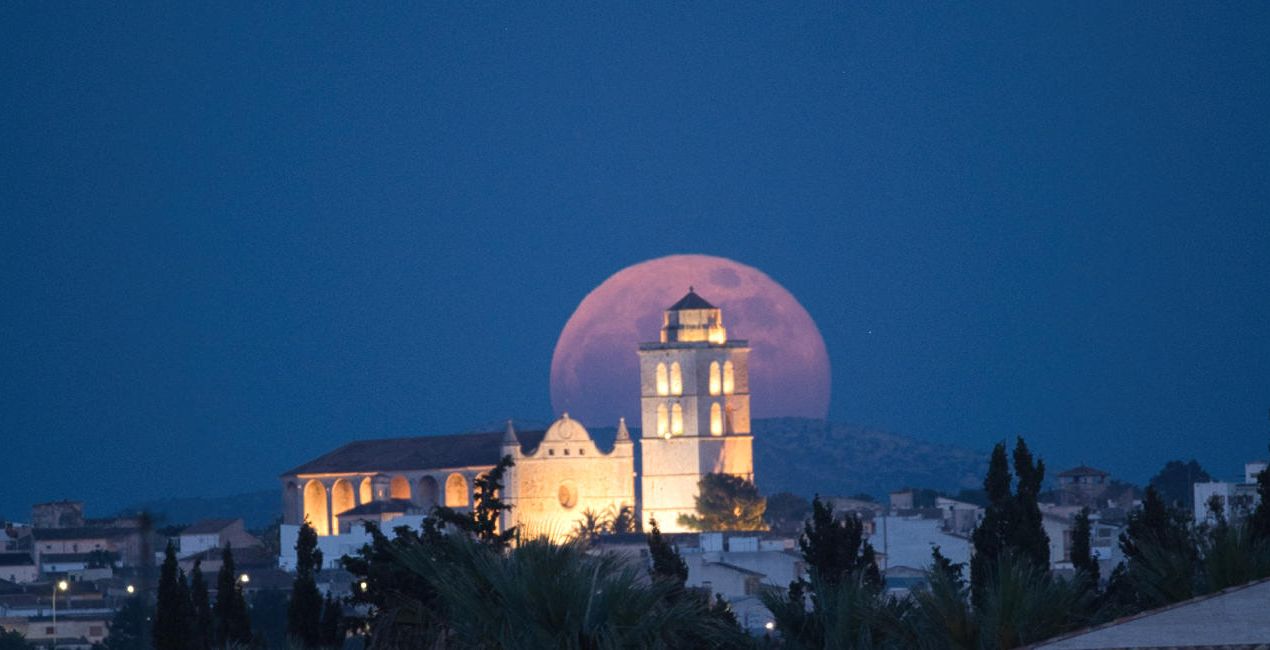
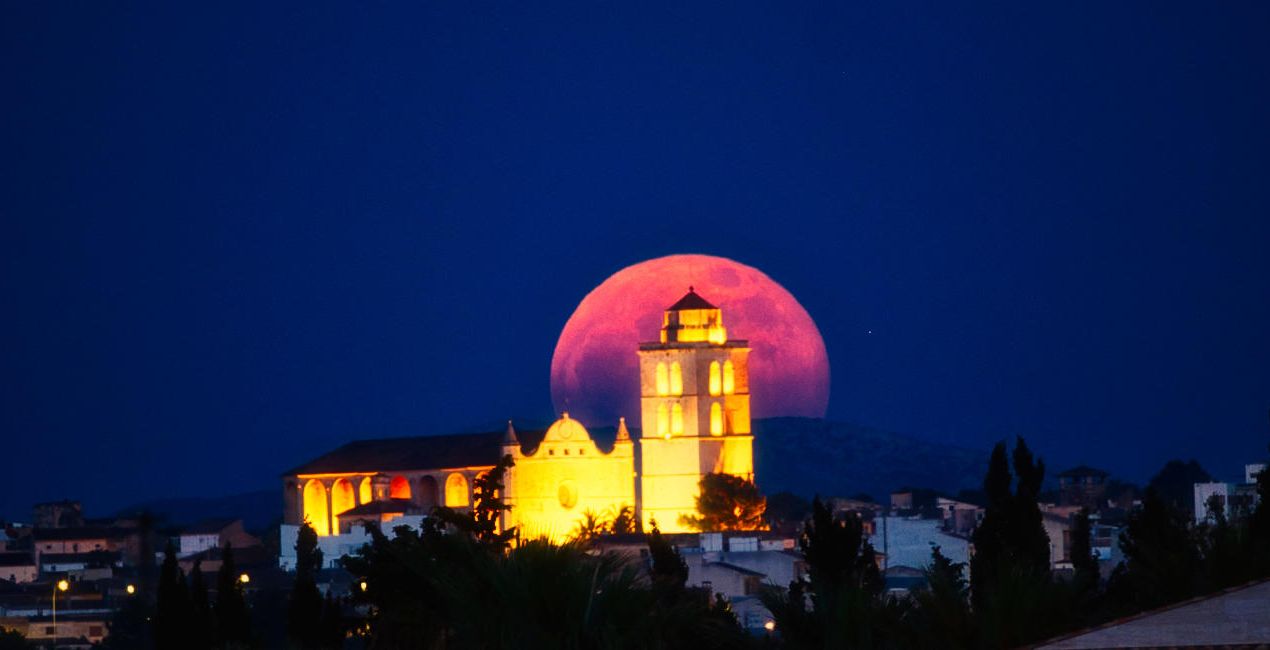
Met behulp van de meegeleverde RAW-bestanden oefent u gemakkelijk retoucheertips en leert u hoe u dergelijke foto's kunt maken.
 >
>
 >
>
 >
>
 >
>
 >
>
 >
>
Het Verhaal
Shooting at night is incredibly romantic, as you can see the lights of the stars, auroras, the moon or the light of the city that give life to your photographs. All of these natural phenomena create fantastic scenes that attract the viewer's attention.
This pack of Presets helps facilitate your editing process and create magnificent scenes. David remembers being asked many times how he achieves such amazing effects when editing his photos, so with this pack he decided to help others achieve the same results.
Use these Presets to apply the initial settings, and then you can tweak the effects using the Amount slider. Additionally, you can edit your photo with all the effects that Luminar Neo has, giving freedom to your creativity!
Milky Way: Corrects white balance, brings out details of the Milky Way, removes noise and creates a unique atmosphere.
Aurora: Corrects white balance, highlights and saturates the aurora, removes noise and creates a wonderful atmosphere in your scenes.
Moon: Saturates the colors of the moon, highlights and gives detail.
Nightscape: Creates an atmosphere with starry scenes, reduces noise and enhances detail.
Cityscape: Creates an atmosphere in city scenes, reduces noise and improves detail.
Lowlight: Improves your low-light scenes by recovering shadows and reducing noise.
Light Cleansing: Eliminates the orange and yellow hue of light pollution.
Startrails: Lowers highlights from the stars and improves the color.
Light Painting: Improves the color and contrast in your light painting scenes.
Storms: Improves the color and contrast in your storm scenes.
Gerelateerde Producten


Maker
David Maimó
Nightscape and Landscape Photographer. Skylum Ambassador.
Born in Mallorca, Spain, David Maimó is a photographer specializing in capturing the nightscape, David tries to show the night photography differently.
He is an OM System, Vanguard, Laowa and MSM Rotator ambassador. He teaches night photography courses, sharing his knowledge and passion for photography.
Veelgestelde vragen
Heb je nog extra vragen of wil je gewoon wat advies?
neem contact op met ons supportteamHoe neem ik contact op met het supportteam?
Heb je vragen over het product? Neem dan gerust contact op met ons supportteam – 24/7 bereikbaar. Volg gewoon deze link.
Hoe koop ik mijn Starry Night?
Volg deze stappen om Starry Night te kopen:
1. Open Skylum’s Marketplace.
2. Ga naar het tabblad waar Starry Night staat. Klik erop en voeg het toe aan je winkelmandje.
3. Ga naar je winkelmandje. Rond hier het aankoopproces van Starry Night af.
4. Na je aankoop ontvang je een bevestigingsmail met de downloadlink voor Starry Night. Je vindt het product ook terug in je Skylum-account onder het tabblad ‘Mijn add-ons’.
Hoe installeer ik mijn Starry Night?
Uitgebreide instructies voor het installeren van Starry Night ontvang je in de bevestigingsmail, samen met de downloadlink.
Daarnaast kun je het gekochte item direct installeren in Luminar Neo: ga naar Extra’s > Marketplace, selecteer de productcategorie, zoek het gekochte item en klik op Installeren.
Waar vind ik mijn Starry Night na installatie?
Supermakkelijk! Ga naar het tabblad Presets en kies daar ‘Gekocht’. Je geïnstalleerde preset staat ertussen.
Wat als ik mijn Starry Night kwijtraak?
Geen zorgen. Alle gekochte items, waaronder Starry Night, staan in het tabblad ‘Mijn add-ons’ van je Skylum-account. Van daaruit kun je ze makkelijk opnieuw downloaden en gebruiken.
Hoe weet ik of Starry Night compatibel is met mijn software?
In de meeste gevallen zijn items compatibel met Luminar Neo. Maar om zeker te weten of Starry Night werkt met jouw software, check je best even de specificaties vóór je iets downloadt of koopt. Kijk op de pagina van Starry Night aan de rechterkant bij het kopje ‘Compatibiliteit’ – daar staan alle compatibele producten vermeld.


