


 Toegepast


Otherworldly Iceland
Save $201 $ 19 .00

Thanks to this Luminar Neo Preset collection, you can enhance the color, light and contrast of Iceland's otherworldly landscapes in your photographs. A deep canyon, a waterfall at sunset, the magnificent black sand beach, a view of a crater taken with a drone that looks as if it belongs on another planet — make your photos of any landscape view even more stunning with the right Preset.

Met behulp van de meegeleverde RAW-bestanden oefent u gemakkelijk retoucheertips en leert u hoe u dergelijke foto's kunt maken.
 >
>
 >
>
 >
>
 >
>
 >
>
 >
>
 >
>
Ahmet Anak is the lucky winner of the photo editing challenge organized by the Luminar Team. His prize was the Luminar Adventure to Iceland in August 2023, when he came to Iceland with the Luminar Team, other participants, and top photography experts to explore the beauty of this country. As a result, he prepared this collection of Presets using the photos he took during the one-week journey.
With Ahmet Anak's Preset pack, you can transform the photos you take in the Nordic countries during the summer season into photos where colors come alive, contrast and light make the photograph even more appealing. Whether it’s for cold or warm photos, drone shots or landscapes, each Preset helps you change the perspective in the photograph and reveal different results on light, color and contrast.
You will find 12 Presets in this pack:
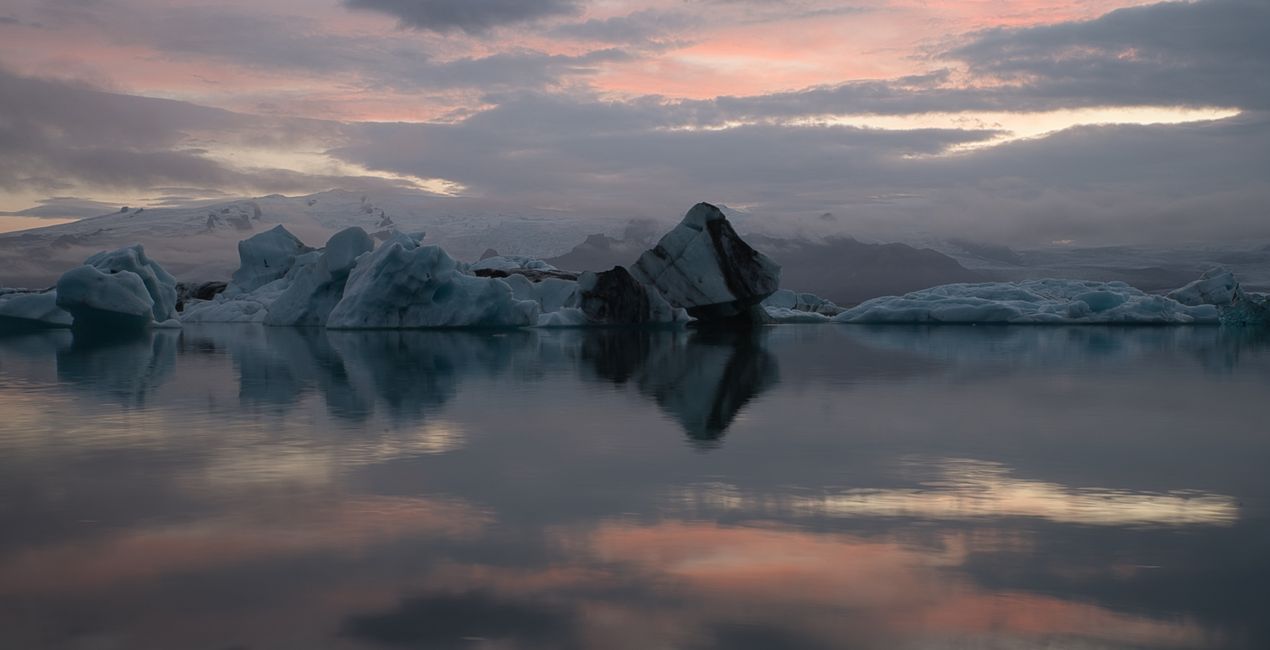
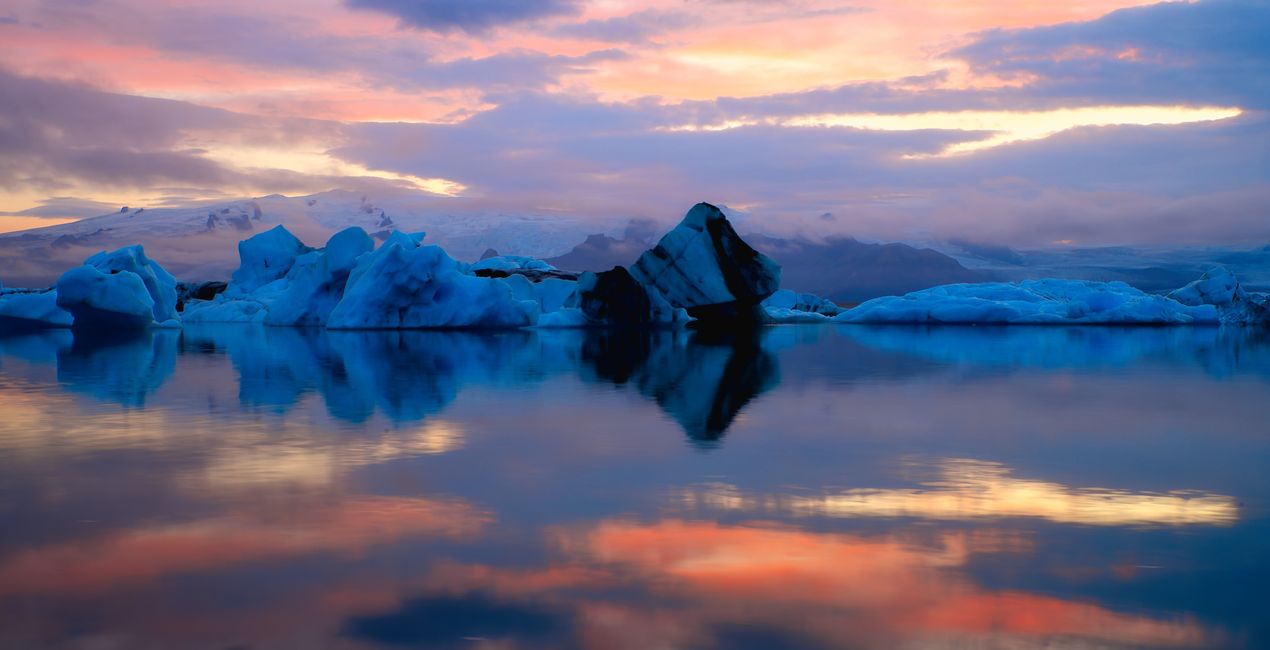
Ice World: Enhance the reflection of blue-colored glaciers on a calm water surface with sunset colors. Ideal for slow shutter speed photos.
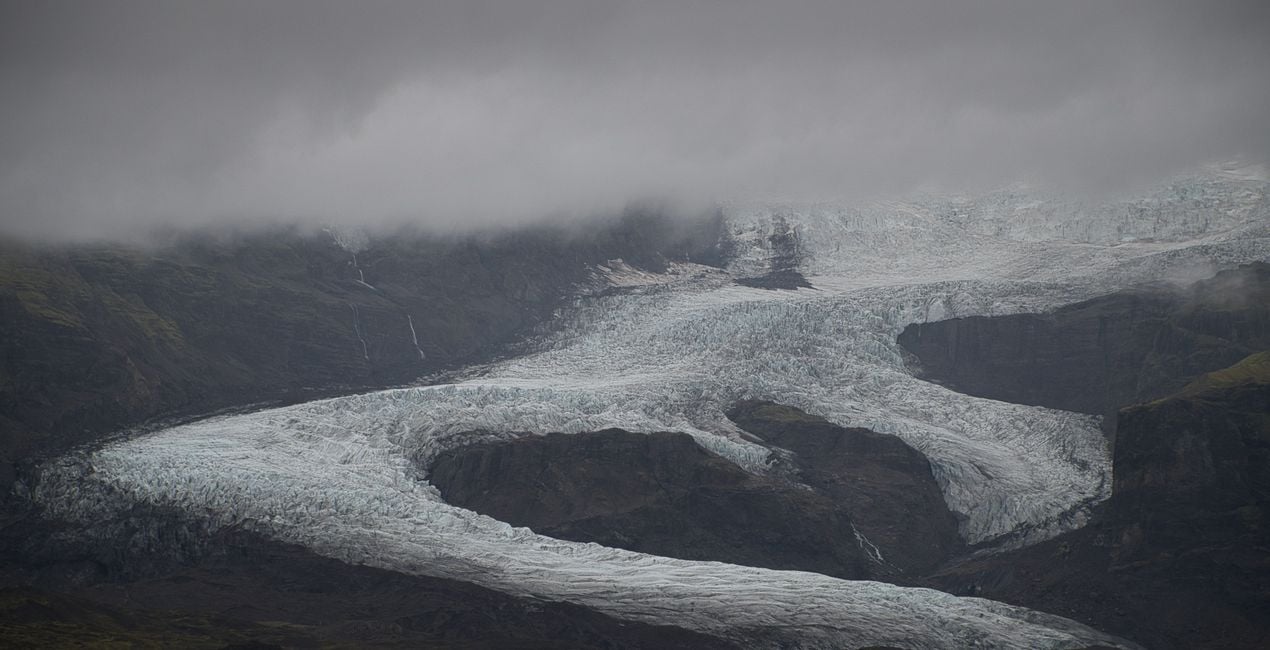
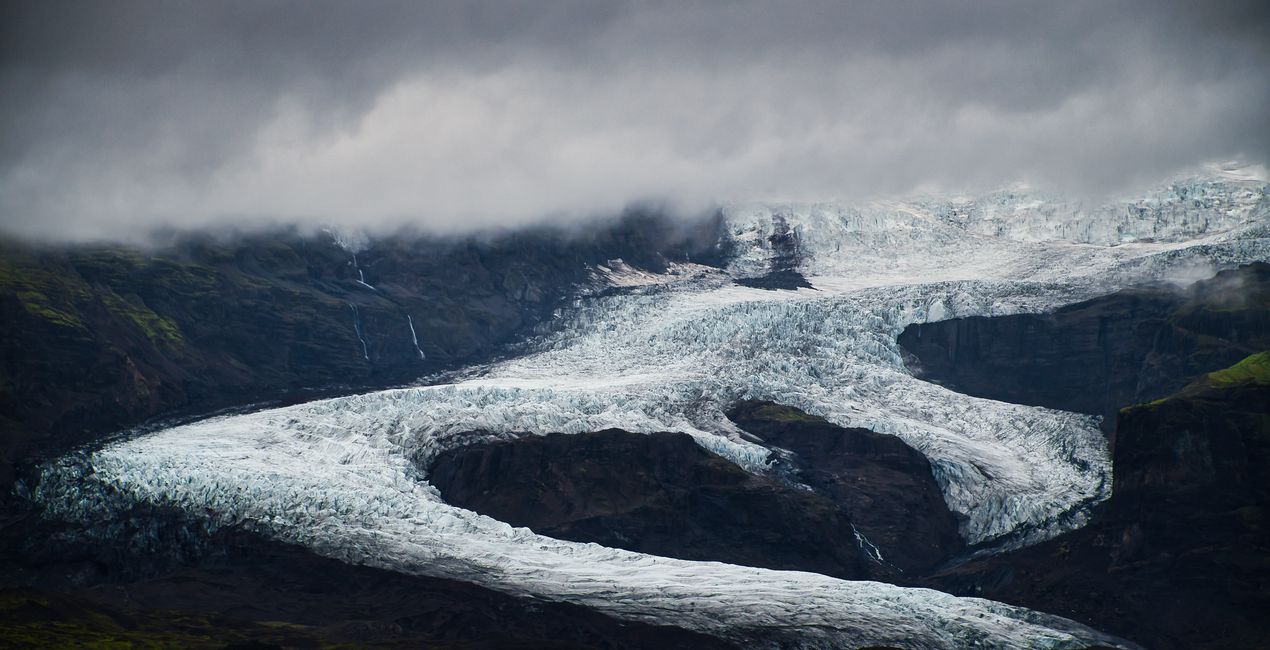
Glacier’s Heart: This Preset is recommended for the dramatic glacier and mountain photos you can easily find in Iceland.
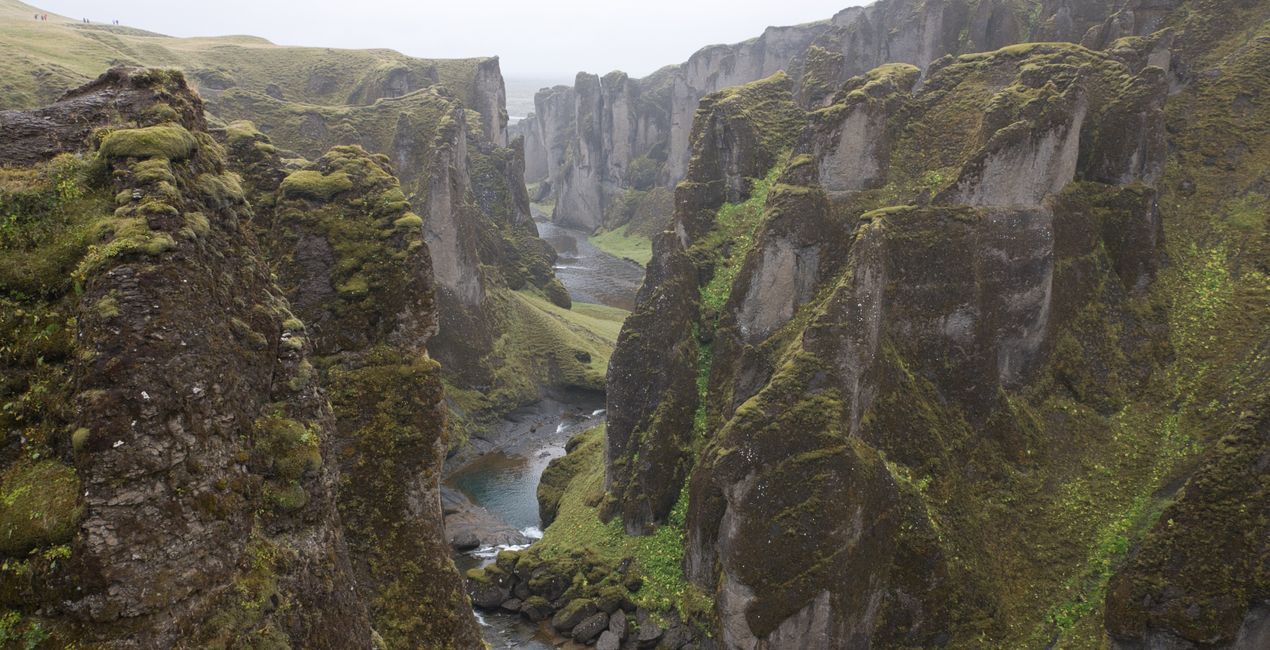
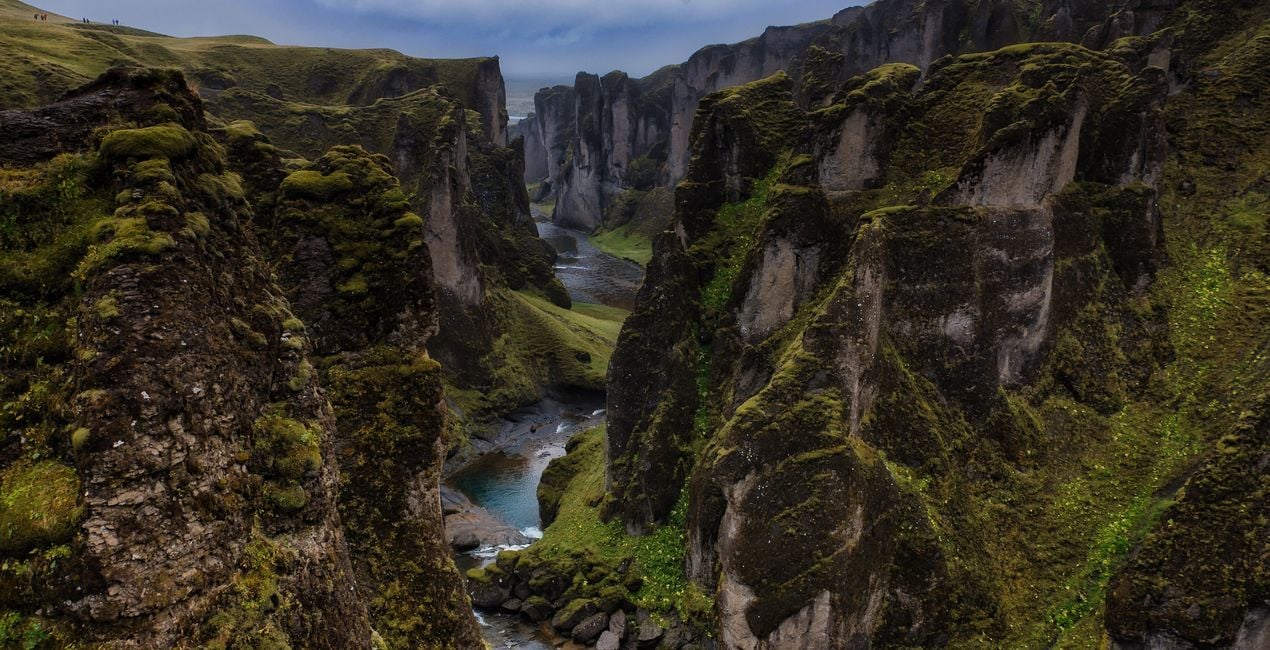
The Passage: Recommended for canyon photographs that extend deeply and are surrounded by green and steep slopes.
Magical Waters: Use this Preset to enhance photos of hollows behind waterfalls and the orange-yellow colors in the sky during sunset. Best for long exposure photos and curtain views of water.
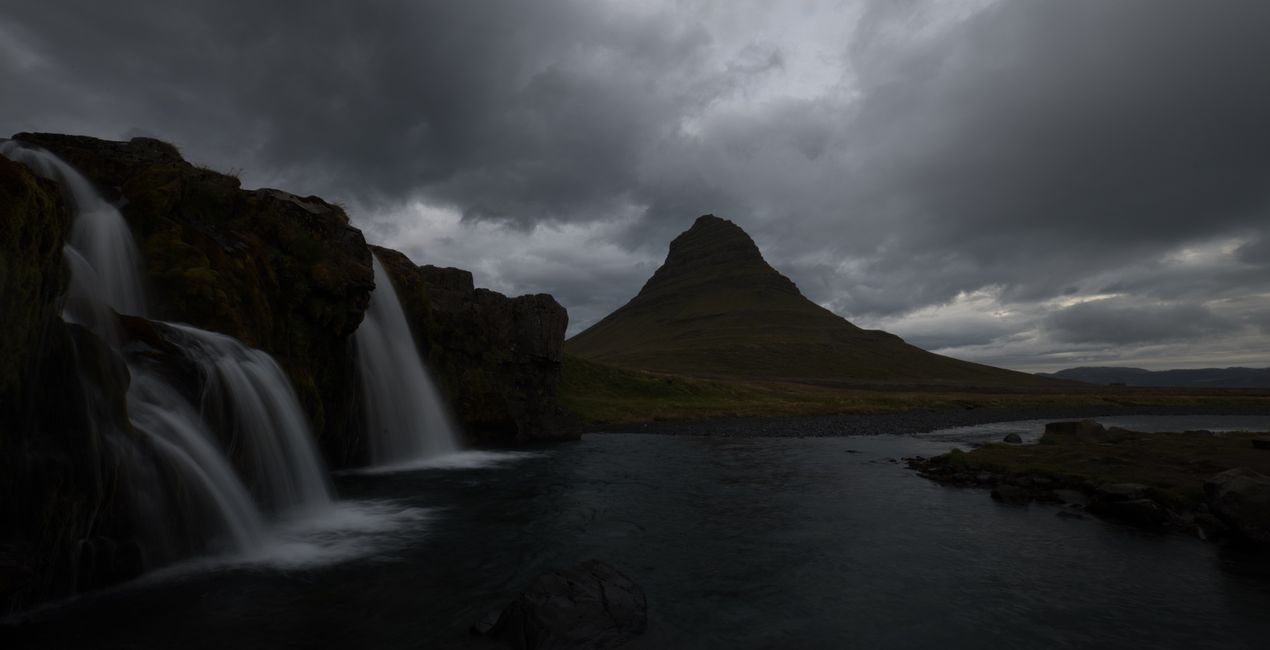
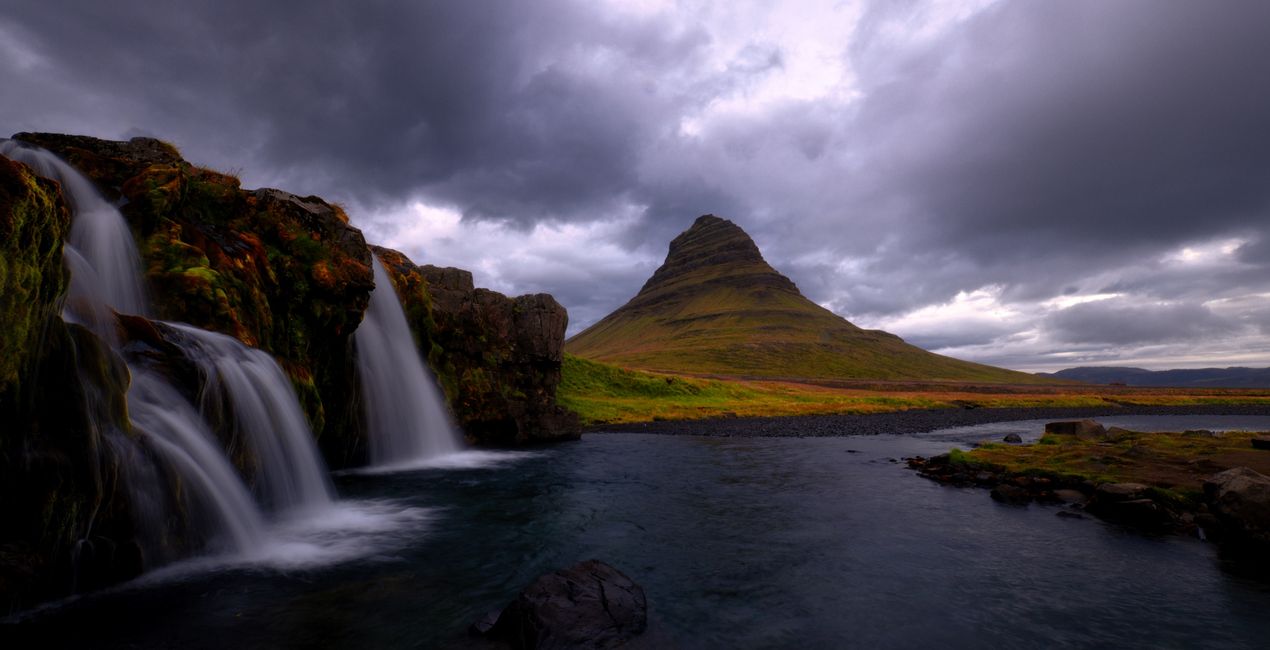
Day Dream: Recommended for long exposure photos of a mountain landscape with forming waterfalls and dramatic-looking clouds.
Sunset Clouds: Use it on sunset photos, when the dew grains are illuminated with the colorful light before the sun goes down.
The Beach: Perfect for black and white photos. Try it on abstract landscapes created by waves crashing onto the shore on a beach, transitioning from black to white and gray tones.
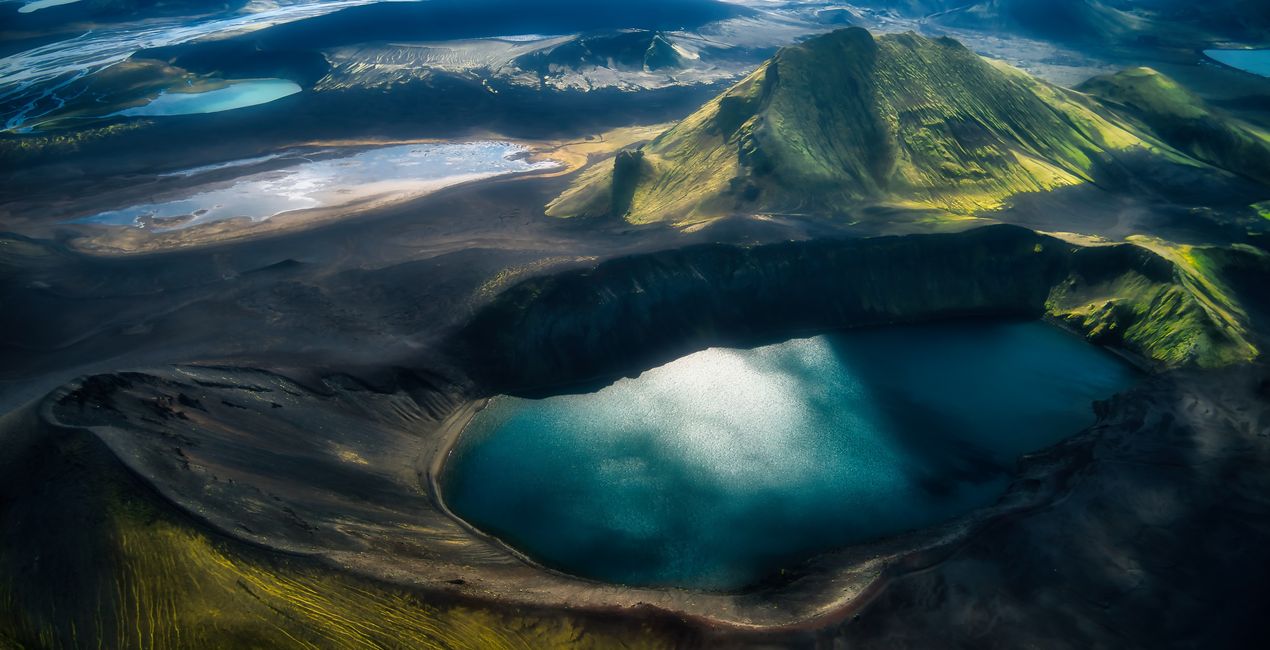
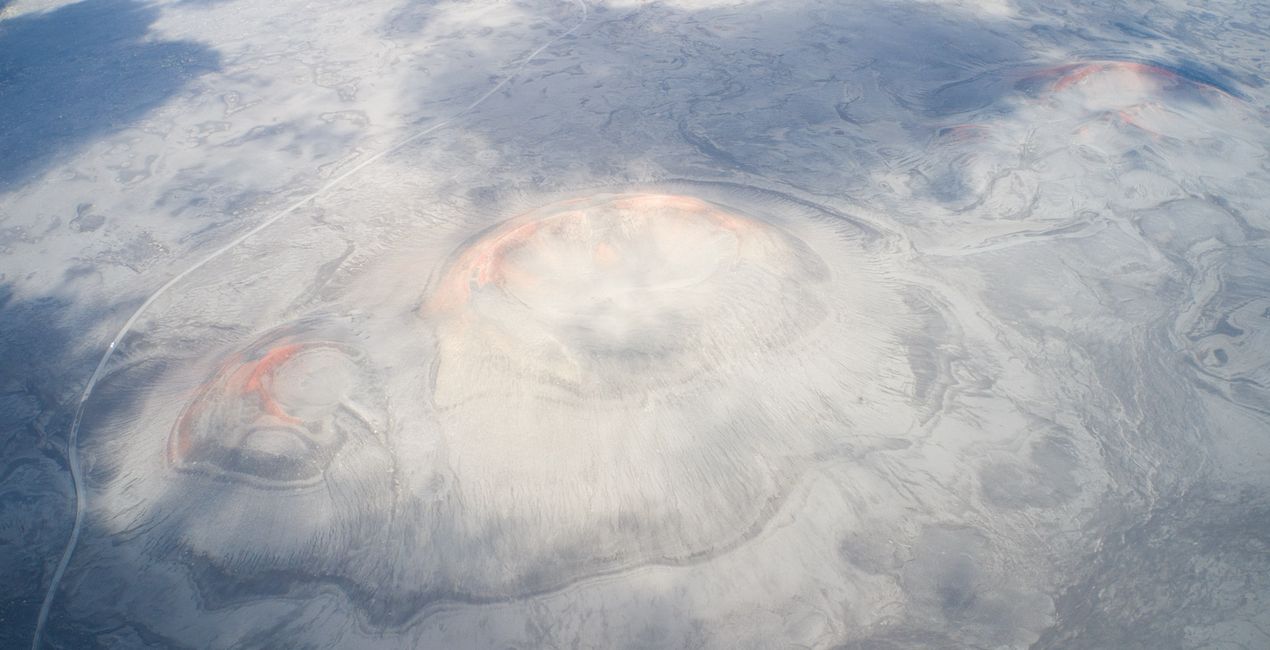
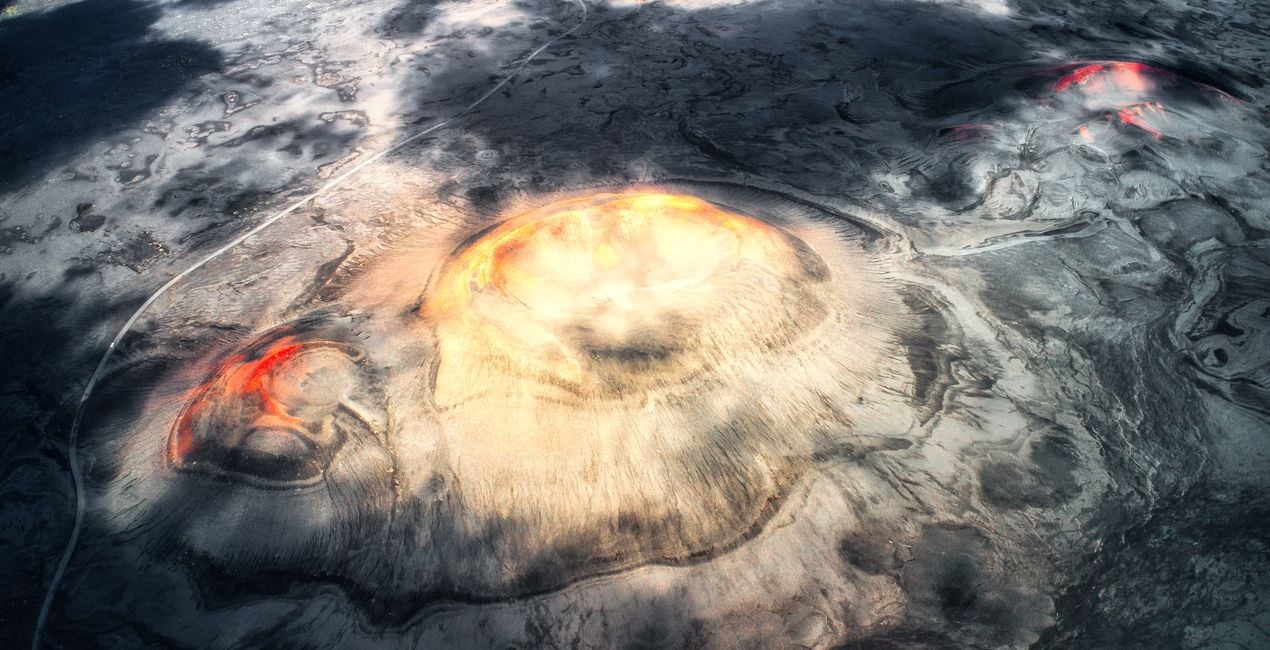
Planet’s Eye: Enhance the dramatic landscape of craters rising from the ground in a pitch black ground and the red and orange areas at the crater mouths. Great for drone photos.
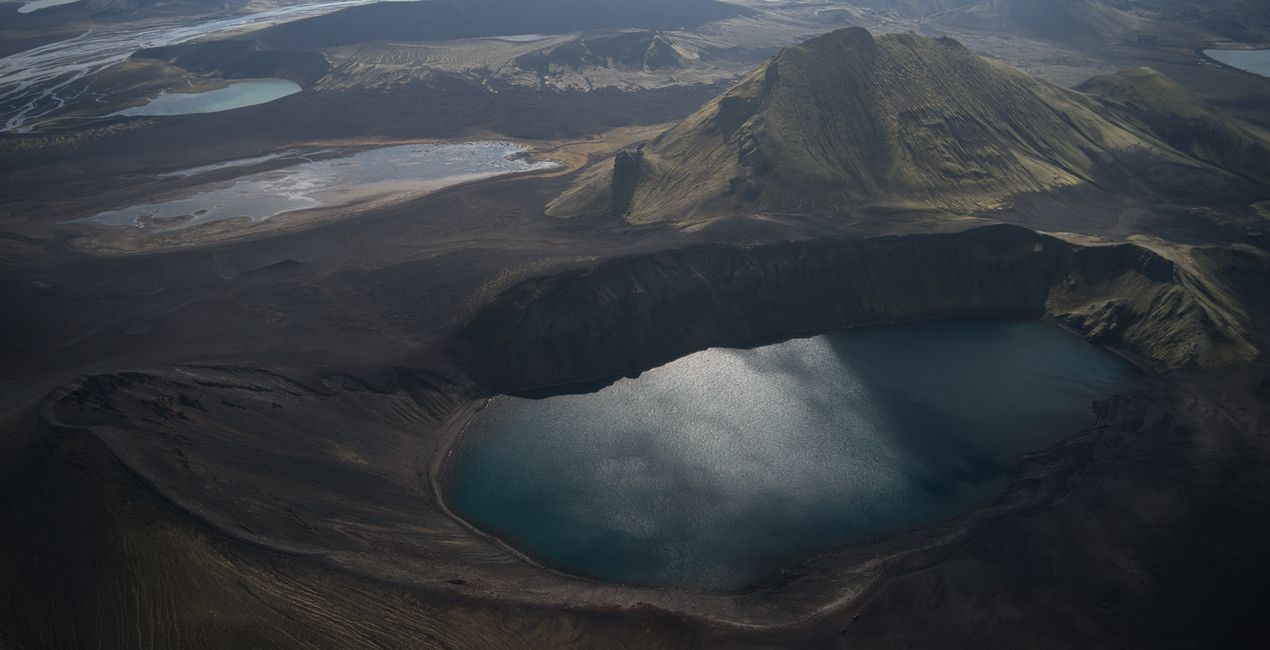
Dark Planet: Recommended for crater and lake photos taken with a drone. Make your photos of the bird's eye view of a crater lake and hills covered with green grass with surrounding lakes stand out
Monument Rocks: Try it on Iceland's most famous monumental cliffs like the Sea Stacks at Black Beach. This Preset is great for drone photos, and for those containing a mystical shade of blue from light to dark, accompanied by a dramatic light from the left.
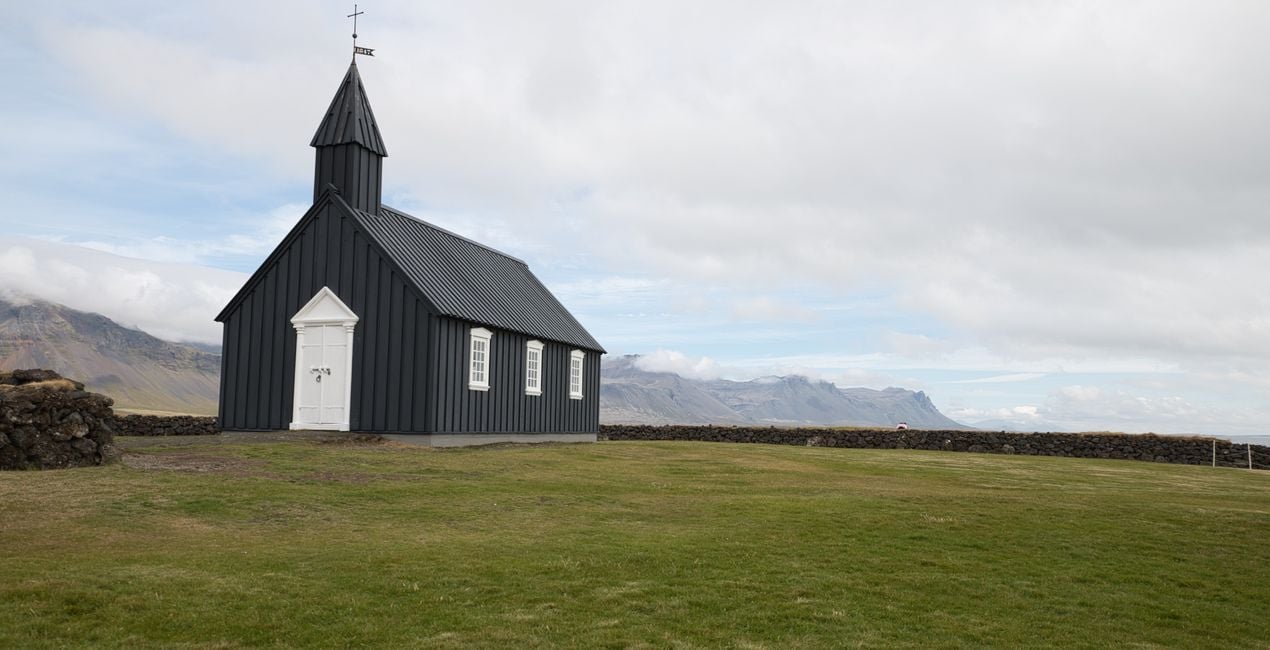
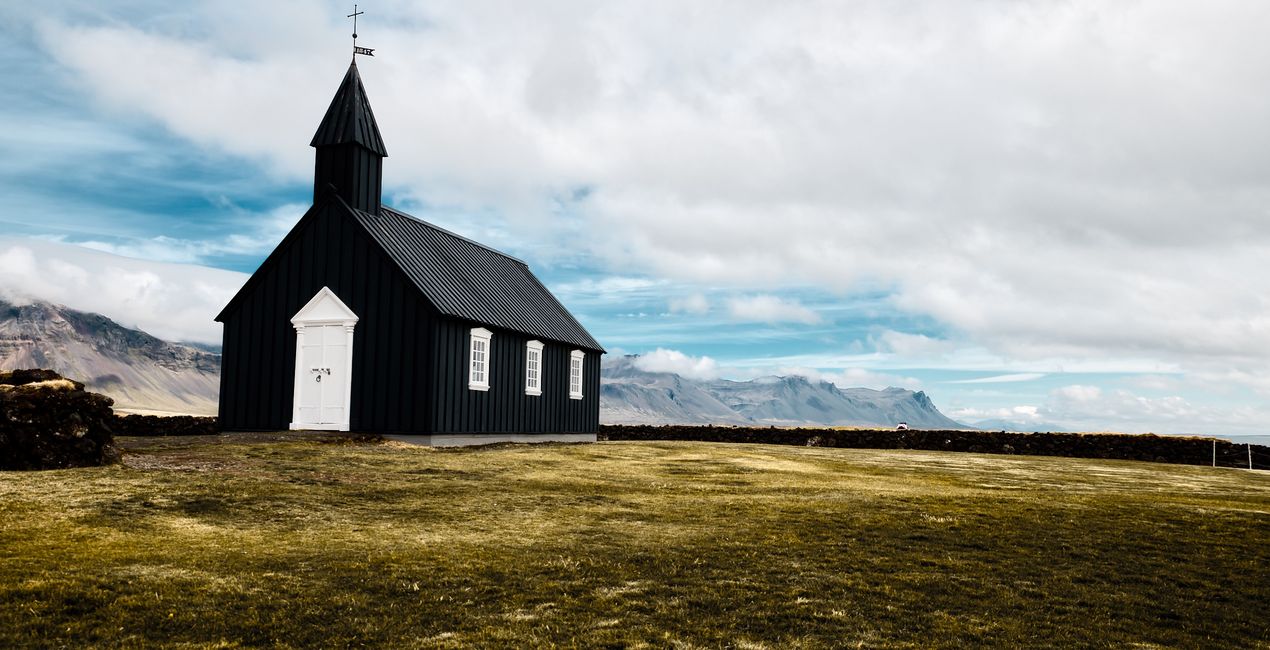
The Church: Architectural Preset, try it for a simple shot of a church on faded grass, under a blue and partly cloudy sky.
Puffin: Perfect for wildlife photos. Photograph Iceland’s favorites, the Puffins, who are the most well-known and adorable birds of the Arctic Circle.
Don't forget to adjust the amount slider when using Presets. This way you can determine where the Preset meets your photo best. If you need more adjustments, you can make adjustments in the "Edit" section, where you can see the components of the Preset you are using.
Never be afraid to use your creativity when using Presets. Let the Presets be an inspirational push that gets you going.
Landscape, nature photographer, colorist and retoucher
Ahmet Anak lives in Paris, France. He has worked in the design of air conditioning products for about 25 years and has been involved in professional photography for over 10 years. He has been working in photography full-time for the last 3 years.
Ahmet has traveled to more than 20 countries so far and has taken nature and landscape photographs in these countries. He went to Finland, Iceland and Norway from Northern European countries and took various photographs in the parts of those regions that remain in the Arctic Circle.
The photographs he took in Finland were published in one of Turkey's popular travel magazines. It also shares some of the photos it takes with stock photography sites and provides downloadable versions of these photos. He has been interested in drone photography for the last two years and has started to add bird's-eye photos to his archive.
Ahmet works with Luminar products while processing his photographs. Ahmet, one of the first users of Luminar, is currently working with Luminar Neo.
Veelgestelde vragen
Heb je nog extra vragen of wil je gewoon wat advies?
neem contact op met ons supportteamHeb je vragen over het product? Neem dan gerust contact op met ons supportteam – 24/7 bereikbaar. Volg gewoon deze link.
Volg deze stappen om Otherworldly Iceland te kopen:
1. Open Skylum’s Marketplace.
2. Ga naar het tabblad waar Otherworldly Iceland staat. Klik erop en voeg het toe aan je winkelmandje.
3. Ga naar je winkelmandje. Rond hier het aankoopproces van Otherworldly Iceland af.
4. Na je aankoop ontvang je een bevestigingsmail met de downloadlink voor Otherworldly Iceland. Je vindt het product ook terug in je Skylum-account onder het tabblad ‘Mijn add-ons’.
Uitgebreide instructies voor het installeren van Otherworldly Iceland ontvang je in de bevestigingsmail, samen met de downloadlink.
Daarnaast kun je het gekochte item direct installeren in Luminar Neo: ga naar Extra’s > Marketplace, selecteer de productcategorie, zoek het gekochte item en klik op Installeren.
Supermakkelijk! Ga naar het tabblad Presets en kies daar ‘Gekocht’. Je geïnstalleerde preset staat ertussen.
Geen zorgen. Alle gekochte items, waaronder Otherworldly Iceland, staan in het tabblad ‘Mijn add-ons’ van je Skylum-account. Van daaruit kun je ze makkelijk opnieuw downloaden en gebruiken.
In de meeste gevallen zijn items compatibel met Luminar Neo. Maar om zeker te weten of Otherworldly Iceland werkt met jouw software, check je best even de specificaties vóór je iets downloadt of koopt. Kijk op de pagina van Otherworldly Iceland aan de rechterkant bij het kopje ‘Compatibiliteit’ – daar staan alle compatibele producten vermeld.
Ga nog niet weg. Hier is een exclusieve kortingscode voor jou. Gebruik deze binnen 15 minuten om bij het afrekenen 10% extra korting te krijgen. Kopieer de onderstaande code en rond je aankoop af.
15 m : 00 s





