


 Toegepast


Lofoten Dreams
Save $201 $ 19 .00

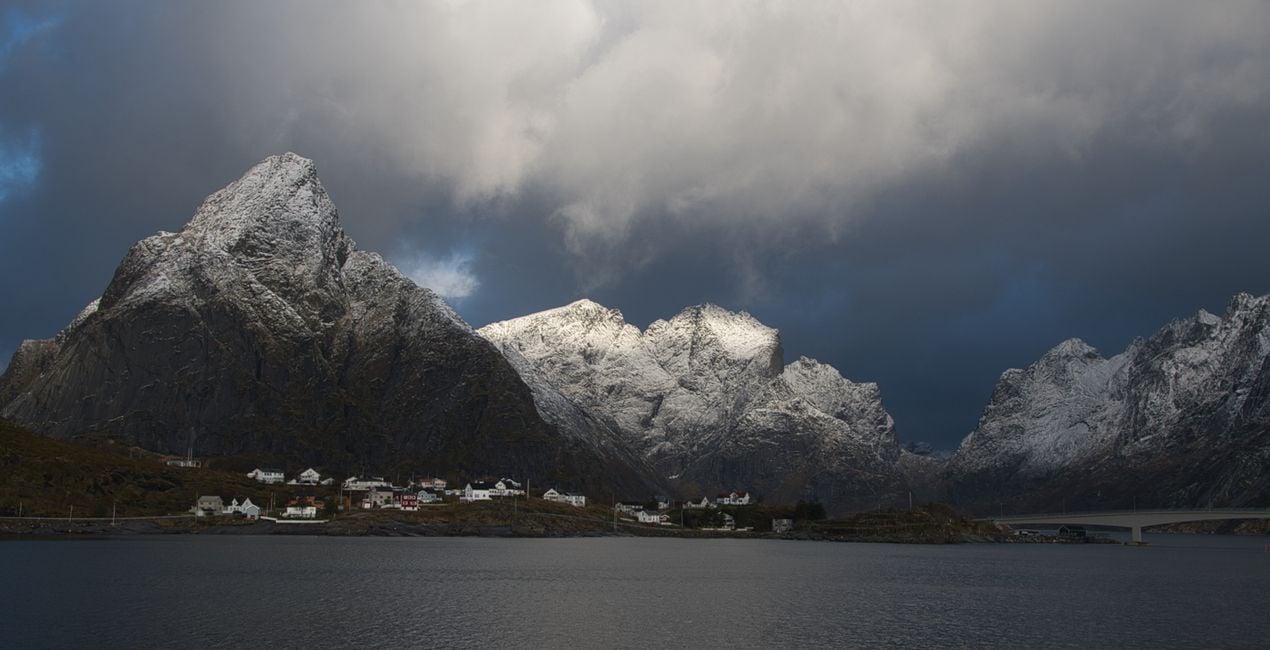
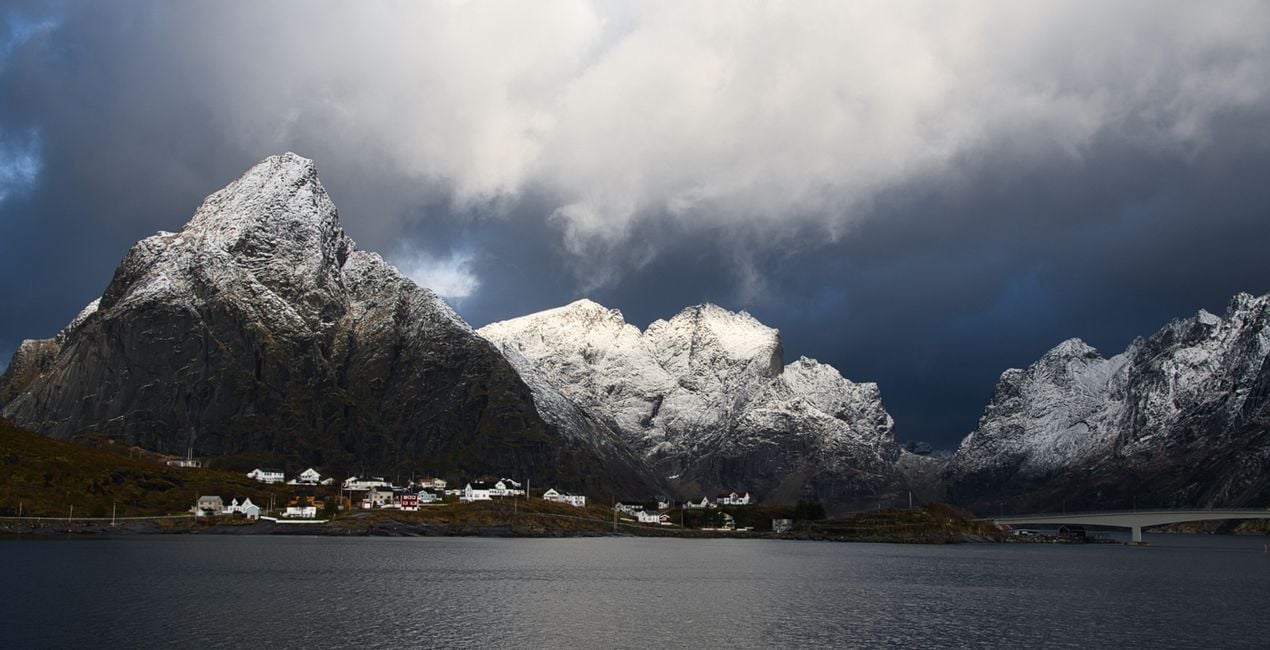
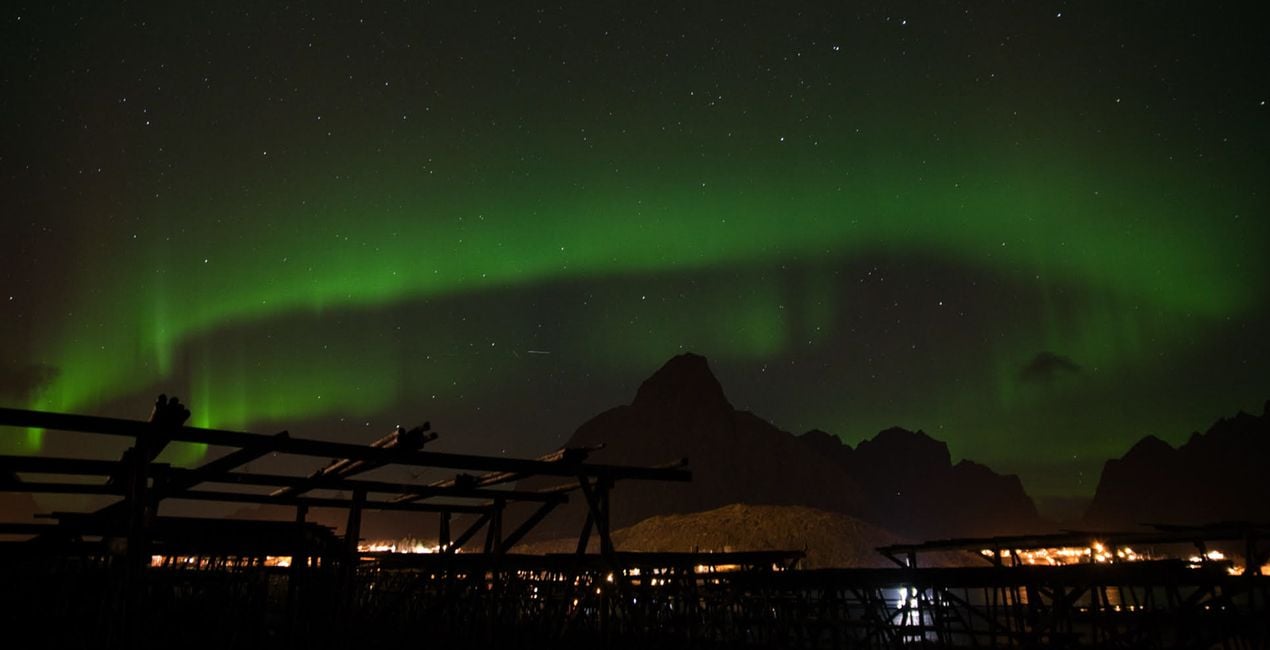
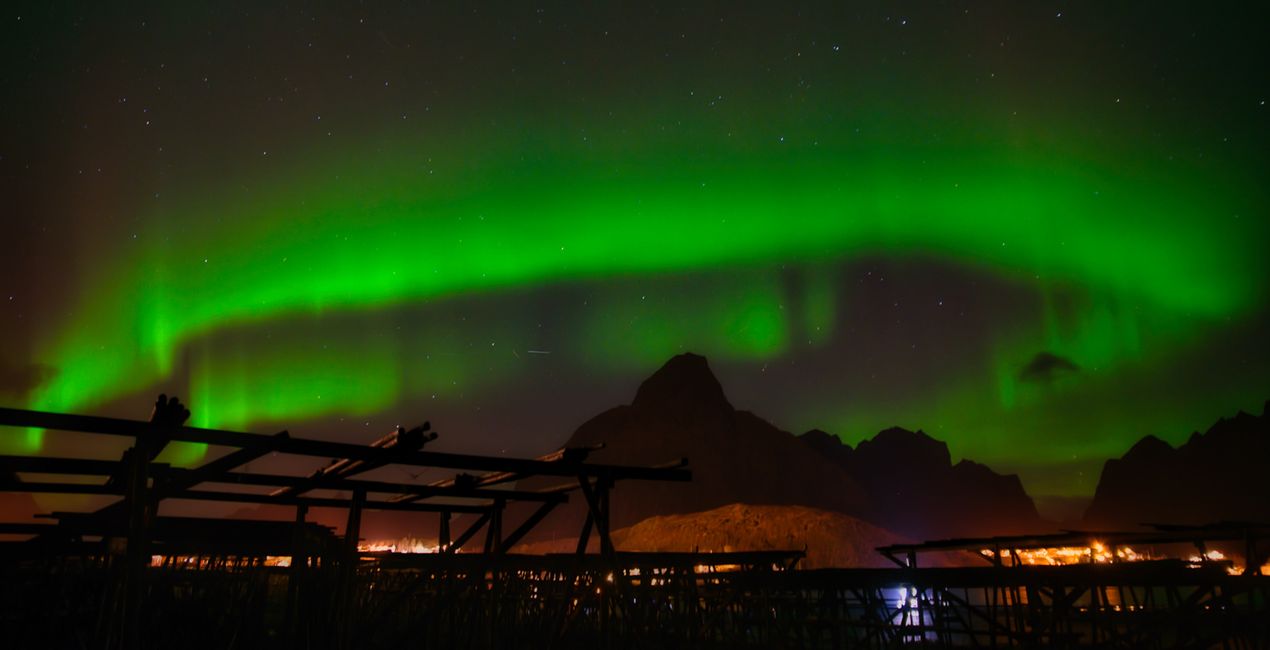
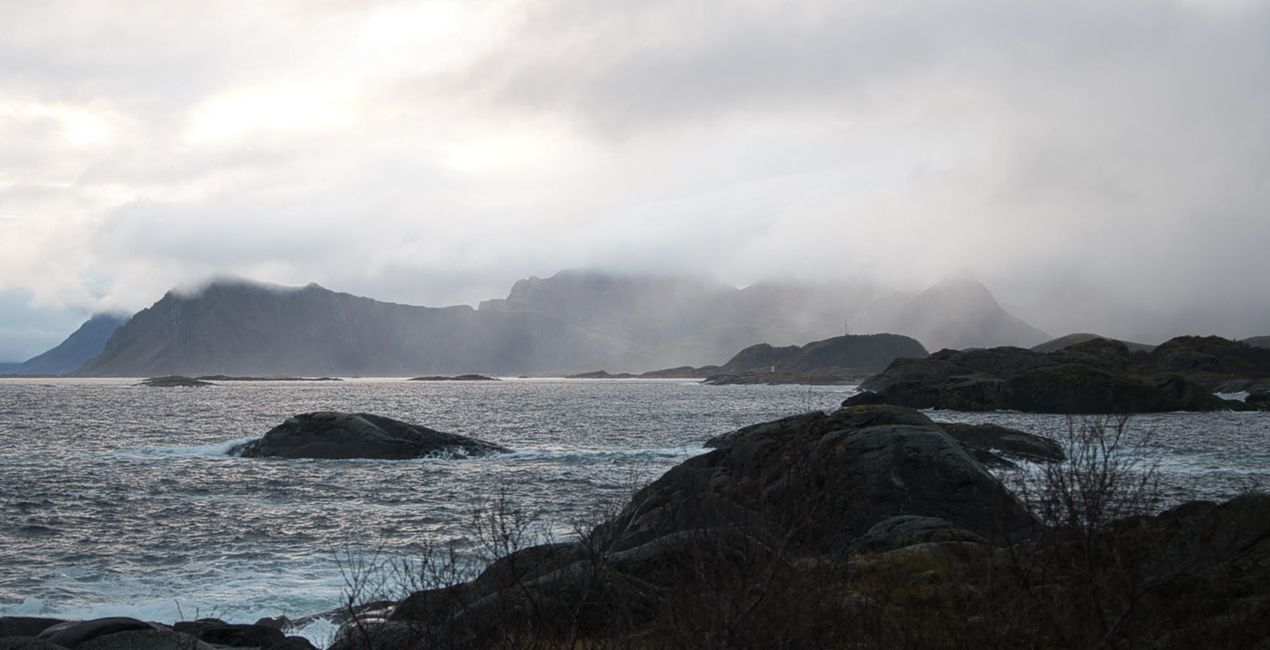
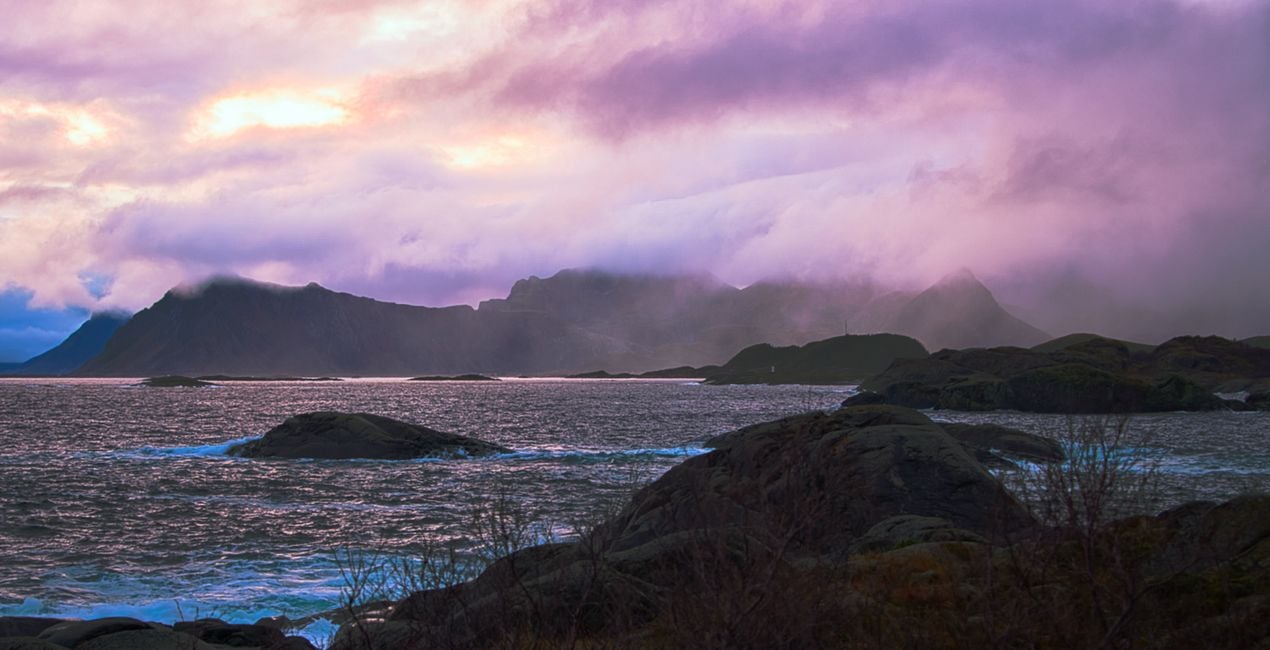
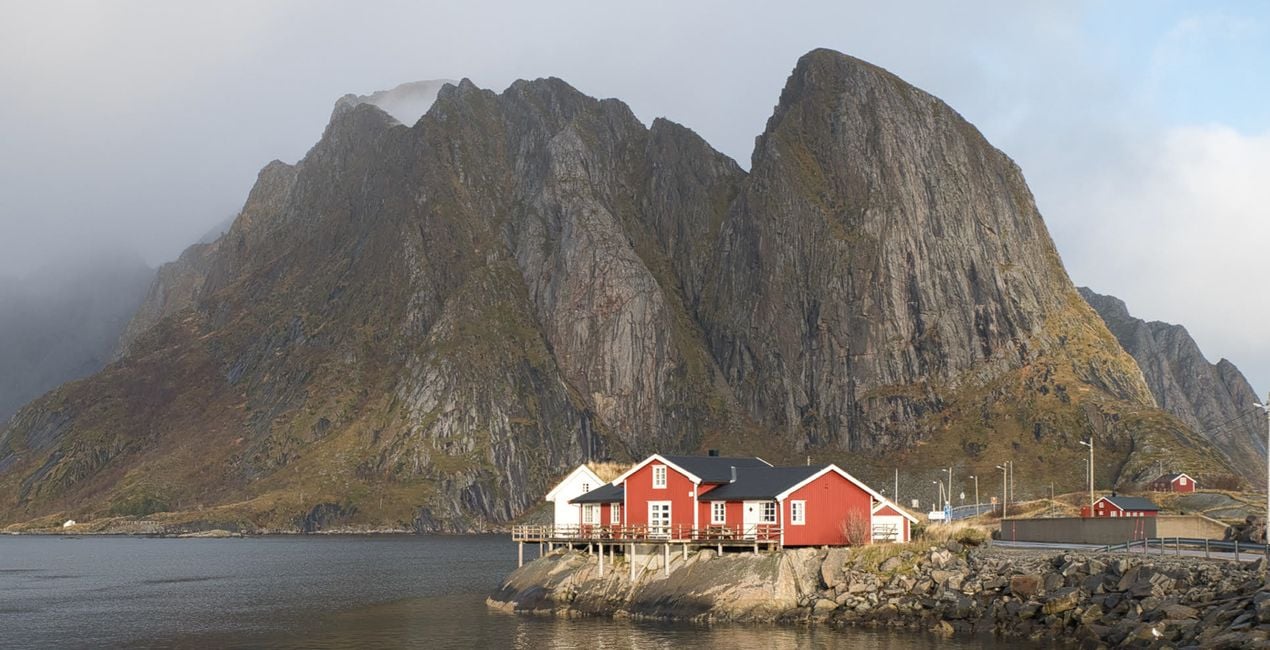
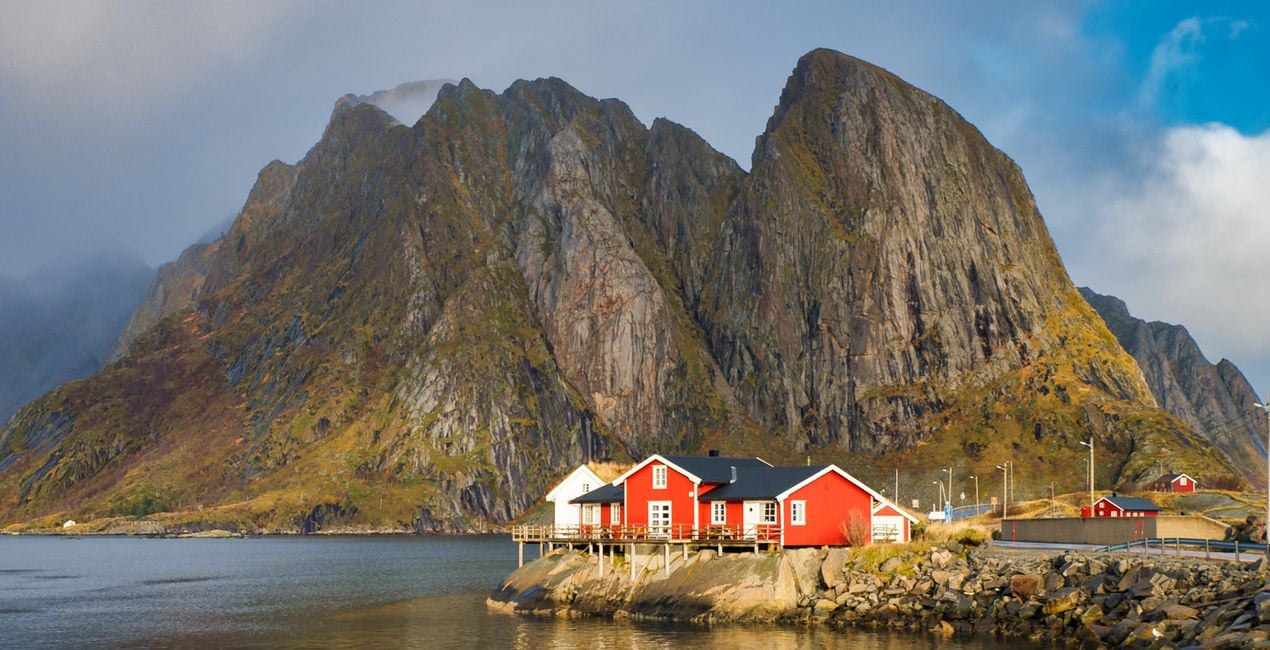
Transform photos of your trips through Norway's extraordinary nature into even more iconic images with this pack of Luminar Neo Presets. Impress the viewers with your photos.

Met behulp van de meegeleverde RAW-bestanden oefent u gemakkelijk retoucheertips en leert u hoe u dergelijke foto's kunt maken.
 >
>
 >
>
 >
>
 >
>
 >
>
 >
>
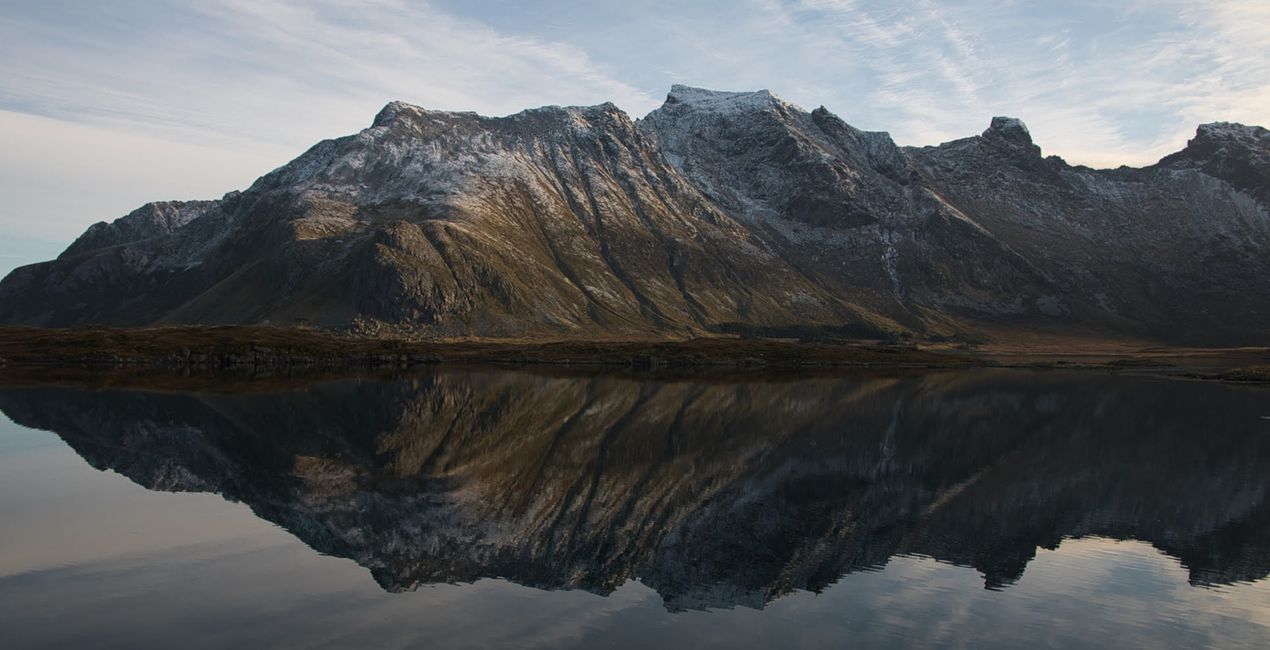
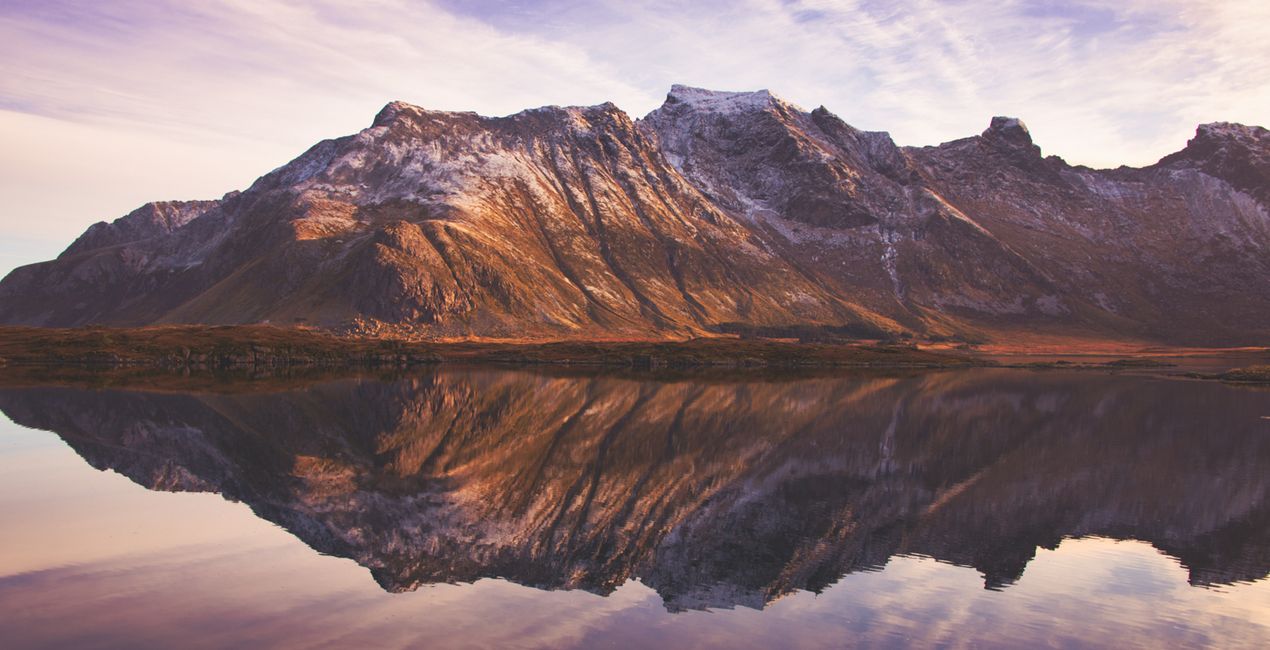
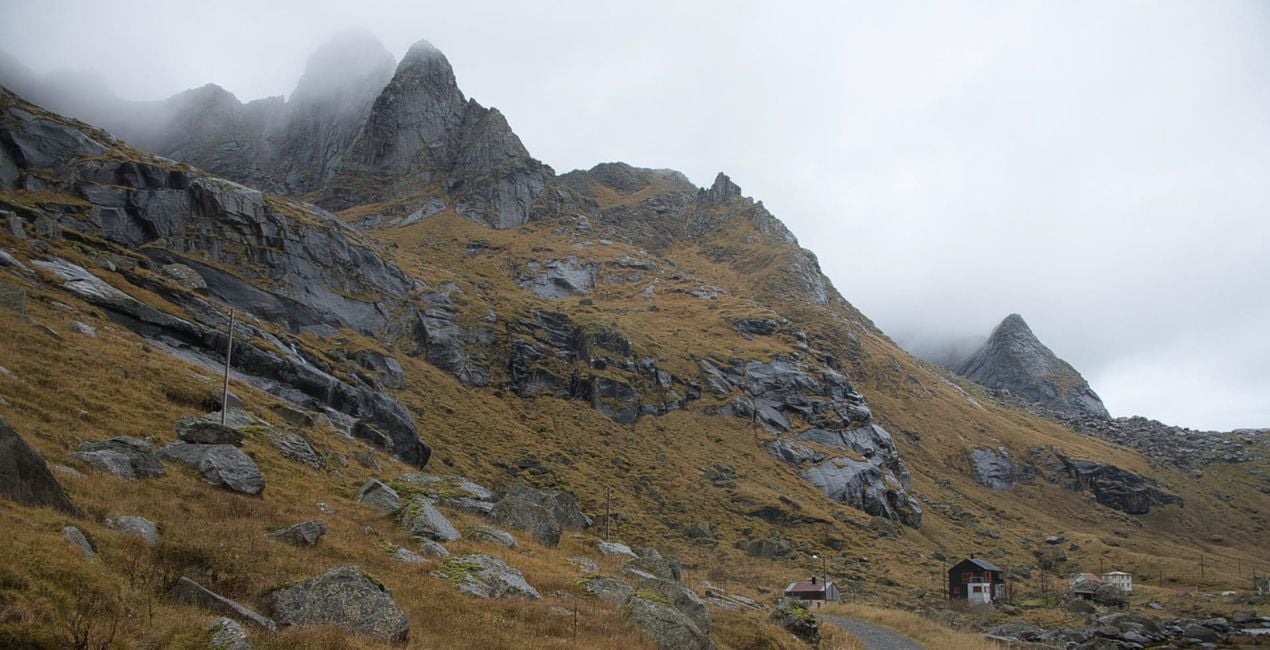
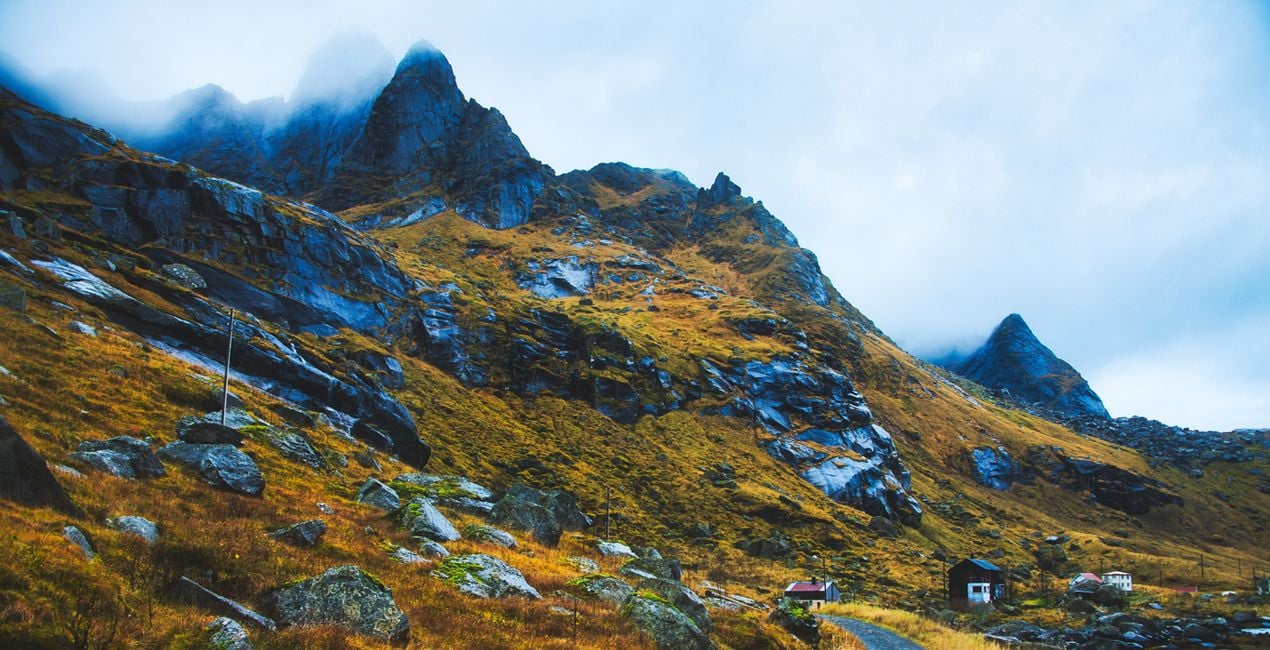
This Presets collection is produced from photos taken during a trip to the Lofoten Islands of Arctic Norway. The unique nature and picturesque landscapes of that region have been a source of inspiration for the photographer.
With Ahmet Anak's Nordic Norway Presets pack, transform the photos you take in Norway's Arctic landscapes into iconic images with a single click. Whether it's a sunset, a sunrise, or a unique Northern Light photo, impress those who will see your photos. Get magical images with one touch.
When using Presets, do not forget to adjust the Amount slider. In this way, you will determine the point where the preset best meets your photo. If you need more settings, you can make adjustments in the Edit section, where you can see the components of the preset you are using.
You’ll find 10 Presets in this pack:
Iconic Mountains: A morning Preset with a snowy mountain effect.
Cotton Candy: Perfect for a coastal landscape with a cotton candy sky.
Cold and Blue: Ideal for yellowing grass and cold skies around a stretching road.
Nordic Sunset: A Preset with a setting sun and traces of light on the water behind the snowy mountains.
Iconic Views: Recreate Lofoten's iconic-looking rocks and red-colored fishing huts.
Mystic Moments: Perfect for condensed images of iconic snowy mountains accompanied by the light of the setting sun.
Magical Sky: Apply Northern Lights, circling a mountain and circling the sky from one end to the other.
BlacknWhite Dream: Create dramatic images for a mountain and sea view with very cloudy skies.
Reflection Harmony: Ideal for photos with reflections of the mountain on the water and a harmony of colors.
Morning Dream: Try it on photos of shimmering sunrises and wonderful split colors in the sky.
Landscape, nature photographer, colorist and retoucher
Ahmet Anak lives in Paris, France. He has worked in the design of air conditioning products for about 25 years and has been involved in professional photography for over 10 years. He has been working in photography full-time for the last 3 years.
Ahmet has traveled to more than 20 countries so far and has taken nature and landscape photographs in these countries. He went to Finland, Iceland and Norway from Northern European countries and took various photographs in the parts of those regions that remain in the Arctic Circle.
The photographs he took in Finland were published in one of Turkey's popular travel magazines. It also shares some of the photos it takes with stock photography sites and provides downloadable versions of these photos. He has been interested in drone photography for the last two years and has started to add bird's-eye photos to his archive.
Ahmet works with Luminar products while processing his photographs. Ahmet, one of the first users of Luminar, is currently working with Luminar Neo.
Veelgestelde vragen
Heb je nog extra vragen of wil je gewoon wat advies?
neem contact op met ons supportteamHeb je vragen over het product? Neem dan gerust contact op met ons supportteam – 24/7 bereikbaar. Volg gewoon deze link.
Volg deze stappen om Lofoten Dreams te kopen:
1. Open Skylum’s Marketplace.
2. Ga naar het tabblad waar Lofoten Dreams staat. Klik erop en voeg het toe aan je winkelmandje.
3. Ga naar je winkelmandje. Rond hier het aankoopproces van Lofoten Dreams af.
4. Na je aankoop ontvang je een bevestigingsmail met de downloadlink voor Lofoten Dreams. Je vindt het product ook terug in je Skylum-account onder het tabblad ‘Mijn add-ons’.
Uitgebreide instructies voor het installeren van Lofoten Dreams ontvang je in de bevestigingsmail, samen met de downloadlink.
Daarnaast kun je het gekochte item direct installeren in Luminar Neo: ga naar Extra’s > Marketplace, selecteer de productcategorie, zoek het gekochte item en klik op Installeren.
Supermakkelijk! Ga naar het tabblad Presets en kies daar ‘Gekocht’. Je geïnstalleerde preset staat ertussen.
Geen zorgen. Alle gekochte items, waaronder Lofoten Dreams, staan in het tabblad ‘Mijn add-ons’ van je Skylum-account. Van daaruit kun je ze makkelijk opnieuw downloaden en gebruiken.
In de meeste gevallen zijn items compatibel met Luminar Neo. Maar om zeker te weten of Lofoten Dreams werkt met jouw software, check je best even de specificaties vóór je iets downloadt of koopt. Kijk op de pagina van Lofoten Dreams aan de rechterkant bij het kopje ‘Compatibiliteit’ – daar staan alle compatibele producten vermeld.
Ga nog niet weg. Hier is een exclusieve kortingscode voor jou. Gebruik deze binnen 15 minuten om bij het afrekenen 10% extra korting te krijgen. Kopieer de onderstaande code en rond je aankoop af.
15 m : 00 s





