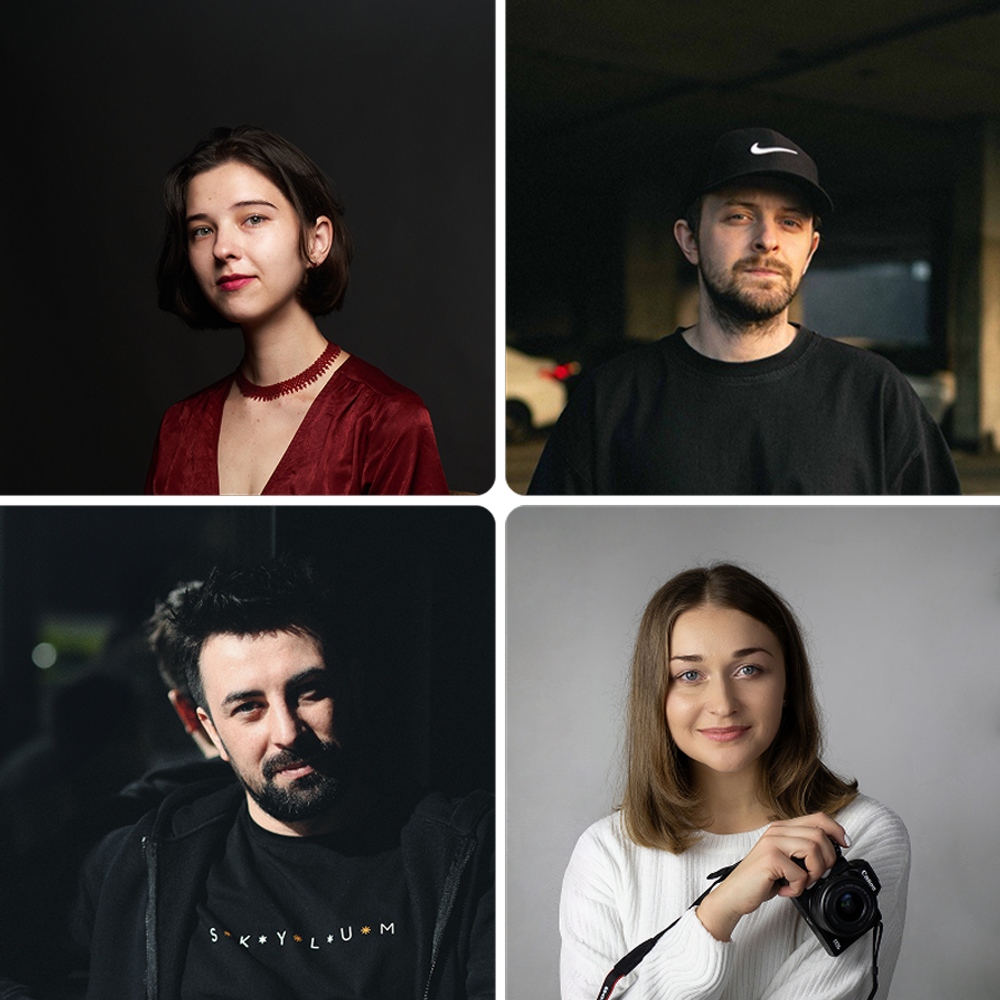
 © IgorVetushko
 © Hidden Stitch
 © AllaSerebrina
About
Iced Portraits is a preset collection designed for cold, stylish, and cinematic portrait color grading. It combines crystal-clear tones, premium blues and soft pastels, along with deep shadows and smooth highlights. The presets are crafted for fashion, beauty, and editorial photography. This collection performs perfectly in both studio and natural lighting conditions. Each style preserves natural skin texture and fine detail.
What is included
10 Luminar Presets
Compatibility


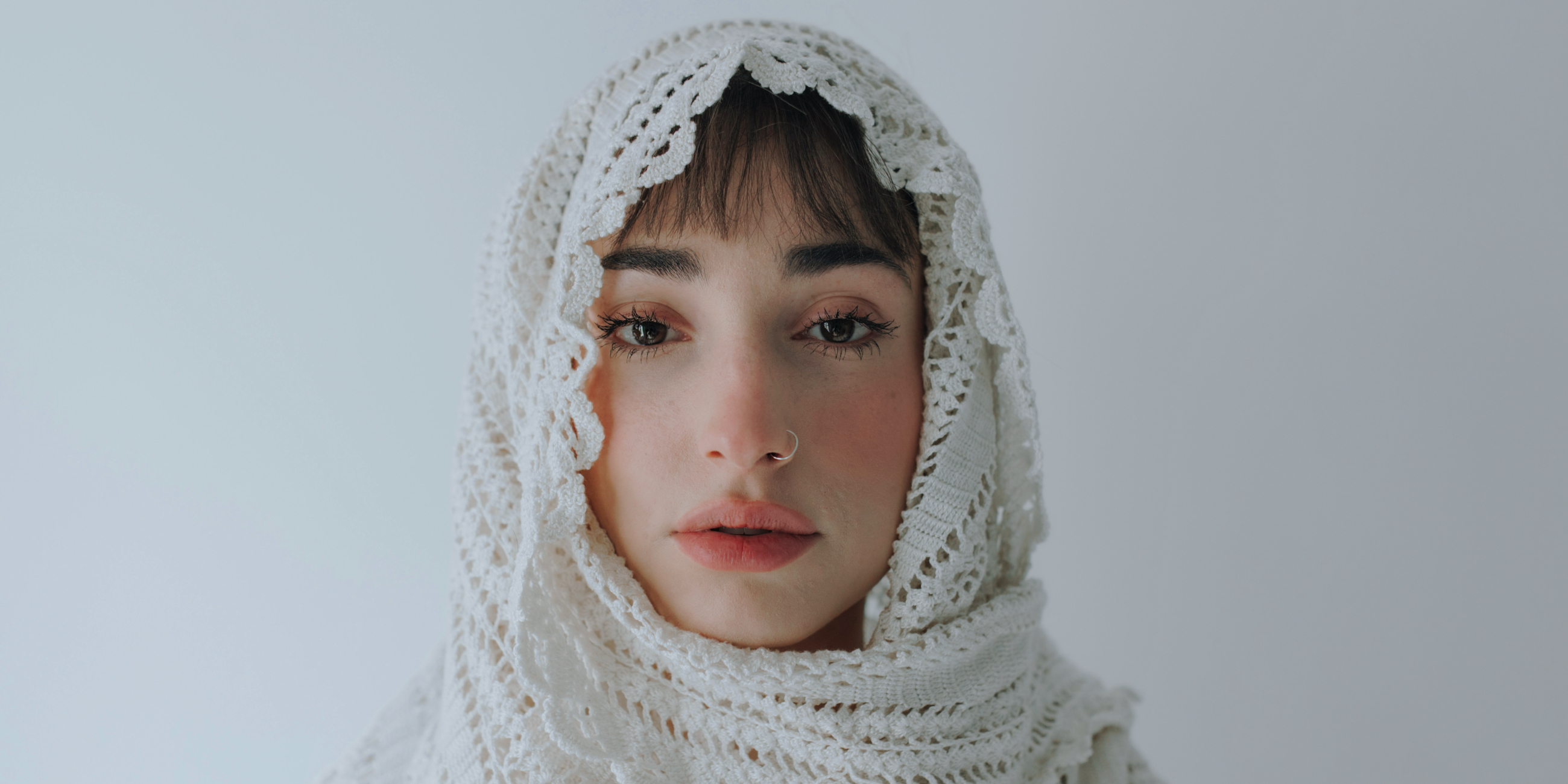
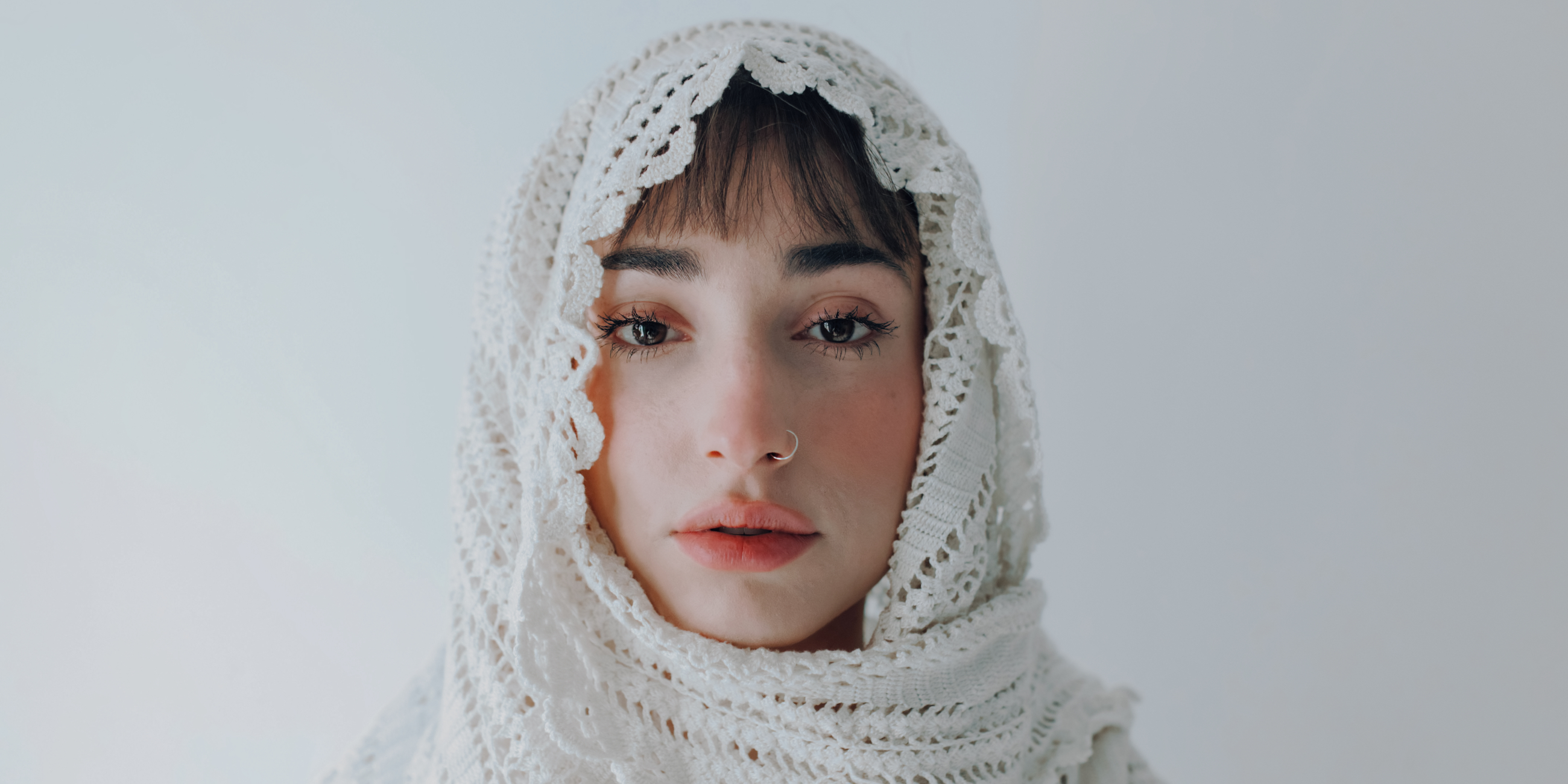
Get photos like these
Using RAW files you will easily practice retouching tips and learn how to get photos like these.
The story
 © frank-flores-FeN
Iced Portraits was created from the idea of cold elegance and minimalist luxury. The main inspirations were ice, glass, marble, and winter light.
Each preset delivers a feeling of clarity, calmness, and precise color control.
The collection is made for photographers who want a modern premium look without aggressive processing. It balances a cool atmosphere with natural emotions and visual softness.
You'll find 10 Presets in this pack:
Arctic: High-contrast black and white style with a subtle yellow tint in highlights. Perfect for dramatic portraits and strong lighting conditions.
Aura: Dual-tone color style featuring deep pink shadows and yellow-green highlights. Creates an artistic, fashion-inspired mood.
Crystal Gloss: Bright premium preset with a clean blue base tone. Adds a glossy finish and luxury feel to portraits.
Deep Azure: Soft blue-toned preset with a white vignette and reduced contrast. Ideal for airy and atmospheric portraits.
Glacier: Cool blue shadows combined with warm yellow highlights and a white vignette. Produces a natural yet cinematic color balance.
Haze: Matte style with lifted blacks and strong midtone depth. Delivers a modern editorial look.
Orchid Shadow: Deep plum shadows paired with subtle light-green highlights. Designed for artistic and moody portrait sessions.
Porcelain Frost: Nearly desaturated style with soft pink highlights. Perfect for beauty photography and clean skin tones.
Quiet Film: Calm matte preset with balanced tones and natural color rendering. Creates a soft film-inspired aesthetic.
Raw: Clean and vibrant style with a white vignette, optimized for RAW files. Preserves maximum detail and dynamic range.
Related Products












Creator
Team Skylum
Photographers, colorists & retouchers
The Skylum team works with hundreds of professional photographers and retouchers to bring you Templates that top photographers use to create their masterpieces. The Skylum AI Lab analyzes the photos and workflows of photographers and creates Presets that are accessible to everyone and that take advantage of the advanced technology under the hood of Luminar. Our mission is to cut the time and effort it takes to make a striking photo and allow everyone to enjoy photo editing and photography.