 © freepik
 © freepik
 © freepik
About
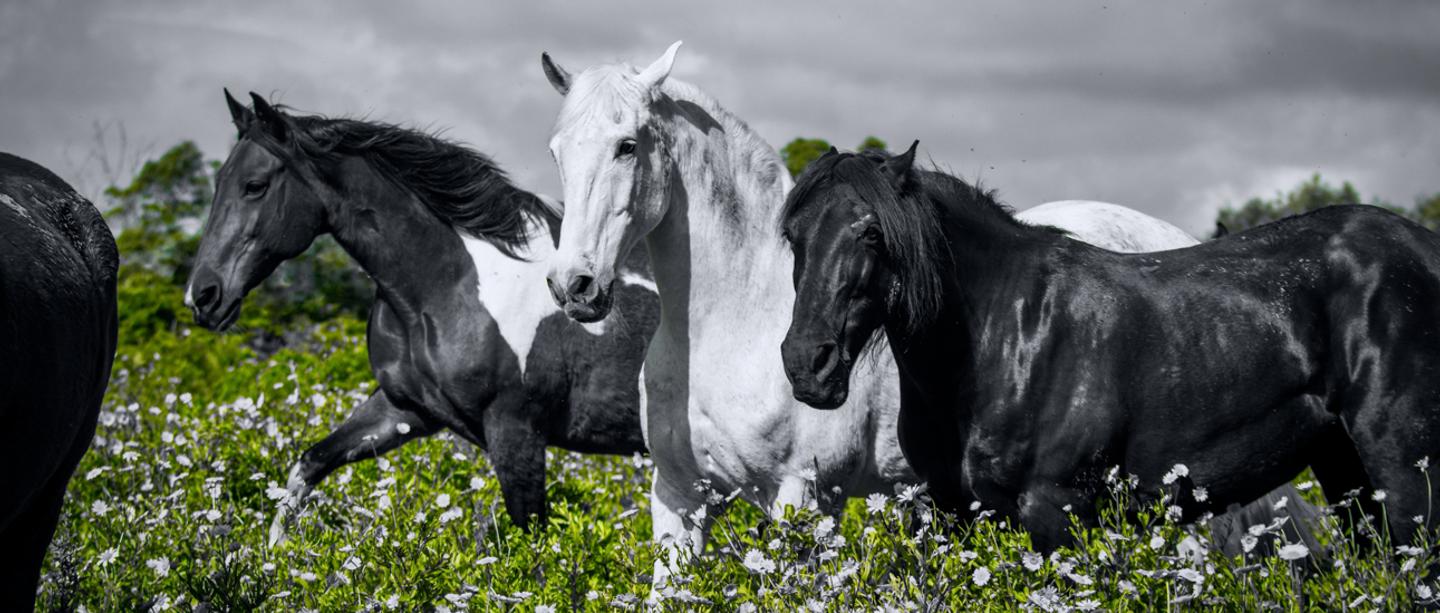
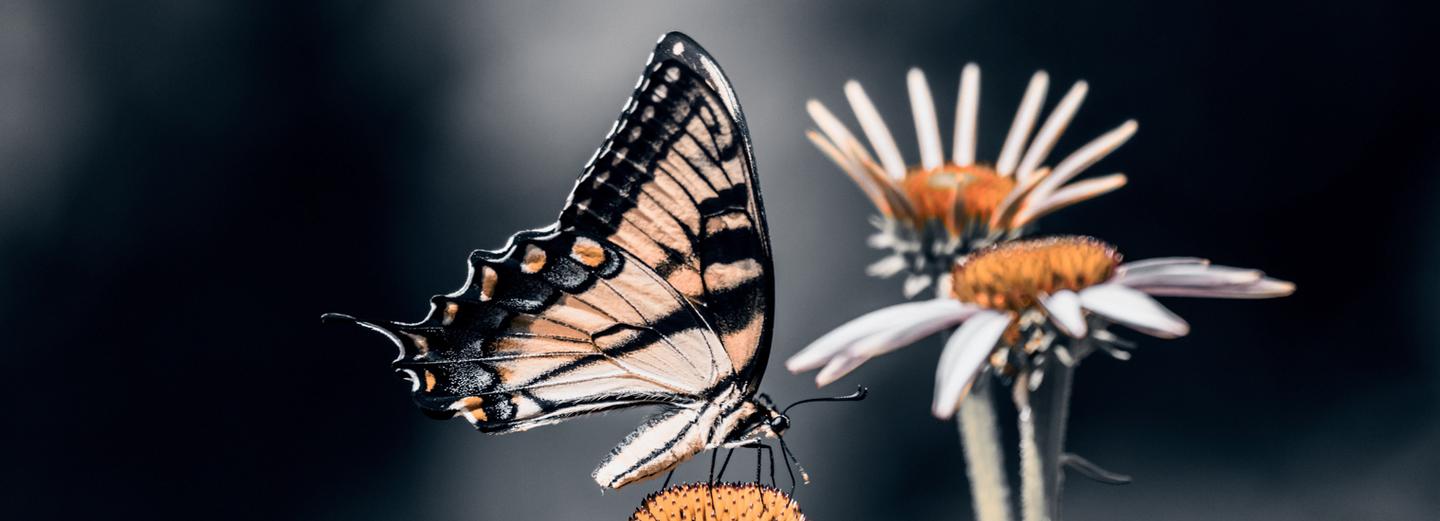
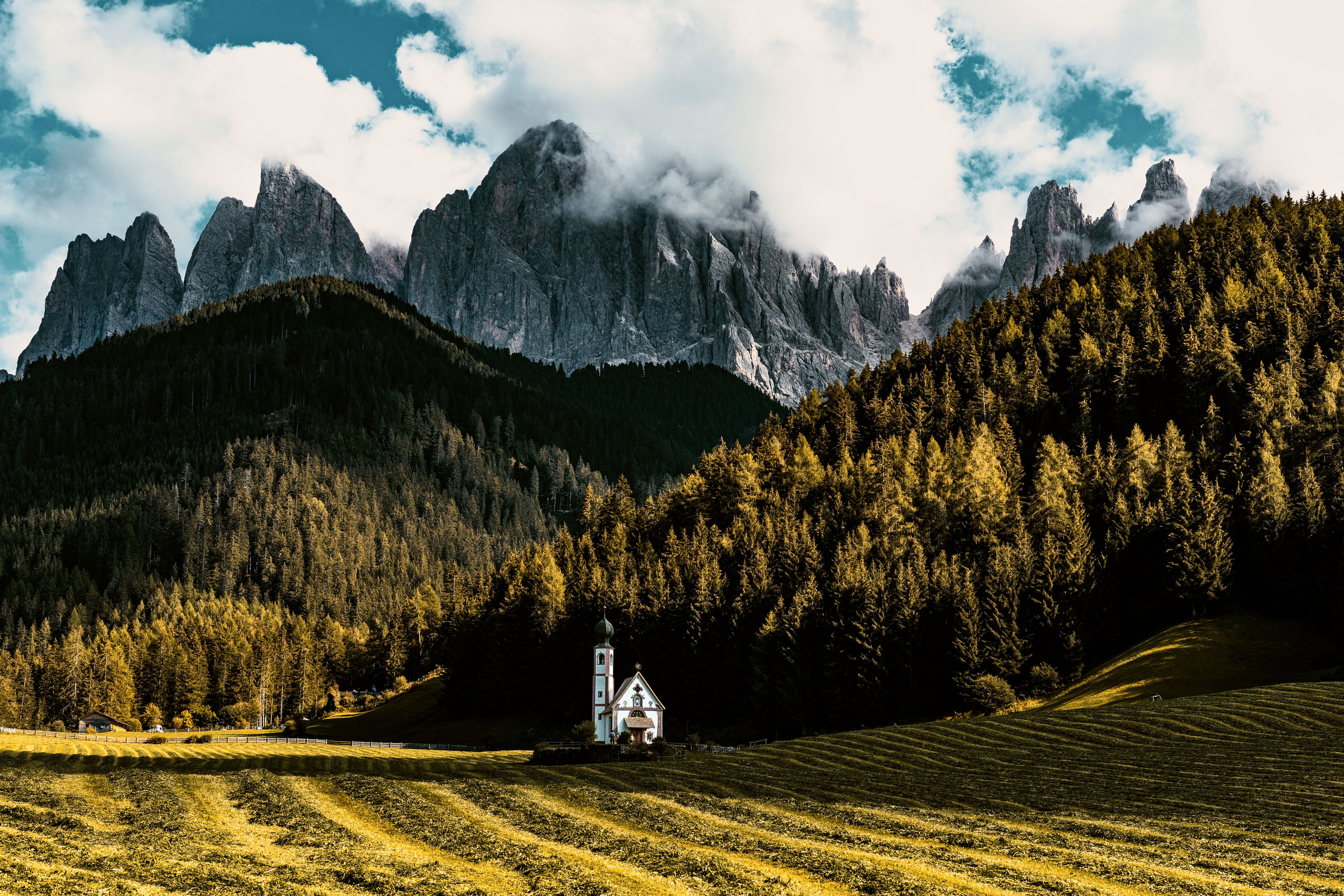
Dominance is a signature preset collection for Luminar built around visual control and intentional color hierarchy. Instead of boosting saturation or creating artificial effects, these presets simplify images and guide the viewer’s attention through dominant color structures. Each look isolates key tones while subtly muting secondary colors for stronger composition and depth. Designed for architecture, editorial photography, portraits, landscapes, and cinematic visuals.
What is included
25 Luminar Presets
Compatibility


Get photos like these
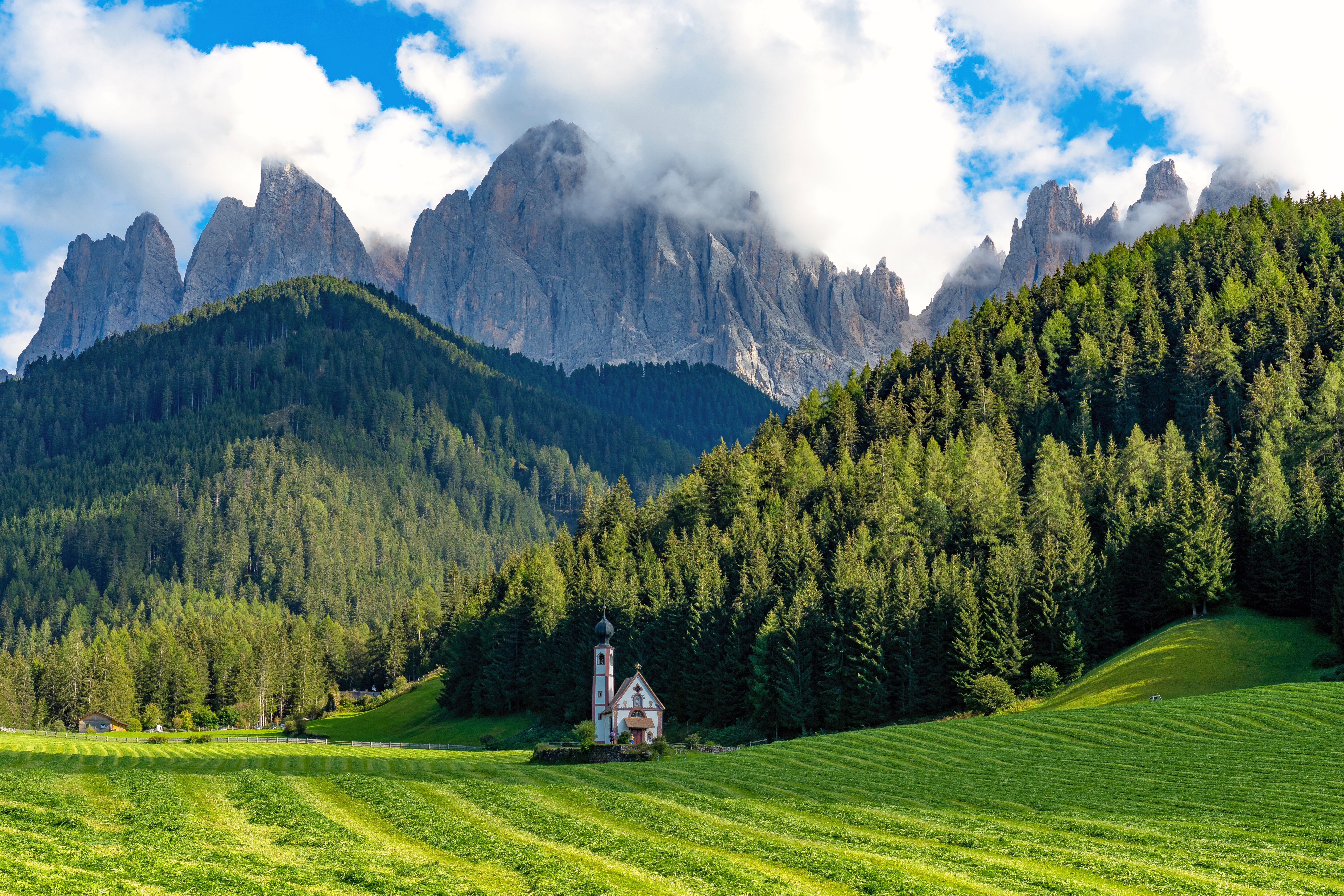
Using RAW files you will easily practice retouching tips and learn how to get photos like these.
The story
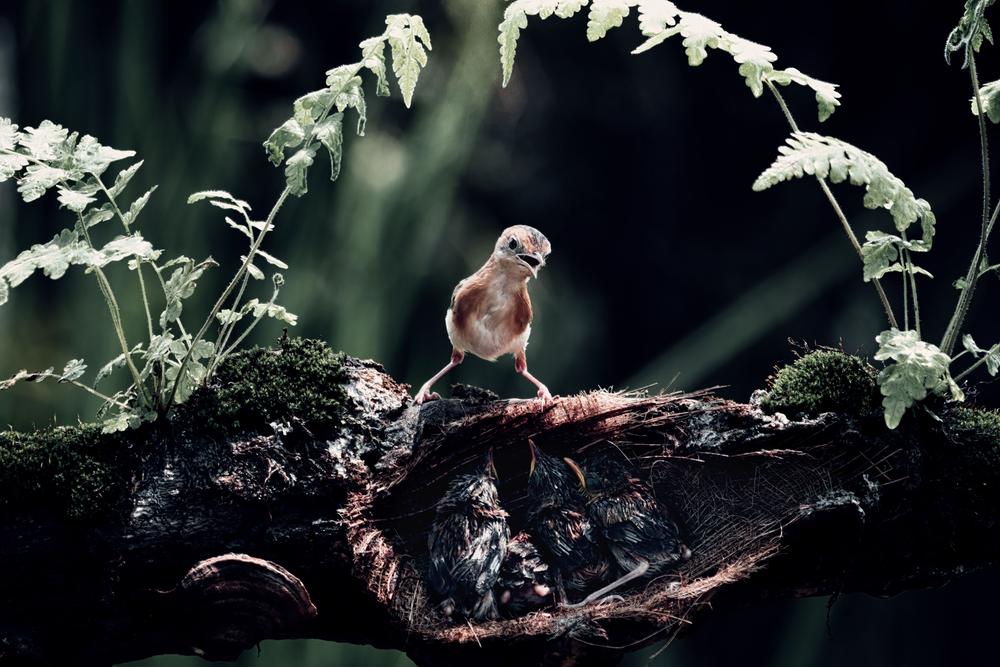 © freepik
Dominance signature presets were created from Kathrin Federer’s personal workflow and approach to color composition.
The goal was not decoration, but direction, guiding the eye through structure, contrast, and tonal leadership.
Each preset builds visual hierarchy by allowing one color family to dominate while others recede. Shadows and midtones are carefully shaped to create cinematic depth without harsh contrast.
This collection is made for creators who think in composition, not filters. Dominance turns color into a storytelling tool.
Related Products












Creator
Kathrin Federer
Digital Artist & Architect of Visual Dreams
Born in Switzerland, Kathrin Federer has established an impressive art career from her base near Zurich. Initially, an abstract painter, her 2017 encounter with Photoshop revolutionized her creative process. Kathrin's ability to realize her visions sets her apart in the art world, and she has become a living source of inspiration to many.
Skillfully employing a diverse range of professional design software and various digital enhancement tools, Kathrin constructs breathtaking artworks. Her creative toolbox extends beyond Photoshop and Illustrator, embracing the full spectrum of digital technologies to bring her vibrant artistic concepts to life. These involve a fusion of her photographs, 3D objects, vectors, and her original digital elements, infusing her vibrant artistic concepts with life. Characterized by continuous growth and refinement, her art maintains a signature crisp style that is distinctively hers, transforming any setting with its profound visual impact.
Kathrin Federer draws her inspiration from a variety of sources. Everyday subjects, images, and her own vivid imagination often serve as the basis for her art. She has the unique ability to create an entire environment around a single inspirational object. This can be anything from grazing sheep in a pasture to a snapshot or a child's drawing. Kathrin's works reflect a part of her soul and are meant to take the viewer on a journey, make them think, or even just make them smile. She hopes to exude calm and serenity with her minimalist creations and offer a respite from the fast-paced modern world.
Kathrin Federer's style is a blend of minimalism and nature, with an occasional dash of humor, resulting in haunting, dreamlike scenarios. Her digital art is characterized by its clear depiction and unique compositions. Kathrin's meticulous attention to detail and perfectionism are evident in each of her works. She often incorporates elements such as animals, trees, mountains, and architectural features into her works. Kathrin's color choices and arrangement of elements in her works are carefully considered, often guided by intuition, and supported by a deep understanding of color theory and design principles.