 © wirestock
 © kseniajoyg
 © EyeEm
About
The Color Palette pack brings pure chromatic emotion into your photos. Each preset focuses on a dominant hue, giving your images a distinct visual identity. Perfect for storytellers, portrait photographers, and color-driven creators who want to emphasize mood through tonality. If you seek warmth, contrast, or cool cinematic tones, this pack helps your vision stand out with clarity and style.
What is included
10 Luminar Presets
Compatibility


Get photos like these
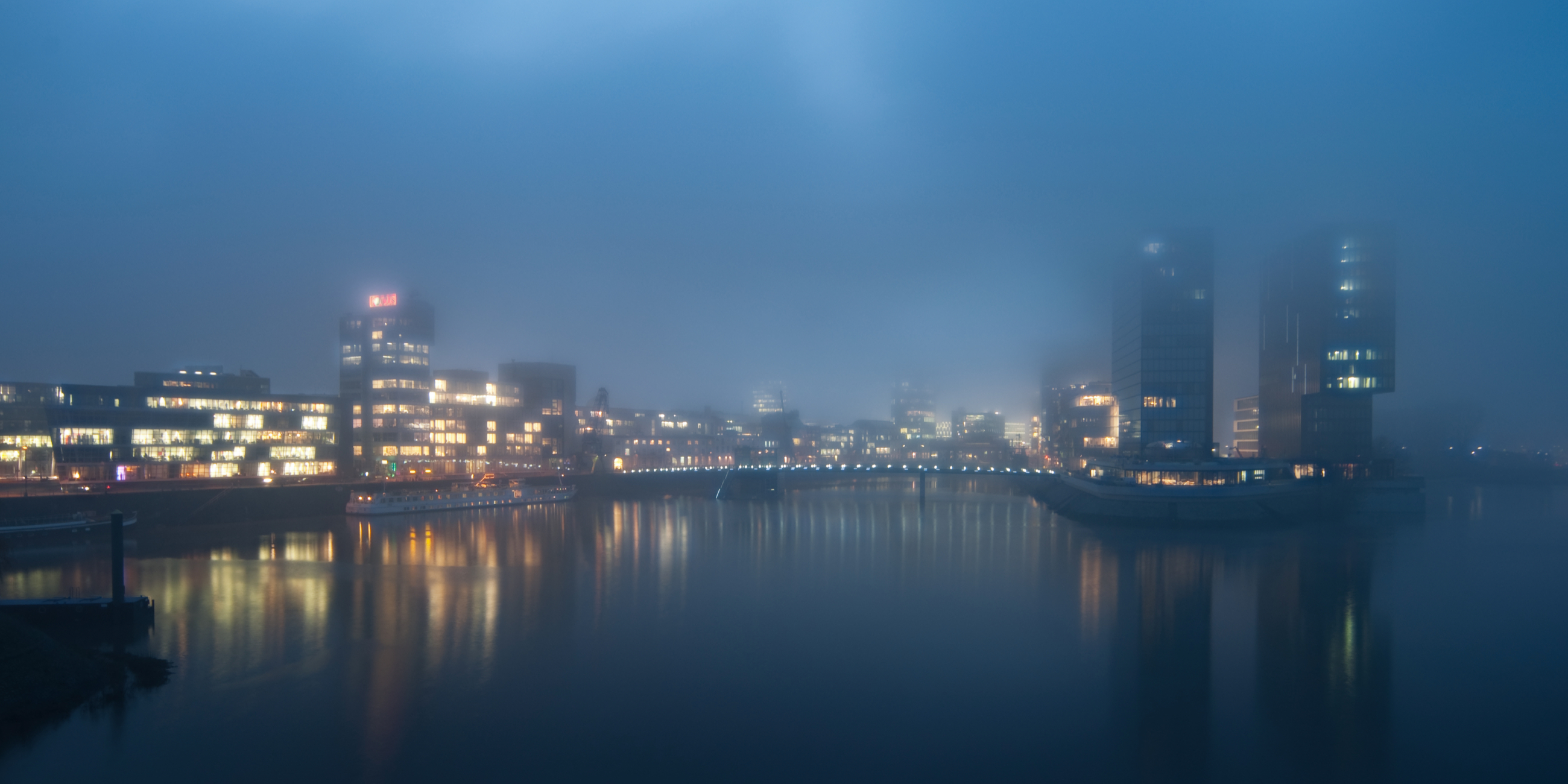
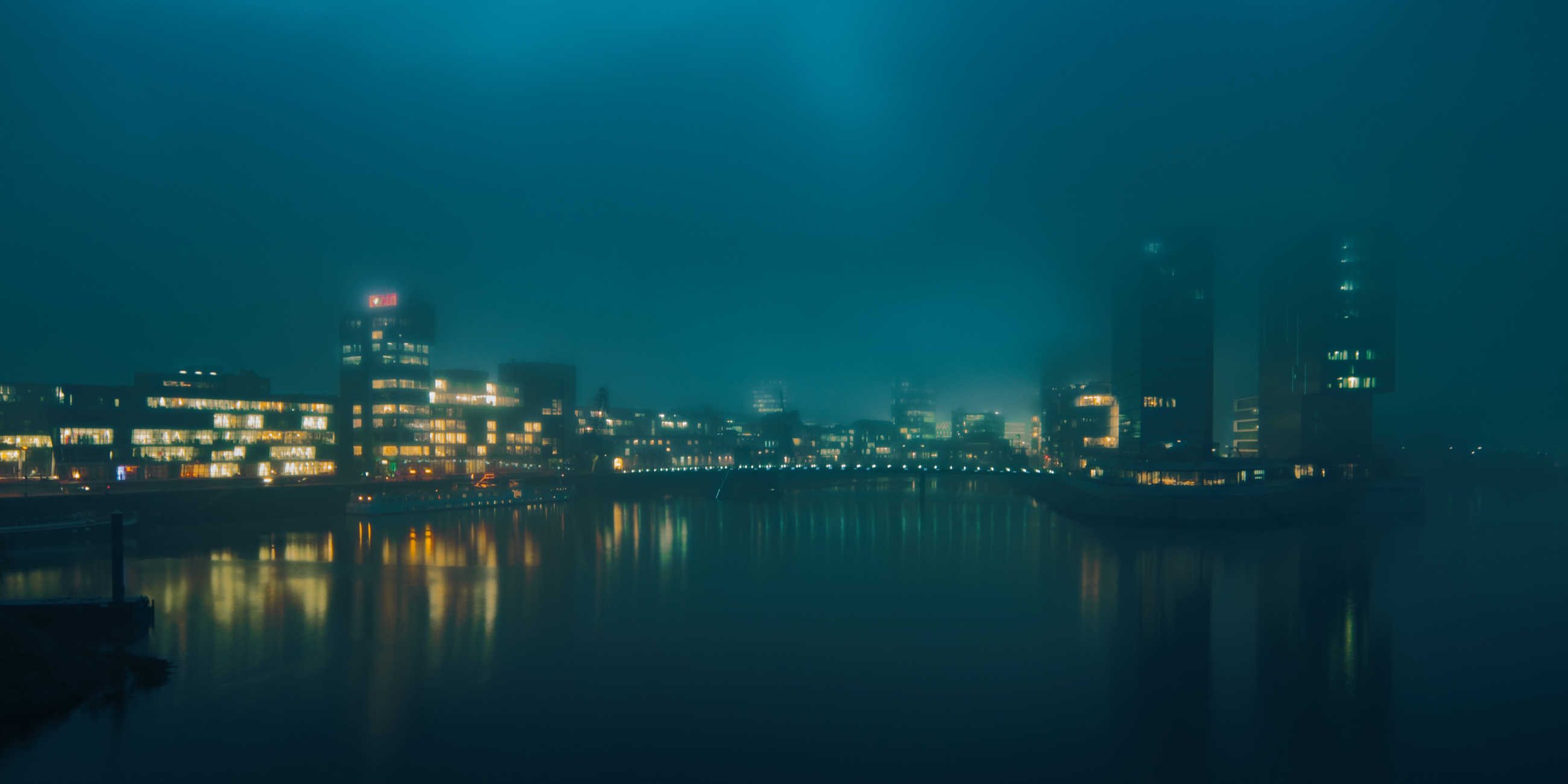
Using RAW files you will easily practice retouching tips and learn how to get photos like these.
The story
 © belajar
Color shapes emotion, and this pack is built to explore that connection.
Every preset reflects a distinct visual feeling: passion, calm, nostalgia, or strength.
By isolating each dominant hue, we crafted tools that turn everyday photos into expressive color studies.
Use them to redefine your creative tone, explore contrast, and push color storytelling further.
You'll find 10 Presets in this pack:
Choco: Warm, soft brown tones with creamy contrast and cozy mood.
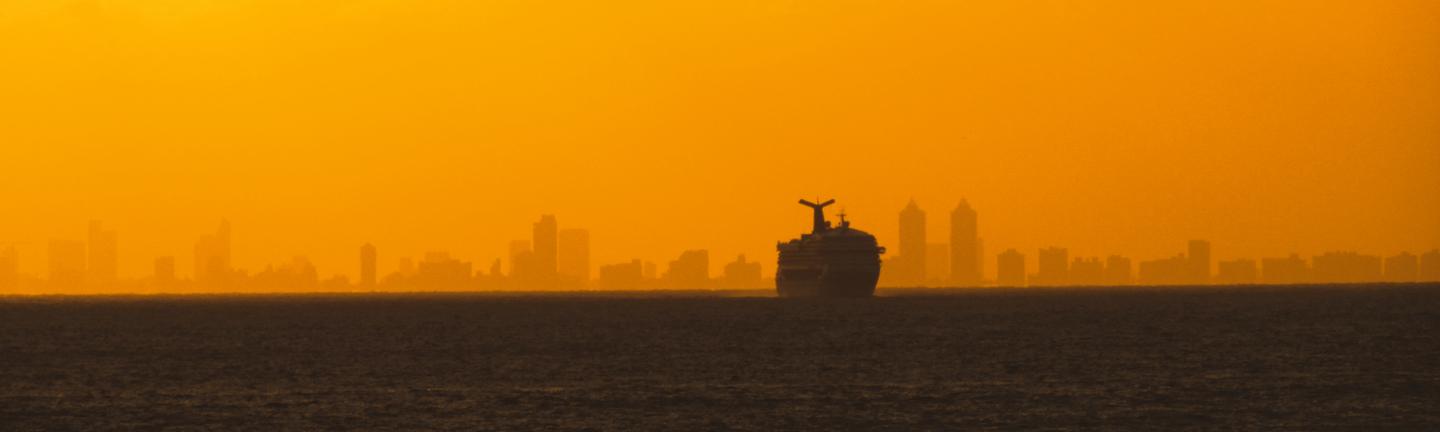
Orange Fire: Intense orange warmth with bold highlights and cinematic glow.
Yellow: Bright, cheerful tone with luminous midtones and subtle vintage warmth.
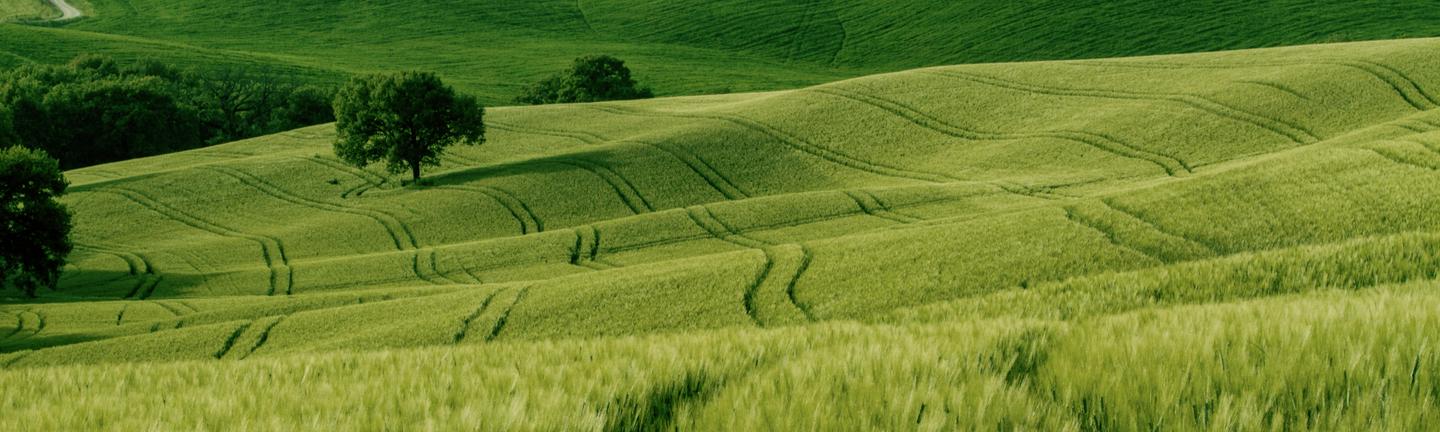
Green: Natural and vivid greens balanced with smooth contrast and freshness.
Blue Green: Tropical-inspired harmony of teal and turquoise for modern coolness.
Blue: Deep, clean blues with crisp contrast and serene atmosphere.
Saturation Blue: Electrifying high-saturation blue tones for bold creative expression.
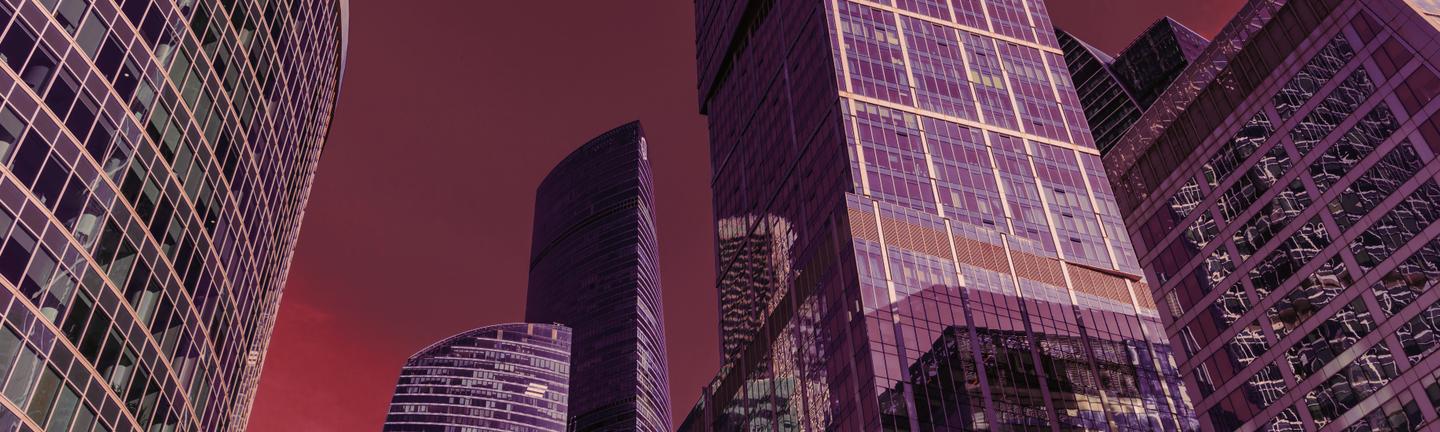
Violet: Dreamy violet hues with artistic contrast and a mysterious touch.
Pink: Soft pastel pinks that evoke emotion and romantic brightness.
Cold Steel: Icy metallic tones with blue-gray sharpness and cinematic chill.
Related Products












Creator
Team Skylum
Photographers, colorists & retouchers
The Skylum team works with hundreds of professional photographers and retouchers to bring you Templates that top photographers use to create their masterpieces. The Skylum AI Lab analyzes the photos and workflows of photographers and creates Presets that are accessible to everyone and that take advantage of the advanced technology under the hood of Luminar. Our mission is to cut the time and effort it takes to make a striking photo and allow everyone to enjoy photo editing and photography.