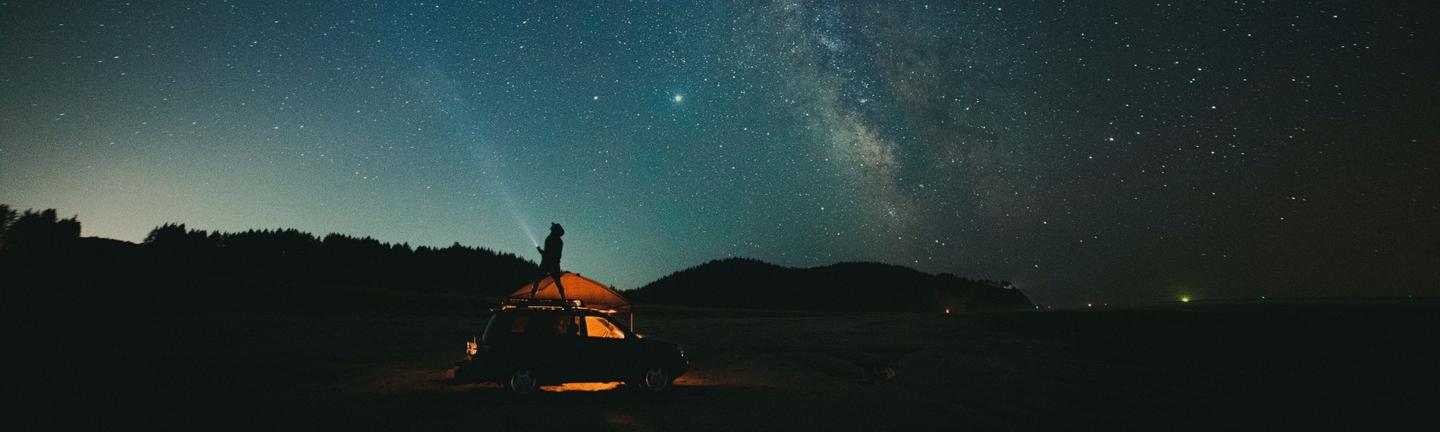
 © Mumemories
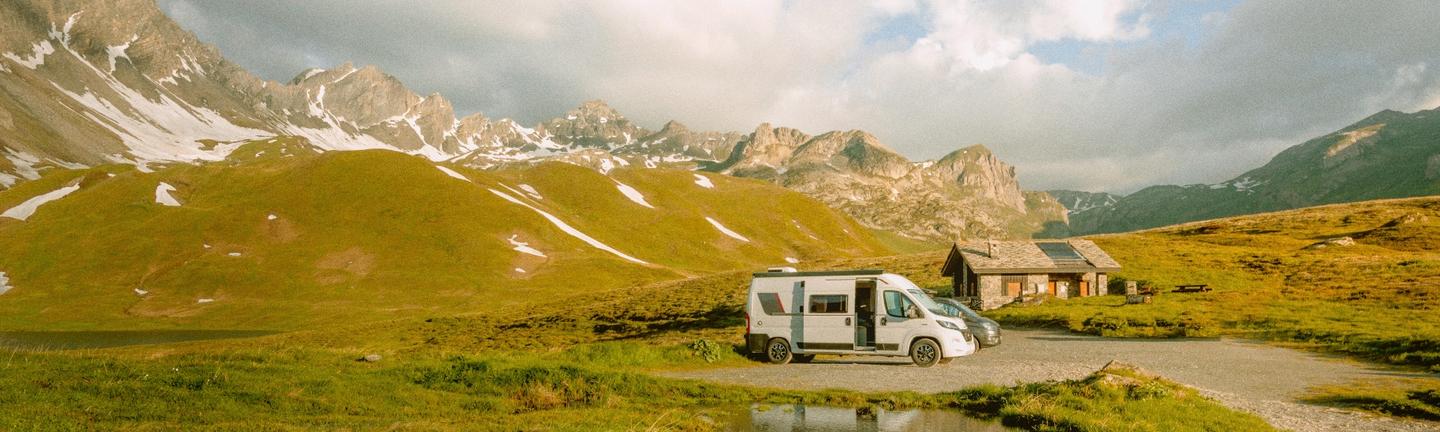 © Giulia Squillace
 © Johannes Kopf
About
This collection brings soft, cinematic film vibes to your photos. Each preset adds a unique mood, from golden sunlight to nostalgic retro tones. Shadows and highlights are carefully shaped for a gentle, natural look. Perfect for portraits, landscapes, and everyday photography. Every preset transforms your images with character and warmth.
What is included
10 Luminar Presets
Compatibility


Get photos like these
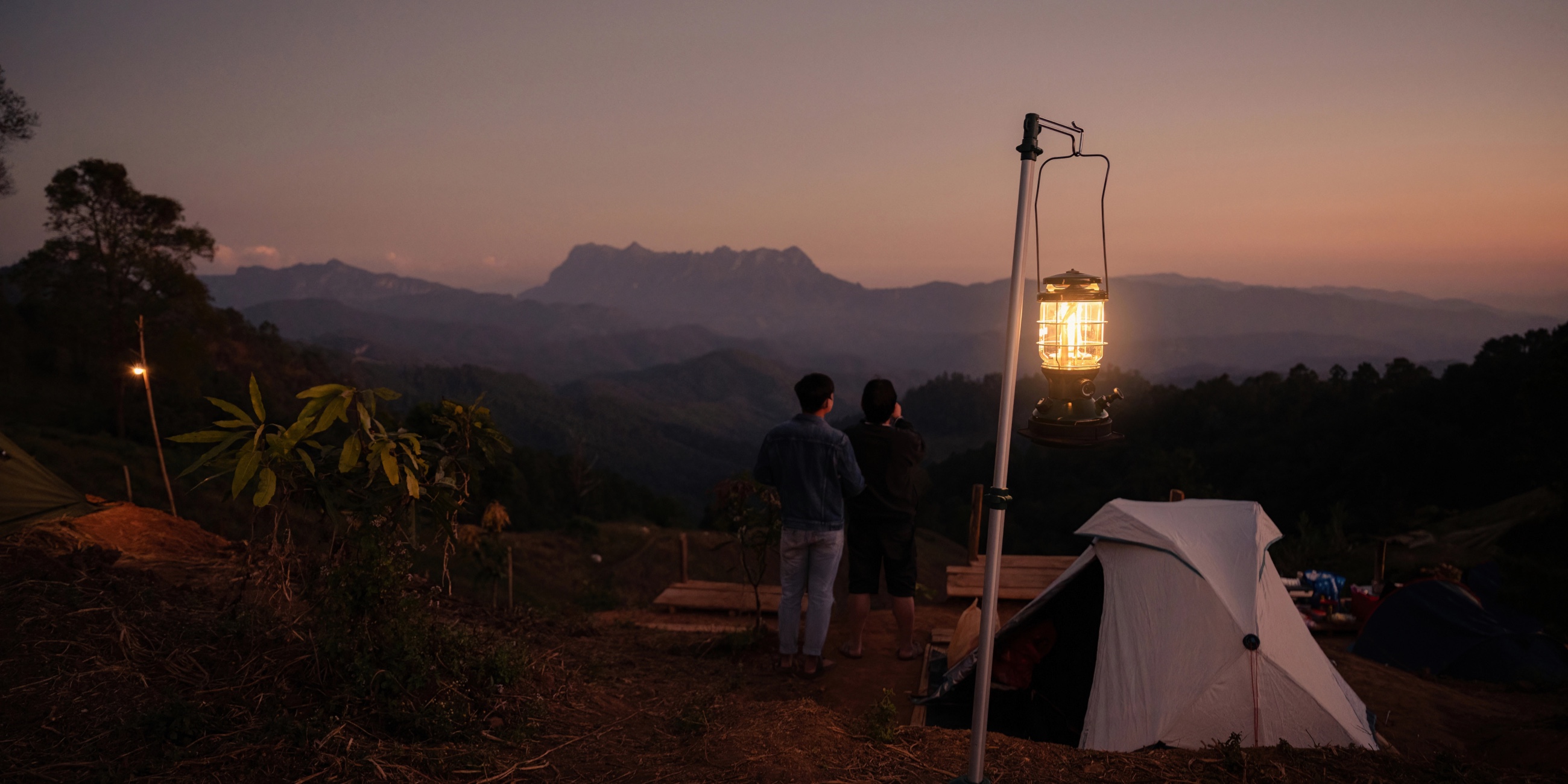
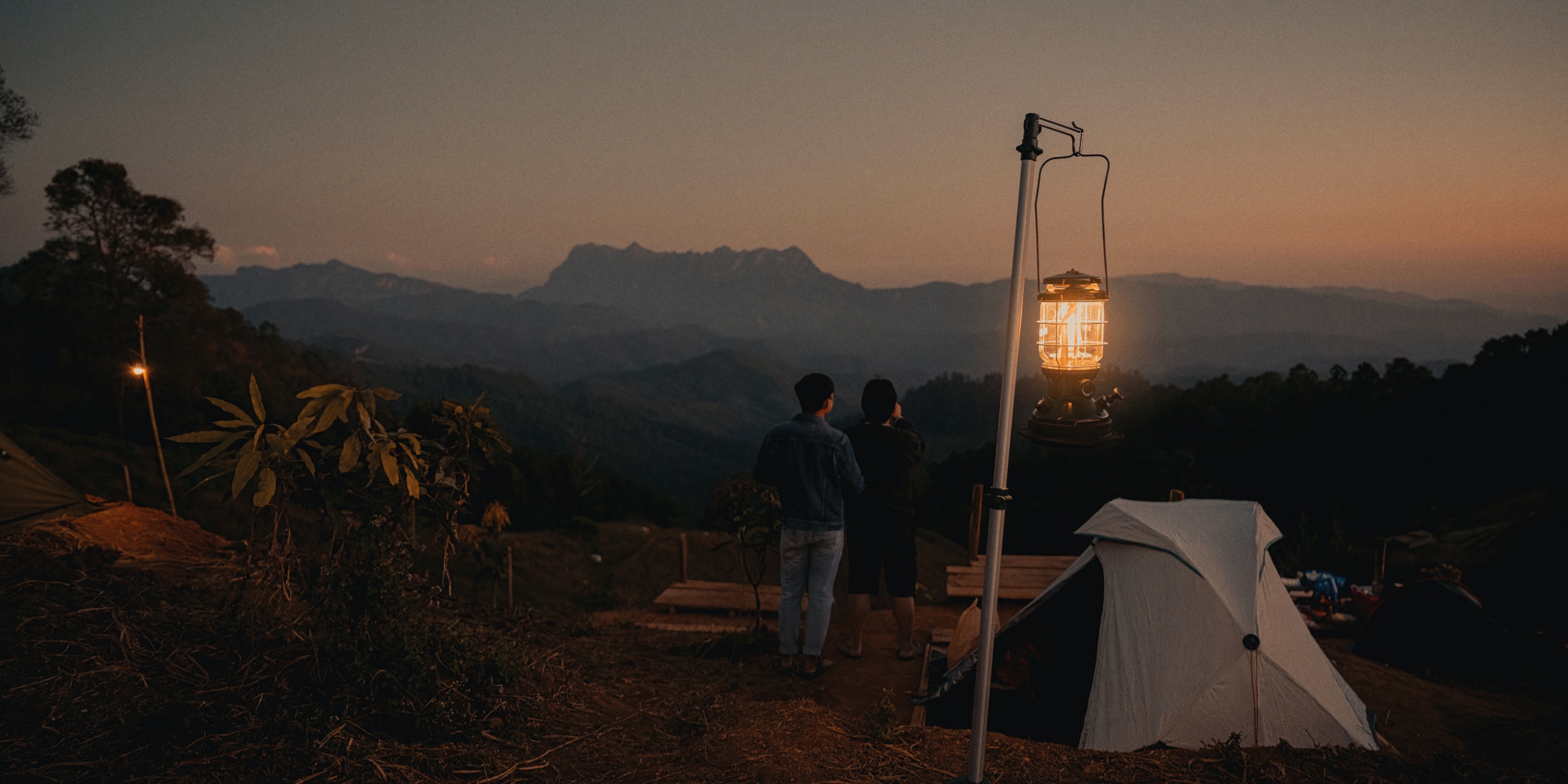
Using RAW files you will easily practice retouching tips and learn how to get photos like these.
The story
 © wirestock_creators
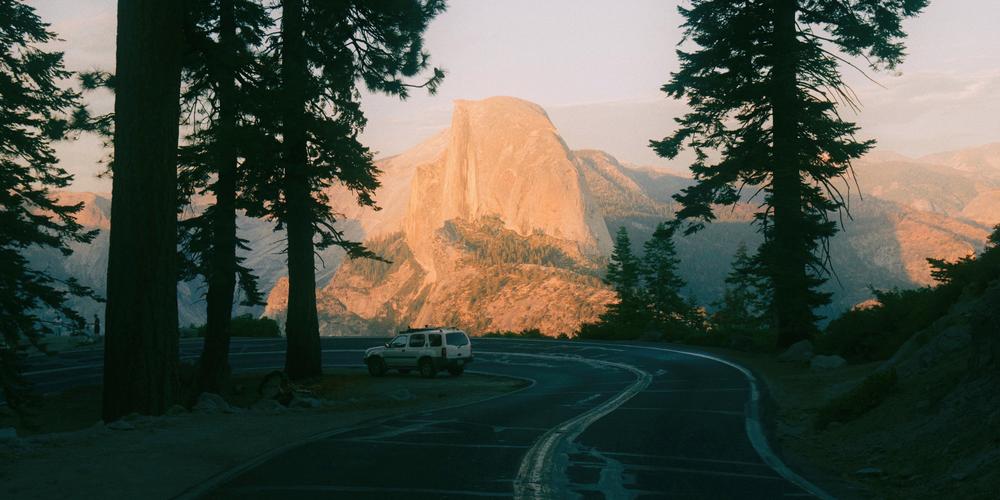
Imagine stepping into a world lit by golden light and soft shadows. Each preset evokes a unique atmosphere: warm sunlit tones, airy greens, faded nostalgia, or cool cinematic vibes.
This collection turns ordinary photos into memories with story and emotion. From gentle meadows to retro streets, your images feel alive and timeless.
You'll find 10 Presets in this pack:
Golden Dust: Warm film preset with soft golden light and subtle shadow fade.
Soft Meadow: Natural green tones with muted contrast and airy feel.
Vintage Road: Warm retro look with light grain and slightly faded colors.
Sunfade 35: Soft highlights, gentle contrast, and aged film character.
Warm Drift: Warm tone with a subtle magenta shift and cinematic softness.
Dusty Memory: Muted colors, matte shadows, and a nostalgic vibe.
Field Light: Bright, airy tone with gentle color toning.
Retro Summer: Rich warmth with vintage character and light grain.
Cool Grain: Cool tones with film-like grain and restrained colors.
Analog Dream: Soft film contrast, subtle glow, and warm cinematic mood.
Related Products












Creator
Team Skylum
Photographers, colorists & retouchers
The Skylum team works with hundreds of professional photographers and retouchers to bring you Templates that top photographers use to create their masterpieces. The Skylum AI Lab analyzes the photos and workflows of photographers and creates Presets that are accessible to everyone and that take advantage of the advanced technology under the hood of Luminar. Our mission is to cut the time and effort it takes to make a striking photo and allow everyone to enjoy photo editing and photography.